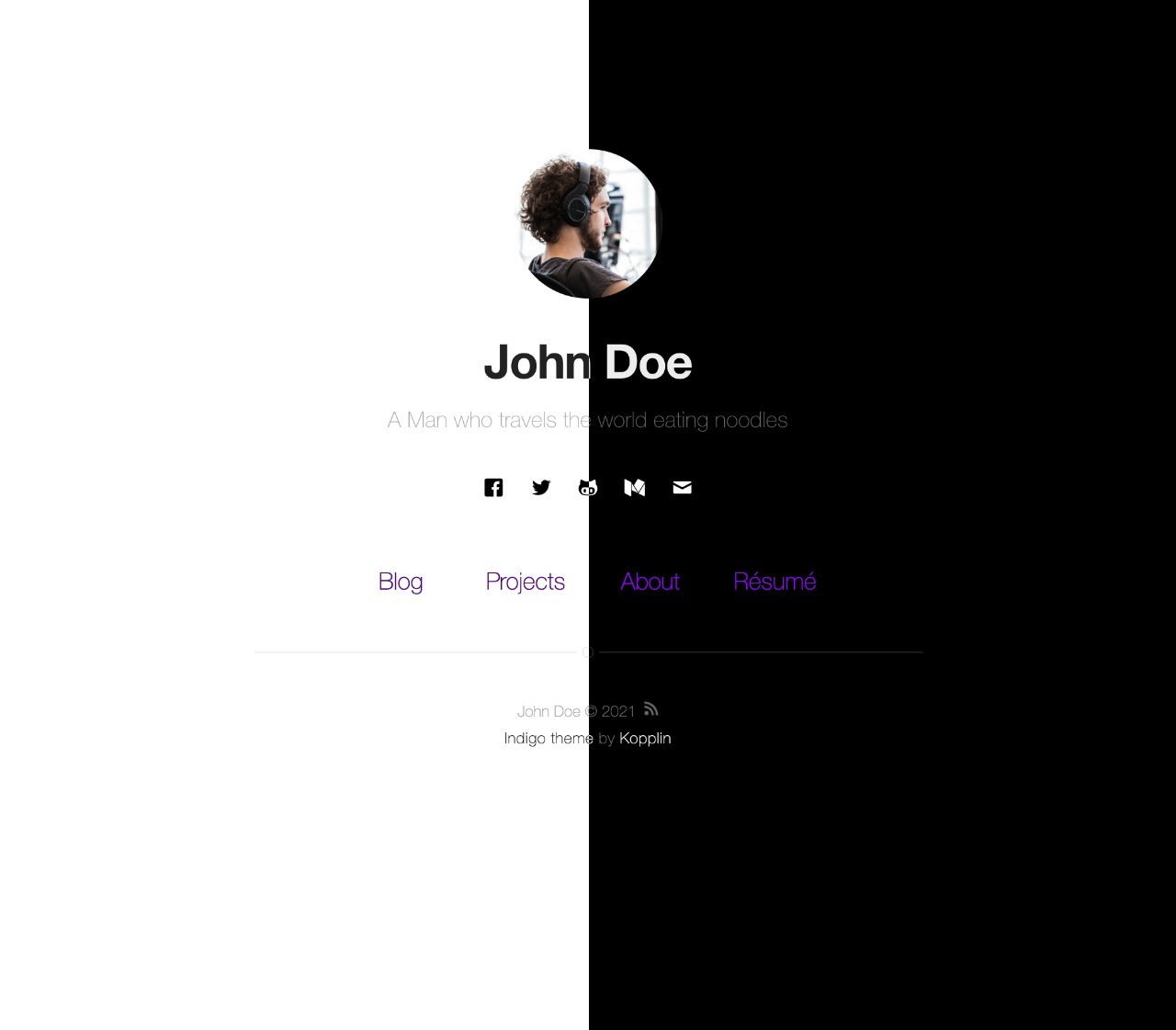
基于 Indigo Minimalist Jekyll 模板构建的个人网站源码
Jekyll作品集
personal-website — Jekyll 作品集模板
作者 rafaelcpalmeida
基于 Indigo Minimalist Jekyll 模板的个人网站源码,用于搭建极简风格的个人主页与文章页面。
看看你的网站会是什么样
浏览真实页面截图,比较内容排版与手机效果。点击下方缩略图切换,放大查看整页细节。
目前有 1 张原始预览,可打开完整图片查看设计细节。
截图用于了解视觉与布局,交互效果请以实际项目为准。
采集于 2026-10-11查看来源
值得关注的模板亮点
从已有项目资料中,快速了解它的特点。
使用 Jekyll 生成静态页面,样式采用 Sass,图形使用 SVG
README 说明页面不依赖 JavaScript
_config.yml 提供个人资料、项目、页面、标签、相关文章、多作者等配置项
上游模板附带 FAQ 文档,用于排查常见问题
采用 MIT 许可,仓库内含标准许可文本
模板详细介绍
这是 rafaelcpalmeida 个人网站的源码仓库,基于 Sérgio Kopplin 的 Indigo Minimalist Jekyll 模板构建,采用 MIT 许可发布。仓库本身不包含独立的模板文档,README 内容主要来自上游 Indigo 模板,介绍其结构、设置与使用方式。
技术构成上,项目使用 Jekyll 生成静态站点,样式通过 Sass 编写,图标与图形使用 SVG,README 明确说明页面不依赖 JavaScript。模板提供个人资料、项目、页面、阅读时长、标签、相关文章、动画、多作者等可配置项,具体字段需在 _config.yml 中填写。
使用限制方面,本地预览需要安装 Jekyll、NodeJS 与 Bundler,并通过 bundle 命令构建与服务;测试环节使用 htmlproofer 检查生成的 _site 目录。上游 README 提到的 Travis 构建状态与 Google Speed 评分属于模板作者的原始记录,不代表本仓库的实际运行结果。仓库中的演示图片等第三方素材需单独核对许可。
Jekyll作品集
适合你的项目吗?
适用场景
- 搭建极简风格的个人主页与自我介绍页面
- 发布个人文章并启用标签、阅读时长与相关文章
- 展示个人项目列表
- 作为 Jekyll 静态站点配置与 Sass 样式的参考
适合人群
- 熟悉或愿意学习 Jekyll 静态站点构建流程的开发者
- 需要极简、无 JavaScript 依赖个人网站的用户
- 希望以 MIT 许可自由修改和分发站点代码的用户
上手与定制指南
结合仓库当前版本的说明,按下面的资料检查内容、配置与运行要求。
- 1
Fork 或克隆仓库后,编辑 _config.yml 填入个人信息与站点选项
- 2
本地运行需先安装 Jekyll、NodeJS 与 Bundler
- 3
在项目目录执行 bundle install 安装依赖
- 4
使用 bundle exec jekyll serve --config _config.yml,_config-dev.yml 启动本地服务,默认访问 http://localhost:4000
- 5
可用 bundle exec htmlproofer ./_site 检查生成的站点链接
授权与来源资料
使用条件与限制
免费使用 · 保留许可声明本次收录的是公开仓库中采用 MIT 许可的免费版本;免费范围为该版本代码,不代表外部服务或第三方素材免费。
使用时需要遵守
- 允许免费使用、修改、商用和分发该版本代码。
- 分发代码副本或实质性部分时,保留原作者版权声明和完整 MIT 许可声明。
- 代码按现状提供;担保与责任限制以原许可证及适用法律为准。
额外费用与待核对事项
- 演示图片、字体、图标及其他第三方素材需按各自许可核对,不能仅凭代码的 MIT 许可判断。
- 域名、托管、数据库、支付或 AI 等外部服务可能另外收费。
- 本地预览需额外安装 Jekyll、NodeJS 与 Bundler,并通过 bundle 命令构建与服务,非纯静态直接打开。
- 使用该模板需安装 Jekyll、NodeJS 与 Bundler 等外部工具链。
- 本地运行需通过 bundle exec jekyll serve 命令启动,并指定配置文件。
- 站点测试依赖 htmlproofer 工具检查生成的 _site 目录。
- 必须编辑 _config.yml 填写个人信息等配置,否则站点无法按预期定制。
查看原文依据
Permission is hereby granted, free of charge
许可证原文
If you want to test locally on your machine, do the following steps also:
README 原文
1. Install [Jekyll](http://jekyllrb.com), [NodeJS](https://nodejs.org/) and [Bundler](http://bundler.io/).
README 原文
4. Then run `bundle exec jekyll serve --config _config.yml,_config-dev.yml`
README 原文
6. Test your app with `bundle exec htmlproofer ./_site`
README 原文
https://github.com/rafaelcpalmeida/personal-website/blob/master/LICENSEhttps://github.com/rafaelcpalmeida/personal-website/blob/master/README.mdYou must fill some informations on `_config.yml` to customize your site.
README 原文
DeepSeek 根据仓库许可证和 README 整理 ·2026-10-11。结果仅覆盖已读取资料,依赖、图片、字体及后续条款变更以各自原文为准。
项目核对记录与介绍依据
模板资料
- 来源平台
- GitHub
- 资料与维护参考分
- 资料一般 · 68 / 100
- 技术栈
- Jekyll
- 网站类型
- 作品集
这个分数如何计算
本站按许可资料(最高30分)、演示链接(12分)、预览图(10分)、Star数(15分)、记录的维护时间(15分)、描述完整度(8分)、功能记录(5分)和分类资料(5分)计算。它不是代码、安全或性能测试,也不是 Google 评分;有链接不代表已实测可用。
这个项目需要核对什么
- 记录的仓库更新时间
- 2026-08-05
- 截图检查日期
- 2026-10-11
目前没有记录演示链接。请依据仓库说明在本地评估;仅凭截图无法确认交互行为。
目录记录的主要技术栈是 Jekyll。请通过依赖清单和锁文件核对实际版本与托管要求。这些说明基于收录资料,不代表代码审计或部署实测。
查看具体选型方法 →介绍的制作与核对状态
介绍由 AI 辅助整理目录与仓库资料。仓库作者不等于这篇介绍的审核者。
审核声明: [email protected] · 2026-10-13
查看当时使用的来源资料
SHA-256: dfe046fd453455bb2edf2d8ebd99d3b22a1ee40b0393d605828a459c750b7f16
2026-10-11T17:54:17.917Z
来源文件 / 仓库<p align="center">
<h2 align="center">Indigo Minimalist Jekyll Template - <a href="http://sergiokopplin.github.io/indigo/">Demo</a> · <a href="https://travis-ci.org/sergiokopplin/indigo"><img src="https://camo.githubusercontent.com/5393485b732749b3499264168fa8af60166071e8/68747470733a2f2f7472617669732d63692e6f72672f73657267696f6b6f70706c696e2f696e6469676f2e7376673f6272616e63683d67682d7061676573" alt="Build Status" data-canonical-src="https://travis-ci.org/sergiokopplin/indigo.svg?branch=gh-pages" style="max-width:100%;"></a></h2>
</p>
<p align="center">This is a simple and minimalist template for Jekyll for those who likes to eat noodles.</p>
***
<p align="center">
<b><a href="README.md#what-has-inside">What has inside</a></b>
|
<b><a href="README.md#setup">Setup</a></b>
|
<b><a href="README.md#settings">Settings</a></b>
|
<b><a href="README.md#how-to">How to</a></b>
</p>
<p align="center">
<img src="https://raw.githubusercontent.com/sergiokopplin/indigo/gh-pages/assets/screen-shot.png" />
</p>
## What has inside
- [Jekyll](https://jekyllrb.com/), [Sass](http://sass-lang.com/) ~[RSCSS](http://rscss.io/)~ and [SVG](https://www.w3.org/Graphics/SVG/)
- Tests with [Travis](https://travis-ci.org/)
- Google Speed: [98/100](https://developers.google.com/speed/pagespeed/insights/?url=http%3A%2F%2Fsergiokopplin.github.io%2Findigo%2F);
- No JS. :sunglasses:
## Setup
0. :star: to the project. :metal:
2. Fork the project [Indigo](https://github.com/sergiokopplin/indigo/fork)
3. Edit `_config.yml` with your data (check <a href="README.md#settings">settings</a> section)
4. Write some posts :bowtie:
If you want to test locally on your machine, do the following steps also:
1. Install [Jekyll](http://jekyllrb.com), [NodeJS](https://nodejs.org/) and [Bundler](http://bundler.io/).
2. Clone the forked repo on your machine
3. Enter the cloned folder via terminal and run `bundle install`
4. Then run `bundle exec jekyll serve --config _config.yml,_config-dev.yml`
5. Open it in your browser: `http://localhost:4000`
6. Test your app with `bundle exec htmlproofer ./_site`
## Settings
You must fill some informations on `_config.yml` to customize your site.
```
name: John Doe
bio: 'A Man who travels the world eating noodles'
picture: 'assets/images/profile.jpg'
...
and lot of other options, like width, projects, pages, read-time, tags, related posts, animations, multiple-authors, etc.
```
## How To?
Check the [FAQ](./FAQ.md) if you have any doubt or problem.
---
[MIT](http://kopplin.mit-license.org/) License © Sérgio Kopplin
看看同类模板
对比同技术栈与用途的模板,找到更适合的视觉与内容结构。

al-folio
al-folio 是一个面向学者与研究人员的 Jekyll 作品集主题,设计简洁、响应式,适合搭建个人学术主页。
Jekyll · 作品集

minimal-mistakes
:triangular_ruler: Jekyll theme for building a personal site, blog, project documentation, or portfolio.
Jekyll · 作品集

Beautiful Jekyll
Beautiful Jekyll 是一个在 Jekyll 生态中经过长期打磨的博客主题,由 Dean Attali 维护,自 2015 年起积累了超过 5 万用户。
Jekyll · 博客

So Simple
So Simple 是 Michael Rose 开发的 Jekyll 主题,定位清晰:为文字和图片提供一个干净、可读性强的展示框架。
Jekyll · 博客
Jalpc
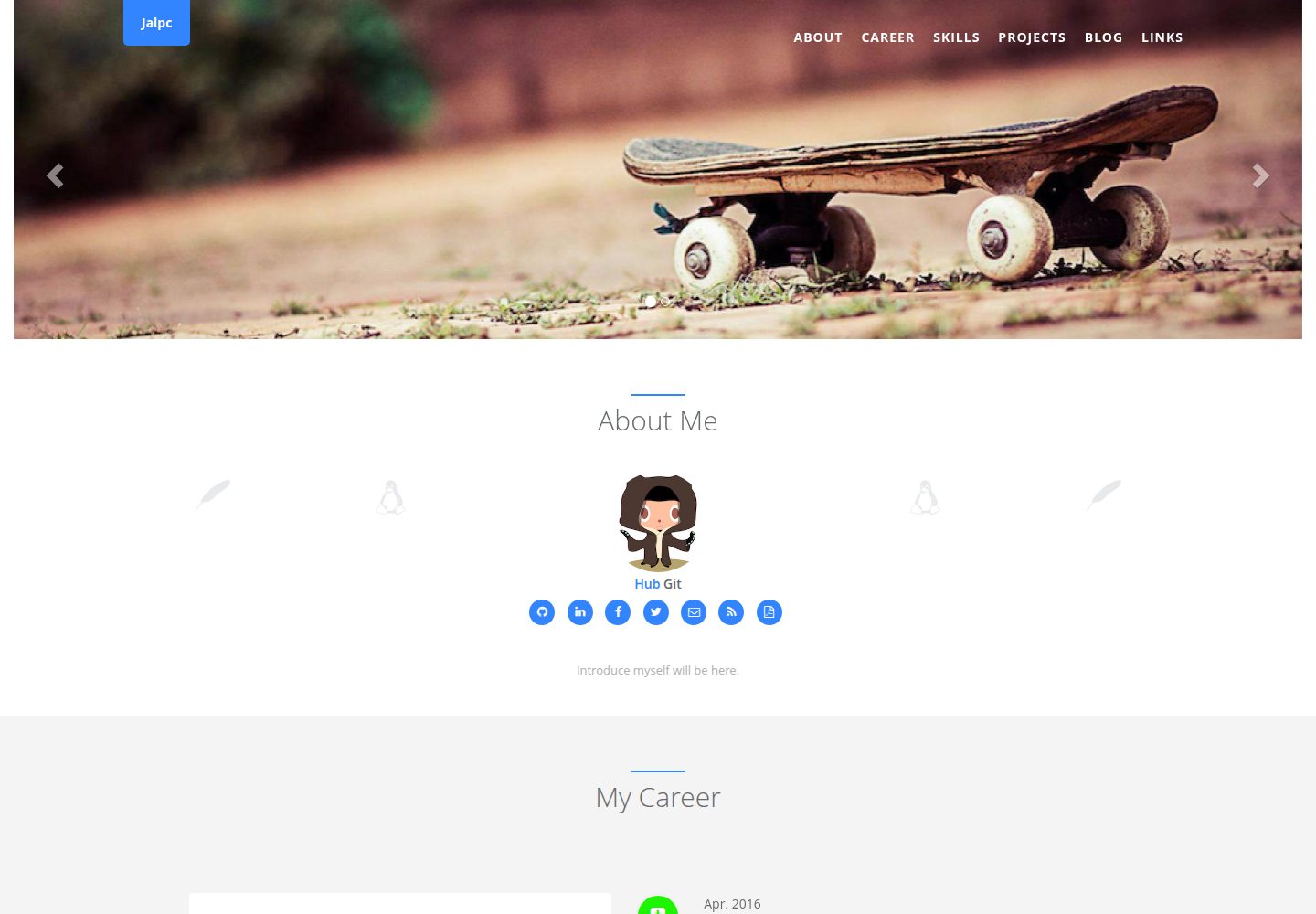
🍎Jalpc -- A flexible Jekyll theme, 3 steps to build your website.
Jekyll · 作品集
feeling-responsive
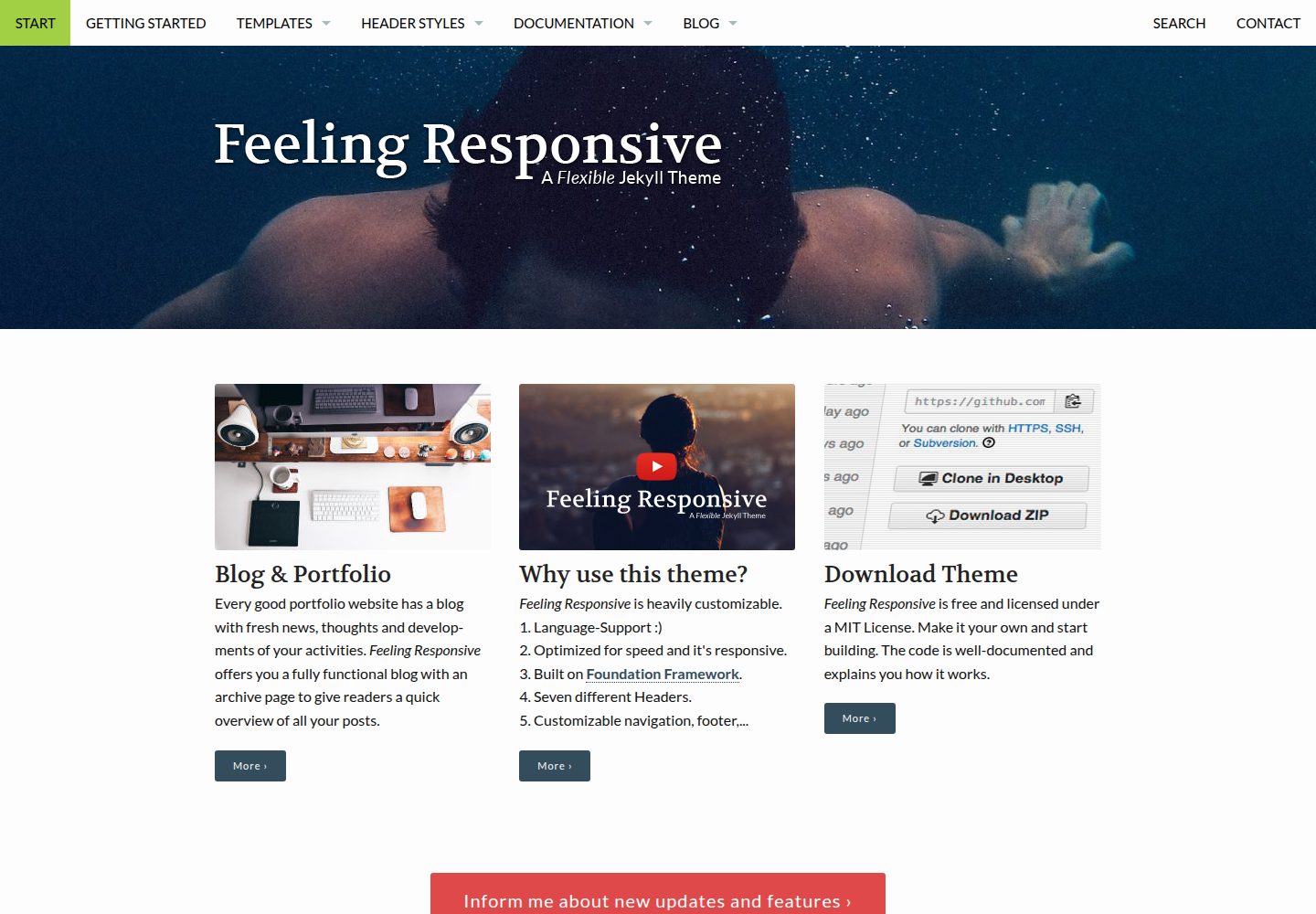
»Feeling Responsive« is a free flexible theme for Jekyll built on Foundation framework. You can use it for you…
Jekyll · 作品集