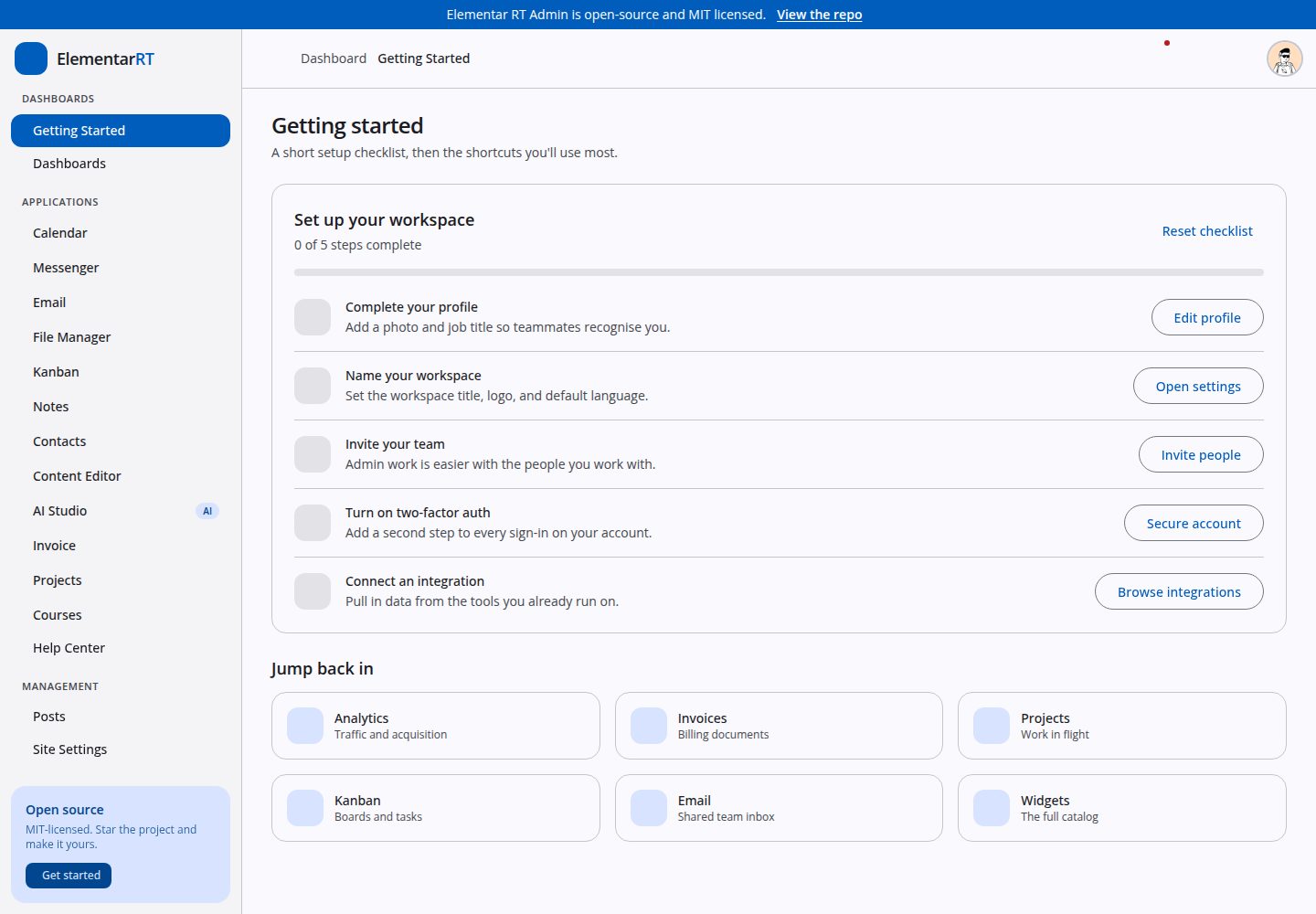
七个仪表盘,包含一个基于 @katoid/angular-grid-layout 的拖拽式动态仪表盘
Angular后台SaaS
elementar-admin — Angular 后台模板
作者 randrost
基于 Elementar RT 组件库的 Angular 后台模板,包含七个仪表盘、十六个应用模块与完整设置页面,全部运行在类型化 mock 数据上,可直接对接自有 API。
看看你的网站会是什么样
浏览真实页面截图,比较内容排版与手机效果。点击下方缩略图切换,放大查看整页细节。
全部页面与视图 3
截图用于了解视觉与布局,交互效果请以实际项目为准。
采集于 2026-09-30查看来源
值得关注的模板亮点
从已有项目资料中,快速了解它的特点。
十六个应用区域,覆盖日历、即时通讯、邮件、文件管理、看板、笔记、联系人、AI Studio、发票、项目、课程等
小组件注册表 widgets/registry.ts 将 id 映射到组件与默认网格尺寸,画廊、各仪表盘和动态仪表盘选择器均从同一列表渲染
同一数据集的不同展示形式通过路由 data.variant 复用同一组件,避免维护两份实现
使用 Tailwind v4 与 Angular Material 3 tokens 进行样式设计,图表基于 ECharts,表格基于 TanStack Table
axe-core 在 38 条路由的两种配色方案下审计,报告零违规,且 E2E 会重新运行检查
模板详细介绍
Elementar RT Admin 是一个开源 Angular 后台前端模板,界面基于 Elementar RT 组件库搭建,而非自行定义组件库。模板覆盖七个仪表盘、十六个应用区域、十二个小组件目录,以及账号、设置和 UI 画廊等后台常用页面,所有屏幕均为完整实现而非占位。
项目完全运行在类型化 mock 数据之上,没有后端:每个功能区域自带 mock-data.ts 与根级服务,通过 signals 暴露数据。因此它适合作为克隆后指向自有 API 的起点,也可作为各模块协作方式的参考。模板依据先于代码编写的独立规格文档 docs/FEATURES.md 构建,两者不一致时以规格为准。
需要明确的是,它并非生产加固版本:没有认证,除 localStorage 外没有持久化,刷新后数据会重置。演示图片、字体、图标等第三方素材的许可需单独核对,不能仅凭代码的 MIT 许可判断。
Angular后台SaaS
适合你的项目吗?
适用场景
- 克隆模板后将各功能区域的 mock 服务替换为自有 API,快速搭建后台前端
- 参考小组件注册表与路由 variant 的组织方式,设计可扩展的后台模块结构
- 用于演示或原型阶段,直接展示仪表盘、应用模块与设置页面的完整交互
- 作为 Angular 独立组件、signals 与 @ngrx/signals 状态管理的学习参考
适合人群
- 需要 Angular 后台前端起点并计划对接自有 API 的开发者
- 希望研究完整后台页面组织方式与组件注册机制的团队
- 需要快速产出后台界面演示或原型的项目
上手与定制指南
结合仓库当前版本的说明,按下面的资料检查内容、配置与运行要求。
- 1
需要 Node 20 或更高版本
- 2
执行 npm install 安装依赖,npm start 启动开发服务器(默认 http://localhost:4200)
- 3
npm run build 生成生产构建到 dist/,npm test 运行单元测试,npm run e2e 运行端到端与无障碍测试
- 4
E2E 测试会在 4300 端口自行启动开发服务器,不会占用 4200 端口上已有的服务
- 5
部署为静态 SPA,nginx 需将未知路径回退到 index.html,否则深层链接刷新会 404
授权与来源资料
使用条件与限制
免费使用 · 保留许可声明本次收录的是公开仓库中采用 MIT 许可的免费版本;免费范围为该版本代码,不代表外部服务或第三方素材免费。
使用时需要遵守
- 允许免费使用、修改、商用和分发该版本代码。
- 分发代码副本或实质性部分时,保留原作者版权声明和完整 MIT 许可声明。
- 代码按现状提供;担保与责任限制以原许可证及适用法律为准。
额外费用与待核对事项
- 模板本身不是组件库,而是依赖外部 @elementar-rt/components 组件库;使用前需确认该组件库的可用性与许可。
- 非生产加固版本:没有认证机制,除 localStorage 外无持久化,刷新后数据会重置,不适合直接用于生产环境。
- Kubernetes 部署清单位于私有仓库 tls-infra 中,不在本仓库内,因此无法直接获得完整的 K8s 部署配置。
- AI Studio 的浏览器内 LLM 功能依赖 @mlc-ai/web-llm 并需要 WebGPU 支持,在无 WebGPU 的环境中不可用。
- 演示图片、字体、图标及其他第三方素材需按各自许可核对,不能仅凭代码的 MIT 许可判断。
- 域名、托管、数据库、支付或 AI 等外部服务可能另外收费。
查看原文依据
Permission is hereby granted, free of charge
许可证原文
Not a component library — it consumes [`@elementar-rt/components`](https://elementar-rt.tulikas.de)
README 原文
Not production-hardened: there is no auth, no persistence beyond `localStorage`, and the data resets on reload.
README 原文
The Kubernetes manifest (nginx ingress, cert-manager TLS) lives in [`tls-infra`](https://github.com/randrost/tls-infra) (private), not in this repo
README 原文
https://github.com/randrost/elementar-admin/blob/main/LICENSEhttps://github.com/randrost/elementar-admin/blob/main/README.mdIn-browser LLM | `@mlc-ai/web-llm`, WebGPU-gated
README 原文
DeepSeek 根据仓库许可证和 README 整理 ·2026-09-30。结果仅覆盖已读取资料,依赖、图片、字体及后续条款变更以各自原文为准。
项目核对记录与介绍依据
模板资料
- 来源平台
- GitHub
- 资料与维护参考分
- 资料较完整 · 88 / 100
- 技术栈
- Angular
- 网站类型
- 后台 · SaaS
这个分数如何计算
本站按许可资料(最高30分)、演示链接(12分)、预览图(10分)、Star数(15分)、记录的维护时间(15分)、描述完整度(8分)、功能记录(5分)和分类资料(5分)计算。它不是代码、安全或性能测试,也不是 Google 评分;有链接不代表已实测可用。
这个项目需要核对什么
- 记录的仓库更新时间
- 2026-09-27
- 截图检查日期
- 2026-09-30
已收录演示链接。请用你的内容与屏幕尺寸检查;有演示不代表表单、认证或支付已经可用。
目录记录的主要技术栈是 Angular。请通过依赖清单和锁文件核对实际版本与托管要求。这些说明基于收录资料,不代表代码审计或部署实测。
查看具体选型方法 →介绍的制作与核对状态
介绍由 AI 辅助整理目录与仓库资料。仓库作者不等于这篇介绍的审核者。
已完成服务器许可规则与 AI 来源核对;未经过人工编辑审核。
查看当时使用的来源资料
SHA-256: d14f00f0e798d58814ca7ee41512ed9daf34ade235487d13944ab873d126f150
2026-09-30T11:35:32.849Z
来源文件 / 仓库# Elementar RT Admin An open-source Angular 20 admin template. Every screen is built, not stubbed — seven dashboards, sixteen application areas, a twelve-widget catalog, and the settings, account, and UI-gallery pages an admin product actually needs. **[Live demo](https://admin.elementar-rt.tulikas.de)** · MIT licensed --- ## What this is A complete admin front end running entirely on typed mock data. There is no backend: each feature area owns a `mock-data.ts` with its models and a root-provided service exposing signals. That makes it a template you can clone and point at your own API, and a reference for how the pieces fit together. It is built against [`docs/FEATURES.md`](docs/FEATURES.md), an independent specification written before the code. If the two disagree, the spec wins. ### What it is not Not a component library — it consumes [`@elementar-rt/components`](https://elementar-rt.tulikas.de) rather than defining one. Not production-hardened: there is no auth, no persistence beyond `localStorage`, and the data resets on reload. --- ## Stack | Concern | Choice | |---|---| | Framework | Angular 20, standalone components, `OnPush` everywhere | | State | Signals; `@ngrx/signals` for shared stores | | Styling | Tailwind v4 + Angular Material 3 tokens | | Charts | ECharts, wrapped in a directive | | Tables | TanStack Table | | Calendar | FullCalendar 6 (core driven imperatively) | | Editor | Milkdown Crepe (posts), plus an original block editor | | Grid | `@katoid/angular-grid-layout` (dynamic dashboard) | | In-browser LLM | `@mlc-ai/web-llm`, WebGPU-gated | | Icons | Iconify (Solar, Logos, Circle Flags), self-hosted | | Avatars | DiceBear, generated at runtime | Every heavy dependency is confined to the lazy chunk of the route that needs it. Opening the dashboard does not download the calendar, the editor, or the LLM. --- ## Getting started ```bash npm install npm start # dev server on http://localhost:4200 ``` Other scripts: ```bash npm run build # production build into dist/ npm run build:prod # explicit production configuration npm test # unit tests (Karma + Jasmine, watch mode) npm run test:ci # unit tests once, headless npm run e2e # end-to-end and accessibility tests (Playwright) npm run e2e:ui # the same, in Playwright's UI mode ``` The E2E suite starts its own dev server on port 4300, so it never picks up whatever you have running on 4200. Node 20 or newer. --- ## Project structure ``` src/app/ core/ # avatar service, app store shared/ # datatable, charts, sparkline, stepper, mock helpers shell/ # sidebar, header, page container auth/ # sign-in through to the setup wizard error/ # 404 / 500 / 403 / maintenance onboarding/ # first-run flow dashboards/ # seven dashboards, incl. the drag-and-drop one widgets/ # the widget catalog and its registry applications/ # calendar, messenger, email, kanban, invoice, … management/ # posts and site settings account/ # notifications and account settings user-profile/ # overview and talent profiles gallery/ # cards, prebuilt, tables, themes, pricing, integrations ``` Two conventions carry most of the weight: **The widget registry.** `widgets/registry.ts` maps an id to a component plus its default grid size. The galleries, every dashboard, and the dynamic dashboard's picker all render from that one list, so registering a widget publishes it everywhere. **Route-supplied variants.** Where two routes are two presentations of one dataset — `billing` / `billing-2`, `notifications` / `notifications-2`, `cards/general` / `cards/users` — they are one component reading `data.variant` from the route, not two implementations to keep in sync. --- ## Feature map | Area | Routes | |---|---| | Dashboards | getting-started, basic, analytics, ecommerce, finance, explore, dynamic | | Applications | calendar, messenger, email, file manager, content editor, kanban, notes, contacts, AI studio, help center, invoice, projects, courses | | Management | posts (list/new/edit/details/categories/topics), site settings (5 areas) | | Account | notifications, settings (9 pages) | | Profile | overview, talent | | UI gallery | widgets, cards, prebuilt, datatables, themes, pricing, integrations, service pages, public posts | | Outside shell | auth (7), errors (7), onboarding | --- ## Accessibility Audited with axe-core (WCAG 2.0/2.1 A and AA) across 38 routes in both colour schemes, with zero violations at the time of writing. That covers landmarks, heading order, form labelling, and contrast — the tool cannot judge whether the reading order makes sense, so treat it as a floor rather than a guarantee. Keyboard focus is visible everywhere via a `:focus-visible` ring, and scrollable regions are reachable by keyboard. `npm run e2e` re-runs the axe checks, so a regression fails CI rather than shipping. --- ## Deployment The app is a static SPA served by nginx. ```bash docker build -t elementar-rt-admin . docker run -p 8080:80 elementar-rt-admin ``` The Kubernetes manifest (nginx ingress, cert-manager TLS) lives in [`tls-infra`](https://github.com/randrost/tls-infra) (private), not in this repo — `Jenkinsfile` builds, pushes, and deploys from there on every push to the default branch. Because it is a SPA, the nginx config falls back to `index.html` for unknown paths — without that, a refresh on any deep link would 404. --- ## Licence MIT — see [LICENSE](LICENSE). Use it, fork it, ship it. Built by [Rostyslav Tulika](https://tulikas.de).
看看同类模板
对比同技术栈与用途的模板,找到更适合的视觉与内容结构。
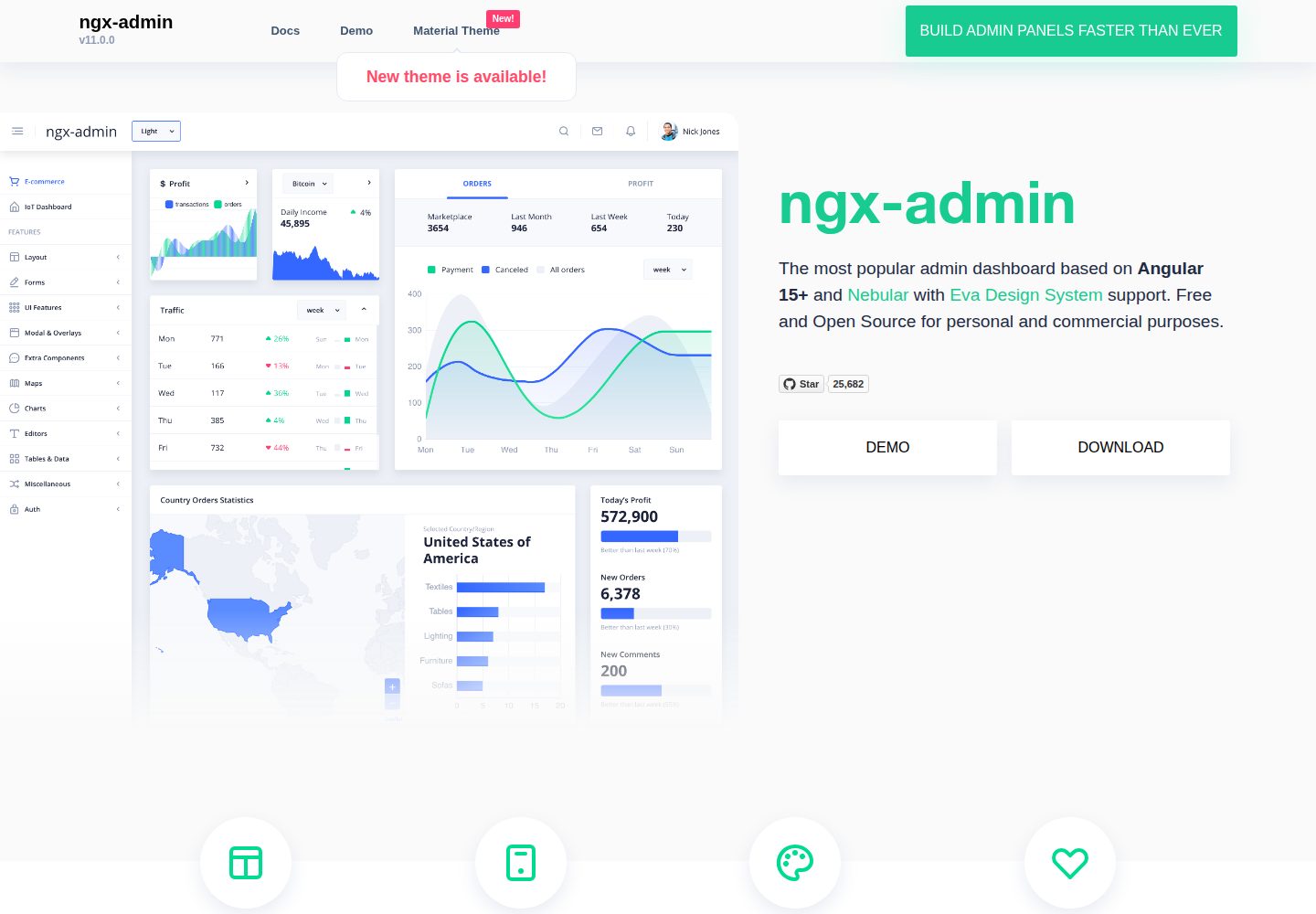
ngx-admin
Customizable admin dashboard template based on Angular 10+
Angular · 后台
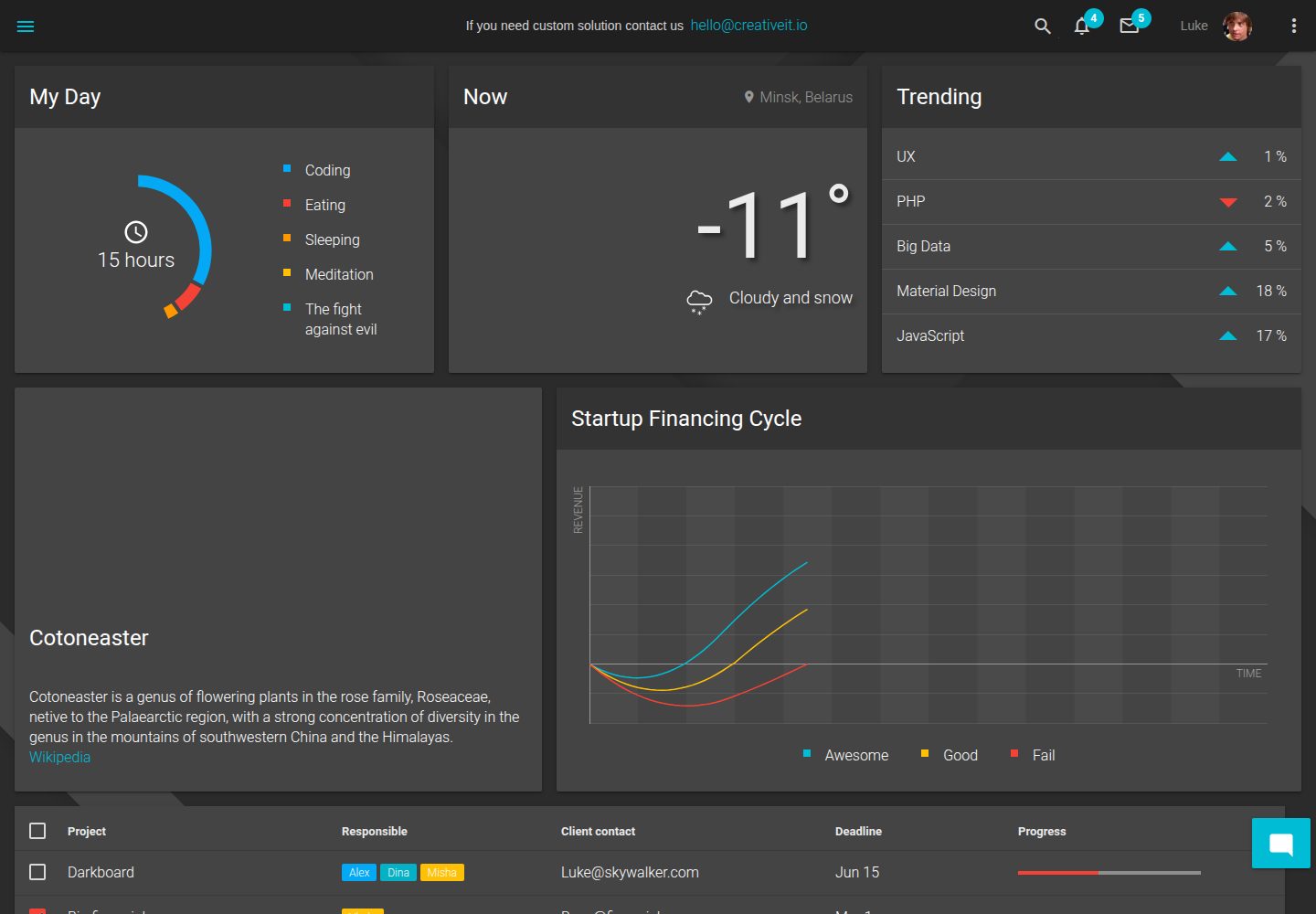
material-angular-dashboard
Material Angular Admin Template
Angular · 后台
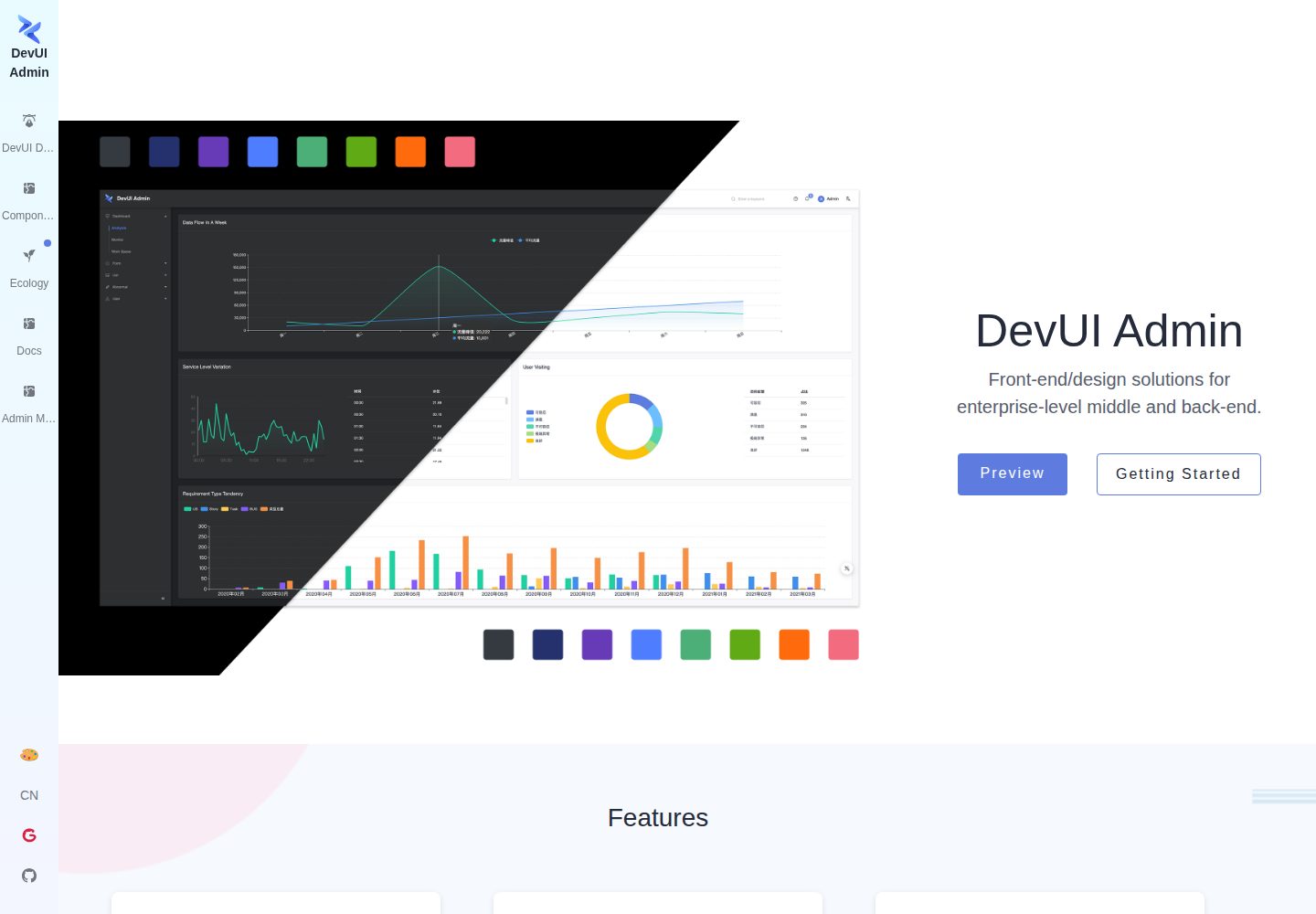
ng-devui-admin
Customizable admin dashboard template based on Angular and DevUI
Angular · 后台
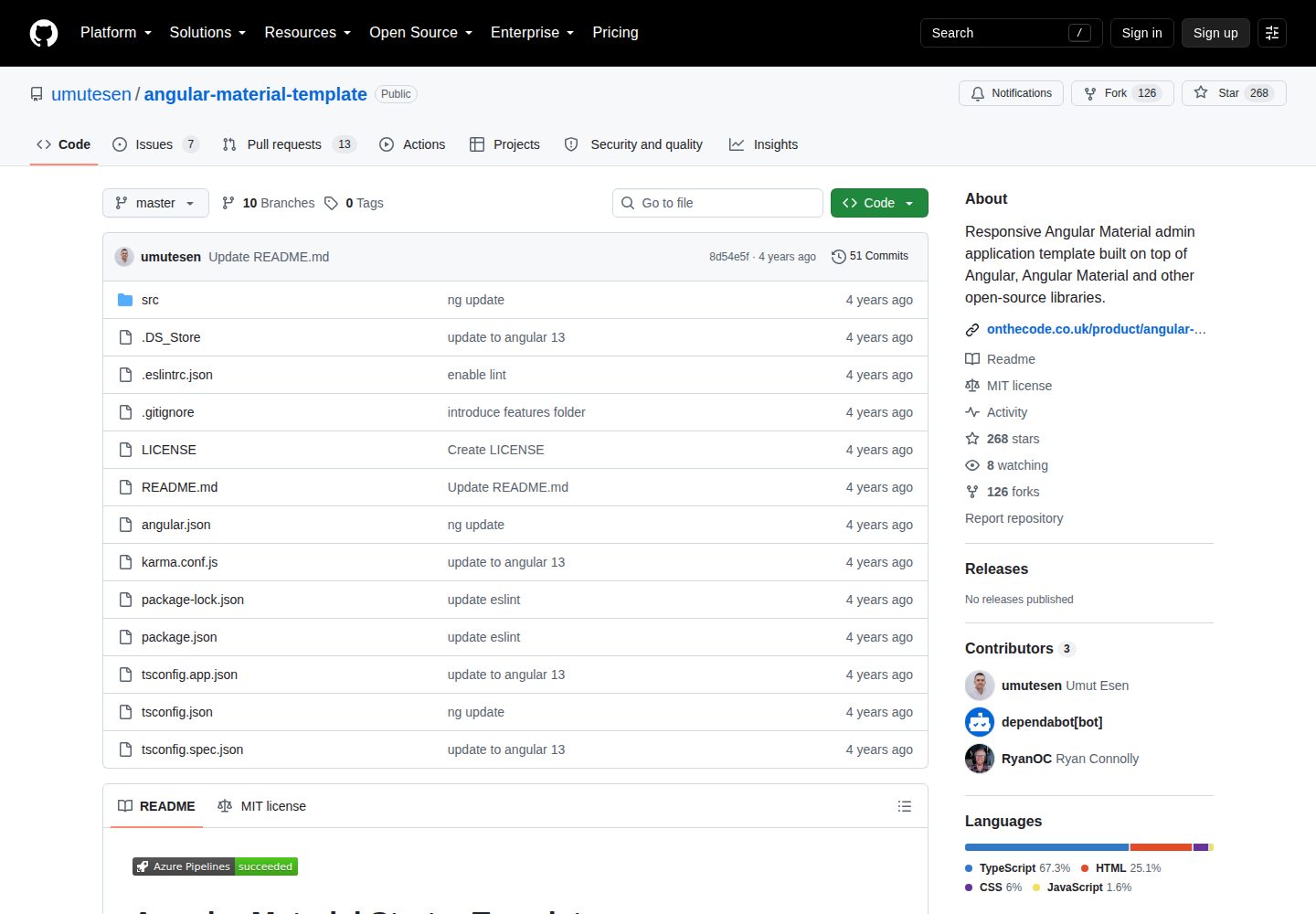
angular-material-template
Responsive Angular Material admin application template built on top of Angular, Angular Material and other ope…
Angular · 后台
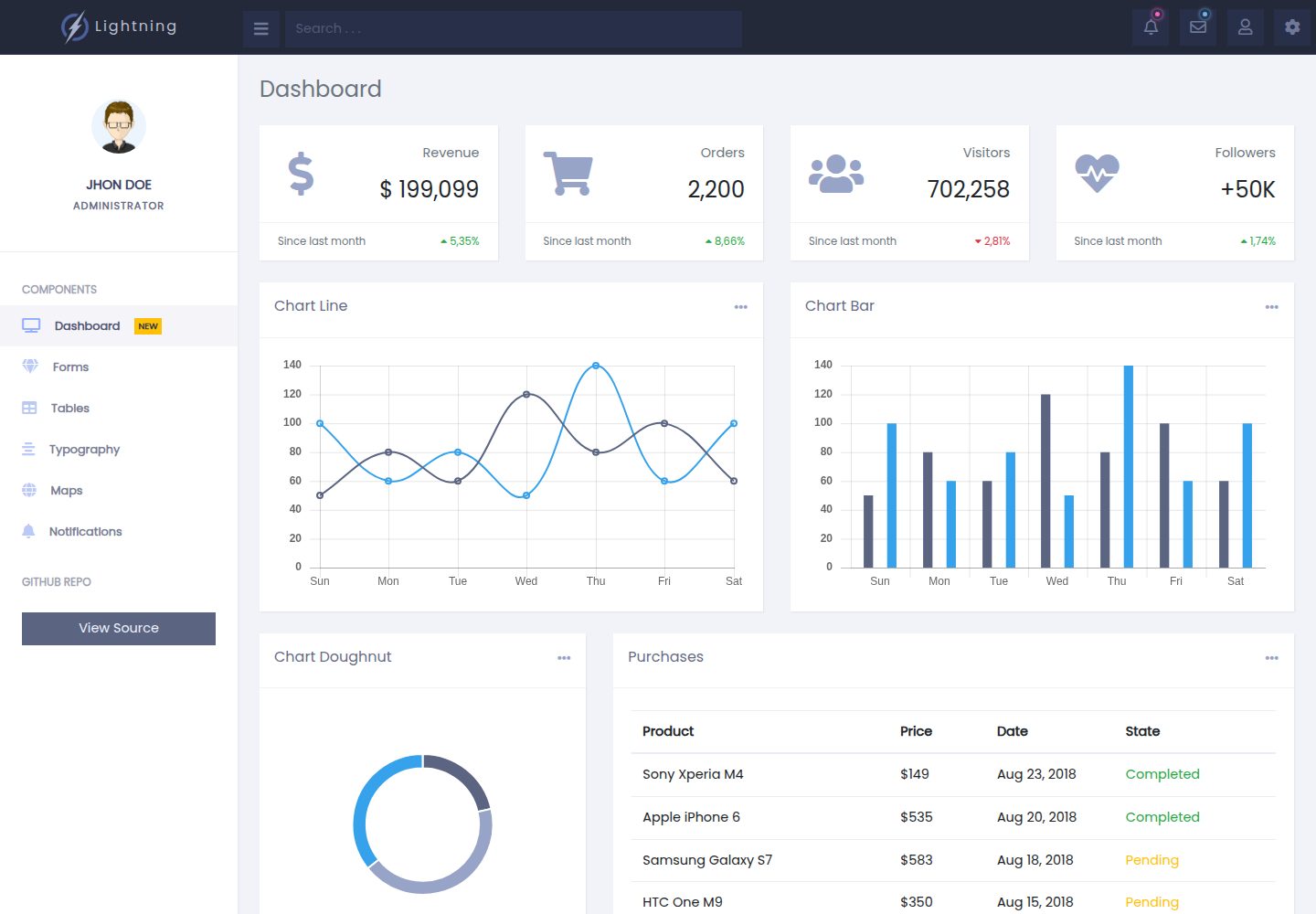
lightning-admin-angular
A mobile first design of a responsive admin template built with angular and bootstrap
Angular · 后台
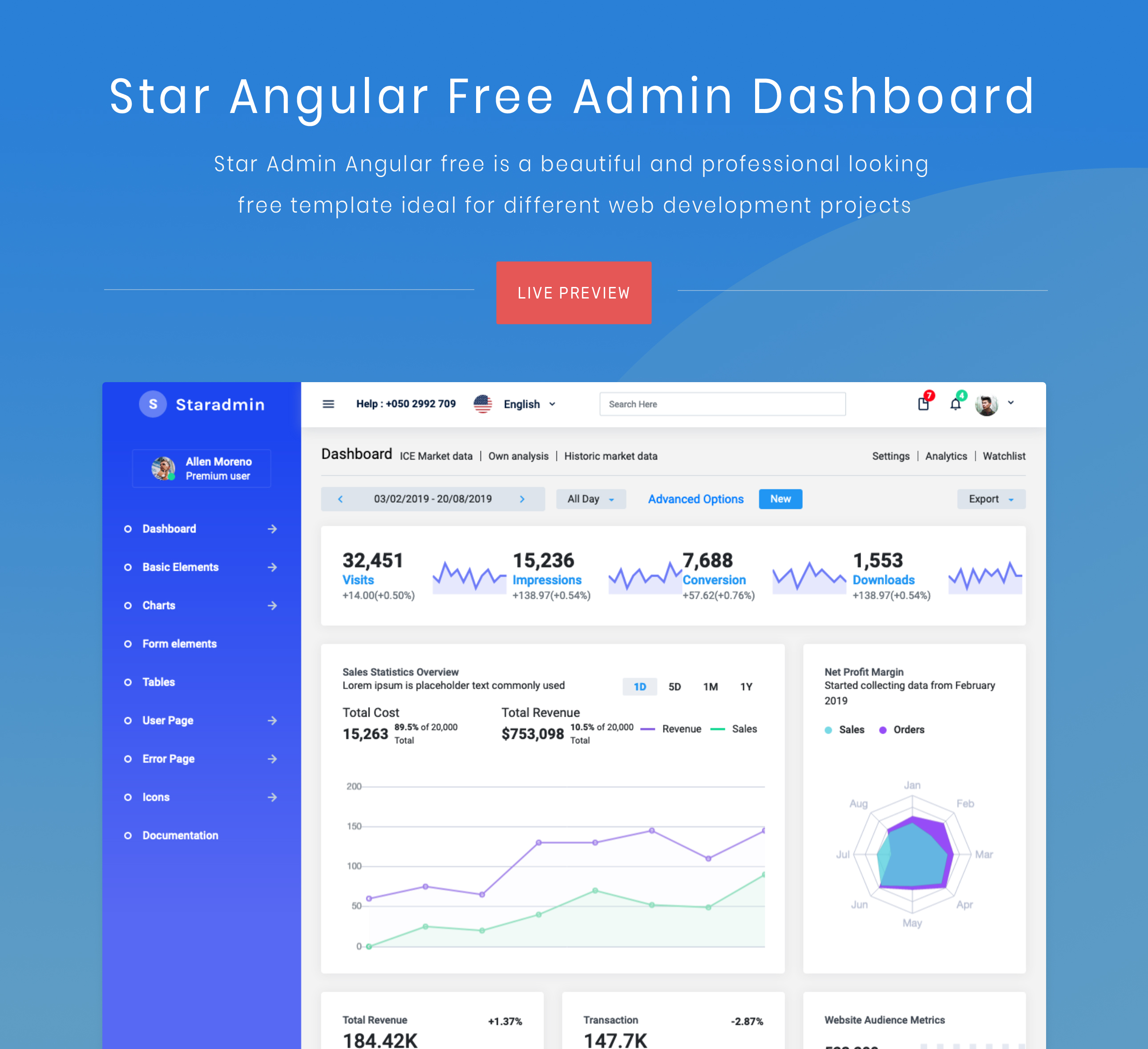
StarAdmin-Free-Angular-Admin-Template
StarAdmin Free Angular Admin Template 是一个基于 Angular 7 和 Bootstrap 4 的免费后台管理模板,由 BootstrapDash 团队维护。
Angular · 后台