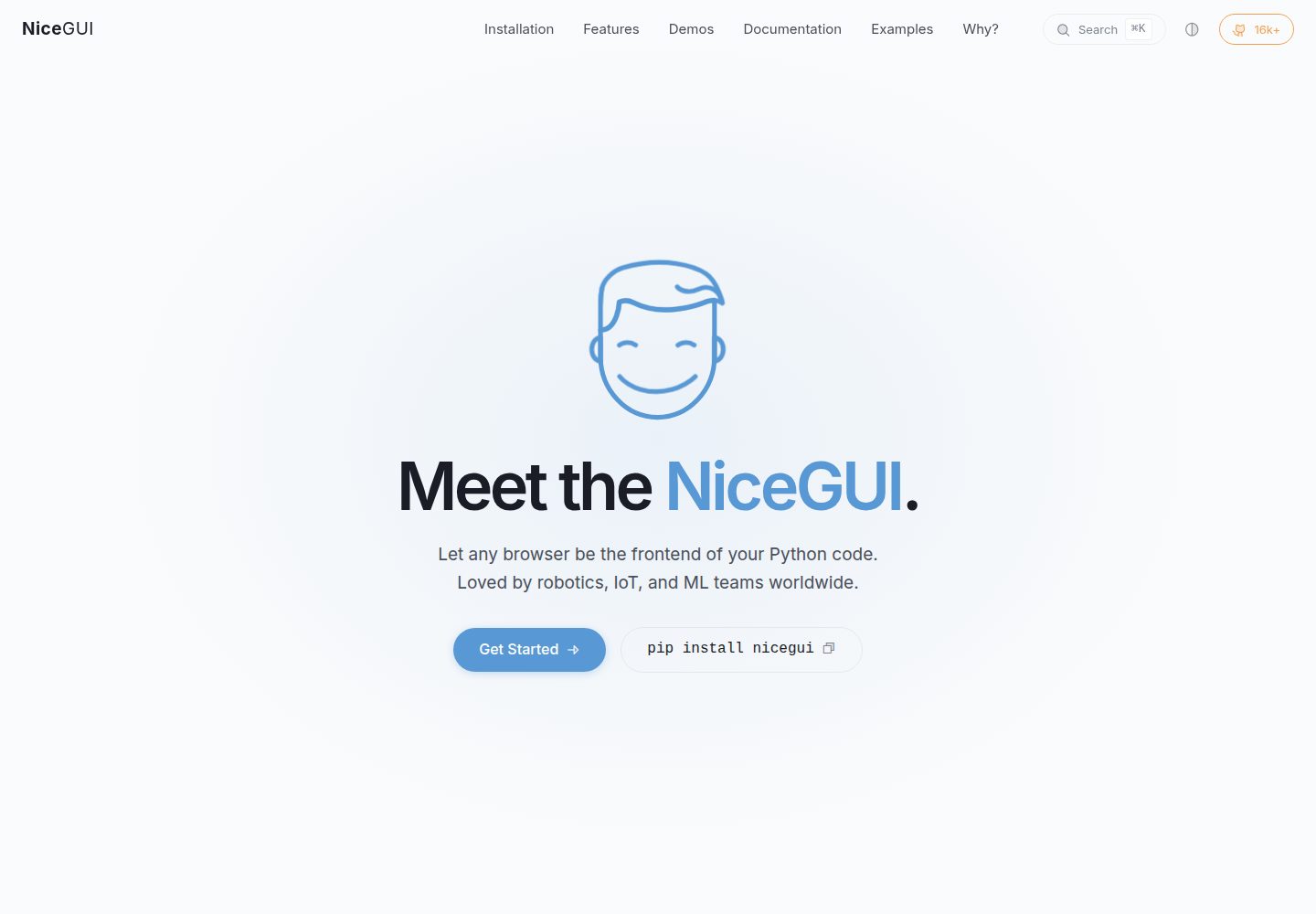
提供页面基类 PageTemplate 与 pageconf.yaml 配置,统一页面结构
Vue后台
nicegui_dashboard — Vue 后台模板
作者 s71m
基于 NiceGUI 的仪表盘示例模板,提供页面模板、路由管理与模块热重载等基础结构,供开发者参考搭建自己的数据看板。
看看你的网站会是什么样
浏览真实页面截图,比较内容排版与手机效果。点击下方缩略图切换,放大查看整页细节。
全部页面与视图 2
截图用于了解视觉与布局,交互效果请以实际项目为准。
采集于 2026-10-02查看来源
值得关注的模板亮点
从已有项目资料中,快速了解它的特点。
web/components 内含页面管理、页面信息与模块重载组件
示例页覆盖基础页面、卡片网格以及使用 Polars 的卡片页
工具页可查看当前运行的模块并触发重载
静态资源含抽屉宽度脚本、头部样式与全局样式
README 说明新增页面只需新建目录与页面文件并点击 Reload
模板详细介绍
该仓库是一个用 NiceGUI 构建仪表盘的示例模板,作者在尝试 Streamlit、Dash、Panel 之后选择 NiceGUI,并把它作为给开发者的起步参考。项目以 Python 为主,仓库标签中带有 Vue,静态资源目录包含用于调整左侧抽屉宽度的 JavaScript 以及头部与全局样式表。
结构上,web/app.py 是应用入口,header.py 定义头部布局,pagetemplate.py 提供页面通用模板,pageconf.yaml 保存页面配置。web/components 下包含模块重载、页面配置读取、页面元信息与页面路由管理;web/pages 下给出示例页、卡片网格页、使用 Polars 的卡片页,以及可视化当前运行模块并支持重载的工具页。
新增页面的方式是:参考 example_page.py,在 web/pages/ 下新建目录并添加带页面类的 .py 文件,点击 Reload 后页面会自动出现在应用中。README 还附有 VueFlow 相关演示视频链接。仓库未说明部署、鉴权、数据源接入或生产环境使用方式,这些需要使用者自行判断和补充。
Vue后台
适合你的项目吗?
适用场景
- 需要快速搭建 Python 数据看板原型时作为起点
- 想了解 NiceGUI 中页面模板、路由与配置如何组织
- 需要在开发过程中不重启服务即可重载模块
- 需要以卡片网格形式展示数据的看板页面
- 想参考 Polars 在 NiceGUI 页面中的使用方式
适合人群
- 使用 Python 与 NiceGUI 的开发者
- 需要仪表盘起步模板的个人或小团队
- 希望参考页面模块化与热重载做法的项目
- 对 VueFlow 与 NiceGUI 结合感兴趣的开发者
上手与定制指南
结合仓库当前版本的说明,按下面的资料检查内容、配置与运行要求。
- 1
安装依赖:pip install -r requirements.txt
- 2
进入 nicegui_dashboard 目录后运行 python -m web.app
- 3
浏览器访问 http://localhost:8080
- 4
新增页面时参考 web/pages/examples/example_page.py,在 web/pages/ 下新建目录与页面文件
- 5
代码采用 MIT 许可,分发时需保留版权与许可声明;演示素材与外部服务需另行核对许可与费用
授权与来源资料
使用条件与限制
免费使用 · 保留许可声明本次收录的是公开仓库中采用 MIT 许可的免费版本;免费范围为该版本代码,不代表外部服务或第三方素材免费。
使用时需要遵守
- 允许免费使用、修改、商用和分发该版本代码。
- 分发代码副本或实质性部分时,保留原作者版权声明和完整 MIT 许可声明。
- 代码按现状提供;担保与责任限制以原许可证及适用法律为准。
额外费用与待核对事项
- 演示图片、字体、图标及其他第三方素材需按各自许可核对,不能仅凭代码的 MIT 许可判断。
- 域名、托管、数据库、支付或 AI 等外部服务可能另外收费。
查看原文依据
https://github.com/s71m/nicegui_dashboard/blob/master/LICENSEhttps://github.com/s71m/nicegui_dashboard/blob/master/README.mdPermission is hereby granted, free of charge
许可证原文
DeepSeek 根据仓库许可证和 README 整理 ·2026-10-02。结果仅覆盖已读取资料,依赖、图片、字体及后续条款变更以各自原文为准。
项目核对记录与介绍依据
模板资料
- 来源平台
- GitHub
- 资料与维护参考分
- 资料较完整 · 81 / 100
- 技术栈
- Vue
- 网站类型
- 后台
这个分数如何计算
本站按许可资料(最高30分)、演示链接(12分)、预览图(10分)、Star数(15分)、记录的维护时间(15分)、描述完整度(8分)、功能记录(5分)和分类资料(5分)计算。它不是代码、安全或性能测试,也不是 Google 评分;有链接不代表已实测可用。
这个项目需要核对什么
- 记录的仓库更新时间
- 2025-06-15
- 截图检查日期
- 2026-10-02
已收录演示链接。请用你的内容与屏幕尺寸检查;有演示不代表表单、认证或支付已经可用。
目录记录的主要技术栈是 Vue。请通过依赖清单和锁文件核对实际版本与托管要求。这些说明基于收录资料,不代表代码审计或部署实测。
查看具体选型方法 →介绍的制作与核对状态
介绍由 AI 辅助整理目录与仓库资料。仓库作者不等于这篇介绍的审核者。
已完成服务器许可规则与 AI 来源核对;未经过人工编辑审核。
查看当时使用的来源资料
SHA-256: a44d30c6bcb6217cba7e6aff4d5af2805430a8a934c4f7f5a2ed68b8aa2dd2d1
2026-10-02T23:32:49.082Z
来源文件 / 仓库
This repository demonstrates how quickly and elegantly you can create dashboards with **NiceGUI**. After trying Streamlit, Dash, Panel, and now NiceGUI, I've found that [NiceGUI](https://nicegui.io/) is fast, intuitive, and supports many plugins.

The purpose of this repository is to provide a friendly starting point for developers who want to work with NiceGUI.

----------

## Add new page

- Explore [example_page.py](web%2Fpages%2Fexamples%2Fexample_page.py) to see how a page is built.
- Create a new folder under `web/pages/` (e.g., `new_folder`).
- Add a `new_page.py` file with a `NewPage` class.
- Click the "Reload" button and watch it appear automatically in the application!.

----------
  ### **How to Start**

1.  Install the required dependencies using:
   ```bash
   pip install -r requirements.txt
   ```

2.  Launch the application:
   ```bash
   cd nicegui_dashboard
   python -m web.app
   ```

3.  Open your browser and navigate to:
    `http://localhost:8080`


### Explanation of project structure: `nicegui_dashboard`

#### **web/**

-   **`app.py`**: Main entry point for the application.
-   **`header.py`**: Defines the UI layout and functionality for the application's header.
-   **`pageconf.yaml`**: YAML configuration file for page settings.
-   **`pagetemplate.py`**: Base template for creating pages with a common structure.

----------

#### **web/components/**

-   **`modulereloader.py`**: Handles reloading of modules for dynamic updates during development without restarting the server.
-   **`pageconf.py`**: Manages page configurations stored in the YAML file.
-   **`pageinfo.py`**: Provides metadata about each page (e.g., route, name).
-   **`pagemanager.py`**: Creates the page structure (`{folder}/{module}`) and handles page routing.

----------

#### **web/pages/**

-   **`examples/example_page.py`**: Demonstrates how to create a new page using `PageTemplate`.
-   **`cards/cards_page.py`**: Implements a page displaying grid of cards.
-   **`cards/cards_polars_page.py`**: Similar to `cards_page.py` but with using Polars.
-   **`tools/project_modules_page.py`**: Visualizes currently running project modules, allowing for reloading.

----------

#### **web/static/**

-   Static files for styling and interactivity.
    -   **`drawer.js`**: JavaScript for dynamically changing the width of `ui.left_drawer` (sidebar).
    -   **`header.css`**: CSS for styling the application's header.
    -   **`styles.css`**: Global styles for the dashboard.


https://github.com/user-attachments/assets/cadec471-1204-446f-bb4e-2ad72adeebfd

## VueFlow for NiceGUI

https://github.com/user-attachments/assets/11dba36d-17fe-47e8-82b2-8f94fa83de84
看看同类模板
对比同技术栈与用途的模板,找到更适合的视觉与内容结构。

vuestic-admin
Vuestic Admin is an open-source, ready-to-use admin template suite designed for rapid development, easy mainte…
Vue · 后台

v3-admin-vite
v3-admin-vite 是一个主打 AI 编程友好体验的 Vue3 后台管理模板,基于 Vue3、Vite、TypeScript、Element Plus 构建。
Vue · 后台

vue-typescript-admin-template
vue-typescript-admin-template 是一套面向后台管理界面的前端解决方案,基于 Vue 2.6、TypeScript 和 Element UI 构建。
Vue · 后台

vue-antd-admin
Vue Antd Admin 是 Ant Design Pro 的 Vue 实现版本,目标是为中后台项目提供一套开箱即用的前端与设计解决方案。
Vue · 后台

coreui-free-vue-admin-template
Free Vue Admin & Dashboard Template Built for AI-Assisted Development
Vue · 后台
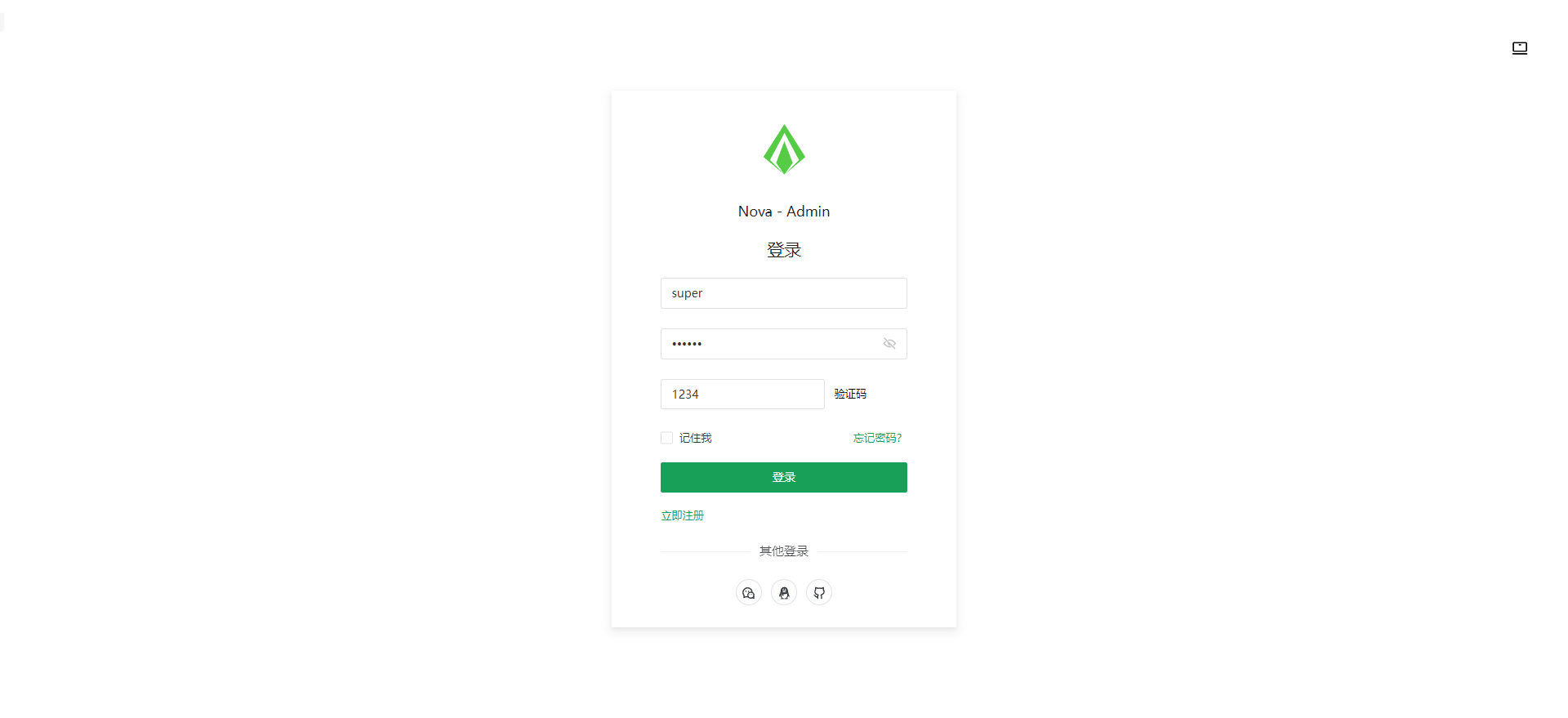
nova-admin
A simple and flexible admin template based on Vue3, Vite, TypeScript, NaiveUI
Vue · 后台