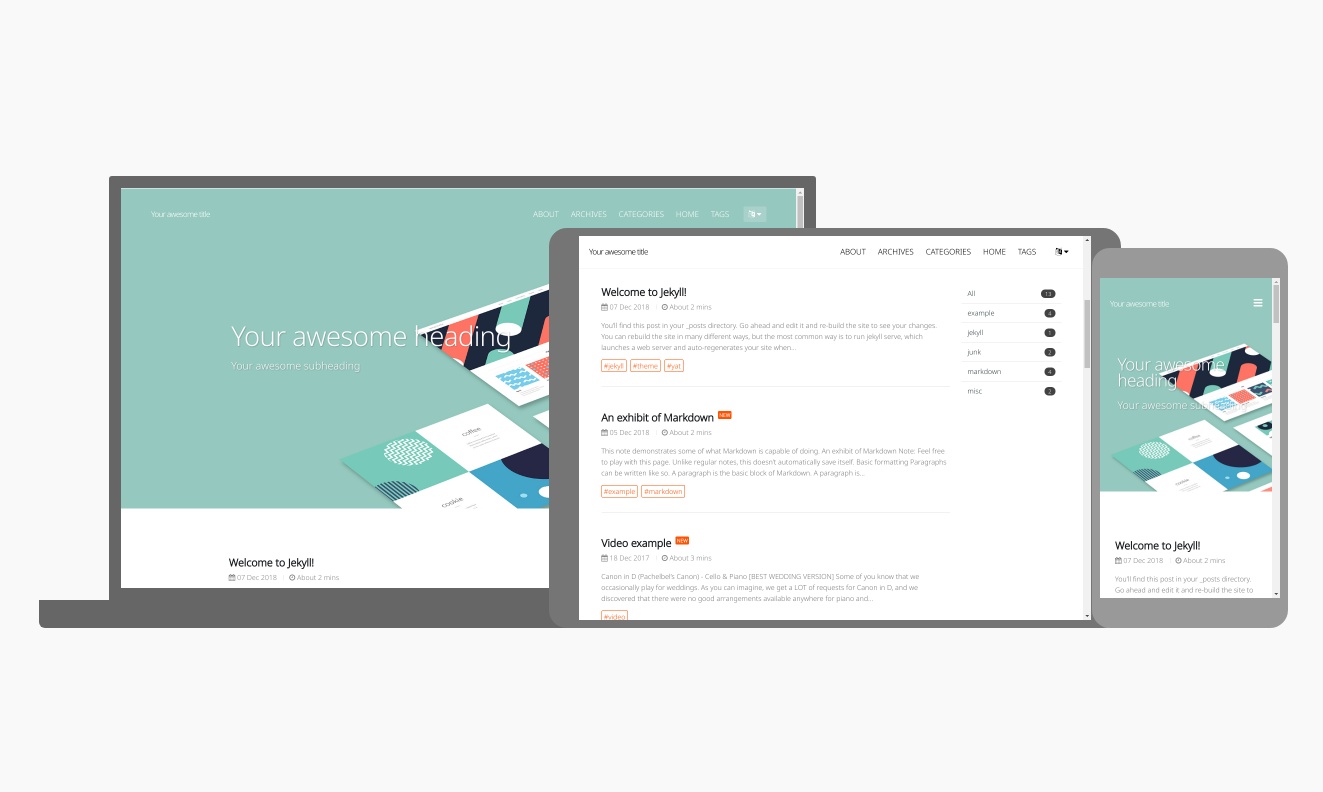
提供 home、post、tags、archive、about 五类完整布局
HTML博客
blog_jekyll-theme-yat-1.8.0 — HTML 博客模板
作者 Terror4Blade
基于 Jekyll 的响应式博客主题 jekyll-theme-yat,提供首页、文章、标签、归档与关于等完整布局,并支持夜间模式与多种内容扩展。
看看你的网站会是什么样
浏览真实页面截图,比较内容排版与手机效果。点击下方缩略图切换,放大查看整页细节。
目前有 1 张原始预览,可打开完整图片查看设计细节。
截图用于了解视觉与布局,交互效果请以实际项目为准。
采集于 2026-10-03查看来源
值得关注的模板亮点
从已有项目资料中,快速了解它的特点。
支持夜间模式与响应式设计
基于 highlight.js 的代码语法高亮
通过 Jekyll Spaceship 支持表格、MathJAX/LaTeX、媒体嵌入与 PlantUML/Mermaid 图表
集成 Jekyll Feed、Jekyll SEO Tag 与 Jekyll Sitemap 插件
支持 gem 主题、远程主题与直接复制文件三种安装方式
模板详细介绍
这是一个面向写作者的 Jekyll 博客主题,仓库名为 blog_jekyll-theme-yat-1.8.0,采用 MIT 许可发布。主题定位为「Yet Another Theme」,强调简洁、干净、现代的响应式设计,适合以文章发布为主的个人博客站点。
在布局方面,主题提供 home、post、tags、archive 和 about 五类完整页面布局,并支持新文章标签。功能上包含夜间模式、Google 翻译、基于 highlight.js 的代码语法高亮,以及通过 Jekyll Spaceship 实现的表格、MathJAX/LaTeX 数学公式、媒体嵌入(如 YouTube、Spotify)和图表(PlantUML、Mermaid)支持。此外还集成了 Jekyll Feed(RSS)、Jekyll SEO Tag(搜索引擎优化)与 Jekyll Sitemap(站点地图)等官方插件。
安装方式有三种:作为 gem 主题、作为远程主题(兼容 GitHub Pages),或直接 fork/复制主题文件到项目中。需要注意的是,GitHub Pages 运行在 safe 模式下,仅允许白名单内的插件与主题,第三方 gem 无法正常生效;若要在 GitHub Pages 上不受此限制地使用第三方 gem,README 建议配合 jekyll-deploy-action 进行部署。
本地开发时执行 bundle install 安装依赖,再运行 bundle exec jekyll serve 启动本地服务并在浏览器中访问预览。主题发布时仅打包 _data、_layouts、_includes、_sass 和 assets 目录中受 Git 跟踪的文件,若需加入自定义目录,需相应修改 jekyll-theme-yat.gemspec 中的正则表达式。
HTML博客
适合你的项目吗?
适用场景
- 搭建以文章发布为主的个人博客
- 需要标签与归档页面组织内容的写作站点
- 希望在 GitHub Pages 上使用远程主题部署的博客
- 需要在文章中插入数学公式、图表或嵌入媒体的技术博客
适合人群
- 使用 Jekyll 构建静态博客的写作者
- 偏好简洁响应式设计与夜间模式的站点
- 需要标签、归档、RSS 与 SEO 基础能力的博客
- 在 GitHub Pages 上托管站点的用户
上手与定制指南
结合仓库当前版本的说明,按下面的资料检查内容、配置与运行要求。
- 1
gem 主题方式:在 Gemfile 添加 gem "jekyll-theme-yat",在 _config.yml 设置 theme: jekyll-theme-yat,然后执行 bundle。
- 2
远程主题方式:在 Gemfile 添加 gem "github-pages"(group: :jekyll_plugins),在 _config.yml 设置 remote_theme: "jeffreytse/jekyll-theme-yat",并注释掉 gem 主题配置。
- 3
GitHub Pages 处于 safe 模式,仅允许白名单插件与主题,第三方 gem 无法正常工作;README 建议使用 jekyll-deploy-action 部署以解除限制。
- 4
本地开发执行 bundle install,再运行 bundle exec jekyll serve,浏览器访问 http://localhost:4000 预览。
- 5
发布时仅打包 _data、_layouts、_includes、_sass 与 assets 中受 Git 跟踪的文件,自定义目录需修改 jekyll-theme-yat.gemspec 中的正则。
授权与来源资料
使用条件与限制
免费使用 · 保留许可声明本次收录的是公开仓库中采用 MIT 许可的免费版本;免费范围为该版本代码,不代表外部服务或第三方素材免费。
使用时需要遵守
- 允许免费使用、修改、商用和分发该版本代码。
- 分发代码副本或实质性部分时,保留原作者版权声明和完整 MIT 许可声明。
- 代码按现状提供;担保与责任限制以原许可证及适用法律为准。
额外费用与待核对事项
- 在 GitHub Pages 的 safe 模式下仅允许白名单内的插件与主题,第三方 gem 无法正常工作;若需使用第三方 gem,需改用 jekyll-deploy-action 等方式部署。
- README 建议配合 jekyll-deploy-action 部署,以在 GitHub Pages 上不受 safe 模式限制地使用第三方 gem。
- 媒体嵌入(YouTube、Spotify 等)依赖 Jekyll Spaceship gem,属于第三方依赖,需自行安装并可能受外部服务条款约束。
- MathJAX/LaTeX 数学公式为可选功能,依赖 Jekyll Spaceship gem,需额外安装配置。
- PlantUML/Mermaid 图表支持依赖 Jekyll Spaceship gem,需额外安装配置。
- Google 翻译功能依赖 Google 提供的外部服务,可能受其服务条款与可用性限制。
- 演示图片、字体、图标及其他第三方素材需按各自许可核对,不能仅凭代码的 MIT 许可判断。
- 域名、托管、数据库、支付或 AI 等外部服务可能另外收费。
查看原文依据
Permission is hereby granted, free of charge
许可证原文
GitHub Pages runs in `safe` mode and only allows [a set of whitelisted plugins/themes](https://pages.github.com/versions/). __In other words, the third-party gems will not work normally__.
README 原文
To use the third-party gem in GitHub Pages without limitation:
README 原文
Media (Youtube, Spotify, etc.) support using [Jekyll Spaceship][jekyll-spaceship] gem.
README 原文
MathJAX and LaTeX optional support using [Jekyll Spaceship][jekyll-spaceship] gem.
README 原文
Diagram (PlantUML, Mermaid) support using [Jekyll Spaceship][jekyll-spaceship] gem.
README 原文
https://github.com/Terror4Blade/blog_jekyll-theme-yat-1.8.0/blob/master/LICENSE.txthttps://github.com/Terror4Blade/blog_jekyll-theme-yat-1.8.0/blob/master/README.mdGoogle Translation support.
README 原文
DeepSeek 根据仓库许可证和 README 整理 ·2026-10-03。结果仅覆盖已读取资料,依赖、图片、字体及后续条款变更以各自原文为准。
项目核对记录与介绍依据
模板资料
- 来源平台
- GitHub
- 资料与维护参考分
- 资料较少 · 53 / 100
- 技术栈
- HTML
- 网站类型
- 博客
这个分数如何计算
本站按许可资料(最高30分)、演示链接(12分)、预览图(10分)、Star数(15分)、记录的维护时间(15分)、描述完整度(8分)、功能记录(5分)和分类资料(5分)计算。它不是代码、安全或性能测试,也不是 Google 评分;有链接不代表已实测可用。
这个项目需要核对什么
- 记录的仓库更新时间
- 2023-03-27
- 截图检查日期
- 2026-10-03
目前没有记录演示链接。请依据仓库说明在本地评估;仅凭截图无法确认交互行为。
目录记录的主要技术栈是 HTML。请通过依赖清单和锁文件核对实际版本与托管要求。这些说明基于收录资料,不代表代码审计或部署实测。
查看具体选型方法 →介绍的制作与核对状态
介绍由 AI 辅助整理目录与仓库资料。仓库作者不等于这篇介绍的审核者。
审核声明: [email protected] · 2026-10-04
查看当时使用的来源资料
SHA-256: 12b68736e931d1f15e7bcad30b553229ec36da6c6acf599032cd684440cb3e54
2026-10-03T18:13:25.639Z
来源文件 / 仓库<div align="center">
<br>
<a href="https://github.com/jeffreytse/jekyll-theme-yat">
<img alt="jekyll-theme-yat →~ jekyll" src="https://user-images.githubusercontent.com/9413601/106478481-346fdf00-64e4-11eb-9385-1ab5329c3234.png" width="600">
</a>
<h1>🎨 JEKYLL YAT THEME 🎨</h1>
</div>
<h4 align="center">
<a href="https://jekyllrb.com/" target="_blank"><code>Jekyll</code></a> theme for elegant writers.
</h4>
<p align="center">
<a href="https://jeffreytse.github.io/jekyll-theme-yat">
<img src="https://github.com/jeffreytse/jekyll-theme-yat/workflows/Github%20Pages/badge.svg"
alt="Github Pages" />
</a>
<a href="http://badge.fury.io/rb/jekyll-theme-yat">
<img src="https://badge.fury.io/rb/jekyll-theme-yat.svg"
alt="Gem Version" />
</a>
<a href="https://opensource.org/licenses/MIT">
<img src="https://img.shields.io/badge/License-MIT-brightgreen.svg"
alt="License: MIT" />
</a>
<a href="https://liberapay.com/jeffreytse">
<img src="http://img.shields.io/liberapay/goal/jeffreytse.svg?logo=liberapay"
alt="Donate (Liberapay)" />
</a>
<a href="https://patreon.com/jeffreytse">
<img src="https://img.shields.io/badge/support-patreon-F96854.svg?style=flat-square"
alt="Donate (Patreon)" />
</a>
<a href="https://ko-fi.com/jeffreytse">
<img height="20" src="https://www.ko-fi.com/img/githubbutton_sm.svg"
alt="Donate (Ko-fi)" />
</a>
</p>
<div align="center">
<sub>Built with ❤︎ by
<a href="https://jeffreytse.net">jeffreytse</a> and
<a href="https://github.com/jeffreytse/jekyll-theme-yat/graphs/contributors">contributors </a>
</div>
<br>
Hey, nice to meet you, you found this [Jekyll][jekyll] theme. Here the
**Yet Another Theme** is a modern responsive theme, and it's quiet clear,
clean and neat for writers and posts. **If you like the theme, give it
a star!**
<p align="center">
<img src="https://user-images.githubusercontent.com/9413601/91842897-6a840b00-ec87-11ea-95ca-52abcc1ac063.png" alt="demo-screenshot" width="780px"/>
</p>
<h3 align="center">🌌 Night Mode</h3>
<p align="center">
<img src="https://user-images.githubusercontent.com/9413601/94983351-760f6e00-0574-11eb-9494-5303ad6228dc.gif" alt="demo-screenshot" width="780px"/>
</p>
## ✨ Features
- Support beautiful __Night Mode__.
- Modern responsive web design.
- Full layouts `home`, `post`, `tags`, `archive` and `about`.
- Uses font awesome 5 for icons.
- Beautiful Syntax Highlight using [highlight.js][highlight-js].
- RSS support using [Jekyll Feed][jekyll-feed] gem.
- Optimized for search engines using [Jekyll Seo Tag][jekyll-seo-tag] gem.
- Sitemap support using [Jekyll Sitemap][jekyll-sitemap] gem.
- Complex and flexible table support using [Jekyll Spaceship][jekyll-spaceship] gem.
- MathJAX and LaTeX optional support using [Jekyll Spaceship][jekyll-spaceship] gem.
- Media (Youtube, Spotify, etc.) support using [Jekyll Spaceship][jekyll-spaceship] gem.
- Diagram (PlantUML, Mermaid) support using [Jekyll Spaceship][jekyll-spaceship] gem.
- Google Translation support.
- New post tag support.
Also, visit the [Live Demo][yat-live-demo] site for the theme.
## 🛠️ Installation
There are three ways to install:
- As a [gem-based theme](https://jekyllrb.com/docs/themes/#understanding-gem-based-themes).
- As a [remote theme](https://blog.github.com/2017-11-29-use-any-theme-with-github-pages/) (GitHub Pages compatible).
- Forking/directly copying all of the theme files into your project.
### Gem-based Theme Method
Add this line to your Jekyll site's `Gemfile`:
```ruby
gem "jekyll-theme-yat"
```
And add this line to your Jekyll site's `_config.yml`:
```yaml
theme: jekyll-theme-yat
```
And then execute:
```bash
$ bundle
```
Or install it yourself as:
```bash
$ gem install jekyll-theme-yat
```
### Remote Theme Method with GitHub Pages
Remote themes are similar to Gem-based themes, but do not require `Gemfile` changes or whitelisting making them ideal for sites hosted with GitHub Pages.
To install:
Add this line to your Jekyll site's `Gemfile`:
```ruby
gem "github-pages", group: :jekyll_plugins
```
And add this line to your Jekyll site's `_config.yml`:
```yaml
# theme: owner/name --> Don't forget to remove/comment the gem-based theme option
remote_theme: "jeffreytse/jekyll-theme-yat"
```
And then execute:
```bash
$ bundle
```
### GitHub Pages without limitation
GitHub Pages runs in `safe` mode and only allows [a set of whitelisted plugins/themes](https://pages.github.com/versions/). __In other words, the third-party gems will not work normally__.
To use the third-party gem in GitHub Pages without limitation:
Here is a GitHub Action named [jekyll-deploy-action](https://github.com/jeffreytse/jekyll-deploy-action) for Jekyll site deployment conveniently. 👍
## 📚 Usage
Add or update your available layouts, includes, sass and/or assets.
## ✏️ Development
To set up your environment to develop this theme, run `bundle install`.
Your theme is setup just like a normal Jekyll site! To test your theme, run `bundle exec jekyll serve` and open your browser at `http://localhost:4000`. This starts a Jekyll server using your theme. Add pages, documents, data, etc. like normal to test your theme's contents. As you make modifications to your theme and to your content, your site will regenerate and you should see the changes in the browser after a refresh, just like normal.
When your theme is released, only the files in `_data`, `_layouts`, `_includes`, `_sass` and `assets` tracked with Git will be bundled.
To add a custom directory to your theme-gem, please edit the regexp in `jekyll-theme-yat.gemspec` accordingly.
## 🔫 Contributing
Issues and Pull Requests are greatly appreciated. If you've never contributed to an open source project before I'm more than happy to walk you through how to create a pull request.
You can start by [opening an issue](https://github.com/jeffreytse/jekyll-theme-yat/issues/new) describing the problem that you're looking to resolve and we'll go from there.
## 🌈 License
This theme is licensed under the [MIT license](https://opensource.org/licenses/mit-license.php) © JeffreyTse.
<!-- External links -->
[jekyll]: https://jekyllrb.com/
[yat-git-repo]: https://github.com/jeffreytse/jekyll-theme-yat/
[yat-live-demo]: https://jeffreytse.github.io/jekyll-theme-yat/
[jekyll-spaceship]: https://github.com/jeffreytse/jekyll-spaceship
[jekyll-seo-tag]: https://github.com/jekyll/jekyll-seo-tag
[jekyll-sitemap]: https://github.com/jekyll/jekyll-sitemap
[jekyll-feed]: https://github.com/jekyll/jekyll-feed
[highlight-js]: https://github.com/highlightjs/highlight.js
看看同类模板
对比同技术栈与用途的模板,找到更适合的视觉与内容结构。

Casper
Casper 是 Ghost 官方出品的经典主题,曾长期作为默认主题,现在仍持续维护。 它的定位很纯粹:一套结构清晰、注释详尽的博客主题,适合直接使用,也适合作为学习 Ghost 主题开发的入门范本。
HTML · 杂志资讯
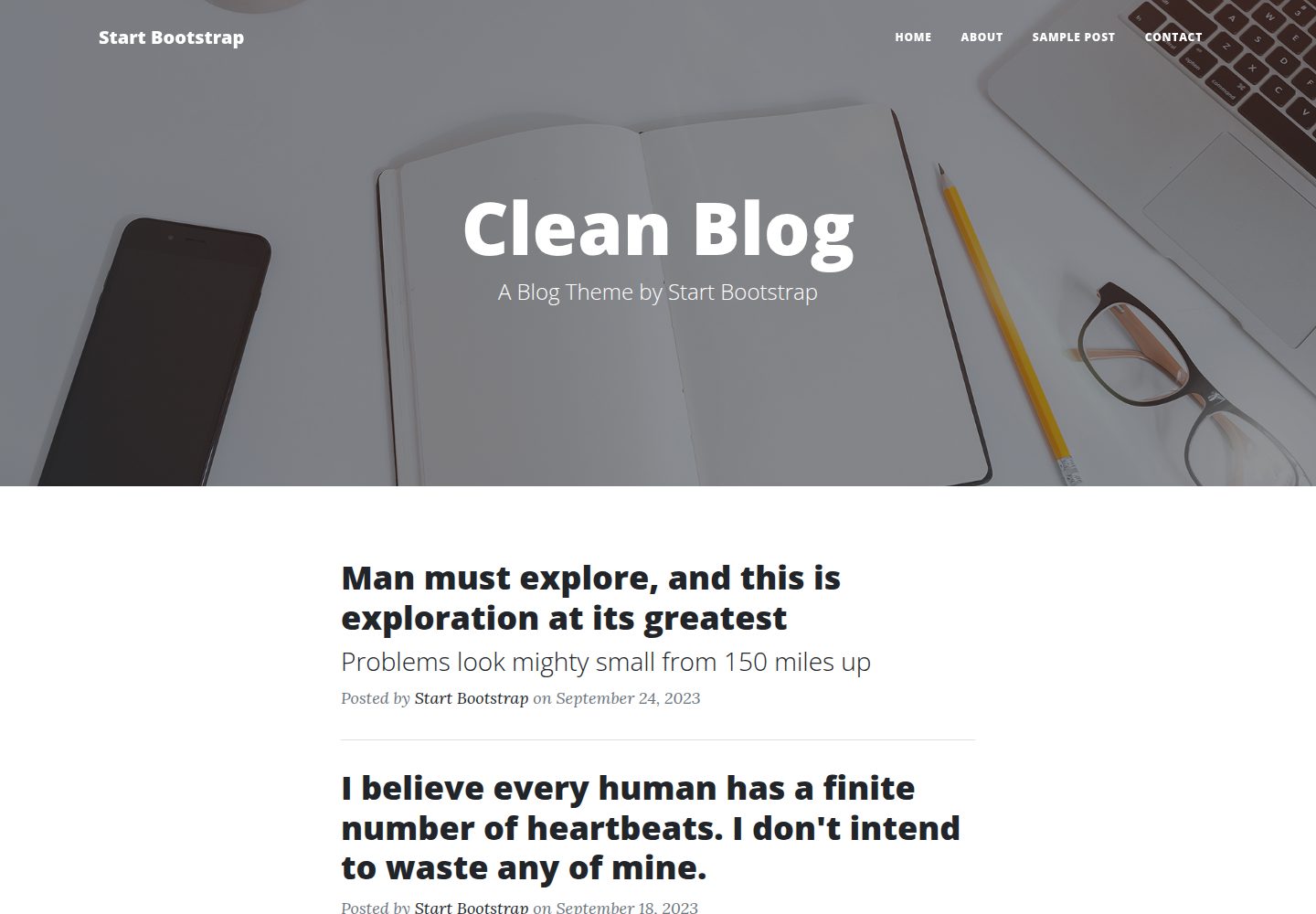
startbootstrap-clean-blog
A clean Bootstrap blog theme created by Start Bootstrap
HTML · 博客
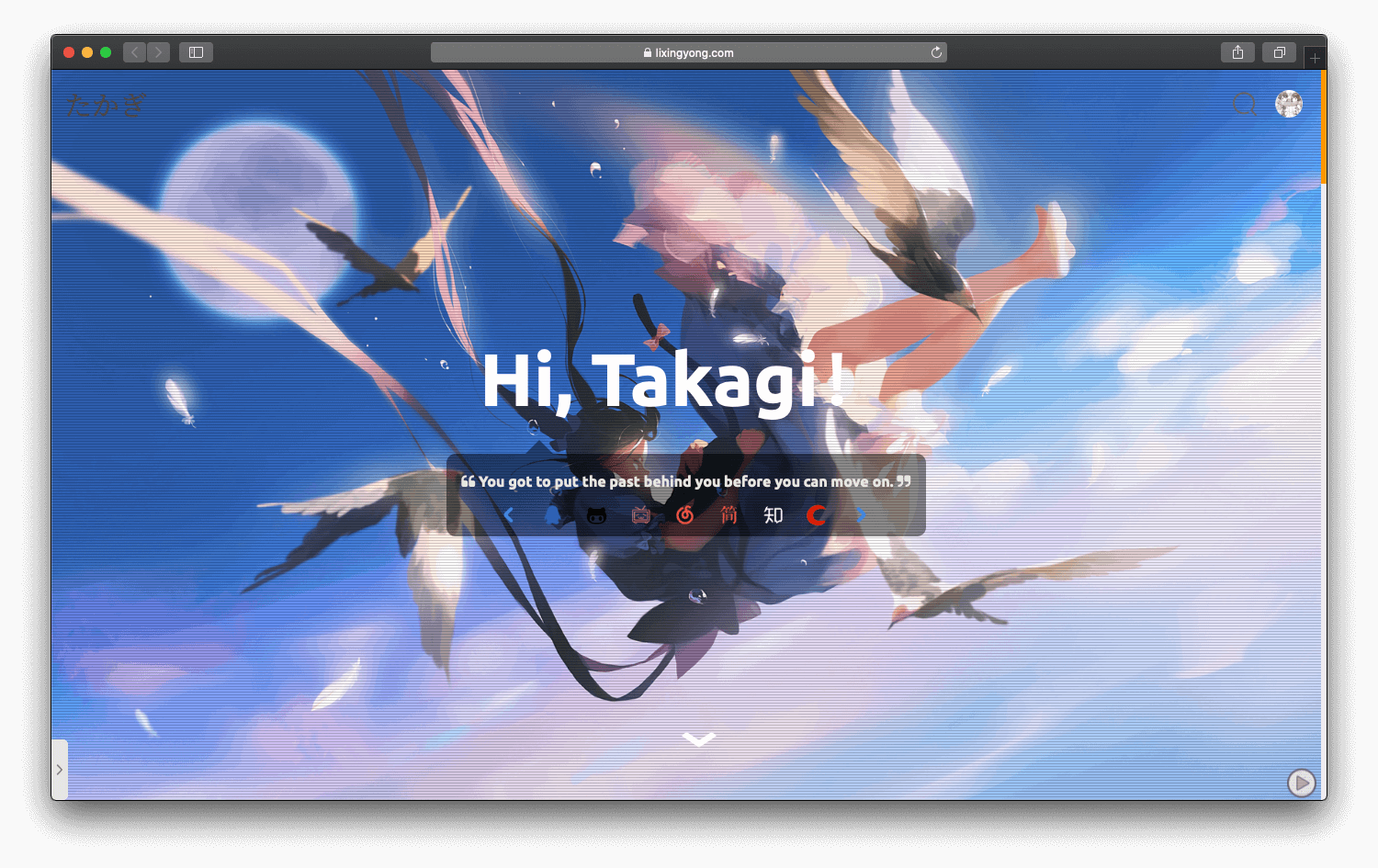
halo-theme-sakura
halo-theme-sakura 是 Halo 2.x 的一款博客主题,参照 WordPress 的 Sakura 主题制作,并在原有 Siren 主题基础上整合了 Sakura 的内容。
HTML · 博客
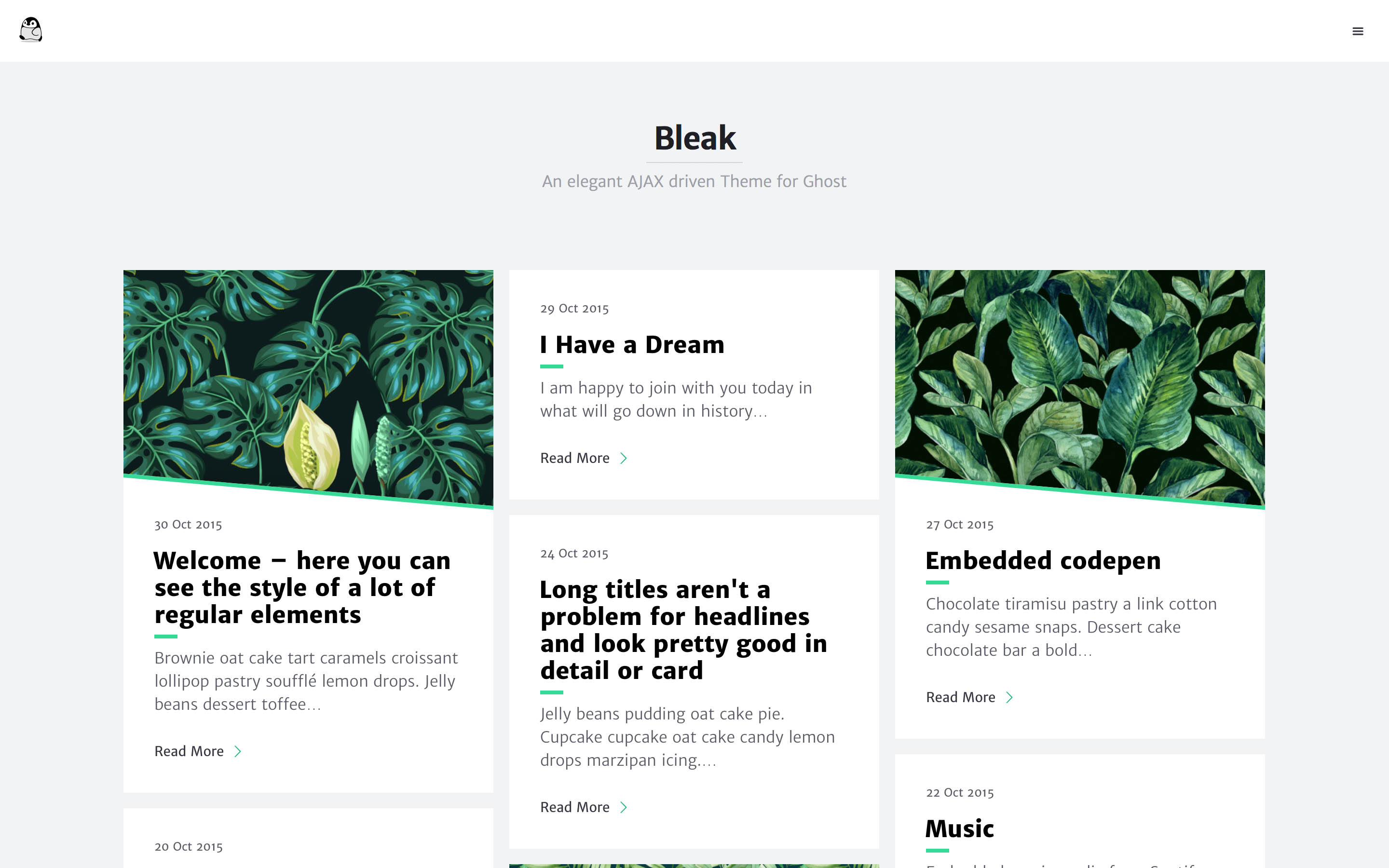
bleak
Bleak 是一款为 Ghost 博客平台设计的主题,核心卖点是 AJAX 驱动的页面加载方式,让浏览体验更接近原生应用。 整体布局简洁,强调内容阅读,适合个人博客或技术写作。
HTML · 博客
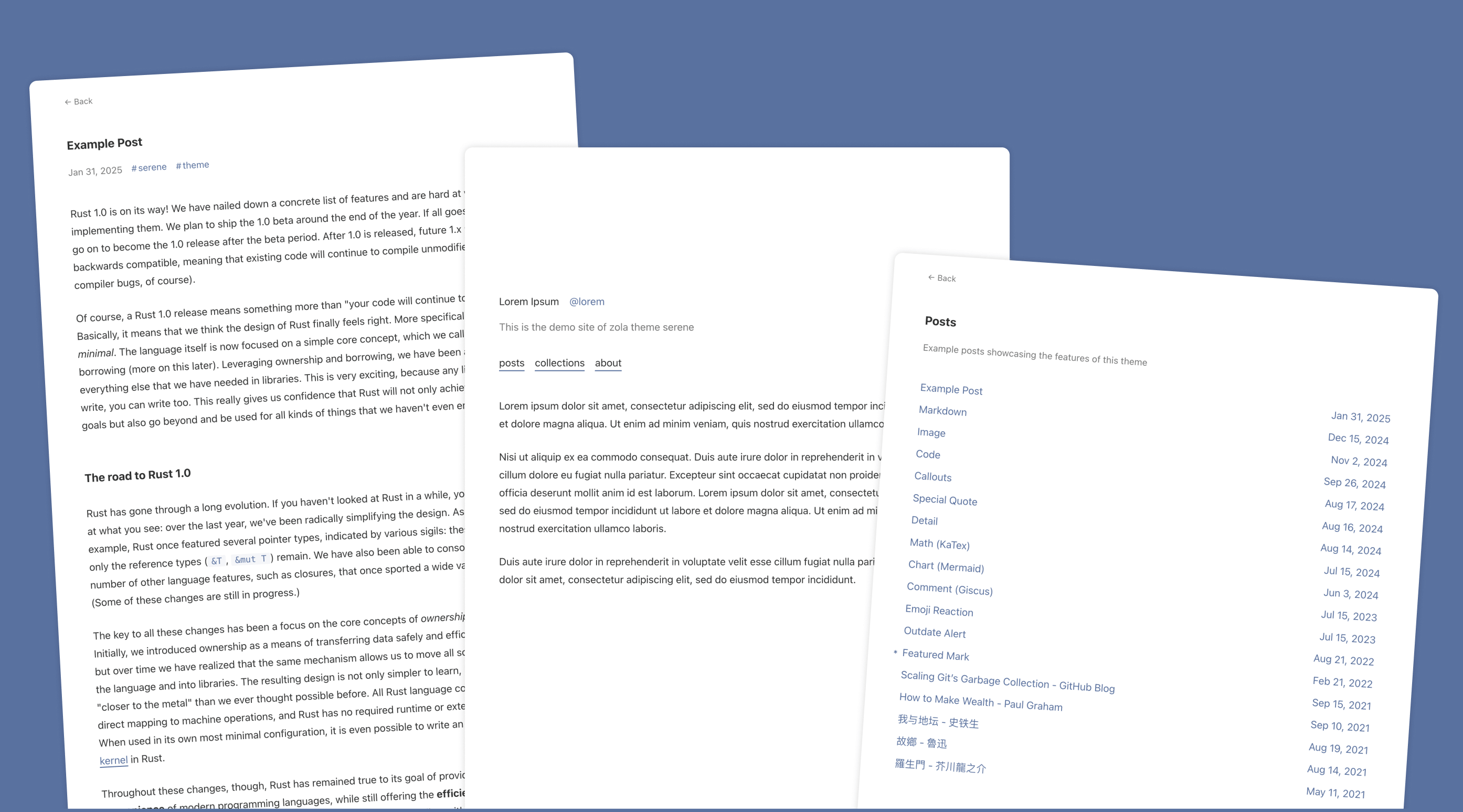
serene
Serene 是一款为静态站点生成器 Zola 设计的极简博客主题,其核心定位是“精心打磨”的阅读体验。
HTML · 博客
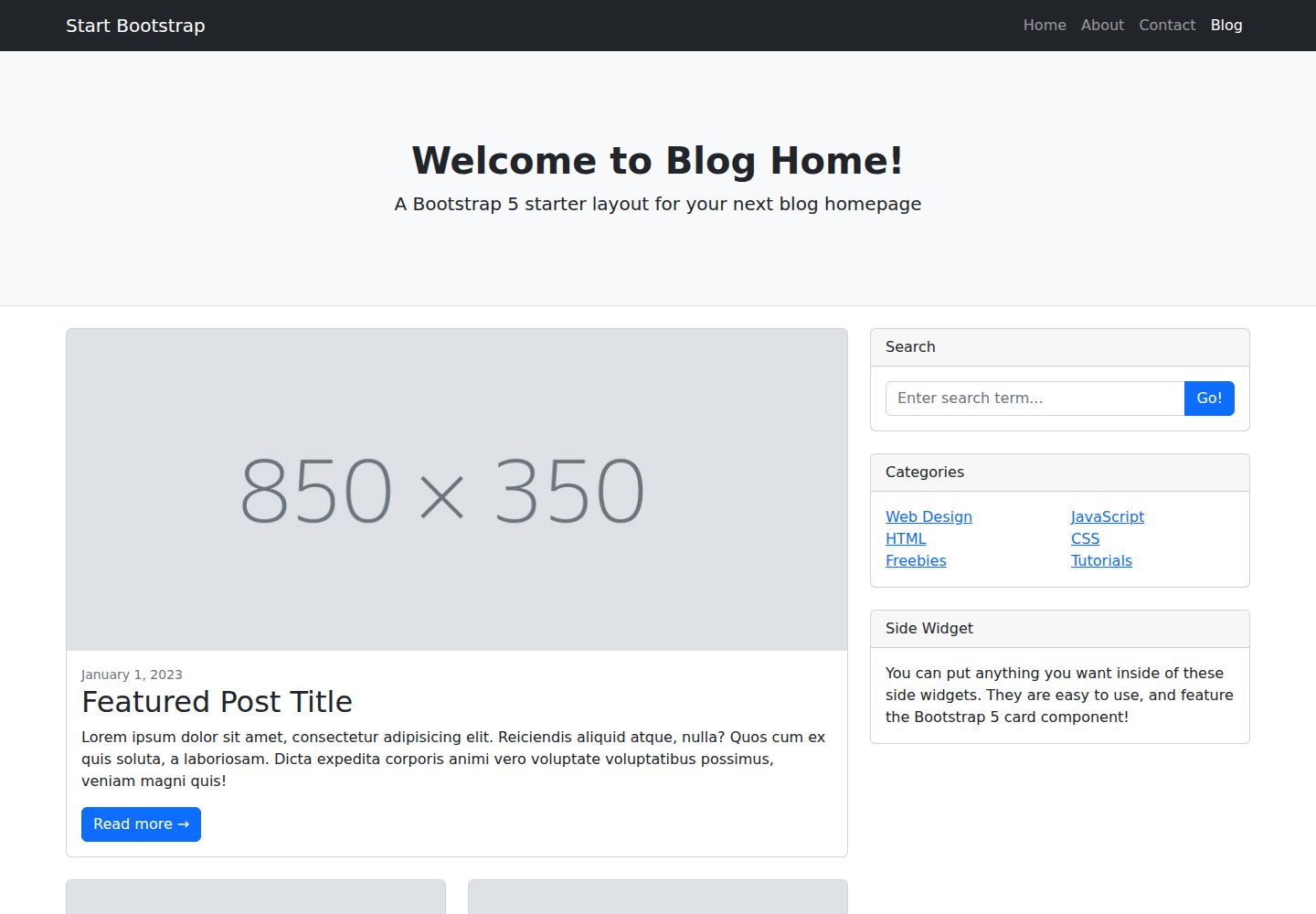
startbootstrap-blog-home
A Bootstrap HTML template for blog homepages - created by Start Bootstrap
HTML · 博客