预配置 Webpack 5 构建流程,区分 development 与 production 两套环境配置
HTML启动器
frontend-webpack-boilerplate — HTML 启动器模板
作者 WeAreAthlon
基于 Webpack 5 的前端项目启动模板,内置 SASS/PostCSS、Babel、浏览器同步、代码检查与多环境构建配置,附带演示用的 HTML、JS、图片、字体与视频资源。
看看你的网站会是什么样
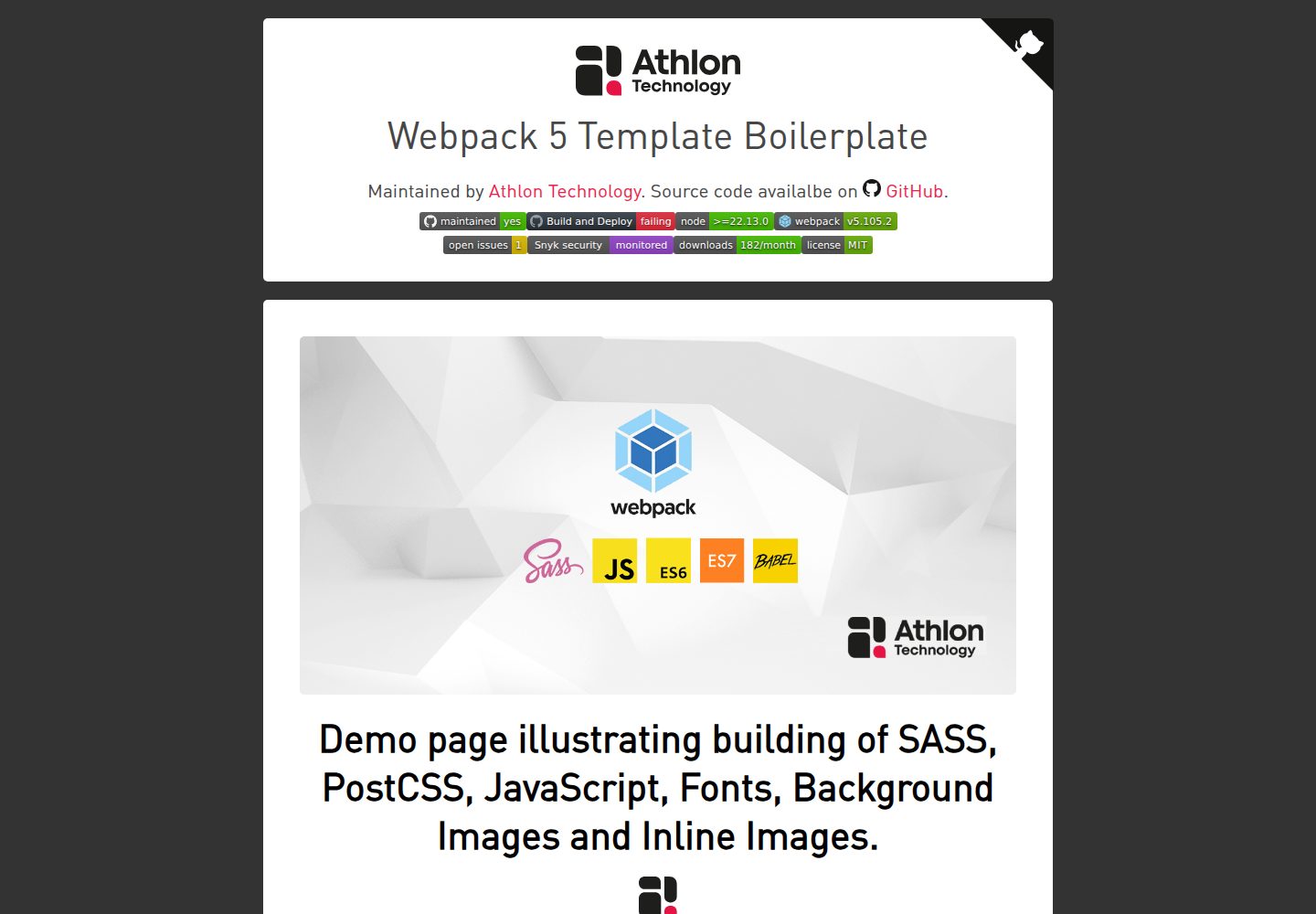
浏览真实页面截图,比较内容排版与手机效果。点击下方缩略图切换,放大查看整页细节。
全部页面与视图 2
截图用于了解视觉与布局,交互效果请以实际项目为准。
采集于 2026-10-02查看来源
值得关注的模板亮点
从已有项目资料中,快速了解它的特点。
支持 SASS/PostCSS 编译,并通过 autoprefixer 按 browserslist 自动添加浏览器前缀
集成 Babel 转译,可使用较新的 JavaScript 语法并按目标环境处理转换
内置 webpack-dev-server,文件变更后自动刷新页面
提供 stylelint 与 ESLint(airbnb 风格)代码检查脚本
生产构建支持代码压缩、图片与字体按阈值内联、imagemin 图片优化
模板详细介绍
该模板面向以 HTML 为入口的静态前端项目,把 Webpack 5、SASS/PostCSS 编译、Babel 转译、浏览器同步开发服务器和代码检查工具预先配置好,安装依赖后即可在 src/ 目录下编写页面与资源。
开发阶段提供三种构建方式:一次性构建、监听源文件变化构建,以及启动自动刷新的开发服务器。生产构建会压缩 JavaScript 与 CSS、按配置阈值内联小体积图片和字体,并通过 imagemin 优化 jpeg、jpg、png、gif、svg 文件。
模板通过 browserslist 控制目标浏览器范围,autoprefixer 与 babel-preset-env 据此处理 CSS 前缀和 JavaScript 语法转换。SASS 使用 stylelint 检查,JavaScript 使用遵循 airbnb 风格的 ESLint 配置,规则文件均可自行修改。
仓库附带演示项目文件,覆盖 JavaScript、SASS/PostCSS、HTML 模板、图片、视频和字体的构建示例,并集成 GitHub Actions,在推送到 master 分支时执行检查并将生产构建部署到 GitHub Pages。
使用前需注意:模板要求 Node 版本不低于 22.15.0;文件监听在 NFS(Windows)和 VirtualBox 虚拟机下不生效,需要改用轮询配置;README 提到可部署到 Firebase 等云服务,但相关配置与费用需自行处理。
HTML启动器
适合你的项目吗?
适用场景
- 需要从零搭建一个以 HTML 为入口、使用 SASS 与 JavaScript 的静态站点
- 希望用 Webpack 统一处理 CSS、JavaScript、图片、字体等静态资源
- 需要开发服务器自动刷新与源文件监听来提升本地开发效率
- 需要按浏览器兼容范围自动生成 CSS 前缀和 JavaScript 转译结果
- 希望通过 GitHub Actions 在推送后自动检查并部署到 GitHub Pages
适合人群
- 熟悉 npm 与命令行、需要现成 Webpack 配置的前端开发者
- 以静态 HTML 页面为主、不依赖特定前端框架的项目
- 需要代码检查与多环境构建流程的小型站点或演示项目
- 希望参考资源构建示例来组织 src 目录结构的团队
上手与定制指南
结合仓库当前版本的说明,按下面的资料检查内容、配置与运行要求。
- 1
环境要求 Node 版本 >= 22.15.0,并安装 npm
- 2
从 Releases 下载模板解压后,在项目目录执行 npm ci 安装依赖
- 3
按需修改 package.json 中的 name、version、author、license、browserslist 等元数据
- 4
开发服务器、资源内联阈值和 src/dist 路径可在 configuration/environment.js 中调整
- 5
文件监听在 NFS(Windows)与 VirtualBox 虚拟机下需配置 watchOptions.poll 轮询
授权与来源资料
使用条件与限制
免费使用 · 保留许可声明本次收录的是公开仓库中采用 MIT 许可的免费版本;免费范围为该版本代码,不代表外部服务或第三方素材免费。
使用时需要遵守
- 允许免费使用、修改、商用和分发该版本代码。
- 分发代码副本或实质性部分时,保留原作者版权声明和完整 MIT 许可声明。
- 代码按现状提供;担保与责任限制以原许可证及适用法律为准。
额外费用与待核对事项
- 在 NFS(Windows)和 VirtualBox 虚拟机环境下,源文件监听功能不生效,需在配置中增加 watchOptions.poll 轮询选项才能正常监听文件变化。
- 若在生产环境构建并部署 sourcemap 文件,必须自行配置服务器禁止普通用户访问这些 Source Map 文件,否则会暴露源码。
- README 中的 GitHub Actions 自动部署流程仅适用于 Project Pages;User 与 Organization Pages 只支持 master 分支流程,需改用其他部署方式。
- 部署到 Heroku、AWS、Firebase 等云服务属于外部服务,相关账号、配置与费用需使用者自行处理,模板本身不提供这些服务。
- README 提及 Firebase 集成;启用相关动态功能前需自行配置,并核对 Firebase 的额度与收费。
- 演示图片、字体、图标及其他第三方素材需按各自许可核对,不能仅凭代码的 MIT 许可判断。
- 域名、托管、数据库、支付或 AI 等外部服务可能另外收费。
查看原文依据
Permission is hereby granted, free of charge
许可证原文
File watching does not work with _NFS_ (_Windows_) and virtual machines under _VirtualBox_.
README 原文
You should configure your server to disallow access to the _Source Map_ files for normal users!
README 原文
this deployment flow only works for _Project Pages_, as User and Organization pages [only support the master branch flow]
README 原文
https://github.com/WeAreAthlon/frontend-webpack-boilerplate/blob/master/LICENSEhttps://github.com/WeAreAthlon/frontend-webpack-boilerplate/blob/master/README.mdThe service can deploy to dozens of cloud providers, including Heroku, AWS, and Firebase.
README 原文
DeepSeek 根据仓库许可证和 README 整理 ·2026-10-02。结果仅覆盖已读取资料,依赖、图片、字体及后续条款变更以各自原文为准。
项目核对记录与介绍依据
模板资料
- 来源平台
- GitHub
- 资料与维护参考分
- 资料较完整 · 91 / 100
- 技术栈
- HTML
- 网站类型
- 启动器
这个分数如何计算
本站按许可资料(最高30分)、演示链接(12分)、预览图(10分)、Star数(15分)、记录的维护时间(15分)、描述完整度(8分)、功能记录(5分)和分类资料(5分)计算。它不是代码、安全或性能测试,也不是 Google 评分;有链接不代表已实测可用。
这个项目需要核对什么
- 记录的仓库更新时间
- 2026-09-29
- 截图检查日期
- 2026-10-02
已收录演示链接。请用你的内容与屏幕尺寸检查;有演示不代表表单、认证或支付已经可用。
目录记录的主要技术栈是 HTML。请通过依赖清单和锁文件核对实际版本与托管要求。这些说明基于收录资料,不代表代码审计或部署实测。
查看具体选型方法 →介绍的制作与核对状态
介绍由 AI 辅助整理目录与仓库资料。仓库作者不等于这篇介绍的审核者。
已完成服务器许可规则与 AI 来源核对;未经过人工编辑审核。
查看当时使用的来源资料
SHA-256: a9146d9a6ee332173e6fd219cffbcd38661b1310fe9e695eb1a0b165787e4f28
2026-10-02T07:16:01.970Z
来源文件 / 仓库# Webpack 5 Boilerplate Template




[](https://github.com/WeAreAthlon/frontend-webpack-boilerplate/issues)
[](https://www.npmjs.com/package/@weareathlon/frontend-webpack-boilerplate)
[](https://github.com/WeAreAthlon/frontend-webpack-boilerplate/blob/master/LICENSE)
## Demo
- [Demo page demonstrating building - SASS, JavaScript, Images, Fonts, HTML](https://weareathlon.github.io/frontend-webpack-boilerplate/)
# Table of Contents
- [Webpack 5 Boilerplate Template](#webpack-5-boilerplate-template)
- [Demo](#demo)
- [Features](#features)
- [Requirements](#requirements)
- [Setup](#setup)
- [Installation](#installation)
- [Define Package Metadata](#define-package-metadata)
- [Configuration](#configuration)
- [Environment Configuration](#environment-configuration)
- [Additional webpack configuration](#additional-webpack-configuration)
- [Development](#development)
- [Assets Source](#assets-source)
- [Build Assets](#build-assets)
- [One time build assets for development](#one-time-build-assets-for-development)
- [Build assets and enable source files watcher](#build-assets-and-enable-source-files-watcher)
- [Start a development server - reloading automatically after each file change.](#start-a-development-server---reloading-automatically-after-each-file-change)
- [Production](#production)
- [Build Assets](#build-assets-1)
- [Get Built Assets](#get-built-assets)
- [Run Code Style Linters](#run-code-style-linters)
- [SASS](#sass)
- [JavaScript](#javascript)
- [Additional Tools](#additional-tools)
- [Run Assets Bundle Analyzer](#run-assets-bundle-analyzer)
- [Continuous Integration](#continuous-integration)
## Features
- **0** dependencies
- **Simple setup** instructions
- Start development of a project right away with **simple**, **configured**, **linter enabled**, **browser synced** asset files.
- Configuration per **environment**
- `development` - [`sourcemaps`](https://webpack.js.org/configuration/devtool/), [`browser synced developmentment server`](https://webpack.js.org/configuration/dev-server/)
- `production` - [`minification`](https://webpack.js.org/plugins/terser-webpack-plugin/), [`sourcemaps`](https://webpack.js.org/configuration/devtool/)
- Configurable **browsers versions support**. It uses [`browserslist`](https://github.com/browserslist/browserslist#full-list) - just specify the browsers you want to support in the `package.json` file for `browserslist`:
```js
"browserslist": [
"last 2 versions",
"> 5%"
]
```
- The built CSS / JavaScript files will respect the **configured supported browser versions** using the following tools:
- [`autoprefixer`](https://github.com/postcss/autoprefixer) - automatically adds vendor prefixes to CSS rules
- [`babel-preset-env`](https://babeljs.io/docs/en/babel-preset-env) - smart preset that allows you to use the latest JavaScript without needing to micromanage which syntax transforms (_and optionally, browser polyfills_) are needed by your target environment(s).
- Demo project files to be used as a reference and **example demo** building of:
- _JavaScript_
- _SASS / PostCSS_
- _HTML_ templates
- _Images_ (_CSS backgrounds and image tags_)
- _Videos_
- _Fonts_
- Support for **assets optimization** for production environment with ability to configure:
- **Code Minification** of _JavaScript_ and _CSS_ processed files.
- **Optimize Assets Loading** - inline and embed **images** / **fonts** files having file size below a _configurable_ threshold value.
- **Images Optimisation** - optimize `jpeg`, `jpg`, `png`, `gif`, `svg` filesize and loading type via [`imagemin`](https://github.com/imagemin/imagemin). Plugin and Loader for webpack to optimize (_compress_) all images using `imagemin`. Do not worry about size of images, now they are always optimized/compressed.
- Support for **source code syntax style and formatting linters** that analyze source code to flag any programming errors, bugs, stylistic errors or suspicious constructs:
- **SASS/PostCSS syntax cheker** - you can change or add additional rules in `.sasslintrc` file. Configuration options can be found on [`stylelint`](https://stylelint.io) documentation.
- **JavaScript syntax checker** - following the `airbnb` style, you can review and configure the rules in `.eslint.config.mjs` file. Configuration options can be found on [`eslint`](https://eslint.org/docs/user-guide/configuring) documentation.
- Latest [Webpack 5](https://github.com/webpack/webpack) - _JavaScript_ module bundler.
- Latest [SASS/PostCSS](https://github.com/sass/sass) compiler based on Dart `sass`.
- Latest [Babel 7](https://github.com/babel/babel) (`@babel/core`) - JavaScript compiler - _Use next generation JavaScript, today._
- Integration with [Github Actions](https://github.com/features/actions)
- [Demo deployment available to GitHub pages](https://weareathlon.github.io/frontend-webpack-boilerplate/)
- Configured and ready to use **Webpack Dev Server** plugin for faster local development - [`webpack-dev-server`](https://webpack.js.org/configuration/dev-server/)
- Integration with [Webpack Bundle Analyzer](https://www.npmjs.com/package/webpack-bundle-analyzer) - _Visualize size of webpack output files with an interactive zoomable treemap._
## Requirements
- `node` : `>=22.15.0`
- `npm`
# Setup
## Installation
1. Choose and download the latest template release from [List of Releases](https://github.com/WeAreAthlon/frontend-webpack-boilerplate/releases).
2. Extract the release archive to a new directory, rename it to your project name and browse the directory.
3. Install all dependencies using `npm` _clean install_ command.
```sh
$ npm ci
```
> More on the clean install npm command can be read here [`npm ci`](https://docs.npmjs.com/cli/ci.html)
> You can still use `npm install` in cases the `npm ci` raises system error due to specific platform incompatibilities.
## Define Package Metadata
- Amend `package.json` file and optionally specify:
- `name` - Name of your project. A name can be optionally prefixed by a scope, e.g. `@myorg/mypackage`.
- `version` - Specify and maintain a version number indicator for your project code.
- `author` - Your organisation or just yourself. You can also specify [`contributors`](https://docs.npmjs.com/files/package.json#people-fields-author-contributors).
- `description` - Short description of your project.
- `keywords` - Put keywords in it. It’s an array of strings.
- `repository` - Specify the place where your code lives.
- `license` - Announce your code license, figure out the license from [Choose an Open Source License](https://choosealicense.com) .
- `browserslist` - Specify the supported browsers versions - you can refer to [full list](https://github.com/browserslist/browserslist#full-list) of availalbe options.
# Configuration
## Environment Configuration
- Edit the [`configuration/environment.js`](configuration/environment.js) if you want to specify:
- **`server`**: configure development server, specify `host`, `port`. Refer to the full development server configuration options for [`webpack-dev-server`](https://webpack.js.org/configuration/dev-server/).
- **`limits`**: configure file size thresholds for assets optimizations.
- Image/Font files size in bytes. Below this value the image file will be served as Data URL (_inline base64_).
- **`paths`**: `src` or `dist` directories names and file system location.
## Additional `webpack` configuration
You can additionally configure `webpack` for specific environment:
- `development` - [`configuration/webpack.dev.config.js`](configuration/webpack.dev.config.js)
- `production` - [`configuration/webpack.prod.config.js`](configuration/webpack.prod.config.js)
- Note that if you prefer to build and deploy [`sourcemap`](https://webpack.js.org/configuration/devtool/#production) files:
> You should configure your server to disallow access to the _Source Map_ files for normal users!
# Development
## Assets Source
- **SASS/PostCSS** files are located under `src/scss/`
- **JavaScript** files with support of latest ECMAScript _ES6 / ECMAScript 2016(ES7)/ etc_ files are located under `src/js/`
- **Image** files are located under `src/images/`
- **Font** files are located under `src/fonts/`
- **HTML** files are located under `src/`
- It will **automatically** build **all HTML files** placed under `src/` directory, no need to manually configure each template anymore!
## Build Assets
### One time build assets for development
```sh
$ npm run build
```
### Build assets and enable source files watcher
```sh
$ npm run watch
```
This command is suitable if you develop with external web server.
> **Note:** File watching does not work with _NFS_ (_Windows_) and virtual machines under _VirtualBox_. Extend the configuration in such cases by:
```js
module.exports = {
//...
watchOptions: {
poll: 1000, // Check for changes every second
},
};
```
### Start a development server - reloading automatically after each file change.
```sh
$ npm run dev
```
# Production
## Build Assets
Optimize assets for production by:
```sh
$ npm run production
```
## Get Built Assets
- _CSS_ files are located under `/dist/css/`
- _JavaScript_ files with support of _ES6 / ECMAScript 2016(ES7)_ files are located under `/dist/js/`
- _Images_ are located under `/dist/images/`
- Images part of the _design_ (_usually referenced in the CSS_) are located under `/dist/images/design/`
- Images part of the _content_ (_usually referenced via `<img>` tags_) are located under `/dist/images/content/`
- _Fonts_ are located under `/dist/fonts/`
- _HTML_ files are located under `/dist/`
# Run Code Style Linters
## SASS
```sh
$ npm run lint:sass
```
## JavaScript
```sh
$ npm run lint:js
```
# Additional Tools
## Run Assets Bundle Analyzer
```sh
$ npm run stats
```
> This will open the visualisaion on the default configuraiton URL `localhost:8888`, you can change this URL or port following the [webpack-bundle-analyzer](https://github.com/webpack-contrib/webpack-bundle-analyzer#options-for-cli) documentation.
## Continuous Integration
This boilerplate template contains integration with [Github Actions](https://github.com/features/actions/). The build system runs all linting scripts and deploys production optimized pages to _GitHub_ pages upon push to the `master` branch. However, note that this deployment flow only works for _Project Pages_, as User and Organization pages [only support the master branch flow](https://help.github.com/articles/user-organization-and-project-pages/).
For more information on how to set up alternative deployment processes, check out the [Github Actions documentation on deployment](https://docs.github.com/en/actions/deployment/about-deployments/deploying-with-github-actions). The service can deploy to dozens of cloud providers, including Heroku, AWS, and Firebase.
看看同类模板
对比同技术栈与用途的模板,找到更适合的视觉与内容结构。

startbootstrap-simple-sidebar
An off canvas sidebar navigation Bootstrap HTML template created by Start Bootstrap
HTML · 启动器

adminkit
AdminKit is a free & open-source HTML dashboard & admin template based on Bootstrap 5
HTML · 后台

Landing-Page
Tailwind CSS Starter Template - Landing Page
HTML · 企业官网

light-bootstrap-dashboard
Light Bootstrap Dashboard is an admin dashboard template designed to be beautiful and simple.
HTML · 后台

sing-app
💥Free and open-source admin dashboard template built with Bootstrap 4.5 💥
HTML · 后台

startbootstrap-modern-business
A multipurpose Bootstrap full website template created by Start Bootstrap
HTML · 启动器