
Hugo 静态站点生成,输出 public/ 静态文件,可部署到任意静态托管
Hugo企业官网
hugo-up-business — Hugo 企业官网模板
作者 writeonlycode
基于 Hugo 的现代企业落地页模板,用浅色插画风格展示公司、产品或服务,内容由 content/ 与 data/ 目录驱动。
看看你的网站会是什么样
浏览真实页面截图,比较内容排版与手机效果。点击下方缩略图切换,放大查看整页细节。
全部页面与视图 2
截图用于了解视觉与布局,交互效果请以实际项目为准。
采集于 2026-10-03查看来源
值得关注的模板亮点
从已有项目资料中,快速了解它的特点。
Tailwind CSS 编写样式,配合 npm 管理前端依赖
hero、features、pricing 等区块由 data/ 目录下的 YAML 文件驱动
内容与配置分离:文案在 content/,站点设置集中在 config/ 目录
设计采用浅色插画风格,面向企业官网与产品展示场景
仓库以 MIT 许可发布,附带在线演示站点
模板详细介绍
Hugo Up Business 是一个用 Hugo 构建的落地页模板,定位为企业官网或产品展示页。整体视觉走简洁现代路线,设计灵感来自浅色插画,适合以清晰、专业的方式呈现公司、产品或服务信息。
内容组织上,页面文案与结构化数据分别放在 content/ 和 data/ 目录,hero、features、pricing 等区块由 data/ 下的 YAML 文件提供;站点配置集中在 config/ 目录,采用 Hugo 的配置目录结构。样式基于 Tailwind CSS,构建流程通过 npm 管理依赖。
使用前需要本地具备 Hugo、Go、Node.js 与 npm,克隆时需指定 demo 分支;运行 hugo server 可在本地预览并热重载,执行 hugo 生成 public/ 静态目录后即可上传到托管平台。模板以 MIT 许可发布,但演示图片、字体、图标等第三方素材需单独核对其许可。
Hugo企业官网
适合你的项目吗?
适用场景
- 为公司搭建单页式品牌与业务介绍官网
- 为某个产品制作包含功能与定价区块的推广落地页
- 作为 Hugo + Tailwind CSS 的起步项目,替换文案与数据后二次开发
- 部署到 Netlify、Vercel 等静态托管平台对外发布
适合人群
- 熟悉或愿意使用 Hugo 的开发者与建站者
- 需要简洁现代风格落地页的中小企业或产品团队
- 希望用 data/ 下的 YAML 维护页面区块内容的项目
- 接受自行核对第三方素材许可的使用者
上手与定制指南
结合仓库当前版本的说明,按下面的资料检查内容、配置与运行要求。
- 1
需预先安装 Hugo、Go、Node.js 与 npm
- 2
克隆仓库时使用 demo 分支:git clone --branch demo https://github.com/writeonlycode/hugo-up-business.git
- 3
进入目录后执行 npm install 安装依赖,再运行 hugo server 在 http://localhost:1313 预览
- 4
修改配置只改 config/ 目录内的文件,页面区块数据在 data/ 下的 YAML 中维护
- 5
执行 hugo 生成 public/ 目录,将其内容上传到托管平台完成部署
授权与来源资料
使用条件与限制
免费使用 · 保留许可声明本次收录的是公开仓库中采用 MIT 许可的免费版本;免费范围为该版本代码,不代表外部服务或第三方素材免费。
使用时需要遵守
- 允许免费使用、修改、商用和分发该版本代码。
- 分发代码副本或实质性部分时,保留原作者版权声明和完整 MIT 许可声明。
- 代码按现状提供;担保与责任限制以原许可证及适用法律为准。
额外费用与待核对事项
- 必须使用 demo 分支克隆仓库(git clone --branch demo),main 分支不包含完整可用的站点内容。
- 本地使用需预先安装 Hugo、Go、Node.js 与 npm 等外部工具链,否则无法构建或预览。
- 设计灵感来自 Abell Vo 的浅色插画(Figma 社区文件),该第三方素材不在 MIT 许可范围内,商用前需自行核对其许可。
- 演示图片、字体、图标及其他第三方素材需按各自许可核对,不能仅凭代码的 MIT 许可判断。
- 域名、托管、数据库、支付或 AI 等外部服务可能另外收费。
查看原文依据
Permission is hereby granted, free of charge
许可证原文
Clone the repository using the `demo` branch:
README 原文
Before you begin, make sure you have the following installed:
README 原文
https://github.com/writeonlycode/hugo-up-business/blob/main/LICENSEhttps://github.com/writeonlycode/hugo-up-business/blob/main/README.md[Light illustrations by Abell Vo](https://www.figma.com/community/file/1022163547182520272)
README 原文
DeepSeek 根据仓库许可证和 README 整理 ·2026-10-03。结果仅覆盖已读取资料,依赖、图片、字体及后续条款变更以各自原文为准。
项目核对记录与介绍依据
模板资料
- 来源平台
- Hugo Themes
- 资料与维护参考分
- 资料较完整 · 81 / 100
- 技术栈
- Hugo
- 网站类型
- 企业官网
这个分数如何计算
本站按许可资料(最高30分)、演示链接(12分)、预览图(10分)、Star数(15分)、记录的维护时间(15分)、描述完整度(8分)、功能记录(5分)和分类资料(5分)计算。它不是代码、安全或性能测试,也不是 Google 评分;有链接不代表已实测可用。
这个项目需要核对什么
- 记录的仓库更新时间
- 2025-07-09
- 截图检查日期
- 2026-10-03
已收录演示链接。请用你的内容与屏幕尺寸检查;有演示不代表表单、认证或支付已经可用。
目录记录的主要技术栈是 Hugo。请通过依赖清单和锁文件核对实际版本与托管要求。这些说明基于收录资料,不代表代码审计或部署实测。
查看具体选型方法 →介绍的制作与核对状态
介绍由 AI 辅助整理目录与仓库资料。仓库作者不等于这篇介绍的审核者。
审核声明: [email protected] · 2026-10-04
查看当时使用的来源资料
SHA-256: 16676f3cfc3181807956bdad3578827a18ac55d3110c5aaf0bb422e36bea220c
2026-10-03T18:49:42.807Z
来源文件 / 仓库# Hugo Up Business  **Hugo Up Business** is a clean and modern landing page built with [Hugo](https://gohugo.io/), designed to highlight businesses, products, or services with clarity and style. Inspired by light illustrations and a modern aesthetic, it offers a minimal yet professional interface for company websites or promotional pages. ## Live Demo 👉 [Visit the Live Demo](https://writeonlycode.github.io/hugo-up-business/) ## Getting Started ### Prerequisites Before you begin, make sure you have the following installed: * [Hugo](https://gohugo.io/getting-started/installing/) * [Go](https://go.dev/doc/install) * [Node.js](https://nodejs.org/) * npm (comes with Node.js) ### Installation 1. Clone the repository using the `demo` branch: ```bash git clone --branch demo https://github.com/writeonlycode/hugo-up-business.git my-new-site cd my-new-site ``` 2. Install the dependencies: ```bash npm install ``` 3. Start the local development server: ```bash hugo server ``` Your site will be running at `http://localhost:1313`. Any changes you make will be hot-reloaded in the browser. ### Editing Content * All content is stored in the `content/` and `data/` directories. * To update configuration settings, **modify only the files inside the `config/` folder**, which uses Hugo’s [configuration directory](https://gohugo.io/getting-started/configuration/#configuration-directory) structure. * YAML files inside `data/` are used for structured sections like the hero, features, and pricing. ### Deployment To deploy your site, build the static files: ```bash hugo ``` This will generate the `public/` directory, which contains the complete static site. Upload its contents to your hosting provider or connect with a platform like [Netlify](https://www.netlify.com/) or [Vercel](https://vercel.com/). ## Built With * [Hugo](https://gohugo.io/) – A fast and flexible static site generator. * [Tailwind CSS](https://tailwindcss.com/) – A utility-first CSS framework for rapid UI development. * [Light illustrations by Abell Vo](https://www.figma.com/community/file/1022163547182520272) – The design inspiration behind the theme. ## License This project is licensed under the MIT License – see the [LICENSE](https://github.com/writeonlycode/hugo-up-business/blob/main/LICENSE) file for details.
看看同类模板
对比同技术栈与用途的模板,找到更适合的视觉与内容结构。
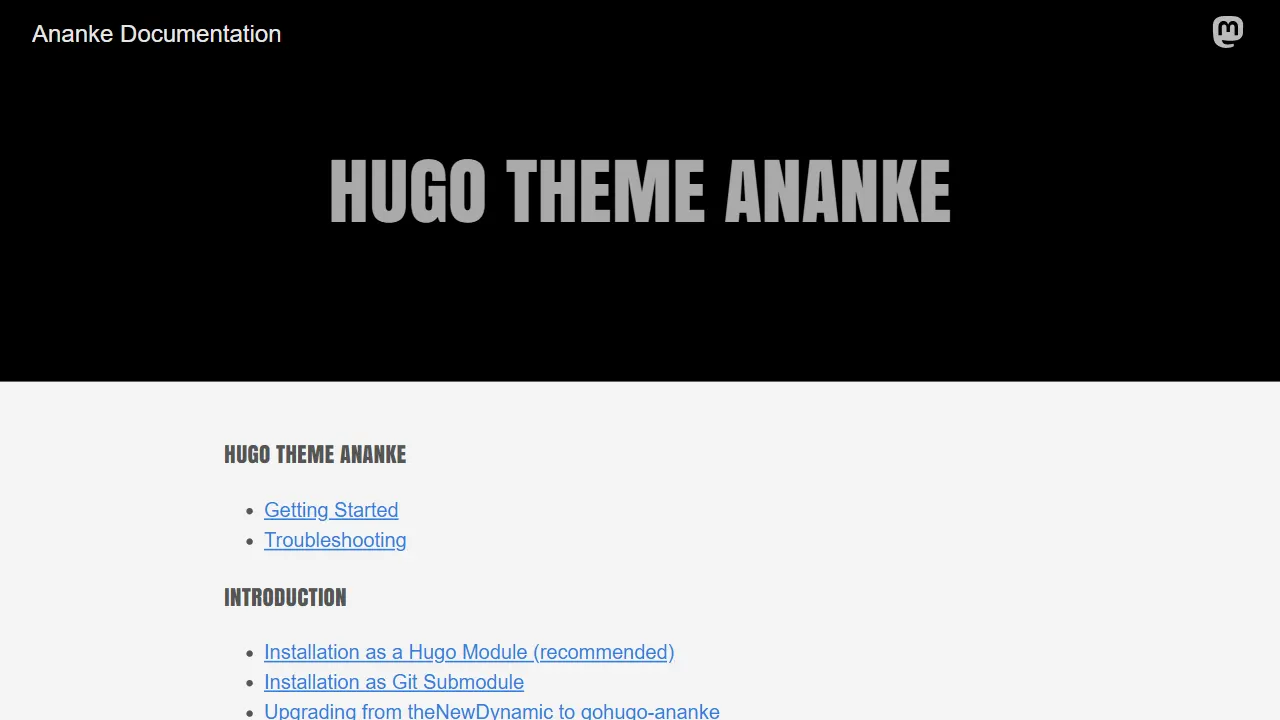
Ananke
Ananke 是 Hugo 社区中流传较广的通用主题,定位是灵活、生产可用的起始模板,强调可访问性、性能与可维护的默认配置。
Hugo · 博客

educenter-hugo
Educenter is an educational website template powered by Hugo. It can be used as an online teaching platform, s…
Hugo · 博客
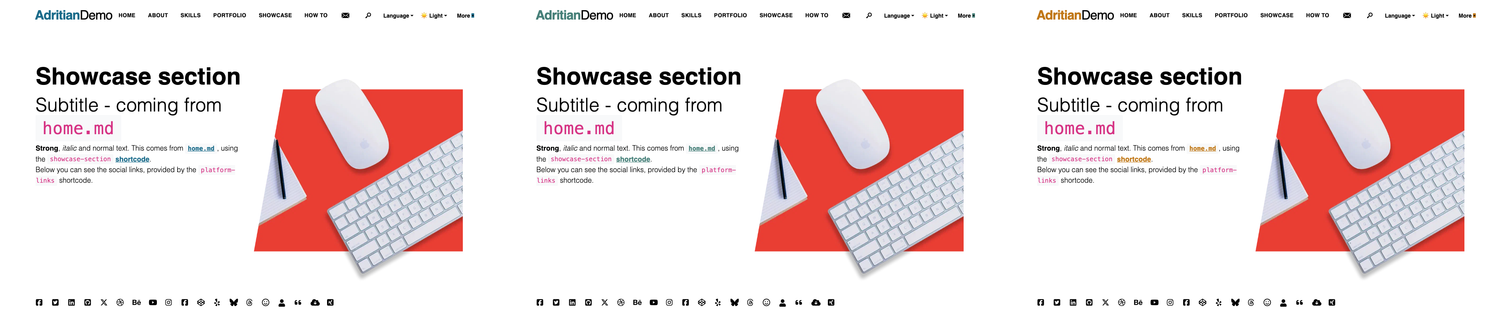
adritian-free-hugo-theme
Adritian - High performance Hugo Theme for Personal Websites. With job experience, portfolio, dark/light theme…
Hugo · 作品集
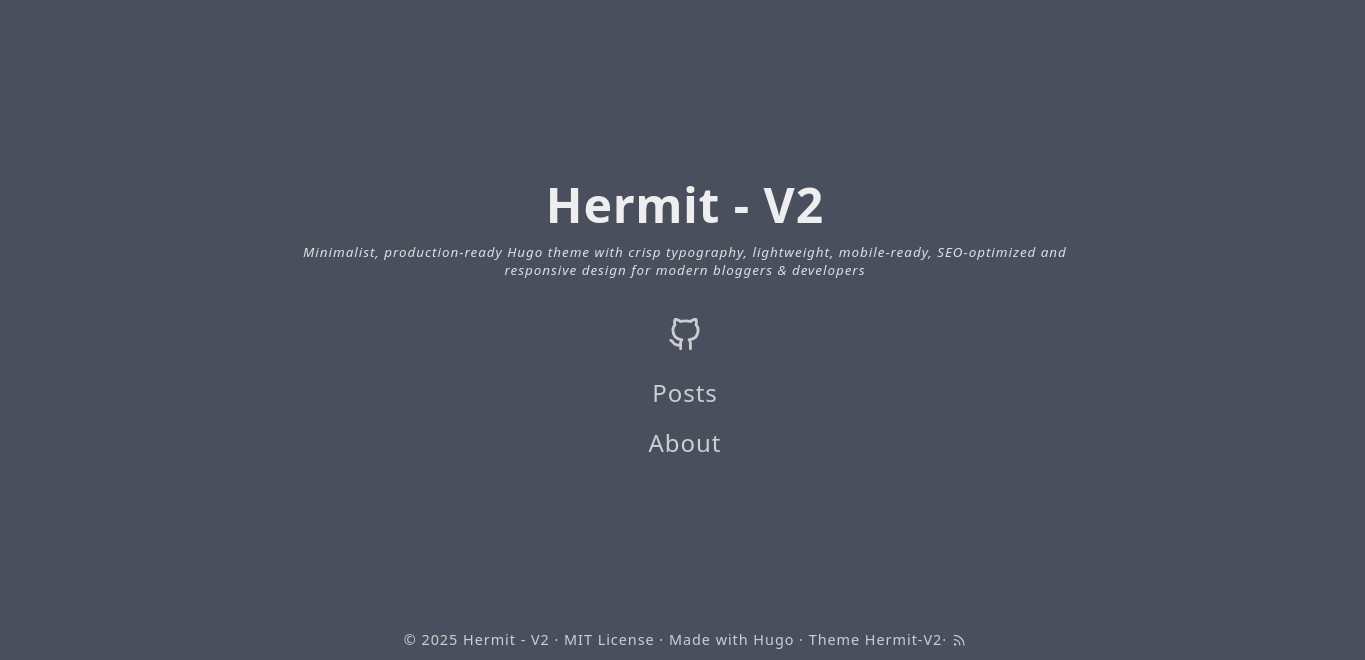
hermit-V2
Hermit-V2 是一款为 Hugo 打造的极简博客主题,源自经典 Hermit 的维护分支,在保持轻量与专注阅读的基础上,持续修复问题并适配新版 Hugo。
Hugo · 博客
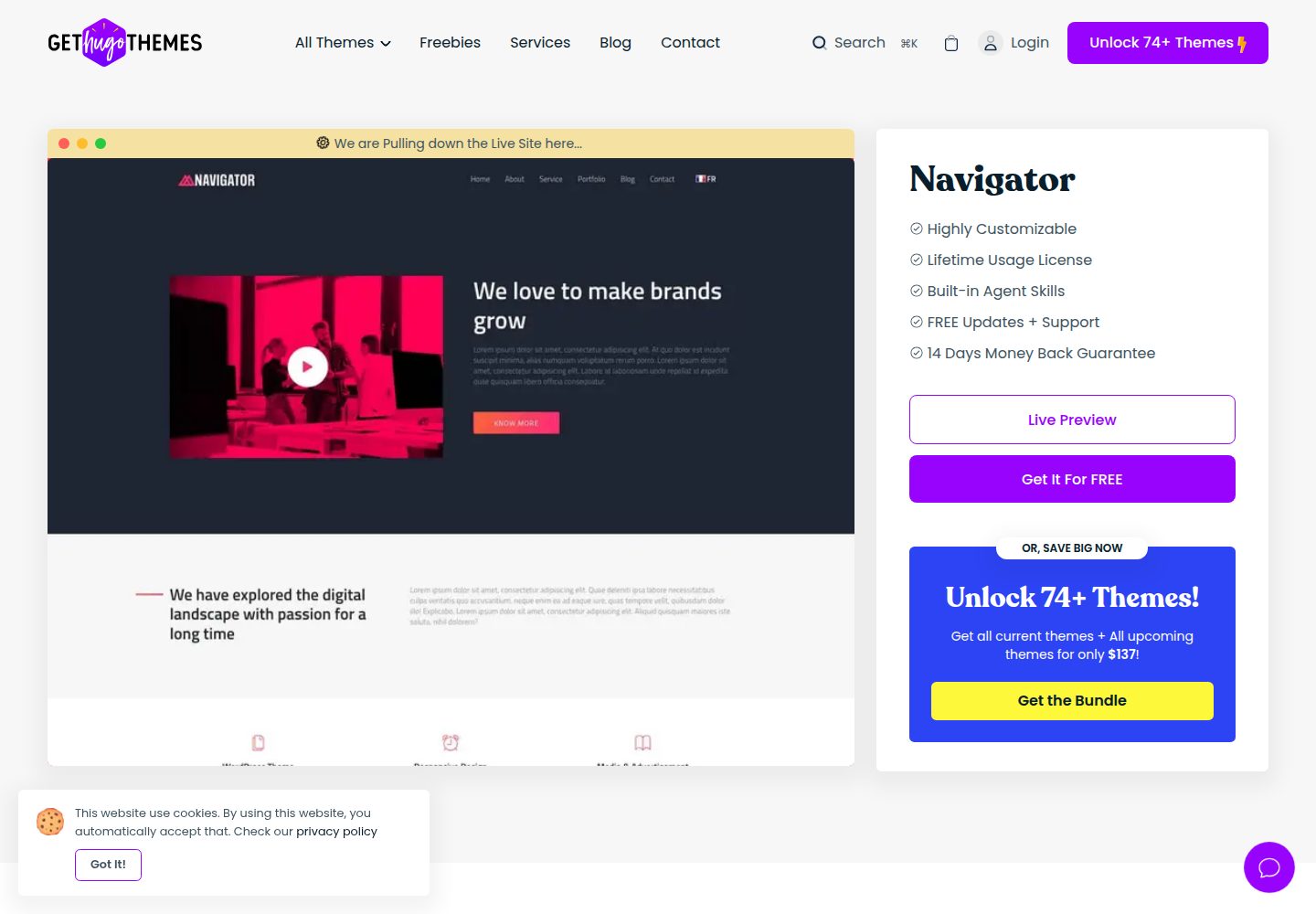
navigator-hugo
Navigator Business theme powered by Hugo. It also could be used for a personal portfolio.
Hugo · 作品集
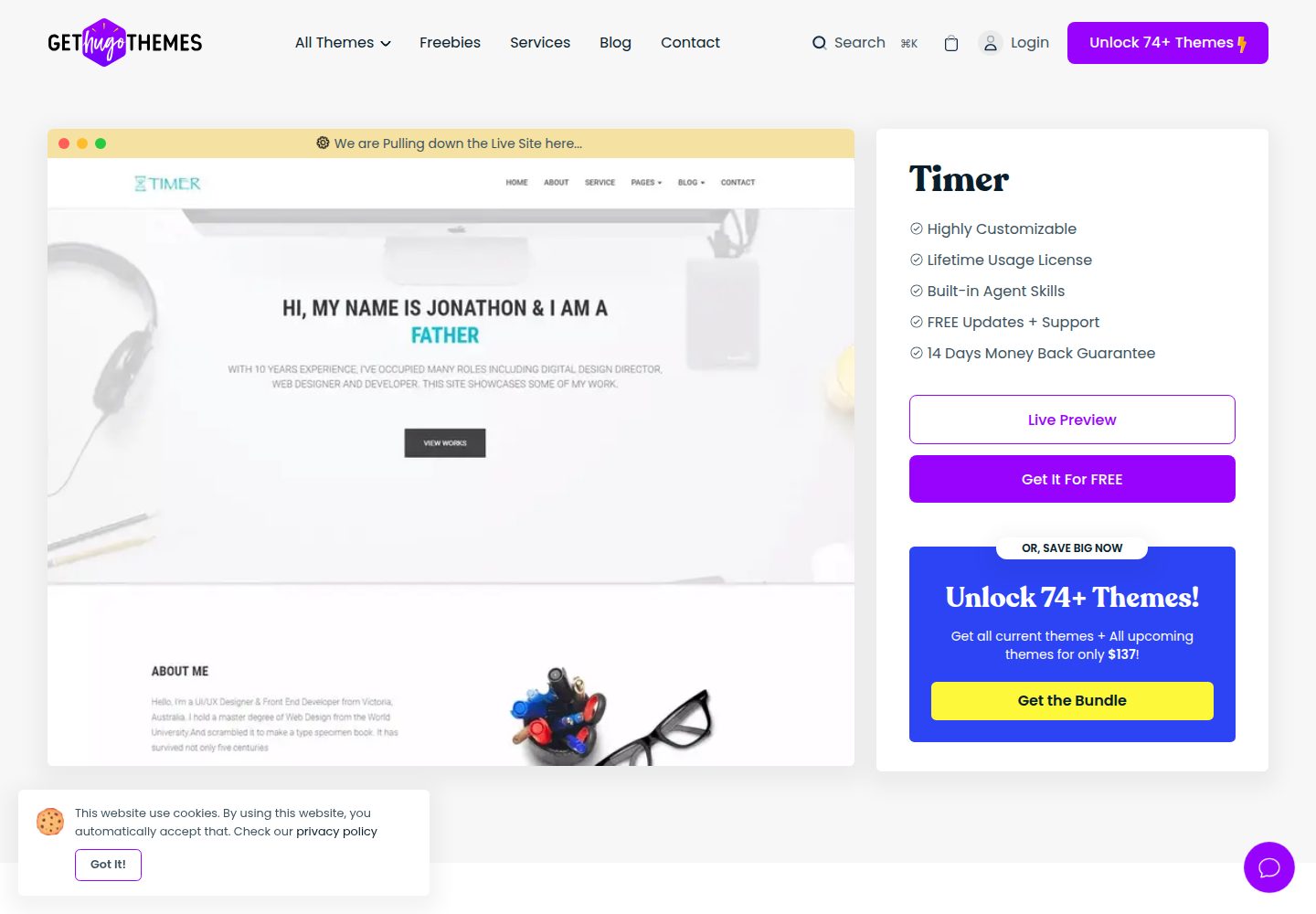
timer-hugo
Timer is a personal portfolio theme powered by Hugo. It also can be use as a landing page theme.
Hugo · 作品集