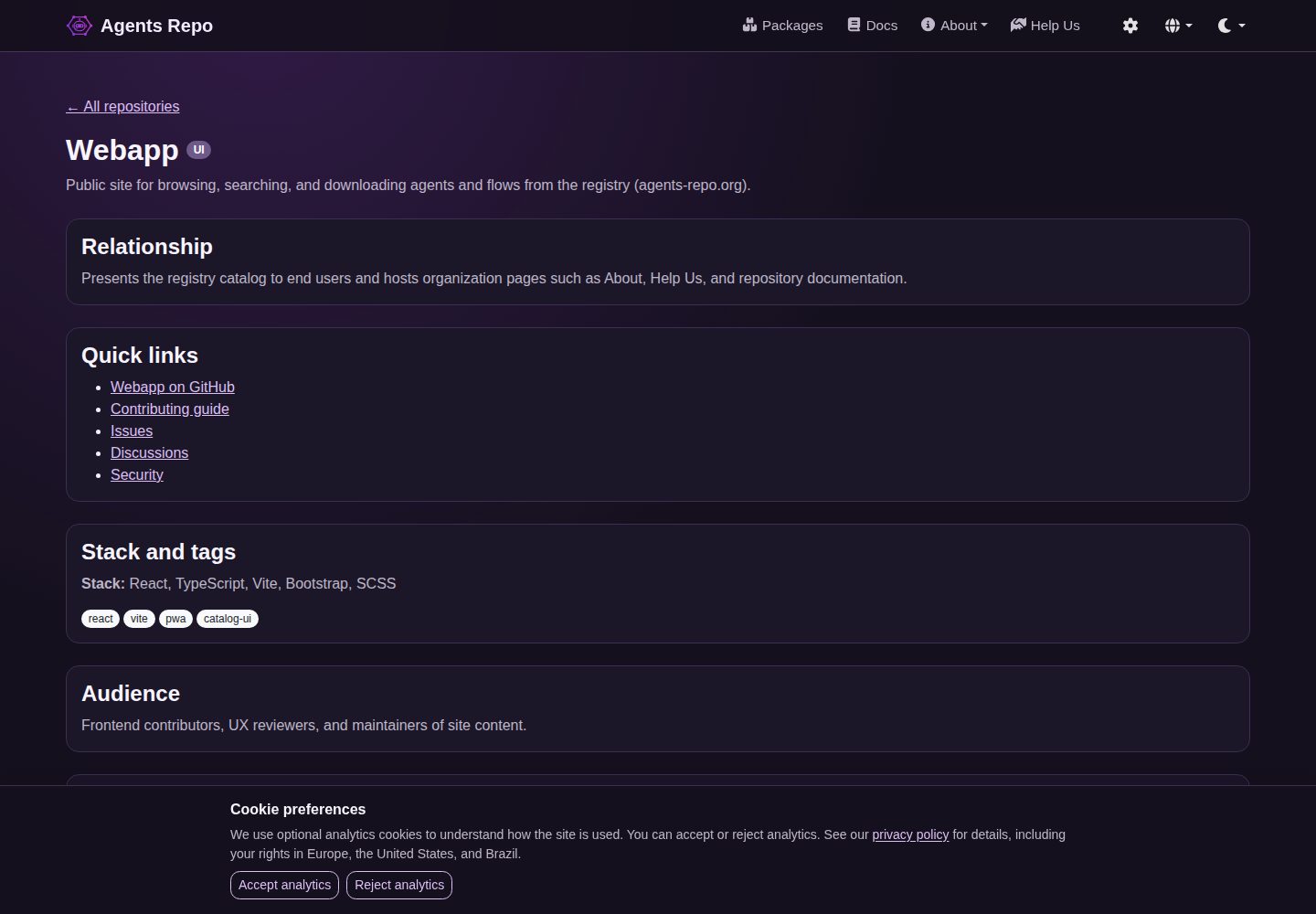
Browse, search, and download agent configurations, developer tools, and workflow templates from the agents-repo registry
ReactDirectory site
webapp — React Directory site Template
By agents-repo
The web portal and visual directory for the agents-repo ecosystem, used to browse, search, and download AI agent configurations, developer tools, and workflow templates from the registry.
Explore the design
Compare the page layouts and mobile experience. Open any screenshot for a closer look.
Desktop homepage1 / 3
Desktop captureTop of page
Actual screenshot captured by the server browser.
All pages & views 3
Screenshots show visual appearance; interactive behavior may differ.
Recorded 2026-10-01View source
What stands out
A quick read of the recorded project description.
Registry source supports three-level resolution: runtime overrides, build-time environment variables, and repository defaults
Application-layer 24-hour cache works with Service Worker runtime caching to improve offline resilience
Built-in light, dark, and auto color mode switching
Provides commands for unit tests, type checking, linting, E2E, and accessibility checks
Uses semantic-release for automated publishing and deploys to GitHub Pages
Template Details
This project is the frontend application for the agents-repo registry, built with Vite + React + TypeScript, styled with Bootstrap, and aimed at AI-first contributor workflows. It provides an interface for browsing, searching, and downloading registry content, with directory data coming from a configurable registry source.
Registry source resolution follows a runtime-first order: overrides in browser settings, build-time VITE_ environment variables, then repository defaults. The default source points to the v2.x major version line at registry.agents-repo.org, resolved at load time to the latest stable release tag. Users can change the registry base URL and GitHub repository URL in the header settings; the two serve different purposes: the former is used for directory fetching, the latter for the "View on GitHub" link on package detail pages.
Directory loading uses two layers of caching: the application layer sets a 24-hour freshness window for index.json and package detail.json, preferring fresh cache and triggering a single forced reload when missing; the service worker uses NetworkFirst for HTML navigation and StaleWhileRevalidate for same-origin static assets. Settings provide an option to clear the cache and reload the directory.
The project includes unit tests, type checking, linting, Markdown checks, E2E tests (local), and accessibility check commands, and is configured with a semantic-release publishing process and GitHub Pages deployment. The repository also commits IDE instruction mirrors for Cursor, Copilot, Claude Code, and Codex; the contribution process requires creating an issue first, then opening a branch, pushing, and creating a draft PR.
ReactDirectory site
Is it right for your project?
Use Cases
- Find and download AI agent configurations or workflow templates
- Search and browse agents-repo registry content in the browser
- Configure a custom data source or GitHub repository link for the registry frontend
- Access cached directory content on weak networks or offline
Suitable For
- Developers who need to browse agents-repo registry content
- Technical teams looking to build a directory site frontend based on React and Vite
- Contributors who need to configure a custom data source for the registry frontend
Getting started & customization
Use these recorded setup notes alongside the repository instructions for your chosen version.
- 1
Requires Node.js 24.x and npm 12.x; the repository pins versions via .nvmrc and packageManager
- 2
Install dependencies and start the development server: run npm run dev after npm install
- 3
The registry source can be configured via environment variables such as VITE_REGISTRY_REPOSITORY_URL, VITE_REGISTRY_BASE_URL, and VITE_REGISTRY_INDEX_PATH
- 4
Run npm run lint:all, npm run test, npm run typecheck, and npm run build for validation and building
- 5
E2E and accessibility checks run only locally and are not included in the PR baseline CI
License & source material
Usage conditions & limitations
Free to use · keep license noticeThis entry covers the free version under the MIT license in the public repository; the free scope is that version's code and does not mean external services or third-party assets are free.
Must comply with when using
- Permits free use, modification, commercial use, and distribution of that version's code.
- When distributing copies or substantial portions of the code, retain the original author's copyright notice and the full MIT license notice.
- The code is provided as is; warranties and liability limitations are governed by the original license and applicable law.
Additional costs & items to verify
- The application by default fetches directory data from an external registry source (the v2.x major version line at registry.agents-repo.org); you need access to that external service or must configure a compatible registry source yourself, otherwise directory content cannot load.
- Using a GitHub repository URL as the data source depends on GitHub's raw content and tags API and may be affected by GitHub service availability and rate limits.
- The contribution process requires using the GitHub CLI (gh) for issue and PR operations and requires prior login authentication, which is an external tool dependency for development collaboration.
- The shared planning/review workflow package is not in this repository; it must be installed from the agents-repo/.github organization repository, and that repository must be cloned separately to obtain the full collaboration configuration.
- The deployment target is fixed to GitHub Pages at agents-repo.org, requiring corresponding repository and PAT configuration; it is not a generic plug-and-play deployment.
- Demo images, fonts, icons, and other third-party assets must be checked against their respective licenses and cannot be judged solely by the code's MIT license.
- External services such as domains, hosting, databases, payments, or AI may incur separate charges.
View Original Text Basis
Permission is hereby granted, free of charge
Original License Text
The app resolves the registry source URL with runtime-first precedence
Original README
GitHub repository URLs and `/tree/<ref>` or `/blob/<ref>` URLs are normalized
Original README
This repository prefers GitHub communication through `gh` CLI for issue and
Original README
This repository does not commit `agents.json`. Shared planning/review packages
Original README
https://github.com/agents-repo/webapp/blob/main/LICENSEhttps://github.com/agents-repo/webapp/blob/main/README.mdApp-source merges to `main` deploy the built webapp to:
Original README
Compiled by DeepSeek based on repository license and README ·2026-10-01. Results only cover the materials read; dependencies, images, fonts, and subsequent term changes are subject to their respective original texts.
Project checks & description sources
Template Information
- Source platforms
- GitHub
- Documentation and maintenance reference score
- More documented · 83 / 100
- Technologies
- React
- Website type
- Directory site
How this score is calculated
Our heuristic uses license records (up to 30), a demo link (12), a preview (10), stars (15), recorded maintenance (15), description completeness (8), feature records (5) and classification data (5). It is not a code, security or performance test, or a Google score. A link does not establish tested functionality.
What to verify for this project
- Repository update recorded
- 2026-09-30
- Screenshot last checked
- 2026-10-01
A demo link is listed. Check it with your own content and viewport sizes; its presence does not confirm that forms, authentication or payments work.
The catalog identifies React as the primary stack. Check the actual dependency manifest and lockfile for versions and hosting requirements. These notes use recorded metadata, not a code audit or a deployment test.
Use a selection guide →How this description was prepared
AI-assisted description based on catalog records and repository material. Repository authors are not automatically the reviewers of this description.
Automatically checked against source and license rules; no manual editorial review.
Inspect the recorded source material
SHA-256: 7632354a1df39de3da244b5796a47381baec6c1a524664441ddb0e68b5f5fe3e
2026-10-01T04:09:54.042Z
Source file / repository# Webapp   [](https://sonarcloud.io/summary/new_code?id=agents-repo_webapp)   <!-- markdownlint-disable-line MD013 -->         [](https://agents-repo.org) <!-- markdownlint-disable-line MD013 --> --- Web interface for browsing, searching, and downloading agents and flows from the registry. ## Purpose This repository contains the frontend application for the agents registry. It is a Vite + React + TypeScript project with Bootstrap-based styling and an AI-first contributor workflow. ## Stack - React 19 - TypeScript - Vite - Bootstrap, SCSS, React Bootstrap, and Font Awesome React - Bootstrap 5.3 color modes with a header dropdown for light, dark, and auto - PWA service worker runtime caching through `vite-plugin-pwa` - In-app 24h registry JSON/markdown cache using IndexedDB (`idb`) plus a lightweight in-memory LRU; preferences stay in localStorage - ESLint for code linting - markdownlint for Markdown quality checks ## Getting Started Use the pinned toolchain where possible: - Node.js 24.x, with `.nvmrc` pinned to `24.18.0` - npm 12.x, with `packageManager` pinned to `[email protected]` Install dependencies and start the app: ```bash npm install npm run dev ``` ## Common Commands ```bash npm run env:check npm run lint:all npm run test npm run test:watch npm run test:e2e npm run typecheck npm run build npm run build:pages npm run test:crawl-files npm run slides:check ``` Accessibility-focused checks (local only, not in PR baseline CI): ```bash npm run test:a11y npm run a11y:ci ``` See [docs/accessibility.md](docs/accessibility.md) for patterns and the public statement at `/accessibility`. Public privacy notices: `/privacy/` (English default) and localized paths such as `/pt-br/privacy/`. Legacy `/privacidade` redirects to pt-BR. See [docs/privacy.md](docs/privacy.md) for consent, GTM, and contributor guidance. See [docs/i18n.md](docs/i18n.md) for locale routing. See [docs/seo.md](docs/seo.md) for search and social-preview metadata patterns. See [docs/testing.md](docs/testing.md) for unit test conventions, coverage map, and the prioritized test backlog. Playwright E2E (local-only) is documented in [docs/e2e-testing.md](docs/e2e-testing.md). ## Registry Source Configuration The app resolves the registry source URL with runtime-first precedence: 1. Browser runtime override saved from Website settings in the header (cog icon) 2. Build-time Vite `VITE_...` environment variables 3. Repository defaults Build-time variables remain: - `VITE_REGISTRY_REPOSITORY_URL`: source URL input. This may be a GitHub repository URL or a direct source endpoint URL. Default: `https://registry.agents-repo.org?ref=v2.x` - `VITE_REGISTRY_BASE_URL`: optional direct base URL override for fetches. If omitted, the source URL is used as the base URL (GitHub URLs are normalized to raw content). - `VITE_REGISTRY_INDEX_PATH`: relative index path. Default: `packages/index.json` - `VITE_REGISTRY_GITHUB_REPOSITORY_URL`: GitHub repository URL used for **View on GitHub** on package detail pages. Default: `https://github.com/agents-repo/registry/tree/v2.x` GitHub repository URLs and `/tree/<ref>` or `/blob/<ref>` URLs are normalized to `raw.githubusercontent.com`. When a tree/blob URL includes additional repository path segments (for example `/tree/main/packages`), only the first ref segment is used for derivation. To use slash refs, provide an explicit ref form such as `/tree/refs/heads/feature/foo`. With defaults, the configured source uses the `v2.x` major-version line alias. At catalog load time this resolves to the latest stable release tag (for example `v2.0.0`). Before resolution, the index URL is composed as: `https://registry.agents-repo.org/packages/index.json?ref=v2.x` Query parameters on the source URL are preserved when composing the index URL, except when GitHub URLs are normalized to raw content URLs. Major-version line refs such as `1.x` or `v1.x` can be used in proxy `?ref=` values or GitHub `/tree/<ref>` URLs. The app resolves these aliases to the latest stable release tag from the registry repository using registry-proxy `GET /tags` when the fetch source is a proxy URL, or the GitHub tags API as a fallback for GitHub-only source URLs. Tag selection uses [`semver`](https://www.npmjs.com/package/semver). Resolved refs are shown in website settings and catalog status notes as `v2.x → v2.0.0`. At runtime, users can set custom registry URLs in the header settings modal: - **Registry base URL override** — catalog fetching (GitHub URLs auto-normalized, raw URLs and other base URLs used as-is). Empty resets to configured defaults. - **GitHub repository URL** — **View on GitHub** on package detail pages; opens `github.com/.../tree/{ref}/packages/{namespace}/{package-id}`. Independent from the fetch override. Empty resets to `VITE_REGISTRY_GITHUB_REPOSITORY_URL`. Fetch defaults (proxy) and browse defaults (GitHub repository) serve different purposes. A proxy fetch URL cannot be converted into a GitHub tree browse link. Note: URL format flexibility does not change the expected registry layout. The resolved base URL must expose a compatible registry structure, including a valid `packages/index.json` (or the configured `VITE_REGISTRY_INDEX_PATH`) that matches the app's registry catalog contract. ## Caching and Offline Behavior Registry catalog loading now uses two coordinated cache layers: - App-layer cache contract: - 24h freshness window for `index.json` and package `detail.json` - Fresh cache is used before network fetches - A package index or detail URL missing from that fresh cache triggers one forced catalog reload (re-resolve `v2.x`, bypass tag cache) before **Package not found** - Website settings include **Clear cache and reload catalog** to reset the IndexedDB registry stores (`catalog`, `package-detail`, `tags`, `chat-manifest`, `chat-markdown`) and force a catalog reload (does not purge Cloudflare proxy cache or the browser HTTP `max-age=300` cache) - If remote refresh fails, stale cached catalog is used when available - If refresh fails and no cached catalog exists, the app shows an error alert - Service worker runtime cache: - HTML document navigations use NetworkFirst (1-day offline fallback) - Same-origin static assets use StaleWhileRevalidate (7 days) - HTTP `Cache-Control` stays GitHub Pages defaults (typically `max-age=600`) This keeps registry freshness decisions in app logic while still improving offline resilience for app HTML and assets. ## GitHub CLI This repository prefers GitHub communication through `gh` CLI for issue and pull request workflows. Verify availability and authentication: ```bash gh --version gh auth status ``` If `gh auth status` reports no login, run `gh auth login`. Common commands used in this workflow: ```bash # inspect issue scope gh issue view <number> --repo agents-repo/webapp # open a draft PR with template-aligned content gh pr create --repo agents-repo/webapp --draft --title "..." --body-file <file> ``` See `.github/CONTRIBUTING.md` **Required Workflow** for the canonical policy (issue → branch → push → draft PR before implementation). Issue categories in this repository are: - bug or inconsistency - spec change - feature proposal - task or chore Documentation-only work uses the task/chore issue category and a `docs/<issue-number>-<slug>` branch name. ## Release Workflow - Release versions follow Semantic Versioning `MAJOR.MINOR.PATCH` sourced from <https://semver.org>. - Pushes to `main` (post-merge integration via pull request, not direct push) run release validation checks and then execute `semantic-release`. - A release is published only when commit history includes releasable changes per the commit-to-version mapping below. - `workflow_dispatch` remains available for operational checks. - `dry_run` defaults to `true`; set `dry_run=false` only when intentionally running a manual publish from `main`. - Git tags use `v<MAJOR>.<MINOR>.<PATCH>` format. ### Commit-To-Version Mapping - `type!:` or `BREAKING CHANGE:` => `MAJOR` - `feat:` => `MINOR` - `fix:`, `perf:`, and `revert:` => `PATCH` Commit types not listed above do not trigger an automated release. ### GitHub Pages App-source merges to `main` deploy the built webapp to: - <https://agents-repo.org/> The **Deploy Webapp** workflow publishes production builds. The **Release** workflow handles SemVer tags and GitHub Releases only. See [docs/deployment.md](docs/deployment.md) for PAT setup, redeploy, and rollback instructions. ## IDE Setup This repository commits IDE instruction mirrors and registry workflow packages so contributors get agent guidance on clone without manual setup. ### Project guidelines | Install target | Path | | --- | --- | | Cursor | `.cursor/rules/agents-webapp.mdc` (canonical) | | GitHub Copilot | `.github/copilot-instructions.md` (generated) | | Claude Code | `CLAUDE.md` | | OpenAI Codex | `AGENTS.md` | Regenerate after editing `.cursor/rules/`: ```bash npm run sync:ide-instructions ``` Do not edit generated mirror files directly. ### Registry workflow packages (org hub) This repository does not commit `agents.json`. Shared planning/review packages install in [agents-repo/.github](https://github.com/agents-repo/.github). Open [agents-repo.code-workspace](https://github.com/agents-repo/.github/blob/main/agents-repo.code-workspace) from the `.github` sibling clone. See [org-workspace-and-agents.md](https://github.com/agents-repo/.github/blob/main/docs/org-workspace-and-agents.md) and [`.github/CONTRIBUTING.md`](.github/CONTRIBUTING.md#registry-workflow-packages-org-hub). ## Organization This app is the public UI for the agents-repo platform. The catalog lives in [registry](https://github.com/agents-repo/registry); default fetches go through [registry-proxy](https://github.com/agents-repo/registry-proxy). Install packages with [cli](https://github.com/agents-repo/cli). See the organization [Ecosystem overview](https://github.com/agents-repo/.github/blob/main/docs/ecosystem.md) for diagrams and contributor flows. ## Docs and repository pages For user guides and cross-repo documentation, see [agents-repo.org/docs/](https://agents-repo.org/docs/). For this repository's overview on the public site, see [agents-repo.org/repositories/webapp/](https://agents-repo.org/repositories/webapp/). When you change a user-facing or contributor workflow in this repository, update the corresponding page(s) in [agents-repo/webapp](https://github.com/agents-repo/webapp) under `src/content/docs/` in the same PR or an immediate follow-up. ## Project Docs - Development workflow: [docs/development.md](docs/development.md) - Architecture map: [docs/ARCHITECTURE.md](docs/ARCHITECTURE.md) - Testing guide: [docs/testing.md](docs/testing.md) - Deployment and Pages: [docs/deployment.md](docs/deployment.md) - Presentation slides: [docs/slides/README.md](docs/slides/README.md) - AI collaboration guidance: [docs/ai-collaboration.md](docs/ai-collaboration.md) - Styling and technology decisions: [docs/styling-and-technology.md](docs/styling-and-technology.md) - Architecture and DDD decision: [docs/architecture/ddd-decision.md](docs/architecture/ddd-decision.md) - Accessibility guide: [docs/accessibility.md](docs/accessibility.md) - Privacy and analytics guide: [docs/privacy.md](docs/privacy.md) - SEO guide: [docs/seo.md](docs/seo.md) - Public accessibility statement: `/accessibility` route in the deployed app - Public privacy policies: locale-prefixed `/privacy/` routes (see [docs/i18n.md](docs/i18n.md)) - Contributor guide: [.github/CONTRIBUTING.md](.github/CONTRIBUTING.md) - GitHub Copilot project instructions: [.cursor/rules/agents-webapp.mdc](.cursor/rules/agents-webapp.mdc) ## Automation - **PR Baseline Checks** — lint, typecheck, test, and Pages build on pull requests. - **Deploy Webapp** — lint, test, build, and publish `dist/` to `agents-repo.github.io` on app-source pushes to `main`. - **Release** — validation plus `semantic-release` on pushes to `main` (versioning only; no Pages deploy). - **Pages Deploy** — manual redeploy or rollback of a specific `v*` release tag.
Explore similar templates
Compare previews and descriptions within the same stack and category.
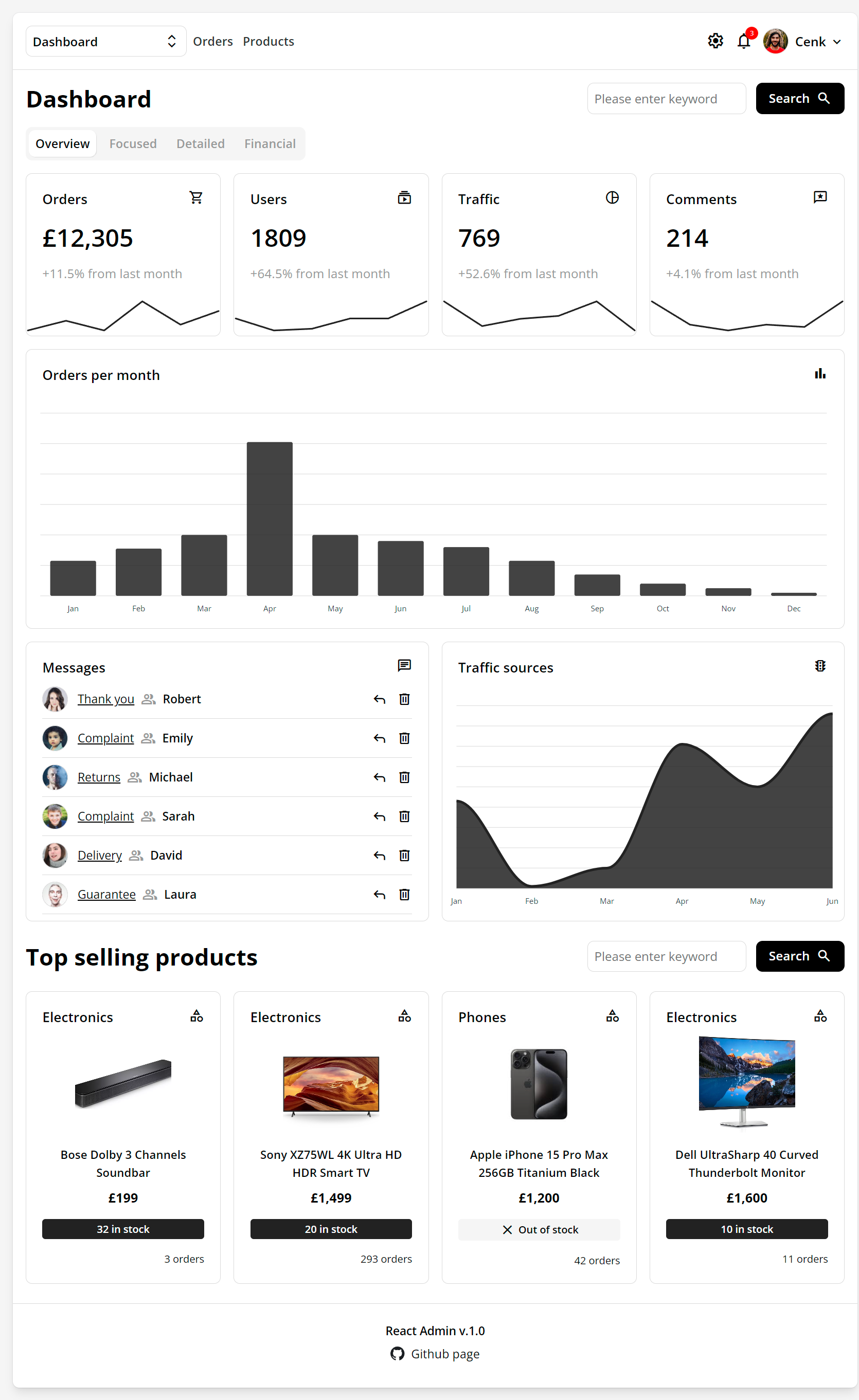
react-admin-template
A responsive React admin dashboard template with pages for dashboard, products, tables, messages, comments, and forms.
React · Directory site
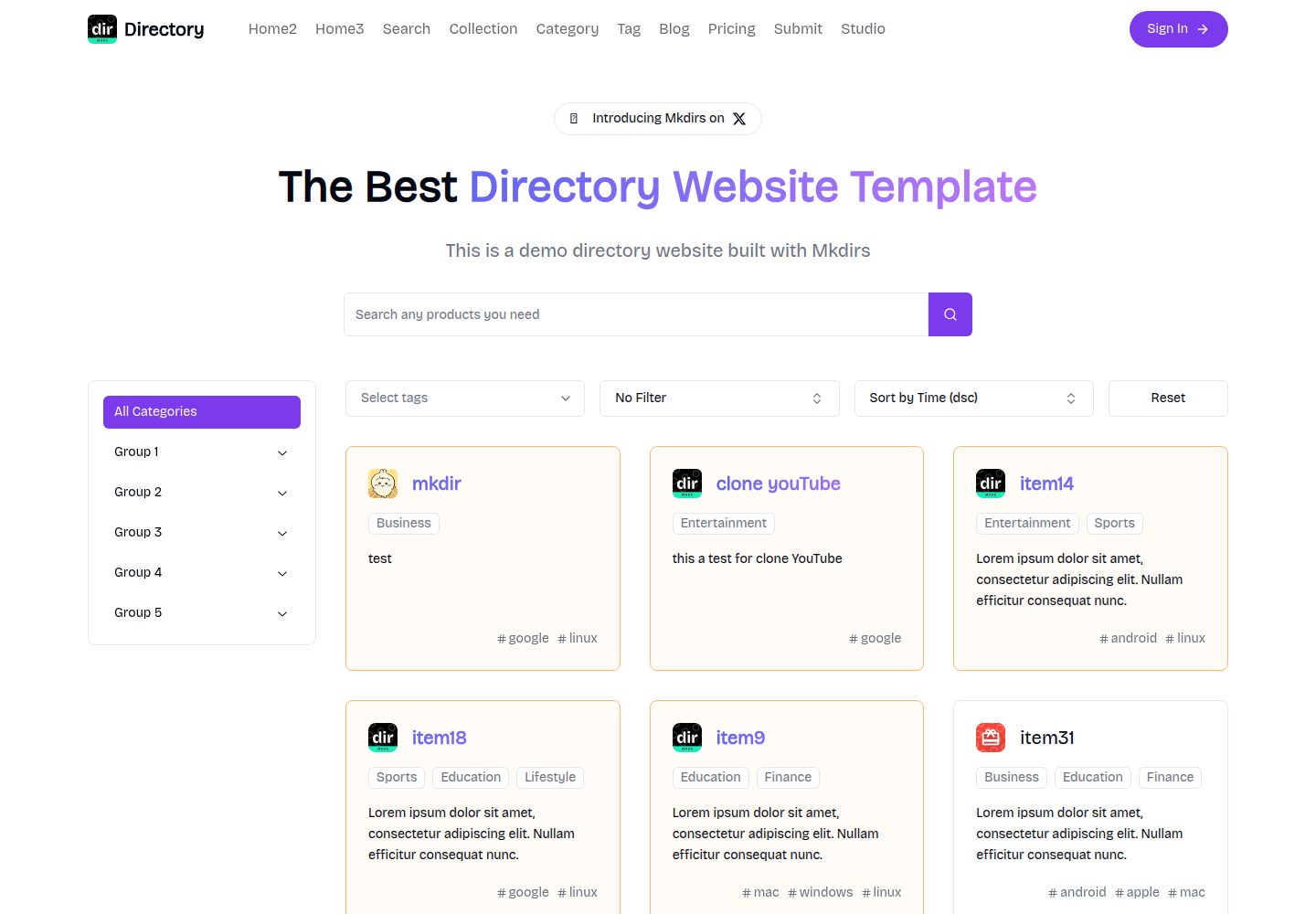
mkdirs
Mkdirs is an open-source directory website template built with Next.js, offering directory entries, categories, collections, tags, and search as core content structures, plus AI-assisted submissions, user authentication and dashboards, free/paid/sponsored submissions via Stripe, Sanity CMS with blog, Resend email and newsletters, SEO…
Next.js · Directory site
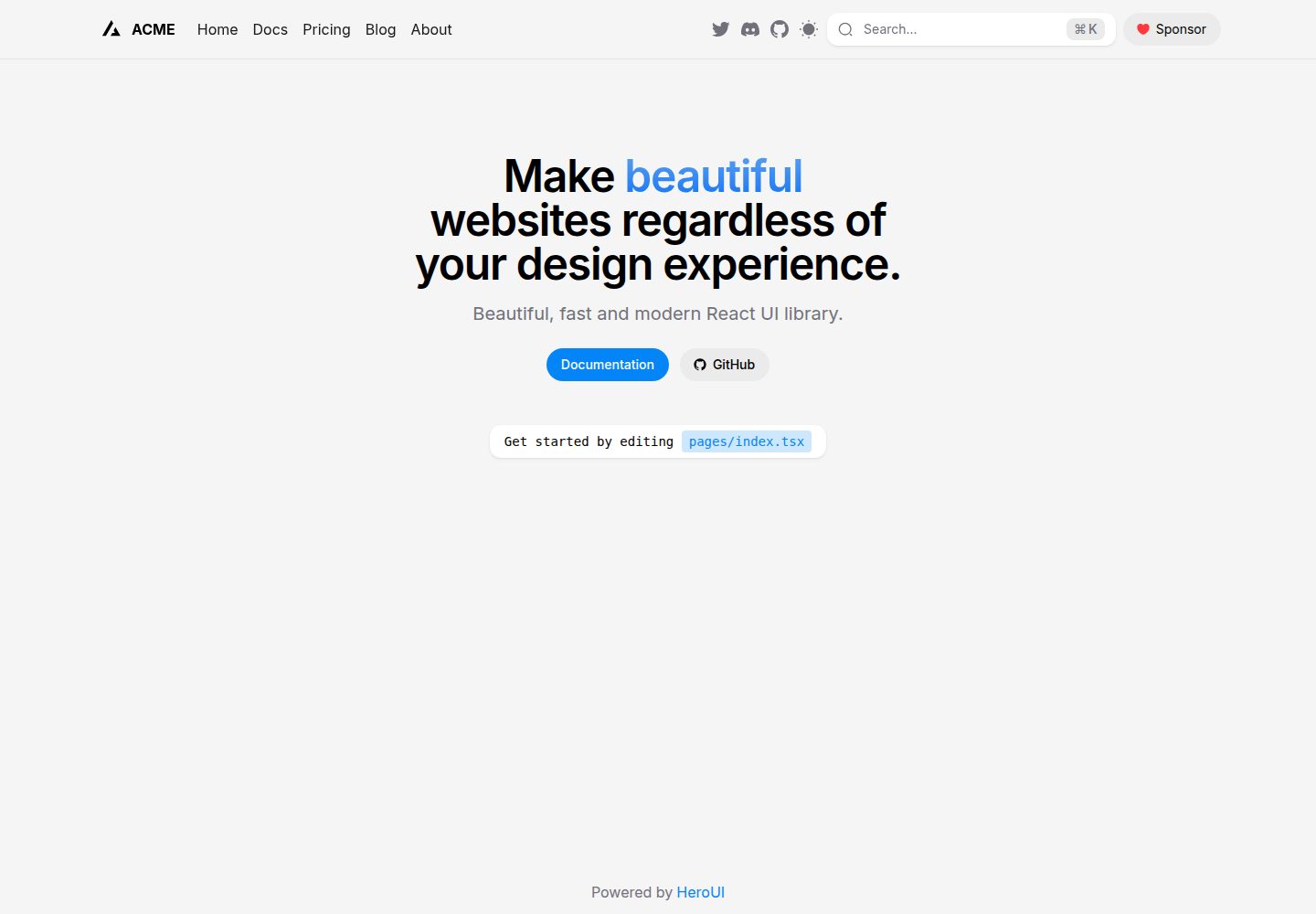
next-pages-template
A Next.js Pages Router starter template pre-configured with HeroUI, Tailwind CSS, Tailwind Variants, TypeScript, and next-themes, including example home and blog pages.
Next.js · Directory site
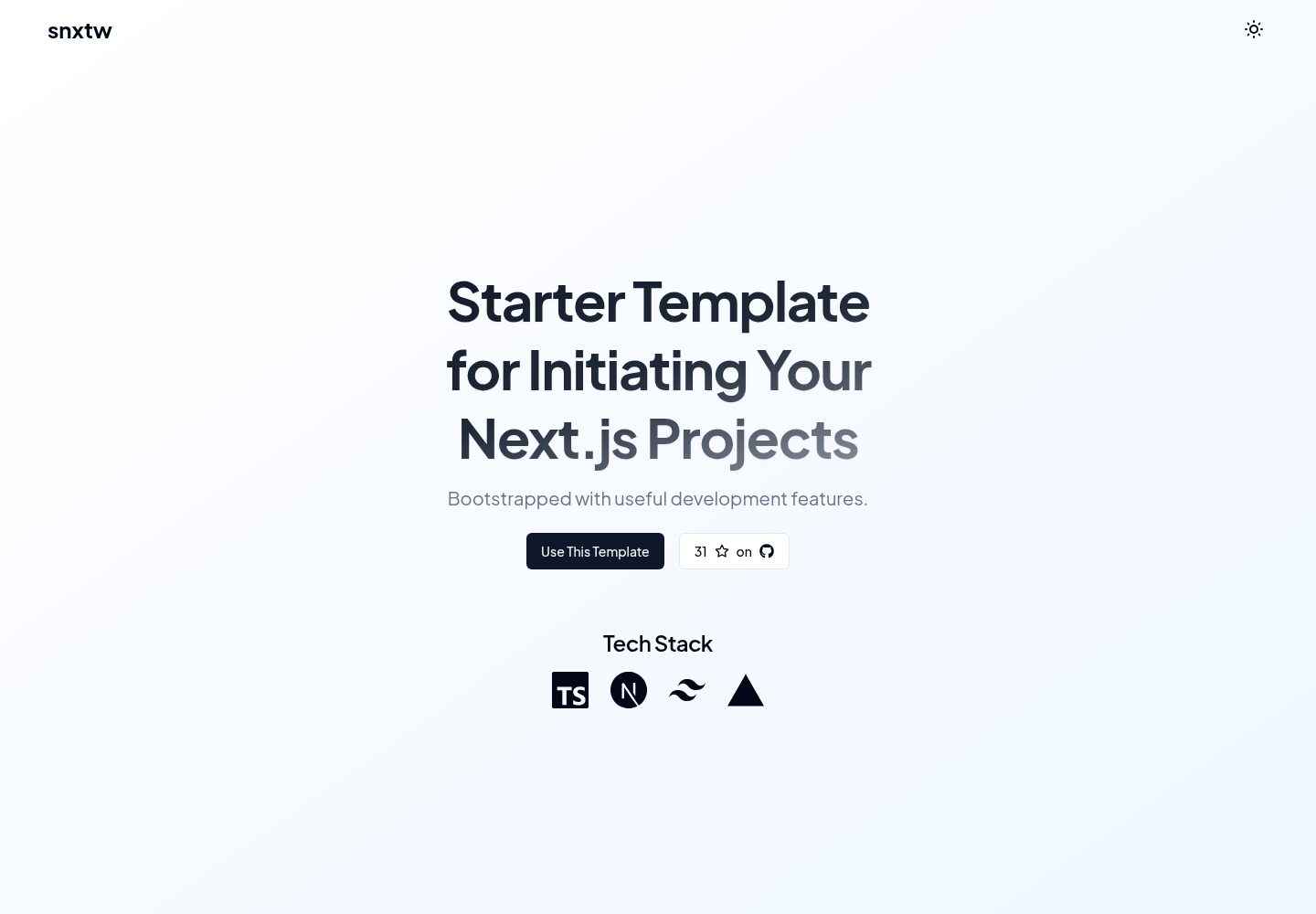
snxtw
snxtw is a Next.js App Router starter template with Tailwind CSS and TypeScript, offering prebuilt components, SEO metadata, and a code quality toolchain including ESLint, Prettier, Husky, lint-staged, and Conventional Commit Lint.
Next.js · Directory site

nextjs-directory-site-starter
Nextory is a starter template for directory websites built with Next.js 15 and Tailwind CSS V4.
Next.js · Directory site
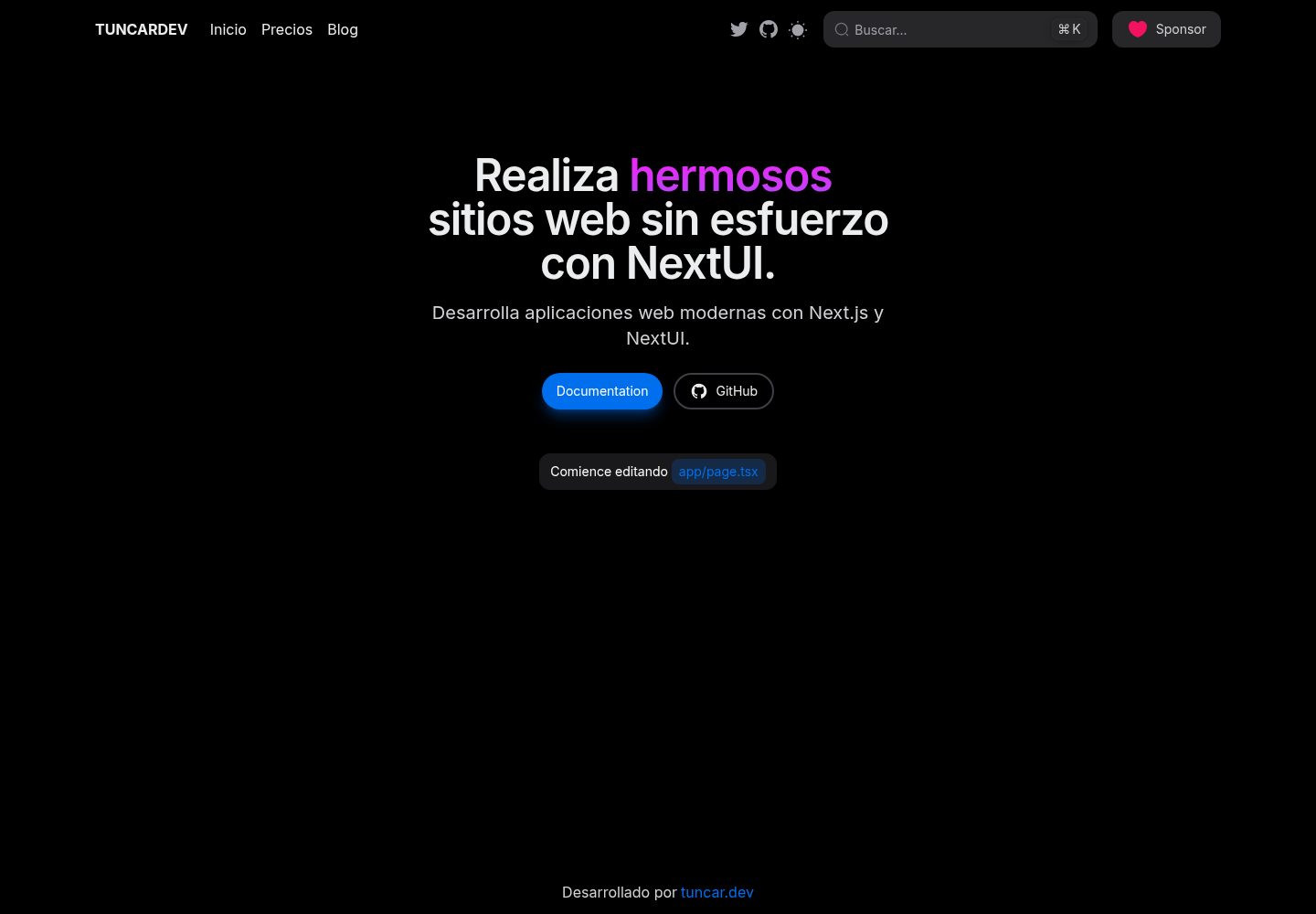
next-app-template
A directory site template built with Next.js App Directory and NextUI, integrating Tailwind CSS, Framer Motion, and next-themes.
Next.js · Directory site