Organize pages and routing using Next.js App Directory
Next.jsReactDirectory site
next-app-template — Next.js Directory site Template
By PercyTuncar
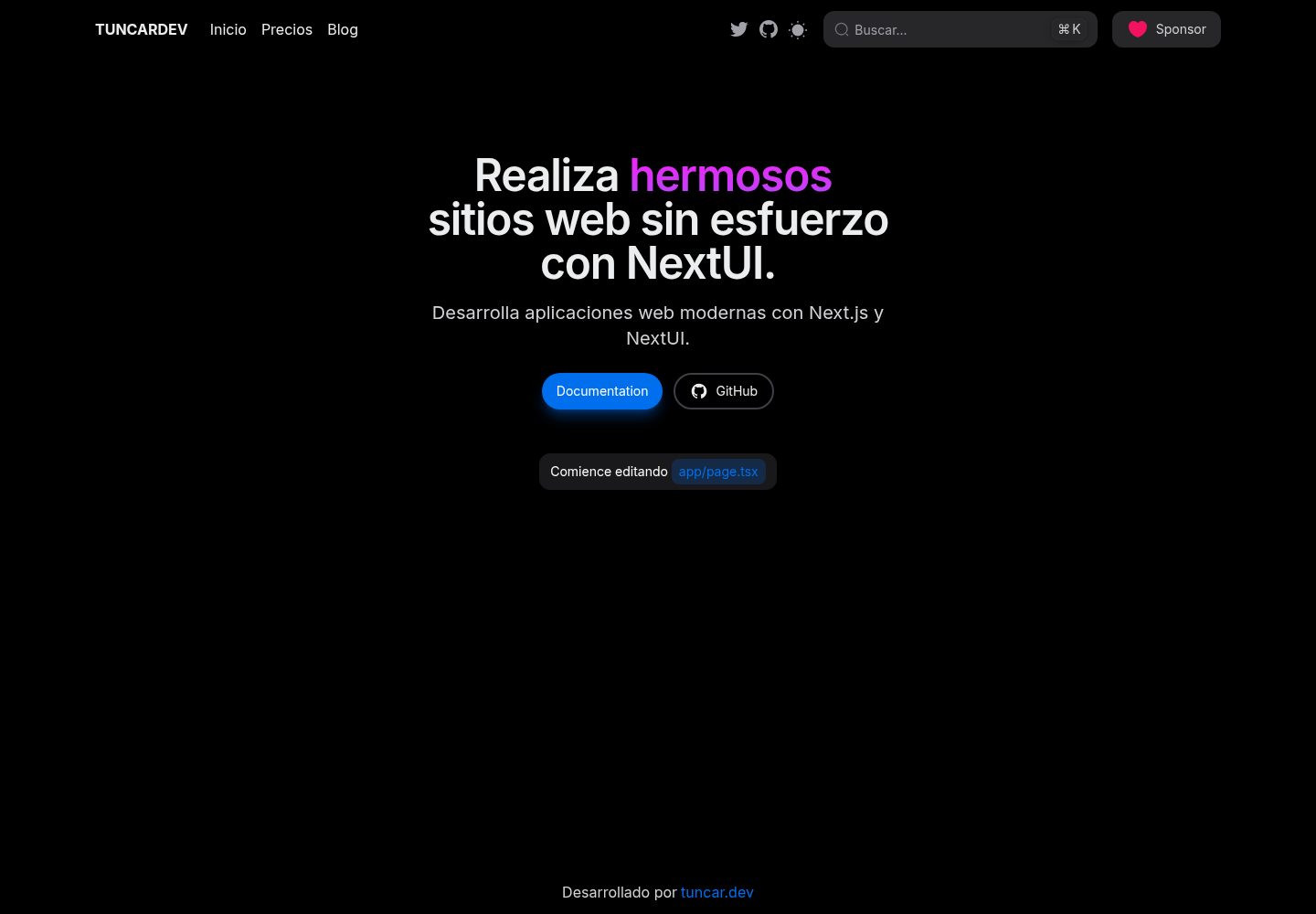
A directory site template based on Next.js App Directory and NextUI, providing page structures such as a homepage and blog inner pages, and can be initialized directly via create-next-app.
Explore the design
Compare the page layouts and mobile experience. Open any screenshot for a closer look.
Desktop homepage1 / 3
Desktop captureTop of page
Actual screenshot captured by the server browser.
All pages & views 3
Screenshots show visual appearance; interactive behavior may differ.
Recorded 2026-10-02View source
What stands out
A quick read of the recorded project description.
Integrate the NextUI component library, paired with Tailwind CSS
Includes Framer Motion and next-themes, supporting animations and theme switching
Provides actual screenshot previews of desktop, mobile homepage, and blog inner pages
Supports initializing the project directly via the -e parameter of create-next-app
Uses the MIT license, allowing free use, modification, commercial use, and distribution
Template Details
This template is used to build web applications focused on directory display. The tech stack is Next.js App Directory and NextUI, with Tailwind CSS, Framer Motion, and next-themes integrated. The repository provides an online demo, including actual screenshots of the desktop homepage, mobile homepage, and blog inner pages, which can be used to understand the page layout and responsive behavior.
For usage, the template supports pulling the repository directly via the -e parameter of create-next-app to initialize the project, then installing dependencies and running the development server. If using pnpm, you need to configure public-hoist-pattern in .npmrc to correctly hoist NextUI-related dependencies.
Regarding licensing, the repository uses the MIT license, allowing free use, modification, commercial use, and distribution of this version of the code, but the copyright notice and license notice must be retained when distributing. Third-party assets such as demo images, fonts, and icons need to be checked separately for licensing, and external services such as domains, hosting, and databases may also incur costs.
Next.jsDirectory site
Is it right for your project?
Use Cases
- Quickly build the frontend of a website focused on directory or list display
- Introduce NextUI components for interface development in a Next.js App Directory project
- Display-oriented sites that require theme switching and basic animations
- Serve as an example project for learning how to use Next.js with NextUI
Suitable For
- Frontend developers familiar with Next.js and React
- Directory site projects that want to start from a ready-made template
- Teams that need code freely modifiable under the MIT license
- Developers using npm or pnpm as the package manager
Getting started & customization
Use these recorded setup notes alongside the repository instructions for your chosen version.
- 1
Initialize the project using npx create-next-app@latest -e https://github.com/PercyTuncar/next-app-template
- 2
After entering the project directory, run npm install to install dependencies (if not automatically installed)
- 3
Run npm run dev to start the development server
- 4
If using pnpm, add public-hoist-pattern[]=*@nextui-org/* to .npmrc and then run pnpm install
- 5
Third-party assets such as demo images, fonts, and icons need to be checked separately according to their respective licenses
License & source material
Usage conditions & limitations
Free to use · keep license noticeThis entry covers the free version under the MIT license in a public repository; the free scope is the code of this version and does not mean external services or third-party assets are free.
Must comply with when using
- Allows free use, modification, commercial use, and distribution of this version of the code.
- When distributing copies or substantial portions of the code, retain the original author's copyright notice and the complete MIT license notice.
- The code is provided as is; warranties and limitations of liability are governed by the original license and applicable law.
Additional costs & items to verify
- Demo images, fonts, icons, and other third-party assets need to be checked according to their respective licenses and cannot be judged solely by the code's MIT license.
- External services such as domains, hosting, databases, payments, or AI may incur additional charges.
View Original Text Basis
https://github.com/PercyTuncar/next-app-template/blob/main/LICENSEhttps://github.com/PercyTuncar/next-app-template/blob/main/README.mdPermission is hereby granted, free of charge
Original License Text
Compiled by DeepSeek based on repository license and README ·2026-10-02. Results only cover the materials read; dependencies, images, fonts, and subsequent term changes are subject to their respective original texts.
Project checks & description sources
Template Information
- Source platforms
- GitHub
- Documentation and maintenance reference score
- More documented · 83 / 100
- Technologies
- Next.js · React
- Website type
- Directory site
How this score is calculated
Our heuristic uses license records (up to 30), a demo link (12), a preview (10), stars (15), recorded maintenance (15), description completeness (8), feature records (5) and classification data (5). It is not a code, security or performance test, or a Google score. A link does not establish tested functionality.
What to verify for this project
- Repository update recorded
- 2025-12-19
- Screenshot last checked
- 2026-10-02
A demo link is listed. Check it with your own content and viewport sizes; its presence does not confirm that forms, authentication or payments work.
The catalog identifies Next.js as the primary stack. Check the actual dependency manifest and lockfile for versions and hosting requirements. These notes use recorded metadata, not a code audit or a deployment test.
Use a selection guide →How this description was prepared
AI-assisted description based on catalog records and repository material. Repository authors are not automatically the reviewers of this description.
Automatically checked against source and license rules; no manual editorial review.
Inspect the recorded source material
SHA-256: 4725527c7a5b19b5f04e7929a9630b9b9290f1881e3f6ac8eac2d34d398f0019
2026-10-02T19:19:56.050Z
Source file / repository# Plantilla de Next.js & NextUI - App Directory Esta es una plantilla para crear aplicaciones utilizando Next.js (App Directory) y NextUI. LINK DEMO: [https://next-app-template-vert.vercel.app/](https://next-app-template-vert.vercel.app/) ## ¿Cómo Usar? ### 1. Usar la plantilla con `create-next-app` Para crear un nuevo proyecto basado en esta plantilla utilizando `create-next-app`, ejecuta el siguiente comando: ```bash npx create-next-app@latest -e https://github.com/PercyTuncar/next-app-template ``` ### 2. Agregar el nombre al proyecto Cuando se te pida, asigna un nombre a tu proyecto. En este ejemplo, usaremos el nombre `my-project`. ### 3. Esperar la instalación El comando anterior instalará las dependencias y configurará automáticamente tu proyecto llamado `my-project`. ### 4. Navegar al proyecto Una vez finalizada la instalación, navega al directorio del proyecto. Como lo nombraste `my-project`, el comando sería: ```bash cd my-project ``` ### 5. Instalar dependencias (si no se instalaron automáticamente) Si las dependencias no se instalaron automáticamente, puedes hacerlo manualmente usando uno de estos comandos dentro del directorio `my-project`. Ejemplo con `npm`: ```bash npm install ``` ### 6. Ejecutar el servidor de desarrollo Inicia el servidor de desarrollo en tu proyecto `my-project` con el siguiente comando: ```bash npm run dev ``` ### Configurar `pnpm` (opcional) Si decides usar `pnpm` en lugar de `npm`, necesitas agregar el siguiente código a tu archivo `.npmrc` dentro de `my-project`: ```bash public-hoist-pattern[]=*@nextui-org/* ``` Después de modificar el archivo `.npmrc`, ejecuta `pnpm install` dentro de `my-project` para asegurarte de que las dependencias se instalen correctamente. ## Tecnologías Utilizadas - [Next.js](https://nextjs.org/docs/getting-started) - [NextUI v2](https://nextui.org/) - [Tailwind CSS](https://tailwindcss.com/) - [Framer Motion](https://www.framer.com/motion/) - [next-themes](https://github.com/pacocoursey/next-themes) ## Licencia Licenciado bajo la [licencia MIT](https://github.com/nextui-org/next-app-template/blob/main/LICENSE).
Explore similar templates
Compare previews and descriptions within the same stack and category.
mkdirs
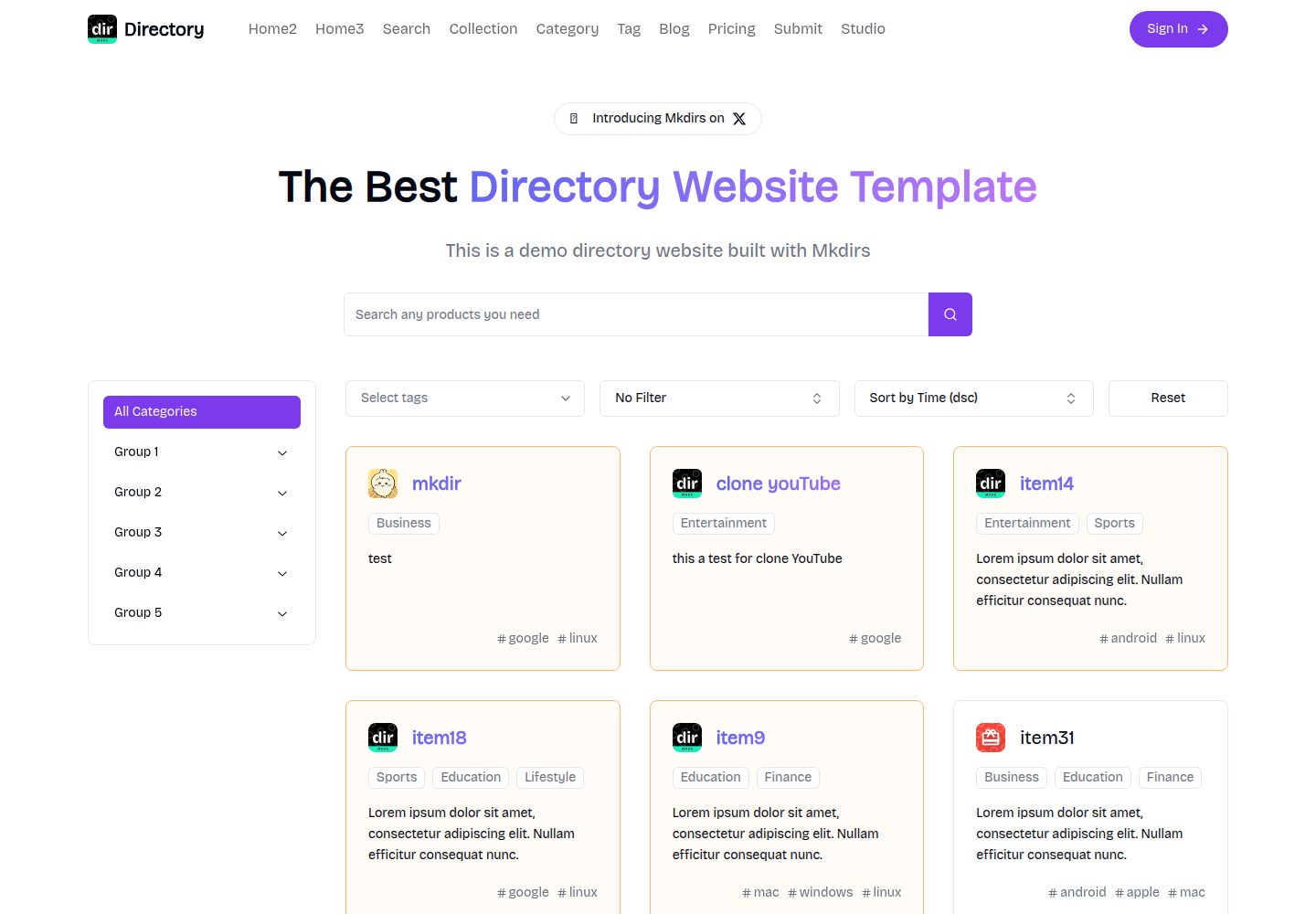
Mkdirs is an open-source directory website template built with Next.js, offering directory entries, categories, collections, tags, and search as core content structures, plus AI-assisted submissions, user authentication and dashboards, free/paid/sponsored submissions via Stripe, Sanity CMS with blog, Resend email and newsletters, SEO…
Next.js · Directory site
next-pages-template
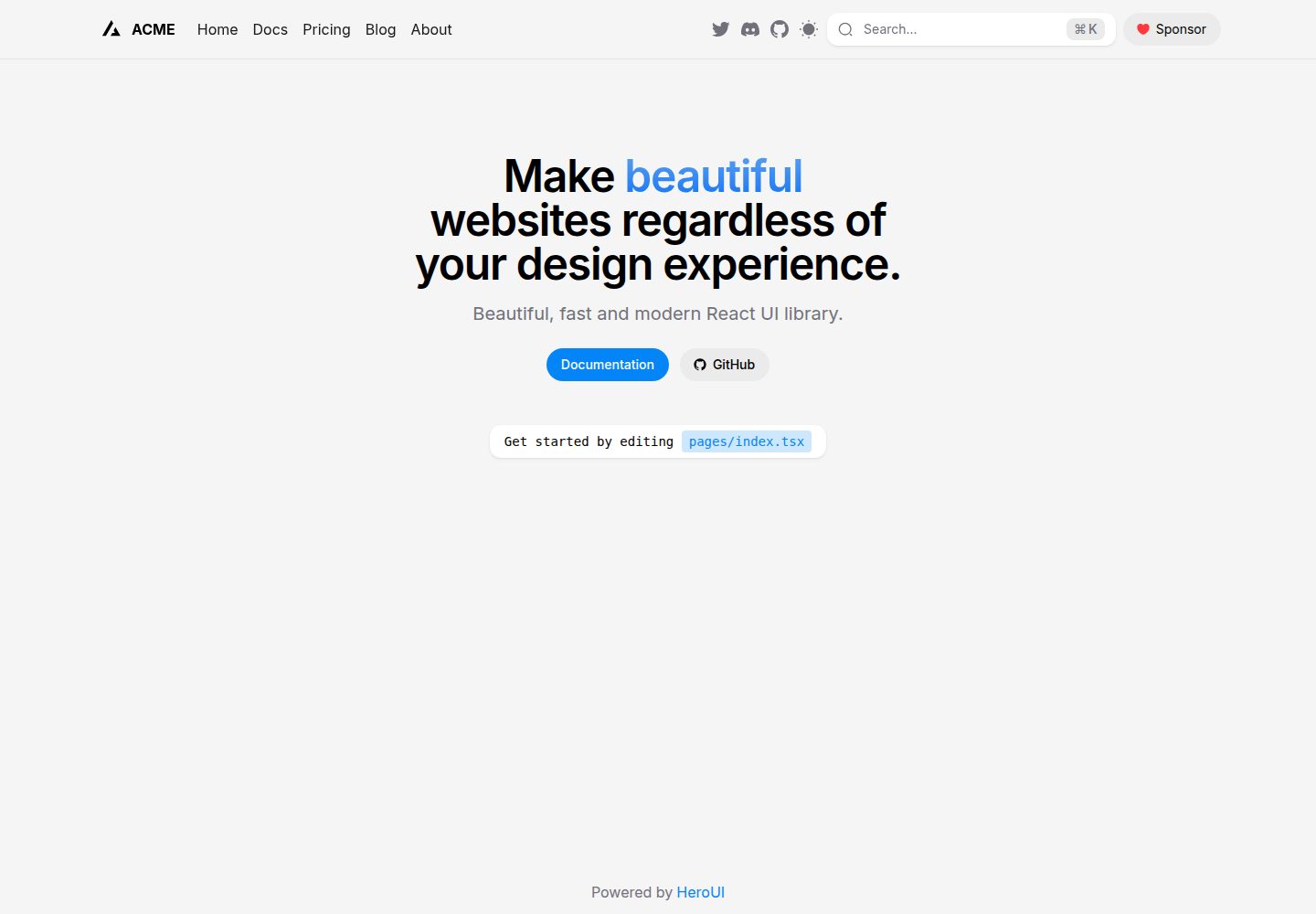
A Next.js Pages Router starter template pre-configured with HeroUI, Tailwind CSS, Tailwind Variants, TypeScript, and next-themes, including example home and blog pages.
Next.js · Directory site
snxtw
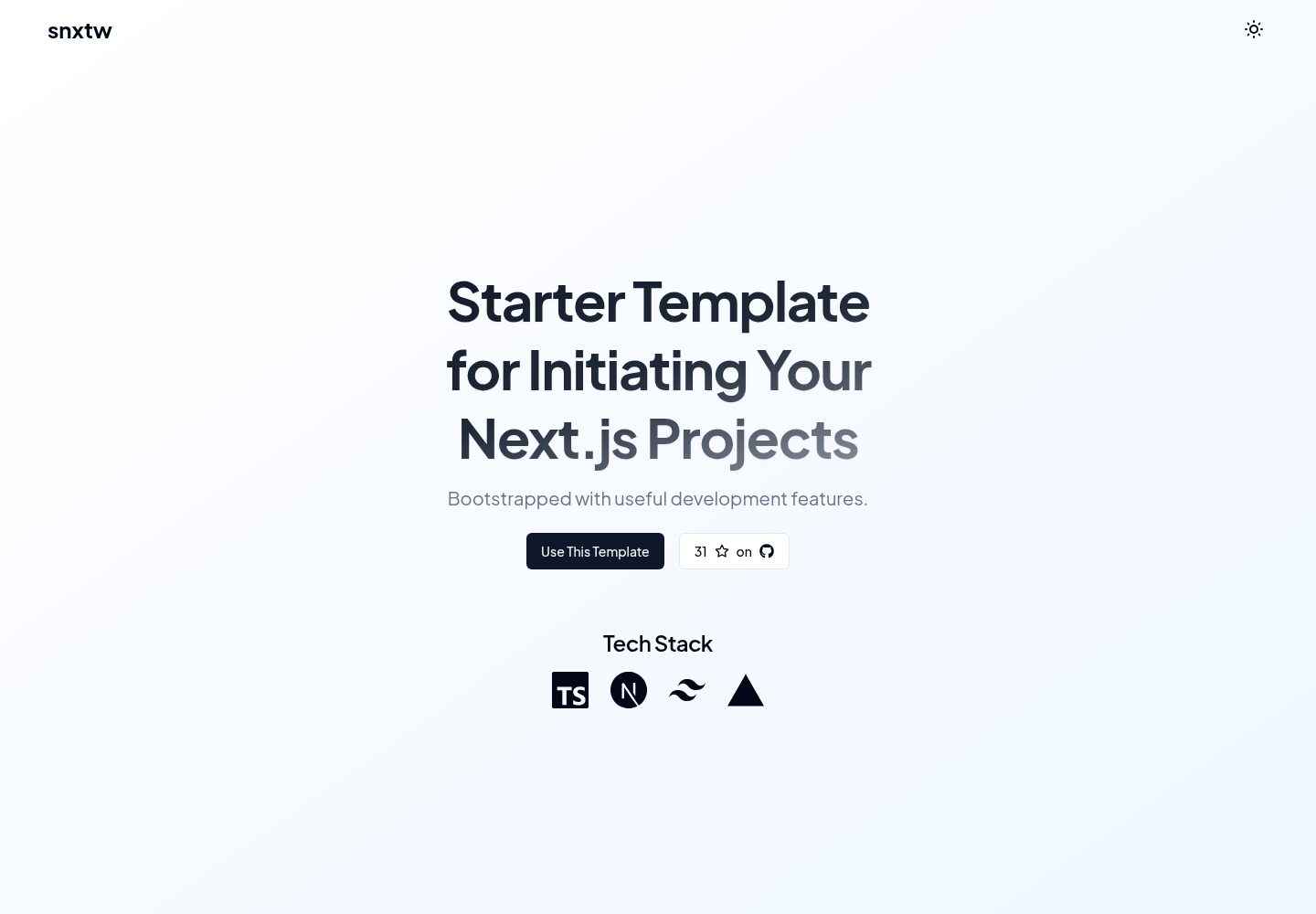
snxtw is a Next.js App Router starter template with Tailwind CSS and TypeScript, offering prebuilt components, SEO metadata, and a code quality toolchain including ESLint, Prettier, Husky, lint-staged, and Conventional Commit Lint.
Next.js · Directory site

nextjs-directory-site-starter
Nextory is a starter template for directory websites built with Next.js 15 and Tailwind CSS V4.
Next.js · Directory site
Resume-Builder
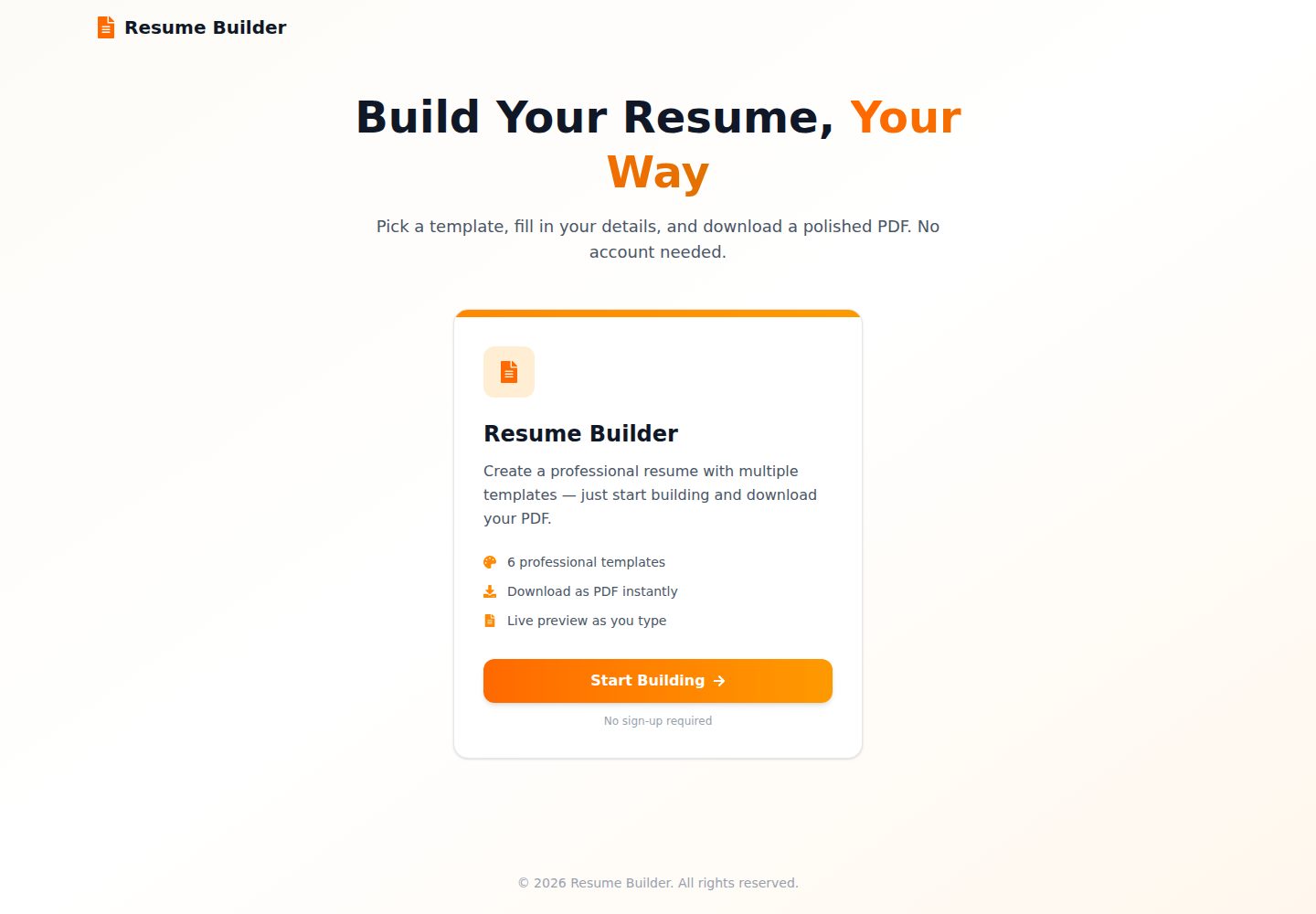
A purely client-side resume builder built with Next.js and React, offering split-screen live preview, 6 single- and two-column templates, and one-click PDF export via @react-pdf/renderer, with data stored in localStorage.
Next.js · Portfolio
ntt
A web application template using Next.js, TypeScript, and Tailwind CSS. It provides an app directory under src, organizing code into components, pages, styles, utils, and lib, with styles configured via tailwind.config.js.
Next.js · Directory site