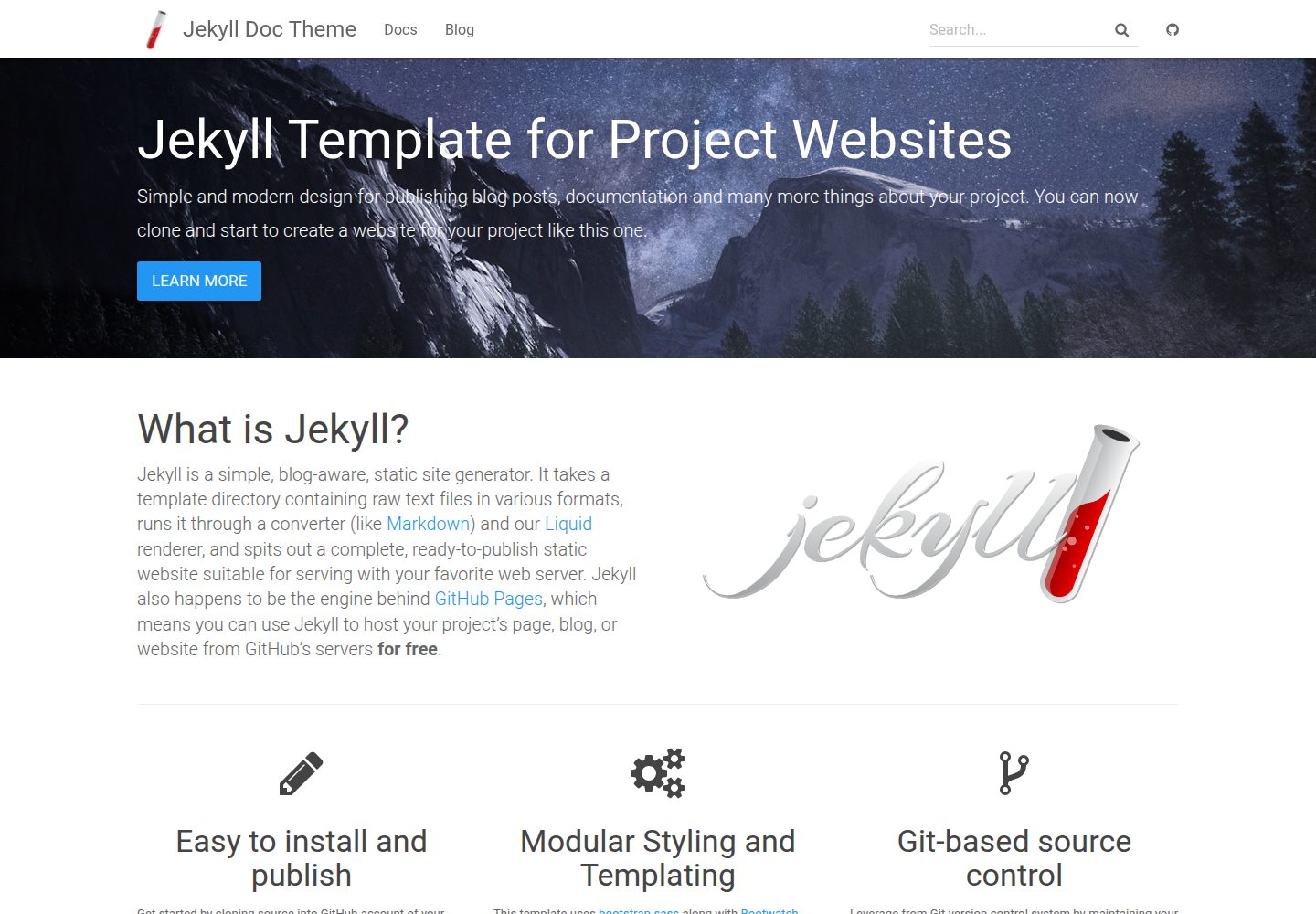
Jekyll documentation theme with an online demo site included in the repository
JekyllHTMLDocumentationTool Site
jekyll-doc-theme — Jekyll Documentation Template
By aksakalli
A Jekyll-based theme for project documentation websites, released under the MIT license, deployable via local build, Docker, or GitHub Pages remote theme.
Explore the design
Compare the page layouts and mobile experience. Open any screenshot for a closer look.
Desktop homepage1 / 3
Desktop captureTop of page
Actual screenshot captured by the server browser.
All pages & views 3
Screenshots show visual appearance; interactive behavior may differ.
Recorded 2026-10-02View source
What stands out
A quick read of the recorded project description.
Three usage methods: local Ruby/Bundler, Docker, and GitHub Pages remote theme
Theme assets concentrated in the /asset directory, including styles, fonts, images, scripts, a 404 page, and a search index file
Styles such as colors and layout can be overridden by copying main.scss and modifying variables
Released under the MIT license, permitting free use, modification, commercial use, and distribution
Template Details
jekyll-doc-theme is a Jekyll theme for project documentation websites, with a demo site and full source code in the repository. Built on Jekyll and HTML, it is suited to organizing Markdown content into a documentation site with navigation.
There are three deployment methods: run jekyll serve locally using Ruby and Bundler; build an image via the multi-stage Dockerfile in the repository and serve static files with Nginx; or use the jekyll-remote-theme plugin on GitHub Pages to reference the gh-pages branch or a specific tag as a remote theme.
Theme assets are concentrated in the /asset directory, including css, fonts, img, js, 404.html, allposts.html, and search.json. Project files can override theme files of the same name. The official recommendation for style customization is to copy asset/css/main.scss into your own project and modify variables (such as Bootstrap grid and container width) before the import statements, or append custom styles after the standard imports.
The README lists numerous sites using this theme, covering compilers, machine learning, databases, research courses, and developer documentation, including one right-to-left layout example.
JekyllHTMLDocumentationTool Site
Is it right for your project?
Use Cases
- Building a documentation site with navigation and search for an open-source project
- Quickly applying the documentation look via remote theme on GitHub Pages
- Deploying built static documentation to Nginx using a Docker image
- Organizing documentation for research projects, courses, or developer platforms
Suitable For
- Developers familiar with Jekyll and Markdown workflows
- Maintainers who need to set up a documentation site for an open-source project
- Teams looking to publish static documentation using Docker or GitHub Pages
Getting started & customization
Use these recorded setup notes alongside the repository instructions for your chosen version.
- 1
Local run requires installing Ruby and gem first, then running gem install bundler, bundle install, and bundle exec jekyll serve
- 2
For Docker, specify the site base path at build time via the JEKYLL_BASEURL parameter; leave empty for the root path
- 3
For GitHub Pages, enable the github-pages plugin and configure remote_theme in _config.yml to point to the gh-pages branch or a specific tag
- 4
When customizing styles, copy asset/css/main.scss into your own project, modify variables before the import statements, or append overrides after the standard imports
- 5
Third-party assets such as demo images, fonts, and icons require separate license checks and cannot be judged solely based on the code's MIT license
License & source material
Usage conditions & limitations
Free to use · keep license noticeThis entry covers the free version under the MIT license in the public repository; the free scope applies to that version's code and does not imply that external services or third-party assets are free.
Must comply with when using
- Free use, modification, commercial use, and distribution of this version's code are permitted.
- When distributing copies or substantial portions of the code, retain the original author's copyright notice and the full MIT license notice.
- The code is provided as is; warranties and limitations of liability are governed by the original license and applicable law.
Additional costs & items to verify
- Demo images, fonts, icons, and other third-party assets require checking under their respective licenses and cannot be judged solely by the code's MIT license.
- External services such as domains, hosting, databases, payments, or AI may incur additional charges.
View Original Text Basis
https://github.com/aksakalli/jekyll-doc-theme/blob/gh-pages/LICENSEhttps://github.com/aksakalli/jekyll-doc-theme/blob/gh-pages/README.mdPermission is hereby granted, free of charge
Original License Text
Compiled by DeepSeek based on repository license and README ·2026-10-02. Results only cover the materials read; dependencies, images, fonts, and subsequent term changes are subject to their respective original texts.
Project checks & description sources
Template Information
- Source platforms
- GitHub
- Documentation and maintenance reference score
- More documented · 81 / 100
- Technologies
- Jekyll · HTML
- Website type
- Documentation · Tool Site
How this score is calculated
Our heuristic uses license records (up to 30), a demo link (12), a preview (10), stars (15), recorded maintenance (15), description completeness (8), feature records (5) and classification data (5). It is not a code, security or performance test, or a Google score. A link does not establish tested functionality.
What to verify for this project
- Repository update recorded
- 2024-02-29
- Screenshot last checked
- 2026-10-02
A demo link is listed. Check it with your own content and viewport sizes; its presence does not confirm that forms, authentication or payments work.
The catalog identifies Jekyll as the primary stack. Check the actual dependency manifest and lockfile for versions and hosting requirements. These notes use recorded metadata, not a code audit or a deployment test.
Use a selection guide →How this description was prepared
AI-assisted description based on catalog records and repository material. Repository authors are not automatically the reviewers of this description.
Automatically checked against source and license rules; no manual editorial review.
Inspect the recorded source material
SHA-256: b0d4066d1b0f4616ac9e2eb72717679be931969580983b3929caebf6255b0f11
2026-10-02T08:00:28.132Z
Source file / repository# Jekyll Doc Theme
Go to [the website](https://aksakalli.github.io/jekyll-doc-theme/) for detailed information and demo.
## Running locally
You need Ruby and gem before starting, then:
```bash
# install bundler
gem install bundler
# clone the project
git clone https://github.com/aksakalli/jekyll-doc-theme.git
cd jekyll-doc-theme
# install dependencies
bundle install
# run jekyll with dependencies
bundle exec jekyll serve
```
### Theme Assets
As of the move to support [Github Pages](https://pages.github.com/) a number of files have been relocated to the `/asset` folder.
- css/
- fonts/
- img/
- js/
- 404.html
- allposts.html
- search.json
## Docker
Alternatively, you can deploy it using the multi-stage [Dockerfile](Dockerfile)
that serves files from Nginx for better performance in production.
Build the image for your site's `JEKYLL_BASEURL`:
```
docker build --build-arg JEKYLL_BASEURL="/your-base/url" -t jekyll-doc-theme .
```
(or leave it empty for root: `JEKYLL_BASEURL=""`) and serve it:
```
docker run -p 8080:80 jekyll-doc-theme
```
## Github Pages
The theme is also available to [Github Pages](https://pages.github.com/) by making use of the [Remote Theme](https://github.com/benbalter/jekyll-remote-theme) plugin:
**Gemfile**
```
# If you want to use GitHub Pages, remove the "gem "jekyll"" above and
# uncomment the line below. To upgrade, run `bundle update github-pages`.
gem "github-pages", group: :jekyll_plugins
```
**_config.yml**
```
# Configure the remote_theme plugin with the gh-pages branch
# or the specific tag
remote_theme: aksakalli/jekyll-doc-theme@gh-pages
```
### Theme Assets
Files from your project will override any theme file with the same name. For example, the most comment use case for this, would be to modify your sites theme or colors. To do this, the following steps should be taken:
1) Copy the contents of the `aksakalli/jekyll-doc-theme/asset/css/main.scss` to your own project (maintaining folder structure)
2) Modify the variables you wish to use prior to the import statements, for example:
```
// Bootstrap variable overrides
$grid-gutter-width: 30px !default;
$container-desktop: (900px + $grid-gutter-width) !default;
$container-large-desktop: (900px + $grid-gutter-width) !default;
@import // Original import statement
{% if site.bootwatch %}
"bootswatch/{{site.bootwatch | downcase}}/variables",
{% endif %}
"bootstrap",
{% if site.bootwatch %}
"bootswatch/{{site.bootwatch | downcase}}/bootswatch",
{% endif %}
"syntax-highlighting",
"typeahead",
"jekyll-doc-theme"
;
// More custom overrides.
```
3) Import or override any other theme styles after the standard imports
## Projects using Jekyll Doc Theme
* http://teavm.org/
* https://ogb.stanford.edu/
* https://griddb.org/
* https://su2code.github.io/
* https://contextmapper.org/
* https://launchany.github.io/mvd-template/
* https://knowit.github.io/kubernetes-workshop/
* https://rec.danmuji.org/
* https://nethesis.github.io/icaro/
* http://ai.cs.ucl.ac.uk/
* http://tizonia.org
* https://lakka-switch.github.io/documentation/
* https://cs.anu.edu.au/cybersec/issisp2018/
* http://www.channotation.org/
* http://nemo.apache.org/
* https://csuf-acm.github.io/
* https://extemporelang.github.io/
* https://media-ed-online.github.io/intro-web-dev-2018spr/
* https://midlevel.github.io/MLAPI/
* https://pulp-platform.github.io/ariane/docs/home/
* https://koopjs.github.io/
* https://developer.apiture.com/
* https://contextmapper.github.io/
* https://www.bruttin.com/CosmosDbExplorer/
* http://mosaic-lopow.github.io/dash7-ap-open-source-stack/
* http://www.vstream.ml/
* http://docs.fronthack.com/
* https://repaircafeportsmouth.org.uk/
* http://brotherskeeperkenya.com/
* https://hschne.at/Fluentast/
* https://zoe-analytics.eu/
* https://uli.kmz-brno.cz/
* https://lime.software/
* https://weft.aka.farm
* https://microros.github.io/
* https://citystoriesucla.github.io/citystories-LA-docs
* http://lessrt.org/
* http://kivik.io/
* https://www.iot-kit.nl/
* http://justindietz.com/
* https://universalsplitscreen.github.io/
* https://docs.oneflowcloud.com/
* https://actlist.silentsoft.org/
* https://teevid.github.io
* https://developer.ipums.org
* https://osmpersia.github.io (right-to-left)
* https://ecmlpkdd2019.org
* https://idle.land
* https://mqless.com
* https://muict-seru.github.io/
* https://www.invoice-x.org
* https://www.devops.geek.nz
## License
Released under [the MIT license](LICENSE).
Explore similar templates
Compare previews and descriptions within the same stack and category.

minimal-mistakes
Minimal Mistakes is a two-column Jekyll theme for personal sites, blogs, project documentation, or portfolios.
Jekyll · Portfolio

jekyll-TeXt-theme
A customizable Jekyll theme for personal sites, team sites, blogs, projects, and documentation.
Jekyll · Blog
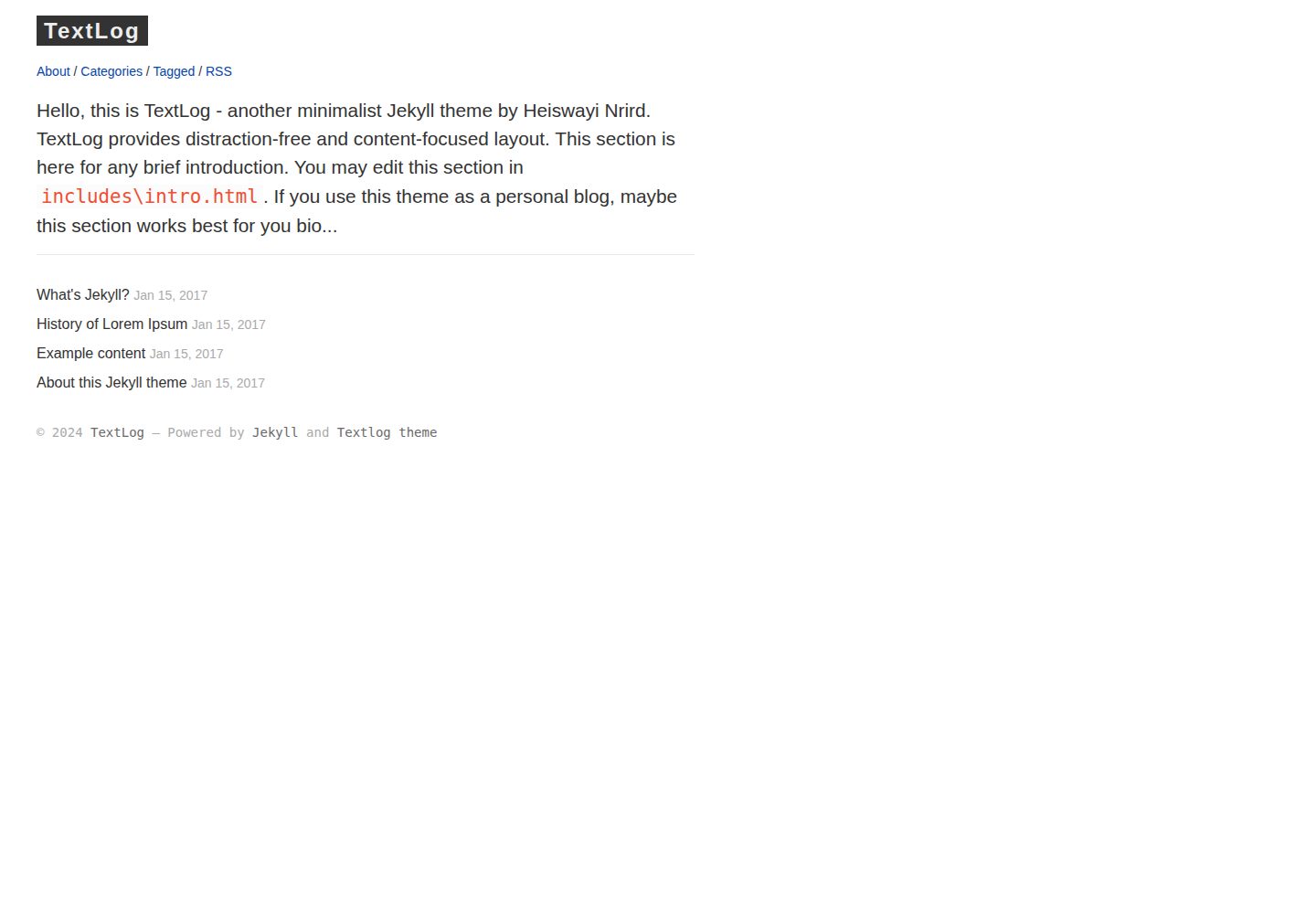
textlog
TextLog is a minimalist, left-sidebar Jekyll theme for documentation-style blogs. It includes a demo site and is MIT-licensed for free use, modification, commercial use, and distribution.
Jekyll · Blog
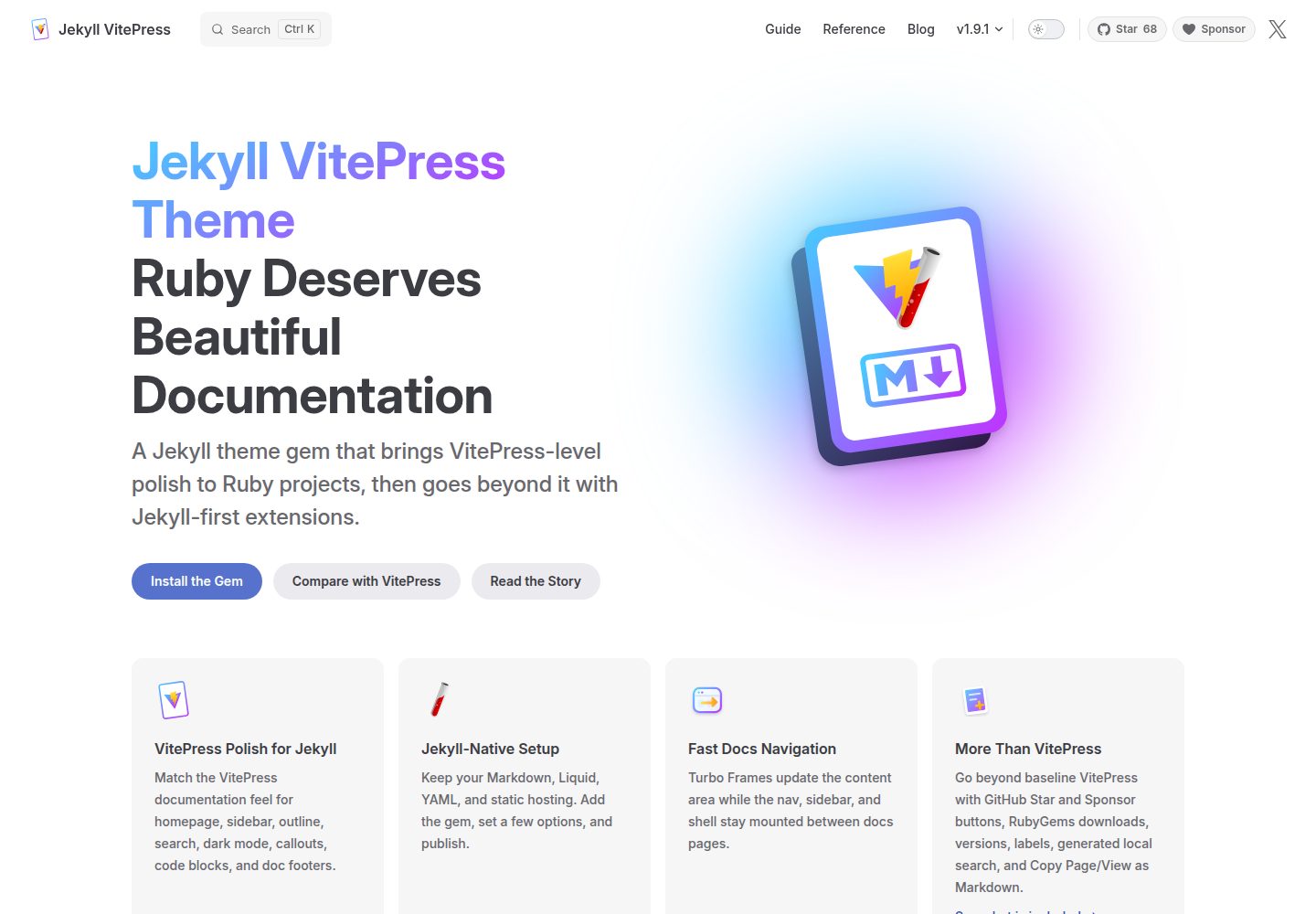
jekyll-vitepress-theme
A Jekyll documentation theme released as a Ruby gem that brings a VitePress-like interface and reading experience to Jekyll while preserving its Markdown, Liquid, YAML, and static hosting workflow.
Jekyll · Documentation
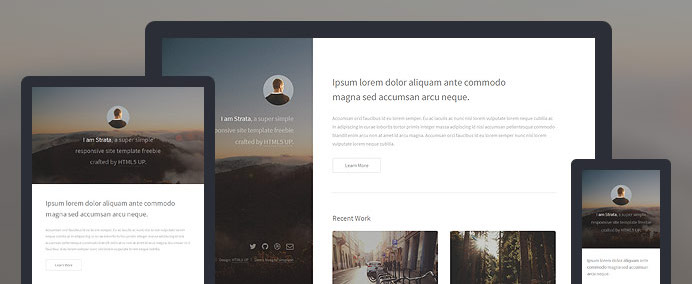
strata-jekyll
A Jekyll blog theme that ports the HTML5 UP Strata design, offering a clean, responsive layout with Disqus comments, Open Graph and Twitter Card metadata, RSS/Atom feeds, sitemap.xml, pagination, previous/next navigation, reading time, and footer social links.
Jekyll · Tool Site
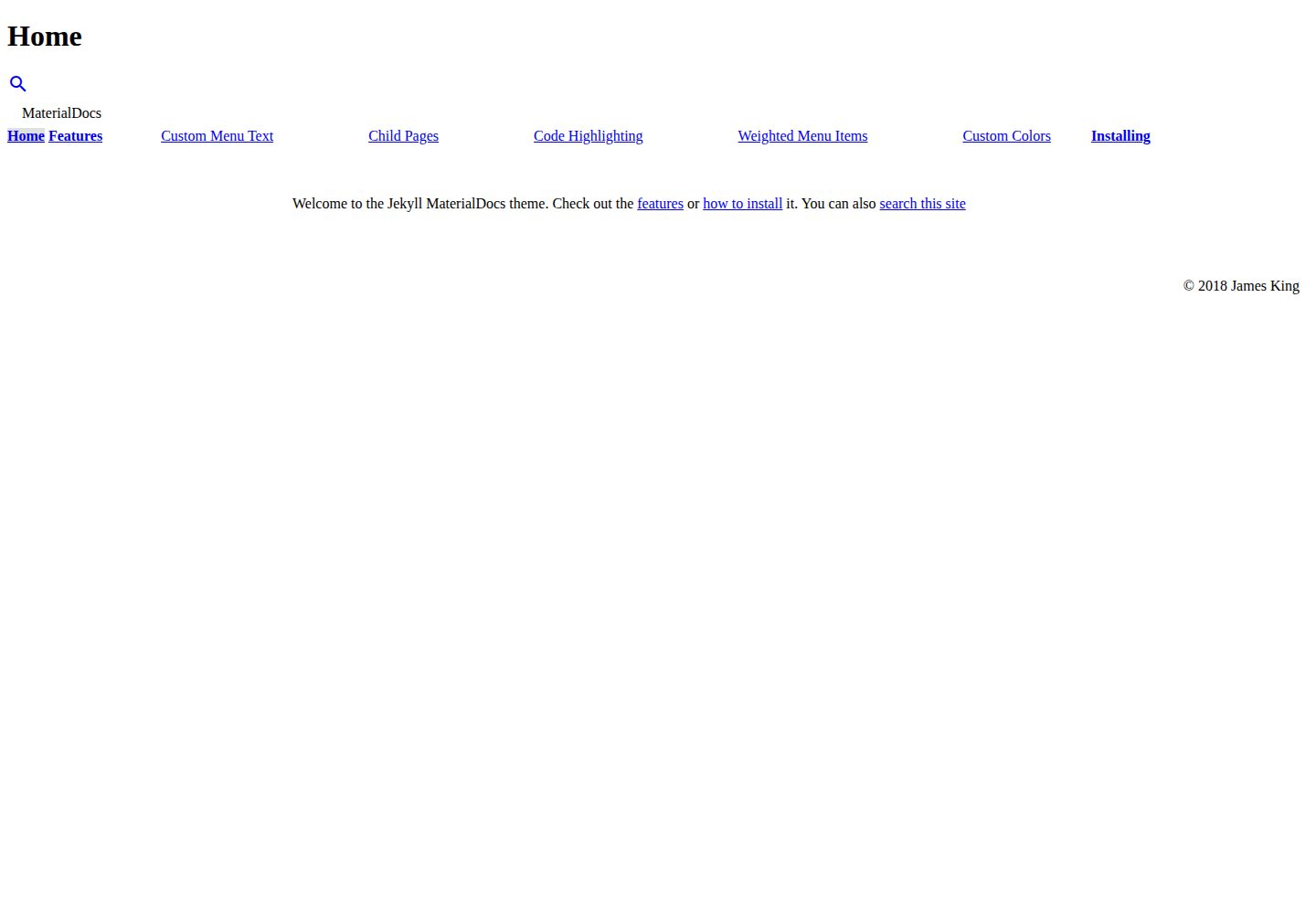
jekyll-materialdocs
MaterialDocs is a two-column Jekyll documentation theme built on Material Design Lite.
Jekyll · Documentation