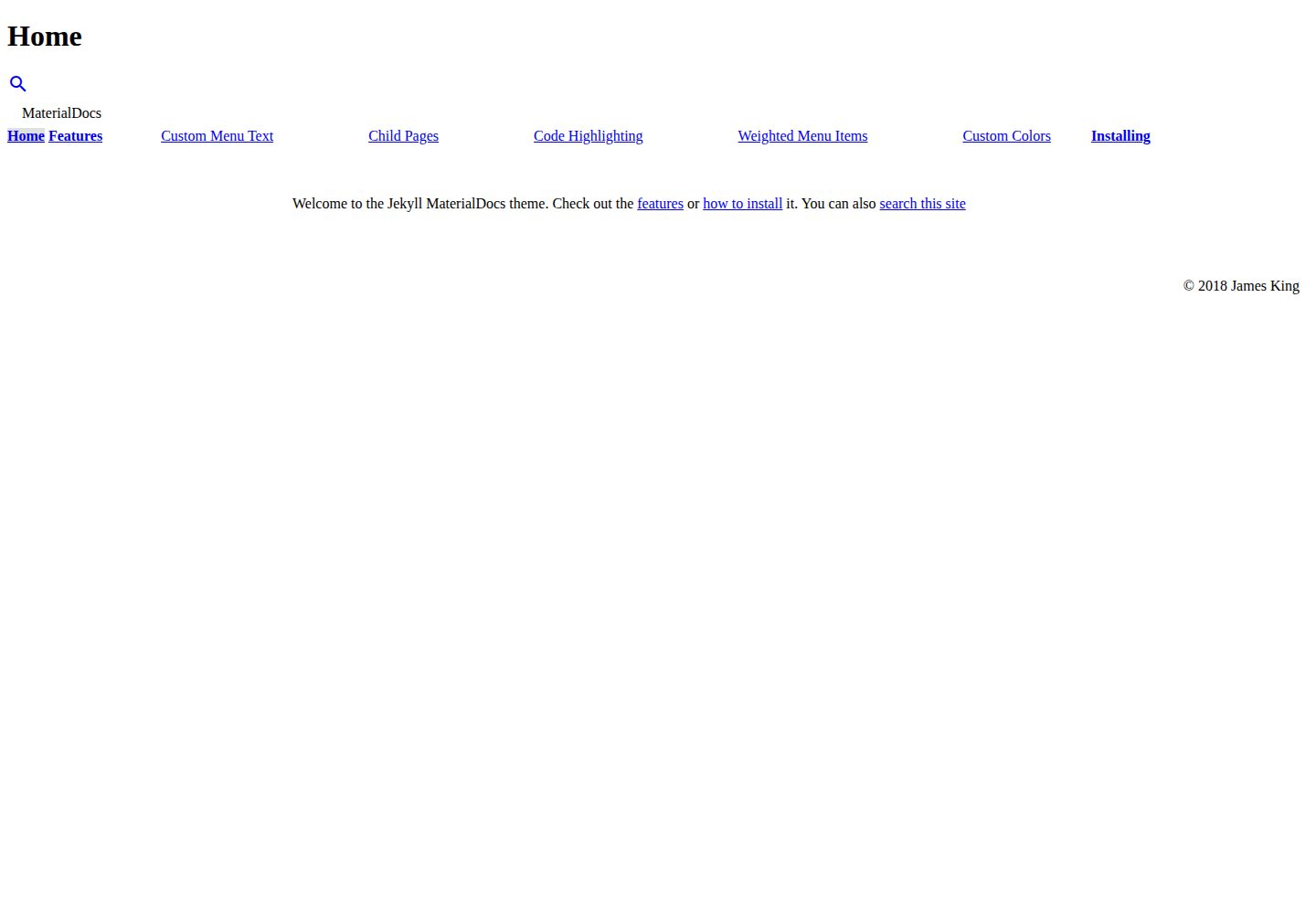
Two-column documentation layout based on Material Design Lite
JekyllDocumentation
jekyll-materialdocs — Jekyll Documentation Template
By chromatical
A two-column Jekyll documentation theme built on Material Design Lite, with menu hierarchy, color scheme switching, and site search.
Explore the design
Compare the page layouts and mobile experience. Open any screenshot for a closer look.
Desktop homepage1 / 3
Desktop captureTop of page
Actual screenshot captured by the server browser.
All pages & views 3
Screenshots show visual appearance; interactive behavior may differ.
Recorded 2026-10-02View source
What stands out
A quick read of the recorded project description.
Supports switching MDL color schemes via mdl_colors, with per-page overrides
Menu supports parent-child hierarchy, weight sorting, opening in new tabs, and hiding
Supports a data-driven menu via _data/nav.yml, allowing external links
Built-in site search toggle, which can be disabled globally or per page
Provides two integration methods: gem installation and jekyll-remote-theme
Template Details
MaterialDocs is a Jekyll theme for documentation sites, built with Material Design Lite and laid out in two columns, making it suitable for organizing explanations, guides, or manuals into a site with side navigation. The theme provides site-level options through _config.yml, including the logo path, MDL color scheme, copyright attribution, whether to enable search, and how the menu is displayed; when menu_style is set to dropdown, only the subitems of the current main menu item are expanded. Page-level configuration is written in YAML front matter and can override the menu text, whether to open in a new tab, parent-child hierarchy, sort weight, per-page color scheme, and whether to hide the page from search results. The menu also supports a data-driven approach via _data/nav.yml, used to add custom or external links, with hierarchy established through id and parent. There are two installation methods: add it as a gem to the Gemfile and set theme, or use the jekyll-remote-theme plugin with remote_theme pointing to the repository. The theme is released under the MIT license, and the repository was last updated in 2019; before use, it is advisable to confirm compatibility with the current Jekyll version.
JekyllDocumentation
Is it right for your project?
Use Cases
- Building a documentation site with side navigation for an open-source project
- Organizing product manuals, operation guides, or internal knowledge bases
- Quickly applying a documentation theme on GitHub Pages via remote_theme
- Documentation sites that need per-page color adjustments or hiding specific pages from search results
Suitable For
- Developers building static sites with Jekyll
- Project maintainers who need a two-column documentation layout and hierarchical menus
- Teams that prefer the Material Design Lite visual style
- Documentation sites that want to maintain navigation links through data files
Getting started & customization
Use these recorded setup notes alongside the repository instructions for your chosen version.
- 1
Add gem "jekyll-materialdocs" to the Gemfile, set theme: jekyll-materialdocs in _config.yml, then run bundle.
- 2
Alternatively, run gem install jekyll-materialdocs to install it separately.
- 3
For GitHub Pages, enable the jekyll-remote-theme plugin and set remote_theme: chromatical/jekyll-materialdocs.
- 4
Site options are configured in _config.yml, including logo, mdl_colors, copyright, search, and menu_style.
- 5
Page-level menu and search behavior are controlled through the YAML front matter fields menu, tab, parent, weight, mdl_colors, and search.
License & source material
Usage conditions & limitations
Free to use · keep license noticeThis entry covers the free version in the public repository under the MIT license; the free scope is the code of this version and does not mean that external services or third-party assets are free.
Must comply with when using
- Allows free use, modification, commercial use, and distribution of this version's code.
- When distributing copies or substantial portions of the code, retain the original author's copyright notice and the full MIT license notice.
- The code is provided as is; warranties and limitations of liability are governed by the original license and applicable law.
Additional costs & items to verify
- Demo images, fonts, icons, and other third-party assets must be checked against their respective licenses and cannot be judged solely by the code's MIT license.
- External services such as domains, hosting, databases, payments, or AI may incur separate charges.
View Original Text Basis
https://github.com/chromatical/jekyll-materialdocs/blob/master/LICENSEhttps://github.com/chromatical/jekyll-materialdocs/blob/master/README.mdPermission is hereby granted, free of charge
Original License Text
Compiled by DeepSeek based on repository license and README ·2026-10-02. Results only cover the materials read; dependencies, images, fonts, and subsequent term changes are subject to their respective original texts.
Project checks & description sources
Template Information
- Source platforms
- GitHub
- Documentation and maintenance reference score
- Partly documented · 72 / 100
- Technologies
- Jekyll
- Website type
- Documentation
How this score is calculated
Our heuristic uses license records (up to 30), a demo link (12), a preview (10), stars (15), recorded maintenance (15), description completeness (8), feature records (5) and classification data (5). It is not a code, security or performance test, or a Google score. A link does not establish tested functionality.
What to verify for this project
- Repository update recorded
- 2019-08-21
- Screenshot last checked
- 2026-10-02
A demo link is listed. Check it with your own content and viewport sizes; its presence does not confirm that forms, authentication or payments work.
The catalog identifies Jekyll as the primary stack. Check the actual dependency manifest and lockfile for versions and hosting requirements. These notes use recorded metadata, not a code audit or a deployment test.
Use a selection guide →How this description was prepared
AI-assisted description based on catalog records and repository material. Repository authors are not automatically the reviewers of this description.
Automatically checked against source and license rules; no manual editorial review.
Inspect the recorded source material
SHA-256: 41ae58404ffff7f3770dc832c5d86246efa216ce8ccc322ee1aba8def43ad32d
2026-10-02T16:22:15.145Z
Source file / repository# MaterialDocs
**View this theme on [ThemeJekyll](https://themejekyll.github.io/theme/materialdocs/)**

MaterialDocs is a material two-column Jekyll theme designed for documentation websites. It is built with [Material Design Lite](https://getmdl.io).
## Standard Installation
Add this line to your Jekyll site's `Gemfile`:
```ruby
gem "jekyll-materialdocs"
```
And add this line to your Jekyll site's `_config.yml`:
```yaml
theme: jekyll-materialdocs
```
And then execute:
$ bundle
Or install it yourself as:
$ gem install jekyll-materialdocs
## Using with GitHub Pages
MaterialDocs is compatible with [Jekyll Remote Theme](https://github.com/benbalter/jekyll-remote-theme).
Add the following to `_config.yml` to enable Jekyll Remote Theme.
```yaml
plugins:
- jekyll-remote-theme
```
Add the following to `_config.yml` to use MaterialDocs.
```yaml
remote_theme: chromatical/jekyll-materialdocs
```
## Site Options
```yaml
logo: /path/to/logo.png # an absolute or relative image path to use as the site logo
mdl_colors: indigo-pink # a supported Material Design Lite color scheme
copyright: Your Name # will override the copyright notice (default is site title)
search: true # enabled by default, set to false to disable site search
menu_style: dropdown # will only show child menu items for the main item selected
```
MaterialDocs supports changing the color scheme by setting `mdl_colors` in _config.yml to a supported Material Design Lite scheme (e.g. indigo-pink, deep_orange-blue). Use the [MDL theme builder](https://getmdl.io/customize/index.html) to find color schemes.
## Front Matter Options
MaterialDocs supports a few optional custom values in the YAML front matter.
```yaml
menu: Example Page # will use this as the menu item text instead of title, set to false to remove from menu
tab: true # will open this page in a new tab
parent: index.md # will make this menu item a child of the index.md item
weight: 2 # smaller weights rise to the top of the menu
mdl_colors: deep_orange-blue # override global color scheme for this page
search: false # hides this page from search results
```
## Menu Data File
MaterialDocs supports data-driven menus in `_data/nav.yml`. This can be used to add custom or external links to the menu. Data-driven menu items support all menu-related YAML front matter options. Additionally, data-driven menu items support the `id` option, which can be referenced in `parent`. An example `nav.yml` is shown here.
```yaml
- title: "External Menu Item"
url: "https://example.com"
tab: true # opens this link in a new tab
id: example # will be used as a parent item
- title: "Child Menu Item"
url: "https://example.com"
parent: example # will make this item a child of the item above (not displayed when menu_style is set to 'dropdown')
- title: "Another Child Menu Item"
url: "https://example.com"
parent: about.md # will make this item a child of the about.md item
```
## Contributing
Bug reports and pull requests are welcome on GitHub at https://github.com/chromatical/jekyll-materialdocs.
## License
The theme is available as open source under the terms of the [MIT License](https://opensource.org/licenses/MIT).
Explore similar templates
Compare previews and descriptions within the same stack and category.

minimal-mistakes
Minimal Mistakes is a two-column Jekyll theme for personal sites, blogs, project documentation, or portfolios.
Jekyll · Portfolio

jekyll-TeXt-theme
A customizable Jekyll theme for personal sites, team sites, blogs, projects, and documentation.
Jekyll · Blog
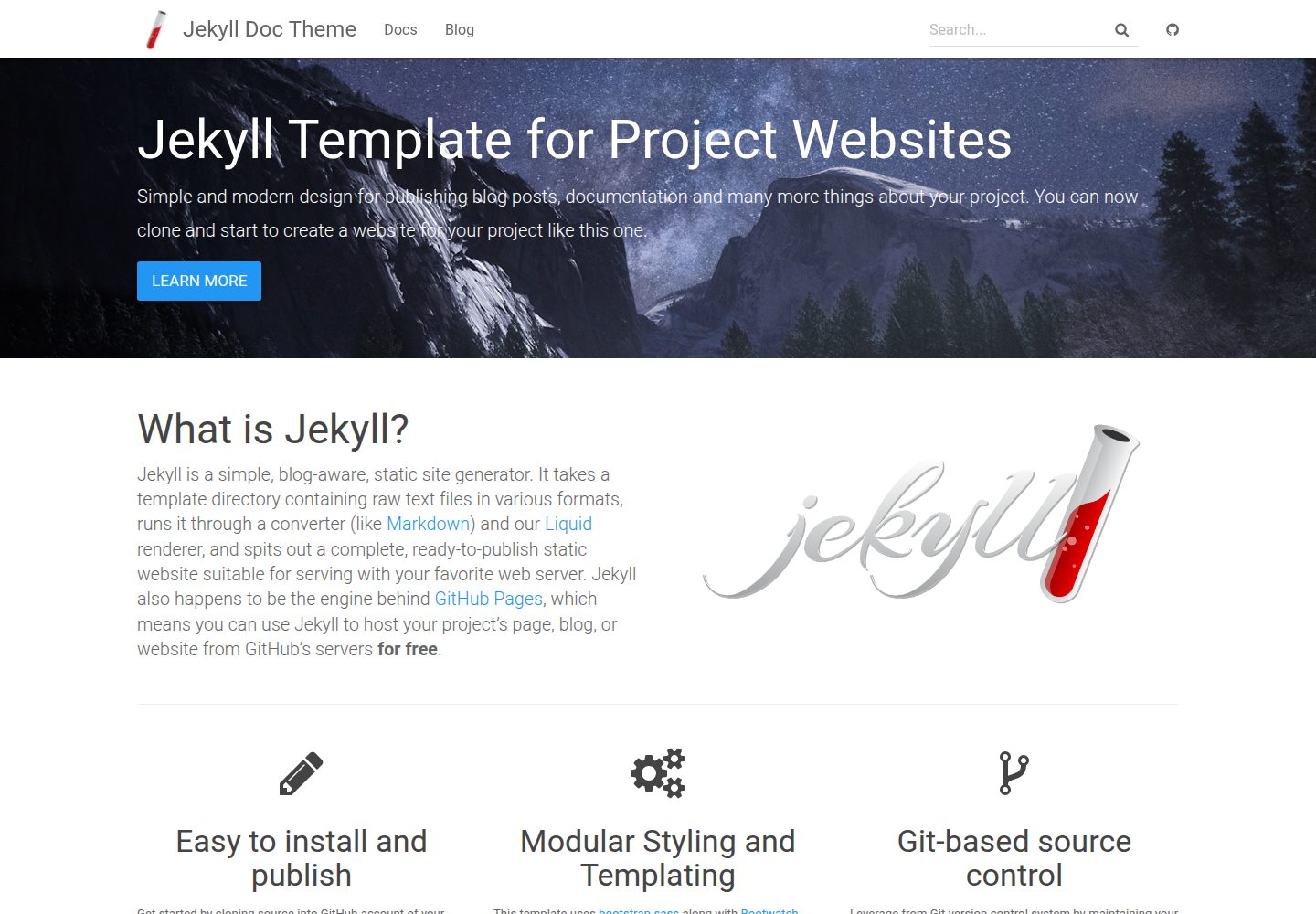
jekyll-doc-theme
A Jekyll theme for project documentation websites, released under the MIT license. It organizes Markdown content into a navigable documentation site and can be deployed via local Ruby/Bundler build, a multi-stage Dockerfile with Nginx, or GitHub Pages remote theme.
Jekyll · Documentation
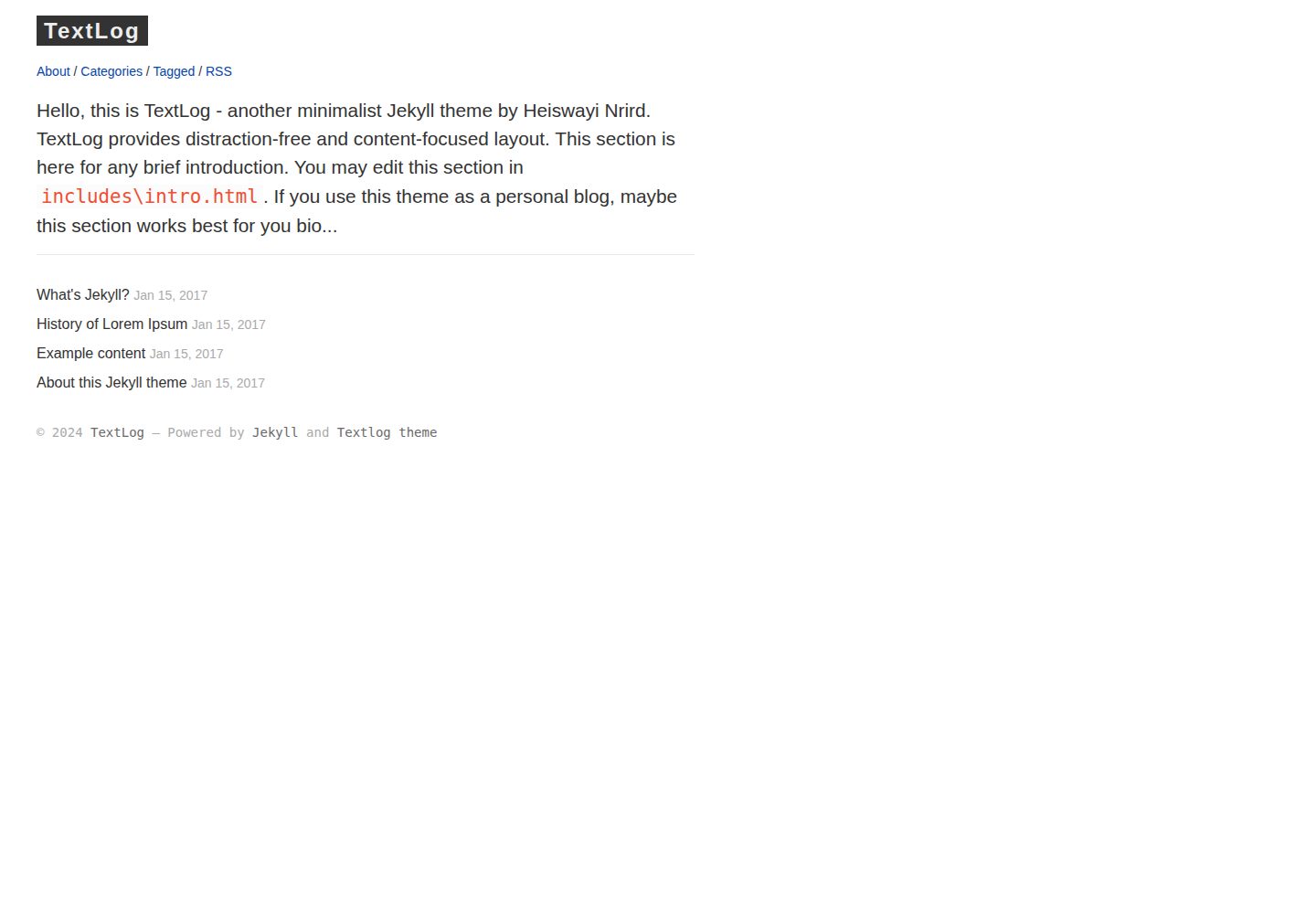
textlog
TextLog is a minimalist, left-sidebar Jekyll theme for documentation-style blogs. It includes a demo site and is MIT-licensed for free use, modification, commercial use, and distribution.
Jekyll · Blog
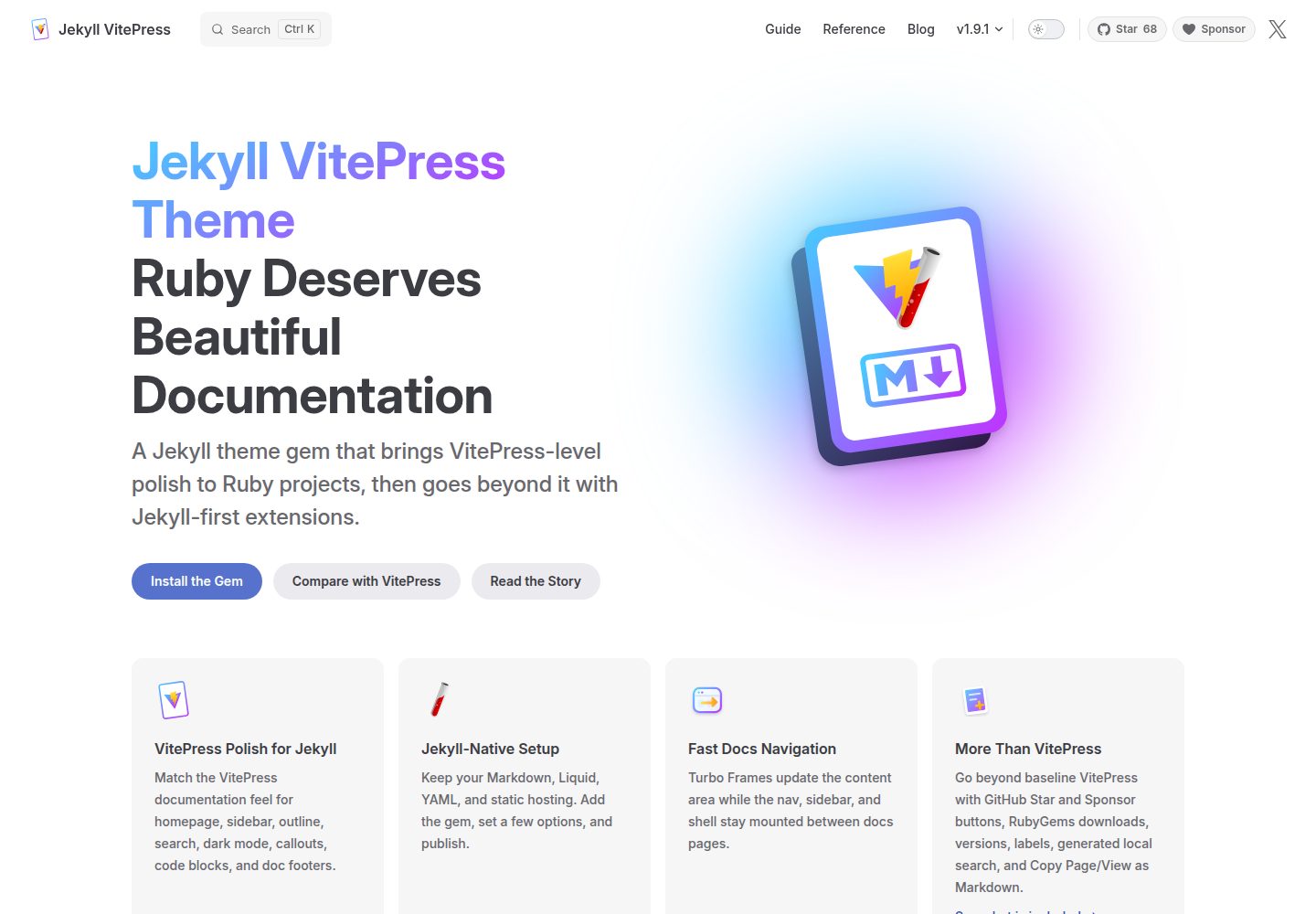
jekyll-vitepress-theme
A Jekyll documentation theme released as a Ruby gem that brings a VitePress-like interface and reading experience to Jekyll while preserving its Markdown, Liquid, YAML, and static hosting workflow.
Jekyll · Documentation
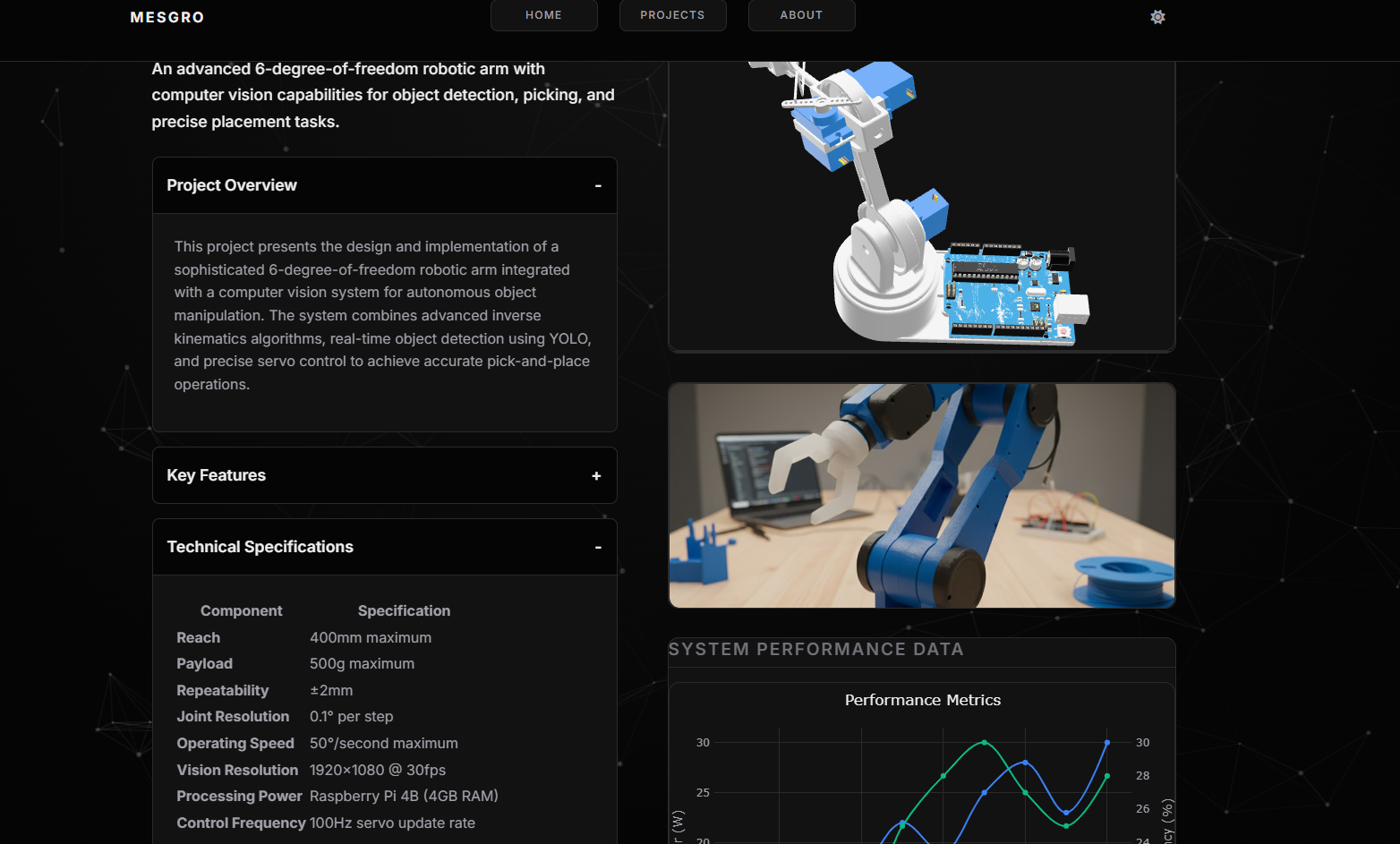
MESGRO
MESGRO is a Jekyll template for robotics, mechatronics, and electronics engineers to build technical project portfolios.
Jekyll · Portfolio