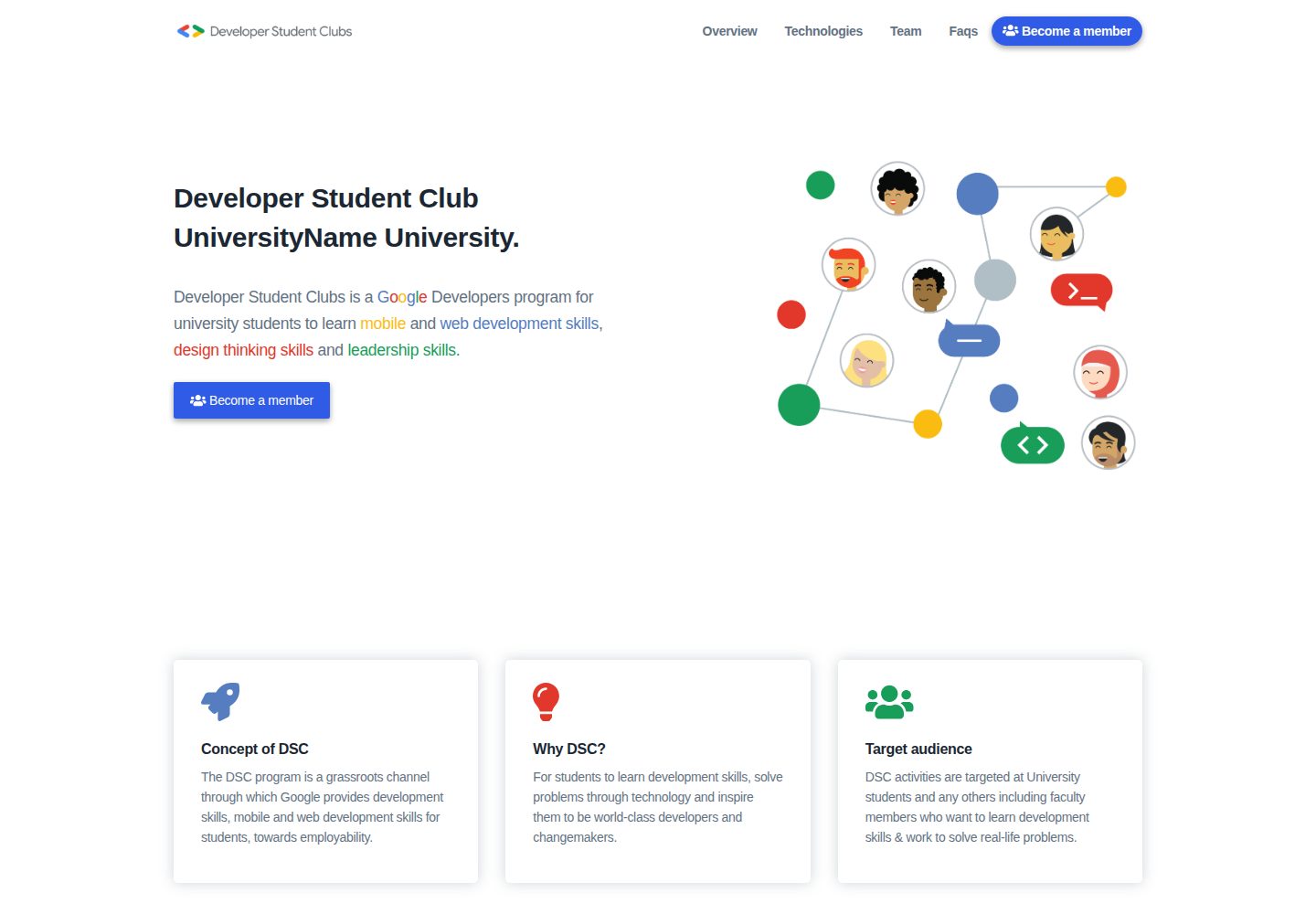
Content is maintained through multiple YAML files in the content directory; changing copy does not require writing page code
GatsbyReactTool Site
dsc-website-template — Gatsby Tool Template
By andreabac3
A Gatsby-based website generation template for Google Developer Student Club chapters, where site content is updated by editing YAML files in the content directory.
Explore the design
Compare the page layouts and mobile experience. Open any screenshot for a closer look.
Desktop homepage1 / 2
Desktop captureTop of page
Actual screenshot captured by the server browser.
All pages & views 2
Screenshots show visual appearance; interactive behavior may differ.
Recorded 2026-09-30View source
What stands out
A quick read of the recorded project description.
Offers two deployment methods: Firebase Hosting and GitHub Pages
Team cards and footer support extending FontAwesome social icons
Built with Gatsby; preview locally via npm run develop on port 8000
The repository uses the MIT license, allowing modification, commercial use, and distribution
Template Details
This is a website template for Google Developer Student Club (DSC) chapters, built with Gatsby. The repository is positioned so that each DSC chapter can generate its own chapter site in a few steps, and the README states that maintaining content does not require web development or backend skills.
Content management: site copy and data are centralized in the content folder at the project root, stored as multiple .yaml files. Modifying these files adjusts page content without changing page code.
Local running and deployment: Node.js must be installed first. For first-time use, clone the repository, install the Gatsby CLI globally, install local dependencies, then run npm run develop to start locally on the default port 8000 and edit the content directory. Deployment offers two paths: Firebase Hosting (requires a Firebase account and project; after configuring the Firebase CLI, run npm run deployFirebase) and GitHub Pages (run npm run deploy).
Extending social links: team cards and the footer support additional social icons. For icons other than twitter, youtube, github, and linkedin, first confirm the icon exists in FontAwesome, then add an entry in the corresponding YAML or in gatsby-config.js under siteMetadata.social, export it in src/icons.js, and add the field to the GraphQL query in Teams.js or Footer.js.
Project origin and license: this template is a Gatsby rebuild of the EKSU DSC website, by Andrea Bacciu and Alessandro Scandone. The repository uses the MIT license, allowing free use, modification, commercial use, and distribution of the code, provided copyright and license notices are retained; external services such as Firebase and third-party assets such as demo images, fonts, and icons require separate verification of their own terms.
GatsbyTool site
Is it right for your project?
Use Cases
- A DSC chapter needs to quickly build a static site showcasing chapter information
- Chapter members without front-end development experience need to update page copy themselves
- The chapter wants to host its website on Firebase Hosting or GitHub Pages
- Needs to display members' social account links in team introductions
Suitable For
- Google Developer Student Clubs and their chapter leads
- Student organizations needing low-code maintenance of a chapter website
- Developers using Gatsby who want to manage content with YAML
Getting started & customization
Use these recorded setup notes alongside the repository instructions for your chosen version.
- 1
Node.js must be installed before running locally, and the Gatsby CLI must be installed globally
- 2
For first-time use, clone the repository, run npm install, then start with npm run develop
- 3
Deploying to Firebase Hosting requires creating a Firebase project and configuring the Firebase CLI first
- 4
Deploying to GitHub Pages can be done directly with npm run deploy
- 5
External services such as Firebase and demo images, fonts, and icons require checking their own licenses and costs
License & source material
Usage conditions & limitations
Free to use · keep license noticeThis entry covers the free version in the public repository under the MIT license; the free scope is the code of this version and does not mean external services or third-party assets are free.
Must comply with when using
- Free use, modification, commercial use, and distribution of this version's code are permitted.
- When distributing copies or substantial portions of the code, retain the original author's copyright notice and the full MIT license notice.
- The code is provided as is; warranties and liability limitations are governed by the original license and applicable law.
Additional costs & items to verify
- Deploying to Firebase Hosting requires a Firebase account and creating a Firebase project; this is an external service dependency, not a code license restriction.
- Using the Firebase deployment path requires additionally installing the Firebase CLI and logging in with a Google account; this is an external tool requirement for an optional deployment method.
- The README mentions Firebase integration; before enabling related dynamic features, configure it yourself and check Firebase quotas and charges.
- Demo images, fonts, icons, and other third-party assets must be checked under their respective licenses and cannot be judged solely by the code's MIT license.
- External services such as domains, hosting, databases, payments, or AI may incur separate charges.
View Original Text Basis
Permission is hereby granted, free of charge
Original License Text
a Firebase Account
Original README
https://github.com/andreabac3/dsc-website-template/blob/master/LICENSEhttps://github.com/andreabac3/dsc-website-template/blob/master/README.mdInstall the Firebase CLI with npm
Original README
Compiled by DeepSeek based on repository license and README ·2026-10-01. Results only cover the materials read; dependencies, images, fonts, and subsequent term changes are subject to their respective original texts.
Project checks & description sources
Template Information
- Source platforms
- GitHub
- Documentation and maintenance reference score
- Partly documented · 72 / 100
- Technologies
- Gatsby · React
- Website type
- Tool Site
How this score is calculated
Our heuristic uses license records (up to 30), a demo link (12), a preview (10), stars (15), recorded maintenance (15), description completeness (8), feature records (5) and classification data (5). It is not a code, security or performance test, or a Google score. A link does not establish tested functionality.
What to verify for this project
- Repository update recorded
- 2023-06-10
- Screenshot last checked
- 2026-10-01
A demo link is listed. Check it with your own content and viewport sizes; its presence does not confirm that forms, authentication or payments work.
The catalog identifies Gatsby as the primary stack. Check the actual dependency manifest and lockfile for versions and hosting requirements. These notes use recorded metadata, not a code audit or a deployment test.
Use a selection guide →How this description was prepared
AI-assisted description based on catalog records and repository material. Repository authors are not automatically the reviewers of this description.
Automatically checked against source and license rules; no manual editorial review.
Inspect the recorded source material
SHA-256: e6cd2bf76cd57a7a7d0012448c266b08548c13724cc9f0444013a6b556d7adcc
2026-10-01T15:12:00.698Z
Source file / repository# Google Developer Student Club Website Template
<img src="https://firebase.google.com/downloads/brand-guidelines/SVG/logo-built_white.svg" width="90"> <img src="https://github.com/favicon.ico" width="40">
The commitment of this repository is to allow all the Developer Student Clubs to **generate a site** for their club in **less than 3 minutes**, performing a few simple steps.<br> <br>
**The management of this site does not require any kind of web development and backend competence.**
## Demo
You can see the [demo here](https://andreabac3.github.io/dsc-website-template/)
## How can I change the content of the site without knowing web languages?
To change the content of the site, go to the `content` folder located in the root of the project. In this folder there are several .yaml files in which you can modify the contents.
## 🚀 Quick Start
To install you first need [node.js](https://nodejs.org/en/) on your machine.
You need to perform the following steps only the first time.
```bash
# Clone the repo
git clone https://github.com/andreabac3/dsc-website-template.git
cd dsc-website-template/
# Install the gatbsy CLI
npm i -g gatsby-cli
# Install local dependencies
npm install
# Run on localhost:8000 (by default)
# and edit the /content folder
npm run develop
```
**that's it!**
# Deploy
## Deploy on Firebase Hosting 🔥
We suggest to read the [Firebase Hosting guide reference from Gatsby website](https://www.gatsbyjs.org/docs/deploying-to-firebase/)
Make sure you have:
- a Firebase Account
- created a Firebase Project
<details><summary>Click here to read more about Firebase Deploy</summary>
<p>
> You can skip the first two points of the guide if you have already installed and configured the following dependencies.
<br>
1. Install the Firebase CLI with npm by running the following command and sign into firebase account:
```sh
npm install -g firebase-tools
```
2. Sign into Firebase using your Google account by running the following command:
```sh
firebase login
```
3. Navigate into the root of the project and running the following command:
```sh
firebase init
```
then select **Firebase Hosting** and the firebase project you wish to use or creat a new one if you haven't done it previously.
These first three steps are needed only once during the first configuration. After that, only step 4 is needed to deploy on Firebase.
4. Finally we can deploy our website
```sh
npm run deployFirebase
```
All done! Once the deployment concludes, you can access your website using `firebaseProjectId.firebaseapp.com` or `firebaseProjectId.web.app`.
N.B: of course replace the keyword <firebaseProjectId> with the name of your project.
</p>
</details>
## Deploy on Github Pages
```sh
npm run deploy
```
## Extra steps: How to add extra icons, links
#### Add a social link to teams.yaml
<details><summary>Click here to read How to add extra icons </summary>
<p>
(for twitter, youtube, github, linkedin, you only need step 1)
Let's say I want to add the `telegram.org` as telegram link in the John Doe card.
Step 0: Check [here](https://fontawesome.com/icons?d=gallery&s=brands) if the icon is present
Step 1: Add a `telegram: telegram.org` entry in the John Doe social yaml field
Step 2: Add the following export in `./src/icons.js`:
```js
faTelegram as telegram
```
Step 3: In `./src/components/index/Teams.js`, add telegram:
```graphql
social {
twitter
github
linkedin
telegram
}
```
#### Add a social link to website footer
(for twitter, youtube, github, linkedin, you only need step 1)
Let's say I want to add the `telegram.org` as telegram link in the website footer.
Step 0: Check [here](https://fontawesome.com/icons?d=gallery&s=brands) if the icon is present
Step 1: Add a `telegram: telegram.org` entry in the siteMetadata.social field in `./gatsby-config.js`
Step 2: Add the following export in `./src/icons.js`:
```js
faTelegram as telegram
```
Step 3: In `./src/components/Footer.js`, add telegram:
```graphql
social {
youtube
github
twitter
telegram
}
```
</p>
</details>
# Authors
- **Andrea Bacciu** (**DSC LEAD** - Software Engineer) [Github profile](https://github.com/andreabac3)
- **Alessandro Scandone** (**Core Team** - Frontend developer) - [Github profile](https://github.com/ascandone)
### Special thanks to the EKSU DSC teams:
This is a refactor of the [EKSU DSC](https://github.com/DSCEksu/dsceksu-laravel) website as a [gatsby](https://www.gatsbyjs.org/) template.
Explore similar templates
Compare previews and descriptions within the same stack and category.

automatic-gatsbyjs-app-landing-page
A GatsbyJS template for iOS app landing pages, ported from Emil Baehr's Automatic App Landing Page. Configure content in site-config.js without writing HTML or CSS, upload video previews or screenshots, and deploy via Netlify or build for GitHub Pages.
Gatsby · Tool Site

clay-theme
Clay is an image-centric Gatsby theme for publishers, portfolios, and photography blogs. It includes PWA support, a preconfigured Netlify/Decap CMS, PurgeCSS, Netlify deployment settings, and Netlify Forms.
Gatsby · Portfolio
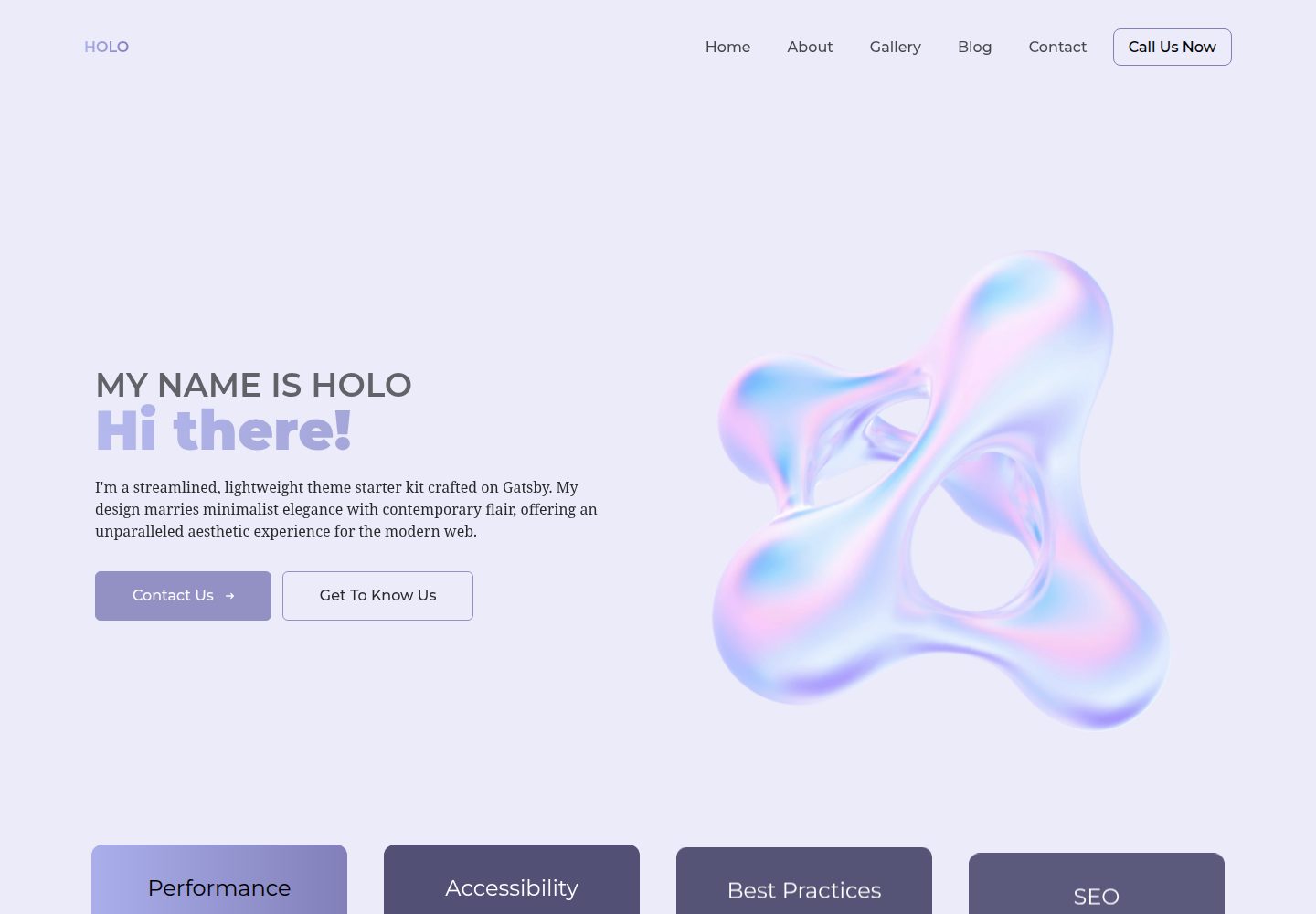
holo-theme
holo-theme is a Gatsby and React website theme with Tailwind CSS and Decap CMS, offering desktop and mobile layouts under the MIT license.
Gatsby · Tool Site
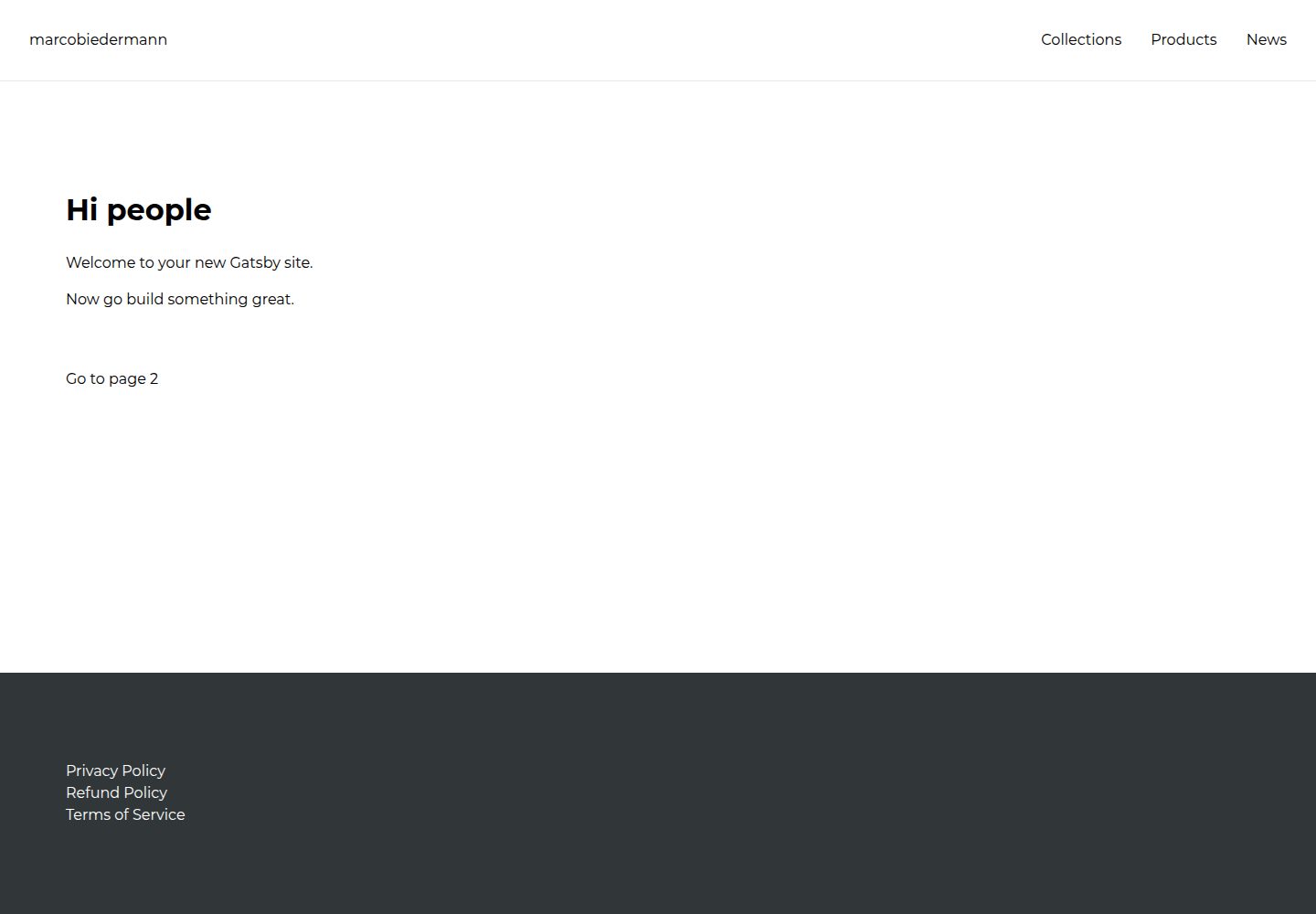
gatsby-shopify
A Gatsby starter template for building a Shopify storefront, with a homepage and product listing page, npm scripts for development, build, and preview, and MIT-licensed code.
Gatsby · E-commerce
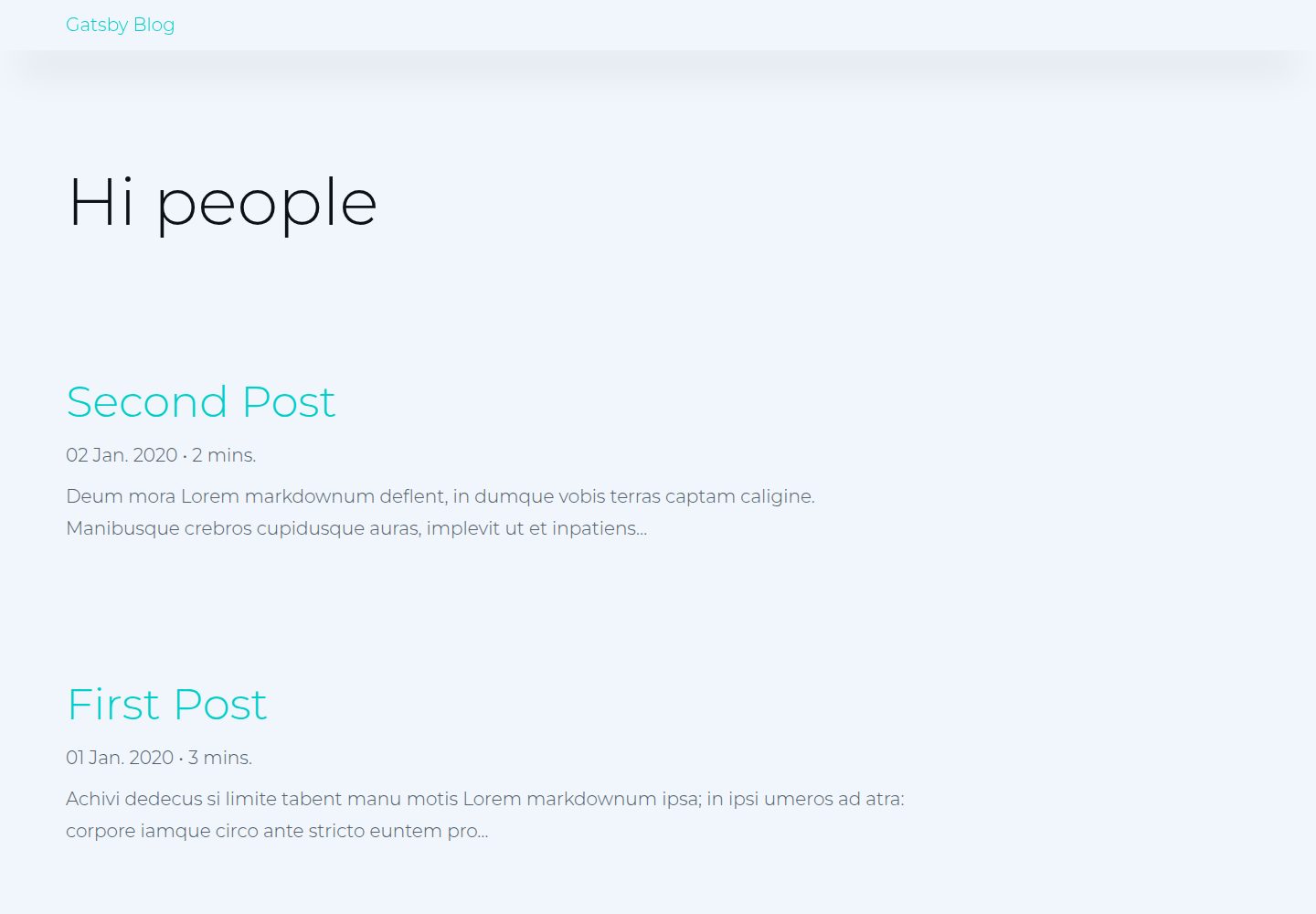
gatsby-blog
A Gatsby and React Markdown blog starter template with tag grouping, yearly archives, in-article embeds, and Prism code highlighting.
Gatsby · Blog
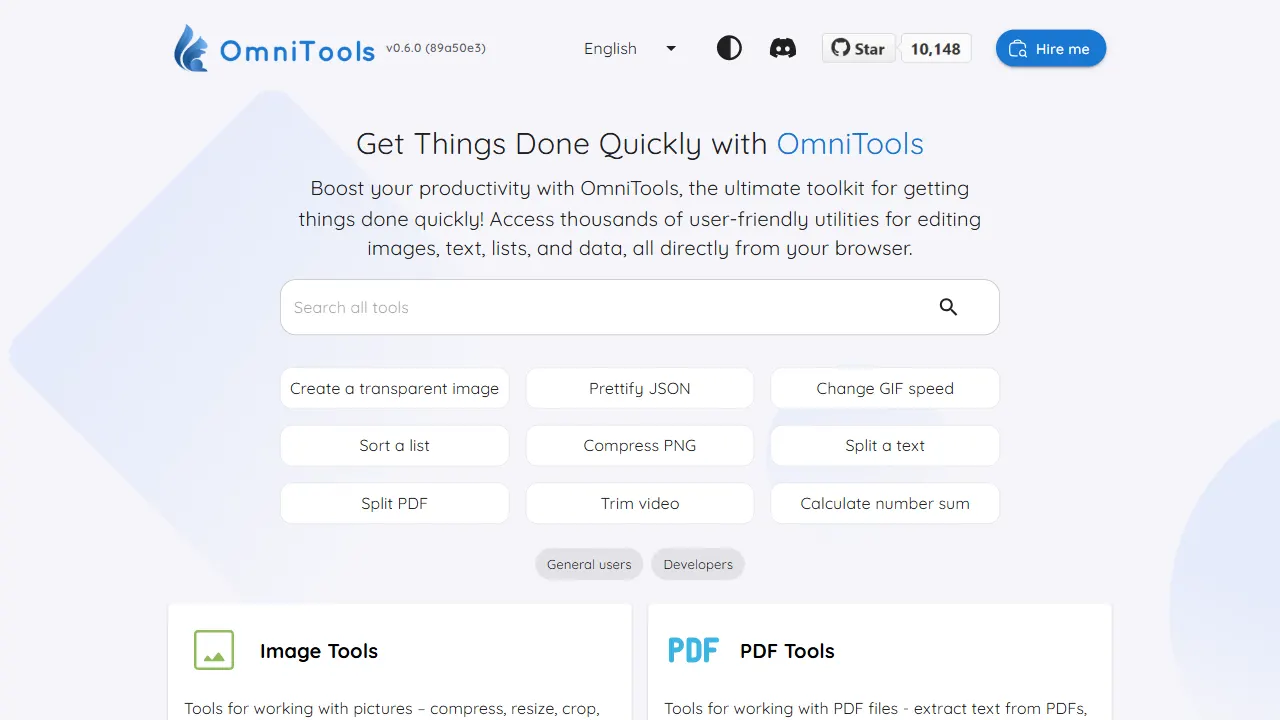
OmniTools
A self-hosted React and TypeScript tool site that runs image, video, PDF, text, date, math, and data utilities entirely in the browser.
React · Tool Site