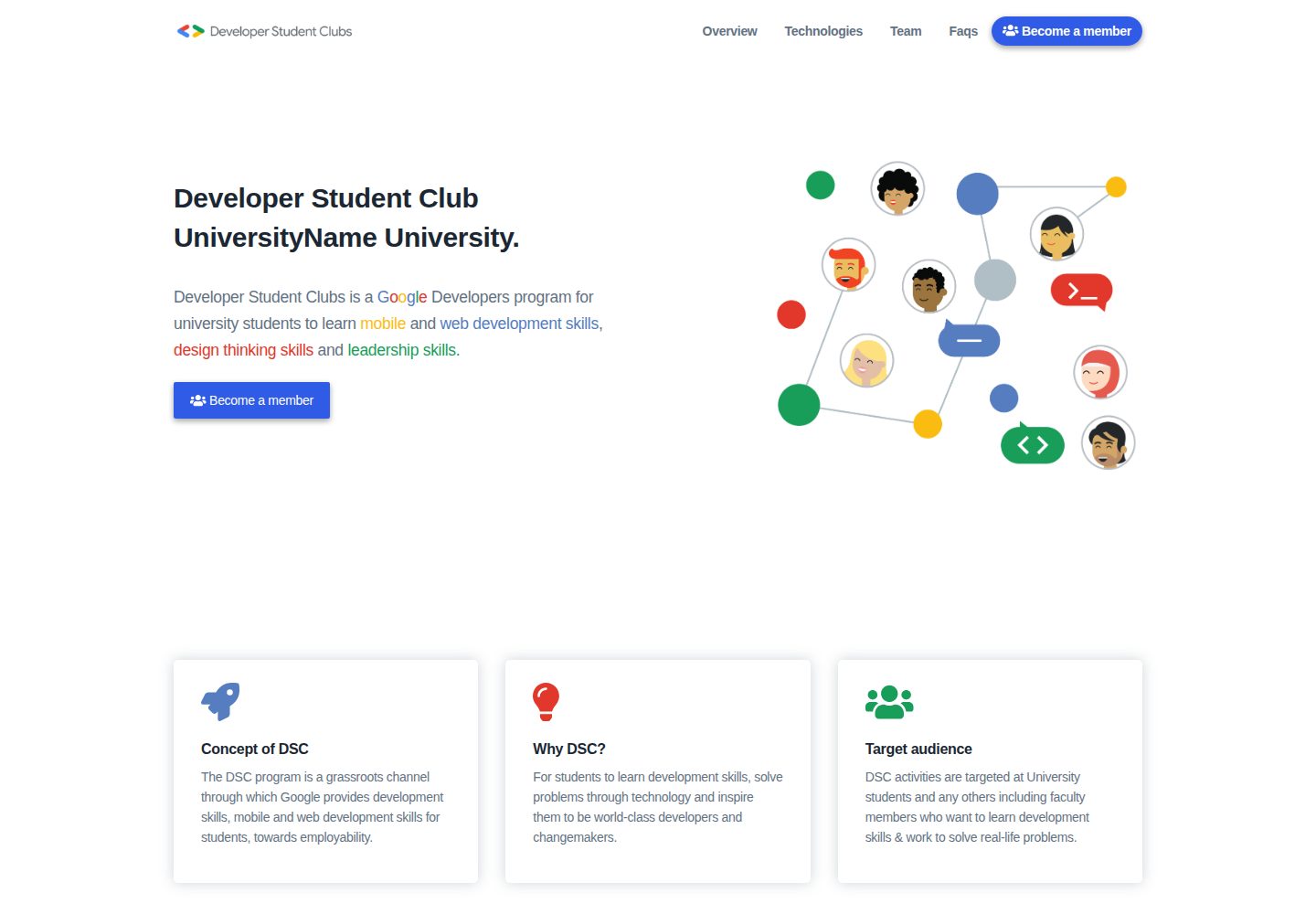
内容以 content 目录下的多个 YAML 文件维护,改文案不需要写页面代码
GatsbyReact工具站
dsc-website-template — Gatsby 工具站模板
作者 andreabac3
基于 Gatsby 的 Google Developer Student Club 社团网站生成模板,通过编辑 content 目录下的 YAML 文件即可更新站点内容。
看看你的网站会是什么样
浏览真实页面截图,比较内容排版与手机效果。点击下方缩略图切换,放大查看整页细节。
全部页面与视图 2
截图用于了解视觉与布局,交互效果请以实际项目为准。
采集于 2026-09-30查看来源
值得关注的模板亮点
从已有项目资料中,快速了解它的特点。
提供 Firebase Hosting 与 GitHub Pages 两种部署方式
团队卡片和页脚支持扩展 FontAwesome 社交图标
基于 Gatsby 构建,本地通过 npm run develop 在 8000 端口预览
仓库采用 MIT 许可,可修改、商用与分发
模板详细介绍
这是一个面向 Google Developer Student Club(DSC)社团的网站模板,使用 Gatsby 构建。仓库的定位是让各 DSC 社团通过少量步骤生成自己的社团站点,README 说明内容维护不需要 Web 开发或后端能力。
内容管理方式:站点文案与数据集中在项目根目录的 content 文件夹中,以多个 .yaml 文件保存,修改这些文件即可调整页面内容,无需改动页面代码。
本地运行与部署:需要先安装 Node.js,首次使用时克隆仓库、全局安装 Gatsby CLI、安装本地依赖,然后通过 npm run develop 在本地默认 8000 端口启动并编辑 content 目录。部署提供两条路径:Firebase Hosting(需 Firebase 账号与项目,配置 Firebase CLI 后执行 npm run deployFirebase)和 GitHub Pages(执行 npm run deploy)。
扩展社交链接:团队卡片和页脚支持额外社交图标。对 twitter、youtube、github、linkedin 之外的图标,需要先在 FontAwesome 中确认图标存在,再在对应 YAML 或 gatsby-config.js 的 siteMetadata.social 中添加入口,并在 src/icons.js 导出、在 Teams.js 或 Footer.js 的 GraphQL 查询中补上字段。
项目来源与许可:该模板是对 EKSU DSC 网站的 Gatsby 重构,作者为 Andrea Bacciu 与 Alessandro Scandone。仓库采用 MIT 许可,可免费使用、修改、商用和分发代码,但需保留版权与许可声明;Firebase 等外部服务及演示图片、字体、图标等第三方素材需另行核对各自条款。
Gatsby工具站
适合你的项目吗?
适用场景
- DSC 社团需要快速搭建一个展示社团信息的静态站点
- 没有前端开发经验的社团成员需要自行更新页面文案
- 希望把社团网站托管在 Firebase Hosting 或 GitHub Pages 上
- 需要在团队介绍中展示成员社交账号链接
适合人群
- Google Developer Student Club 及其社团负责人
- 需要低代码维护社团官网的学生组织
- 使用 Gatsby 并希望以 YAML 管理内容的开发者
上手与定制指南
结合仓库当前版本的说明,按下面的资料检查内容、配置与运行要求。
- 1
本地运行前需安装 Node.js,并全局安装 Gatsby CLI
- 2
首次使用需克隆仓库、执行 npm install,再用 npm run develop 启动
- 3
部署到 Firebase Hosting 需先创建 Firebase 项目并配置 Firebase CLI
- 4
部署到 GitHub Pages 可直接执行 npm run deploy
- 5
Firebase 等外部服务与演示图片、字体、图标需自行核对许可与费用
授权与来源资料
使用条件与限制
免费使用 · 保留许可声明本次收录的是公开仓库中采用 MIT 许可的免费版本;免费范围为该版本代码,不代表外部服务或第三方素材免费。
使用时需要遵守
- 允许免费使用、修改、商用和分发该版本代码。
- 分发代码副本或实质性部分时,保留原作者版权声明和完整 MIT 许可声明。
- 代码按现状提供;担保与责任限制以原许可证及适用法律为准。
额外费用与待核对事项
- 部署到 Firebase Hosting 需要拥有 Firebase 账号并创建 Firebase 项目,属于外部服务依赖,非代码许可限制。
- 使用 Firebase 部署路径需额外安装 Firebase CLI 并登录 Google 账号,属于可选部署方式的外部工具要求。
- README 提及 Firebase 集成;启用相关动态功能前需自行配置,并核对 Firebase 的额度与收费。
- 演示图片、字体、图标及其他第三方素材需按各自许可核对,不能仅凭代码的 MIT 许可判断。
- 域名、托管、数据库、支付或 AI 等外部服务可能另外收费。
查看原文依据
Permission is hereby granted, free of charge
许可证原文
a Firebase Account
README 原文
https://github.com/andreabac3/dsc-website-template/blob/master/LICENSEhttps://github.com/andreabac3/dsc-website-template/blob/master/README.mdInstall the Firebase CLI with npm
README 原文
DeepSeek 根据仓库许可证和 README 整理 ·2026-10-01。结果仅覆盖已读取资料,依赖、图片、字体及后续条款变更以各自原文为准。
项目核对记录与介绍依据
模板资料
- 来源平台
- GitHub
- 资料与维护参考分
- 资料一般 · 72 / 100
- 技术栈
- Gatsby · React
- 网站类型
- 工具站
这个分数如何计算
本站按许可资料(最高30分)、演示链接(12分)、预览图(10分)、Star数(15分)、记录的维护时间(15分)、描述完整度(8分)、功能记录(5分)和分类资料(5分)计算。它不是代码、安全或性能测试,也不是 Google 评分;有链接不代表已实测可用。
这个项目需要核对什么
- 记录的仓库更新时间
- 2023-06-10
- 截图检查日期
- 2026-10-01
已收录演示链接。请用你的内容与屏幕尺寸检查;有演示不代表表单、认证或支付已经可用。
目录记录的主要技术栈是 Gatsby。请通过依赖清单和锁文件核对实际版本与托管要求。这些说明基于收录资料,不代表代码审计或部署实测。
查看具体选型方法 →介绍的制作与核对状态
介绍由 AI 辅助整理目录与仓库资料。仓库作者不等于这篇介绍的审核者。
已完成服务器许可规则与 AI 来源核对;未经过人工编辑审核。
查看当时使用的来源资料
SHA-256: e6cd2bf76cd57a7a7d0012448c266b08548c13724cc9f0444013a6b556d7adcc
2026-10-01T15:12:00.698Z
来源文件 / 仓库# Google Developer Student Club Website Template
<img src="https://firebase.google.com/downloads/brand-guidelines/SVG/logo-built_white.svg" width="90"> <img src="https://github.com/favicon.ico" width="40">
The commitment of this repository is to allow all the Developer Student Clubs to **generate a site** for their club in **less than 3 minutes**, performing a few simple steps.<br> <br>
**The management of this site does not require any kind of web development and backend competence.**
## Demo
You can see the [demo here](https://andreabac3.github.io/dsc-website-template/)
## How can I change the content of the site without knowing web languages?
To change the content of the site, go to the `content` folder located in the root of the project. In this folder there are several .yaml files in which you can modify the contents.
## 🚀 Quick Start
To install you first need [node.js](https://nodejs.org/en/) on your machine.
You need to perform the following steps only the first time.
```bash
# Clone the repo
git clone https://github.com/andreabac3/dsc-website-template.git
cd dsc-website-template/
# Install the gatbsy CLI
npm i -g gatsby-cli
# Install local dependencies
npm install
# Run on localhost:8000 (by default)
# and edit the /content folder
npm run develop
```
**that's it!**
# Deploy
## Deploy on Firebase Hosting 🔥
We suggest to read the [Firebase Hosting guide reference from Gatsby website](https://www.gatsbyjs.org/docs/deploying-to-firebase/)
Make sure you have:
- a Firebase Account
- created a Firebase Project
<details><summary>Click here to read more about Firebase Deploy</summary>
<p>
> You can skip the first two points of the guide if you have already installed and configured the following dependencies.
<br>
1. Install the Firebase CLI with npm by running the following command and sign into firebase account:
```sh
npm install -g firebase-tools
```
2. Sign into Firebase using your Google account by running the following command:
```sh
firebase login
```
3. Navigate into the root of the project and running the following command:
```sh
firebase init
```
then select **Firebase Hosting** and the firebase project you wish to use or creat a new one if you haven't done it previously.
These first three steps are needed only once during the first configuration. After that, only step 4 is needed to deploy on Firebase.
4. Finally we can deploy our website
```sh
npm run deployFirebase
```
All done! Once the deployment concludes, you can access your website using `firebaseProjectId.firebaseapp.com` or `firebaseProjectId.web.app`.
N.B: of course replace the keyword <firebaseProjectId> with the name of your project.
</p>
</details>
## Deploy on Github Pages
```sh
npm run deploy
```
## Extra steps: How to add extra icons, links
#### Add a social link to teams.yaml
<details><summary>Click here to read How to add extra icons </summary>
<p>
(for twitter, youtube, github, linkedin, you only need step 1)
Let's say I want to add the `telegram.org` as telegram link in the John Doe card.
Step 0: Check [here](https://fontawesome.com/icons?d=gallery&s=brands) if the icon is present
Step 1: Add a `telegram: telegram.org` entry in the John Doe social yaml field
Step 2: Add the following export in `./src/icons.js`:
```js
faTelegram as telegram
```
Step 3: In `./src/components/index/Teams.js`, add telegram:
```graphql
social {
twitter
github
linkedin
telegram
}
```
#### Add a social link to website footer
(for twitter, youtube, github, linkedin, you only need step 1)
Let's say I want to add the `telegram.org` as telegram link in the website footer.
Step 0: Check [here](https://fontawesome.com/icons?d=gallery&s=brands) if the icon is present
Step 1: Add a `telegram: telegram.org` entry in the siteMetadata.social field in `./gatsby-config.js`
Step 2: Add the following export in `./src/icons.js`:
```js
faTelegram as telegram
```
Step 3: In `./src/components/Footer.js`, add telegram:
```graphql
social {
youtube
github
twitter
telegram
}
```
</p>
</details>
# Authors
- **Andrea Bacciu** (**DSC LEAD** - Software Engineer) [Github profile](https://github.com/andreabac3)
- **Alessandro Scandone** (**Core Team** - Frontend developer) - [Github profile](https://github.com/ascandone)
### Special thanks to the EKSU DSC teams:
This is a refactor of the [EKSU DSC](https://github.com/DSCEksu/dsceksu-laravel) website as a [gatsby](https://www.gatsbyjs.org/) template.
看看同类模板
对比同技术栈与用途的模板,找到更适合的视觉与内容结构。

automatic-gatsbyjs-app-landing-page
Automatic GatsbyJS App Landing Page - Automatically generate iOS app landing page using GatsbyJS
Gatsby · 工具站

clay-theme
Image-centric Gatsby theme for publishers, portfolios, photographers blogs and more.
Gatsby · 作品集
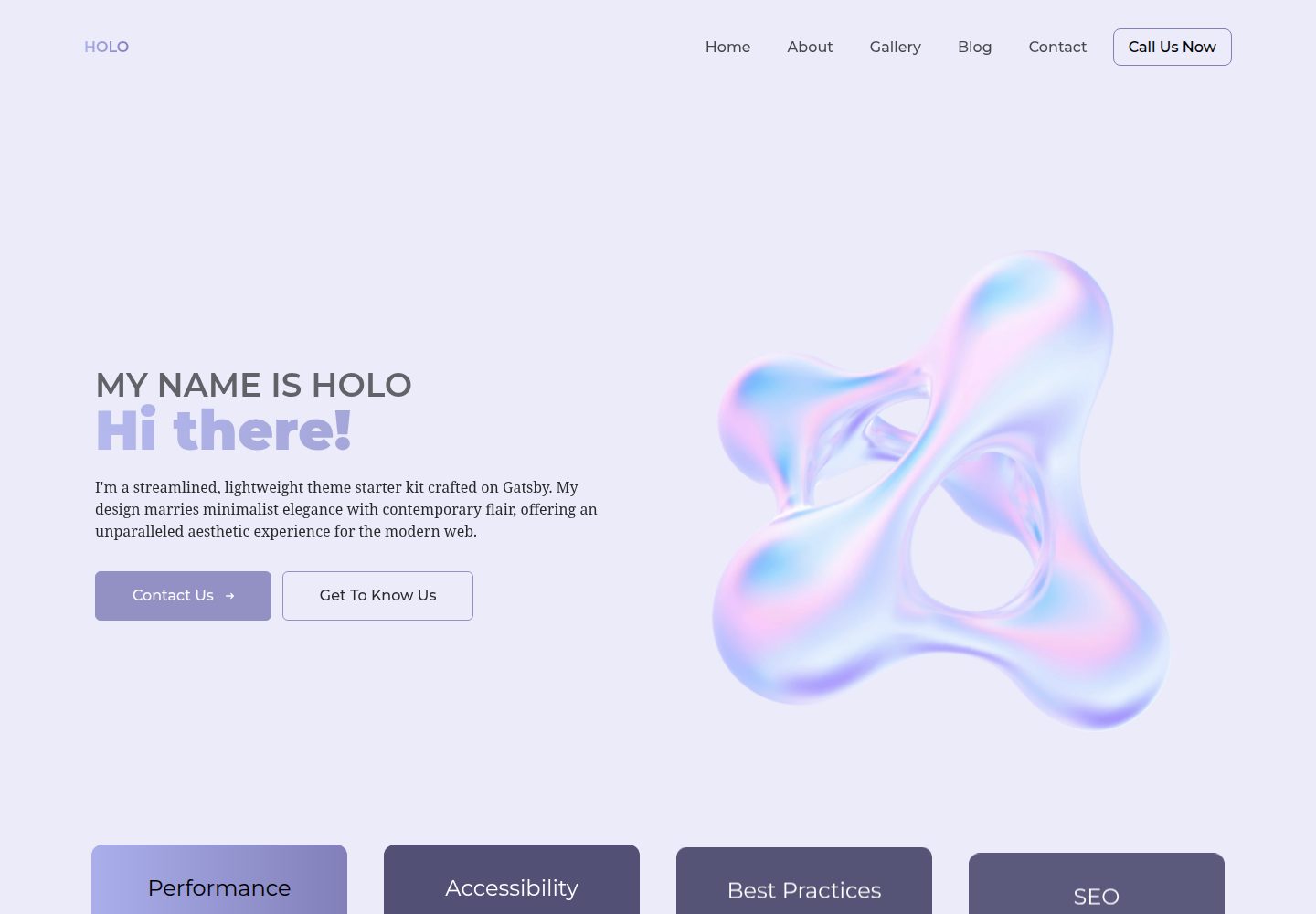
holo-theme
A visually captivating and lightning-fast theme crafted on the Gatsby framework.
Gatsby · 工具站
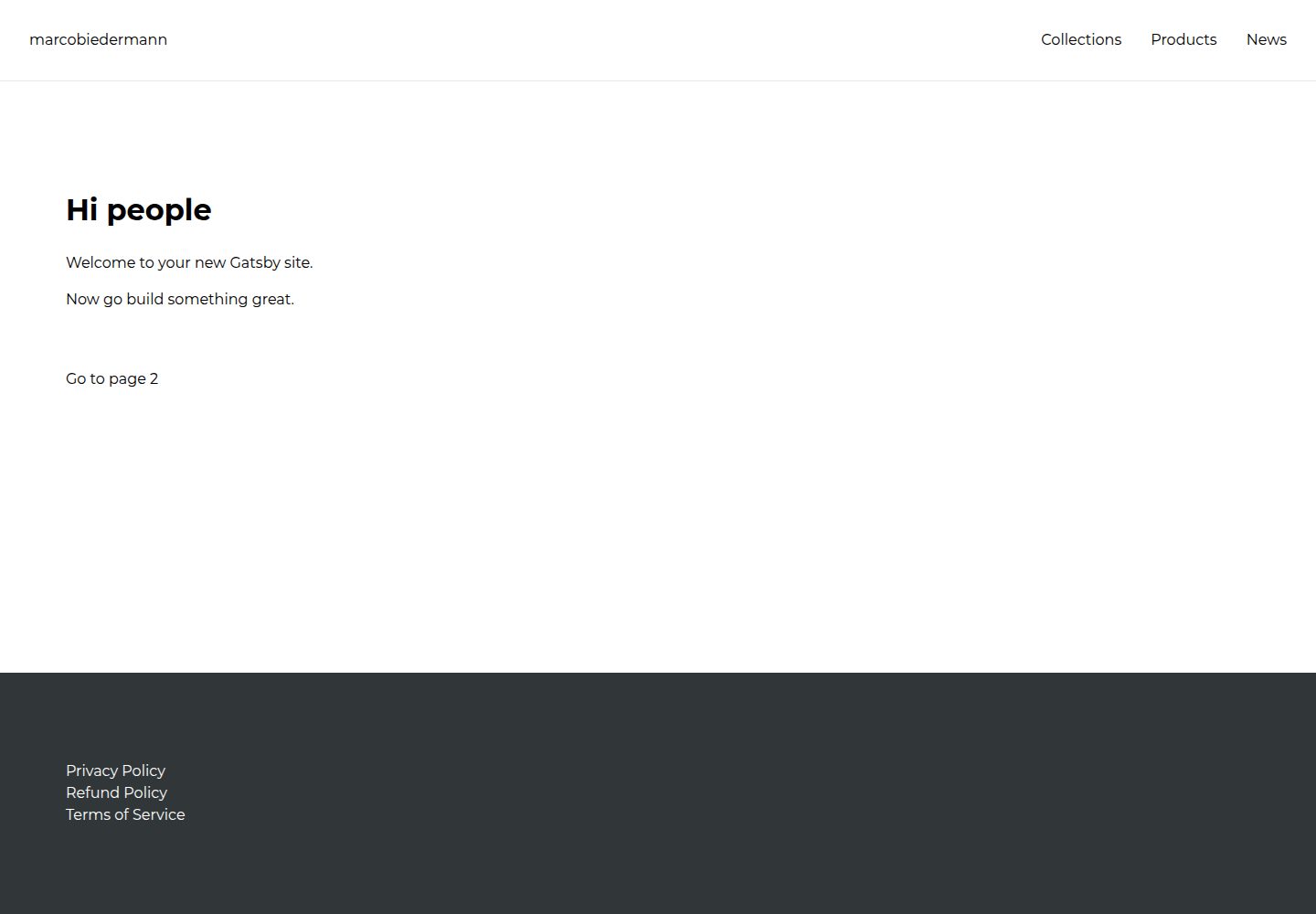
gatsby-shopify
🛍️ Gatsby Shopify starter template
Gatsby · 电商
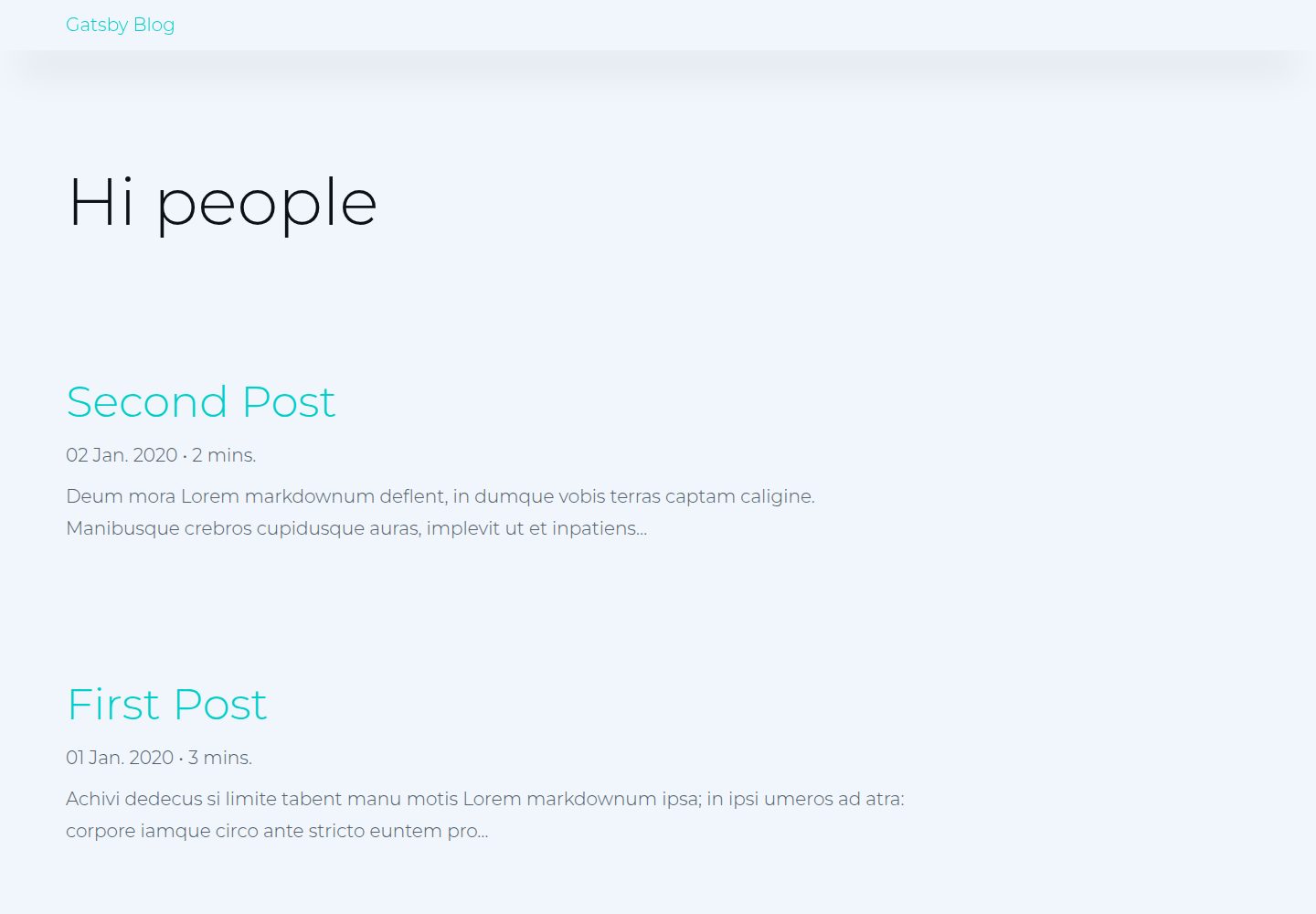
gatsby-blog
📚 Gatsby blog starter template
Gatsby · 博客
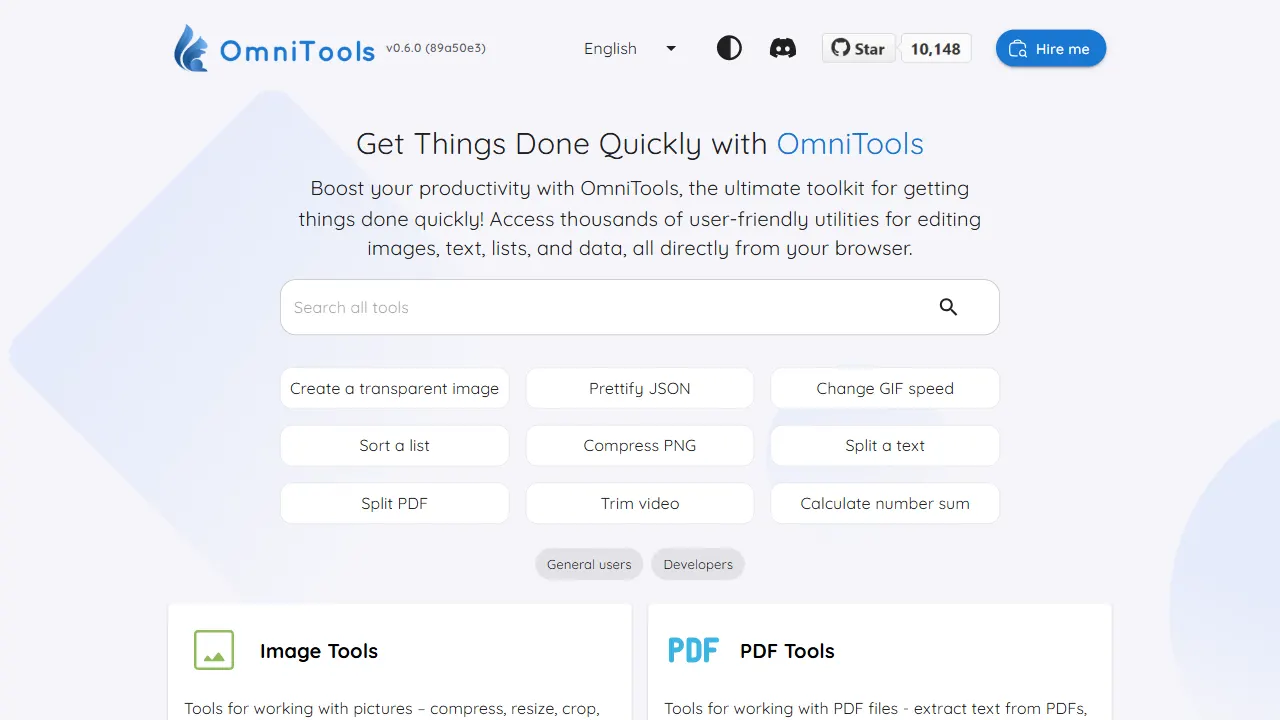
OmniTools
OmniTools 是一个基于 React 与 TypeScript 构建的自托管工具站,目标是把日常零散的小工具集中到一个界面里。
React · 工具站