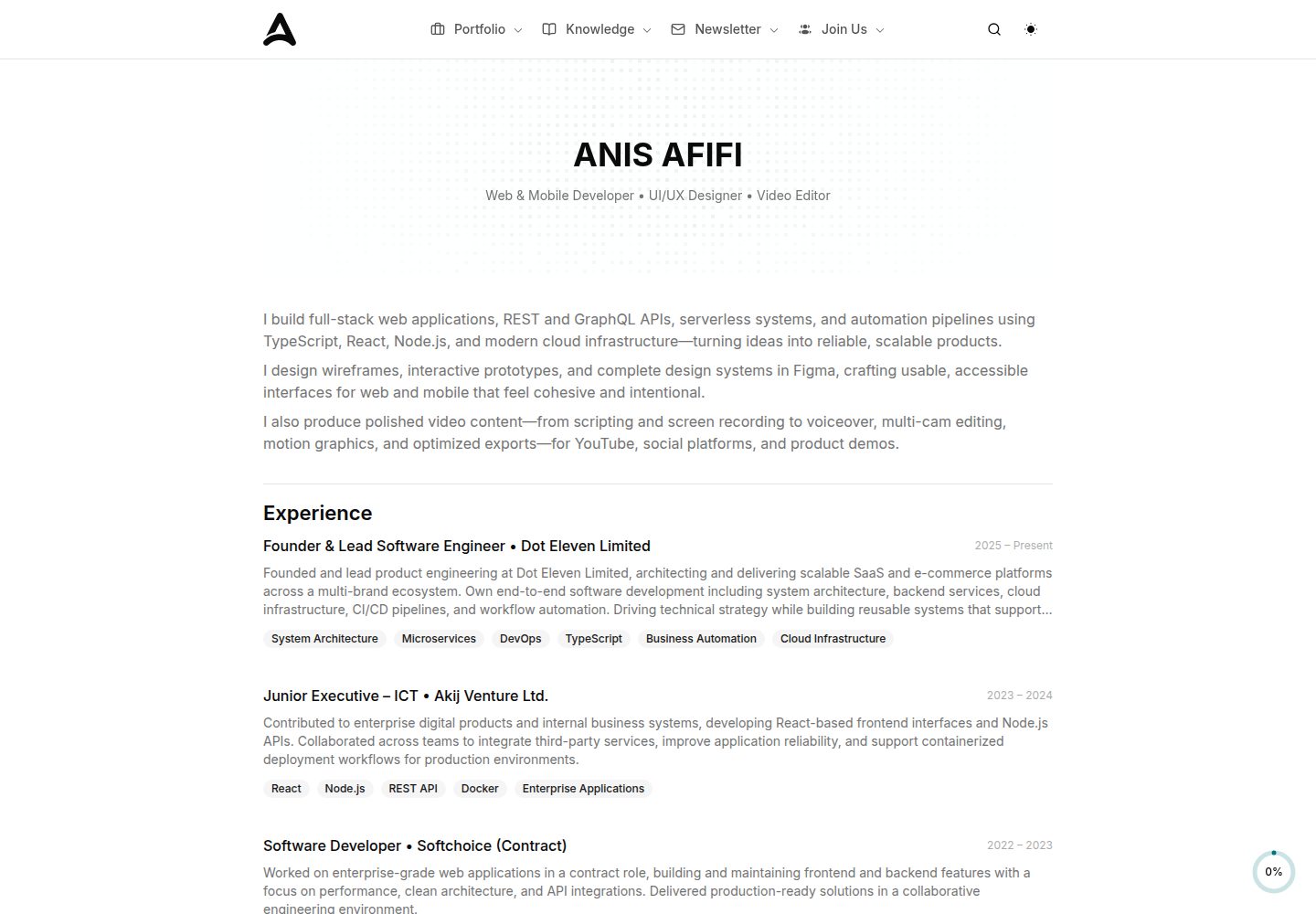
Written in React and TypeScript, with components split by section for easy replacement or removal
ReactSaaSCorporate Website
landing-page-template-one — React SaaS Template
By anisafifi
A landing page template based on React, TypeScript, Shadcn UI, and Tailwind CSS, with modular sections including navigation, hero, features, pricing, and FAQ. Suitable for building marketing pages for products, SaaS, or startup projects.
Explore the design
Compare the page layouts and mobile experience. Open any screenshot for a closer look.
Desktop homepage1 / 3
Desktop captureTop of page
Actual screenshot captured by the server browser.
All pages & views 3
Screenshots show visual appearance; interactive behavior may differ.
Recorded 2026-10-02View source
What stands out
A quick read of the recorded project description.
UI built with Shadcn UI and Tailwind CSS, with theme colors centrally adjusted via CSS variables
Includes common landing page sections such as Navbar, Hero, Features, Pricing, Testimonials, FAQ, and Footer
Includes a dark mode toggle and a mobile sidebar navigation drawer
Provides dev, build, preview, and lint scripts via Vite
Template Details
This template is a landing page project written in React and TypeScript. The UI layer uses Shadcn UI components and Tailwind CSS utility classes, and incorporates tailwindcss-animate for transition animations. The README lists a complete set of sections from Navbar, Sidebar, Hero, Sponsors, About, Statistics, How It Works, Features, Services, CTA, Testimonials, Team, Pricing, Newsletter, FAQ to Footer and ScrollToTop. Each section is placed as an independent React component under src/components/ and can be added or removed as needed. The project provides development and build scripts via Vite, including four commands: dev, build, preview, and lint. The entry point is src/main.tsx, theme colors are centralized as CSS variables in src/App.css, and the Tailwind configuration is located in tailwind.config.js. The template claims support for dark mode and responsive layout, and includes SEO-related meta tags.
Regarding usage limitations: the repository does not provide a backend, database, or form submission logic; forms such as Newsletter are frontend-only interfaces. The demo screenshots and site content belong to the author's personal site; before replacing them with your own content, you must verify the licenses of third-party assets such as images, fonts, and icons. The code is under the MIT license, allowing free use, modification, commercial use, and distribution, but the copyright notice and license text must be retained when distributing.
ReactSaaSCorporate website
Is it right for your project?
Use Cases
- Building a single-page marketing landing page for a SaaS product or tool website
- Creating a company homepage with pricing, team, and customer testimonials for a startup
- Reusing its section components and Tailwind theme configuration in an existing React project
- Serving as a reference project for learning how to use Shadcn UI and Tailwind CSS together
Suitable For
- Frontend developers familiar with React and TypeScript who want to quickly build a landing page
- Teams that need freely modifiable source code rather than a closed website-building platform
- Projects that accept replacing demo images and copy themselves and integrating forms or backend services on their own
Getting started & customization
Use these recorded setup notes alongside the repository instructions for your chosen version.
- 1
After cloning the repository, run npm install to install dependencies, then run npm run dev to start the development server
- 2
The development server is accessible by default at http://localhost:5173; the actual port is subject to the terminal output
- 3
Copy and section content are modified in src/components/; theme colors are adjusted in the CSS variables in src/App.css; Tailwind configuration is in tailwind.config.js
- 4
Static assets such as images are placed in src/assets/; when replacing them, confirm the asset licenses
- 5
Use npm run build for production builds and npm run preview to locally preview the build output
License & source material
Usage conditions & limitations
Free to use · keep license noticeThis entry covers the free version under the MIT license in a public repository; the free scope applies to that version's code and does not imply that external services or third-party assets are free.
Must comply with when using
- Free use, modification, commercial use, and distribution of this version's code are permitted.
- When distributing copies or substantial portions of the code, retain the original author's copyright notice and the full MIT license notice.
- The code is provided as is; warranties and limitations of liability are governed by the original license and applicable law.
Additional costs & items to verify
- The code is under the MIT license, allowing free use, modification, commercial use, and distribution, but the original copyright notice and MIT license text must be retained when distributing the software or a substantial portion of it.
- Static assets such as images in the template must be replaced by yourself; their licenses are not stated in the repository, so you should verify third-party asset authorization before use.
- Forms such as Newsletter are frontend-only interfaces; the repository does not provide a backend, database, or form submission logic, so you need to integrate services yourself.
- Demo images, fonts, icons, and other third-party assets must be checked against their respective licenses; they cannot be judged solely by the code's MIT license.
- External services such as domains, hosting, databases, payments, or AI may incur additional charges.
View Original Text Basis
Permission is hereby granted, free of charge
Original License Text
MIT © [Anis Afifi](https://github.com/anisafifi)
Original README
Update images in `src/assets/`
Original README
https://github.com/anisafifi/landing-page-template-one/blob/main/LICENSEhttps://github.com/anisafifi/landing-page-template-one/blob/main/README.md**Newsletter**: Email subscription form
Original README
Compiled by DeepSeek based on repository license and README ·2026-10-02. Results only cover the materials read; dependencies, images, fonts, and subsequent term changes are subject to their respective original texts.
Project checks & description sources
Template Information
- Source platforms
- GitHub
- Documentation and maintenance reference score
- More documented · 85 / 100
- Technologies
- React
- Website type
- SaaS · Corporate Website
How this score is calculated
Our heuristic uses license records (up to 30), a demo link (12), a preview (10), stars (15), recorded maintenance (15), description completeness (8), feature records (5) and classification data (5). It is not a code, security or performance test, or a Google score. A link does not establish tested functionality.
What to verify for this project
- Repository update recorded
- 2026-02-14
- Screenshot last checked
- 2026-10-02
A demo link is listed. Check it with your own content and viewport sizes; its presence does not confirm that forms, authentication or payments work.
The catalog identifies React as the primary stack. Check the actual dependency manifest and lockfile for versions and hosting requirements. These notes use recorded metadata, not a code audit or a deployment test.
Use a selection guide →How this description was prepared
AI-assisted description based on catalog records and repository material. Repository authors are not automatically the reviewers of this description.
Automatically checked against source and license rules; no manual editorial review.
Inspect the recorded source material
SHA-256: ee6728f79c5b05a1c73698520bafe7a5e6f3e5d7229c428a990b470b5c480148
2026-10-02T19:31:55.152Z
Source file / repository# Landing Page Template (React + Shadcn UI) >A modern, fully responsive landing page template built with [React](https://react.dev/), [TypeScript](https://www.typescriptlang.org/), [Shadcn UI](https://ui.shadcn.com/), and [Tailwind CSS](https://tailwindcss.com/).  ## 🚀 Live Demo [View Live Demo](https://anisafifi.com/) --- ## ✨ Features - Beautiful, modern design with vibrant theme - Fully responsive and mobile-friendly - Dark mode support - Modular React components for all sections - TypeScript for type safety - Easy customization (colors, content, layout) - Smooth animations (Tailwind CSS + tailwindcss-animate) - SEO-friendly meta tags - Utility-first styling with Tailwind CSS --- ## 📁 Project Structure ``` ├── public/ │ └── vite.svg ├── src/ │ ├── assets/ # Images & illustrations │ ├── components/ # All React components (sections, UI, etc.) │ │ ├── ui/ # Reusable UI primitives (button, card, etc.) │ │ └── ... # Section components (Hero, Features, etc.) │ ├── lib/ # Utility functions │ ├── App.css # Tailwind & theme styles │ ├── App.tsx # Main app entry │ └── main.tsx # Vite entry point ├── tailwind.config.js # Tailwind config ├── postcss.config.js # PostCSS config ├── vite.config.ts # Vite config ├── tsconfig.json # TypeScript config └── package.json # Project metadata & scripts ``` --- ## 🧩 Sections & Components - **Navbar**: Responsive navigation bar with dark mode toggle - **Sidebar**: Mobile navigation drawer - **Hero**: Bold headline, subheadline, call-to-action, and visual - **Sponsors**: Showcase of sponsors/partners - **About**: Company/about section with image and stats - **Statistics**: Key metrics display - **How It Works**: Step-by-step or feature highlights - **Features**: List of main features with images - **Services**: Service offerings with icons - **CTA**: Call-to-action section - **Testimonials**: Customer feedback - **Team**: Team member profiles - **Pricing**: Pricing plans - **Newsletter**: Email subscription form - **FAQ**: Frequently asked questions - **Footer**: Social links and copyright - **ScrollToTop**: Floating button for quick navigation --- ## 🛠️ Getting Started 1. **Clone the repository:** ```bash git clone https://github.com/anisafifi/landing-page-template-one.git cd landing-page-template-one ``` 2. **Install dependencies:** ```bash npm install ``` 3. **Start the development server:** ```bash npm run dev ``` 4. **Open your browser:** Visit [http://localhost:5173](http://localhost:5173) (or the port shown in your terminal) --- ## 📝 Customization - Edit content in `src/components/` (each section/component is modular) - Change theme colors in `src/App.css` (CSS variables) - Add or remove sections as needed - Update images in `src/assets/` - Adjust Tailwind config in `tailwind.config.js` --- ## 📦 Scripts - `npm run dev` – Start development server - `npm run build` – Build for production - `npm run preview` – Preview production build - `npm run lint` – Lint code with ESLint --- ## 🤝 Credits - [Shadcn UI](https://ui.shadcn.com/) - [React](https://react.dev/) - [Tailwind CSS](https://tailwindcss.com/) - [Lucide Icons](https://lucide.dev/) - [Radix UI](https://www.radix-ui.com/) --- ## 📄 License MIT © [Anis Afifi](https://github.com/anisafifi)
Explore similar templates
Compare previews and descriptions within the same stack and category.

shadcn-landing-page
A free React landing page template built with TypeScript, Tailwind and Shadcn/UI, offering 16 ready-to-use sections such as Navbar, Hero, Pricing, FAQ and Footer, with responsive layout, dark mode and meta tags.
React · Corporate Website

react-saas-template
A React and Material-UI template for SaaS or admin websites, offering dashboard, chart, blog, payment, and file upload components. It uses Create-React-App, React-Router, Recharts, React-Stripe-js, React-Dropzone, and React-Cropper, with theme colors centralized in src/theme.js.
React · Admin dashboard
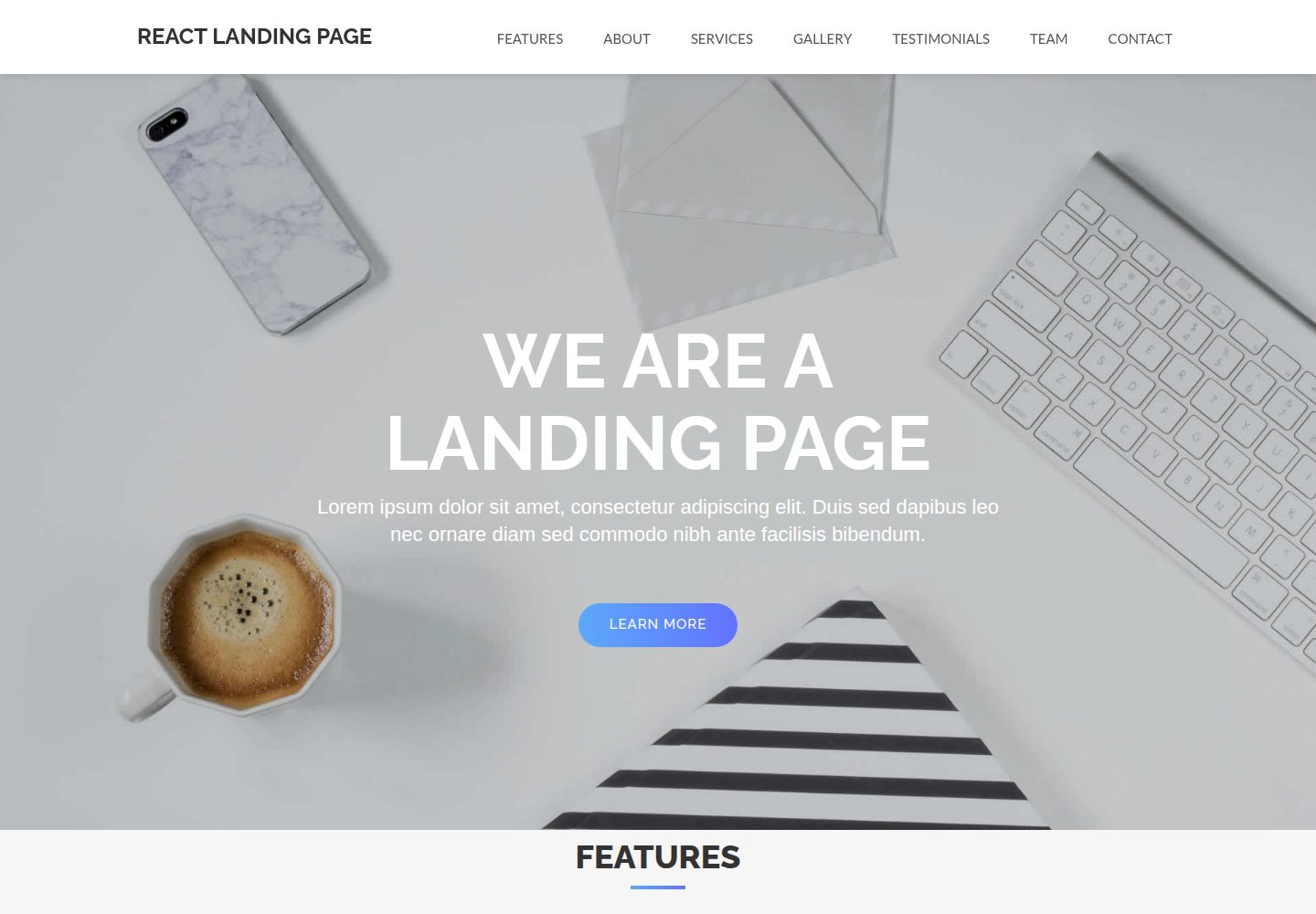
React-Landing-Page-Template
A React single-page landing page template for startups and service businesses, with copy and image references centralized in data.json, assets in public/img/, styles in public/css/, and a contact form that requires your own EmailJS service ID, template ID, and Public Key.
React · Corporate Website
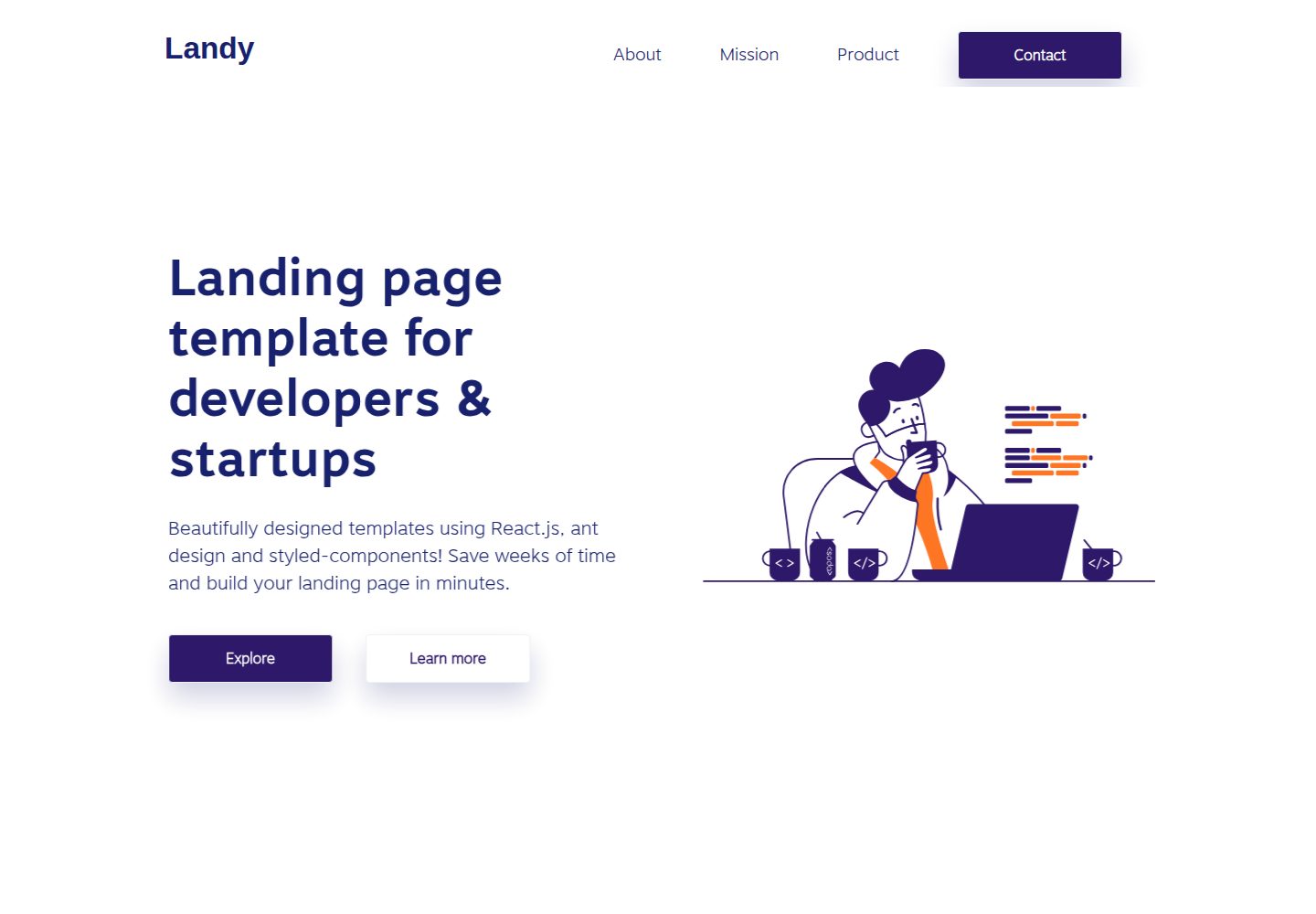
landy-react-template
Landy is an open-source React single-page landing page template written in TypeScript, aimed at developers and startup teams.
React · Corporate Website
AI-Fullstack-SaaS-Boilerplate
A fullstack SaaS boilerplate built with Fastify, tRPC and React, using a pnpm workspace monorepo with a Vite-built static frontend and Drizzle ORM with Postgres.
React · SaaS
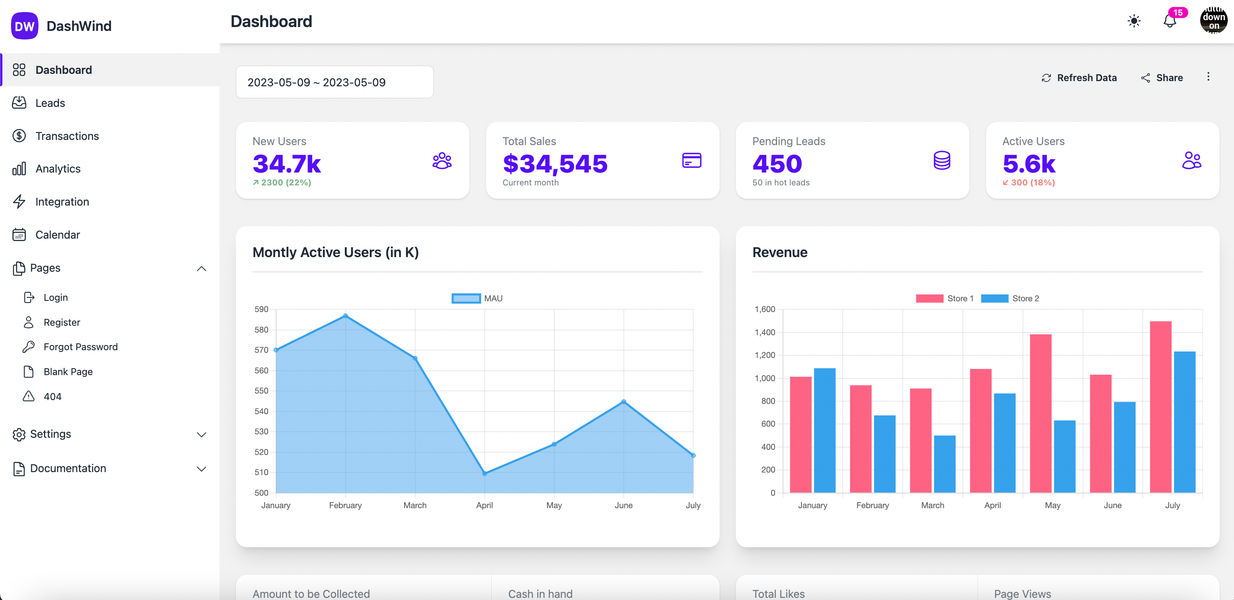
daisyui-admin-dashboard-template
DashWind is a free admin dashboard template built with React, Daisy UI, and Tailwind CSS.
React · Admin dashboard