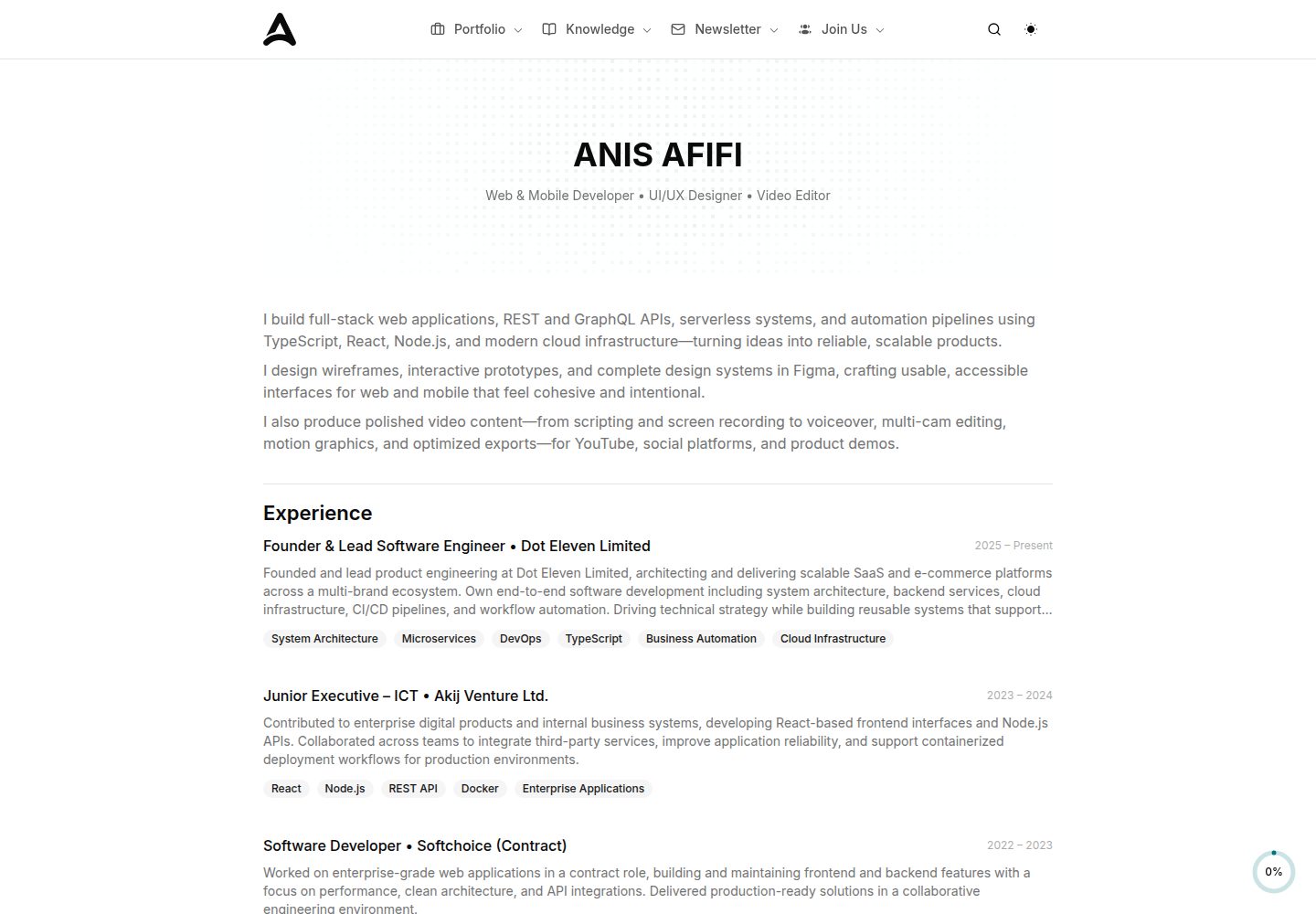
使用 React 与 TypeScript 编写,组件按区块拆分,便于替换或删除
ReactSaaS企业官网
landing-page-template-one — React SaaS模板
作者 anisafifi
基于 React、TypeScript、Shadcn UI 与 Tailwind CSS 的落地页模板,内置导航、Hero、功能、定价、FAQ 等模块化区块,适合产品、SaaS 或初创项目搭建营销页面。
看看你的网站会是什么样
浏览真实页面截图,比较内容排版与手机效果。点击下方缩略图切换,放大查看整页细节。
全部页面与视图 3
截图用于了解视觉与布局,交互效果请以实际项目为准。
采集于 2026-10-02查看来源
值得关注的模板亮点
从已有项目资料中,快速了解它的特点。
基于 Shadcn UI 与 Tailwind CSS 构建界面,主题色通过 CSS 变量集中调整
内置 Navbar、Hero、Features、Pricing、Testimonials、FAQ、Footer 等常见落地页区块
包含深色模式切换与移动端侧边导航抽屉
通过 Vite 提供 dev、build、preview、lint 脚本
模板详细介绍
该模板是一个用 React 与 TypeScript 编写的落地页项目,UI 层采用 Shadcn UI 组件与 Tailwind CSS 工具类样式,并引入 tailwindcss-animate 实现过渡动画。README 列出了从 Navbar、Sidebar、Hero、Sponsors、About、Statistics、How It Works、Features、Services、CTA、Testimonials、Team、Pricing、Newsletter、FAQ 到 Footer、ScrollToTop 的完整区块,每个区块以独立 React 组件形式放在 src/components/ 下,可按需增删。项目通过 Vite 提供开发与构建脚本,包含 dev、build、preview、lint 四条命令,入口为 src/main.tsx,主题色以 CSS 变量形式集中在 src/App.css,Tailwind 配置位于 tailwind.config.js。模板声明支持深色模式与响应式布局,并包含 SEO 相关的 meta 标签。
使用限制方面:仓库未提供后端、数据库或表单提交逻辑,Newsletter 等表单仅为前端界面;演示截图与站点内容属于作者个人站点,替换为自有内容前需自行核对图片、字体、图标等第三方素材的许可。代码采用 MIT 许可,可免费使用、修改、商用与分发,但分发时需保留版权声明与许可文本。
ReactSaaS企业官网
适合你的项目吗?
适用场景
- 为 SaaS 产品或工具类网站搭建单页营销落地页
- 为初创公司制作包含定价、团队与客户评价的官网首页
- 在已有 React 项目中复用其中的区块组件与 Tailwind 主题配置
- 作为学习 Shadcn UI 与 Tailwind CSS 组合使用的参考项目
适合人群
- 熟悉 React 与 TypeScript、希望快速搭建落地页的前端开发者
- 需要可自由修改源码而非使用封闭建站平台的团队
- 接受自行替换演示图片与文案、并自行接入表单或后端服务的项目
上手与定制指南
结合仓库当前版本的说明,按下面的资料检查内容、配置与运行要求。
- 1
克隆仓库后执行 npm install 安装依赖,再运行 npm run dev 启动开发服务器
- 2
开发服务器默认访问地址为 http://localhost:5173,实际端口以终端输出为准
- 3
文案与区块内容在 src/components/ 中修改,主题色在 src/App.css 的 CSS 变量中调整,Tailwind 配置位于 tailwind.config.js
- 4
图片等静态资源放在 src/assets/,替换时需确认素材许可
- 5
生产构建使用 npm run build,本地预览构建结果使用 npm run preview
授权与来源资料
使用条件与限制
免费使用 · 保留许可声明本次收录的是公开仓库中采用 MIT 许可的免费版本;免费范围为该版本代码,不代表外部服务或第三方素材免费。
使用时需要遵守
- 允许免费使用、修改、商用和分发该版本代码。
- 分发代码副本或实质性部分时,保留原作者版权声明和完整 MIT 许可声明。
- 代码按现状提供;担保与责任限制以原许可证及适用法律为准。
额外费用与待核对事项
- 代码采用 MIT 许可,可免费使用、修改、商用与分发,但分发软件或其重要部分时必须保留原版权声明与 MIT 许可文本。
- 模板中的图片等静态资源需自行替换,其许可未在仓库中说明,使用前应自行核实第三方素材授权。
- Newsletter 等表单仅为前端界面,仓库未提供后端、数据库或表单提交逻辑,需自行接入服务。
- 演示图片、字体、图标及其他第三方素材需按各自许可核对,不能仅凭代码的 MIT 许可判断。
- 域名、托管、数据库、支付或 AI 等外部服务可能另外收费。
查看原文依据
Permission is hereby granted, free of charge
许可证原文
MIT © [Anis Afifi](https://github.com/anisafifi)
README 原文
Update images in `src/assets/`
README 原文
https://github.com/anisafifi/landing-page-template-one/blob/main/LICENSEhttps://github.com/anisafifi/landing-page-template-one/blob/main/README.md**Newsletter**: Email subscription form
README 原文
DeepSeek 根据仓库许可证和 README 整理 ·2026-10-02。结果仅覆盖已读取资料,依赖、图片、字体及后续条款变更以各自原文为准。
项目核对记录与介绍依据
模板资料
- 来源平台
- GitHub
- 资料与维护参考分
- 资料较完整 · 85 / 100
- 技术栈
- React
- 网站类型
- SaaS · 企业官网
这个分数如何计算
本站按许可资料(最高30分)、演示链接(12分)、预览图(10分)、Star数(15分)、记录的维护时间(15分)、描述完整度(8分)、功能记录(5分)和分类资料(5分)计算。它不是代码、安全或性能测试,也不是 Google 评分;有链接不代表已实测可用。
这个项目需要核对什么
- 记录的仓库更新时间
- 2026-02-14
- 截图检查日期
- 2026-10-02
已收录演示链接。请用你的内容与屏幕尺寸检查;有演示不代表表单、认证或支付已经可用。
目录记录的主要技术栈是 React。请通过依赖清单和锁文件核对实际版本与托管要求。这些说明基于收录资料,不代表代码审计或部署实测。
查看具体选型方法 →介绍的制作与核对状态
介绍由 AI 辅助整理目录与仓库资料。仓库作者不等于这篇介绍的审核者。
已完成服务器许可规则与 AI 来源核对;未经过人工编辑审核。
查看当时使用的来源资料
SHA-256: ee6728f79c5b05a1c73698520bafe7a5e6f3e5d7229c428a990b470b5c480148
2026-10-02T19:31:55.152Z
来源文件 / 仓库# Landing Page Template (React + Shadcn UI) >A modern, fully responsive landing page template built with [React](https://react.dev/), [TypeScript](https://www.typescriptlang.org/), [Shadcn UI](https://ui.shadcn.com/), and [Tailwind CSS](https://tailwindcss.com/).  ## 🚀 Live Demo [View Live Demo](https://anisafifi.com/) --- ## ✨ Features - Beautiful, modern design with vibrant theme - Fully responsive and mobile-friendly - Dark mode support - Modular React components for all sections - TypeScript for type safety - Easy customization (colors, content, layout) - Smooth animations (Tailwind CSS + tailwindcss-animate) - SEO-friendly meta tags - Utility-first styling with Tailwind CSS --- ## 📁 Project Structure ``` ├── public/ │ └── vite.svg ├── src/ │ ├── assets/ # Images & illustrations │ ├── components/ # All React components (sections, UI, etc.) │ │ ├── ui/ # Reusable UI primitives (button, card, etc.) │ │ └── ... # Section components (Hero, Features, etc.) │ ├── lib/ # Utility functions │ ├── App.css # Tailwind & theme styles │ ├── App.tsx # Main app entry │ └── main.tsx # Vite entry point ├── tailwind.config.js # Tailwind config ├── postcss.config.js # PostCSS config ├── vite.config.ts # Vite config ├── tsconfig.json # TypeScript config └── package.json # Project metadata & scripts ``` --- ## 🧩 Sections & Components - **Navbar**: Responsive navigation bar with dark mode toggle - **Sidebar**: Mobile navigation drawer - **Hero**: Bold headline, subheadline, call-to-action, and visual - **Sponsors**: Showcase of sponsors/partners - **About**: Company/about section with image and stats - **Statistics**: Key metrics display - **How It Works**: Step-by-step or feature highlights - **Features**: List of main features with images - **Services**: Service offerings with icons - **CTA**: Call-to-action section - **Testimonials**: Customer feedback - **Team**: Team member profiles - **Pricing**: Pricing plans - **Newsletter**: Email subscription form - **FAQ**: Frequently asked questions - **Footer**: Social links and copyright - **ScrollToTop**: Floating button for quick navigation --- ## 🛠️ Getting Started 1. **Clone the repository:** ```bash git clone https://github.com/anisafifi/landing-page-template-one.git cd landing-page-template-one ``` 2. **Install dependencies:** ```bash npm install ``` 3. **Start the development server:** ```bash npm run dev ``` 4. **Open your browser:** Visit [http://localhost:5173](http://localhost:5173) (or the port shown in your terminal) --- ## 📝 Customization - Edit content in `src/components/` (each section/component is modular) - Change theme colors in `src/App.css` (CSS variables) - Add or remove sections as needed - Update images in `src/assets/` - Adjust Tailwind config in `tailwind.config.js` --- ## 📦 Scripts - `npm run dev` – Start development server - `npm run build` – Build for production - `npm run preview` – Preview production build - `npm run lint` – Lint code with ESLint --- ## 🤝 Credits - [Shadcn UI](https://ui.shadcn.com/) - [React](https://react.dev/) - [Tailwind CSS](https://tailwindcss.com/) - [Lucide Icons](https://lucide.dev/) - [Radix UI](https://www.radix-ui.com/) --- ## 📄 License MIT © [Anis Afifi](https://github.com/anisafifi)
看看同类模板
对比同技术栈与用途的模板,找到更适合的视觉与内容结构。

shadcn-landing-page
Free Landing page template using Shadcn, React, Typescript and Tailwind
React · 企业官网

react-saas-template
🌊 Template for building an SaaS / admin website using React + Material-UI
React · 后台
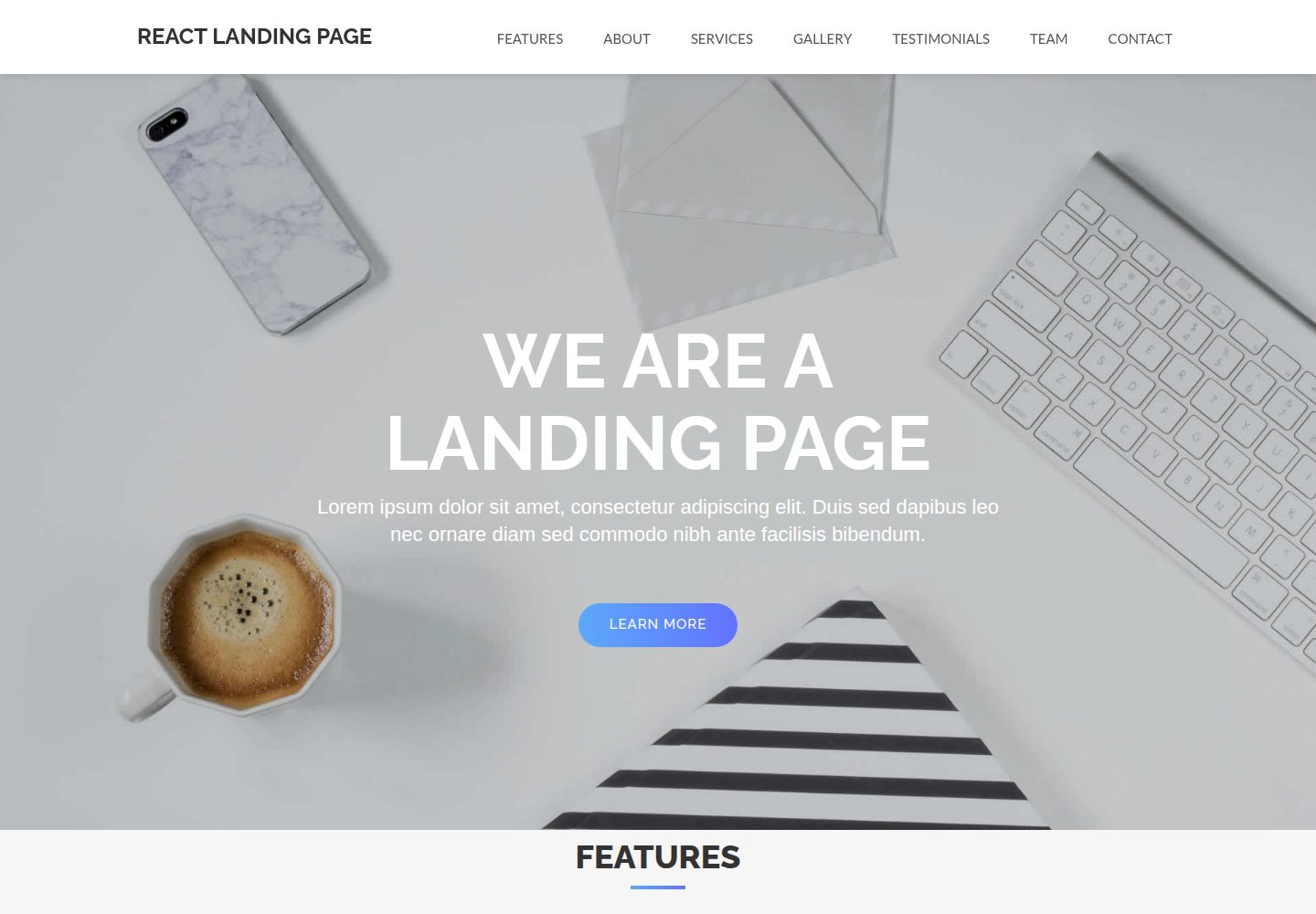
React-Landing-Page-Template
A simple react one page landing page templates for startups/companies
React · 企业官网
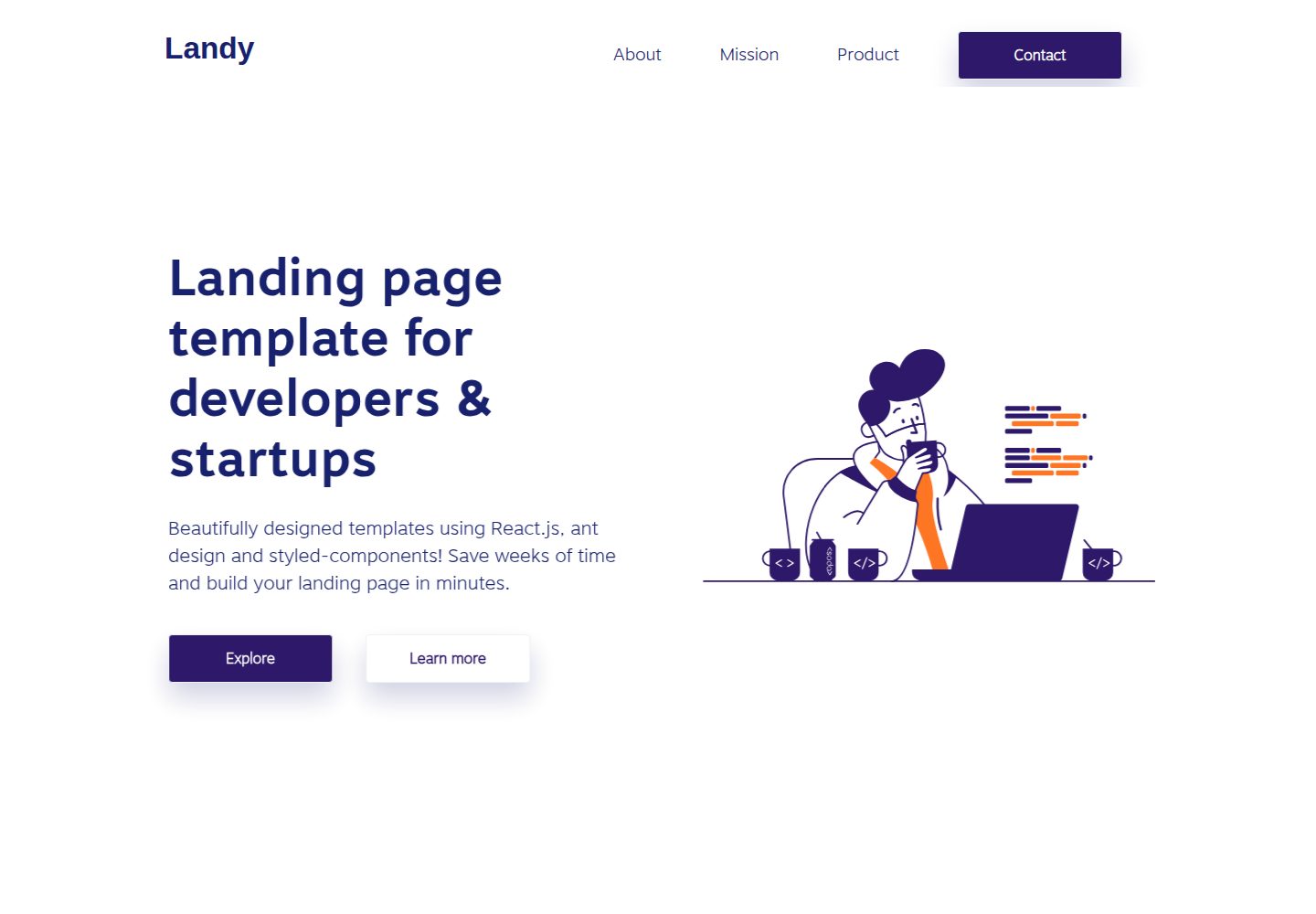
landy-react-template
Landy is an open-source React landing page template designed for developers and startups, who want to create a…
React · 企业官网
AI-Fullstack-SaaS-Boilerplate
AI-Fullstack-SaaS-Boilerplate 是一个面向 AI 应用的全栈 SaaS 启动器,技术栈以 Fastify、tRPC 和 React 为核心,搭配 Drizzle ORM、Postgres、Ta…
React · SaaS
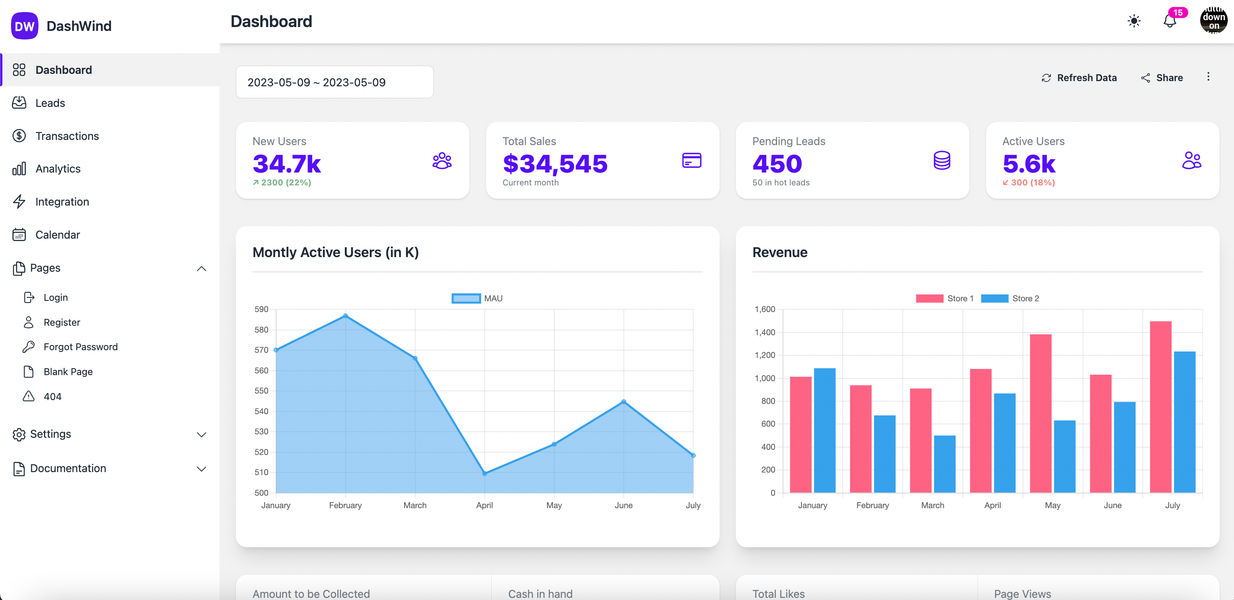
daisyui-admin-dashboard-template
Free admin dashboard template using Daisy UI, React js and Tailwind CSS
React · 后台