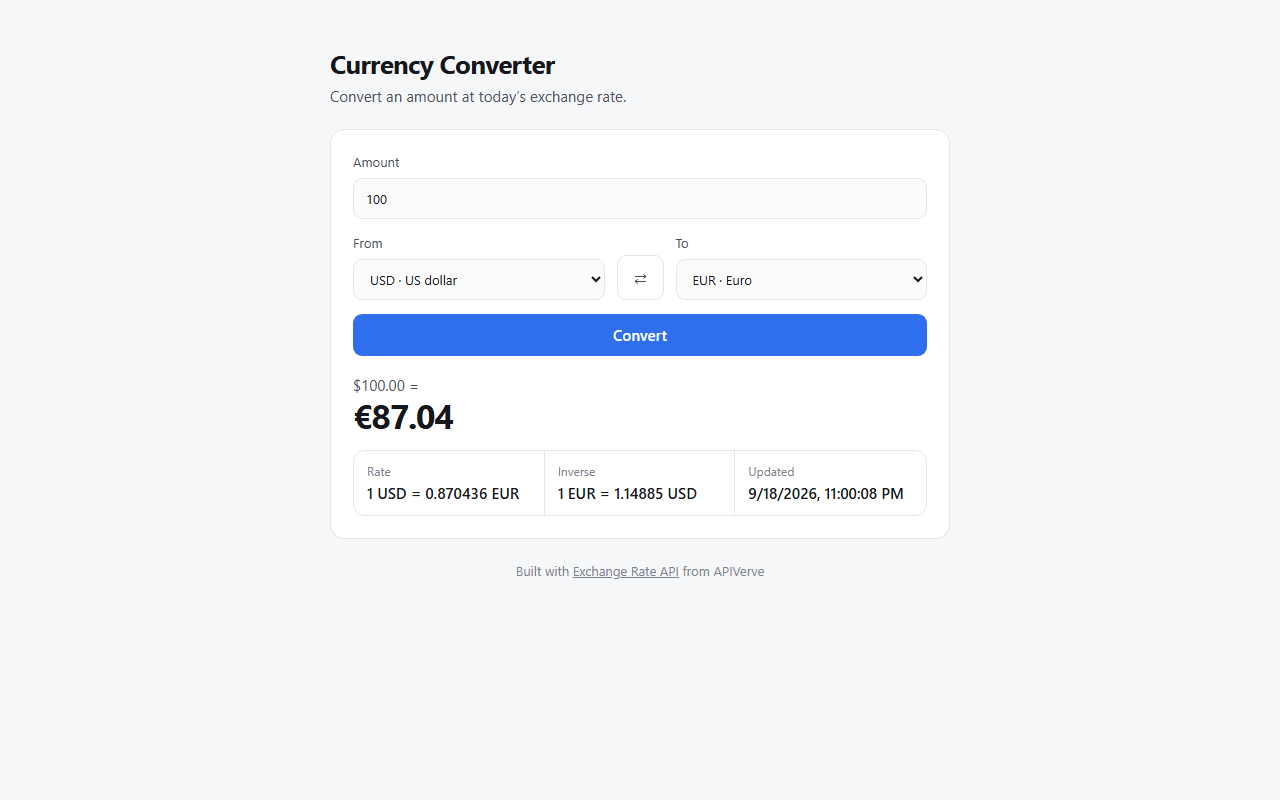
Flask provides the /api/rate route, validates 3-letter currency codes, and calls the APIVerve Exchange Rate API
FlaskTool Site
currency-converter-python-tutorial — Flask Tool Template
By apiverve
A Flask-based currency conversion template that converts between 21 currencies at the current day's exchange rate via the APIVerve exchange rate API, offering both a web interface and a command-line tool.
Explore the design
Compare the page layouts and mobile experience. Open any screenshot for a closer look.
Author preview
Author-provided preview
Preview provided in the project README.
One original preview is available. Open the full image to inspect the design.
Screenshots show visual appearance; interactive behavior may differ.
Recorded 2026-10-01View source
What stands out
A quick read of the recorded project description.
The same codebase includes a web interface and a command-line tool converter.py, both sharing the API key in .env
The front end is plain HTML, CSS, and JavaScript, with no framework and no build step
The API key is kept only on the server and is not sent to the browser
The repository provides a one-click Vercel deployment entry and a .env.example configuration example
Template Details
This is a currency conversion example project written in Python and Flask. On the web side, public/index.html calls GET /api/rate?from=USD&to=EUR; app.py validates that both parameters are 3-letter currency codes, then sends a request to APIVerve's Exchange Rate API and returns the rate result to the page for display. The API key is kept on the server and is not sent to the browser. The project also includes converter.py, which can perform conversions from the command line, for example python converter.py 100 USD EUR. When run without arguments, it switches to an interactive prompt and reads the same .env configuration as the web side.
The front end uses plain HTML, CSS, and JavaScript, with no framework and no build step. The only dependencies are flask and requests, and the repository includes requirements.txt, .python-version, and .env.example. Before running, you need to obtain an APIVerve API key and write it into .env as APIVERVE_API_KEY. After running python app.py locally, visit http://localhost:3000; the web page and API routes are served by the same process. The project can also be deployed with one click using the Vercel deploy button in the repository; app.py runs as a Python function, and the public/ directory is served by the CDN.
Limitations to note: some fields in the API response are part of a paid plan and are returned empty under the free plan, so the page only displays what is actually received. The README states that each visitor can make 10 requests per minute; this limit is stored in memory and is not shared across serverless instances, so once the URL is public, others will consume your API key quota. For production use, you need to add login, switch to shared storage for rate limiting, or call it only from your own backend. The code is under the MIT license, but third-party assets such as demo images, fonts, and icons need to be checked separately for their licenses, and external services such as domains and hosting may incur separate charges.
FlaskUtility site
Is it right for your project?
Use Cases
- As a minimal example of using Flask to call a third-party exchange rate API, for learning server-side forwarding and key protection
- Converting expense amounts in travel or bookkeeping apps
- Displaying prices in a store page according to the visitor's currency
- Quickly performing a single currency conversion from the command line
Suitable For
- Developers who need starter code for currency conversion with Python and Flask
- Those who want a reference implementation for proxying an external API on the server to avoid exposing keys
- Developers preparing to deploy a small Flask app to Vercel
Getting started & customization
Use these recorded setup notes alongside the repository instructions for your chosen version.
- 1
First register with APIVerve to get an API key, then copy .env.example to .env and fill in APIVERVE_API_KEY
- 2
Local run: create a virtual environment, pip install -r requirements.txt, python app.py, then visit http://localhost:3000
- 3
Command-line usage: python converter.py 100 USD EUR; running without arguments enters an interactive prompt
- 4
When deploying to Vercel, follow the repository button and fill in APIVERVE_API_KEY during deployment
- 5
Before making the URL public, handle rate limiting and access control yourself; the default limit of 10 requests per minute is stored in memory and is not shared across serverless instances
License & source material
Usage conditions & limitations
Free to use · keep license noticeThis entry covers the free version under the MIT license in the public repository; the free scope applies to that version's code and does not mean external services or third-party assets are free.
Must comply with when using
- Free use, modification, commercial use, and distribution of this version's code are permitted.
- When distributing copies or substantial portions of the code, retain the original author's copyright notice and the full MIT license notice.
- The code is provided as is; warranties and limitations of liability are governed by the original license and applicable law.
Additional costs & items to verify
- Using this template requires registering with APIVerve and obtaining an API key, then writing it into .env as APIVERVE_API_KEY before the web side and command-line tool can run.
- Some response fields from the APIVerve exchange rate API are available only on paid plans; under the free plan these fields are returned empty, and the page only displays what is actually obtained.
- The default rate limit is 10 requests per minute per visitor, suitable only for demonstration purposes.
- The rate limit counter is stored in memory and is not shared across serverless instances, so after public deployment the rate limit is of limited practical effect.
- After deployment, anyone who finds the URL will consume your API key quota; for production use, you need to add login, switch to shared storage for rate limiting, or call it only from your own backend.
- The project materials mention an optional paid version or features; this entry covers only the public free code and does not include paid upgrades.
- Demo images, fonts, icons, and other third-party assets must be checked against their respective licenses and cannot be judged solely by the code's MIT license.
- External services such as domains, hosting, databases, payments, or AI may incur separate charges.
View Original Text Basis
Permission is hereby granted, free of charge
Original License Text
This template needs an APIVerve API key.
Original README
Some response fields are for paid plans and come back empty on the free plan.
Original README
Each visitor can make 10 requests a minute, which is fine for a demo.
Original README
The limit is kept in memory, so it isn't shared between serverless instances.
Original README
https://github.com/apiverve/currency-converter-python-tutorial/blob/main/LICENSEhttps://github.com/apiverve/currency-converter-python-tutorial/blob/main/README.mdOnce deployed, anyone who finds your URL can use it on your API key.
Original README
Compiled by DeepSeek based on repository license and README ·2026-10-01. Results only cover the materials read; dependencies, images, fonts, and subsequent term changes are subject to their respective original texts.
Project checks & description sources
Template Information
- Source platforms
- GitHub
- Documentation and maintenance reference score
- More documented · 80 / 100
- Technologies
- Flask
- Website type
- Tool Site
How this score is calculated
Our heuristic uses license records (up to 30), a demo link (12), a preview (10), stars (15), recorded maintenance (15), description completeness (8), feature records (5) and classification data (5). It is not a code, security or performance test, or a Google score. A link does not establish tested functionality.
What to verify for this project
- Repository update recorded
- 2026-09-19
- Screenshot last checked
- 2026-10-01
A demo link is listed. Check it with your own content and viewport sizes; its presence does not confirm that forms, authentication or payments work.
The catalog identifies Flask as the primary stack. Check the actual dependency manifest and lockfile for versions and hosting requirements. These notes use recorded metadata, not a code audit or a deployment test.
Use a selection guide →How this description was prepared
AI-assisted description based on catalog records and repository material. Repository authors are not automatically the reviewers of this description.
Automatically checked against source and license rules; no manual editorial review.
Inspect the recorded source material
SHA-256: 2da0b29d4dbdab9a24cf12878f75f5a38e1478c61bd6bbbef2a51b9d66bc3db8
2026-10-01T02:44:20.384Z
Source file / repository# Currency Converter | APIVerve Template
[](LICENSE)
[](requirements.txt) [](app.py)
[](https://apiverve.com/marketplace/exchangerate?utm_source=github&utm_medium=template&utm_campaign=currency-converter-python-tutorial)
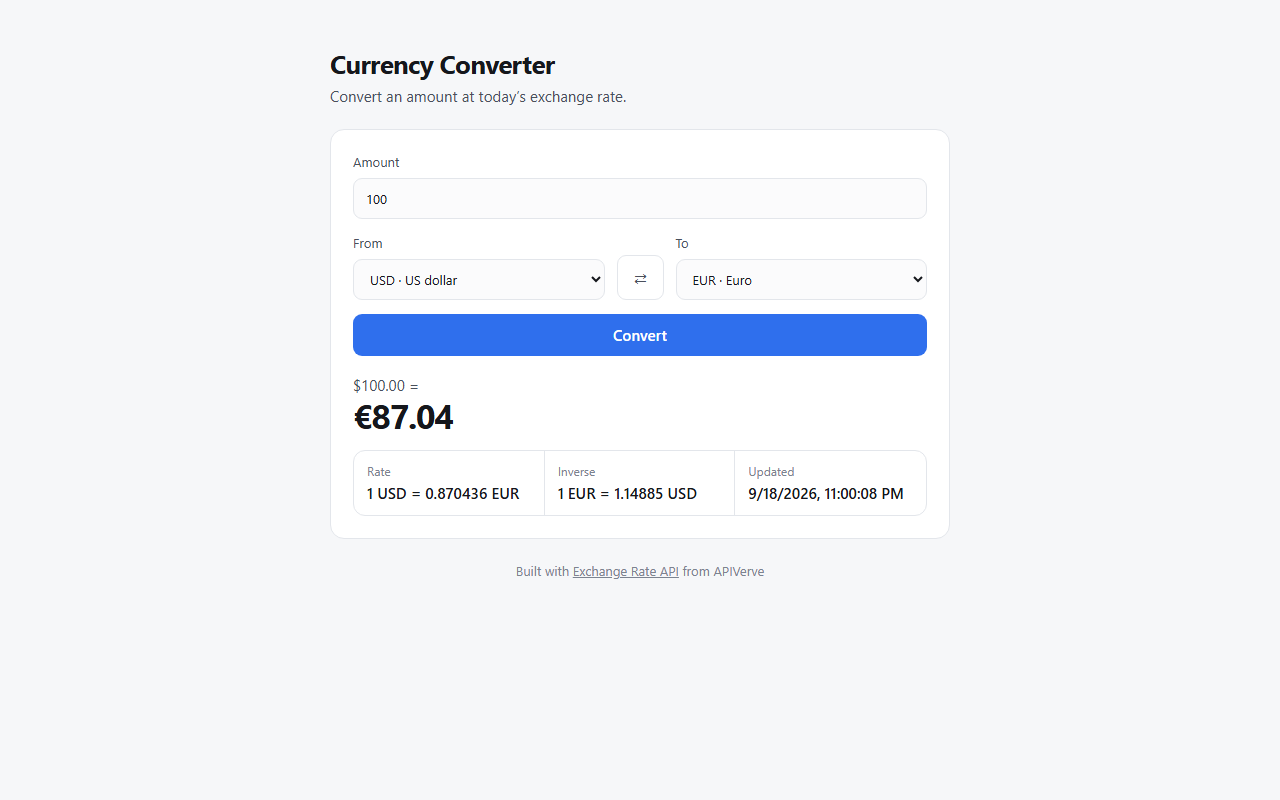
Convert an amount between 21 currencies at today’s exchange rate. A web app you can deploy, and a command-line tool.
[](https://vercel.com/new/clone?repository-url=https%3A%2F%2Fgithub.com%2Fapiverve%2Fcurrency-converter-python-tutorial&project-name=currency-converter&repository-name=currency-converter&env=APIVERVE_API_KEY&envDescription=Your%20APIVerve%20API%20key.%20Free%20to%20create%2C%20no%20card%20needed.&envLink=https%3A%2F%2Fdashboard.apiverve.com%2Fsignup%3Fapi%3Dexchangerate%26utm_source%3Dvercel%26utm_medium%3Dtemplate%26utm_campaign%3Dcurrency-converter-python-tutorial)
---
### Get your free API key
This template needs an APIVerve API key. **[Sign up free](https://dashboard.apiverve.com/signup?api=exchangerate&utm_source=github&utm_medium=template&utm_campaign=currency-converter-python-tutorial)**, no credit card required.
---
## Deploy in one click
Click **Deploy with Vercel** above. Vercel copies this repo to your GitHub account, asks for your `APIVERVE_API_KEY`, and gives you a live URL about a minute later.
## Run it locally
1. **Clone the repository**
```bash
git clone https://github.com/apiverve/currency-converter-python-tutorial.git
cd currency-converter-python-tutorial
```
2. **Install the dependencies**
```bash
python -m venv .venv
source .venv/bin/activate # Windows: .venv\Scripts\activate
pip install -r requirements.txt
```
3. **Add your API key**
```bash
cp .env.example .env
```
Then open `.env` and set `APIVERVE_API_KEY`.
4. **Start it**
```bash
python app.py
```
5. **Open** `http://localhost:3000`
`python app.py` serves the page and the API route together, so you don't need the Vercel CLI.
## Use it from the command line
```bash
python converter.py 100 USD EUR
```
Run it with no arguments to be prompted instead. It reads the same `.env` as the web app.
## How it works
1. The page (`public/index.html`) calls `GET /api/rate?from=USD&to=EUR`.
2. `app.py` checks both are 3-letter currency codes, then calls Exchange Rate. Your API key stays on the server and never reaches the browser.
3. The page shows the result.
```
├── app.py # Flask app: the /api/rate route, which holds your key
├── apiverve.py # Shared by app.py and converter.py: the key, the APIVerve call, the rate limit
├── converter.py # The command-line version
├── public/ # The page: index.html, app.js, ui.js, style.css
├── requirements.txt # flask, requests
├── .python-version # 3.12, for Vercel
└── .env.example # Copy to .env and add your key
```
### The API call
```python
res = requests.get(
'https://api.apiverve.com/v1/exchangerate',
params={'currency1': 'USD', 'currency2': 'EUR'},
headers={'x-api-key': os.environ['APIVERVE_API_KEY']},
)
data = res.json()['data']
# data['exchangeRate'], data['lastUpdated']
```
Some response fields are for paid plans and come back empty on the free plan. The page shows whatever it gets and leaves the rest out, so it works on every plan.
## Before you share your URL
Once deployed, anyone who finds your URL can use it on your API key. Each visitor can make 10 requests a minute, which is fine for a demo. The limit is kept in memory, so it isn't shared between serverless instances. For production:
- Put the page behind your own sign-in, or
- Move the limit to a shared store such as [Upstash Redis](https://upstash.com/), or
- Call the route only from your own backend.
## Ideas to extend it
- Show prices in the visitor’s currency on a store
- Convert expenses in a travel or accounting app
- Add more currencies: the API accepts any 3-letter code it supports
## API reference
- [Exchange Rate](https://apiverve.com/marketplace/exchangerate?utm_source=github&utm_medium=template&utm_campaign=currency-converter-python-tutorial): `GET https://api.apiverve.com/v1/exchangerate?currency1=¤cy2=`
- [Full documentation](https://docs.apiverve.com?utm_source=github&utm_medium=template&utm_campaign=currency-converter-python-tutorial)
## Tech stack
- **Flask** for the API route, with **requests** to call APIVerve (Python 3.12)
- Plain HTML, CSS and JavaScript for the page: no framework and no build step
- Deploys to Vercel as-is: `app.py` becomes a Python function and `public/` is served from the CDN
## License
MIT. See [LICENSE](LICENSE).
Explore similar templates
Compare previews and descriptions within the same stack and category.
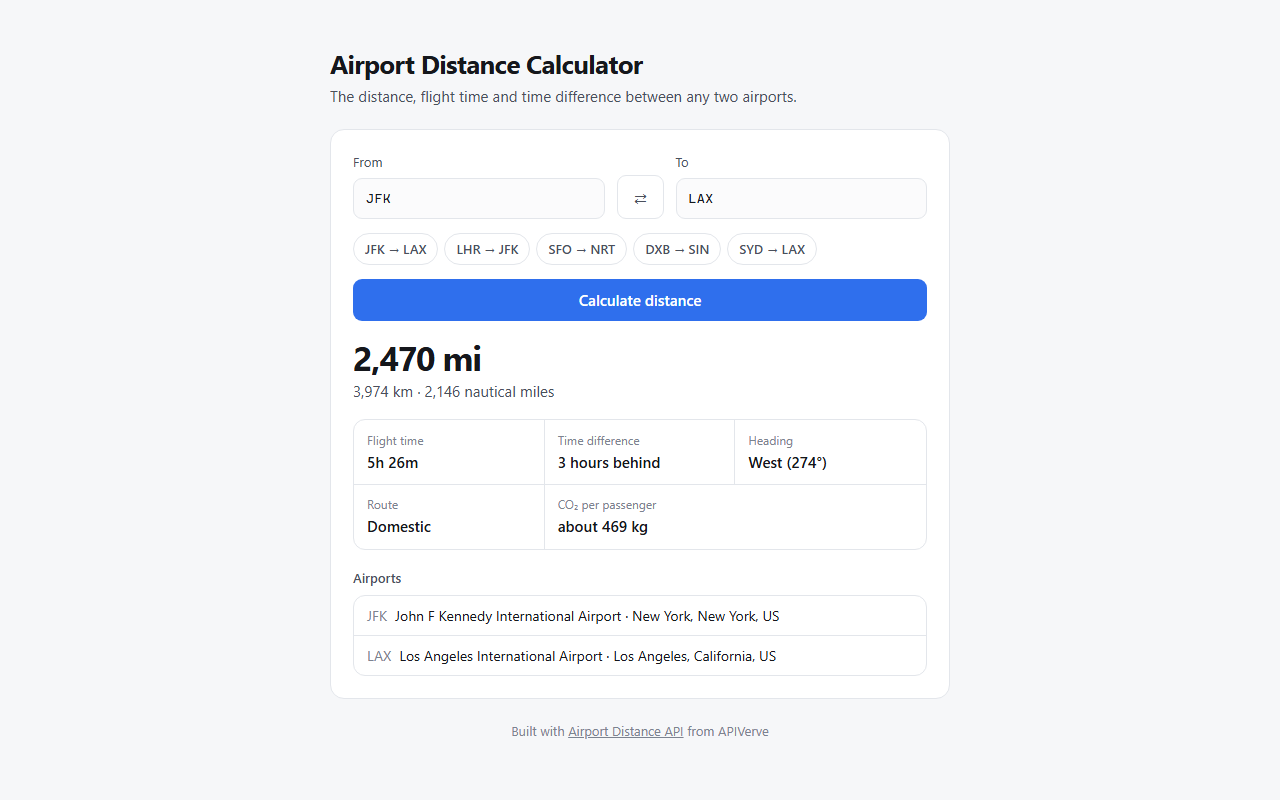
airport-distance-python-tutorial
A Flask-based airport distance calculator template that uses three-letter IATA codes to look up distance and estimated flight time between two airports.
Flask · Tool Site
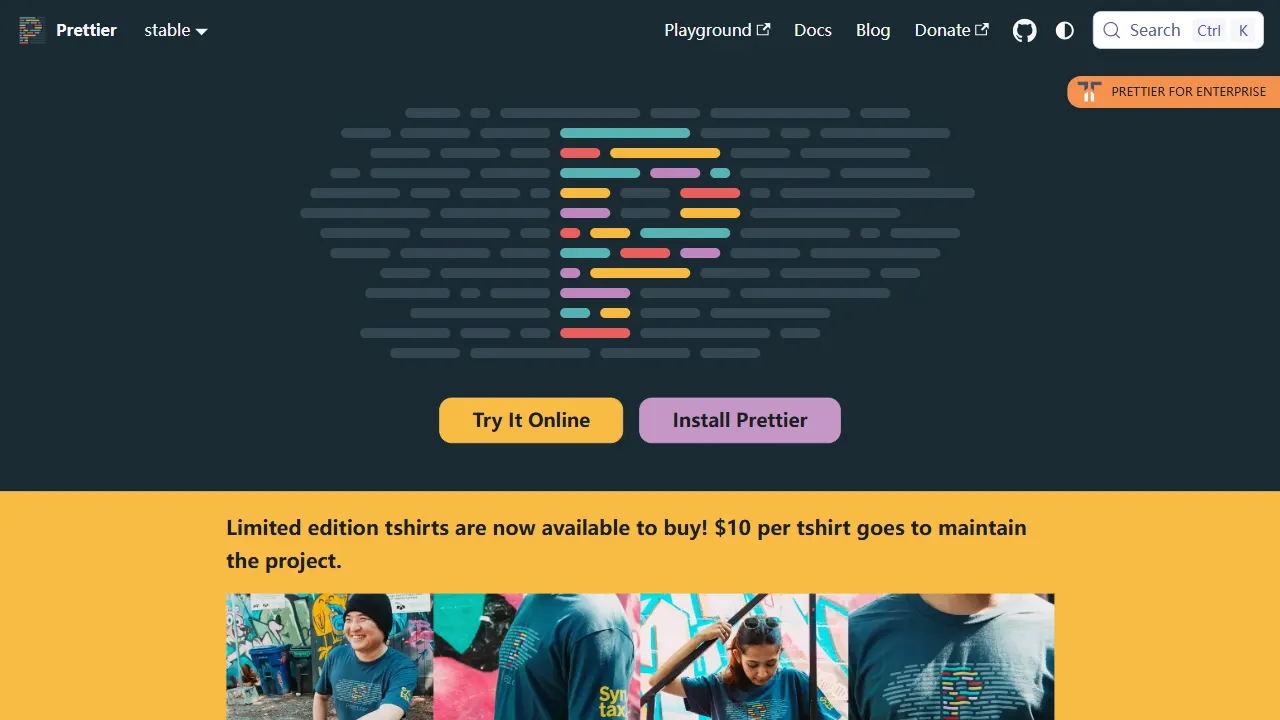
prettier
Prettier is an open-source code formatting tool whose official repository includes a runnable online Playground. It supports JavaScript, TypeScript, CSS, HTML, Vue, Angular, and more, and can be extended via plugins.
Vue · Tool Site
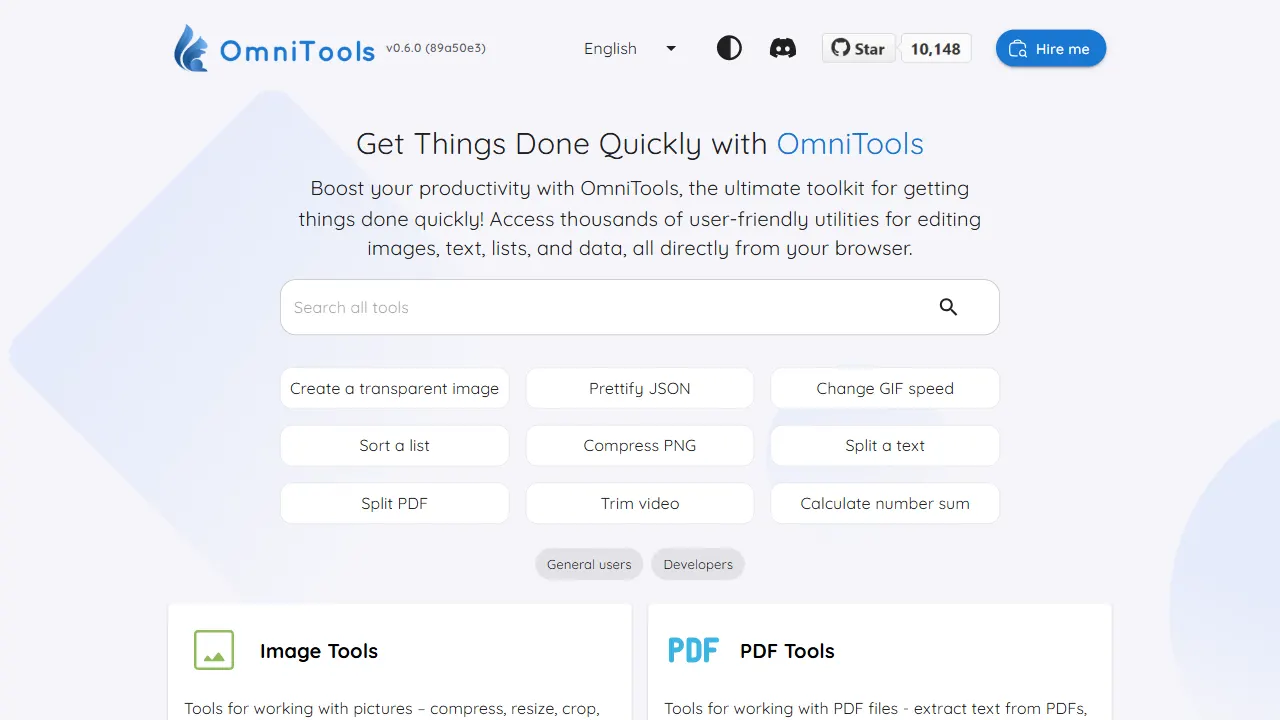
OmniTools
A self-hosted React and TypeScript tool site that runs image, video, PDF, text, date, math, and data utilities entirely in the browser.
React · Tool Site
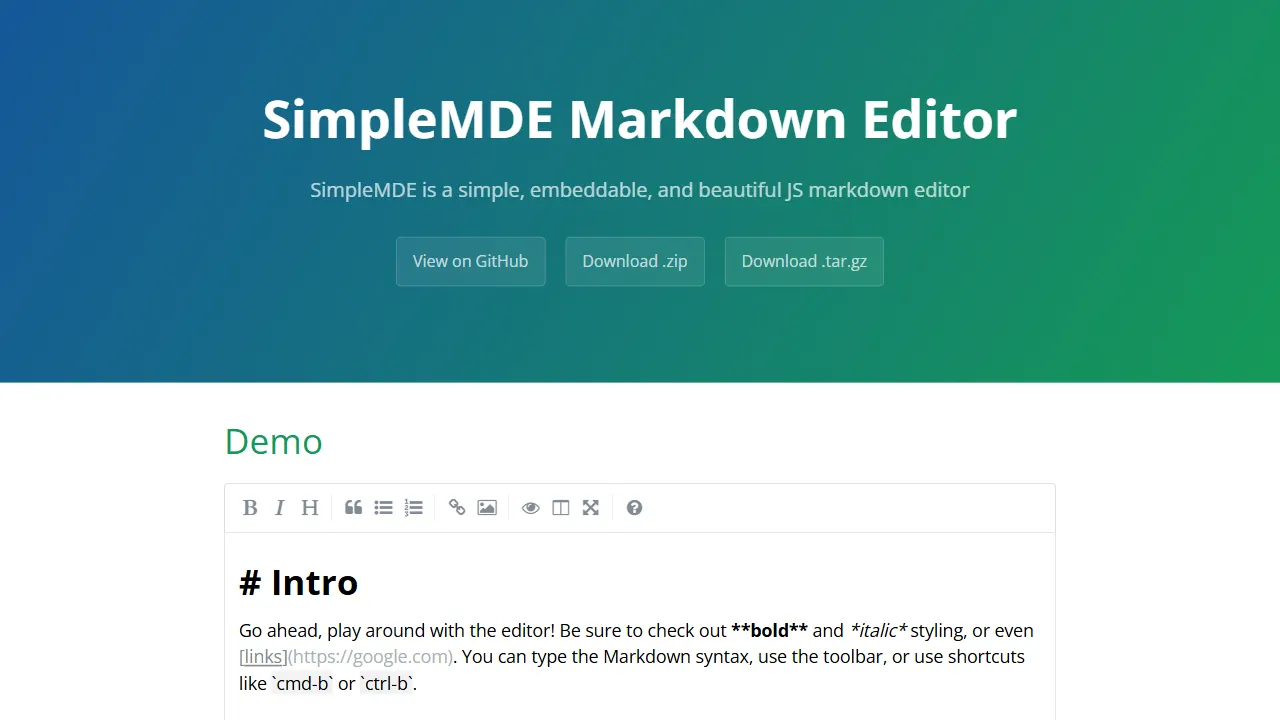
simplemde markdown editor
SimpleMDE is an open-source, lightweight Markdown editor JavaScript component that replaces textarea with a WYSIWYG-like experience, real-time syntax rendering, autosave, spell checking, and a configurable toolbar. It includes an online demo and can be integrated via npm, bower, or CDN.
JavaScript · Tool Site
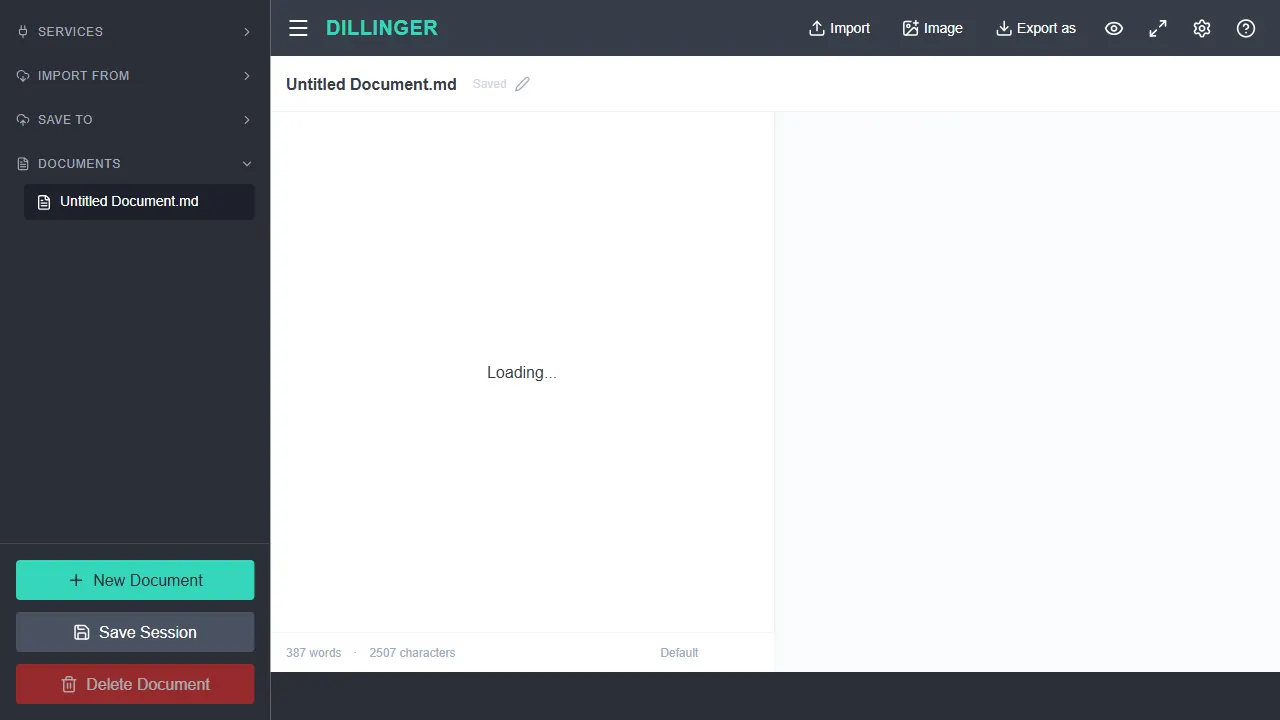
dillinger
Dillinger is a Markdown editor built on Next.js 14 with Monaco Editor, offering a VS Code-like editing experience, live preview, scroll sync, Zen mode, drag-and-drop import, local autosave, and export to Markdown, HTML, and PDF.
TypeScript · Tool Site
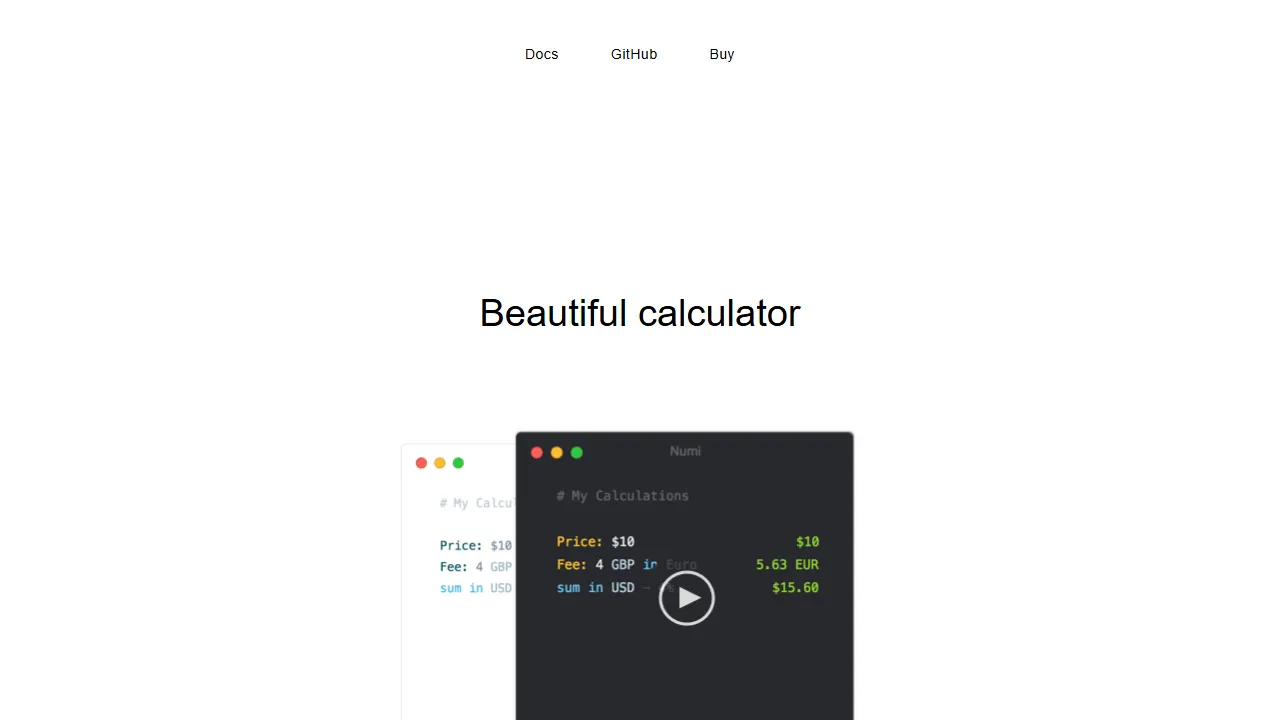
numi
An open-source natural language calculator with macOS, Windows, and terminal versions plus an Alfred extension. It parses expressions like currency conversions, date arithmetic, and discounts instantly.
JavaScript · Tool Site