
Hexo theme for building personal websites and portfolio pages
HexoPortfolio
hexo-theme-best-friends — Hexo Portfolio Template
By Arsfiqball
A Hexo personal website theme developed by Arsfiqball, presenting author information and social links in a portfolio/personal homepage format, under the MIT license.
Explore the design
Compare the page layouts and mobile experience. Open any screenshot for a closer look.
Desktop homepage1 / 2
Desktop captureTop of page
Actual screenshot captured by the server browser.
All pages & views 2
Screenshots show visual appearance; interactive behavior may differ.
Recorded 2026-10-11View source
What stands out
A quick read of the recorded project description.
Author bio, cover image, and avatar can be set in the site config
Built-in configuration for social links including Facebook, Twitter, Instagram, LinkedIn, GitHub, and email
Supports adding comments via Disqus ID
Under the MIT license, free to use, modify, and distribute
Template Details
hexo-theme-best-friends is a Hexo theme positioned as a personal website and portfolio page, created by Arsfiqball, with the demo site being his personal homepage. The theme provides configuration options in the site config for author bio, cover image, avatar, and social links including Facebook, Twitter, Instagram, LinkedIn, GitHub, and email, and supports comments via Disqus ID. Installation involves cloning the repository into the themes/best-friends directory, running npm install and gulp build within the theme directory, then setting theme to best-friends in the site _config.yml, and disabling Hexo's built-in code highlighting (highlight.enable: false) as required by the README. The repository was last updated in 2018, and the README does not state the theme's maintenance status, compatible Hexo versions, or responsive and browser support scope, so users should verify these themselves before use.
HexoPortfolio
Is it right for your project?
Use Cases
- Building a personal homepage with Hexo to display a personal bio and social entry points
- Creating a portfolio showcase site for developers or designers
- Replacing an existing Hexo blog with a theme leaning toward a personal homepage style
Suitable For
- Users who use Hexo and want to quickly build a personal homepage
- Developers who need to centrally display social accounts and personal bios
- Users who accept installing gulp themselves and running the build process
Getting started & customization
Use these recorded setup notes alongside the repository instructions for your chosen version.
- 1
Requires global installation of gulp first: npm install -g gulp
- 2
Clone the repository into themes/best-friends, enter that directory, and run npm install and gulp
- 3
Set theme: best-friends in the site _config.yml and disable highlight.enable
- 4
Fill in cover_image, profile_image (required) and about_author, socials, disqus_comment_box (optional) in the site config
- 5
The README does not declare compatible Hexo versions; please verify dependencies and compatibility yourself before use
License & source material
Usage conditions & limitations
Free to use · keep license noticeThis entry covers the free version under the MIT license in the public repository; the free scope is the code of this version and does not mean external services or third-party assets are free.
Must comply with when using
- Permits free use, modification, commercial use, and distribution of this version's code.
- When distributing copies or substantial portions of the code, retain the original author's copyright notice and the full MIT license notice.
- The code is provided as is; warranties and liability limitations are governed by the original license and applicable law.
Additional costs & items to verify
- Demo images, fonts, icons, and other third-party assets must be checked against their respective licenses and cannot be judged solely by the code's MIT license.
- External services such as domains, hosting, databases, payments, or AI may incur additional charges.
- Before using this theme, gulp build tool must be installed globally, otherwise the theme build process cannot be completed.
- The comment feature relies on the third-party service Disqus, and a Disqus ID must be provided to enable comments.
- Using this theme requires disabling Hexo's built-in code highlighting (setting highlight.enable to false), otherwise it may conflict with the theme's styles.
View Original Text Basis
Permission is hereby granted, free of charge
Original License Text
Make sure you already installed [gulp](https://gulpjs.com/). If you're not, just run this command: ```bash npm install -g gulp ```
Original README
disqus_comment_box : arsfiqball-github-blog # your blog's Disqus ID
Original README
https://github.com/Arsfiqball/hexo-theme-best-friends/blob/master/LICENSEhttps://github.com/Arsfiqball/hexo-theme-best-friends/blob/master/README.mdDisable hexo code highlighing ```bash highlight: enable: false ```
Original README
Compiled by DeepSeek based on repository license and README ·2026-10-11. Results only cover the materials read; dependencies, images, fonts, and subsequent term changes are subject to their respective original texts.
Project checks & description sources
Template Information
- Source platforms
- GitHub
- Documentation and maintenance reference score
- Partly documented · 68 / 100
- Technologies
- Hexo
- Website type
- Portfolio
How this score is calculated
Our heuristic uses license records (up to 30), a demo link (12), a preview (10), stars (15), recorded maintenance (15), description completeness (8), feature records (5) and classification data (5). It is not a code, security or performance test, or a Google score. A link does not establish tested functionality.
What to verify for this project
- Repository update recorded
- 2018-03-31
- Screenshot last checked
- 2026-10-11
A demo link is listed. Check it with your own content and viewport sizes; its presence does not confirm that forms, authentication or payments work.
The catalog identifies Hexo as the primary stack. Check the actual dependency manifest and lockfile for versions and hosting requirements. These notes use recorded metadata, not a code audit or a deployment test.
Use a selection guide →How this description was prepared
AI-assisted description based on catalog records and repository material. Repository authors are not automatically the reviewers of this description.
Review declaration: [email protected] · 2026-10-13
Inspect the recorded source material
SHA-256: a1782adf169ba5baa075abbeb8977b1b5825f6419761b7142feec71f125ba846
2026-10-11T16:38:42.620Z
Source file / repository# Best Friends Iqbal's Personal Website/Hexo Theme   ## Installation & Configuration #### Theme installation Make sure you already installed [gulp](https://gulpjs.com/). If you're not, just run this command: ```bash npm install -g gulp ``` Go to folder themes ```bash cd themes ``` Clone this repository ```bash git clone https://github.com/Arsfiqball/hexo-theme-best-friends.git best-friends ``` > If you have no **Git**, you can download this repository and extract it to folder ``/themes/best-friends`` Go to installed theme directory, install the dependencies, and run gulp tasks ```bash cd best-friends npm install gulp ``` Done, now go back to your site root directory ```bash cd ../../ ``` #### Theme configuration Now open your site configuration ``_config.yml`` (NOT the theme ``_config.yml``) Change your ``theme`` configuration to ``best-friends`` ```bash theme: best-friends ``` Disable hexo code highlighing ```bash highlight: enable: false ``` Add the following configuration for your site ```yml about_author: "💻 Fullstack Web Developer 🎨 Coding Artist ⚡ Electrical Engineering Student" # about you (optional) cover_image: /images/cover.jpg # url of your website cover image (required) profile_image: /images/profile.jpg # url of your website profile image (required) socials: facebook: https://facebook.com/arsfiqball # url to your Facebook account (optional) twitter: https://twitter.com/arsfiqball # url to your Twitter account (optional) instagram: https://instagram.com/arsfiqball # url to your Instagram account (optional) linkedin: https://www.linkedin.com/in/arsfiqball/ # url to your Linked In account (optional) github: https://github.com/arsfiqball # url to your GitHub account (optional) email: "mailto:[email protected]" # url to your E-Mail (optional) disqus_comment_box : arsfiqball-github-blog # your blog's Disqus ID ``` ## Issues [Issues](https://github.com/Arsfiqball/hexo-theme-best-friends/issues) ## License [MIT](/LICENSE) ## Maintainer [Arsfiqball](http://www.arsfiqball.com)
Explore similar templates
Compare previews and descriptions within the same stack and category.
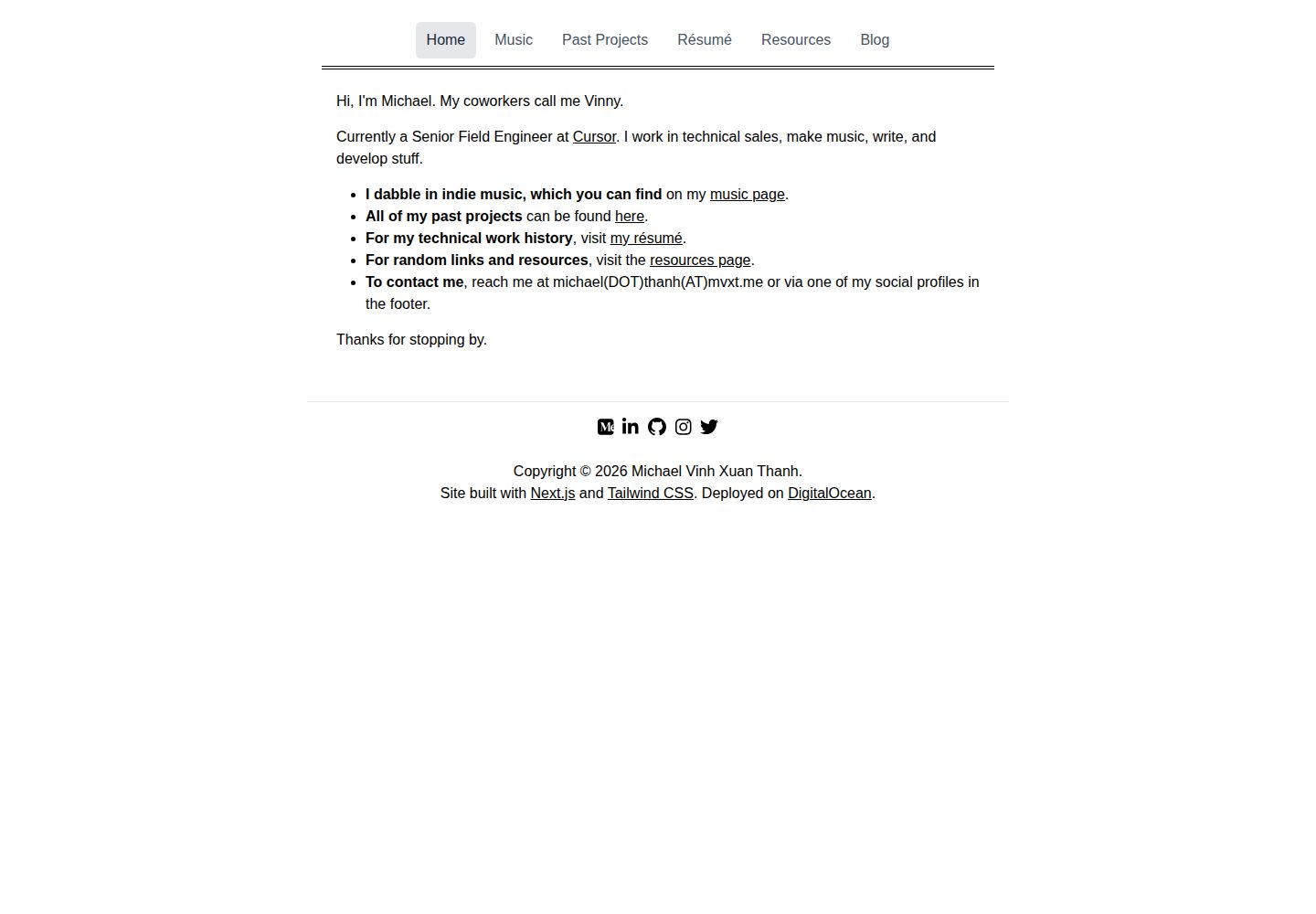
hexo-theme-studio
A Hexo theme for personal portfolios and blogs, marked as work in progress in the repository and licensed under MIT.
Hexo · Portfolio
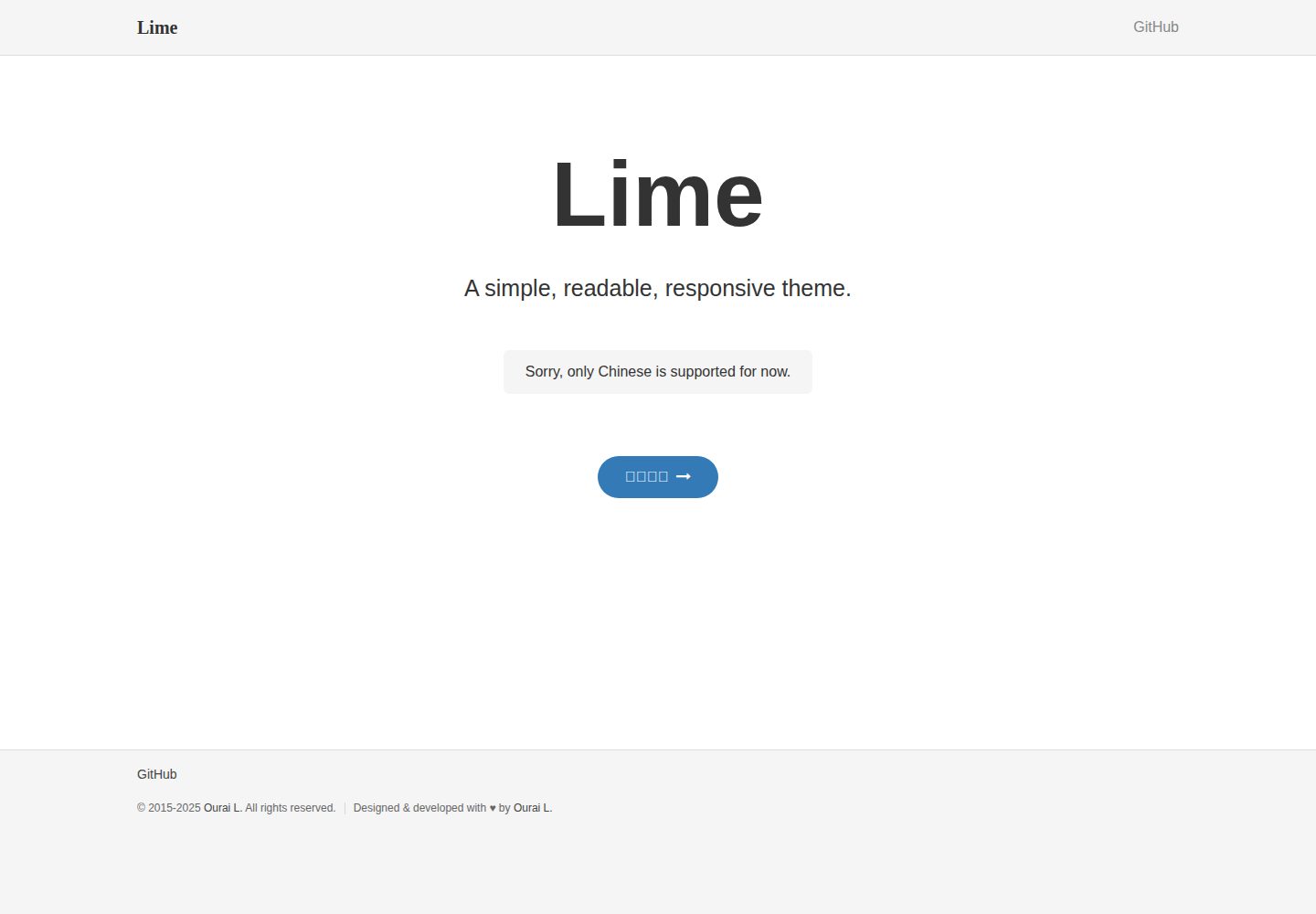
lime
Lime is a responsive theme for blogs, personal websites and API documentation, emphasizing simple, readable typography. It supports Jekyll, Hexo and plain HTML, and states compatibility with most modern PC and mobile browsers.
Jekyll · Portfolio

al-folio
A Jekyll academic homepage theme for scholars and researchers, with a clean responsive design and out-of-the-box support for publication lists, project showcases, CVs, and blogs.
Jekyll · Portfolio

simplefolio
Simplefolio is a minimal single-page portfolio template for developers, built with HTML, Bootstrap, SCSS, and Parcel under the MIT license. It includes Hero, About, Projects, Contact, and Footer sections, with content edited in /src/index.html and theme colors controlled by two SCSS variables.
HTML · Portfolio

hugo-PaperMod
A fast, clean, responsive Hugo theme for blogs and lightweight portfolios, with three layout modes (Regular, Home-Info, Profile), automatic and manual light/dark themes, Fuse.js client-side search, multilingual support, and built-in Open Graph, Twitter Cards, and Schema.org data.
Hugo · Portfolio

minimal-mistakes
Minimal Mistakes is a two-column Jekyll theme for personal sites, blogs, project documentation, or portfolios.
Jekyll · Portfolio