
Hexo 主题,用于搭建个人网站与作品集页面
Hexo作品集
hexo-theme-best-friends — Hexo 作品集模板
作者 Arsfiqball
Arsfiqball 开发的 Hexo 个人网站主题,以作品集/个人主页形式展示作者信息与社交链接,采用 MIT 许可。
看看你的网站会是什么样
浏览真实页面截图,比较内容排版与手机效果。点击下方缩略图切换,放大查看整页细节。
全部页面与视图 2
截图用于了解视觉与布局,交互效果请以实际项目为准。
采集于 2026-10-11查看来源
值得关注的模板亮点
从已有项目资料中,快速了解它的特点。
站点配置中可设置作者简介、封面图与头像
内置 Facebook、Twitter、Instagram、LinkedIn、GitHub、邮箱等社交链接配置
支持通过 Disqus ID 添加评论
采用 MIT 许可,可免费使用、修改与分发
模板详细介绍
hexo-theme-best-friends 是一个 Hexo 主题,定位为个人网站与作品集页面,作者为 Arsfiqball,演示站点即其个人主页。主题在站点配置中提供作者简介、封面图、头像以及 Facebook、Twitter、Instagram、LinkedIn、GitHub、邮箱等社交链接的配置项,并支持通过 Disqus ID 接入评论。安装方式为将仓库克隆到 themes/best-friends 目录,在主题目录内执行 npm install 与 gulp 构建,然后在站点 _config.yml 中把 theme 设为 best-friends,并按 README 要求关闭 Hexo 自带代码高亮(highlight.enable: false)。仓库最后更新于 2018 年,README 未说明主题的维护状态、兼容的 Hexo 版本或响应式与浏览器支持范围,使用前需自行核对。
Hexo作品集
适合你的项目吗?
适用场景
- 用 Hexo 搭建展示个人简介与社交入口的个人主页
- 为开发者或设计者建立作品集展示站点
- 在已有 Hexo 博客上替换为偏个人主页风格的主题
适合人群
- 使用 Hexo 且希望快速搭建个人主页的用户
- 需要集中展示社交账号与个人简介的开发者
- 接受自行安装 gulp 并执行构建流程的使用者
上手与定制指南
结合仓库当前版本的说明,按下面的资料检查内容、配置与运行要求。
- 1
需先全局安装 gulp:npm install -g gulp
- 2
将仓库克隆到 themes/best-friends,进入该目录执行 npm install 与 gulp
- 3
在站点 _config.yml 中设置 theme: best-friends,并关闭 highlight.enable
- 4
在站点配置中填写 cover_image、profile_image(必填)及 about_author、socials、disqus_comment_box(可选)
- 5
README 未声明兼容的 Hexo 版本,使用前请自行核对依赖与兼容性
授权与来源资料
使用条件与限制
免费使用 · 保留许可声明本次收录的是公开仓库中采用 MIT 许可的免费版本;免费范围为该版本代码,不代表外部服务或第三方素材免费。
使用时需要遵守
- 允许免费使用、修改、商用和分发该版本代码。
- 分发代码副本或实质性部分时,保留原作者版权声明和完整 MIT 许可声明。
- 代码按现状提供;担保与责任限制以原许可证及适用法律为准。
额外费用与待核对事项
- 演示图片、字体、图标及其他第三方素材需按各自许可核对,不能仅凭代码的 MIT 许可判断。
- 域名、托管、数据库、支付或 AI 等外部服务可能另外收费。
- 使用该主题前需先全局安装 gulp 构建工具,否则无法完成主题构建流程。
- 评论功能依赖第三方服务 Disqus,需自行提供 Disqus ID 才能启用评论。
- 使用该主题必须关闭 Hexo 自带的代码高亮功能(highlight.enable 设为 false),否则可能与主题样式冲突。
查看原文依据
Permission is hereby granted, free of charge
许可证原文
Make sure you already installed [gulp](https://gulpjs.com/). If you're not, just run this command: ```bash npm install -g gulp ```
README 原文
disqus_comment_box : arsfiqball-github-blog # your blog's Disqus ID
README 原文
https://github.com/Arsfiqball/hexo-theme-best-friends/blob/master/LICENSEhttps://github.com/Arsfiqball/hexo-theme-best-friends/blob/master/README.mdDisable hexo code highlighing ```bash highlight: enable: false ```
README 原文
DeepSeek 根据仓库许可证和 README 整理 ·2026-10-11。结果仅覆盖已读取资料,依赖、图片、字体及后续条款变更以各自原文为准。
项目核对记录与介绍依据
模板资料
- 来源平台
- GitHub
- 资料与维护参考分
- 资料一般 · 68 / 100
- 技术栈
- Hexo
- 网站类型
- 作品集
这个分数如何计算
本站按许可资料(最高30分)、演示链接(12分)、预览图(10分)、Star数(15分)、记录的维护时间(15分)、描述完整度(8分)、功能记录(5分)和分类资料(5分)计算。它不是代码、安全或性能测试,也不是 Google 评分;有链接不代表已实测可用。
这个项目需要核对什么
- 记录的仓库更新时间
- 2018-03-31
- 截图检查日期
- 2026-10-11
已收录演示链接。请用你的内容与屏幕尺寸检查;有演示不代表表单、认证或支付已经可用。
目录记录的主要技术栈是 Hexo。请通过依赖清单和锁文件核对实际版本与托管要求。这些说明基于收录资料,不代表代码审计或部署实测。
查看具体选型方法 →介绍的制作与核对状态
介绍由 AI 辅助整理目录与仓库资料。仓库作者不等于这篇介绍的审核者。
审核声明: [email protected] · 2026-10-13
查看当时使用的来源资料
SHA-256: a1782adf169ba5baa075abbeb8977b1b5825f6419761b7142feec71f125ba846
2026-10-11T16:38:42.620Z
来源文件 / 仓库# Best Friends Iqbal's Personal Website/Hexo Theme   ## Installation & Configuration #### Theme installation Make sure you already installed [gulp](https://gulpjs.com/). If you're not, just run this command: ```bash npm install -g gulp ``` Go to folder themes ```bash cd themes ``` Clone this repository ```bash git clone https://github.com/Arsfiqball/hexo-theme-best-friends.git best-friends ``` > If you have no **Git**, you can download this repository and extract it to folder ``/themes/best-friends`` Go to installed theme directory, install the dependencies, and run gulp tasks ```bash cd best-friends npm install gulp ``` Done, now go back to your site root directory ```bash cd ../../ ``` #### Theme configuration Now open your site configuration ``_config.yml`` (NOT the theme ``_config.yml``) Change your ``theme`` configuration to ``best-friends`` ```bash theme: best-friends ``` Disable hexo code highlighing ```bash highlight: enable: false ``` Add the following configuration for your site ```yml about_author: "💻 Fullstack Web Developer 🎨 Coding Artist ⚡ Electrical Engineering Student" # about you (optional) cover_image: /images/cover.jpg # url of your website cover image (required) profile_image: /images/profile.jpg # url of your website profile image (required) socials: facebook: https://facebook.com/arsfiqball # url to your Facebook account (optional) twitter: https://twitter.com/arsfiqball # url to your Twitter account (optional) instagram: https://instagram.com/arsfiqball # url to your Instagram account (optional) linkedin: https://www.linkedin.com/in/arsfiqball/ # url to your Linked In account (optional) github: https://github.com/arsfiqball # url to your GitHub account (optional) email: "mailto:[email protected]" # url to your E-Mail (optional) disqus_comment_box : arsfiqball-github-blog # your blog's Disqus ID ``` ## Issues [Issues](https://github.com/Arsfiqball/hexo-theme-best-friends/issues) ## License [MIT](/LICENSE) ## Maintainer [Arsfiqball](http://www.arsfiqball.com)
看看同类模板
对比同技术栈与用途的模板,找到更适合的视觉与内容结构。
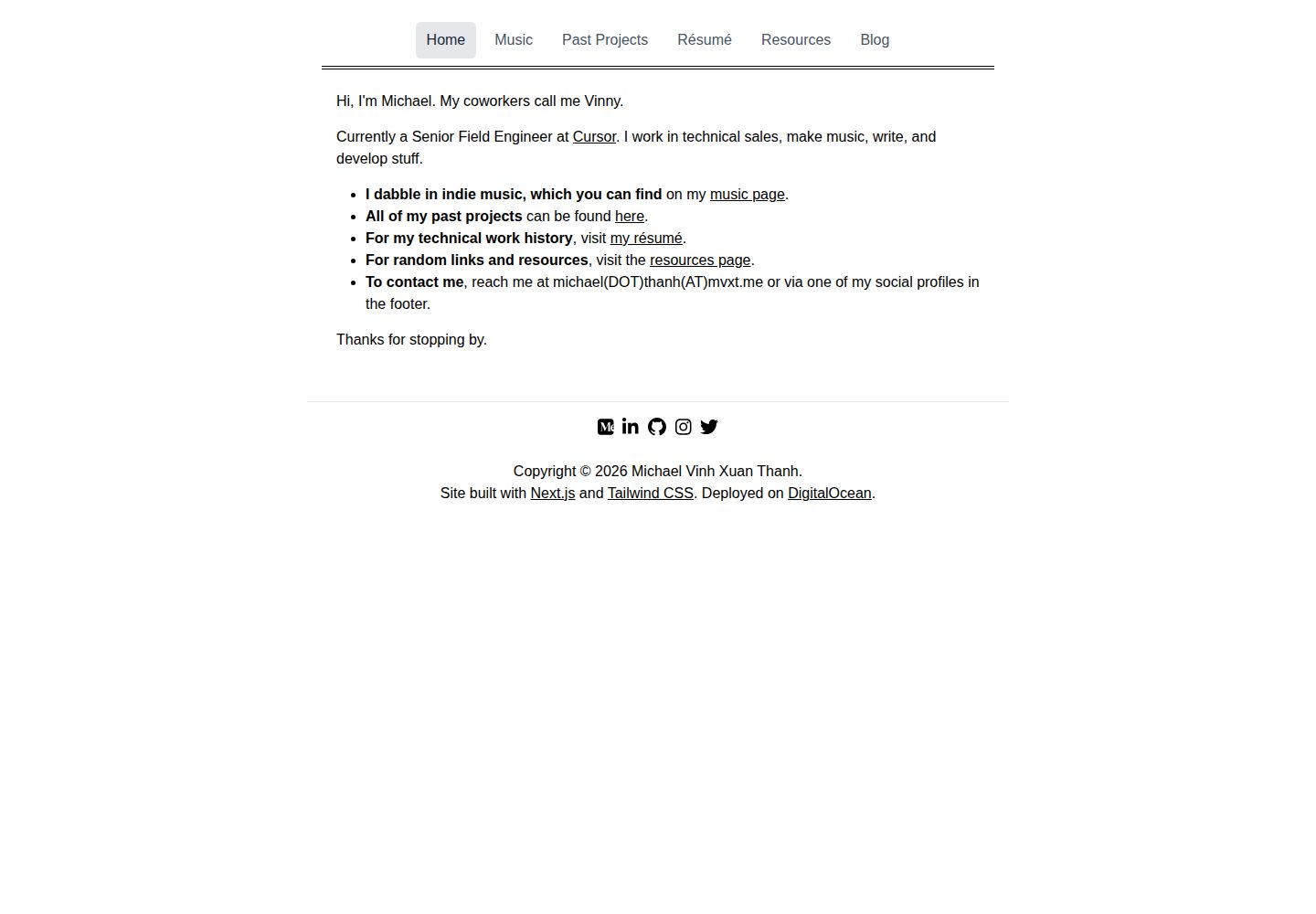
hexo-theme-studio
[!!! WORK IN PROGRESS ] Simple Hexo blog theme for individuals to showcase their portfolio and blog.
Hexo · 作品集
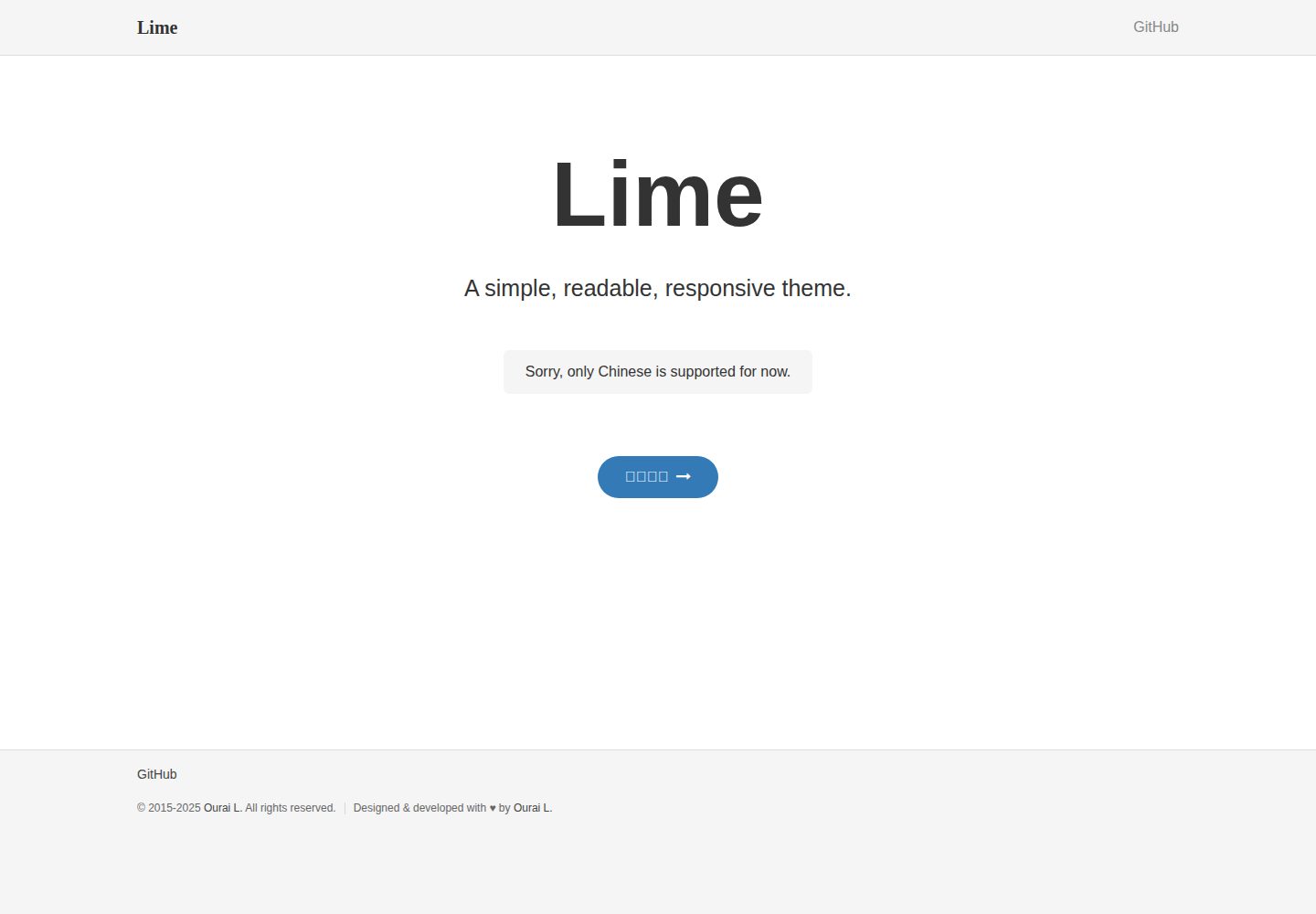
lime
Simple, readable, responsive theme for blogs, personal websites and API docs
Jekyll · 作品集

al-folio
al-folio 是一个面向学者与研究人员的 Jekyll 作品集主题,设计简洁、响应式,适合搭建个人学术主页。
Jekyll · 作品集

simplefolio
⚡️ A minimal portfolio template for Developers
HTML · 作品集

hugo-PaperMod
PaperMod 是 Hugo 生态里知名度较高的主题之一,定位很明确:给博客和轻量作品集站点提供一套干净、响应式的阅读界面。
Hugo · 作品集

minimal-mistakes
:triangular_ruler: Jekyll theme for building a personal site, blog, project documentation, or portfolio.
Jekyll · 作品集