Django auction e-commerce site with bidding flow modeled after eBay
DjangoHTMLE-commerce
ecommerce-auction-website — Django Ecommerce Template
By BobsProgrammingAcademy
A Django-based eBay-style auction e-commerce website template that uses PostgreSQL for data storage, with a front end built on HTML, CSS, and a Bootstrap theme, and Chart.js charts.
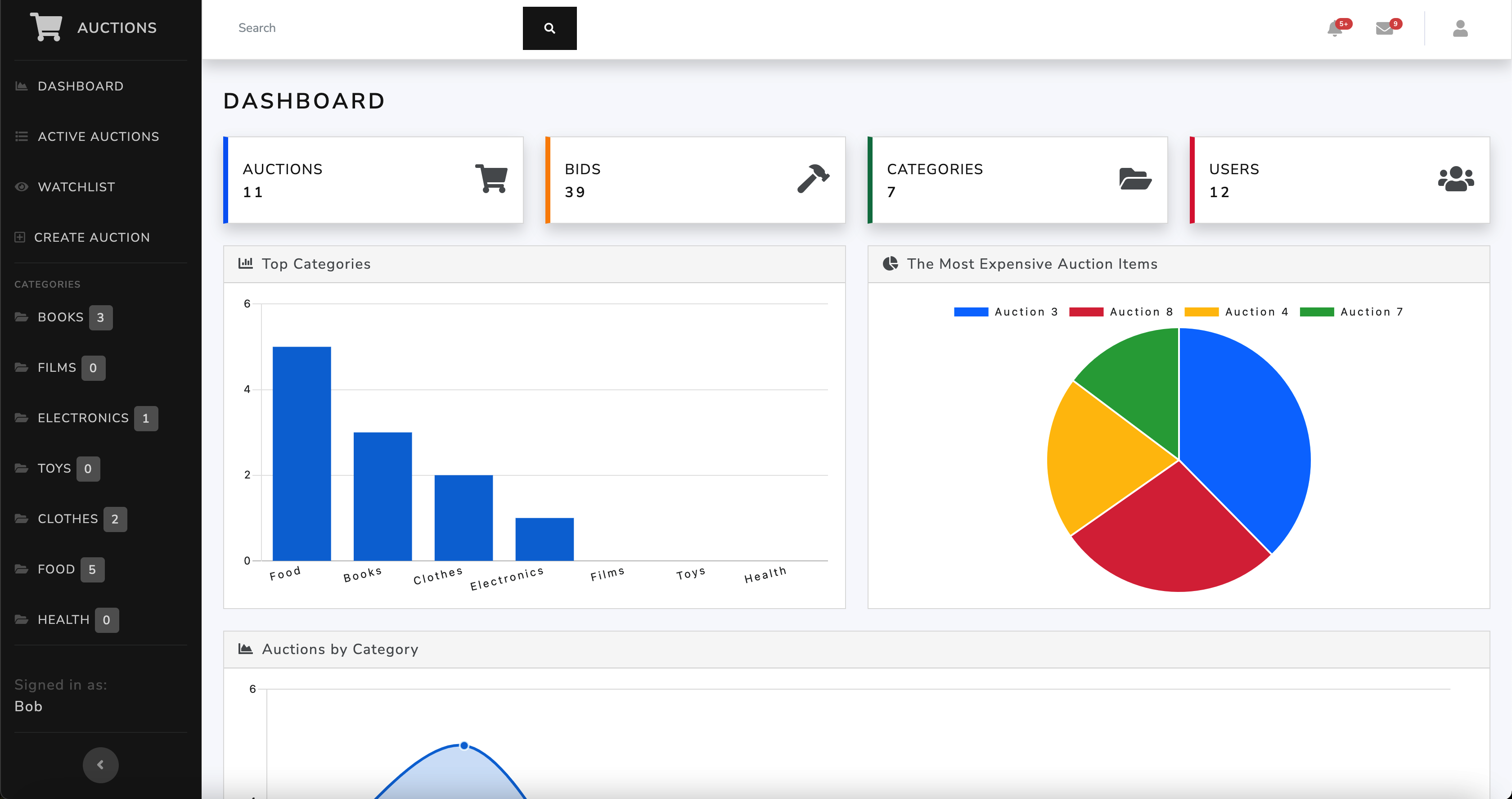
Explore the design
Compare the page layouts and mobile experience. Open any screenshot for a closer look.
Author preview
Author-provided preview
Preview provided in the project README.
One original preview is available. Open the full image to inspect the design.
Screenshots show visual appearance; interactive behavior may differ.
Recorded 2026-10-02View source
What stands out
A quick read of the recorded project description.
Uses PostgreSQL for data storage, with data entry and management through Django Admin
Front end based on HTML 5, CSS 3, and Bootstrap 5, with a Bootswatch theme
Uses Chart.js 2 for statistical charts, with auction list and dashboard screenshots shown in the README
README provides complete local setup steps from virtual environment, database, and environment variables to migrations and startup
Includes test files, which can be run via manage.py test
Template Details
This is an auction e-commerce website template built with Django, with functionality modeled after eBay: users can list auction items, browse, and participate in bidding. Data storage uses PostgreSQL, the front end consists of HTML 5, CSS 3, and Bootstrap 5 (with a Bootswatch theme), backend data management is handled through Django Admin, and statistical charts are drawn with Chart.js 2.
The project README provides complete local setup steps: create and activate a Python virtual environment, install dependencies from requirements.txt, create a PostgreSQL database and database user, configure .env environment variables (SECRET_KEY, DEBUG, database connection information), run migrations, create a superuser, then start via manage.py runserver, with default access at 127.0.0.1:8000 and the admin panel at /admin. The project includes tests, which can be run via manage.py test.
Usage limitations: the runtime requires Python 3.8–3.11 and PostgreSQL, and the README specifies Django version 4.2.4; sample data must be entered manually through Django Admin, as the repository does not provide a ready-made dataset. The code is released under the MIT license, but third-party assets such as demo images, fonts, and icons require separate license verification, and external services such as domains, hosting, and databases may incur costs.
DjangoHTMLE-commerce
Is it right for your project?
Use Cases
- In learning or teaching contexts, to reference how Django organizes auction e-commerce business logic
- As a personal practice project, to set up and run an auction site locally
- Within the scope of the MIT license, to further develop one's own auction or bidding features based on this template
- To demonstrate the interface effect of combining Django Admin backend management with Chart.js charts
Suitable For
- Developers with Python and Django fundamentals who want to study auction e-commerce implementation
- Users who need a PostgreSQL environment and are willing to configure the database and .env variables themselves
- Learners or small projects that want to use MIT-licensed code as a starting point for secondary development
- Scenarios for teaching demonstrations, coursework, or local experiments, rather than direct production operation
Getting started & customization
Use these recorded setup notes alongside the repository instructions for your chosen version.
- 1
Python 3.8–3.11 and PostgreSQL must be installed first; the README uses Django version 4.2.4
- 2
After creating and activating a virtual environment in the root directory, run pip install -r requirements.txt to install dependencies
- 3
Create the PostgreSQL database auctions and a database user, and configure SECRET_KEY, DEBUG, and database connection variables in the .env file in the root directory (do not add quotes around strings)
- 4
Run makemigrations, migrate, and createsuperuser in sequence, then start via python manage.py runserver and access http://127.0.0.1:8000/
- 5
Sample data must be entered manually by logging into the /admin backend; tests can be run with python manage.py test --pattern="tests.py"
License & source material
Usage conditions & limitations
Free to use · keep license noticeThis entry covers the free version in the public repository under the MIT license; the free scope is the code of this version and does not mean that external services or third-party assets are free.
Must comply with when using
- Free use, modification, commercial use, and distribution of this version's code are permitted.
- When distributing copies or substantial portions of the code, retain the original author's copyright notice and the complete MIT license notice.
- The code is provided as is; warranties and limitations of liability are governed by the original license and applicable law.
Additional costs & items to verify
- The runtime requires Python 3.8–3.11, and the README specifies Django 4.2.4; version mismatches may prevent it from running.
- You must install and run a PostgreSQL database yourself; lightweight alternatives such as SQLite cannot be used to start it directly.
- You must create the PostgreSQL database and superuser yourself, and configure the database connection information and SECRET_KEY in .env.
- The repository does not provide a ready-made dataset; all sample data must be entered manually by logging into the Django Admin backend.
- Demo images, fonts, icons, and other third-party assets must be checked against their respective licenses and cannot be judged solely by the code's MIT license.
- External services such as domains, hosting, databases, payments, or AI may incur additional charges.
View Original Text Basis
Permission is hereby granted, free of charge
Original License Text
This project uses **Django v4.2.4**. For Django to work, you must install a correct version of Python on your machine.
Original README
The app uses a **PostgreSQL** database to store data.
Original README
Create a new database admin user: ```sql CREATE USER yourusername WITH SUPERUSER PASSWORD 'yourpassword'; ```
Original README
https://github.com/BobsProgrammingAcademy/ecommerce-auction-website/blob/main/LICENSEhttps://github.com/BobsProgrammingAcademy/ecommerce-auction-website/blob/main/README.mdAdd data through Django Admin.
Original README
Compiled by DeepSeek based on repository license and README ·2026-10-02. Results only cover the materials read; dependencies, images, fonts, and subsequent term changes are subject to their respective original texts.
Project checks & description sources
Template Information
- Source platforms
- GitHub
- Documentation and maintenance reference score
- More documented · 86 / 100
- Technologies
- Django · HTML
- Website type
- E-commerce
How this score is calculated
Our heuristic uses license records (up to 30), a demo link (12), a preview (10), stars (15), recorded maintenance (15), description completeness (8), feature records (5) and classification data (5). It is not a code, security or performance test, or a Google score. A link does not establish tested functionality.
What to verify for this project
- Repository update recorded
- 2024-12-24
- Screenshot last checked
- 2026-10-02
A demo link is listed. Check it with your own content and viewport sizes; its presence does not confirm that forms, authentication or payments work.
The catalog identifies Django as the primary stack. Check the actual dependency manifest and lockfile for versions and hosting requirements. These notes use recorded metadata, not a code audit or a deployment test.
Use a selection guide →How this description was prepared
AI-assisted description based on catalog records and repository material. Repository authors are not automatically the reviewers of this description.
Automatically checked against source and license rules; no manual editorial review.
Inspect the recorded source material
SHA-256: 028e25270721bce1316de8ee56c907f58266d35227559053c1eb2c2adc588ae7
2026-10-02T16:15:00.172Z
Source file / repository# Auction Website This is an eBay-like e-commerce auction website built using **Django 4**, **HTML 5**, **CSS 3**, and **Bootstrap 5** with a **Bootswatch** theme. The app uses a **PostgreSQL** database to store data. Charts were built using **Chart.js 2**. 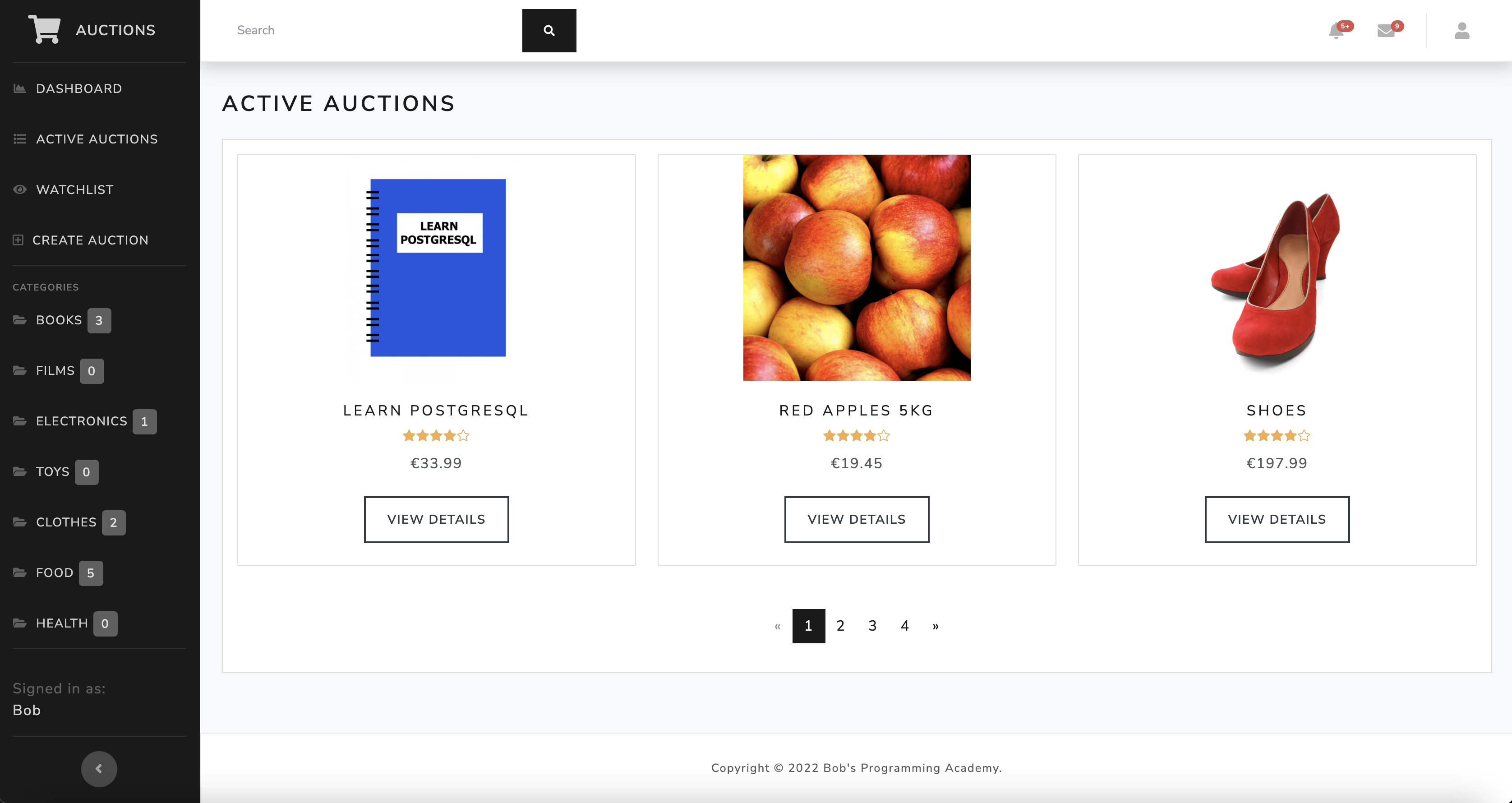  ## Table of Contents - [Prerequisites](#prerequisites) - [Installation](#installation) - [Run the application](#run-the-application) - [Run the tests](#run-the-tests) - [Add data to the application](#add-data-to-the-application) - [Copyright and License](#copyright-and-license) ## Prerequisites Install the following prerequisites: 1. [Python 3.8-3.11](https://www.python.org/downloads/) <br> This project uses **Django v4.2.4**. For Django to work, you must install a correct version of Python on your machine. More information [here](https://django.readthedocs.io/en/stable/faq/install.html). 2. [PostgreSQL](https://www.postgresql.org/download/) 3. [Visual Studio Code](https://code.visualstudio.com/download) ## Installation ### 1. Create a virtual environment From the **root** directory, run: ```bash python -m venv venv ``` ### 2. Activate the virtual environment From the **root** directory, run: On macOS: ```bash source venv/bin/activate ``` On Windows: ```bash venv\scripts\activate ``` ### 3. Install required dependencies From the **root** directory, run: ```bash pip install -r requirements.txt ``` ### 4. Set up a PostgreSQL database With **PostgreSQL** up and running, in a new Terminal window, run: ```bash dropdb --if-exists auctions ``` Start **psql**, which is a terminal-based front-end to PostgreSQL, by running the command: ```bash psql postgres ``` Create a new PostgreSQL database: ```sql CREATE DATABASE auctions; ``` Create a new database admin user: ```sql CREATE USER yourusername WITH SUPERUSER PASSWORD 'yourpassword'; ``` To quit **psql**, run: ```bash \q ``` ### 5. Set up environment variables From the **root** directory, run: ```bash touch .env ``` The **touch** command will create the **.env** file in the **root** directory. This command works on Mac and Linux but not on Windows. If you are a Windows user, instead of using the command line, you can create the **.env** file manually by navigating in Visual Studio Code to the Explorer and selecting the option **New File**. Next, declare environment variables in the **.env** file. Make sure you don't use quotation marks around the strings. ```bash SECRET_KEY=yoursecretkey DEBUG=True DATABASE_NAME=auctions DATABASE_USER=yourusername DATABASE_PASS=yourpassword DATABASE_HOST=localhost ``` ### 6. Run migrations From the **root** directory, run: ```bash python manage.py makemigrations ``` ```bash python manage.py migrate ``` ### 7. Create an admin user to access the Django Admin interface From the **root** directory, run: ```bash python manage.py createsuperuser ``` When prompted, enter a username, email, and password. ## Run the application From the **root** directory, run: ```bash python manage.py runserver ``` ## Run the tests From the **root** directory, run: ```bash python manage.py test --pattern="tests.py" ``` ## View the application Go to http://127.0.0.1:8000/ to view the application. ## Add data to the application Add data through Django Admin. Go to http://127.0.0.1:8000/admin to access the Django Admin interface and sign in using the admin credentials. ## Copyright and License Copyright © 2022 Bob's Programming Academy. Code released under the MIT license.
Explore similar templates
Compare previews and descriptions within the same stack and category.
The-Stone-Shop
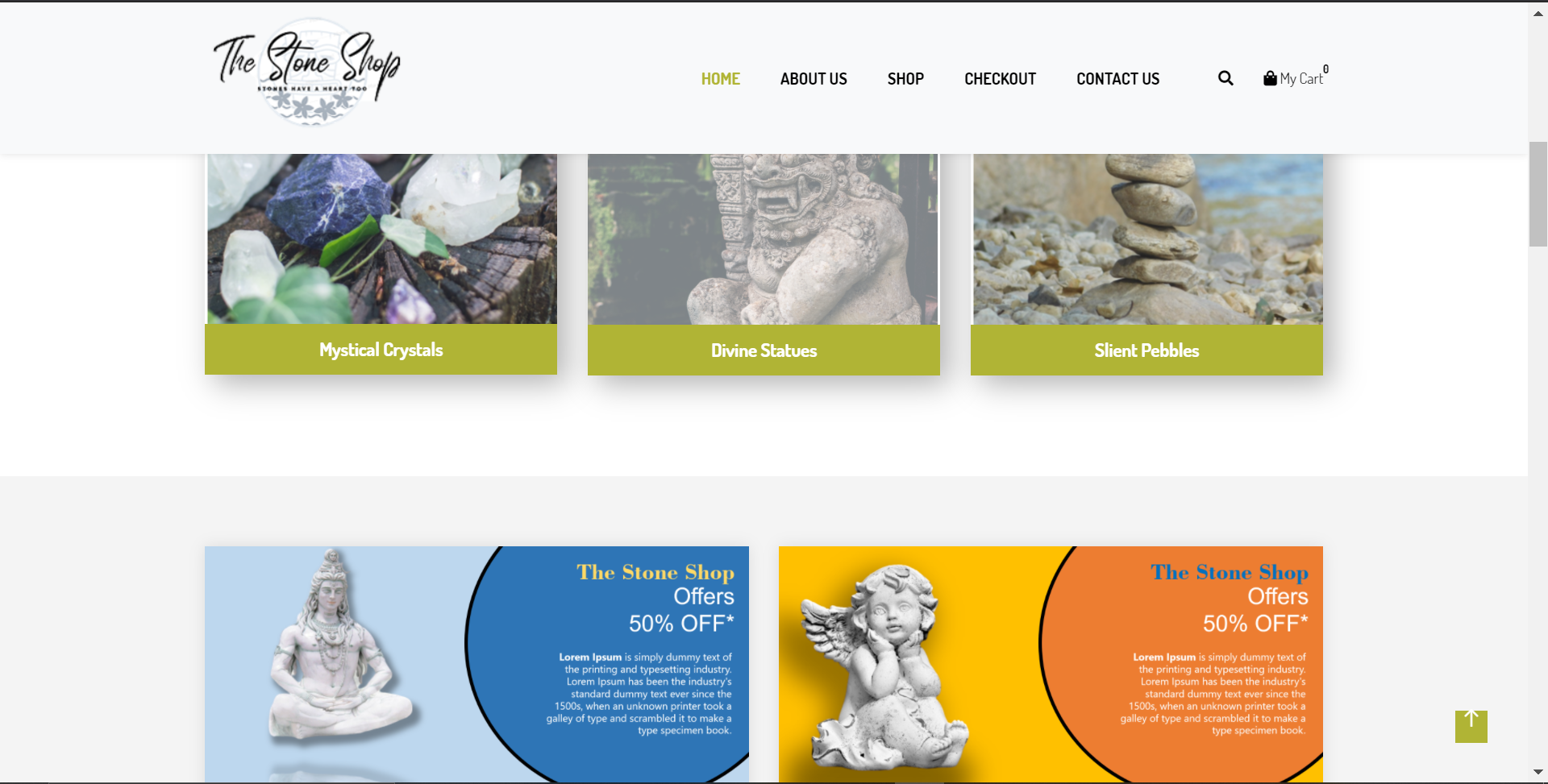
A Django single-seller eCommerce template with product management, anonymous cart via cookies, checkout requiring an account, PayPal integration, and password reset. The front end is based on the open-source TheWayShop theme.
Django · E-commerce
django-ecommerce-frontend
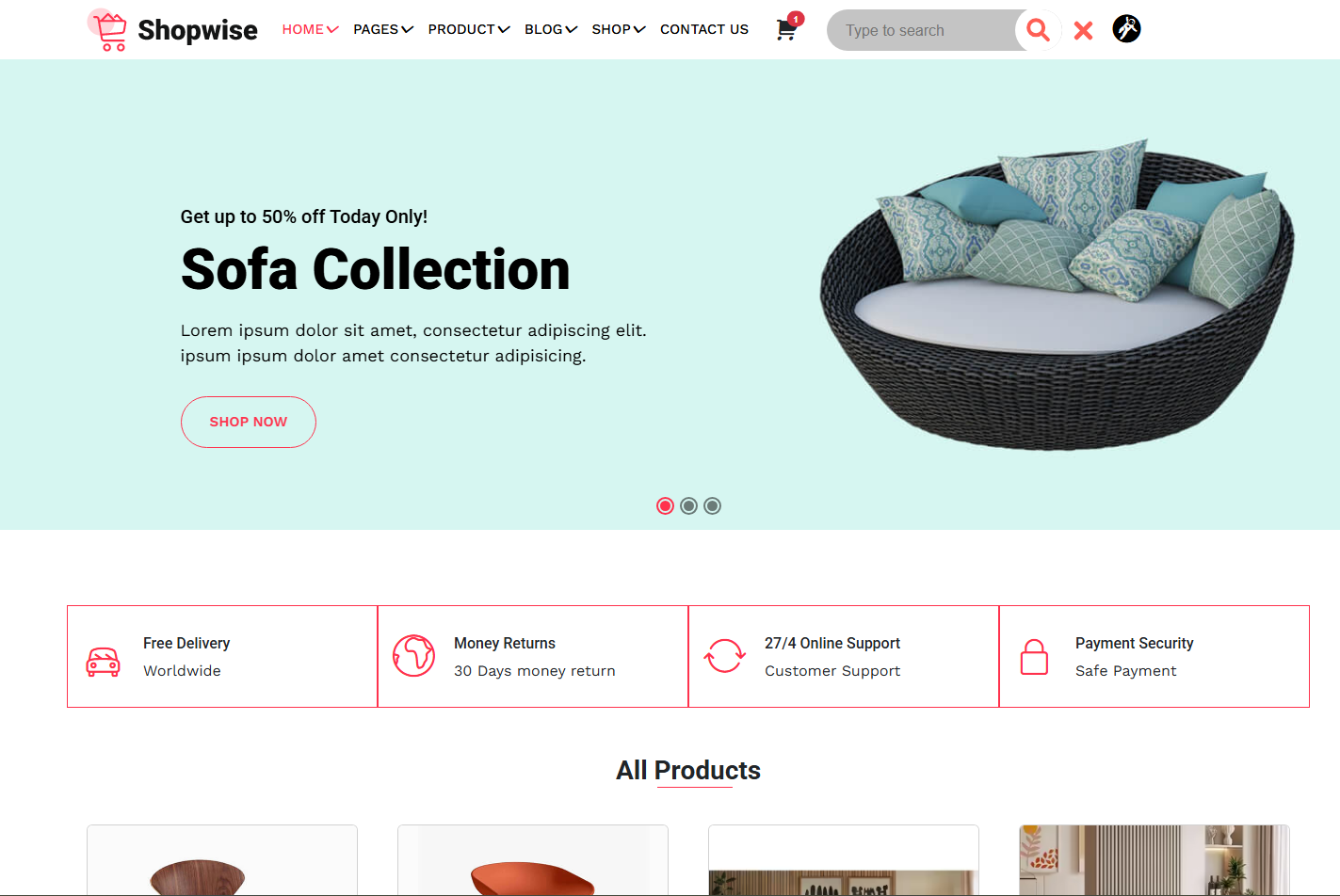
A responsive eCommerce frontend UI built with Django templates, HTML, CSS, Bootstrap 5, and JavaScript. It includes home, product list, product detail, cart, wishlist, login/register, and checkout pages, covering a typical eCommerce user flow.
Django · E-commerce
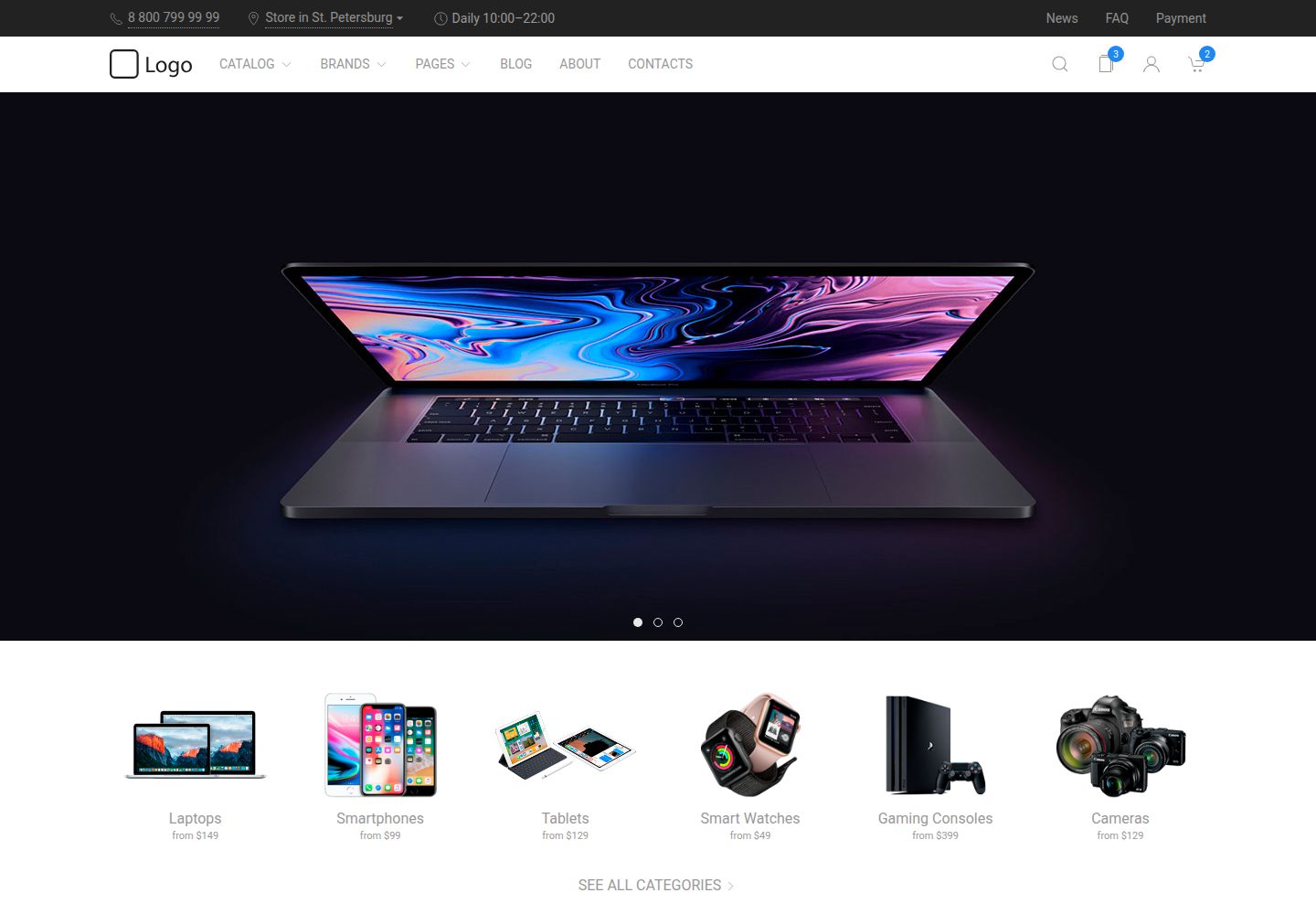
uikit-ecommerce-template
A responsive e-commerce front-end template built with UIkit, covering product catalog, filtering, product detail pages, and shopping cart. Written in Pug and Less, built with Gulp.
HTML · E-commerce
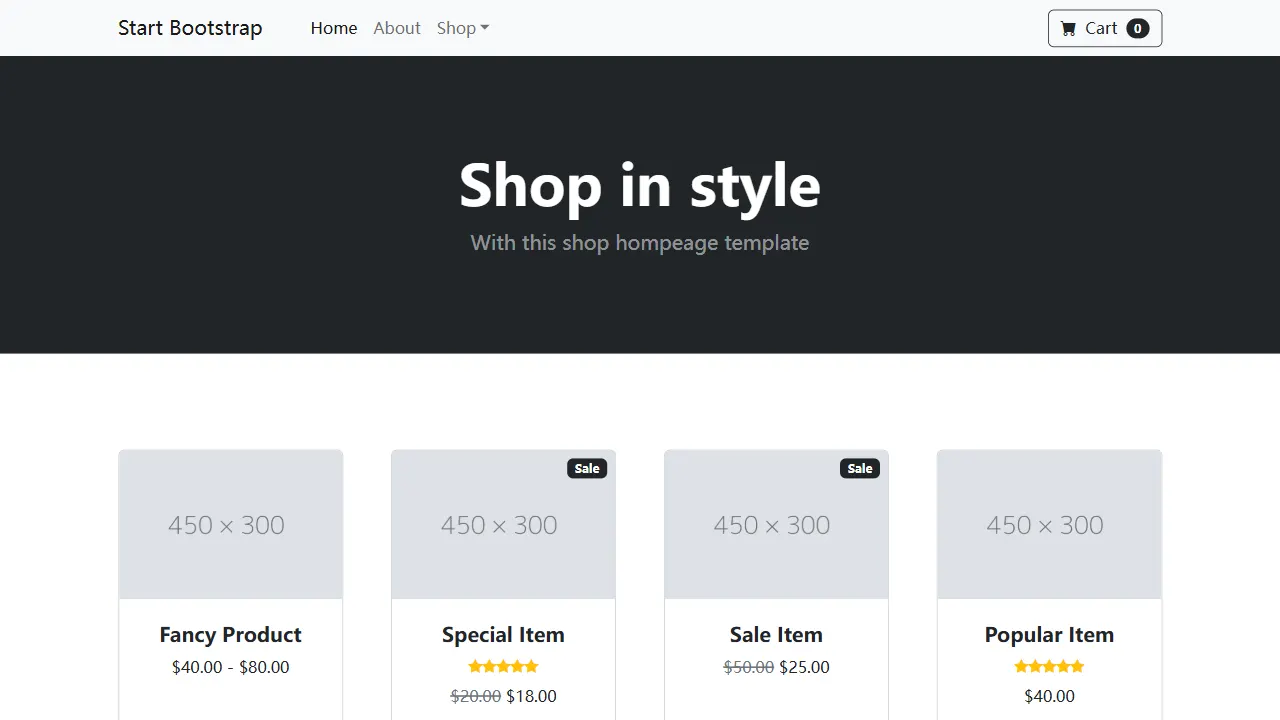
Shop Homepage
A clean Bootstrap store homepage skeleton for product listings, category displays, and small online store prototypes. It uses a responsive product grid, ships with a directly editable dist directory, and includes Pug and SCSS source with npm build and live preview support.
HTML · E-commerce
ludus-free-premium-ecommerce-template
Ludus is a pure HTML multipurpose e-commerce template under the MIT license, with 40+ pages including 3 homepages, 12 dashboard pages, 7 shop pages, and 5 blog pages, plus 3 header styles, a boxed layout, and 10 color schemes.
HTML · Admin dashboard
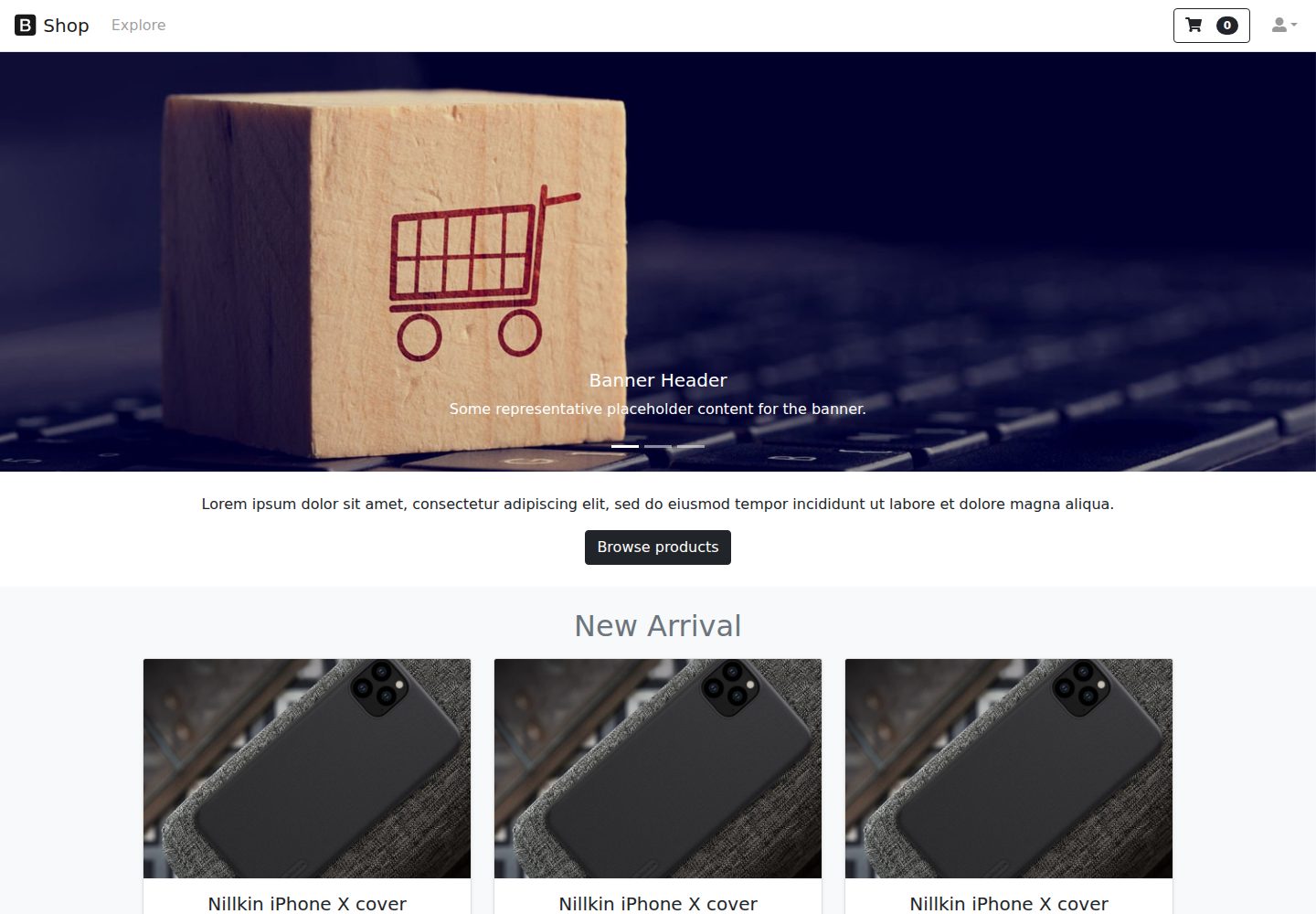
react-ecommerce-template
A React and Bootstrap e-commerce front-end template that provides product display page structures, includes an online demo, and is licensed under MIT for free use and modification, suitable as a starting point for e-commerce page structures.
React · E-commerce