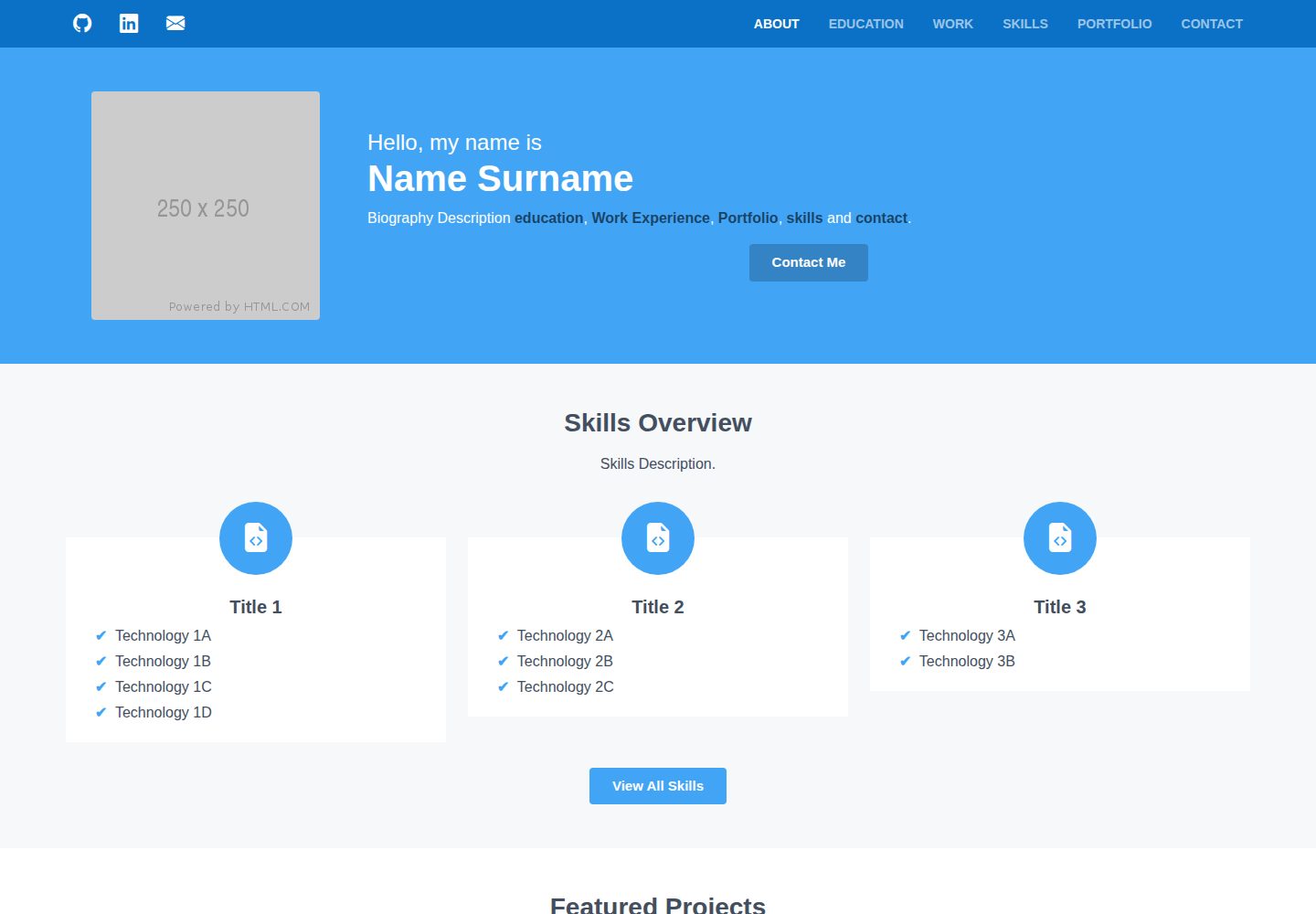
All page content is driven by multiple JSON files; updating data updates the website
ReactHTMLPortfolioCorporate Website
json-portfolio — React Portfolio Template
By brandonabela
A multi-page portfolio template based on React and Bootstrap, with all content driven by multiple JSON files for centralized maintenance of personal information, experience, skills, and projects.
Explore the design
Compare the page layouts and mobile experience. Open any screenshot for a closer look.
Desktop homepage
Desktop captureTop of page
Actual screenshot captured by the server browser.
One original preview is available. Open the full image to inspect the design.
Screenshots show visual appearance; interactive behavior may differ.
Recorded 2026-10-01View source
What stands out
A quick read of the recorded project description.
Supports sections for personal profile, social links, education, work, skills, projects, and contact
Projects can be configured with slideshows, external links, and YouTube videos
Centralized adjustment of colors, spacing, and font sizes via Scheme.scss and Typography.scss
Adapts to different screen sizes from mobile to desktop
Template Details
JSON Portfolio is a multi-page portfolio website template built with React and dynamically generated by reading multiple JSON files. The pages cover personal profile, social links, education, work experience, skills, project showcases, and a contact form. The content structure is defined by files such as socials.json, profile.json, educations.json, experiences.json, skills.json, and projects.json; the number of entries can be increased or decreased while maintaining the field structure. The project supports configuring slideshows, external links, and YouTube videos for each project, with images placed in the public/images/projects/ directory following a naming convention. Visual customization is mainly adjusted through two style files: styles/Scheme.scss and styles/Typography.scss, for colors, spacing, and font sizes. The contact form uses Formspree, requiring a Formspree form ID in profile.json and a self-registered account to create the form. Deployment involves forking the repository as github-username.github.io, modifying the name, homepage address, and title/description in package.json, package-lock.json, and public/index.html, then selecting the gh-pages branch root directory in GitHub Pages for publishing.
ReactHTMLPortfolioCorporate website
Is it right for your project?
Use Cases
- Personal job seeking or freelancer showcasing work experience and project portfolio
- Static portfolio requiring frequent content updates without changing page code
- Personal site hosted on GitHub Pages, quickly launched by forking the repository
Suitable For
- Developers familiar with React basics who are willing to maintain content by editing JSON
- Those who want to host a static portfolio for free using GitHub Pages
- Individuals needing to display multiple sections such as education, work, skills, and projects
Getting started & customization
Use these recorded setup notes alongside the repository instructions for your chosen version.
- 1
Local preview: first run npm install, then npm start, and press CTRL + C to end the process
- 2
Deployment requires forking the repository as github-username.github.io and synchronously modifying the name and homepage address in package.json and package-lock.json, as well as the title and description in public/index.html
- 3
The contact form relies on Formspree; you must register an account to create a form and fill in the form ID in the formspreeId field of profile.json
- 4
Personal avatar must be placed at public/images/ProfilePicture.png; project images go in public/images/projects/ and are named as imageHeading##.png
- 5
When publishing on GitHub Pages, select the gh-pages branch and / (root) directory in the repository settings
License & source material
Usage conditions & limitations
Free to use · keep license noticeThis entry covers the free version under the MIT license in the public repository; the free scope is the code of this version and does not imply that external services or third-party assets are free.
Must comply with when using
- Free use, modification, commercial use, and distribution of this version's code are permitted.
- When distributing copies or substantial portions of the code, retain the original author's copyright notice and the full MIT license notice.
- The code is provided as is; warranties and limitations of liability are governed by the original license and applicable law.
Additional costs & items to verify
- The contact form relies on the third-party service Formspree: users must register a Formspree account and create a form, then fill in the form ID in the formspreeId field of profile.json; otherwise, the contact page will not work properly.
- The deployment process requires forking the repository and naming it github-username.github.io, while modifying the name, homepage address, title, and description in package.json, package-lock.json, and public/index.html, and selecting the gh-pages branch root directory in GitHub Pages settings.
- A personal avatar file must be provided and placed at public/images/ProfilePicture.png; otherwise, the profile page will not display properly.
- Project images must be stored in the public/images/projects/ directory and strictly named as imageHeading##.png (imageHeading unique, sequence starting from 01 with zero padding); otherwise, project images will not load correctly.
- The README mentions the Formspree form service; actual submission requires configuring a service endpoint, and its usage limits and fees must be checked separately.
- Demo images, fonts, icons, and other third-party assets must be checked against their respective licenses; they cannot be judged solely by the code's MIT license.
- External services such as domains, hosting, databases, payments, or AI may incur additional charges.
View Original Text Basis
Permission is hereby granted, free of charge
Original License Text
The contact page makes use of Formspree ID, which requires a <a href="https://formspree.io/login" target="_blank">Formspree</a> account and creating a new form (**New Form**).
Original README
1. Fork Repository with ```github-username.github.io``` as your repository name
Original README
A profile picture is required and be in the following location **```public/images/ProfilePicture.png```**.
Original README
https://github.com/brandonabela/json-portfolio/blob/master/LICENSEhttps://github.com/brandonabela/json-portfolio/blob/master/README.mdAny project images should be stored in **```public/images/projects/```** where the filename convention of these images is ```imageHeading##.png```.
Original README
Compiled by DeepSeek based on repository license and README ·2026-10-01. Results only cover the materials read; dependencies, images, fonts, and subsequent term changes are subject to their respective original texts.
Project checks & description sources
Template Information
- Source platforms
- GitHub
- Documentation and maintenance reference score
- More documented · 77 / 100
- Technologies
- React · HTML
- Website type
- Portfolio · Corporate Website
How this score is calculated
Our heuristic uses license records (up to 30), a demo link (12), a preview (10), stars (15), recorded maintenance (15), description completeness (8), feature records (5) and classification data (5). It is not a code, security or performance test, or a Google score. A link does not establish tested functionality.
What to verify for this project
- Repository update recorded
- 2021-12-04
- Screenshot last checked
- 2026-10-01
A demo link is listed. Check it with your own content and viewport sizes; its presence does not confirm that forms, authentication or payments work.
The catalog identifies React as the primary stack. Check the actual dependency manifest and lockfile for versions and hosting requirements. These notes use recorded metadata, not a code audit or a deployment test.
Use a selection guide →How this description was prepared
AI-assisted description based on catalog records and repository material. Repository authors are not automatically the reviewers of this description.
Automatically checked against source and license rules; no manual editorial review.
Inspect the recorded source material
SHA-256: 4c592d4240580c63488cf8d8d55f1fda14055ba1ad13a0019140f17675d059b2
2026-10-01T15:28:15.246Z
Source file / repository# JSON Portfolio Website A ReactJs and Bootstrap 5 framework website that dynamically creates a multi-page portfolio site from several JSON files with a central customisation functionality and deployment pipeline. <a href="http://brandonabela.github.io/json-portfolio" target="_blank">DEMO</a> ## Features - Responsive ReactJS website by reading information from multiple JSON files - Automatically deploy website on each commit that has occurred to the project - Adapts to different screen sizes, from phones to desktops - Ability to showcase projects that were defined in JSON files - Ability to define slide-shows, links and videos for projects - All sections are defined through the use of a JSON file - Support personal biography, social media links, education, work, projects and contact sections ## Instructions ### Preview Website: 1. In terminal input ```npm install``` to install the website packages 2. In terminal input ```npm start``` to launch the website in a local environment 3. In terminal press ```CTRL + C``` to terminate the website process ### Deploy Website: 1. Fork Repository with ```github-username.github.io``` as your repository name 2. In ```package.json``` change ```"name": "json-portfolio"``` to ```"name": "github-username"``` 3. In ```package-lock.json``` change ```"name": "json-portfolio"``` to ```"name": "github-username"``` for both the ```root``` and ```packages``` 4. In ```package-lock.json``` change ```"homepage": "."``` to ```"homepage": "https://github-username.github.io/"``` 5. In ```public/index.html``` change ```<title> JSON Portfolio </title>``` to ```<title> Your Name | Portfolio </title>``` 6. In ```public/index.html``` change ```<meta name="description" content="..." />``` to ```<meta name="description" content="Website Description" />``` 7. Modify the JSON files to reflect your details and upload any necessary images 8. Commit the files on the forked repository 9. In Github access the ```repository settings > pages > sources``` and select ```gh-pages``` with ```/ (root)``` folder and then click ```save``` ## Template Instructions This section covers every JSON file that is used by the website to generate the portfolio website. The number of entries in ```educations.json```, ```experiences.json```, ```skills.json``` and ```projects.json``` can be adjusted as long as the same structure is kept. ### Social Links - ```socials.json``` The ```socials.json``` file consists of a predefined list of social media links where the icon is retrieved from <a href="https://icons.getbootstrap.com/" target="_blank">Bootstrap Icons</a>. The icon is only shown when the URL link is populated, otherwise it is not shown. | **Property** | **Description** | | :----------: | :---------------: | | name | Social media name | | link | Social media link | ### Profile - ```profile.json``` The ```profile.json``` file is used to populate the about page and certain details are also shared to other pages. The biography description is used to provide an introduction to the portfolio with the support of links through the use of square brackets, which supports the **education**, **work**, **skills**, **portfolio** and **contact**. A profile picture is required and be in the following location **```public/images/ProfilePicture.png```**. The contact page makes use of Formspree ID, which requires a <a href="https://formspree.io/login" target="_blank">Formspree</a> account and creating a new form (**New Form**). The form id is found in the URL which has the following structure **```https://formspree.io/forms/########/```** where the **#** values represent the form ID. | **Property** | **Description** | **Required** | | :----------: | :--------------------: | :----------: | | name | Full name | ✔️ | | email | Email Address | ✔️ | | heading | Biography Description | ✔️ | | skills | Skills Description | ✔️ | | projects | Projects Description | ✔️ | | experience | Experience Description | ✔️ | | notFound | Not Found Description | ✔️ | | formspreeId | Formspree ID | ✔️ | ### Education - ```educations.json``` | **Property** | **Description** | **Required** | | :----------: | :------------------: | :----------: | | start | Start Date | ✔️ | | end | End Date | ✔️ | | course | Attended Course | ✔️ | | institute | Institution Name | ✔️ | | location | Institution Location | ✔️ | | description | Course Description | ❌ | | bullets | Course Highlights | ❌ | | technologies | Technologies Used | ❌ | ### Experience - ```experiences.json``` | **Property** | **Description** | **Required** | | :----------: | :--------------------: | :----------: | | start | Start Date | ✔️ | | end | End Date | ✔️ | | role | Role Title | ✔️ | | company | Employed Company | ✔️ | | location | Institution Location | ✔️ | | description | Employment Description | ❌ | | bullets | Employment Highlights | ❌ | | technologies | Technologies Used | ❌ | ### Skills - ```skills.json``` | **Property** | **Description** | **Required** | | :----------: | :----------------: | :----------: | | title | Skill Group Name | ✔️ | | icon | Skill Group Icon | ✔️ | | overview | Show in About Page | ✔️ | | technologies | Technologies | ✔️ | ### Projects - ```projects.json``` Any project images should be stored in **```public/images/projects/```** where the filename convention of these images is ```imageHeading##.png```. The ```imageHeading``` must be unique for every project and ```##``` represent the index starting from 1 padded with zeros such as; **01**, **02**, **03**, **etc**. | **Property** | **Description** | **Required** | | :----------: | :-----------------------: | :----------: | | start | Start Date | ✔️ | | end | End Date | ✔️ | | name | Project Name | ✔️ | | description | Project Description | ❌ | | technologies | Technologies | ✔️ | | buttons | Project Links | ❌ | | videos | You Tube Links | ❌ | | images | Amount of Images | ✔️ | | imageHeading | Project Image Suffix Name | ✔️ | | overview | Show in About Page | ✔️ | ## Customisation The website customisation is primarily driven by two primary stylesheets; * ```styles/Scheme.scss``` is used for changing colours and padding of content and section * ```styles/Typography.scss``` is used for setting font sizes of text headings and paragraphs # Contributions Please report any issues or submit pull requests with code changes. I love it when my work helps someone. So, if you're utilizing my project or have been inspired to develop something of your own, please let me know! My social media are featured in my <a href="https://brandonabela.github.io/" target="_blank">portfolio</a>.
Explore similar templates
Compare previews and descriptions within the same stack and category.

shadcn-landing-page
A free React landing page template built with TypeScript, Tailwind and Shadcn/UI, offering 16 ready-to-use sections such as Navbar, Hero, Pricing, FAQ and Footer, with responsive layout, dark mode and meta tags.
React · Corporate Website

react-saas-template
A React and Material-UI template for SaaS or admin websites, offering dashboard, chart, blog, payment, and file upload components. It uses Create-React-App, React-Router, Recharts, React-Stripe-js, React-Dropzone, and React-Cropper, with theme colors centralized in src/theme.js.
React · Admin dashboard
React-Landing-Page-Template
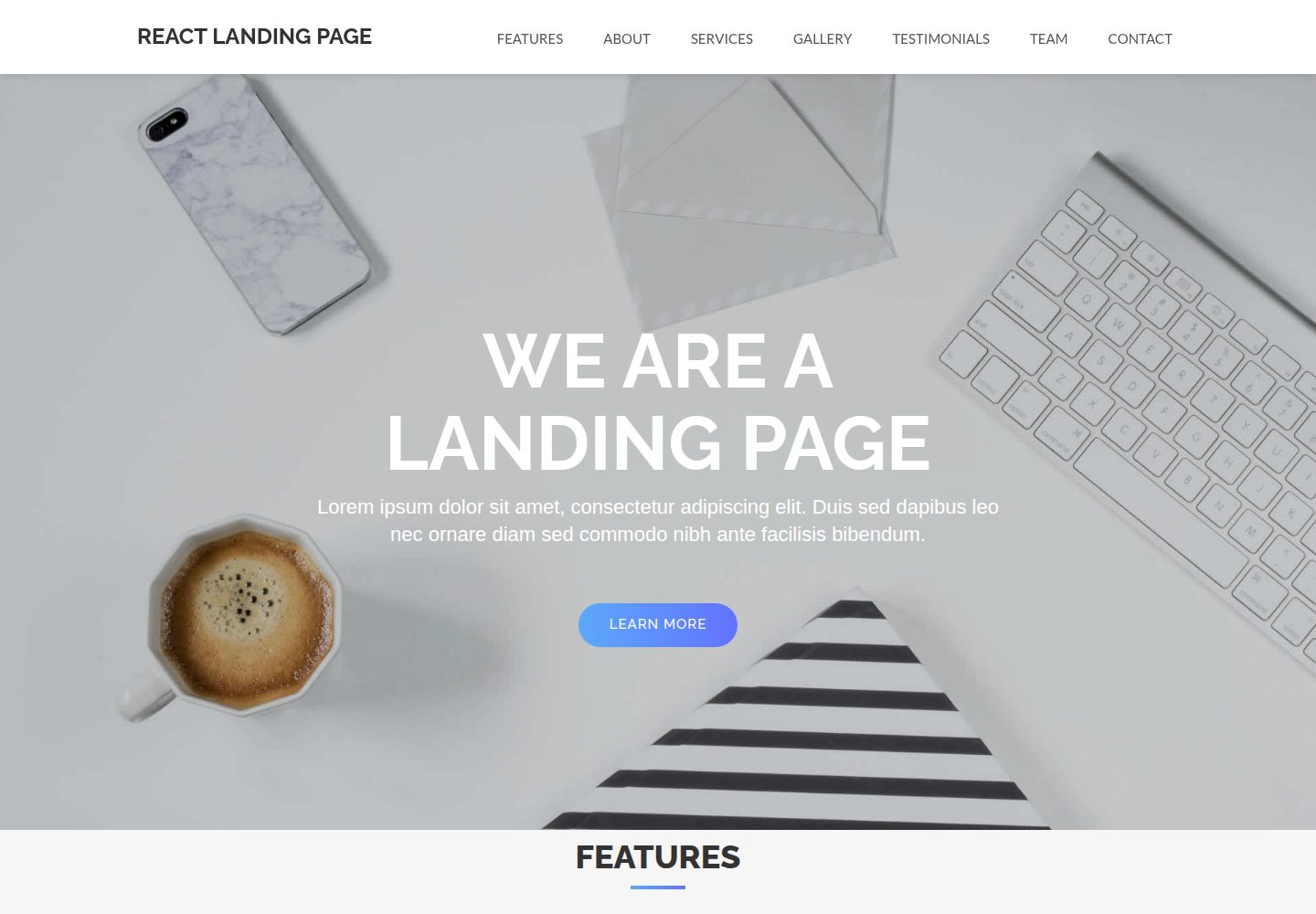
A React single-page landing page template for startups and service businesses, with copy and image references centralized in data.json, assets in public/img/, styles in public/css/, and a contact form that requires your own EmailJS service ID, template ID, and Public Key.
React · Corporate Website
landy-react-template
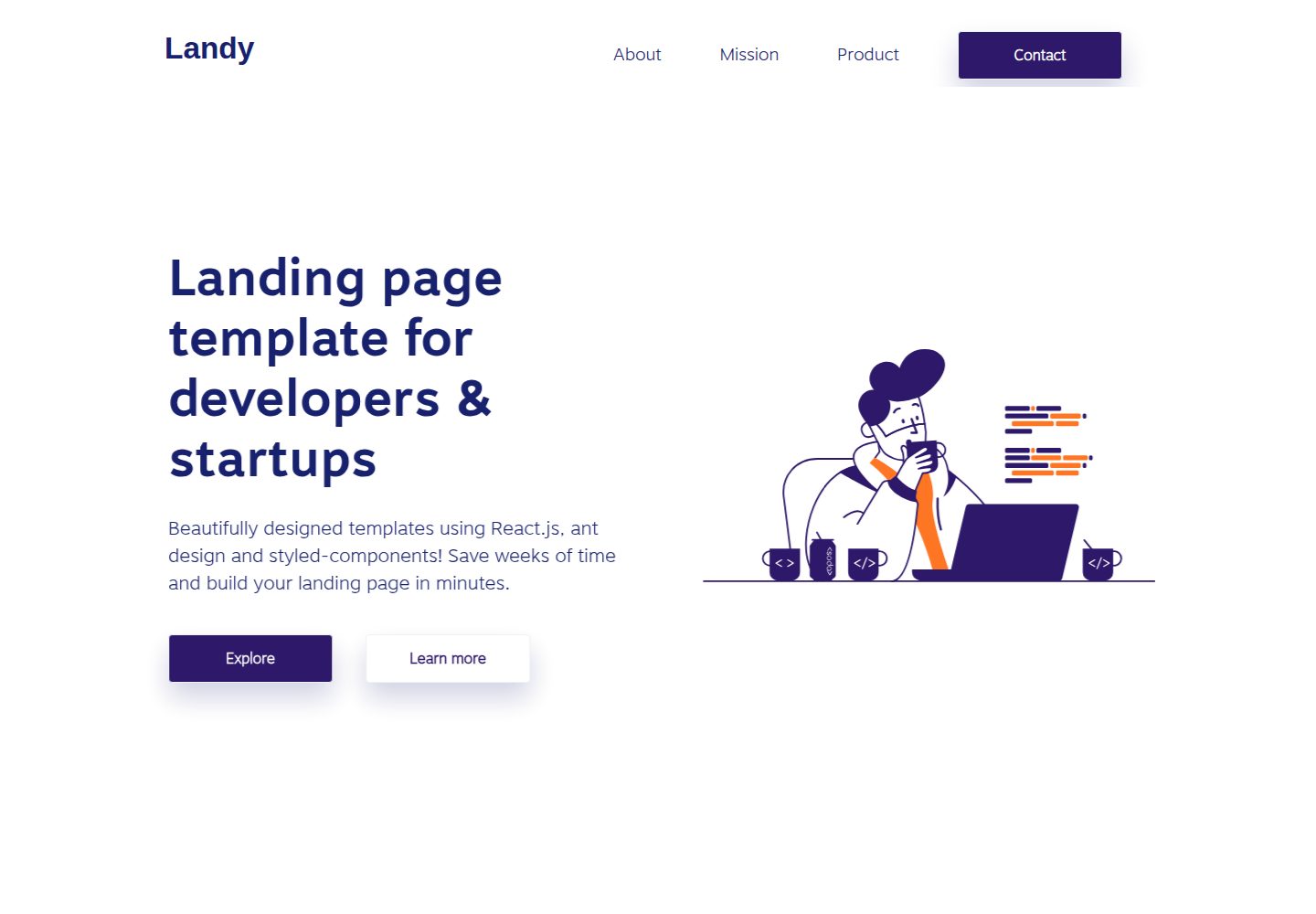
Landy is an open-source React single-page landing page template written in TypeScript, aimed at developers and startup teams.
React · Corporate Website

react-portfolio-template
A React-based developer portfolio template for showcasing projects, work history, and skills. It offers a multi-component layout, dark and light modes, and responsive mobile adaptation, with text and images editable in src/components.
React · Portfolio

personal-website-react
A single-page developer portfolio template built with React and Material-UI, driven by a JSON Resume-compliant resume.json. It offers light/dark theme switching with localStorage persistence, a clean responsive layout, and Create React App tooling for simple builds and static deployment.
React · Portfolio