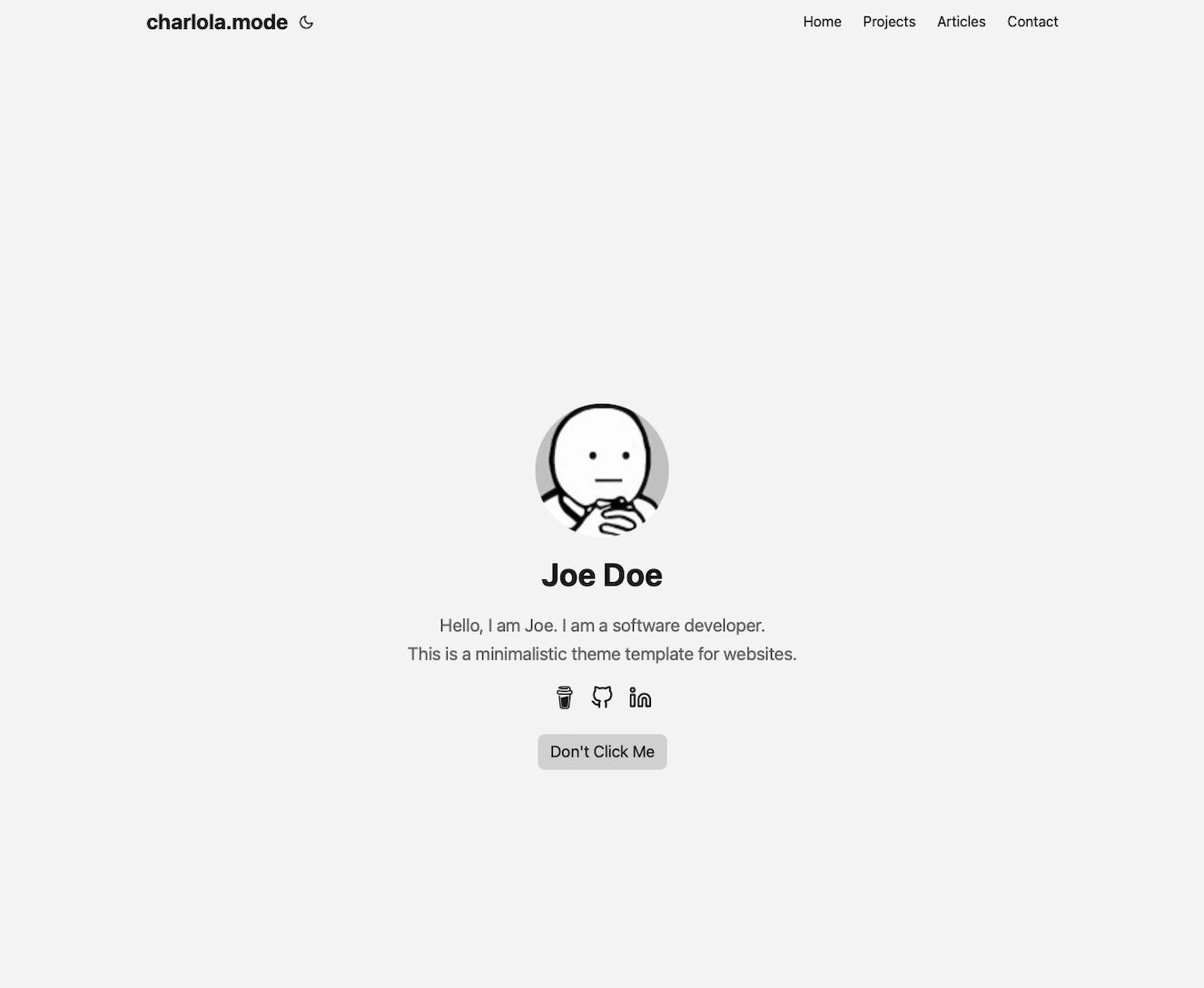
Based on Hugo, a minimal theme modified from PaperMod and hugo-paper
HugoBlog
hugo-theme-charlolamode — Hugo Blog Template
By charlola
A minimal personal website and blog theme based on Hugo, modified from PaperMod and hugo-paper, with the homepage, tabs, and color scheme configured through config.yml.
Explore the design
Compare the page layouts and mobile experience. Open any screenshot for a closer look.
Author preview
Author-provided previewTop of page
Preview provided in the project README.
One original preview is available. Open the full image to inspect the design.
Screenshots show visual appearance; interactive behavior may differ.
Recorded 2026-09-30View source
What stands out
A quick read of the recorded project description.
Homepage Profile mode can be configured with a title, name, description, social icons, and buttons
Supports adding tabs in config.yml and creating folders of the same name under content
Articles can include images or be set to link to external URLs
Colors are adjusted centrally in assets/css/core/theme-vars.css
Provides a commented config.yml example covering tabs and social icon syntax
Template Details
hugo-theme-charlolamode is a minimal Hugo-based theme. The author states it was modified from two templates, PaperMod and hugo-paper, and positions it as a personal website or blog with a clean design and basic functionality. The homepage uses Profile mode by default, displaying the page title, name, description, social icons, and buttons; Profile mode can also be disabled via configuration so that article content appears directly on the homepage. The theme supports adding tabs in the configuration (such as Articles, Contact, and Category), where each tab corresponds to a folder of the same name under the content directory, and _index.md must be copied as the list page. Articles can include images or link to external URLs. Colors can be adjusted in assets/css/core/theme-vars.css, covering elements such as the background, text, and icons.
Usage follows the standard Hugo theme workflow: install Hugo and Git, create a site, then clone the theme into themes/charlolamode as a git submodule, delete the default config.toml, switch to config.yml and add theme: charlolamode, then run hugo server for local preview. The theme includes a sample config.yml with commented examples for tabs and social icons such as LinkedIn, Twitter, Youtube, and Instagram; copying it into the site configuration overrides the theme defaults. The avatar is changed by replacing static/images/profile.png; new content is created as Markdown files in the corresponding folder, with content/articles/article.md as a reference.
Limitations and notes: the author describes it as a minimal template with basic functionality. The README does not cover extended capabilities such as multilingual support, search, comments, or pagination, nor does it provide complete production deployment instructions; it only suggests deploying with Azure Static Web or Netlify. The code is under the MIT license and may be used, modified, commercialized, and distributed for free, but third-party assets such as demo images, fonts, and icons require separate license verification; external services such as domains and hosting may incur additional charges.
HugoBlog
Is it right for your project?
Use Cases
- Building a minimal personal website with a personal introduction as the homepage
- Creating a lightweight blog with an article list and a contact page
- Organizing articles, projects, or category content with tabs
- Creating an external link aggregation page that links article entries to off-site content
Suitable For
- Developers who want to quickly build a personal homepage and blog with Hugo
- Users who prefer a minimal design, basic functionality, and are willing to edit configuration files directly
- Personal site authors who need to manage content in Markdown and customize colors
Getting started & customization
Use these recorded setup notes alongside the repository instructions for your chosen version.
- 1
First install Hugo and Git, run hugo new site quickstart to create a site, and enter the directory
- 2
Use git submodule add to clone the theme into themes/charlolamode, delete the default config.toml, create config.yml, and add theme: charlolamode
- 3
Run hugo server for local preview; the default address is http://localhost:1313
- 4
Replace static/images/profile.png to change the avatar; to add a tab, create a folder of the same name under content and copy _index.md
- 5
Set profileMode.enabled: false in config.yml to disable homepage Profile mode and display article content instead
License & source material
Usage conditions & limitations
Free to use · keep license noticeThis entry covers the free version in the public repository under the MIT license; the free scope applies to that version's code and does not mean external services or third-party assets are free.
Must comply with when using
- The code of this version may be used, modified, commercialized, and distributed for free.
- When distributing copies or substantial portions of the code, retain the original author's copyright notice and the full MIT license notice.
- The code is provided as is; warranties and limitations of liability are governed by the original license and applicable law.
Additional costs & items to verify
- Deployment requires external hosting services such as Azure Static Web or Netlify, which may involve account registration and fees; the project itself does not provide hosting.
- Donations are voluntary and do not affect free use, but the README directs users to support the author via Ko-fi.
- Demo images, fonts, icons, and other third-party assets must be checked against their respective licenses and cannot be judged solely by the code's MIT license.
- External services such as domains, hosting, databases, payments, or AI may incur additional charges.
View Original Text Basis
Permission is hereby granted, free of charge
Original License Text
To push your website online, use Azure Static Web or Netflify. I use Azure Static Web.
Original README
https://github.com/charlola/hugo-theme-charlolamode/blob/master/LICENSEhttps://github.com/charlola/hugo-theme-charlolamode/blob/master/README.mdfeel free to support this page with a [coffee donation](https://ko-fi.com/heycharlola)
Original README
Compiled by DeepSeek based on repository license and README ·2026-10-01. Results only cover the materials read; dependencies, images, fonts, and subsequent term changes are subject to their respective original texts.
Project checks & description sources
Template Information
- Source platforms
- GitHub
- Documentation and maintenance reference score
- Partly documented · 60 / 100
- Technologies
- Hugo
- Website type
- Blog
How this score is calculated
Our heuristic uses license records (up to 30), a demo link (12), a preview (10), stars (15), recorded maintenance (15), description completeness (8), feature records (5) and classification data (5). It is not a code, security or performance test, or a Google score. A link does not establish tested functionality.
What to verify for this project
- Repository update recorded
- 2024-04-09
- Screenshot last checked
- 2026-10-01
No demo link is recorded. Use the repository instructions to evaluate the project locally; the screenshot alone cannot establish interactive behavior.
The catalog identifies Hugo as the primary stack. Check the actual dependency manifest and lockfile for versions and hosting requirements. These notes use recorded metadata, not a code audit or a deployment test.
Use a selection guide →How this description was prepared
AI-assisted description based on catalog records and repository material. Repository authors are not automatically the reviewers of this description.
Automatically checked against source and license rules; no manual editorial review.
Inspect the recorded source material
SHA-256: 6cdc71e80e66a1f71079701ada11e4f9062bb3400f9ed5bec069fa55c3f54677
2026-10-01T13:26:14.823Z
Source file / repository### charlola.mode
This website theme is based on the Hugo framework. This is a modification of the templates [PaperMod](https://github.com/adityatelange/hugo-PaperMod) and [hugo-paper](https://github.com/nanxiaobei/hugo-paper). It's quick and easy to use with minimal design and the most basic functions.
Check out my website to see a similar example: www.cmart1n.com
Link to the Hugo Theme: https://themes.gohugo.io/themes/hugo-theme-charlolamode/.
## Features
1. **Customize your home page with ...**
- Title of the page
- Your Name
- Description
- Social Icons
- Buttons
2. **Change color of all elements such as background, text, icons ...**
3. **If you click on a tab you will see a list of posts.**
- posts can be visualized with images
- post can lead to an external link
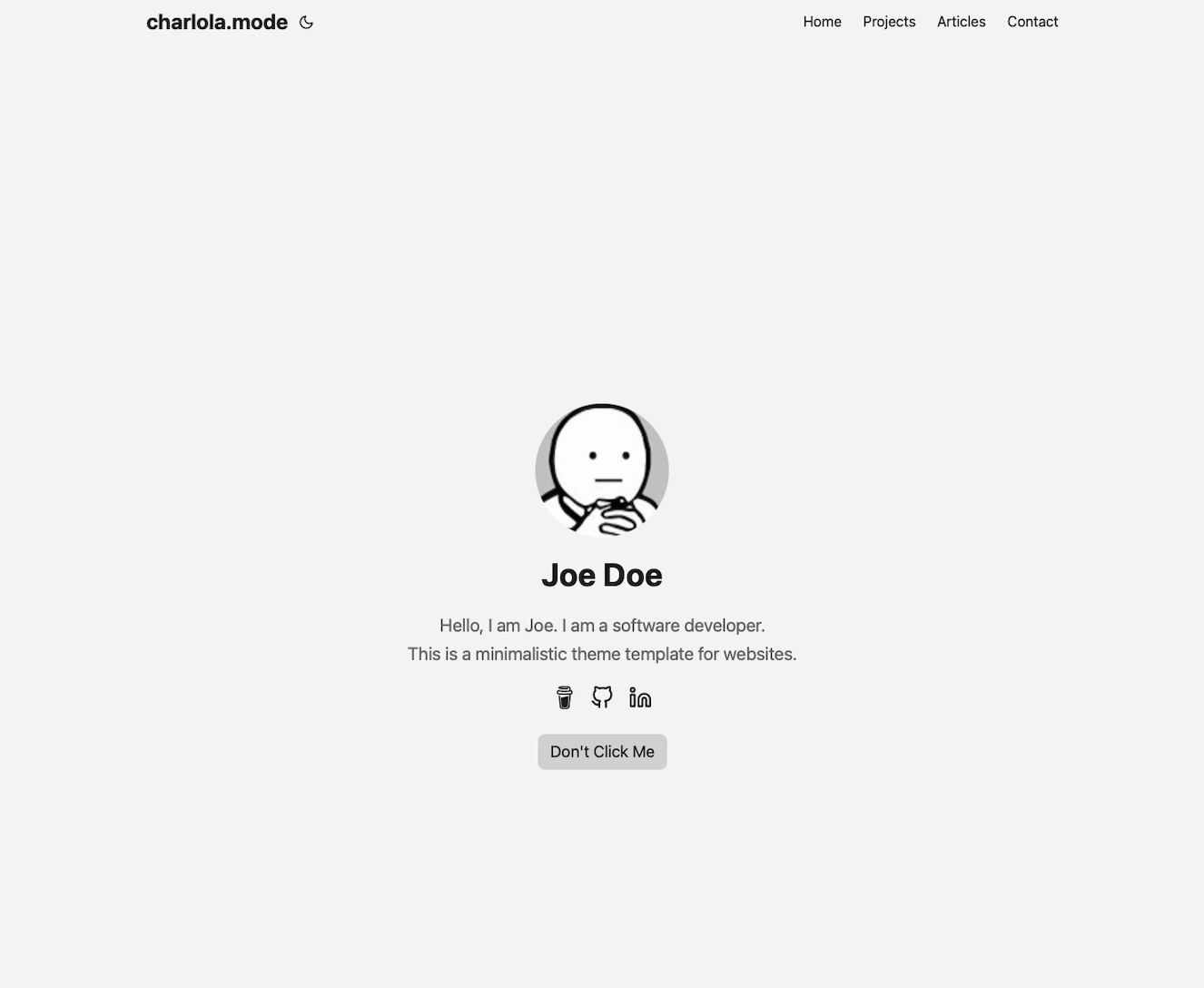
## Quick Start
1. Install [Hugo](https://gohugo.io/installation/)
2. Install [Git](https://git-scm.com/book/en/v2/Getting-Started-Installing-Git)
**Open your terminal or command line**
1. Create a new folder 'quickstart'
```console
hugo new site quickstart
```
2. Go into this folder
```console
cd quickstart
```
3. Initialize an empty Git repository in the current directory
```console
git init
```
4. Clone this repository into your folder
```console
git submodule add https://github.com/charlola/hugo-theme-charlolamode.git themes/charlolamode
```
5. Delete the config.toml
```console
rm config.toml
```
6. Add theme in a new config.yml file
```console
echo "theme: charlolamode" >> config.yml
```
7. Start Hugo's development server to view the site locally.
```console
hugo server
```
Once the local server starts, you can see your site. If your webbrowser does not automatically pop up, open your browser and enter http://localhost:1313. Now you can start to modify this page in the directory. If you save new changes, this site will automatically refresh and render the modification.
## Open Visual Studio Code to edit your Blog
3. Open your favorite Editor like [Visual Studio Code](https://code.visualstudio.com/download)
### Basic Configuration
The config.yml is your best friend. You can modify and add information, such as ...
- Title of the page
- Your Name
- Description
- Social Icons
- Buttons
Have a look at the charlolamode/config.yml for reference. There are commented examples which show you how to easily add tabs and social icons like LinkedIn, Twitter, Youtube, Instagram. Copy the content in your config.yml which will overwrite the config.yml of the theme.
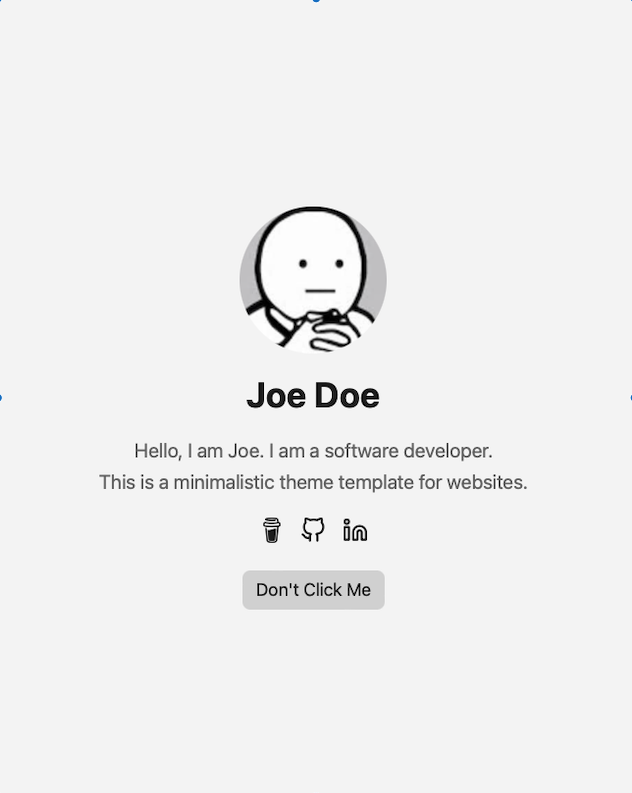
### Change Profile Image
To add your profile pic, replace ***profile.png*** in the folder ***static/images***. Make sure you take an image with a happy face :)
### Add tabs
In the config.yml you can add new tabs next to 'Articles' and 'Contact'. Uncomment 'Category' to check it out.
***Note***
If you add a new tab in the config.yml, you have to do the following:
1. Add new folder in the directory 'content' with the ***same name*** as the new tab.
2. Copy ***_index.md*** from articles into new folder.
### Add new content
If you like to push new content, create a new Markdown file in the new folder. Find an example in ***content/articles/article.md***.
### Change colors
Have a look at assets/css/core/theme-vars.css to play around with colors.
### Disable 'Profile Mode'
To display Article content on the home page, rather than profile information, set the following under params: in ***config.yml***
```
profileMode:
enabled: false
```
With the Article content moved to the home page, removing the main menu entry for ***Articles*** may be desirable:
```
menu:
main:
- name: Contact
url: contact/
weight: 30
# - name: Articles
# url: articles/
# weight: 20
- name: Projects
url: projects
weight: 15
```
## Thank you!
I invested my own time to build this and it's completely for free. If this template have saved you time, feel free to support this page with a [coffee donation](https://ko-fi.com/heycharlola) :)
I'd love to get feedback, send a message via [LinkedIn](https://www.linkedin.com/in/heycharlola/)!
## Online Website
To push your website online, use Azure Static Web or Netflify. I use Azure Static Web.
Explore similar templates
Compare previews and descriptions within the same stack and category.

hugo-PaperMod
A fast, clean, responsive Hugo theme for blogs and lightweight portfolios, with three layout modes (Regular, Home-Info, Profile), automatic and manual light/dark themes, Fuse.js client-side search, multilingual support, and built-in Open Graph, Twitter Cards, and Schema.org data.
Hugo · Portfolio

LoveIt
LoveIt is a clean, elegant, and feature-rich Hugo blog theme derived from LeaveIt and KeepIt, MIT-licensed. It offers light/dark modes, responsive layout, multilingual support, and search via Lunr.js or Algolia.
Hugo · Blog

hugo-coder
hugo-coder is a minimalist Hugo blog theme maintained by luizdepra under the MIT license. It provides a clean, text-focused blog appearance, configuration documentation in the docs directory, and a complete exampleSite with hugo.toml.
Hugo · Blog

blowfish
Blowfish is a Hugo personal website and blog theme built with Tailwind CSS 4, focused on lightness, simplicity, and content-first presentation.
Hugo · Blog

hugo-paper
hugo-paper is a simple, clean, and customizable Hugo blog theme configured through config.toml or hugo.toml.
Hugo · Blog

hextra
Hextra is a Hugo theme for documentation and blog sites, built on Hugo and Tailwind CSS with design referencing Nextra.
Hugo · Documentation