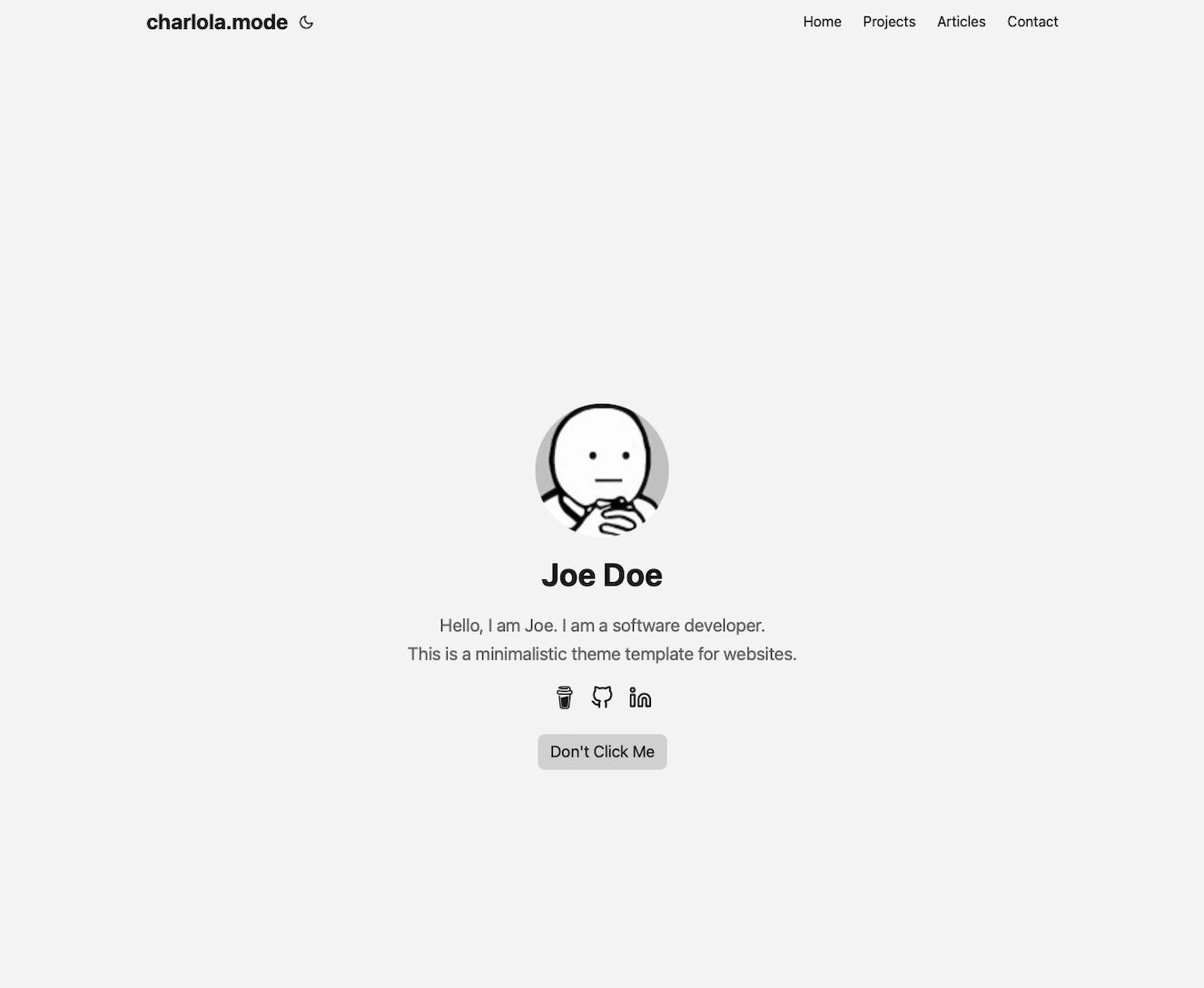
基于 Hugo,由 PaperMod 与 hugo-paper 修改而来的极简主题
Hugo博客
hugo-theme-charlolamode — Hugo 博客模板
作者 charlola
基于 Hugo 的极简个人网站与博客主题,由 PaperMod 和 hugo-paper 修改而来,通过 config.yml 配置首页、标签页与配色。
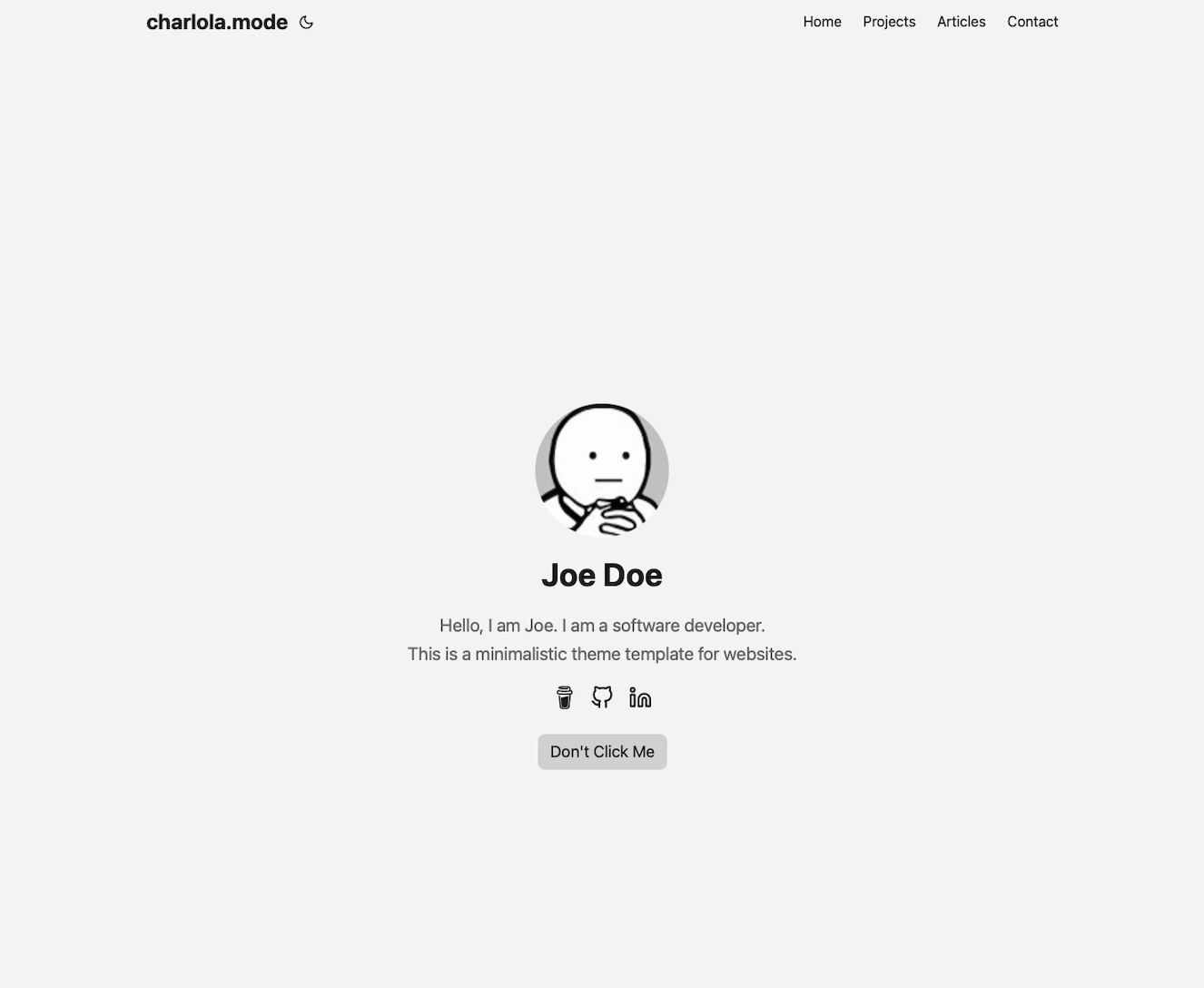
看看你的网站会是什么样
浏览真实页面截图,比较内容排版与手机效果。点击下方缩略图切换,放大查看整页细节。
目前有 1 张原始预览,可打开完整图片查看设计细节。
截图用于了解视觉与布局,交互效果请以实际项目为准。
采集于 2026-09-30查看来源
值得关注的模板亮点
从已有项目资料中,快速了解它的特点。
首页 Profile 模式可配置标题、姓名、描述、社交图标与按钮
支持在 config.yml 中新增标签页,并在 content 下建立同名文件夹
文章可配图展示,也可设置为指向外部链接
配色集中在 assets/css/core/theme-vars.css 中调整
提供带注释的 config.yml 示例,涵盖标签页与社交图标写法
模板详细介绍
hugo-theme-charlolamode 是一个基于 Hugo 的极简主题,作者说明它由 PaperMod 与 hugo-paper 两个模板修改而来,定位是设计简洁、功能基础的个人网站或博客。首页默认采用 Profile 模式,展示页面标题、姓名、描述、社交图标和按钮;也可以通过配置关闭 Profile 模式,改为在首页直接显示文章内容。主题支持在配置中新增标签页(如 Articles、Contact、Category),每个标签页对应 content 目录下的同名文件夹,并需复制 _index.md 作为列表页。文章可以配图展示,也可以指向外部链接。配色可在 assets/css/core/theme-vars.css 中调整,覆盖背景、文字、图标等元素。
使用方式为标准的 Hugo 主题流程:安装 Hugo 与 Git,创建站点后以 git submodule 方式将主题克隆到 themes/charlolamode,删除默认 config.toml,改用 config.yml 并写入 theme: charlolamode,然后运行 hugo server 本地预览。主题自带 config.yml 示例,包含标签页与 LinkedIn、Twitter、Youtube、Instagram 等社交图标的注释写法,复制到站点配置即可覆盖主题默认值。头像通过替换 static/images/profile.png 更换;新增内容则在对应文件夹中创建 Markdown 文件,可参考 content/articles/article.md。
限制与注意:作者将其描述为极简、基础功能的模板,README 未涉及多语言、搜索、评论、分页等扩展能力,也未给出生产环境部署的完整说明,仅建议使用 Azure Static Web 或 Netlify 上线。代码采用 MIT 许可,可免费使用、修改、商用和分发,但演示图片、字体、图标等第三方素材需单独核对其许可;域名、托管等外部服务可能另行收费。
Hugo博客
适合你的项目吗?
适用场景
- 搭建以个人简介为首页的极简个人网站
- 创建带文章列表与联系页的轻量博客
- 用标签页组织文章、项目或分类内容
- 将文章条目链接到站外内容的外部链接聚合页
适合人群
- 希望用 Hugo 快速搭建个人主页与博客的开发者
- 偏好极简设计、基础功能并愿意直接编辑配置文件的用户
- 需要以 Markdown 管理内容并自定义配色的个人站点作者
上手与定制指南
结合仓库当前版本的说明,按下面的资料检查内容、配置与运行要求。
- 1
先安装 Hugo 与 Git,执行 hugo new site quickstart 创建站点并进入目录
- 2
用 git submodule add 将主题克隆到 themes/charlolamode,删除默认 config.toml 并新建 config.yml 写入 theme: charlolamode
- 3
运行 hugo server 本地预览,默认地址为 http://localhost:1313
- 4
替换 static/images/profile.png 更换头像;新增标签页需在 content 下建同名文件夹并复制 _index.md
- 5
在 config.yml 中设置 profileMode.enabled: false 可关闭首页 Profile 模式,改为显示文章内容
授权与来源资料
使用条件与限制
免费使用 · 保留许可声明本次收录的是公开仓库中采用 MIT 许可的免费版本;免费范围为该版本代码,不代表外部服务或第三方素材免费。
使用时需要遵守
- 允许免费使用、修改、商用和分发该版本代码。
- 分发代码副本或实质性部分时,保留原作者版权声明和完整 MIT 许可声明。
- 代码按现状提供;担保与责任限制以原许可证及适用法律为准。
额外费用与待核对事项
- 上线部署需使用 Azure Static Web 或 Netlify 等外部托管服务,可能产生账号注册与费用,项目本身不提供托管。
- 捐赠为自愿性质,不影响免费使用,但 README 引导通过 Ko-fi 支持作者。
- 演示图片、字体、图标及其他第三方素材需按各自许可核对,不能仅凭代码的 MIT 许可判断。
- 域名、托管、数据库、支付或 AI 等外部服务可能另外收费。
查看原文依据
Permission is hereby granted, free of charge
许可证原文
To push your website online, use Azure Static Web or Netflify. I use Azure Static Web.
README 原文
https://github.com/charlola/hugo-theme-charlolamode/blob/master/LICENSEhttps://github.com/charlola/hugo-theme-charlolamode/blob/master/README.mdfeel free to support this page with a [coffee donation](https://ko-fi.com/heycharlola)
README 原文
DeepSeek 根据仓库许可证和 README 整理 ·2026-10-01。结果仅覆盖已读取资料,依赖、图片、字体及后续条款变更以各自原文为准。
项目核对记录与介绍依据
模板资料
- 来源平台
- GitHub
- 资料与维护参考分
- 资料一般 · 60 / 100
- 技术栈
- Hugo
- 网站类型
- 博客
这个分数如何计算
本站按许可资料(最高30分)、演示链接(12分)、预览图(10分)、Star数(15分)、记录的维护时间(15分)、描述完整度(8分)、功能记录(5分)和分类资料(5分)计算。它不是代码、安全或性能测试,也不是 Google 评分;有链接不代表已实测可用。
这个项目需要核对什么
- 记录的仓库更新时间
- 2024-04-09
- 截图检查日期
- 2026-10-01
目前没有记录演示链接。请依据仓库说明在本地评估;仅凭截图无法确认交互行为。
目录记录的主要技术栈是 Hugo。请通过依赖清单和锁文件核对实际版本与托管要求。这些说明基于收录资料,不代表代码审计或部署实测。
查看具体选型方法 →介绍的制作与核对状态
介绍由 AI 辅助整理目录与仓库资料。仓库作者不等于这篇介绍的审核者。
已完成服务器许可规则与 AI 来源核对;未经过人工编辑审核。
查看当时使用的来源资料
SHA-256: 6cdc71e80e66a1f71079701ada11e4f9062bb3400f9ed5bec069fa55c3f54677
2026-10-01T13:26:14.823Z
来源文件 / 仓库### charlola.mode
This website theme is based on the Hugo framework. This is a modification of the templates [PaperMod](https://github.com/adityatelange/hugo-PaperMod) and [hugo-paper](https://github.com/nanxiaobei/hugo-paper). It's quick and easy to use with minimal design and the most basic functions.
Check out my website to see a similar example: www.cmart1n.com
Link to the Hugo Theme: https://themes.gohugo.io/themes/hugo-theme-charlolamode/.
## Features
1. **Customize your home page with ...**
- Title of the page
- Your Name
- Description
- Social Icons
- Buttons
2. **Change color of all elements such as background, text, icons ...**
3. **If you click on a tab you will see a list of posts.**
- posts can be visualized with images
- post can lead to an external link
## Quick Start
1. Install [Hugo](https://gohugo.io/installation/)
2. Install [Git](https://git-scm.com/book/en/v2/Getting-Started-Installing-Git)
**Open your terminal or command line**
1. Create a new folder 'quickstart'
```console
hugo new site quickstart
```
2. Go into this folder
```console
cd quickstart
```
3. Initialize an empty Git repository in the current directory
```console
git init
```
4. Clone this repository into your folder
```console
git submodule add https://github.com/charlola/hugo-theme-charlolamode.git themes/charlolamode
```
5. Delete the config.toml
```console
rm config.toml
```
6. Add theme in a new config.yml file
```console
echo "theme: charlolamode" >> config.yml
```
7. Start Hugo's development server to view the site locally.
```console
hugo server
```
Once the local server starts, you can see your site. If your webbrowser does not automatically pop up, open your browser and enter http://localhost:1313. Now you can start to modify this page in the directory. If you save new changes, this site will automatically refresh and render the modification.
## Open Visual Studio Code to edit your Blog
3. Open your favorite Editor like [Visual Studio Code](https://code.visualstudio.com/download)
### Basic Configuration
The config.yml is your best friend. You can modify and add information, such as ...
- Title of the page
- Your Name
- Description
- Social Icons
- Buttons
Have a look at the charlolamode/config.yml for reference. There are commented examples which show you how to easily add tabs and social icons like LinkedIn, Twitter, Youtube, Instagram. Copy the content in your config.yml which will overwrite the config.yml of the theme.
### Change Profile Image
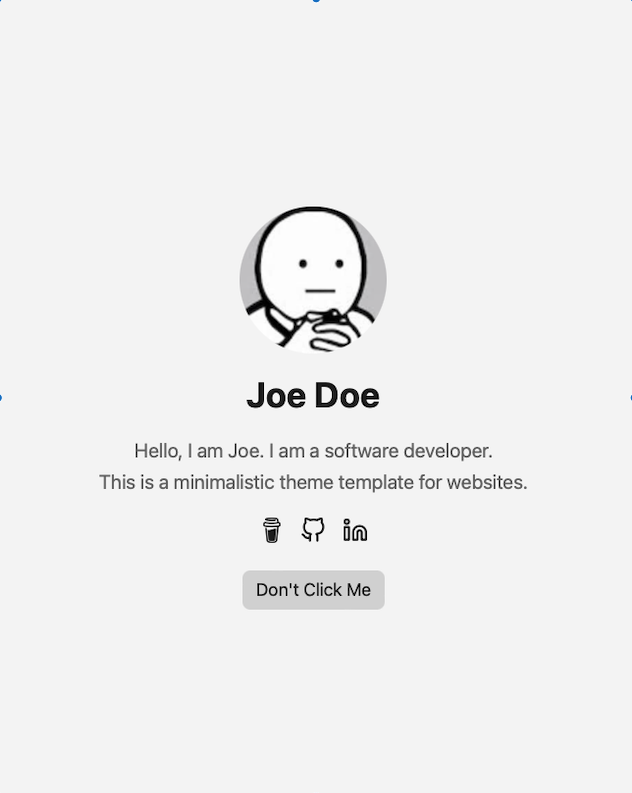
To add your profile pic, replace ***profile.png*** in the folder ***static/images***. Make sure you take an image with a happy face :)
### Add tabs
In the config.yml you can add new tabs next to 'Articles' and 'Contact'. Uncomment 'Category' to check it out.
***Note***
If you add a new tab in the config.yml, you have to do the following:
1. Add new folder in the directory 'content' with the ***same name*** as the new tab.
2. Copy ***_index.md*** from articles into new folder.
### Add new content
If you like to push new content, create a new Markdown file in the new folder. Find an example in ***content/articles/article.md***.
### Change colors
Have a look at assets/css/core/theme-vars.css to play around with colors.
### Disable 'Profile Mode'
To display Article content on the home page, rather than profile information, set the following under params: in ***config.yml***
```
profileMode:
enabled: false
```
With the Article content moved to the home page, removing the main menu entry for ***Articles*** may be desirable:
```
menu:
main:
- name: Contact
url: contact/
weight: 30
# - name: Articles
# url: articles/
# weight: 20
- name: Projects
url: projects
weight: 15
```
## Thank you!
I invested my own time to build this and it's completely for free. If this template have saved you time, feel free to support this page with a [coffee donation](https://ko-fi.com/heycharlola) :)
I'd love to get feedback, send a message via [LinkedIn](https://www.linkedin.com/in/heycharlola/)!
## Online Website
To push your website online, use Azure Static Web or Netflify. I use Azure Static Web.
看看同类模板
对比同技术栈与用途的模板,找到更适合的视觉与内容结构。

hugo-PaperMod
PaperMod 是 Hugo 生态里知名度较高的主题之一,定位很明确:给博客和轻量作品集站点提供一套干净、响应式的阅读界面。
Hugo · 作品集

LoveIt
❤️A clean, elegant but advanced blog theme for Hugo 一个简洁、优雅且高效的 Hugo 主题
Hugo · 博客

hugo-coder
A minimalist blog theme for hugo.
Hugo · 博客

blowfish
Personal Website & Blog Theme for Hugo
Hugo · 博客

hugo-paper
🪺 A simple, clean, customizable Hugo theme
Hugo · 博客

hextra
Hextra 是一个 Hugo 主题,定位在文档站与博客之间:既提供侧边栏导航、目录、面包屑、分页这类文档站结构,也能承载博客内容。
Hugo · 文档