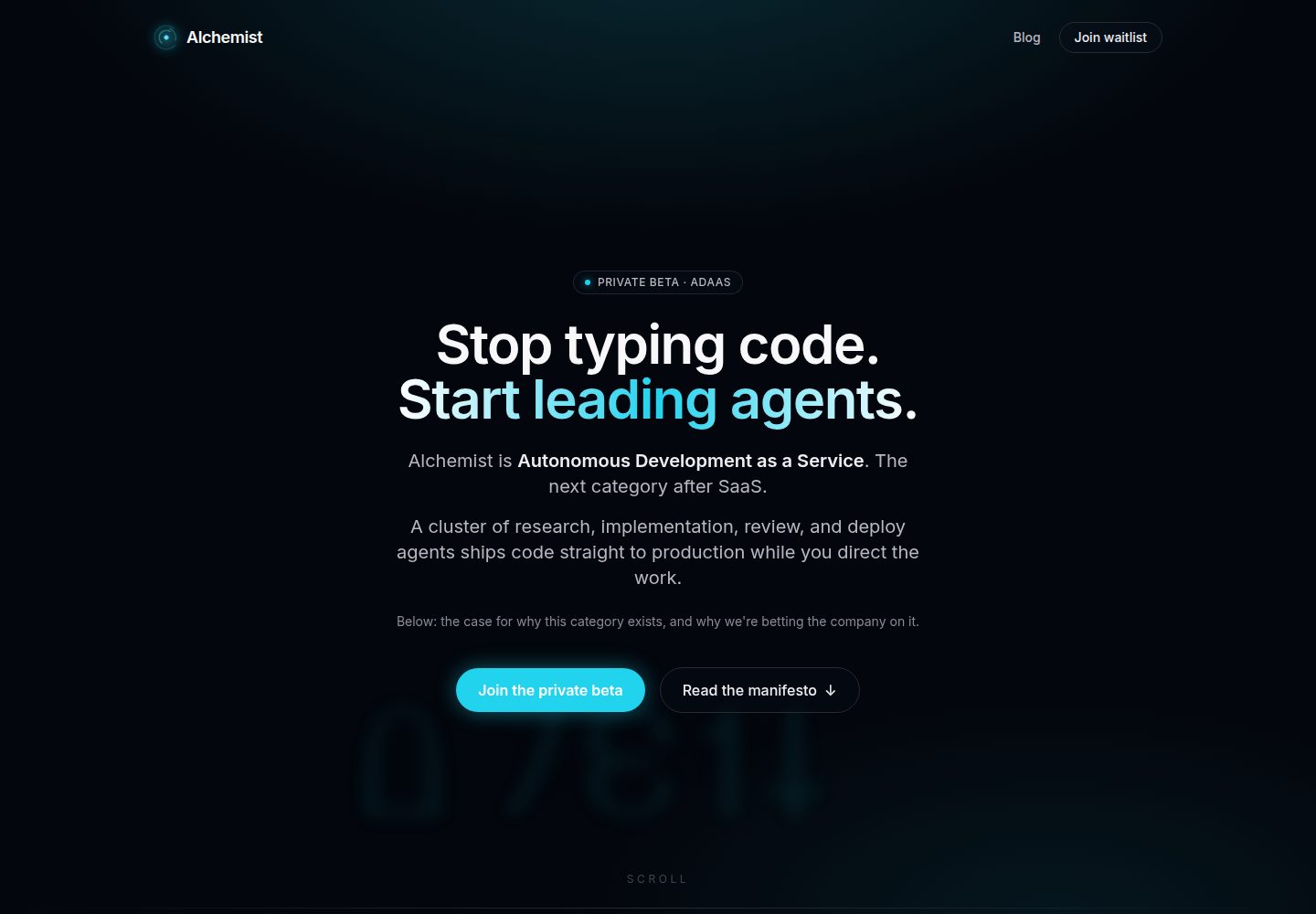
API layer on Deno 2 + Hono 4, using Zod for request validation and unified typed error handling
SvelteSaaSStarter
alchemist-template — Svelte SaaS Template
By chipp-ai
A SaaS starter template built on Deno, Hono, Svelte 5, and PostgreSQL, with built-in authentication, billing, RBAC, event and email queues, and a CLAUDE.md for AI agents.
Explore the design
Compare the page layouts and mobile experience. Open any screenshot for a closer look.
Desktop homepage1 / 3
Desktop captureTop of page
Actual screenshot captured by the server browser.
All pages & views 3
Screenshots show visual appearance; interactive behavior may differ.
Recorded 2026-09-30View source
What stands out
A quick read of the recorded project description.
SPA built with Svelte 5 (runes) + Vite, using hash routing and a typed fetch wrapper with 401 handling
PostgreSQL accessed through Kysely, with migrations as plain SQL files under db/migrations/ applied automatically at startup
Built-in email OTP, session cookies, JWT API tokens, and Arctic OAuth, plus a local-only dev-login channel
Stripe subscriptions, customer portal, and product catalog supporting one-time purchases and monthly/annual billing with organization-level entitlement checks
Postgres-backed persistent event bus and email outbox: in-transaction publishing, backoff retries, dead-letter replay, and signed webhooks
Template Details
Alchemist Template is a SaaS starter template, hosted at chipp-ai/alchemist-template and licensed under MIT. It also serves as the seed repository for every client project on the Alchemist AI platform, and its conventions are used to train autonomous agents, so the template's directory structure and documentation are organized around making the codebase readable and extensible by AI agents.
The stack uses Deno 2 + Hono 4 for the API (Zod request validation, typed error handling), Svelte 5 (runes) + Vite for the SPA (hash routing, typed fetch wrapper), PostgreSQL accessed through Kysely with CamelCasePlugin, and Redis for sessions and caching. Database migrations are plain SQL files under db/migrations/, applied automatically at startup in NNN_description.sql order.
Out-of-the-box capabilities include: email OTP login, session cookies, JWT API tokens, and Arctic-based OAuth; RBAC built from organizations, members, roles, and invitations; Stripe subscriptions, customer portal, and a product catalog for one-time purchases and monthly/annual billing with organization-level entitlements (requireEntitlement); nodemailer-based SMTP email with a persistent outbox (enqueueEmail, defineJob scheduled tasks, with backoff retries and idempotency keys); persistent pub/sub inside Postgres (publishEvent, FOR UPDATE SKIP LOCKED consumption, dead letters and replay, signed inbound and outbound webhooks); and structured logging (human-readable in development, NDJSON in production).
The design system is driven by a single design.json that affects all components through CSS tokens, with nine presets, a Google Fonts catalog, WCAG contrast checks, and a /#/design component showcase page. The development environment provides a dev-login escape hatch so you can log in without SMTP; /api/dev/* returns 404 in production, and the dev login button is excluded from production builds. Tests do not mock the database; they connect to a real Postgres instance, with route and service tests separated (test:fast). Deployment includes a Dockerfile, docker-compose, and a /health endpoint.
Limitations and notes: the template is intentionally generic, so after cloning you need to rewrite CLAUDE.md, the web/index.html title, and the brand information in src/config/brand.ts, and add migrations, routes, services, and pages as needed. Third-party assets such as images, fonts, and icons in the demo must have their licenses checked separately; external services such as domains, hosting, databases, payments, and AI may incur separate charges.
SvelteSaaSStarter
Is it right for your project?
Use Cases
- As a starting point for a new SaaS product, building your own domain features on top of it
- Setting up an account system that needs email OTP, OAuth, organizations, and role-based permissions
- Billing scenarios that need Stripe subscriptions, one-time purchases, and organization-level entitlement control
- Reliable background tasks: scheduled emails, event-driven notifications, and webhook distribution
- Projects where you want AI agents such as Claude Code and Cursor to extend the codebase according to existing conventions
Suitable For
- Developers preparing to build a SaaS from scratch who want authentication, billing, and team permissions included
- Teams using AI agents to assist development and valuing CLAUDE.md and a predictable directory structure
- Technology decision-makers who need the combination of Deno, Hono, Svelte, and PostgreSQL
- Projects that need self-hosted deployment (Dockerfile, docker-compose, Kubernetes-compatible images)
Getting started & customization
Use these recorded setup notes alongside the repository instructions for your chosen version.
- 1
After cloning the repository, run ./scripts/setup.sh, which checks Deno and Docker, installs SPA dependencies, starts Postgres and Redis with docker-compose, and runs migrations
- 2
Use ./scripts/dev.sh --api-port 8000 --port 5173 to start both the API and Vite; in the browser, visit Vite on :5173, since visiting :8000 directly causes 404s for non-API routes
- 3
The development environment has no SMTP, so the login page shows a Dev login button; you can also use curl to call POST /api/dev/login to obtain a session cookie
- 4
After cloning, rewrite the project name and description in CLAUDE.md, update the title and meta in web/index.html, and centralize brand information in src/config/brand.ts
- 5
Self-hosting requires PostgreSQL, Redis, and the variables in .env.example (database and Redis addresses, session secret, Stripe, OAuth, SMTP); /health can be used as a liveness probe
License & source material
Usage conditions & limitations
Free to use · keep license noticeThis entry covers the free version in the public repository under the MIT license; the free scope is the code in that version and does not mean external services or third-party assets are free.
Must comply with when using
- You may use, modify, commercialize, and distribute the code in this version for free.
- When distributing copies or substantial portions of the code, retain the original author's copyright notice and the full MIT license notice.
- The code is provided as is; warranties and limitations of liability are governed by the original license and applicable law.
Additional costs & items to verify
- This template also serves as the seed repository for client projects on the Alchemist AI platform; using that platform's automated deployment and agent capabilities depends on its external platform services.
- Capabilities such as autonomous error fixing, task orchestration, and an agent dashboard are not part of this template and require the separate chipp-ai/dispatch project.
- Self-hosting requires preparing PostgreSQL and Redis yourself and configuring credentials for external services such as Stripe, OAuth, and SMTP; these services may incur additional costs.
- The development environment has no SMTP, so email OTP codes cannot reach an inbox; you can only log in through the dev-login channel, which is limited to local development.
- /api/dev/* routes and the dev login button are unavailable in production and are limited to local development use.
- Demo images, fonts, icons, and other third-party assets must be checked against their respective licenses and cannot be judged solely by the code's MIT license.
- External services such as domains, hosting, databases, payments, or AI may incur separate charges.
View Original Text Basis
Permission is hereby granted, free of charge
Original License Text
It is also the seed repo every customer project on the [Alchemist AI](https://adaas.dev) platform is cloned from.
Original README
If you also want autonomous error remediation, mission orchestration, and a kanban for agent work on top of this template, see [chipp-ai/dispatch](https://github.com/chipp-ai/dispatch).
Original README
Environment variables from `.env.example` (database URL, Redis URL, session secret, Stripe keys, OAuth credentials, SMTP config).
Original README
There's no SMTP harness in dev, so OTP codes never reach an inbox. Use the dev-login escape hatch instead:
Original README
https://github.com/chipp-ai/alchemist-template/blob/staging/LICENSEhttps://github.com/chipp-ai/alchemist-template/blob/staging/README.mdThe `/api/dev/*` routes 404 when `NODE_ENV=production`, and the dev-login button is stripped from production SPA builds -- both surfaces are local-only by construction.
Original README
Compiled by DeepSeek based on repository license and README ·2026-10-02. Results only cover the materials read; dependencies, images, fonts, and subsequent term changes are subject to their respective original texts.
Project checks & description sources
Template Information
- Source platforms
- GitHub
- Documentation and maintenance reference score
- More documented · 88 / 100
- Technologies
- Svelte
- Website type
- SaaS · Starter
How this score is calculated
Our heuristic uses license records (up to 30), a demo link (12), a preview (10), stars (15), recorded maintenance (15), description completeness (8), feature records (5) and classification data (5). It is not a code, security or performance test, or a Google score. A link does not establish tested functionality.
What to verify for this project
- Repository update recorded
- 2026-09-29
- Screenshot last checked
- 2026-10-02
A demo link is listed. Check it with your own content and viewport sizes; its presence does not confirm that forms, authentication or payments work.
The catalog identifies Svelte as the primary stack. Check the actual dependency manifest and lockfile for versions and hosting requirements. These notes use recorded metadata, not a code audit or a deployment test.
Use a selection guide →How this description was prepared
AI-assisted description based on catalog records and repository material. Repository authors are not automatically the reviewers of this description.
Automatically checked against source and license rules; no manual editorial review.
Inspect the recorded source material
SHA-256: b34abf9ba41eb3786749754a698326633a3cb5381836d3159a6303b3a1b92073
2026-10-02T14:21:30.874Z
Source file / repository<div align="center">
<picture>
<source media="(prefers-color-scheme: dark)" srcset="docs/logo-dark.svg">
<img src="docs/logo-light.svg" alt="Alchemist Template" width="520">
</picture>
<p><strong>A production-grade SaaS template, built so AI agents can extend it without breaking it.</strong></p>
<p>
<a href="#quick-start">Quick Start</a> •
<a href="#whats-in-the-box">What's in the Box</a> •
<a href="#architecture">Architecture</a> •
<a href="#customizing-for-your-product">Customizing</a> •
<a href="#working-with-ai-agents">Agents</a> •
<a href="#license">License</a>
</p>
</div>
---
Alchemist Template is a SaaS starter built on Deno 2, Hono 4, Svelte 5, and PostgreSQL. It ships with auth, billing, RBAC, structured logging, and an idiomatic Kysely + services layout, plus a `CLAUDE.md` authored so AI agents (Claude Code, Cursor, or the [Alchemist AI](https://adaas.dev) platform itself) can navigate and extend it without fighting the conventions. Fork it as the starting point for any new product.
It is also the seed repo every customer project on the [Alchemist AI](https://adaas.dev) platform is cloned from. The conventions here are the ones autonomous agents are trained against -- using this template means agents work with you, not around you.
## What's in the box
- **API** -- Deno 2 + Hono 4 with Zod request validation and typed error handling.
- **SPA** -- Svelte 5 (runes) + Vite, hash-based router, typed fetch wrapper.
- **Design system** -- one `design.json` (fonts, palette, shape, type scale, density) drives every component through CSS tokens. Nine researched presets, a curated Google Fonts catalog, WCAG contrast checks, and a `/#/design` sheet that renders every shipped component with live controls. Customising the look is the first step of every project.
- **Database** -- PostgreSQL via Kysely with `CamelCasePlugin` (camelCase in TS, snake_case in SQL). Migrations are plain SQL files in `db/migrations/`, auto-applied on startup.
- **Cache + sessions** -- Redis, with helpers for rate limits and key-scoped invalidation.
- **Auth** -- Email OTP login, session cookies, JWT for API tokens, OAuth providers via Arctic 2. Includes a documented dev-login escape hatch so local + agent testing works without an SMTP inbox.
- **Billing** -- Stripe 17. Plan-tier subscriptions, customer portal, AND a built-in product catalog: sell one-time purchases or monthly/yearly subscriptions with automatic Stripe product/price creation, webhook fulfillment, and org-level entitlements (`requireEntitlement`).
- **Email** -- SMTP via nodemailer with environment-driven configuration, plus a durable outbox: `enqueueEmail()` for event-driven mail (retried with backoff, idempotency keys, transactional with your state change) and cron-scheduled jobs (`defineJob` + `createScheduledJob`, IANA timezones) for digests and reminders. Verifiable in dev via `POST /api/dev/jobs/tick` and `GET /api/dev/outbox`.
- **Events** -- Durable pub/sub in Postgres: `publishEvent` inside the transaction that made the change, handlers declared in `src/events/handlers.ts`, a consumer with `FOR UPDATE SKIP LOCKED` claims, exponential backoff, dead letters and replay, a Redis nudge for latency, a signed `POST /api/events/inbox`, and signed outbound webhooks per organization.
- **RBAC + teams** -- Organizations, members, roles, invites. Wired through the auth middleware and routes.
- **Logging** -- Structured logger (pretty in dev, NDJSON in production), ready for Loki / Datadog / any aggregator.
- **Tests** -- Routes + services split (`test:fast` runs just those). No DB mocks -- tests hit a real Postgres instance.
- **Container-ready** -- Dockerfile + docker-compose for the dev stack; k8s-compatible image for any cluster.
- **`CLAUDE.md`** -- Authored for AI agents. They read it on session 1 and immediately know your conventions, dev login, gotchas.
## Architecture
```
Browser
|
v
Svelte 5 SPA (web/)
| hash-based routing, runes stores, typed fetch
v
Hono 4 API (src/api/routes/ -> src/services/)
| Zod-validated, session + JWT auth, structured errors
v
PostgreSQL (Kysely, NNN_*.sql migrations auto-applied)
+
Redis (sessions, cache, rate limits)
+
Stripe (subscriptions, credits, customer portal)
```
**Stack:** Deno 2, Hono 4, Svelte 5 (runes), Vite, Kysely 0.27, PostgreSQL, Redis, Arctic 2, Stripe 17, Zod 3, nodemailer 6.
## Quick start
### 1. Clone and bootstrap
```bash
git clone https://github.com/chipp-ai/alchemist-template.git my-app
cd my-app
./scripts/setup.sh
```
`setup.sh` checks your toolchain (Deno, Docker), installs the SPA dependencies, brings up Postgres + Redis via `docker-compose`, and runs all migrations.
### 2. Start the dev stack
```bash
./scripts/dev.sh --api-port 8000 --port 5173
```
This runs the Hono API on `:8000` and the Vite SPA on `:5173` in one terminal. Open `http://localhost:5173`.
> **Always use the Vite URL (`:5173`) in your browser**, not the API URL. Vite serves the SPA shell and proxies `/api/*` to the API. Hitting `:8000` directly will 404 everything that isn't an API route.
### 3. Log in (no SMTP needed)
There's no SMTP harness in dev, so OTP codes never reach an inbox. Use the dev-login escape hatch instead:
- **In the browser:** the Login page renders a "Dev login as ..." button below the OTP form (only visible when `import.meta.env.DEV`). It POSTs to `/api/dev/login` and sets a real session.
- **From an agent or terminal:**
```bash
curl -X POST -H 'Content-Type: application/json' \
-d '{"email":"[email protected]"}' \
http://localhost:8000/api/dev/login \
-c /tmp/jar.txt
```
Re-use the cookie jar with `-b /tmp/jar.txt` on subsequent requests.
The `/api/dev/*` routes 404 when `NODE_ENV=production`, and the dev-login button is stripped from production SPA builds -- both surfaces are local-only by construction.
## Project structure
```
src/
api/
routes/ Hono handlers (thin orchestration)
middleware/ auth, validation, error handling
services/ business logic (one file per domain)
jobs/ background runner, defineJob registry, handlers/
db/
client.ts Kysely client (CamelCasePlugin)
schema.ts table type definitions
lib/logger.ts structured logger (NDJSON in prod)
__tests__/
routes/ route integration tests
services/ service unit tests
helpers.ts test utilities (createIsolatedUser, ...)
web/
src/
design/ design.json (the look), presets, fonts catalog, tokens, apply
routes/ Svelte 5 pages (hash router); Design.svelte = the component sheet
stores/ runes-based state
lib/api.ts typed fetch wrapper with 401 handling
db/
migrations/ NNN_*.sql files, auto-applied on startup
migrate.ts migration runner
scripts/
setup.sh one-shot dev bootstrap
dev.sh run API + Vite together
CLAUDE.md project context for AI agents
```
## Customizing for your product
This template is intentionally generic. The path from clone to "your product" is:
1. **Rewrite `CLAUDE.md`.** Replace the `[Project Name]` header and `[Brief description...]` paragraph with what you're actually building. This is the file every AI agent reads first -- get it right and agents need almost no orientation. See [working with AI agents](#working-with-ai-agents) below.
2. **Update `web/index.html`.** Change the `<title>` and any meta tags.
3. **Centralize brand in `src/config/brand.ts`.** App name, logo, colors, marketing copy -- the template reads from one place so there are no string-literal leaks of "Alchemist" anywhere in your fork.
4. **Add your schema.** Create migration files in `db/migrations/` following the `NNN_description.sql` convention. The runner applies them in order on startup. Update `src/db/schema.ts` with matching TypeScript types -- the `CamelCasePlugin` handles the case conversion at the DB boundary.
5. **Add routes + services.** Drop new files into `src/api/routes/` and mount them in `src/api/index.ts`. Put the logic in `src/services/`. Keep routes thin.
6. **Add pages.** Create components in `web/src/routes/` and register them with the hash router.
The template ships with the foundation you'd otherwise build yourself: organizations, users, sessions, OAuth, OTP, Stripe customers + subscriptions, credit grants, user preferences, team invites. You shouldn't have to touch most of it -- just build your domain on top.
## Working with AI agents
This template was authored so AI agents (Claude Code, Cursor, the [Alchemist AI](https://adaas.dev) platform) can extend it without ramp-up. Two things make that work:
**`CLAUDE.md` at the root** documents the stack, layout, conventions, dev login flow, and gotchas. Claude Code auto-loads it on every session; other agents you point at the repo can be told to read it first. When you fork, update it:
- Replace the project header with your product name + a real description of what it does.
- Document anything domain-specific (e.g. "events always carry a UTC timestamp", "we never delete records -- soft-delete via `archived_at`").
- Add your testing conventions, deployment specifics, and any patterns that look wrong but are intentional.
**Predictable layout.** Routes are thin orchestration; business logic lives in services; DB types come from `src/db/schema.ts`. Agents that know the pattern can add a new feature without searching for the right file. The Alchemist AI platform's agents are trained against exactly this shape.
If you also want autonomous error remediation, mission orchestration, and a kanban for agent work on top of this template, see [chipp-ai/dispatch](https://github.com/chipp-ai/dispatch).
## Development
```bash
deno task dev # Run API with --watch
deno task check # Type-check
deno task test:fast # Route + service tests
deno task test # Full test suite
deno task fmt # Format
deno task lint # Lint
deno task db:migrate # Apply pending migrations explicitly
```
Run a single test file:
```bash
deno test --env --no-check --allow-all src/__tests__/services/my_test.ts
```
## Deployment
### Alchemist AI (autonomous)
Push to your fork's default branch. The Alchemist AI platform builds, migrates, and rolls out via its build orchestrator and rollout controller. No CI to configure -- the platform's own agents handle deploys.
### Self-host on Kubernetes
The Dockerfile produces a runtime-image suitable for any cluster. You need:
- A PostgreSQL instance (the app auto-applies migrations on boot).
- A Redis instance.
- Environment variables from `.env.example` (database URL, Redis URL, session secret, Stripe keys, OAuth credentials, SMTP config).
Mount the secrets, point at your databases, and run the image. A `/health` endpoint is exposed for liveness probes.
### Docker Compose
```bash
docker-compose up
```
For local end-to-end runs without the Vite dev server.
## Contributing
Issues and pull requests welcome. If you're using Claude Code or another AI agent to contribute, the [`CLAUDE.md`](CLAUDE.md) in the repo root has the project context they'll need.
## License
[MIT](LICENSE)
Explore similar templates
Compare previews and descriptions within the same stack and category.

CMSaasStarter
CMSaasStarter is an MIT-licensed SaaS starter template built with SvelteKit, TailwindCSS, DaisyUI, and Supabase, with Stripe Checkout and Stripe Portal for payments.
Svelte · Admin dashboard
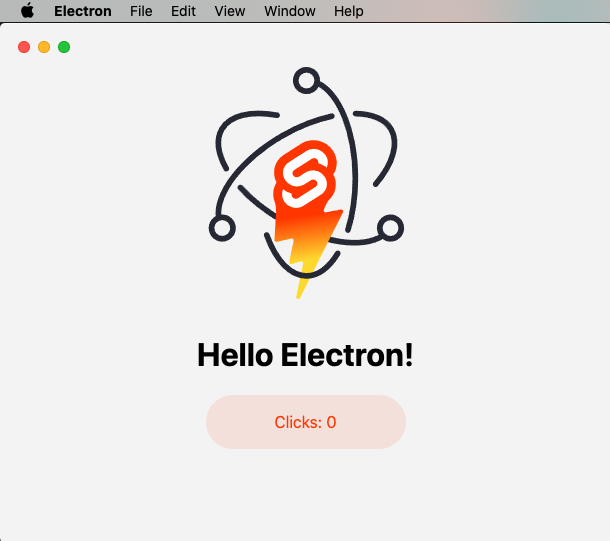
sveltekit-electron
A minimal SvelteKit + Electron starter template for cross-platform desktop applications. It provides clone, install, development, and build commands, with build targets adjustable in package.json and defaulting to Mac, Windows, and Linux.
Svelte · Starter
tauri-sveltekit
A minimal Tauri 2 and SvelteKit desktop starter template that builds the frontend as a static SPA via @sveltejs/adapter-static and loads it in Tauri's WebView.
Svelte · Starter
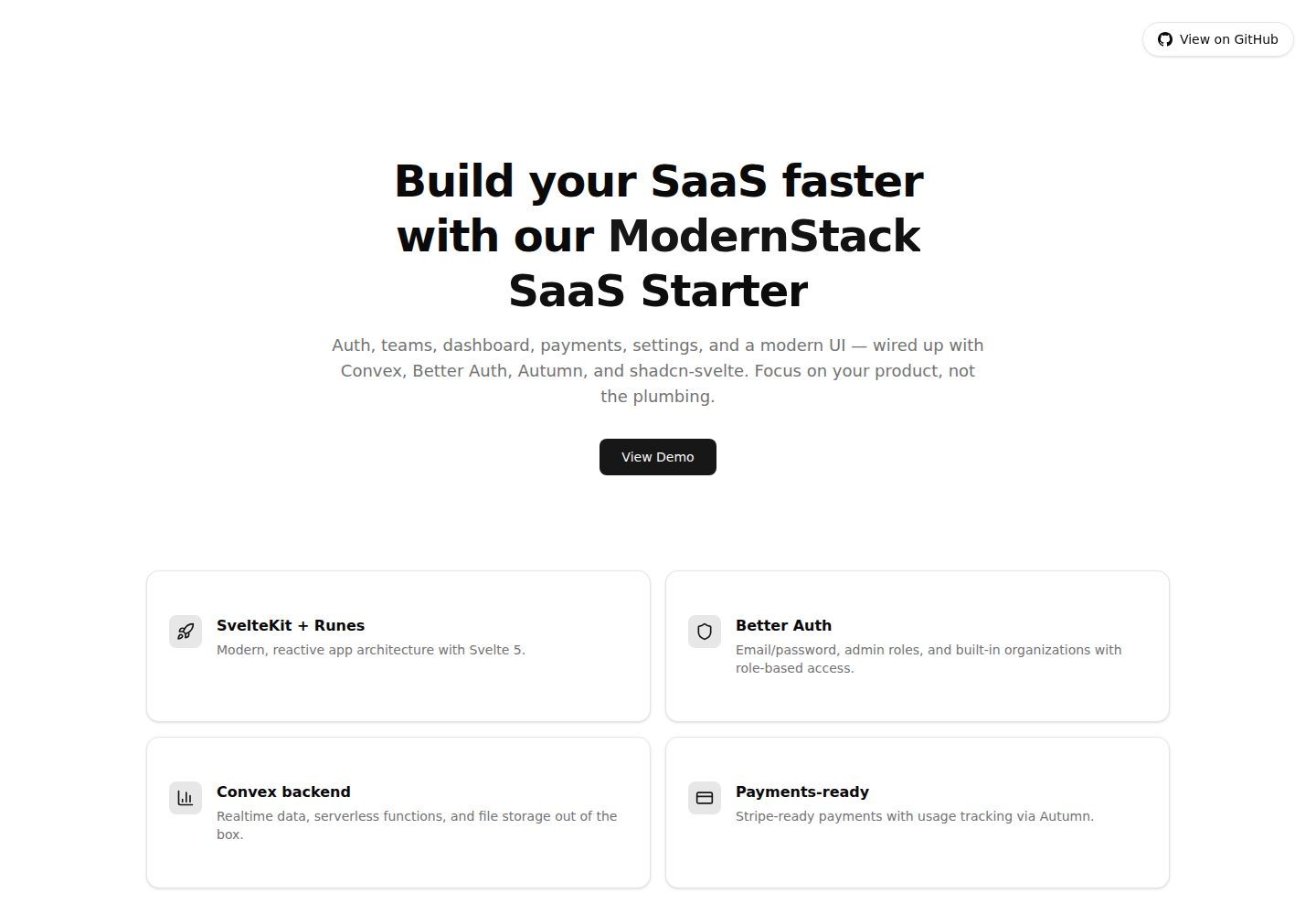
modernstack-saas
A SaaS starter template built with SvelteKit, Convex, Better Auth, and shadcn-svelte. It includes subscription billing via Autumn/Stripe, user and admin dashboards, user settings, organization multi-tenancy with roles and invitations, and a waitlist mode that can disable public registration.
Svelte · Admin dashboard

sveltekit-mdsvex-blog-template
A SvelteKit and MDsveX blog starter for Markdown writing with embedded Svelte components, Tailwind CSS typography, tags, dark mode, SEO metadata, and Cloudflare Workers deployment configuration. Requires Node.js 22.12+ and pnpm 11.17.0; third-party demo assets need separate license verification.
Svelte · Portfolio
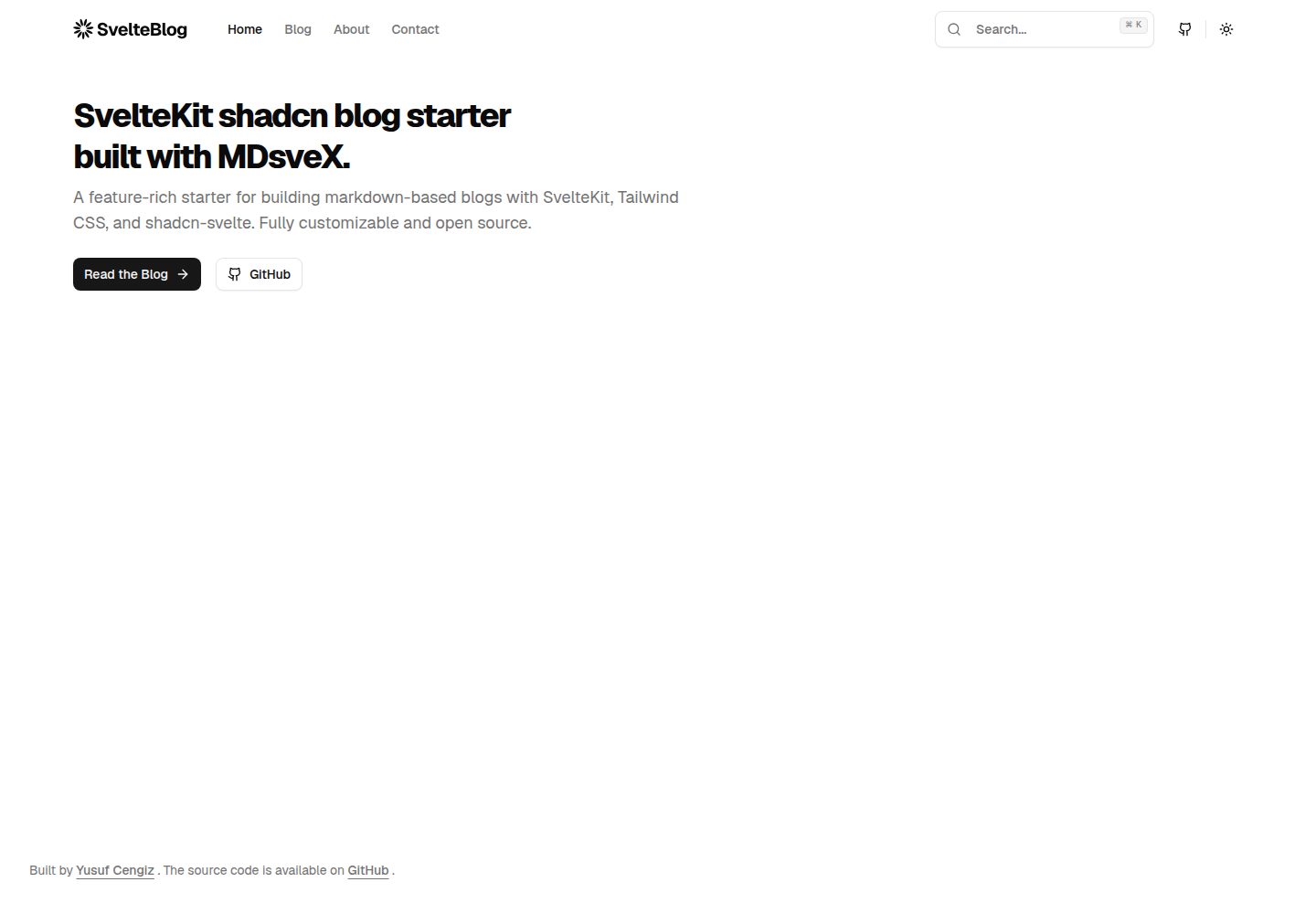
sveltekit-shadcn-blog-starter
A SvelteKit blog starter that combines shadcn-svelte, Tailwind CSS, MDsveX, and TypeScript, offering multi-author support, tag archives, built-in search, light/dark themes, and automatic sitemap and RSS generation.
Svelte · Blog