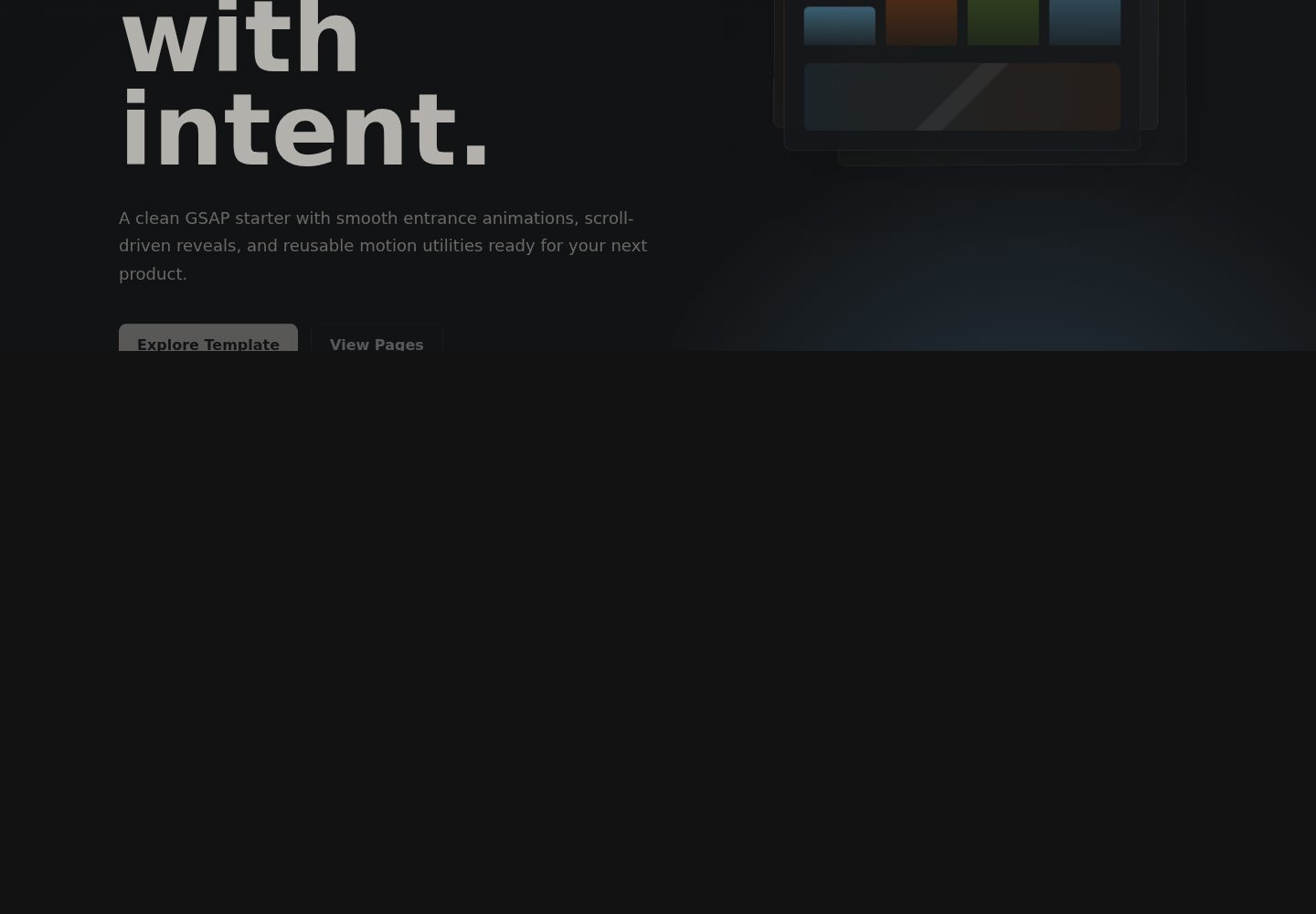
Uses GSAP for fade-in, scale, stagger, counter and pinned-scroll cinematic sequences
ViteCorporate Website
animated-landing-page — Vite Business Template
By CookieShualon
A multi-page landing page template built with Vite and GSAP, including entrance and scroll animations, pinned-scroll sequences, centralized site configuration and build-time SEO file generation.
Explore the design
Compare the page layouts and mobile experience. Open any screenshot for a closer look.
Desktop homepage1 / 3
Desktop captureTop of page
Actual screenshot captured by the server browser.
All pages & views 3
Screenshots show visual appearance; interactive behavior may differ.
Recorded 2026-10-17View source
What stands out
A quick read of the recorded project description.
Provides multi-page HTML structure for Home, About, Work, Pricing, Contact and Template
Centralizes template configuration in src/siteConfig.js and supports VITE_* environment variables
Automatically generates robots.txt and sitemap.xml at build time using VITE_SITE_URL
Includes page sections such as pricing cards, FAQ, testimonials and a contact form
Template Details
This template is a multi-page HTML landing page built with Vite and animated with GSAP. The pages listed in the README are Home, About, Work, Pricing, Contact and Template, and the template includes responsive visual sections, pricing cards, FAQ, testimonials and a contact form. On the animation side, it provides fade-in, scale, stagger, counters and a pinned-scroll cinematic sequence. Options such as site name, site URL, template repository address, whether to enable the template page and cinematic scroll are centralized in src/siteConfig.js and can be configured through VITE_* variables in .env.example; the README notes that VITE_* variables are exposed to the browser, so they may only hold public site settings and must not contain secrets. During build, npm run build automatically runs generate:seo to generate public/robots.txt and public/sitemap.xml based on VITE_SITE_URL. The README does not document the specific content structure of each page, the browser compatibility range or production behavior, and does not provide deployment details beyond Vercel.
ViteCorporate website
Is it right for your project?
Use Cases
- Multi-page brand or product landing page prototypes that need scroll animations
- Static sites that want to configure site name and URL through environment variables on Vercel
- Template projects that need robots.txt and sitemap.xml generated automatically at build time
Suitable For
- Front-end landing page projects using Vite and GSAP
- Sites that need multi-page HTML structure with scroll-animation presentation
- Static sites planned for Vercel deployment that accept public VITE_* configuration
Getting started & customization
Use these recorded setup notes alongside the repository instructions for your chosen version.
- 1
After cloning the repository, run npm install, then start the local development server with npm run dev
- 2
Copy .env.example to .env and set public variables such as VITE_SITE_URL and VITE_BRAND_NAME as needed
- 3
Add the same VITE_* variables in Vercel Project Settings and redeploy
- 4
VITE_* variables are exposed to the browser; do not store private API keys, passwords or tokens in them
- 5
npm run build automatically runs generate:seo to generate public/robots.txt and public/sitemap.xml
License & source material
Usage conditions & limitations
Free to use · keep license noticeThis listing covers the free version under the MIT license in the public repository; the free scope is the code of that version and does not mean external services or third-party assets are free.
Must comply with when using
- The code of this version may be used, modified, used commercially and distributed free of charge.
- When distributing copies or substantial portions of the code, the original author's copyright notice and the full MIT license notice must be retained.
- The code is provided as is; warranties and limitations of liability are governed by the original license and applicable law.
Additional costs & items to verify
- Demo images, fonts, icons and other third-party assets must be checked against their respective licenses and cannot be judged solely by the code's MIT license.
- External services such as domains, hosting, databases, payments or AI may incur separate charges.
- VITE_* variables are exposed to the browser and may only hold public site settings; private API keys, passwords, tokens or confidential information must not be stored in them.
- When deploying to Vercel, the same VITE_* keys as in .env.example must be added to the project's environment variables.
- After adding the same variables on Vercel, a redeploy is required for them to take effect.
- The generated robots.txt and sitemap.xml depend on the VITE_SITE_URL environment variable, and the site URL must be set correctly.
View Original Text Basis
Permission is hereby granted, free of charge
Original License Text
Vercel may warn that `VITE_*` variables are exposed to the browser. That is expected for Vite. The variables in this template are public site settings only, so they are safe to mark as safe. Do not store private API keys, passwords, tokens, or secrets in `VITE_*` variables.
Original README
For Vercel, add the same `VITE_*` keys from `.env.example` in Project Settings > Environment Variables.
Original README
On Vercel, add the same variables in Project Settings, then redeploy.
Original README
https://github.com/CookieShualon/animated-landing-page/blob/main/LICENSEhttps://github.com/CookieShualon/animated-landing-page/blob/main/README.mdBoth use `VITE_SITE_URL` from your environment.
Original README
Compiled by DeepSeek based on repository license and README ·2026-10-17. Results only cover the materials read; dependencies, images, fonts, and subsequent term changes are subject to their respective original texts.
Project checks & description sources
Template Information
- Source platforms
- GitHub
- Documentation and maintenance reference score
- More documented · 83 / 100
- Technologies
- Vite
- Website type
- Corporate Website
How this score is calculated
Our heuristic uses license records (up to 30), a demo link (12), a preview (10), stars (15), recorded maintenance (15), description completeness (8), feature records (5) and classification data (5). It is not a code, security or performance test, or a Google score. A link does not establish tested functionality.
What to verify for this project
- Repository update recorded
- 2026-05-05
- Screenshot last checked
- 2026-10-17
A demo link is listed. Check it with your own content and viewport sizes; its presence does not confirm that forms, authentication or payments work.
The catalog identifies Vite as the primary stack. Check the actual dependency manifest and lockfile for versions and hosting requirements. These notes use recorded metadata, not a code audit or a deployment test.
Use a selection guide →How this description was prepared
AI-assisted description based on catalog records and repository material. Repository authors are not automatically the reviewers of this description.
Review declaration: codex-user-requested-batch-review-20261018 · 2026-10-18
Inspect the recorded source material
SHA-256: 4503615d0e745f34b04394079bdac98064712bcb4849e46ad9ec23974044c571
2026-10-17T16:49:20.992Z
Source file / repository# Animated Landing Page A modern multi-page landing page template built with Vite and GSAP. It includes smooth entrance animations, scroll-triggered sections, a cinematic pinned scroll sequence, SEO file generation, and a simple environment-based configuration system for deployment platforms like Vercel. ## Features - GSAP-powered fade, scale, stagger, counter, and cinematic scroll animations - Multi-page HTML setup: Home, About, Work, Pricing, Contact, and Template - Central template configuration in `src/siteConfig.js` - Vercel-friendly `.env` configuration via `VITE_*` variables - Generated `robots.txt` and `sitemap.xml` - Responsive visual sections, pricing cards, FAQ, testimonials, and contact form ## Getting Started ```bash git clone https://github.com/CookieShualon/animated-landing-page.git cd animated-landing-page npm install npm run dev ``` Open the local URL Vite prints in your terminal. ## Configuration Copy the example environment file: ```bash cp .env.example .env ``` For Vercel, add the same `VITE_*` keys from `.env.example` in Project Settings > Environment Variables. Vercel may warn that `VITE_*` variables are exposed to the browser. That is expected for Vite. The variables in this template are public site settings only, so they are safe to mark as safe. Do not store private API keys, passwords, tokens, or secrets in `VITE_*` variables. Important options: ```bash VITE_SITE_URL=https://your-domain.com VITE_BRAND_NAME=Pulse Studio VITE_TEMPLATE_GITHUB_URL=https://github.com/CookieShualon/animated-landing-page VITE_TEMPLATE_CLONE_URL=https://github.com/CookieShualon/animated-landing-page.git VITE_ENABLE_TEMPLATE_PAGE=true VITE_ENABLE_CINEMATIC_SCROLL=true ``` On Vercel, add the same variables in Project Settings, then redeploy. ## SEO Files `npm run build` automatically runs: ```bash npm run generate:seo ``` That generates: - `public/robots.txt` - `public/sitemap.xml` Both use `VITE_SITE_URL` from your environment. ## Scripts ```bash npm run dev npm run generate:seo npm run build npm run preview ``` ## File Structure ```text . ├── index.html ├── about.html ├── work.html ├── pricing.html ├── contact.html ├── use-template.html ├── scripts/generate-seo.js ├── src/ │ ├── animations.js │ ├── main.js │ ├── siteConfig.js │ └── styles.css ├── public/ │ ├── robots.txt │ └── sitemap.xml └── vite.config.js ``` ## License MIT
Explore similar templates
Compare previews and descriptions within the same stack and category.
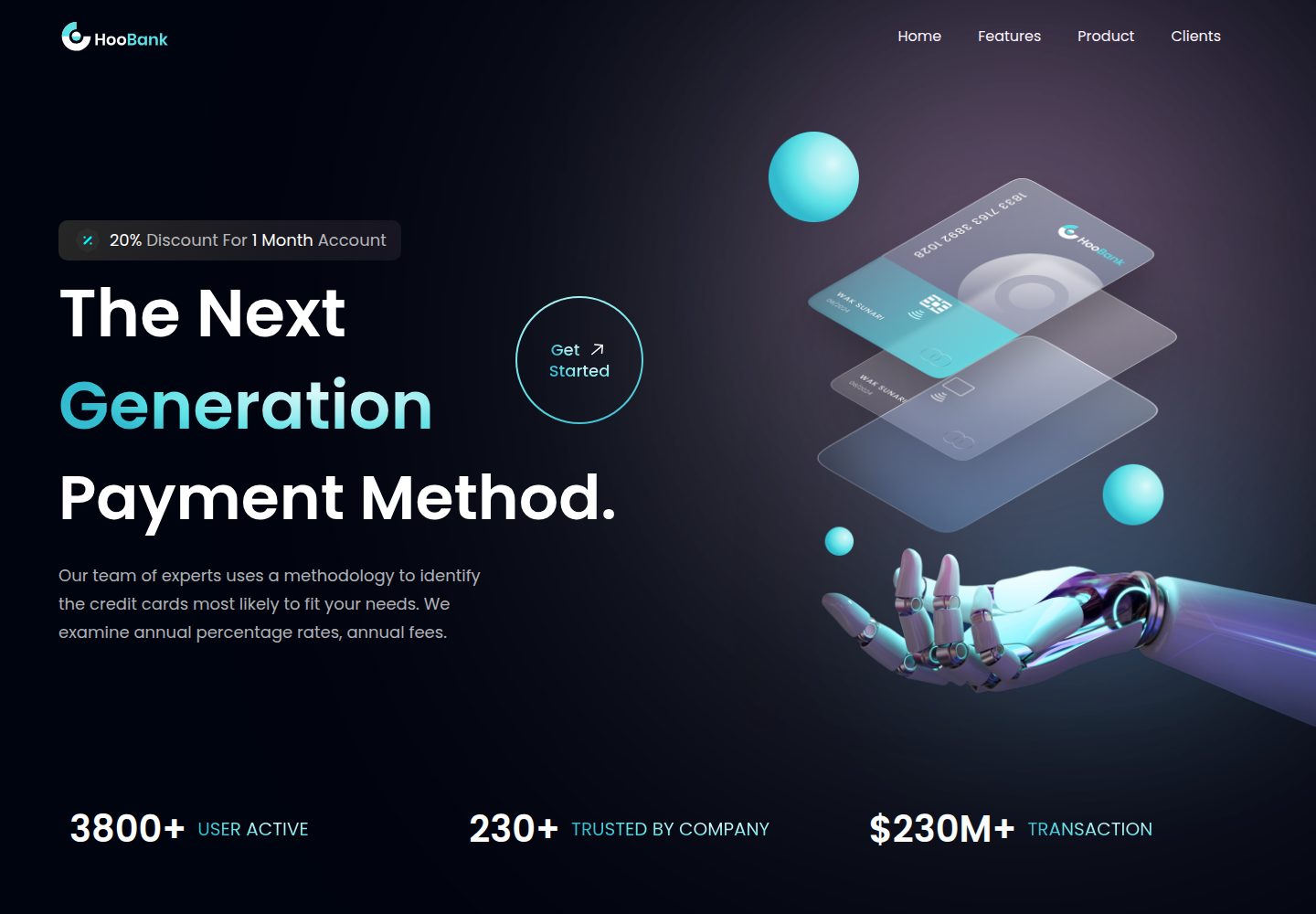
business-website-template
A React, Tailwind CSS, and Vite corporate website template with a single-page structure covering header, hero, features, billing, product showcase, testimonials, clients, call-to-action, and footer.
Vite · Corporate Website

kiaalap
Kiaalap is a free, open-source admin template from Colorlib for education, online courses, and school management.
Vite · Admin dashboard
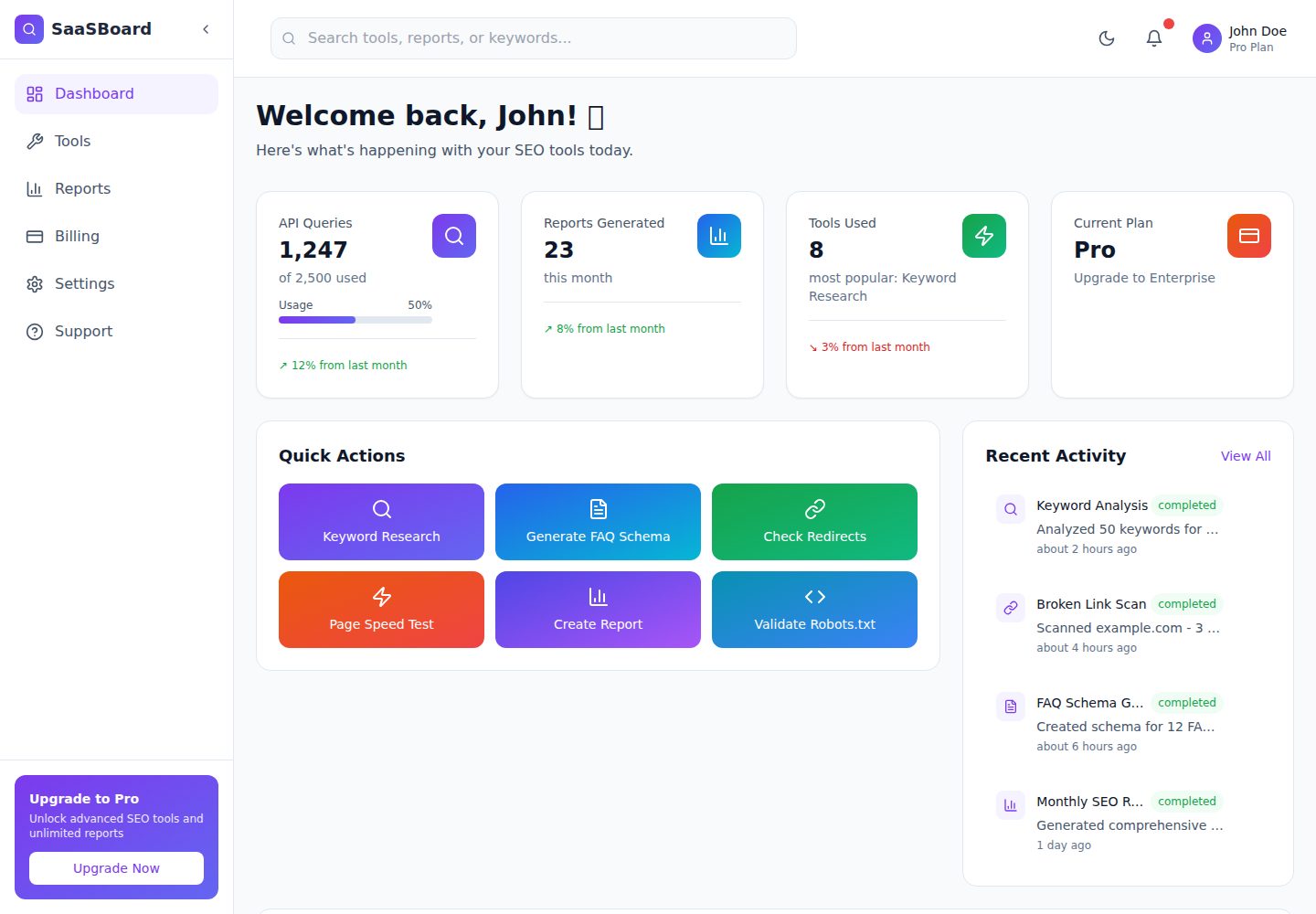
saasboard
SaaSBoard is an open-source SaaS admin dashboard template from MekuHQ, built with React, Vite, and Tailwind CSS. It provides pages for Tools, Reports, Billing, Settings, and Support, along with shared components such as Sidebar, Layout, and Topbar.
Vite · Admin dashboard

crowdup
CrowdUp is a self-hostable crowdfunding platform template built on React Router, Supabase and Stripe Connect.
Vite · Corporate Website
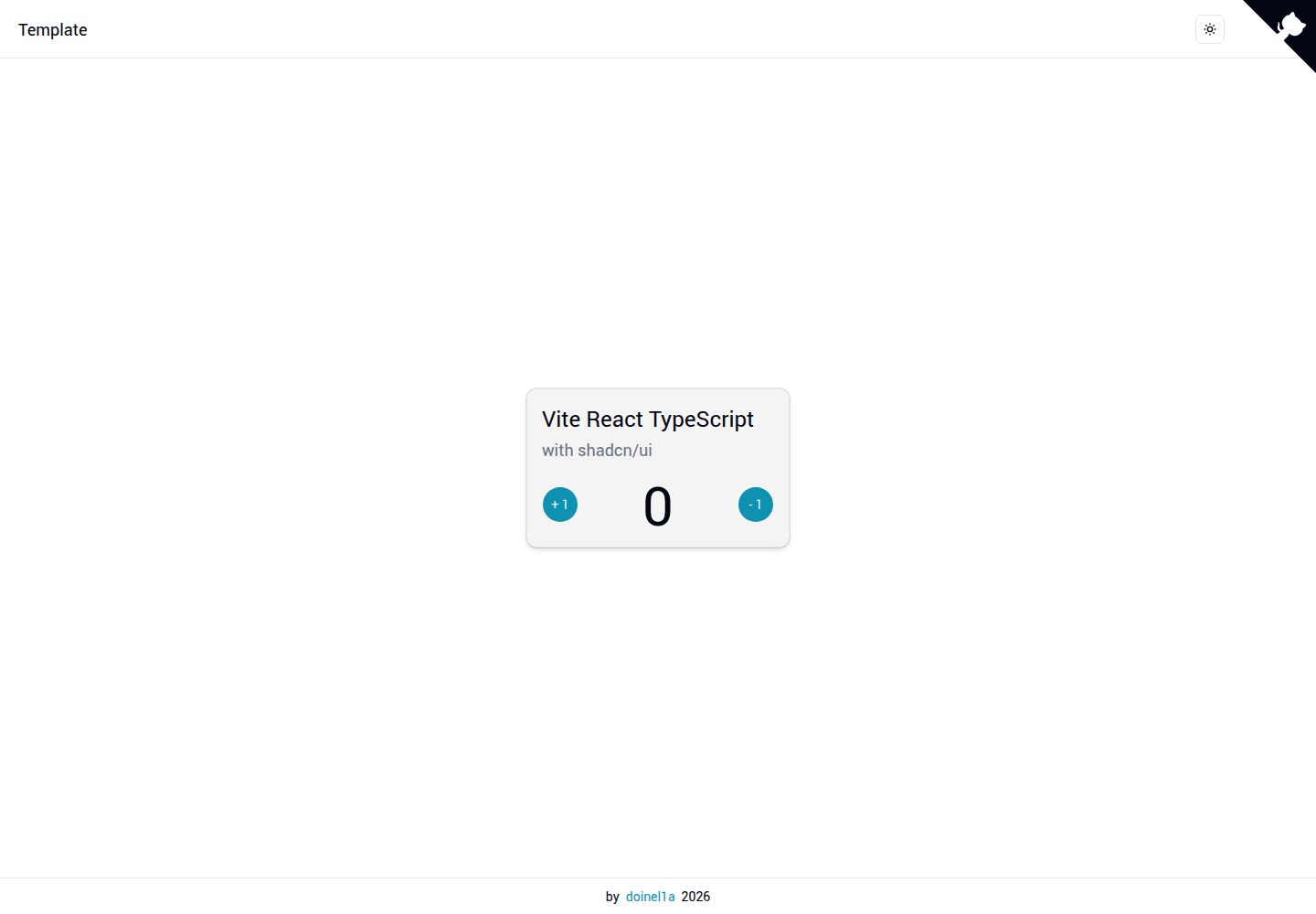
vite-react-ts-shadcn-ui
A Vite-based React + TypeScript frontend starter template with Shadcn/ui and TailwindCSS, plus ESLint, Prettier, Husky, Commitlint, Lint-staged and Playwright built in.
Vite · Corporate Website
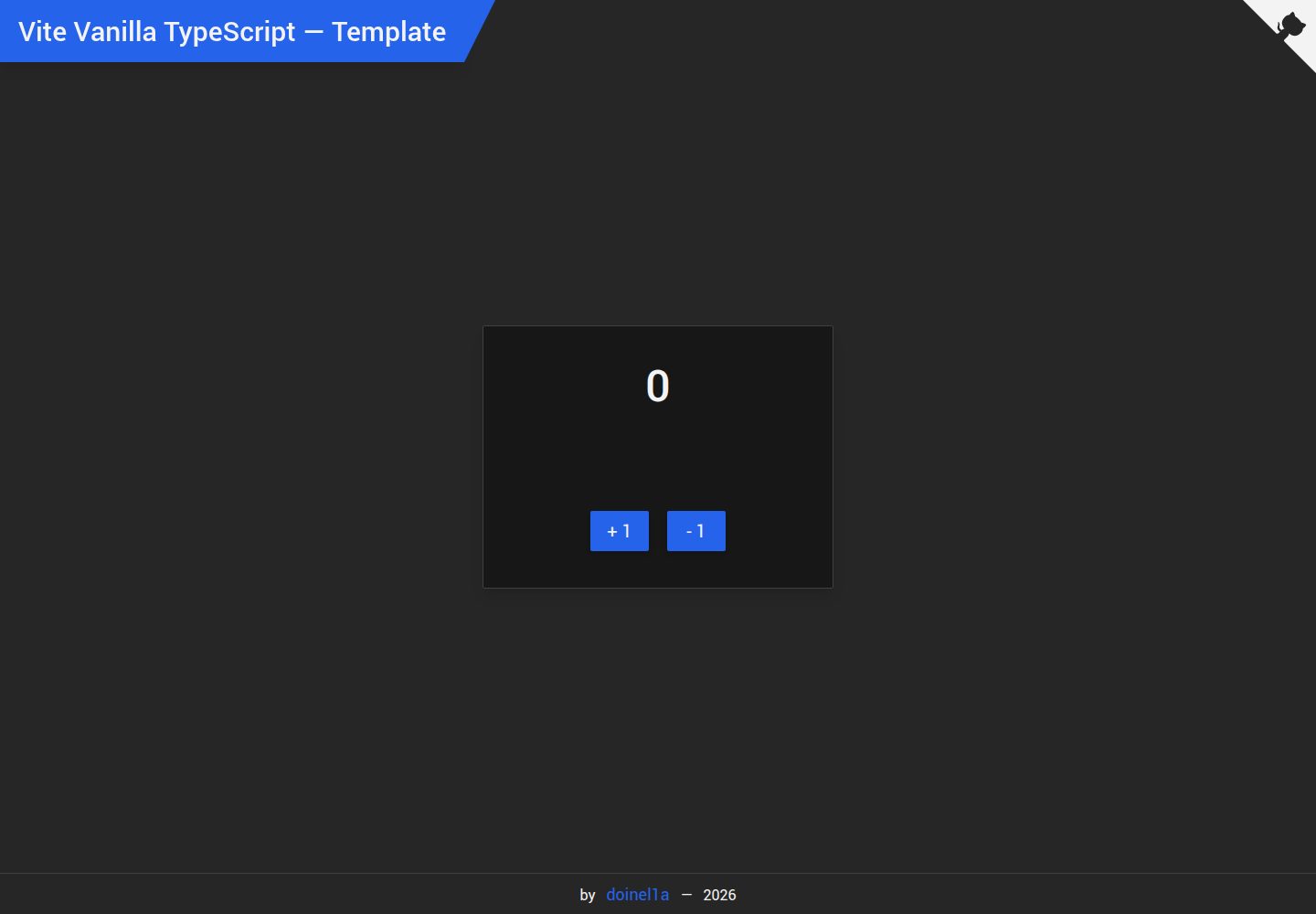
vite-vanilla-ts
A Vite-based Vanilla TypeScript starter template for native HTML and TypeScript websites, SPAs, or landing pages without a UI framework. It presets TypeScript, TailwindCSS, SASS, PostCSS, and Playwright, and integrates ESLint, Prettier, Husky, and Commitlint.
Vite · Corporate Website