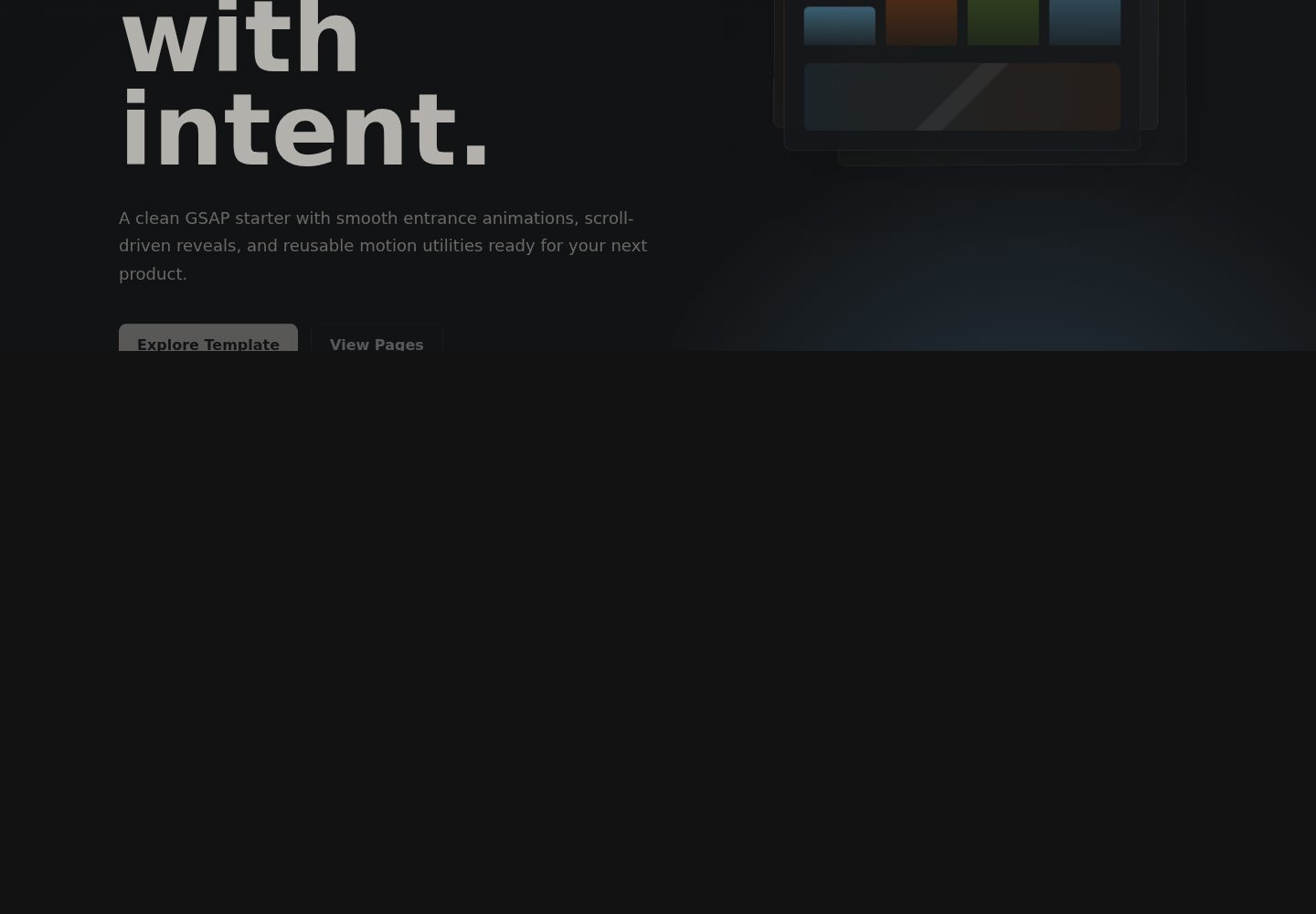
使用 GSAP 实现淡入、缩放、交错、计数器和固定滚动电影感序列
Vite企业官网
animated-landing-page — Vite 企业官网模板
作者 CookieShualon
基于 Vite 与 GSAP 的多页面落地页模板,包含入场与滚动动画、固定滚动序列、集中式站点配置以及构建时生成 SEO 文件。
看看你的网站会是什么样
浏览真实页面截图,比较内容排版与手机效果。点击下方缩略图切换,放大查看整页细节。
全部页面与视图 3
截图用于了解视觉与布局,交互效果请以实际项目为准。
采集于 2026-10-17查看来源
值得关注的模板亮点
从已有项目资料中,快速了解它的特点。
提供 Home、About、Work、Pricing、Contact、Template 多页面 HTML 结构
通过 src/siteConfig.js 集中管理模板配置,并支持 VITE_* 环境变量
构建时自动生成 robots.txt 与 sitemap.xml,使用 VITE_SITE_URL
包含定价卡片、FAQ、用户评价和联系表单等页面区块
模板详细介绍
该模板是一个多页面 HTML 落地页,使用 Vite 构建、GSAP 实现动画。README 列出的页面包括 Home、About、Work、Pricing、Contact 和 Template,并包含响应式视觉区块、定价卡片、FAQ、用户评价与联系表单。动画方面提供淡入、缩放、交错、计数器以及固定滚动的电影感序列。站点名称、站点 URL、模板仓库地址、是否启用模板页和电影感滚动等选项集中在 src/siteConfig.js,并可通过 .env.example 中的 VITE_* 变量配置;README 提醒 VITE_* 会暴露到浏览器,只能存放公开站点设置,不应放入密钥。构建时 npm run build 会自动执行 generate:seo,依据 VITE_SITE_URL 生成 public/robots.txt 与 public/sitemap.xml。README 未说明各页面的具体内容结构、浏览器兼容范围或生产环境表现,也未提供除 Vercel 外的部署细节。
Vite企业官网
适合你的项目吗?
适用场景
- 需要带滚动动画的多页面品牌或产品落地页原型
- 希望在 Vercel 上通过环境变量配置站点名称与 URL 的静态站点
- 需要构建时自动产出 robots.txt 和 sitemap.xml 的模板项目
适合人群
- 使用 Vite 与 GSAP 的前端落地页项目
- 需要多页面 HTML 结构与滚动动画展示的站点
- 计划部署到 Vercel 并接受公开 VITE_* 配置的静态站点
上手与定制指南
结合仓库当前版本的说明,按下面的资料检查内容、配置与运行要求。
- 1
克隆仓库后执行 npm install,再用 npm run dev 启动本地开发服务器
- 2
复制 .env.example 为 .env,按需设置 VITE_SITE_URL、VITE_BRAND_NAME 等公开变量
- 3
在 Vercel 的 Project Settings 中添加相同的 VITE_* 变量后重新部署
- 4
VITE_* 变量会暴露到浏览器,不要存放私有 API 密钥、密码或令牌
- 5
npm run build 会自动运行 generate:seo,生成 public/robots.txt 与 public/sitemap.xml
授权与来源资料
使用条件与限制
免费使用 · 保留许可声明本次收录的是公开仓库中采用 MIT 许可的免费版本;免费范围为该版本代码,不代表外部服务或第三方素材免费。
使用时需要遵守
- 允许免费使用、修改、商用和分发该版本代码。
- 分发代码副本或实质性部分时,保留原作者版权声明和完整 MIT 许可声明。
- 代码按现状提供;担保与责任限制以原许可证及适用法律为准。
额外费用与待核对事项
- 演示图片、字体、图标及其他第三方素材需按各自许可核对,不能仅凭代码的 MIT 许可判断。
- 域名、托管、数据库、支付或 AI 等外部服务可能另外收费。
- VITE_* 变量会暴露到浏览器,只能存放公开站点设置;不得在其中存放私有 API 密钥、密码、令牌或机密信息。
- 部署到 Vercel 时需在项目设置的环境变量中添加与 .env.example 相同的 VITE_* 键。
- 在 Vercel 上添加相同变量后需要重新部署才能生效。
- 生成的 robots.txt 与 sitemap.xml 依赖环境变量 VITE_SITE_URL,需正确设置站点 URL。
查看原文依据
Permission is hereby granted, free of charge
许可证原文
Vercel may warn that `VITE_*` variables are exposed to the browser. That is expected for Vite. The variables in this template are public site settings only, so they are safe to mark as safe. Do not store private API keys, passwords, tokens, or secrets in `VITE_*` variables.
README 原文
For Vercel, add the same `VITE_*` keys from `.env.example` in Project Settings > Environment Variables.
README 原文
On Vercel, add the same variables in Project Settings, then redeploy.
README 原文
https://github.com/CookieShualon/animated-landing-page/blob/main/LICENSEhttps://github.com/CookieShualon/animated-landing-page/blob/main/README.mdBoth use `VITE_SITE_URL` from your environment.
README 原文
DeepSeek 根据仓库许可证和 README 整理 ·2026-10-17。结果仅覆盖已读取资料,依赖、图片、字体及后续条款变更以各自原文为准。
项目核对记录与介绍依据
模板资料
- 来源平台
- GitHub
- 资料与维护参考分
- 资料较完整 · 83 / 100
- 技术栈
- Vite
- 网站类型
- 企业官网
这个分数如何计算
本站按许可资料(最高30分)、演示链接(12分)、预览图(10分)、Star数(15分)、记录的维护时间(15分)、描述完整度(8分)、功能记录(5分)和分类资料(5分)计算。它不是代码、安全或性能测试,也不是 Google 评分;有链接不代表已实测可用。
这个项目需要核对什么
- 记录的仓库更新时间
- 2026-05-05
- 截图检查日期
- 2026-10-17
已收录演示链接。请用你的内容与屏幕尺寸检查;有演示不代表表单、认证或支付已经可用。
目录记录的主要技术栈是 Vite。请通过依赖清单和锁文件核对实际版本与托管要求。这些说明基于收录资料,不代表代码审计或部署实测。
查看具体选型方法 →介绍的制作与核对状态
介绍由 AI 辅助整理目录与仓库资料。仓库作者不等于这篇介绍的审核者。
审核声明: codex-user-requested-batch-review-20261018 · 2026-10-18
查看当时使用的来源资料
SHA-256: 4503615d0e745f34b04394079bdac98064712bcb4849e46ad9ec23974044c571
2026-10-17T16:49:20.992Z
来源文件 / 仓库# Animated Landing Page A modern multi-page landing page template built with Vite and GSAP. It includes smooth entrance animations, scroll-triggered sections, a cinematic pinned scroll sequence, SEO file generation, and a simple environment-based configuration system for deployment platforms like Vercel. ## Features - GSAP-powered fade, scale, stagger, counter, and cinematic scroll animations - Multi-page HTML setup: Home, About, Work, Pricing, Contact, and Template - Central template configuration in `src/siteConfig.js` - Vercel-friendly `.env` configuration via `VITE_*` variables - Generated `robots.txt` and `sitemap.xml` - Responsive visual sections, pricing cards, FAQ, testimonials, and contact form ## Getting Started ```bash git clone https://github.com/CookieShualon/animated-landing-page.git cd animated-landing-page npm install npm run dev ``` Open the local URL Vite prints in your terminal. ## Configuration Copy the example environment file: ```bash cp .env.example .env ``` For Vercel, add the same `VITE_*` keys from `.env.example` in Project Settings > Environment Variables. Vercel may warn that `VITE_*` variables are exposed to the browser. That is expected for Vite. The variables in this template are public site settings only, so they are safe to mark as safe. Do not store private API keys, passwords, tokens, or secrets in `VITE_*` variables. Important options: ```bash VITE_SITE_URL=https://your-domain.com VITE_BRAND_NAME=Pulse Studio VITE_TEMPLATE_GITHUB_URL=https://github.com/CookieShualon/animated-landing-page VITE_TEMPLATE_CLONE_URL=https://github.com/CookieShualon/animated-landing-page.git VITE_ENABLE_TEMPLATE_PAGE=true VITE_ENABLE_CINEMATIC_SCROLL=true ``` On Vercel, add the same variables in Project Settings, then redeploy. ## SEO Files `npm run build` automatically runs: ```bash npm run generate:seo ``` That generates: - `public/robots.txt` - `public/sitemap.xml` Both use `VITE_SITE_URL` from your environment. ## Scripts ```bash npm run dev npm run generate:seo npm run build npm run preview ``` ## File Structure ```text . ├── index.html ├── about.html ├── work.html ├── pricing.html ├── contact.html ├── use-template.html ├── scripts/generate-seo.js ├── src/ │ ├── animations.js │ ├── main.js │ ├── siteConfig.js │ └── styles.css ├── public/ │ ├── robots.txt │ └── sitemap.xml └── vite.config.js ``` ## License MIT
看看同类模板
对比同技术栈与用途的模板,找到更适合的视觉与内容结构。
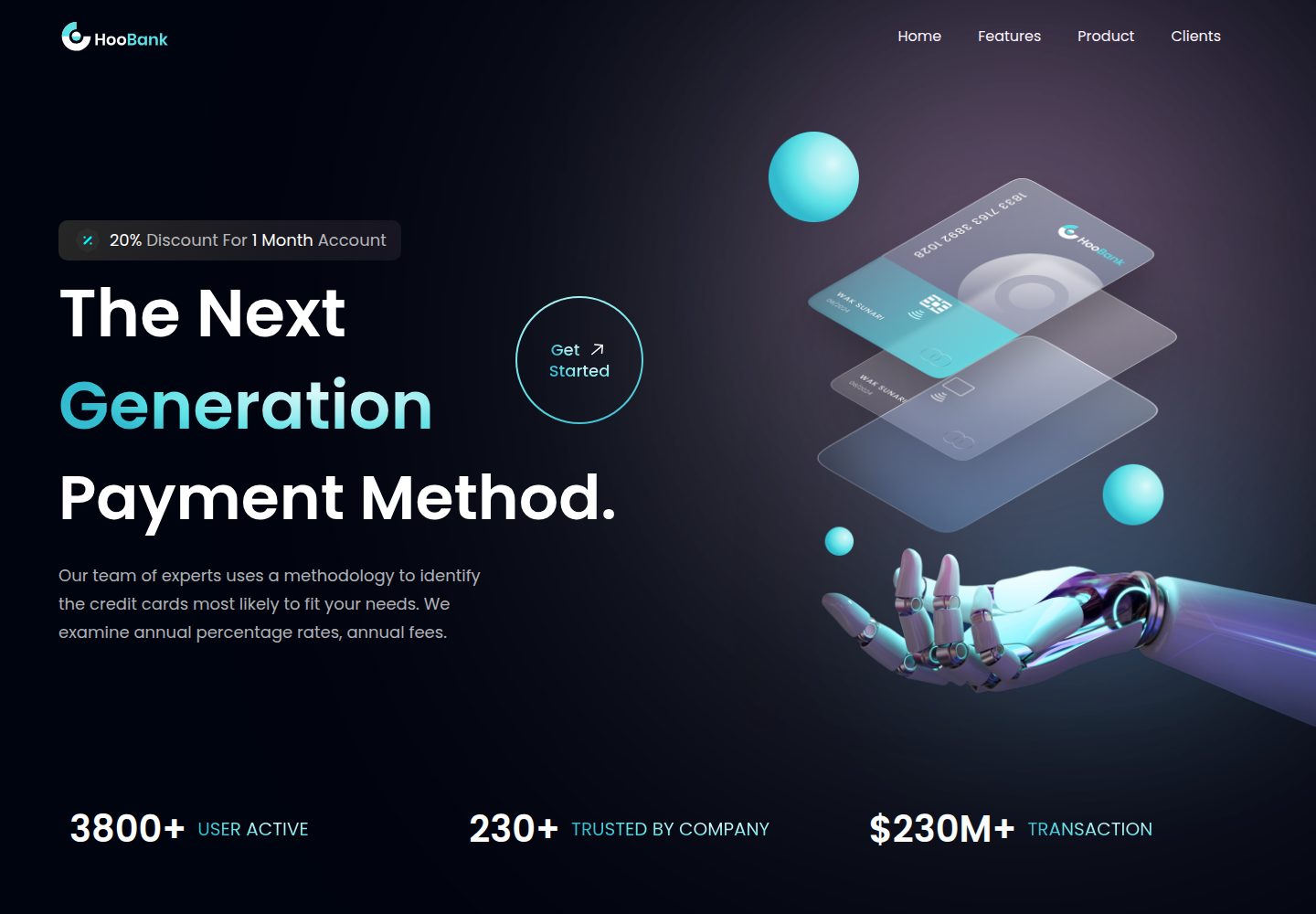
business-website-template
Modern UI/UX business website design made with React.
Vite · 企业官网

kiaalap
Free admin dashboard template focused on education, online course and school management. Build using Bootstrap…
Vite · 后台
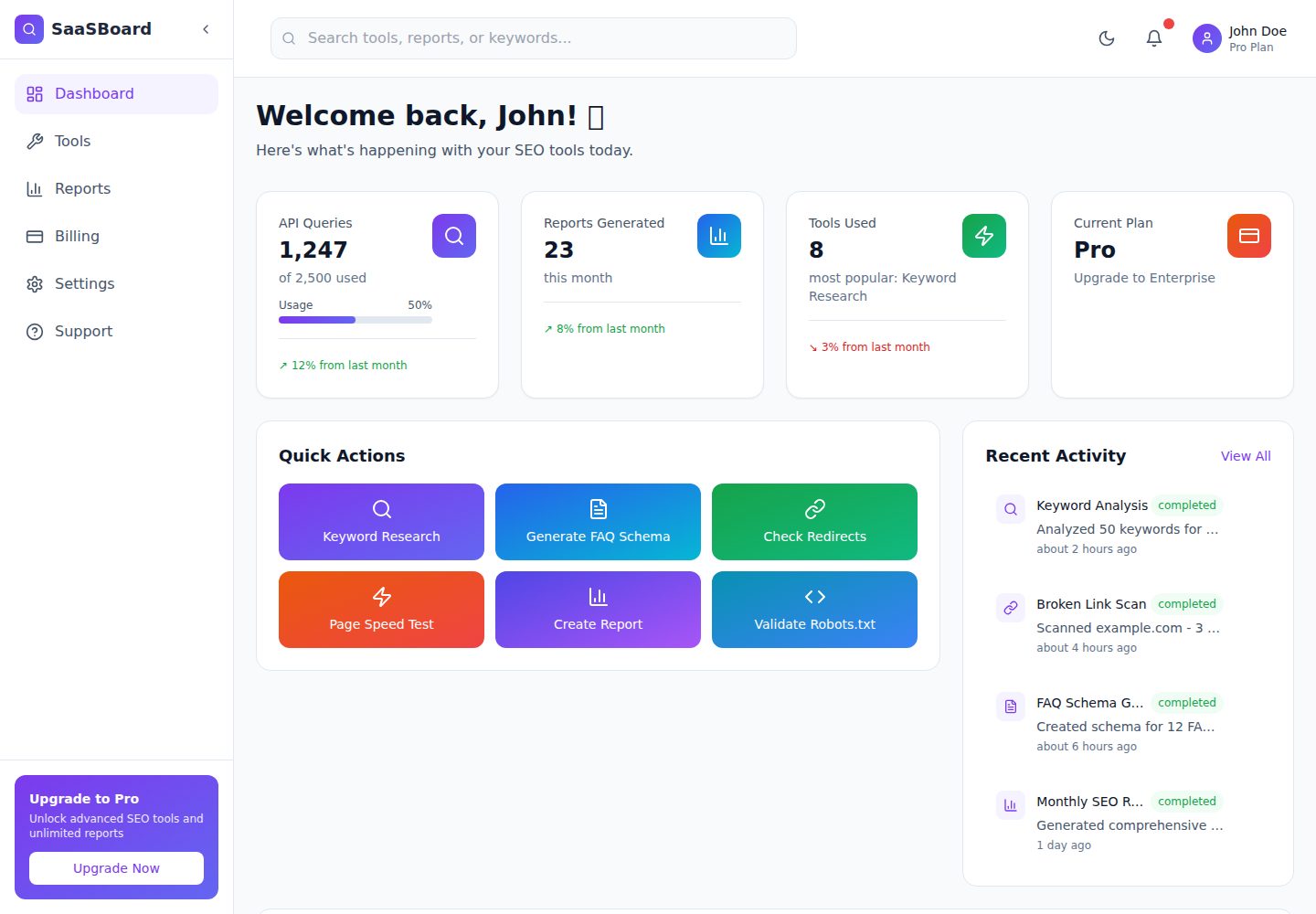
saasboard
Free and open-source SaaS dashboard template for startups, businesses, and AI Tools. | Built with Meku, React,…
Vite · 后台

crowdup
Crowdfunding website template built using React, Vite, Mantine & Typescript.
Vite · 企业官网
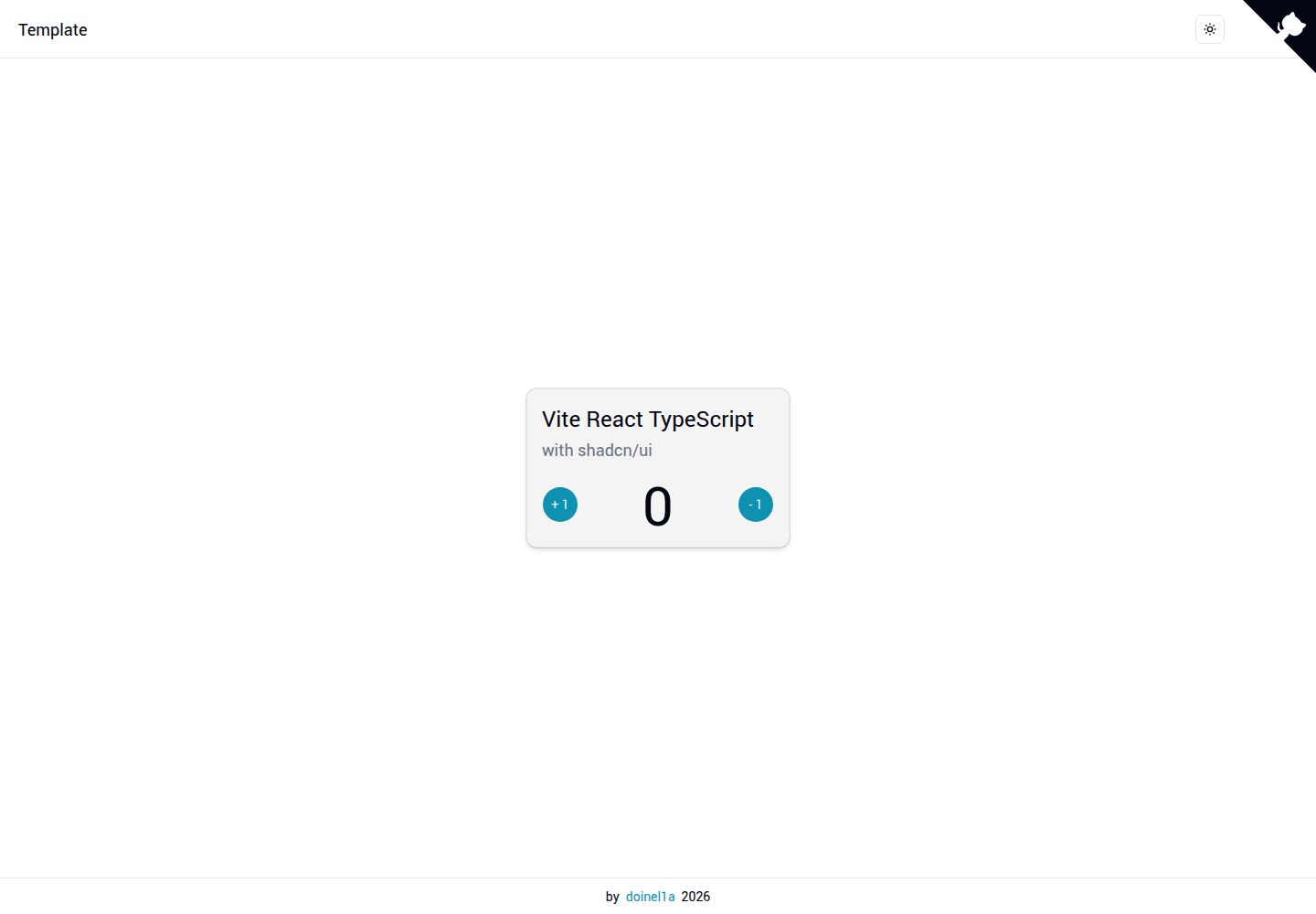
vite-react-ts-shadcn-ui
Boilerplate template designed to quickly bootstrap a React.js Web App, SPA, website or landing page with React…
Vite · 企业官网
vite-vanilla-ts
Start a Vanilla TS Web App, SPA, website or landing page using TypeScript, Tailwind CSS 4, ESLint, Husky, Vite…
Vite · 企业官网