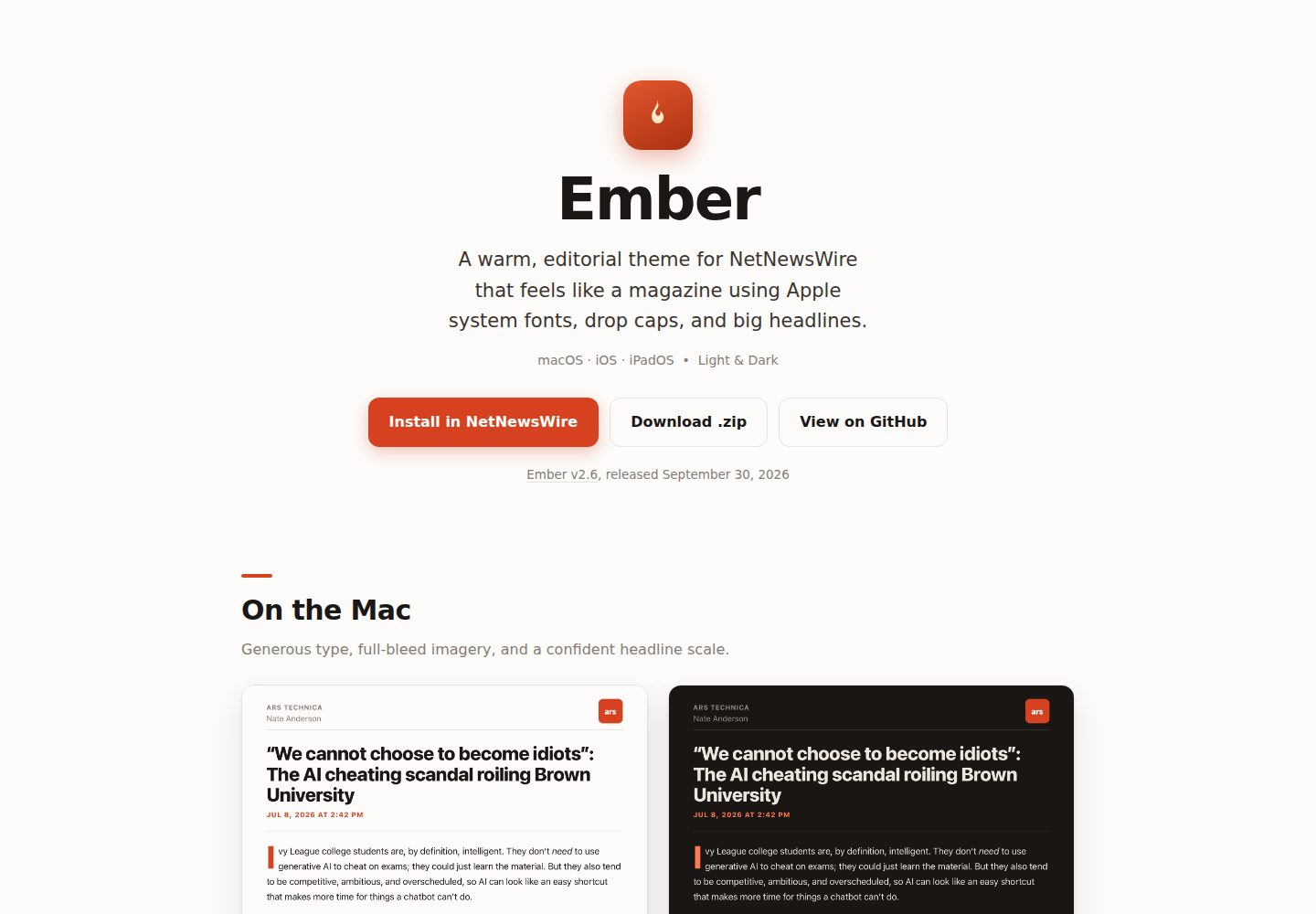
Uses Apple system fonts (SF Pro) with no font files to download
HTMLBlog
ember-nnw-theme — HTML Blog Template
By dave-atx
Ember is a magazine-style article theme for NetNewsWire that uses Apple system fonts and a vermilion accent color, offers light and dark color schemes, and enhances footnote interactions.
Explore the design
Compare the page layouts and mobile experience. Open any screenshot for a closer look.
Desktop homepage1 / 2
Desktop captureTop of page
Actual screenshot captured by the server browser.
All pages & views 2
Screenshots show visual appearance; interactive behavior may differ.
Recorded 2026-10-02View source
What stands out
A quick read of the recorded project description.
Warm vermilion accent color that switches to a brighter coral in dark mode
Drop cap on the first paragraph, larger headings, and short accent bars on h2/h3
Blockquotes use tinted panels with accent lines
Images can span the full width while captions remain inset
Supports pop-up interactions for common Markdown, Substack, and WordPress footnote formats via an inline adapter
Template Details
Ember is a .nnwtheme package for NetNewsWire that changes how article pages are presented in the RSS reader. It uses magazine-style typography: larger headings, a drop cap on the first paragraph, short accent bars beside h2/h3 headings, blockquotes in tinted panels, and images that can span the full width while captions remain inset. The theme uses Apple system fonts (SF Pro) with no additional font downloads; the accent color is a warm vermilion that switches to a brighter coral in dark mode. The light and dark palettes are designed separately rather than as simple inversions.
The theme is adapted for macOS, iOS, and iPadOS: iOS supports Dynamic Type, iPad uses a larger default font size, and macOS uses desktop font proportions. In addition to the footnote formats NetNewsWire recognizes natively, Ember supports pop-up interactions for common Markdown, Substack, and WordPress footnote formats through an inline adapter in template.html. This feature depends on NetNewsWire's Article JavaScript setting (enabled by default); if disabled, the theme still renders normally, but only footnote formats directly recognized by that NetNewsWire version will have interactive pop-ups.
The .nwtheme package consists of three files: Info.plist, template.html, and stylesheet.css. NetNewsWire loads its own core.css first, then the theme's stylesheet.css, which fully replaces the default stylesheet. The docs/ directory in the repository is the project site, published via GitHub Pages. Development and testing rely on the nnw-theme toolchain, which can check each fixture's light and dark appearance in WebKit following NetNewsWire's rendering process without installing the NetNewsWire app.
HTMLBlog
Is it right for your project?
Use Cases
- Changing the article reading theme in NetNewsWire on macOS, iOS, or iPadOS
- Wanting RSS articles to have magazine-style typography with drop caps, accented headings, and full-width images
- Needing a warm-toned reading experience in both light and dark modes
- Wanting common Markdown, Substack, or WordPress footnotes to be viewable as pop-ups in NetNewsWire
Suitable For
- NetNewsWire users
- macOS, iOS, or iPadOS users
- Readers who prefer magazine-style article typography
- Users who need a theme with both light and dark modes
Getting started & customization
Use these recorded setup notes alongside the repository instructions for your chosen version.
- 1
Open ember.marquard.org on a Mac, iPhone, or iPad and click Install in NetNewsWire to install.
- 2
Manual installation: download the latest Ember.nnwtheme.zip; on macOS, unzip it, double-click Ember.nnwtheme, and confirm the installation; on iOS/iPadOS, open the zip and share it to NetNewsWire.
- 3
After installation, select Ember as the article theme in NetNewsWire settings.
- 4
Footnote pop-up interactions depend on NetNewsWire's Article JavaScript setting (enabled by default); if disabled, the theme still renders normally, but only footnote formats directly recognized by that version will have interactive pop-ups.
- 5
Development and testing require Node.js 24 or later, using the npx nnw-theme@2 setup / preview / check commands.
License & source material
Usage conditions & limitations
Free to use · keep license noticeThis entry covers the free version under the Apache-2.0 license in the public repository; the free scope applies to that version's code and does not mean external services or third-party assets are free.
Must comply with when using
- Free use, modification, commercial use, and distribution are permitted; the Apache-2.0 license must be included when distributing.
- Modified files must prominently indicate changes, and relevant copyright, patent, trademark, and attribution notices must be retained.
- If the original project includes a NOTICE file, applicable attribution notices must be retained when distributing derivative works.
- The license includes an applicable contributor patent grant; initiating patent litigation as described in the license terminates that patent grant, and no trademark rights are granted.
- The code is provided as is; warranties and limitations of liability are governed by the original license and applicable law.
Additional costs & items to verify
- Demo images, fonts, icons, and other third-party assets must be checked against their respective licenses and cannot be judged solely by the code's Apache-2.0 license.
- External services such as domains, hosting, databases, payments, or AI may incur separate charges.
- Ember's additional footnote formats (Markdown, Substack, WordPress) depend on NetNewsWire's Article JavaScript setting; this setting is enabled by default, and if disabled, the theme still renders normally, but only footnote formats directly recognized by that NetNewsWire version will have interactive pop-ups.
- Use requires a relatively recent version of NetNewsWire on macOS, iOS, or iPadOS that supports custom .nnwtheme themes.
- Development and testing require Node.js 24 or later; capturing new fixtures from a running app also requires Xcode and a clone of the NetNewsWire source.
View Original Text Basis
no-charge, royalty-free, irrevocable copyright license
Original License Text
Ember's additional footnote formats require NetNewsWire's **Article JavaScript** setting, which is enabled by default. If it is disabled, Ember still renders normally, but only the footnote formats recognized directly by that NetNewsWire version receive interactive popovers.
Original README
A recent version of NetNewsWire (which supports custom `.nnwtheme` themes) on macOS, iOS, or iPadOS.
Original README
https://github.com/dave-atx/ember-nnw-theme/blob/main/LICENSEhttps://github.com/dave-atx/ember-nnw-theme/blob/main/README.md**Requirements:** Node.js 24 or later (`brew install node` on macOS). Capturing new fixtures from the running app additionally needs Xcode and a NetNewsWire clone.
Original README
Compiled by DeepSeek based on repository license and README ·2026-10-04. Results only cover the materials read; dependencies, images, fonts, and subsequent term changes are subject to their respective original texts.
Project checks & description sources
Template Information
- Source platforms
- GitHub
- Documentation and maintenance reference score
- More documented · 83 / 100
- Technologies
- HTML
- Website type
- Blog
How this score is calculated
Our heuristic uses license records (up to 30), a demo link (12), a preview (10), stars (15), recorded maintenance (15), description completeness (8), feature records (5) and classification data (5). It is not a code, security or performance test, or a Google score. A link does not establish tested functionality.
What to verify for this project
- Repository update recorded
- 2026-09-30
- Screenshot last checked
- 2026-10-04
A demo link is listed. Check it with your own content and viewport sizes; its presence does not confirm that forms, authentication or payments work.
The catalog identifies HTML as the primary stack. Check the actual dependency manifest and lockfile for versions and hosting requirements. These notes use recorded metadata, not a code audit or a deployment test.
Use a selection guide →How this description was prepared
AI-assisted description based on catalog records and repository material. Repository authors are not automatically the reviewers of this description.
Review declaration: [email protected] · 2026-10-04
Inspect the recorded source material
SHA-256: d69eefdf90828a9de44dbc53a5b99c3edd0b08921374fadcf46c1da85ca41f88
2026-10-04T07:36:37.029Z
Source file / repository<!-- nnw-theme-identity:start --> # Ember — a NetNewsWire theme A warm, editorial theme for [NetNewsWire](https://netnewswire.com) using Apple system fonts with a vermilion accent, big headline type, a drop cap, flagged section headings, and full-bleed images. Designed for **macOS, iOS, and iPadOS**, with first-class light and dark modes. **→ [ember.marquard.org](https://ember.marquard.org)** <p align="center"> <img src="docs/assets/ember-macos-light.png" width="46%" alt="Ember on macOS, light mode"> <img src="docs/assets/ember-macos-dark.png" width="46%" alt="Ember on macOS, dark mode"> </p> ## Install **One click.** On your Mac, iPhone, or iPad, open **[ember.marquard.org](https://ember.marquard.org)** and tap **Install in NetNewsWire**. NetNewsWire opens and offers to add Ember. > The install button uses NetNewsWire's `netnewswire://theme/add` URL scheme. GitHub > strips custom-scheme links from rendered Markdown, so the working button lives on the > site rather than in this README. **Manually.** Download the latest [`Ember.nnwtheme.zip`](https://github.com/dave-atx/ember-nnw-theme/releases/latest): - **macOS** — unzip and double-click `Ember.nnwtheme`; confirm the install. - **iOS / iPadOS** — open the `.zip` and share it to NetNewsWire. Then choose **Ember** as your article theme in NetNewsWire's settings. ## Features - **Apple system fonts** (SF Pro) throughout — nothing to download, crisp at every size. - **Warm vermilion accent** that shifts to a lighter coral in dark mode for legibility. - **Drop cap** on the opening paragraph and a confident headline scale. - **Flagged section headings** — a short accent bar marks each `<h2>`/`<h3>`. - **Prominent pull-quotes** with a tinted panel and accent rule. - **Full-bleed images** that span the column edge-to-edge, captions kept inset. - **Broader footnote support** with native-style popovers for common Markdown, Substack, and WordPress footnote formats. - **Designed light and dark** — both grounds are warm, not a naive inversion. - **Platform-tuned** — Dynamic Type on iOS, a larger default size on iPad, and a desktop type scale on macOS. ## Requirements A recent version of NetNewsWire (which supports custom `.nnwtheme` themes) on macOS, iOS, or iPadOS. Ember's additional footnote formats require NetNewsWire's **Article JavaScript** setting, which is enabled by default. If it is disabled, Ember still renders normally, but only the footnote formats recognized directly by that NetNewsWire version receive interactive popovers. ## Structure An `.nnwtheme` bundle is three files. NetNewsWire always loads its own `core.css` first, then a theme's `stylesheet.css` (which fully replaces the default stylesheet). ``` Ember.nnwtheme/ ├── Info.plist theme name, identifier, author, version ├── template.html the article scaffold, plus the inline footnote adapter └── stylesheet.css the theme (self-contained; replaces the default) ``` The `docs/` folder is the [project site](https://ember.marquard.org) served via GitHub Pages. ## Developing & testing Ember uses [nnw-theme](https://github.com/dave-atx/nnw-theme), the tooling behind [netnewswire-theme-template](https://github.com/dave-atx/netnewswire-theme-template): it renders each article through NetNewsWire's own pipeline (its pinned `core.css`, page skeletons, and scripts) and checks the result in WebKit, so layout work needs neither the app nor a NetNewsWire checkout. **Requirements:** Node.js 24 or later (`brew install node` on macOS). Capturing new fixtures from the running app additionally needs Xcode and a NetNewsWire clone. ```sh npx nnw-theme@2 setup # once: install WebKit npx nnw-theme@2 preview # live gallery of every fixture; rebuilds on save npx nnw-theme@2 check # release gate: every fixture in WebKit, light and dark ``` Test cases are TOML fixtures in `fixtures/` whose keys mirror the `[[variables]]` in `template.html`; the tool's built-in `article` and `kitchen-sink` fixtures render alongside them. `npx nnw-theme@2 capture` explains how to save a real article from NetNewsWire as a new one. `footnote-providers.toml` declares the note each footnote format must open, which `check` verifies. Contributor and agent orientation lives in [`AGENTS.md`](AGENTS.md). `npx nnw-theme@2` picks up new 2.x tooling releases on its own; there is nothing to update in this repository. ## Releasing 1. Run `npx nnw-theme@2 bump` and commit the new `Info.plist` version. 2. In GitHub, run **Actions → Publish theme** with the new tag (for example, `v2.3`). The workflow checks the theme, refuses a reused tag or a version that did not increase, attaches `Ember.nnwtheme.zip`, and writes the release notes from the commits since the last tag with [git-cliff](https://git-cliff.org). The install links always point at `releases/latest`, so they pick up the newest release automatically. ## License [Apache License 2.0](LICENSE) © 2026 Dave Marquard. <!-- nnw-theme-identity:end -->
Explore similar templates
Compare previews and descriptions within the same stack and category.

Casper
Casper is Ghost's official classic blog theme, long used as the default and still maintained.
HTML · Magazine
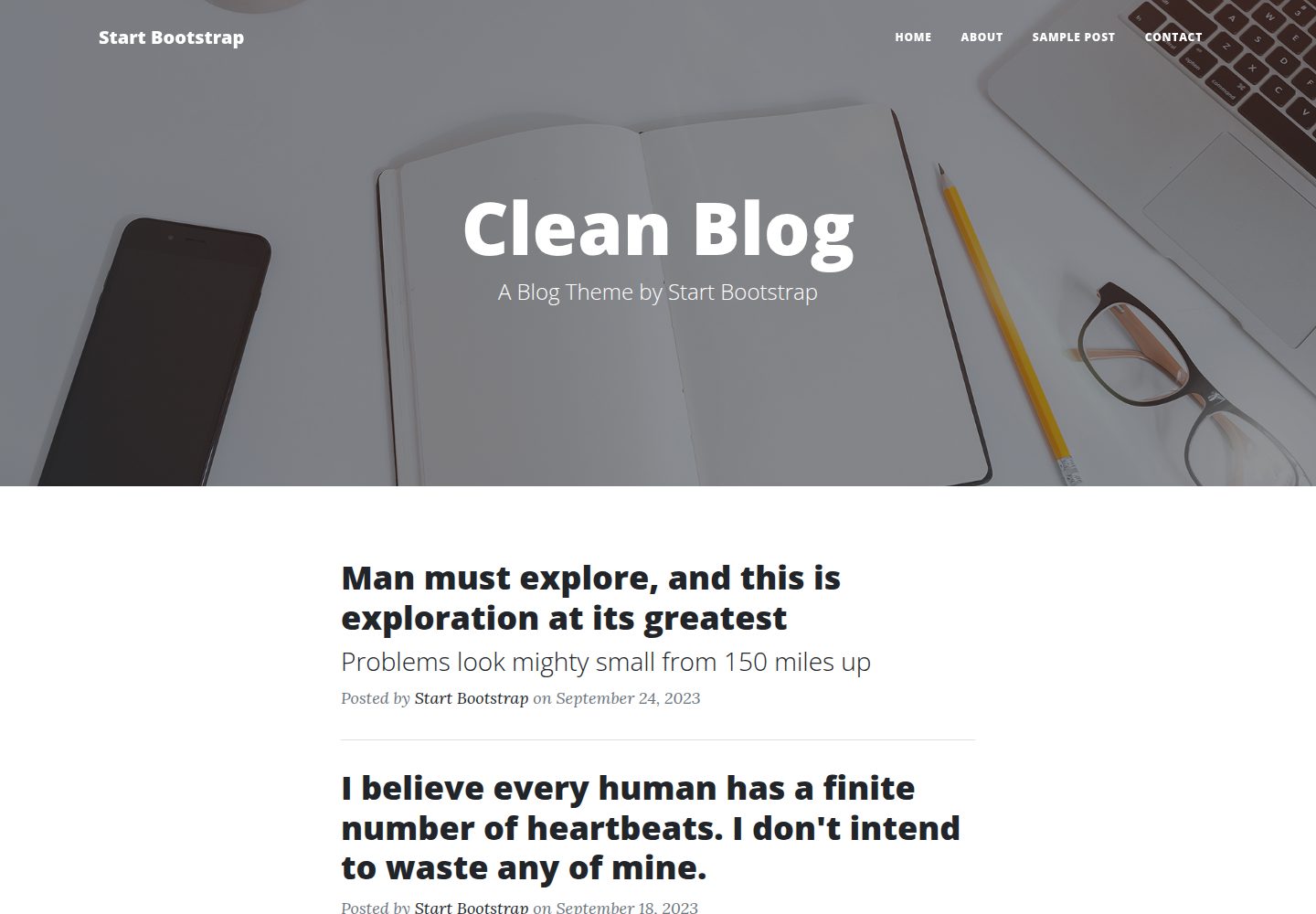
startbootstrap-clean-blog
Clean Blog by Start Bootstrap is a responsive Bootstrap blog theme with a home page, about page, contact page, and sample post page, plus a working PHP contact form preconfigured for SB Forms.
HTML · Blog
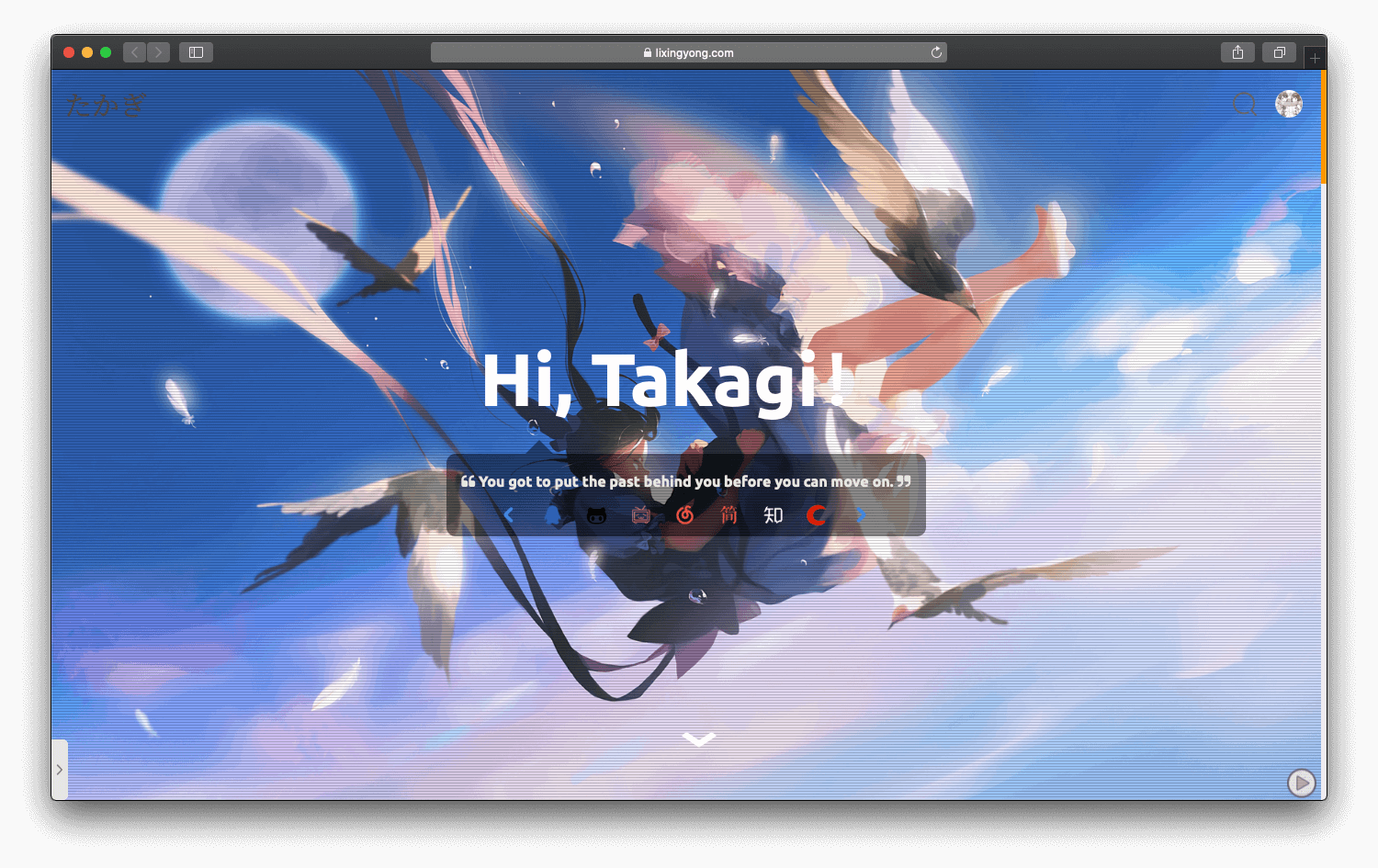
halo-theme-sakura
A Sakura-style blog theme for Halo 2.x, rebuilt after 2.0.0 for improved performance with asynchronous and deferred resource loading.
HTML · Blog
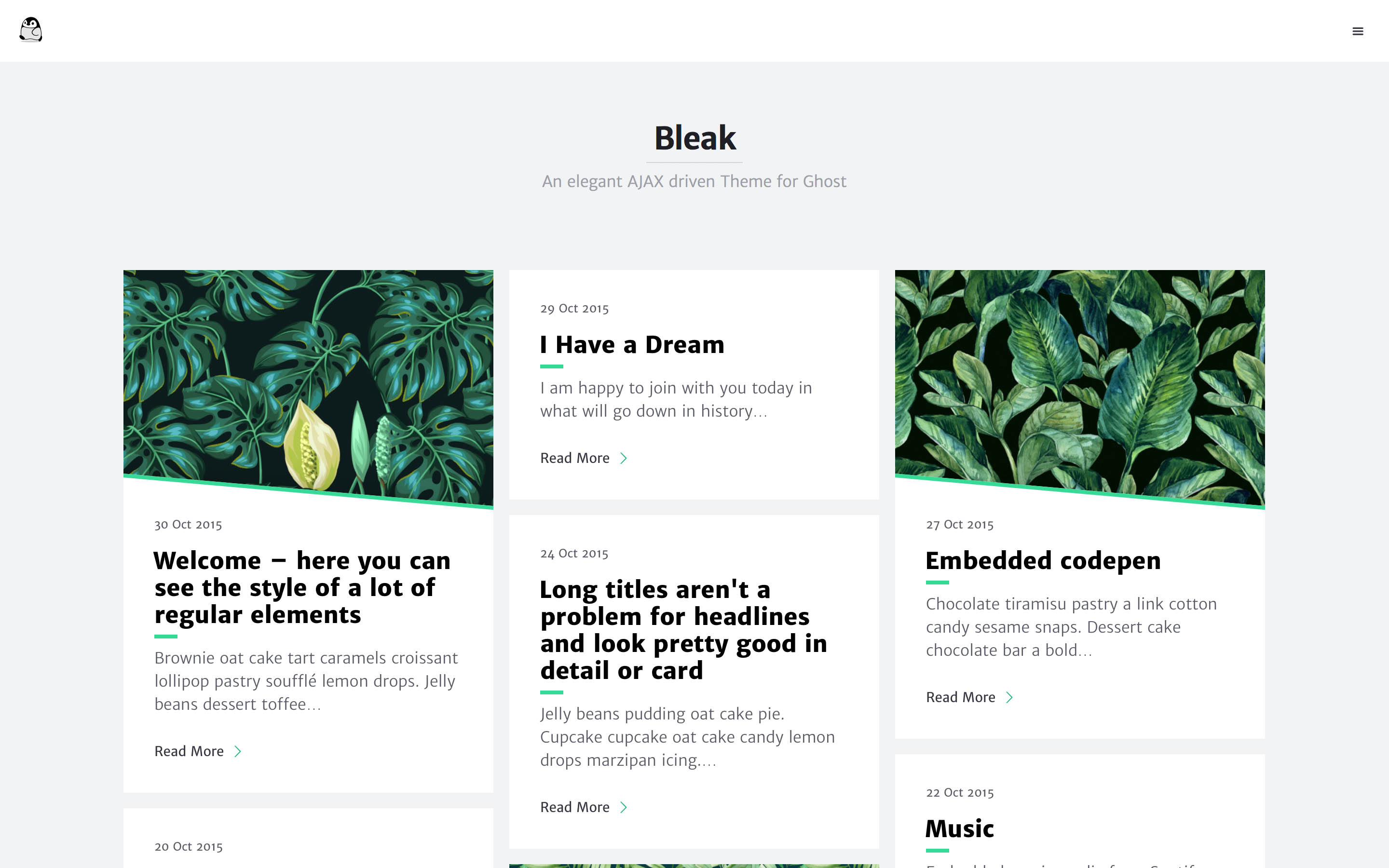
bleak
Bleak is an AJAX-driven Ghost blog theme with a clean, reading-focused layout. It offers responsive design, built-in code syntax highlighting with line numbers, customizable primary color via Code injection, Disqus comments, and an optional fixed navigation bar.
HTML · Blog
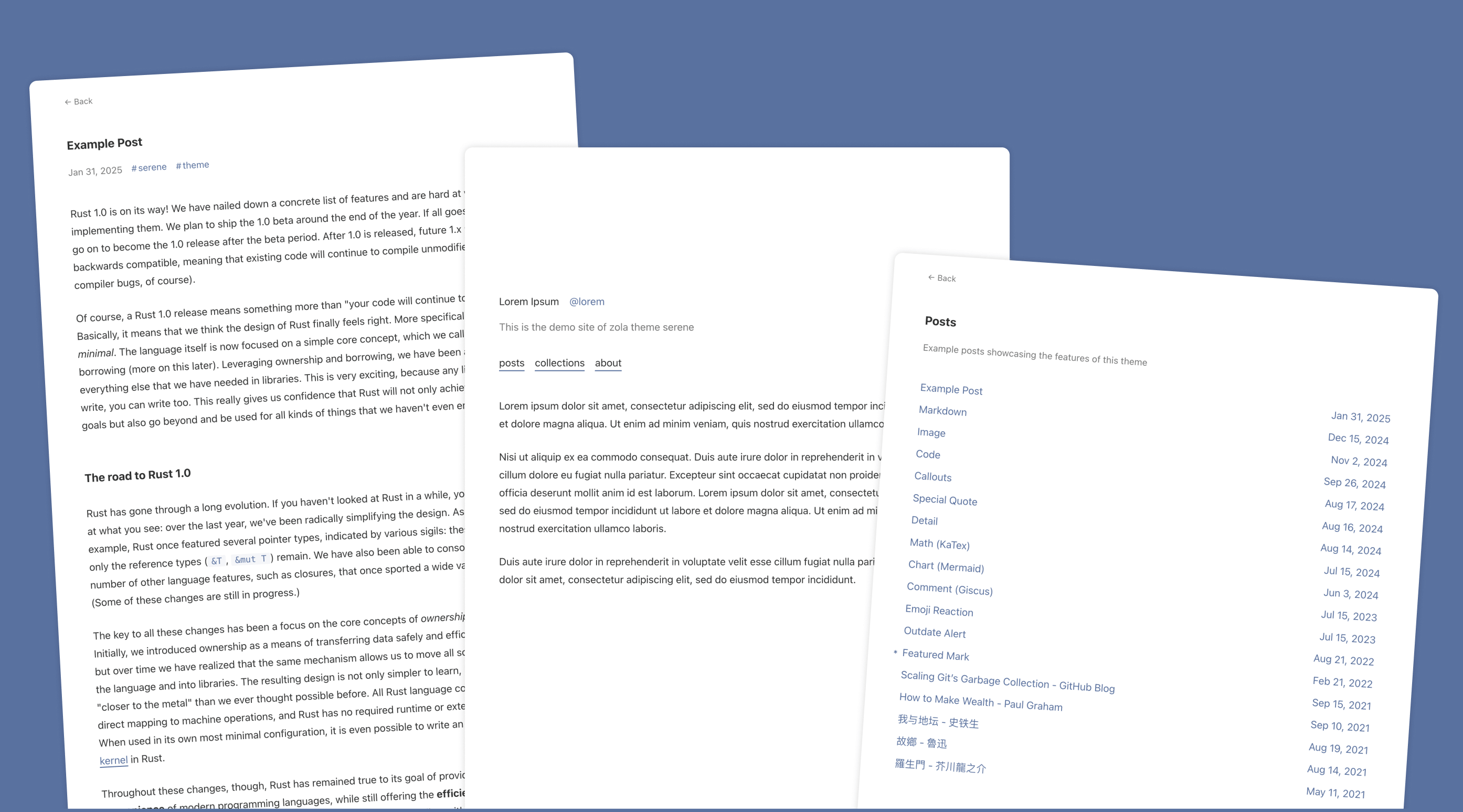
serene
Serene is a minimal blog theme for Zola, focused on typography and reading experience. Built on Zola's template system with HTML and CSS, it has no front-end framework dependencies and loads lightly.
HTML · Blog
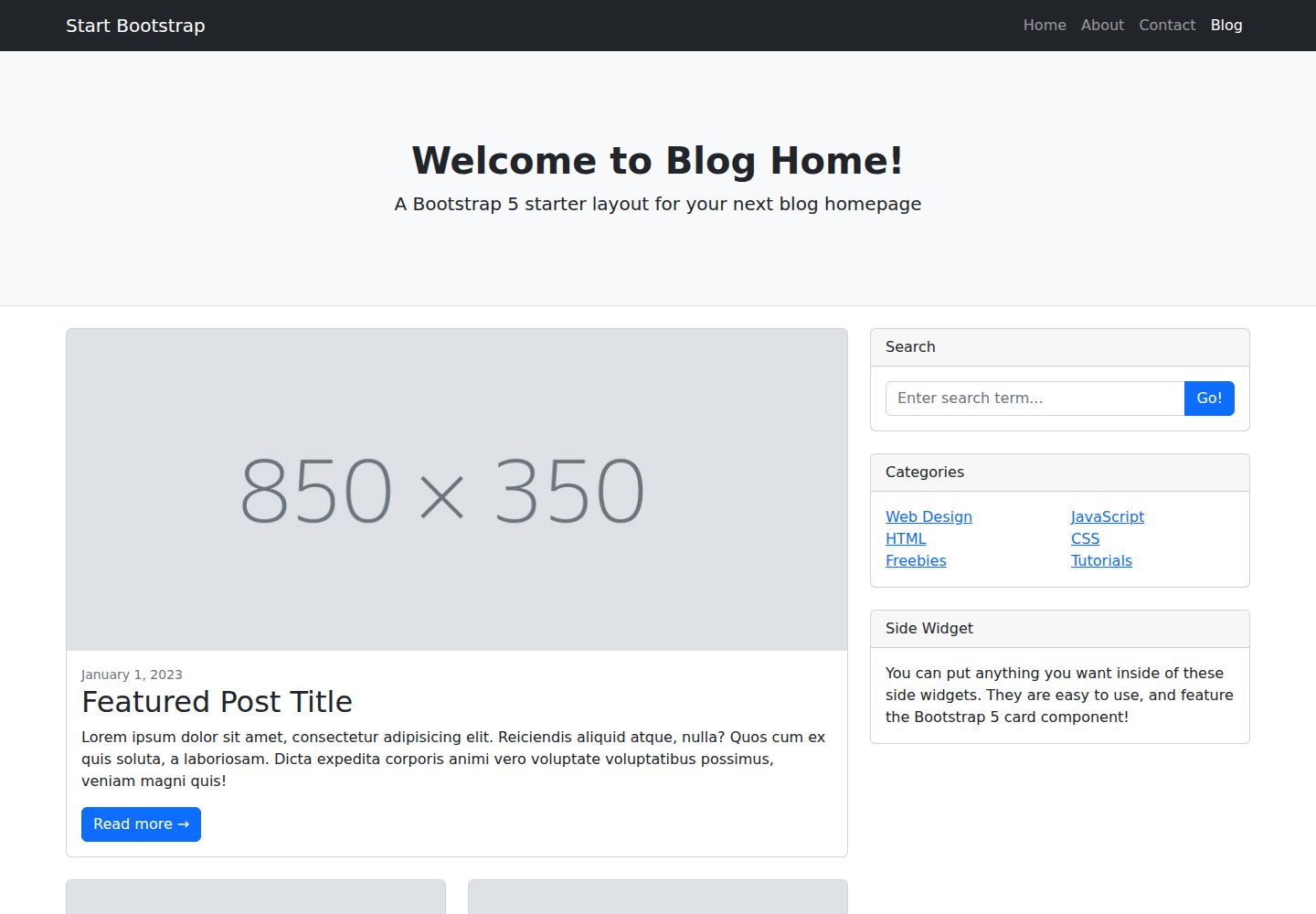
startbootstrap-blog-home
A Bootstrap blog homepage HTML starter template by Start Bootstrap, with post lists, sidebars, and pagination. Edit HTML/CSS in dist directly, or build from Pug, SCSS, and JS via npm scripts with local preview and live refresh.
HTML · Blog