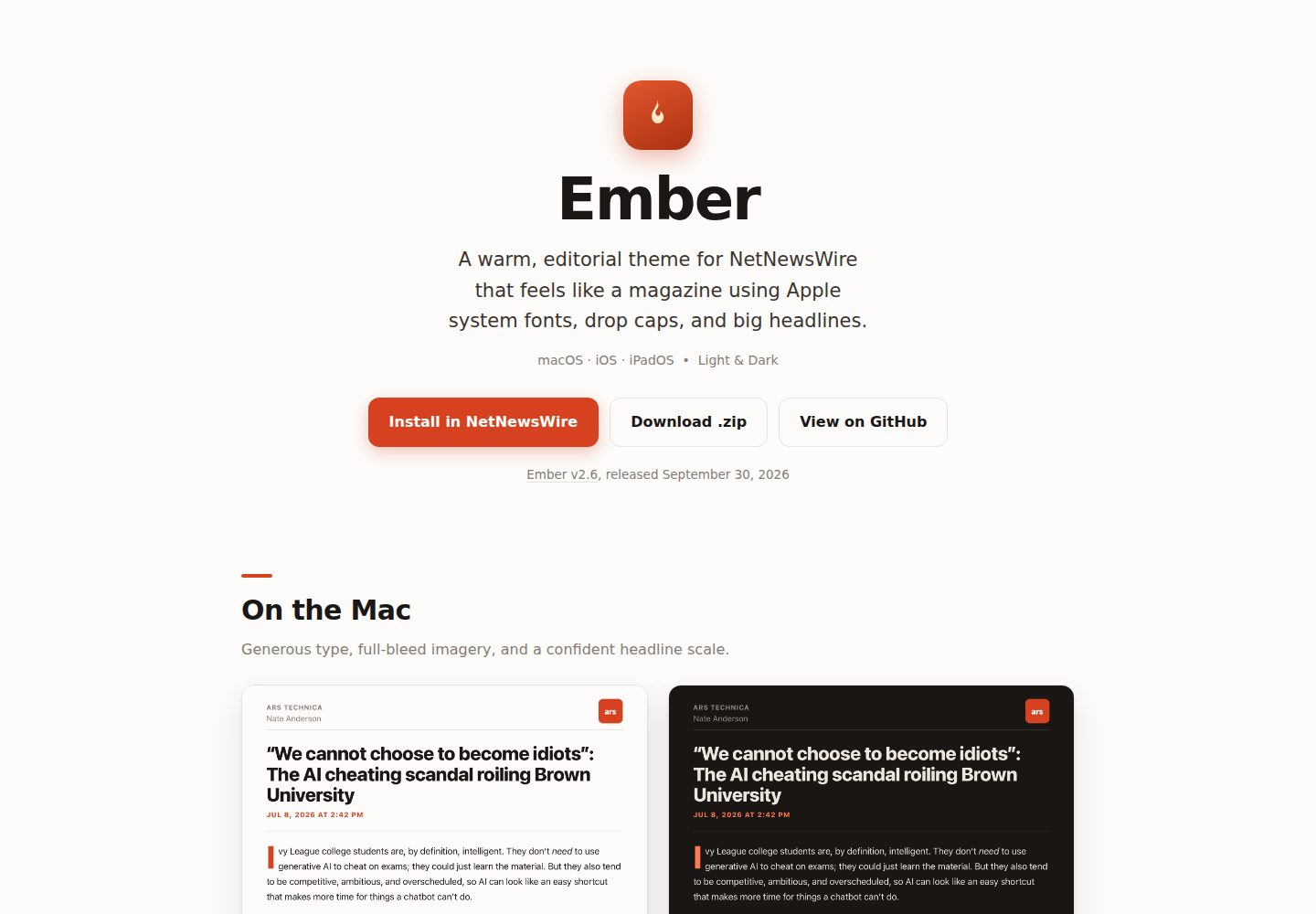
使用 Apple 系统字体(SF Pro),无需下载字体文件
HTML博客
ember-nnw-theme — HTML 博客模板
作者 dave-atx
Ember 是 NetNewsWire 的杂志风格文章主题,使用 Apple 系统字体与朱红强调色,提供明暗两套配色,并增强脚注交互。
看看你的网站会是什么样
浏览真实页面截图,比较内容排版与手机效果。点击下方缩略图切换,放大查看整页细节。
全部页面与视图 2
截图用于了解视觉与布局,交互效果请以实际项目为准。
采集于 2026-10-02查看来源
值得关注的模板亮点
从已有项目资料中,快速了解它的特点。
暖朱红强调色,深色模式下切换为更亮的珊瑚色
首段首字下沉,标题字号较大,h2/h3 带短强调条
引用块使用带底色的面板并配强调线
图片可通栏显示,图注保持内缩
通过内联适配器支持常见 Markdown、Substack 和 WordPress 脚注格式的弹出交互
模板详细介绍
Ember 是一个面向 NetNewsWire 的 .nnwtheme 主题包,用于改变 RSS 阅读器中文章页面的呈现方式。它采用杂志式排版:标题字号较大,首段带首字下沉,h2/h3 标题旁有短强调条,引用块使用带底色的面板,图片可通栏显示而图注保持内缩。主题使用 Apple 系统字体(SF Pro),无需额外下载字体;强调色为暖朱红,在深色模式下切换为更亮的珊瑚色。明暗两套配色分别设计,而非简单反色。
主题针对 macOS、iOS 和 iPadOS 做了适配:iOS 支持动态字体,iPad 默认字号更大,macOS 使用桌面端字号比例。除 NetNewsWire 自身识别的脚注格式外,Ember 还通过 template.html 中的内联适配器支持常见 Markdown、Substack 和 WordPress 脚注格式的弹出交互,该功能依赖 NetNewsWire 的 Article JavaScript 设置(默认开启);若关闭,主题仍正常渲染,但仅该 NetNewsWire 版本直接识别的脚注格式有交互弹出。
.nwtheme 包由 Info.plist、template.html 和 stylesheet.css 三个文件组成。NetNewsWire 先加载自身的 core.css,再加载主题的 stylesheet.css,后者完整替换默认样式表。仓库中的 docs/ 目录是项目站点,通过 GitHub Pages 发布。开发与测试依赖 nnw-theme 工具链,可在 WebKit 中按 NetNewsWire 的渲染流程检查每个 fixture 的明暗效果,无需安装 NetNewsWire 应用。
HTML博客
适合你的项目吗?
适用场景
- 在 macOS、iOS 或 iPadOS 的 NetNewsWire 中更换文章阅读主题
- 希望 RSS 文章呈现杂志式排版,包含首字下沉、强调标题和通栏图片
- 需要在明暗两种模式下都保持暖色调阅读体验
- 希望常见 Markdown、Substack 或 WordPress 脚注在 NetNewsWire 中可弹出查看
适合人群
- NetNewsWire 用户
- macOS、iOS 或 iPadOS 用户
- 偏好杂志式文章排版的读者
- 需要明暗双模式主题的用户
上手与定制指南
结合仓库当前版本的说明,按下面的资料检查内容、配置与运行要求。
- 1
在 Mac、iPhone 或 iPad 上打开 ember.marquard.org,点击 Install in NetNewsWire 即可安装。
- 2
手动安装:下载最新的 Ember.nnwtheme.zip;macOS 解压后双击 Ember.nnwtheme 并确认安装;iOS/iPadOS 打开 zip 后分享到 NetNewsWire。
- 3
安装后在 NetNewsWire 设置中选择 Ember 作为文章主题。
- 4
脚注弹出交互依赖 NetNewsWire 的 Article JavaScript 设置(默认开启);关闭后主题仍正常渲染,但仅该版本直接识别的脚注格式有交互弹出。
- 5
开发测试需要 Node.js 24 或更高版本,使用 npx nnw-theme@2 setup / preview / check 命令。
授权与来源资料
使用条件与限制
免费使用 · 保留许可声明本次收录的是公开仓库中采用 Apache-2.0 许可的免费版本;免费范围为该版本代码,不代表外部服务或第三方素材免费。
使用时需要遵守
- 允许免费使用、修改、商用和分发;分发时需随附 Apache-2.0 许可证。
- 修改过的文件需显著标明改动,并保留相关版权、专利、商标及归属声明。
- 若原项目附有 NOTICE 文件,分发衍生作品时需保留其中适用的归属声明。
- 许可包含适用的贡献者专利授权;发起许可所述专利诉讼会终止该专利授权,且不授予商标使用权。
- 代码按现状提供;担保与责任限制以原许可证及适用法律为准。
额外费用与待核对事项
- 演示图片、字体、图标及其他第三方素材需按各自许可核对,不能仅凭代码的 Apache-2.0 许可判断。
- 域名、托管、数据库、支付或 AI 等外部服务可能另外收费。
- Ember 的额外脚注格式(Markdown、Substack、WordPress)依赖 NetNewsWire 的 Article JavaScript 设置;该设置默认开启,若被关闭,主题仍可正常渲染,但只有该 NetNewsWire 版本直接识别的脚注格式才有交互弹出。
- 使用前提是 macOS、iOS 或 iPadOS 上较新版本的 NetNewsWire,且该版本需支持自定义 .nnwtheme 主题。
- 开发与测试需要 Node.js 24 或更高版本;若要从运行中的应用捕获新 fixture,还需 Xcode 和 NetNewsWire 源码克隆。
查看原文依据
no-charge, royalty-free, irrevocable copyright license
许可证原文
Ember's additional footnote formats require NetNewsWire's **Article JavaScript** setting, which is enabled by default. If it is disabled, Ember still renders normally, but only the footnote formats recognized directly by that NetNewsWire version receive interactive popovers.
README 原文
A recent version of NetNewsWire (which supports custom `.nnwtheme` themes) on macOS, iOS, or iPadOS.
README 原文
https://github.com/dave-atx/ember-nnw-theme/blob/main/LICENSEhttps://github.com/dave-atx/ember-nnw-theme/blob/main/README.md**Requirements:** Node.js 24 or later (`brew install node` on macOS). Capturing new fixtures from the running app additionally needs Xcode and a NetNewsWire clone.
README 原文
DeepSeek 根据仓库许可证和 README 整理 ·2026-10-04。结果仅覆盖已读取资料,依赖、图片、字体及后续条款变更以各自原文为准。
项目核对记录与介绍依据
模板资料
- 来源平台
- GitHub
- 资料与维护参考分
- 资料较完整 · 83 / 100
- 技术栈
- HTML
- 网站类型
- 博客
这个分数如何计算
本站按许可资料(最高30分)、演示链接(12分)、预览图(10分)、Star数(15分)、记录的维护时间(15分)、描述完整度(8分)、功能记录(5分)和分类资料(5分)计算。它不是代码、安全或性能测试,也不是 Google 评分;有链接不代表已实测可用。
这个项目需要核对什么
- 记录的仓库更新时间
- 2026-09-30
- 截图检查日期
- 2026-10-04
已收录演示链接。请用你的内容与屏幕尺寸检查;有演示不代表表单、认证或支付已经可用。
目录记录的主要技术栈是 HTML。请通过依赖清单和锁文件核对实际版本与托管要求。这些说明基于收录资料,不代表代码审计或部署实测。
查看具体选型方法 →介绍的制作与核对状态
介绍由 AI 辅助整理目录与仓库资料。仓库作者不等于这篇介绍的审核者。
审核声明: [email protected] · 2026-10-04
查看当时使用的来源资料
SHA-256: d69eefdf90828a9de44dbc53a5b99c3edd0b08921374fadcf46c1da85ca41f88
2026-10-04T07:36:37.029Z
来源文件 / 仓库<!-- nnw-theme-identity:start --> # Ember — a NetNewsWire theme A warm, editorial theme for [NetNewsWire](https://netnewswire.com) using Apple system fonts with a vermilion accent, big headline type, a drop cap, flagged section headings, and full-bleed images. Designed for **macOS, iOS, and iPadOS**, with first-class light and dark modes. **→ [ember.marquard.org](https://ember.marquard.org)** <p align="center"> <img src="docs/assets/ember-macos-light.png" width="46%" alt="Ember on macOS, light mode"> <img src="docs/assets/ember-macos-dark.png" width="46%" alt="Ember on macOS, dark mode"> </p> ## Install **One click.** On your Mac, iPhone, or iPad, open **[ember.marquard.org](https://ember.marquard.org)** and tap **Install in NetNewsWire**. NetNewsWire opens and offers to add Ember. > The install button uses NetNewsWire's `netnewswire://theme/add` URL scheme. GitHub > strips custom-scheme links from rendered Markdown, so the working button lives on the > site rather than in this README. **Manually.** Download the latest [`Ember.nnwtheme.zip`](https://github.com/dave-atx/ember-nnw-theme/releases/latest): - **macOS** — unzip and double-click `Ember.nnwtheme`; confirm the install. - **iOS / iPadOS** — open the `.zip` and share it to NetNewsWire. Then choose **Ember** as your article theme in NetNewsWire's settings. ## Features - **Apple system fonts** (SF Pro) throughout — nothing to download, crisp at every size. - **Warm vermilion accent** that shifts to a lighter coral in dark mode for legibility. - **Drop cap** on the opening paragraph and a confident headline scale. - **Flagged section headings** — a short accent bar marks each `<h2>`/`<h3>`. - **Prominent pull-quotes** with a tinted panel and accent rule. - **Full-bleed images** that span the column edge-to-edge, captions kept inset. - **Broader footnote support** with native-style popovers for common Markdown, Substack, and WordPress footnote formats. - **Designed light and dark** — both grounds are warm, not a naive inversion. - **Platform-tuned** — Dynamic Type on iOS, a larger default size on iPad, and a desktop type scale on macOS. ## Requirements A recent version of NetNewsWire (which supports custom `.nnwtheme` themes) on macOS, iOS, or iPadOS. Ember's additional footnote formats require NetNewsWire's **Article JavaScript** setting, which is enabled by default. If it is disabled, Ember still renders normally, but only the footnote formats recognized directly by that NetNewsWire version receive interactive popovers. ## Structure An `.nnwtheme` bundle is three files. NetNewsWire always loads its own `core.css` first, then a theme's `stylesheet.css` (which fully replaces the default stylesheet). ``` Ember.nnwtheme/ ├── Info.plist theme name, identifier, author, version ├── template.html the article scaffold, plus the inline footnote adapter └── stylesheet.css the theme (self-contained; replaces the default) ``` The `docs/` folder is the [project site](https://ember.marquard.org) served via GitHub Pages. ## Developing & testing Ember uses [nnw-theme](https://github.com/dave-atx/nnw-theme), the tooling behind [netnewswire-theme-template](https://github.com/dave-atx/netnewswire-theme-template): it renders each article through NetNewsWire's own pipeline (its pinned `core.css`, page skeletons, and scripts) and checks the result in WebKit, so layout work needs neither the app nor a NetNewsWire checkout. **Requirements:** Node.js 24 or later (`brew install node` on macOS). Capturing new fixtures from the running app additionally needs Xcode and a NetNewsWire clone. ```sh npx nnw-theme@2 setup # once: install WebKit npx nnw-theme@2 preview # live gallery of every fixture; rebuilds on save npx nnw-theme@2 check # release gate: every fixture in WebKit, light and dark ``` Test cases are TOML fixtures in `fixtures/` whose keys mirror the `[[variables]]` in `template.html`; the tool's built-in `article` and `kitchen-sink` fixtures render alongside them. `npx nnw-theme@2 capture` explains how to save a real article from NetNewsWire as a new one. `footnote-providers.toml` declares the note each footnote format must open, which `check` verifies. Contributor and agent orientation lives in [`AGENTS.md`](AGENTS.md). `npx nnw-theme@2` picks up new 2.x tooling releases on its own; there is nothing to update in this repository. ## Releasing 1. Run `npx nnw-theme@2 bump` and commit the new `Info.plist` version. 2. In GitHub, run **Actions → Publish theme** with the new tag (for example, `v2.3`). The workflow checks the theme, refuses a reused tag or a version that did not increase, attaches `Ember.nnwtheme.zip`, and writes the release notes from the commits since the last tag with [git-cliff](https://git-cliff.org). The install links always point at `releases/latest`, so they pick up the newest release automatically. ## License [Apache License 2.0](LICENSE) © 2026 Dave Marquard. <!-- nnw-theme-identity:end -->
看看同类模板
对比同技术栈与用途的模板,找到更适合的视觉与内容结构。

Casper
Casper 是 Ghost 官方出品的经典主题,曾长期作为默认主题,现在仍持续维护。 它的定位很纯粹:一套结构清晰、注释详尽的博客主题,适合直接使用,也适合作为学习 Ghost 主题开发的入门范本。
HTML · 杂志资讯
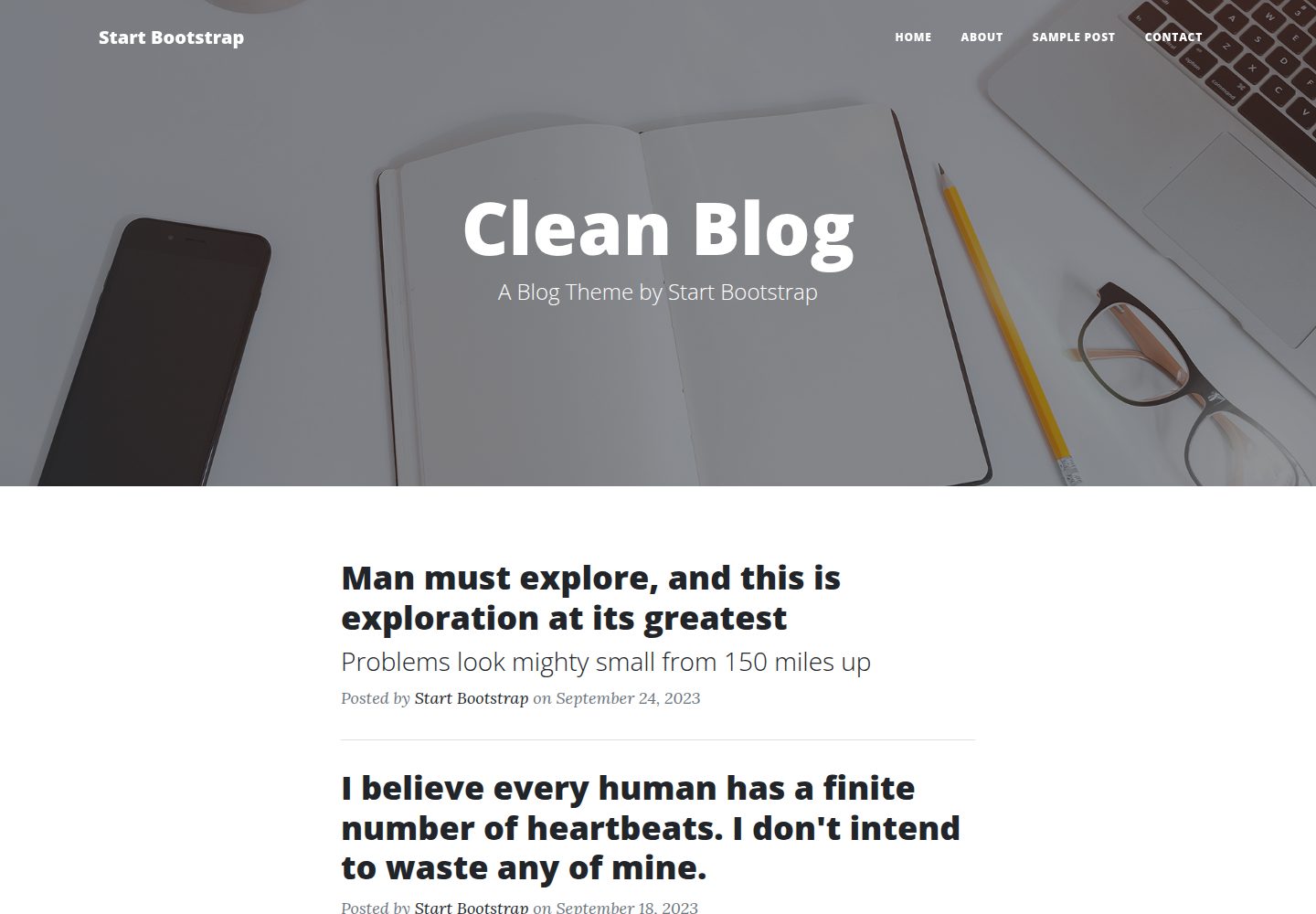
startbootstrap-clean-blog
A clean Bootstrap blog theme created by Start Bootstrap
HTML · 博客
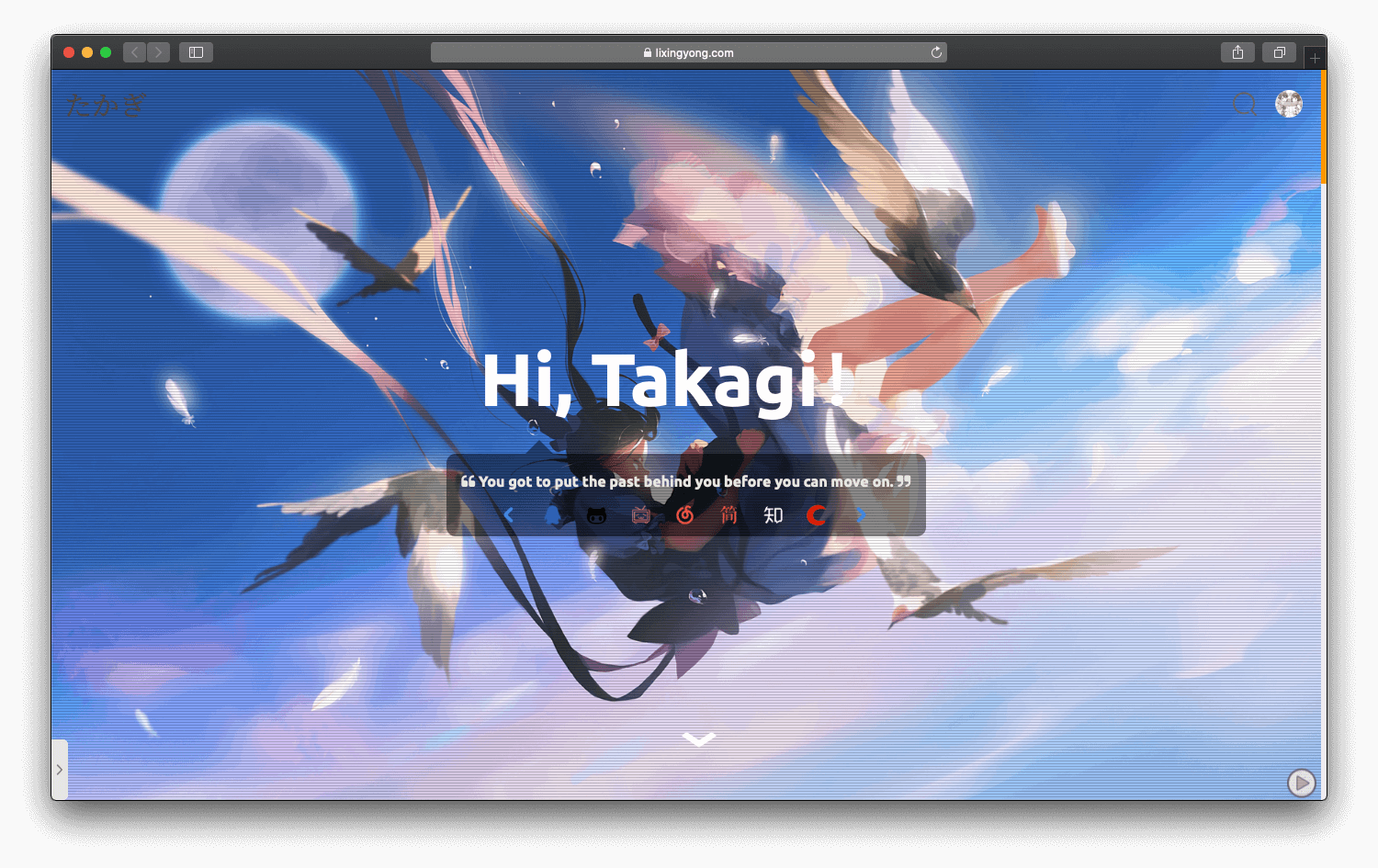
halo-theme-sakura
halo-theme-sakura 是 Halo 2.x 的一款博客主题,参照 WordPress 的 Sakura 主题制作,并在原有 Siren 主题基础上整合了 Sakura 的内容。
HTML · 博客
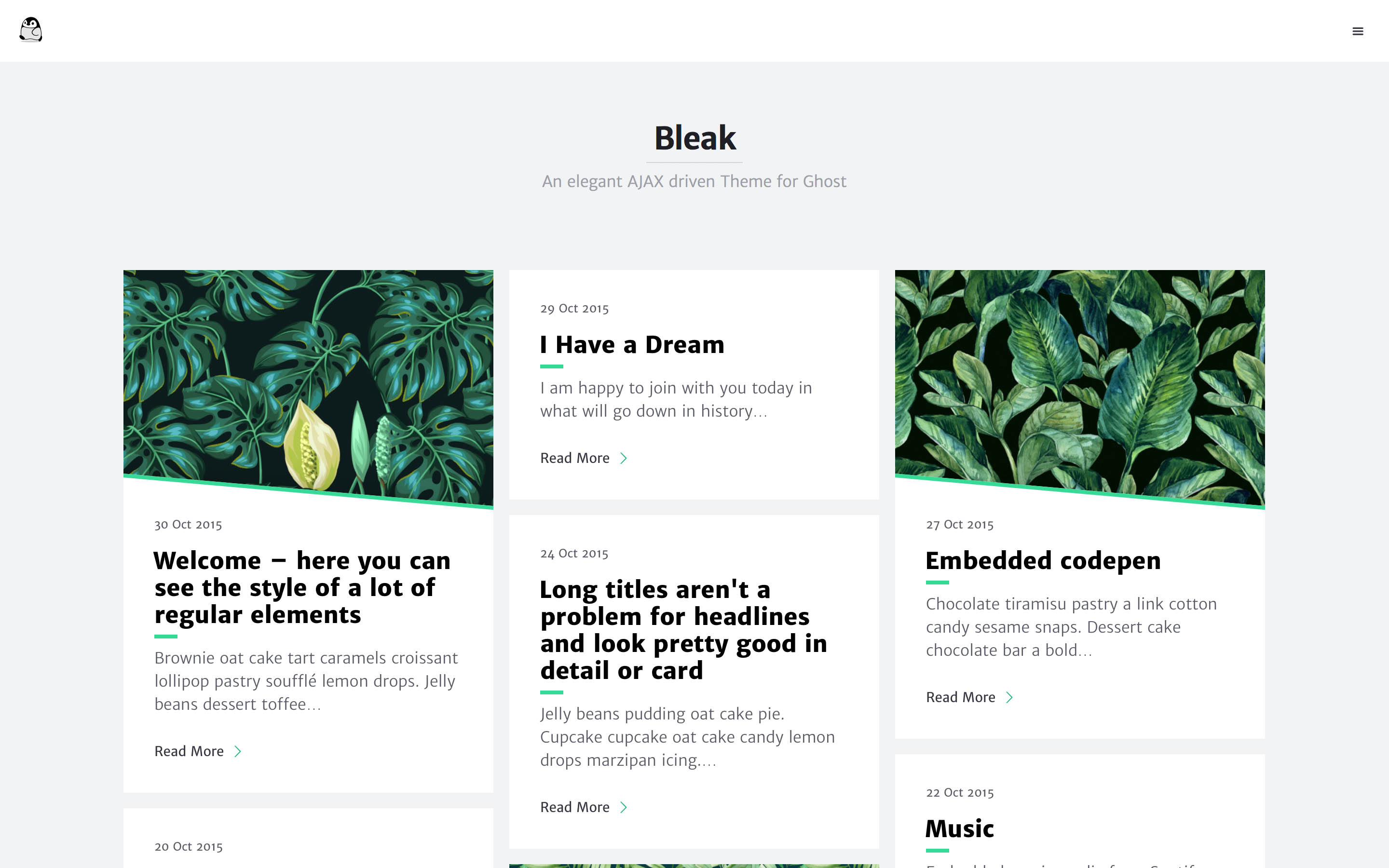
bleak
Bleak 是一款为 Ghost 博客平台设计的主题,核心卖点是 AJAX 驱动的页面加载方式,让浏览体验更接近原生应用。 整体布局简洁,强调内容阅读,适合个人博客或技术写作。
HTML · 博客
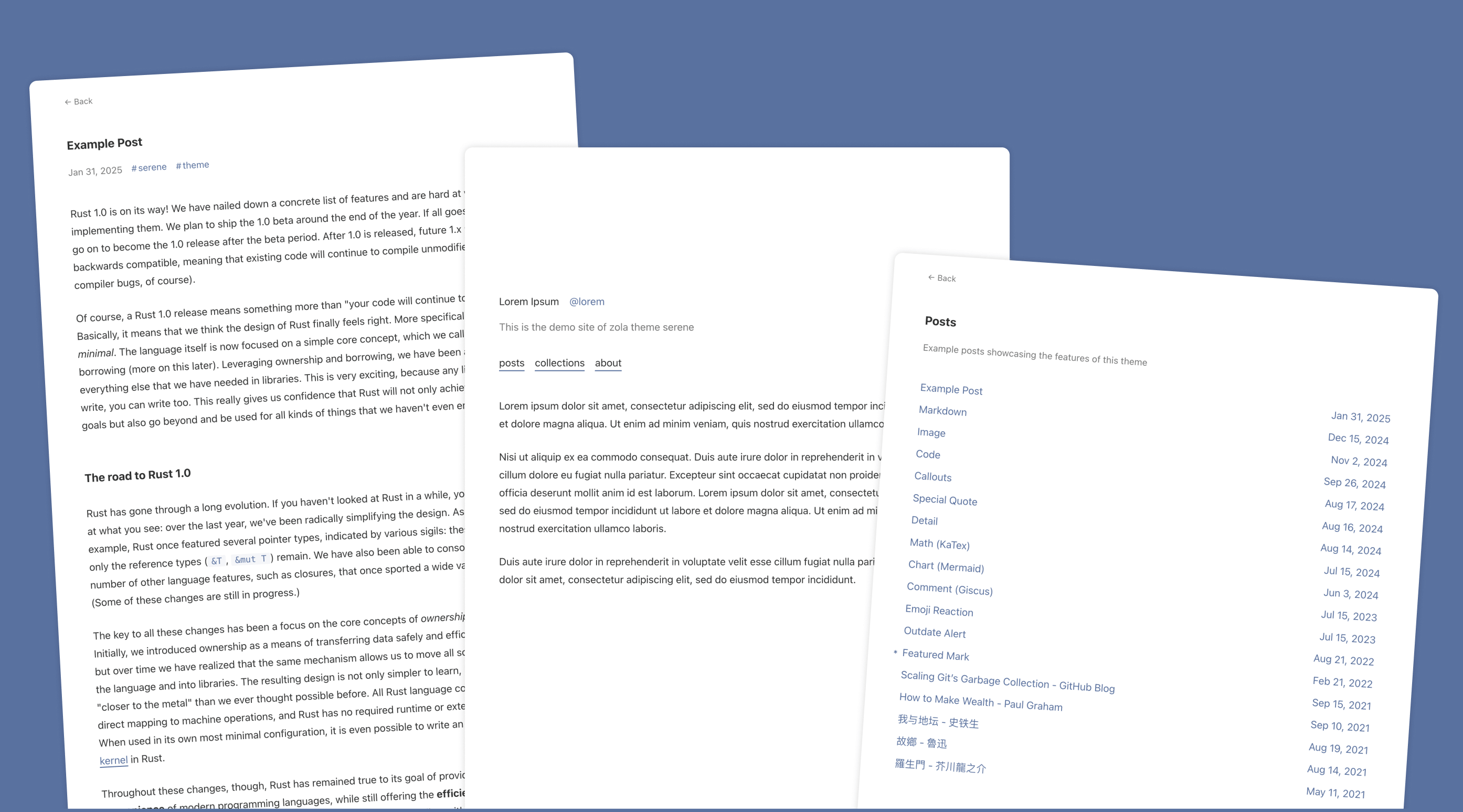
serene
Serene 是一款为静态站点生成器 Zola 设计的极简博客主题,其核心定位是“精心打磨”的阅读体验。
HTML · 博客
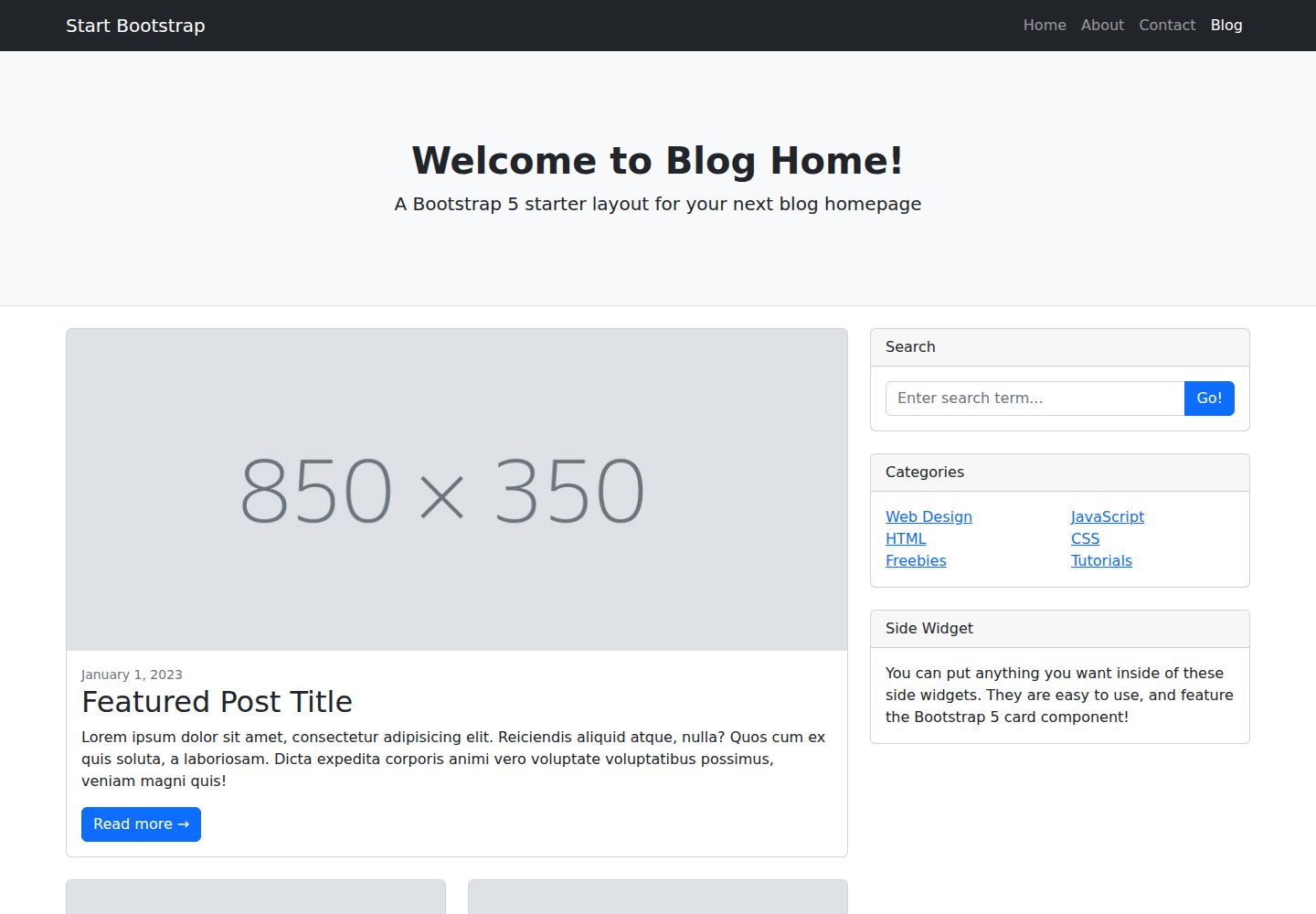
startbootstrap-blog-home
A Bootstrap HTML template for blog homepages - created by Start Bootstrap
HTML · 博客