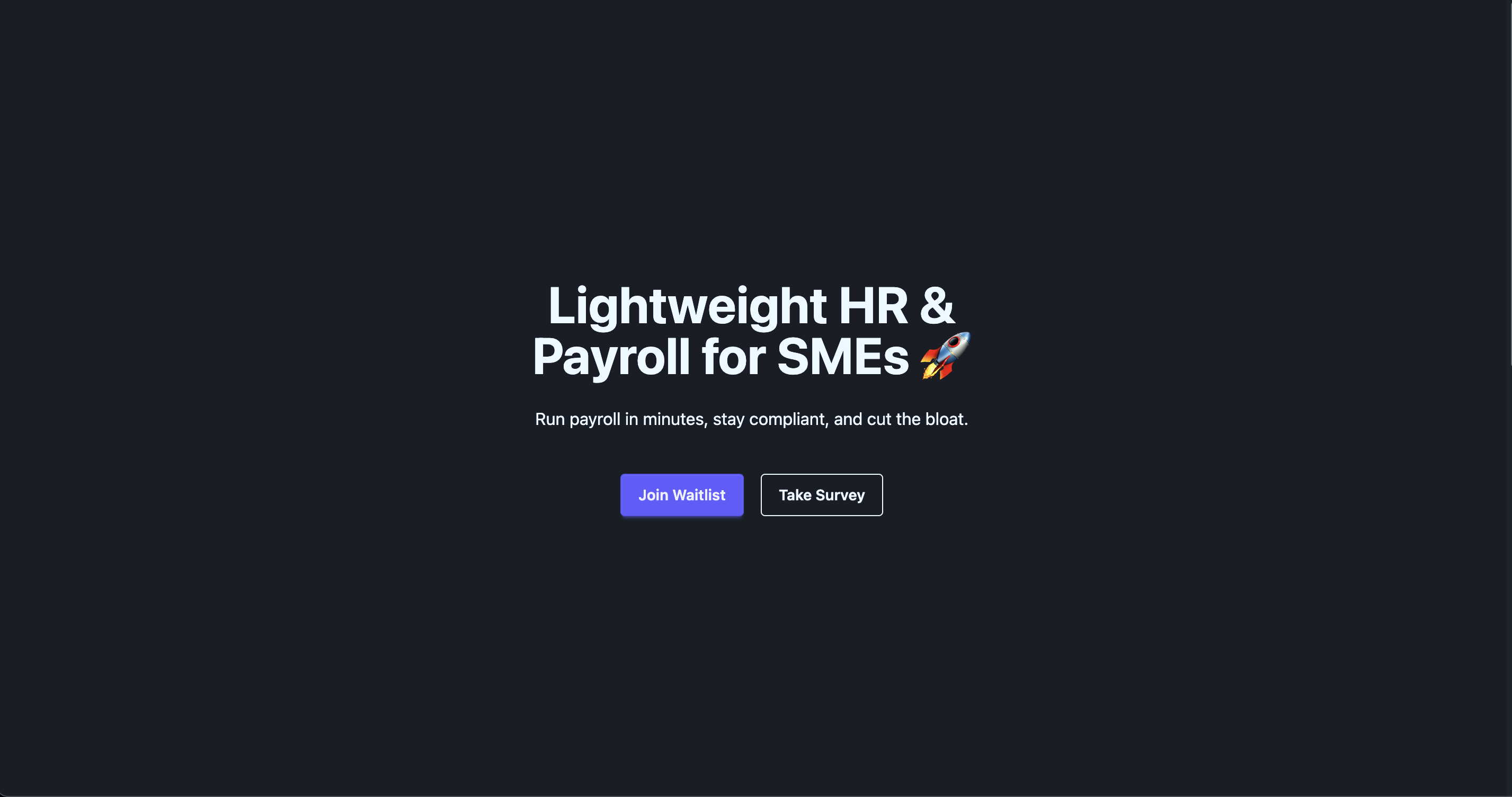
Landing page template combining Angular, TailwindCSS, and DaisyUI
AngularSaaSCorporate Website
angular-tailwind-daisyui-landing — Angular SaaS Template
By delose
A lightweight SaaS landing page template built with Angular, TailwindCSS, and DaisyUI, with AWS Amplify integrated for email collection.
Explore the design
Compare the page layouts and mobile experience. Open any screenshot for a closer look.
Author preview
Author-provided preview
Preview provided in the project README.
One original preview is available. Open the full image to inspect the design.
Screenshots show visual appearance; interactive behavior may differ.
Recorded 2026-10-02View source
What stands out
A quick read of the recorded project description.
Integrates AWS Amplify for email collection
Generated by Angular CLI, following standard project structure
README provides links to Angular installation documentation for TailwindCSS and DaisyUI
Code uses Apache-2.0 license, allowing commercial use and distribution
Template Details
This is a landing page template for SaaS and corporate website scenarios, using Angular as the tech stack and TailwindCSS with DaisyUI for styling. The project is generated by Angular CLI, and the README provides standard command documentation for local development (ng serve, default http://localhost:4200/), code scaffolding (ng generate), build (ng build, output to dist/), unit testing (ng test, Karma runner), and end-to-end testing (ng e2e).
The template's distinguishing feature is the integration of AWS Amplify for email collection. The README includes links to installation documentation for TailwindCSS and DaisyUI in Angular, as well as editor configuration links, but does not detail specific configuration steps. The repository contains two screenshots as previews.
It should be noted that the README does not specify which specific sections the page includes, whether multiple color schemes or themes are provided, the details of AWS Amplify integration and required backend resources, or the choice of end-to-end testing framework (Angular CLI does not include one by default). Regarding licensing, the code uses Apache-2.0, allowing free use, modification, commercial use, and distribution, but third-party assets such as screenshots, fonts, and icons require separate license verification, and external services like domains, hosting, and databases may incur additional charges.
AngularSaaSCorporate Website
Is it right for your project?
Use Cases
- Building SaaS product introduction and email lead capture pages
- Creating homepage landing pages for corporate websites
- Serving as a starting point for integrating TailwindCSS and DaisyUI in Angular projects
Suitable For
- Frontend developers using the Angular tech stack
- Teams needing to quickly start a SaaS landing page
- Projects looking to organize styles with TailwindCSS and DaisyUI
Getting started & customization
Use these recorded setup notes alongside the repository instructions for your chosen version.
- 1
Run ng serve for local development, access http://localhost:4200/ in browser
- 2
Use ng build for building, output to dist/ directory
- 3
Use ng test for unit testing (Karma), end-to-end testing requires choosing a framework and running ng e2e
- 4
Before using AWS Amplify for email collection, prepare and configure corresponding cloud resources
- 5
Distribute with Apache-2.0 license, modified files must indicate changes
License & source material
Usage conditions & limitations
Free to use · keep license noticeThis entry covers the free version from a public repository under the Apache-2.0 license; the free scope applies to this version's code and does not imply that external services or third-party assets are free.
Must comply with when using
- Free use, modification, commercial use, and distribution are allowed; distribute with the Apache-2.0 license.
- Modified files must prominently indicate changes and retain relevant copyright, patent, trademark, and attribution notices.
- If the original project includes a NOTICE file, retain applicable attribution notices when distributing derivative works.
- The license includes applicable contributor patent grants; initiating patent litigation as described in the license terminates that patent grant and does not grant trademark usage rights.
- Code is provided as-is; warranties and liability limitations are governed by the original license and applicable law.
Additional costs & items to verify
- The email collection feature relies on AWS Amplify cloud services; before use, you must register an AWS account, create and configure corresponding backend resources, which may incur external service fees.
- The project does not include an end-to-end testing framework by default; before running ng e2e, you must choose and install a third-party testing framework.
- Demo images, fonts, icons, and other third-party assets require license verification according to their respective licenses and cannot be judged solely based on the code's Apache-2.0 license.
- External services such as domains, hosting, databases, payment, or AI may incur additional charges.
View Original Text Basis
no-charge, royalty-free, irrevocable copyright license
Original License Text
integrated with **AWS Amplify** for email capture
Original README
https://github.com/delose/angular-tailwind-daisyui-landing/blob/main/LICENSEhttps://github.com/delose/angular-tailwind-daisyui-landing/blob/main/README.mdAngular CLI does not come with an end-to-end testing framework by default. You can choose one that suits your needs.
Original README
Compiled by DeepSeek based on repository license and README ·2026-10-02. Results only cover the materials read; dependencies, images, fonts, and subsequent term changes are subject to their respective original texts.
Project checks & description sources
Template Information
- Source platforms
- GitHub
- Documentation and maintenance reference score
- Partly documented · 67 / 100
- Technologies
- Angular
- Website type
- SaaS · Corporate Website
How this score is calculated
Our heuristic uses license records (up to 30), a demo link (12), a preview (10), stars (15), recorded maintenance (15), description completeness (8), feature records (5) and classification data (5). It is not a code, security or performance test, or a Google score. A link does not establish tested functionality.
What to verify for this project
- Repository update recorded
- 2025-09-03
- Screenshot last checked
- 2026-10-02
No demo link is recorded. Use the repository instructions to evaluate the project locally; the screenshot alone cannot establish interactive behavior.
The catalog identifies Angular as the primary stack. Check the actual dependency manifest and lockfile for versions and hosting requirements. These notes use recorded metadata, not a code audit or a deployment test.
Use a selection guide →How this description was prepared
AI-assisted description based on catalog records and repository material. Repository authors are not automatically the reviewers of this description.
Automatically checked against source and license rules; no manual editorial review.
Inspect the recorded source material
SHA-256: ecf2a83aa3779c9477ab1c61efd13870a9fc0d69f357c31d8665b9fcae69b29e
2026-10-02T22:30:35.860Z
Source file / repository# (Angular+TailwindCSS+DaisyUI) Landing Template ## Screenshots > A landing page built with **Angular + TailwindCSS + DaisyUI** and integrated with **AWS Amplify** for email capture.   ## Angular This project was generated using [Angular CLI](https://github.com/angular/angular-cli) version 20.2.0. ## Installing TWCSS for Angular https://tailwindcss.com/docs/installation/framework-guides/angular ## Editor Setup https://tailwindcss.com/docs/editor-setup ## Installing DaisyUI for Angular https://daisyui.com/docs/install/angular/?lang=en ## Development server To start a local development server, run: ```bash ng serve ``` Once the server is running, open your browser and navigate to `http://localhost:4200/`. The application will automatically reload whenever you modify any of the source files. ## Code scaffolding Angular CLI includes powerful code scaffolding tools. To generate a new component, run: ```bash ng generate component component-name ``` For a complete list of available schematics (such as `components`, `directives`, or `pipes`), run: ```bash ng generate --help ``` ## Building To build the project run: ```bash ng build ``` This will compile your project and store the build artifacts in the `dist/` directory. By default, the production build optimizes your application for performance and speed. ## Running unit tests To execute unit tests with the [Karma](https://karma-runner.github.io) test runner, use the following command: ```bash ng test ``` ## Running end-to-end tests For end-to-end (e2e) testing, run: ```bash ng e2e ``` Angular CLI does not come with an end-to-end testing framework by default. You can choose one that suits your needs. ## Additional Resources For more information on using the Angular CLI, including detailed command references, visit the [Angular CLI Overview and Command Reference](https://angular.dev/tools/cli) page.
Explore similar templates
Compare previews and descriptions within the same stack and category.
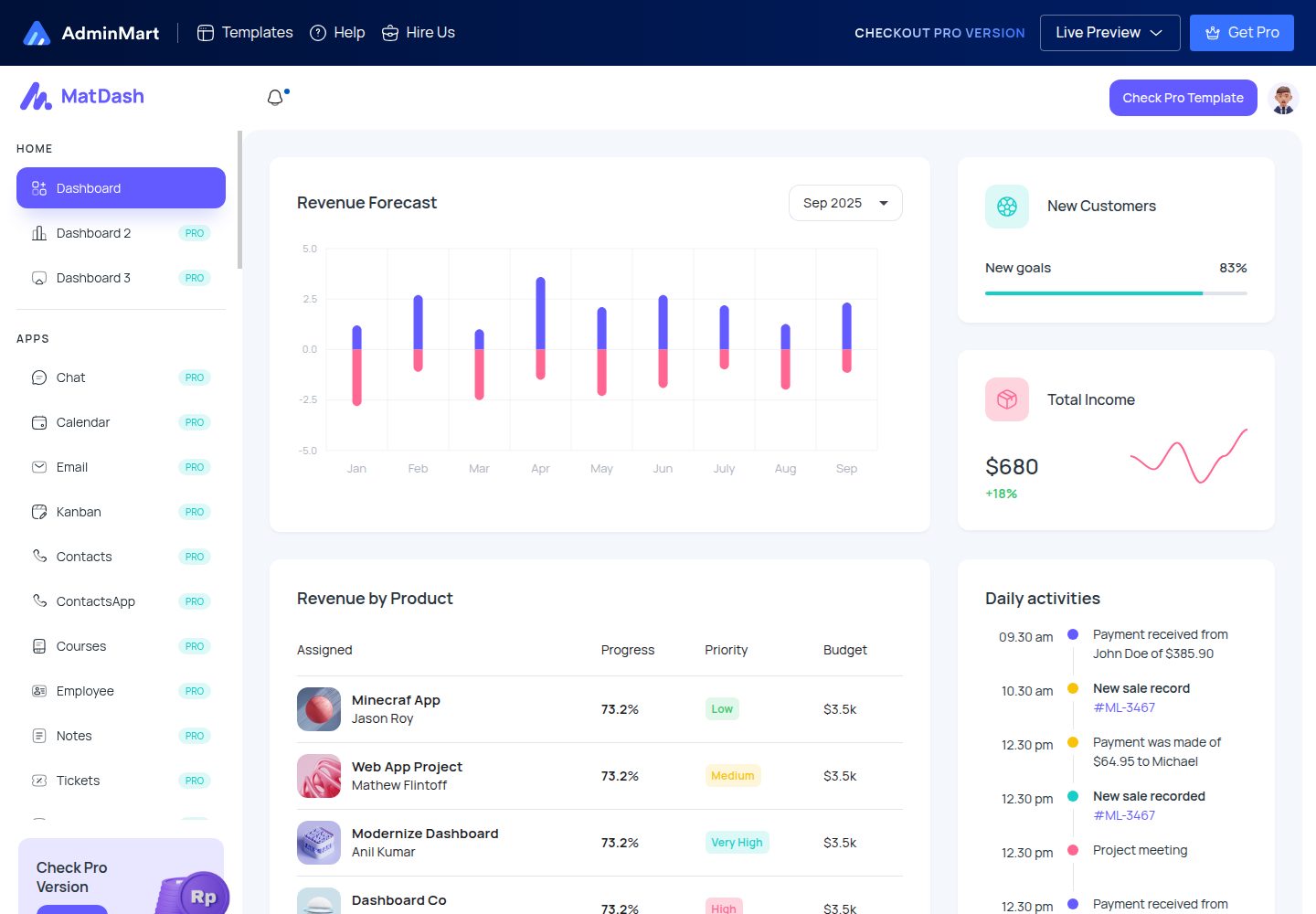
matdash-angular-free
MatDash Angular Free is a free Angular admin dashboard template from AdminMart, built with Angular and Angular Material and integrated with ApexCharts. It provides prebuilt pages, basic components, and a responsive layout under the MIT license.
Angular · Admin dashboard

Wanderlust-Chronicles-Website
Wanderlust Chronicles is a travel blog template maintained by JohnDev19 under the MIT license. It uses AngularJS for dynamic content and data binding, with vanilla JavaScript, GSAP, and AOS for smooth scrolling, scroll-triggered animations, and parallax effects.
Angular · Blog
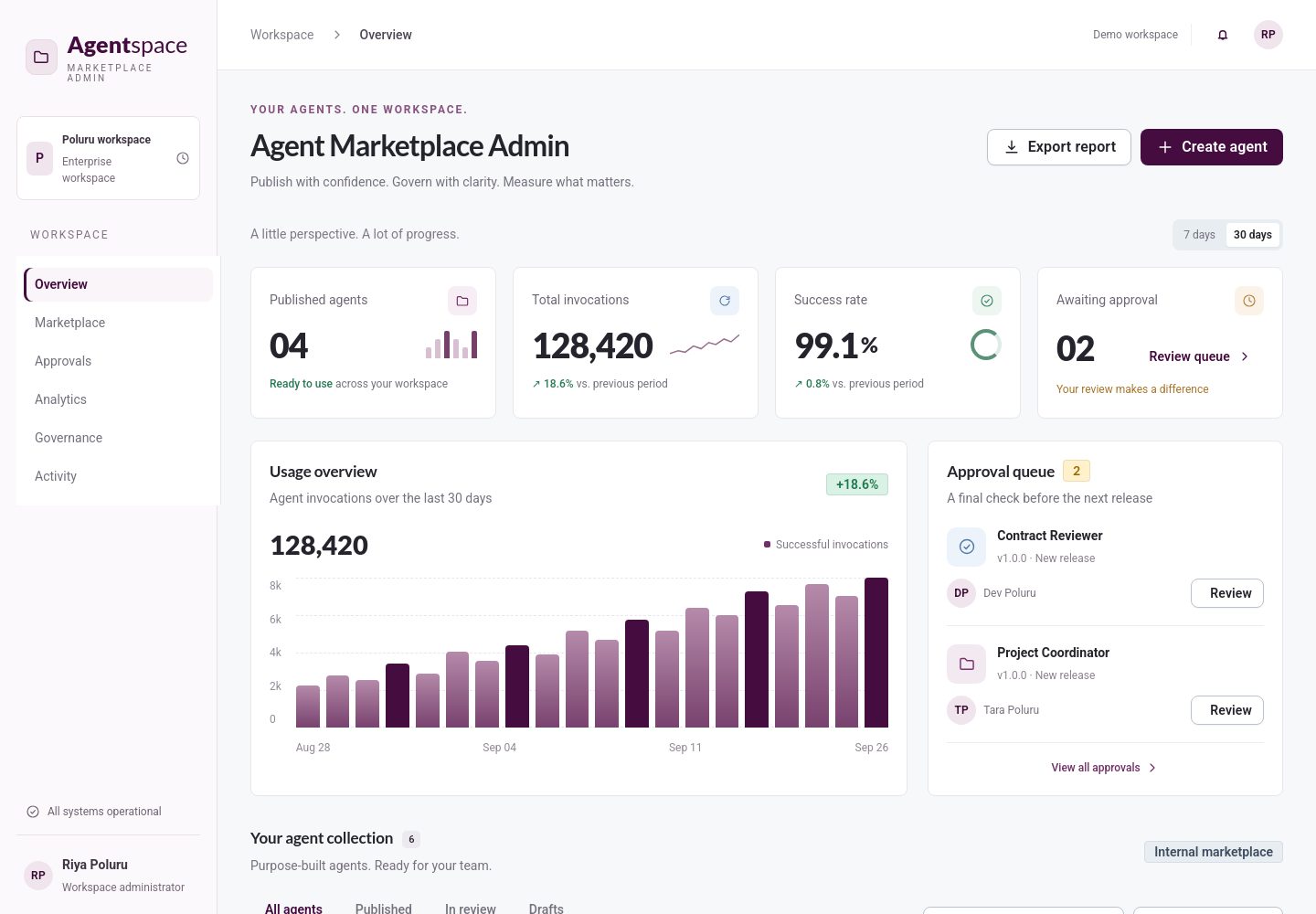
enterprise-angular-free-ai-web-templates
A free MIT-licensed collection of 35 standalone Angular example applications for AI dashboards, SaaS backends, and admin panels, maintained by Poluru Labs.
Angular · Admin dashboard
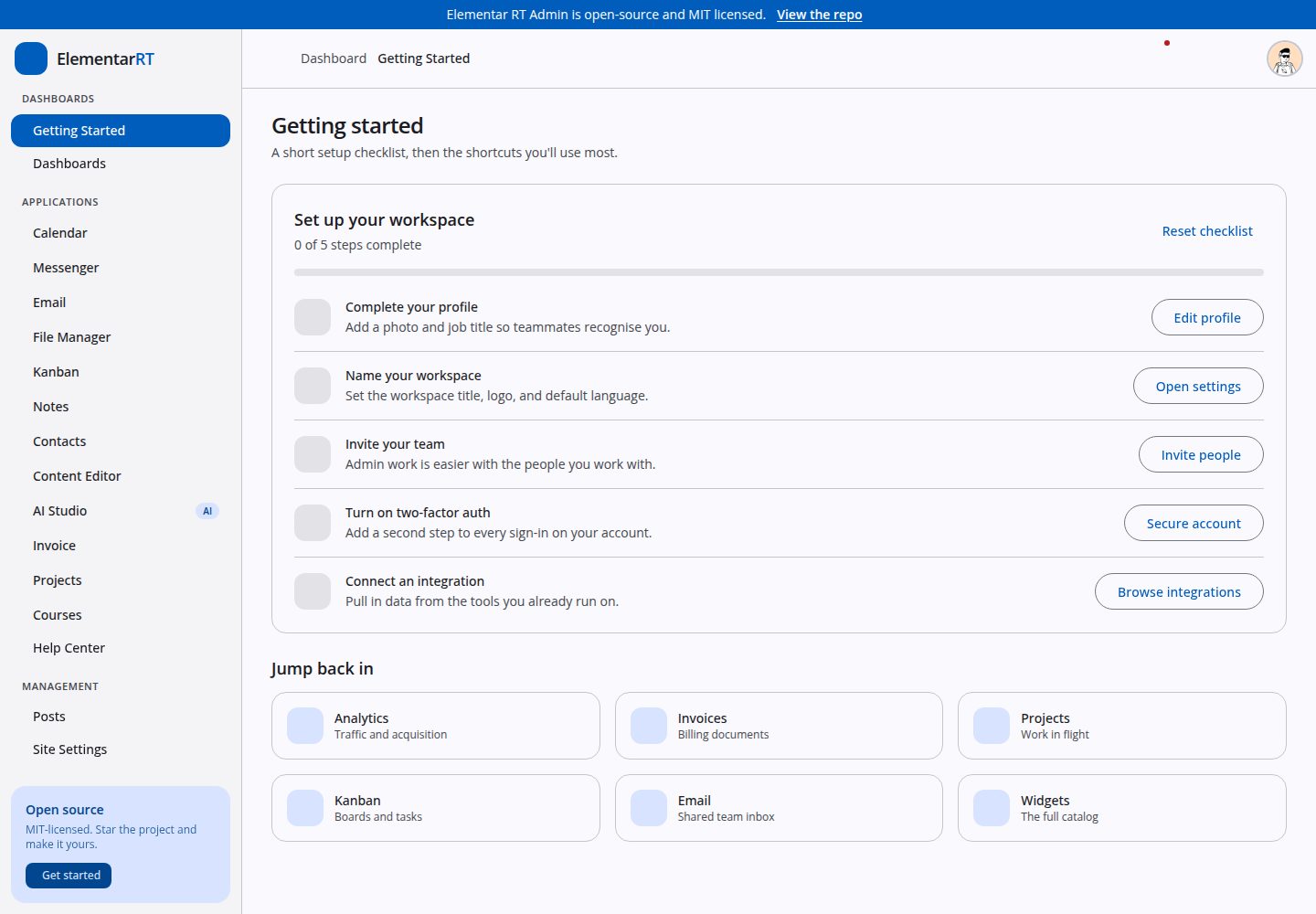
elementar-admin
An open-source Angular 20 admin template built on the Elementar RT component library, with seven dashboards, sixteen application areas, twelve widget directories, and complete account, settings, and UI gallery pages.
Angular · Admin dashboard
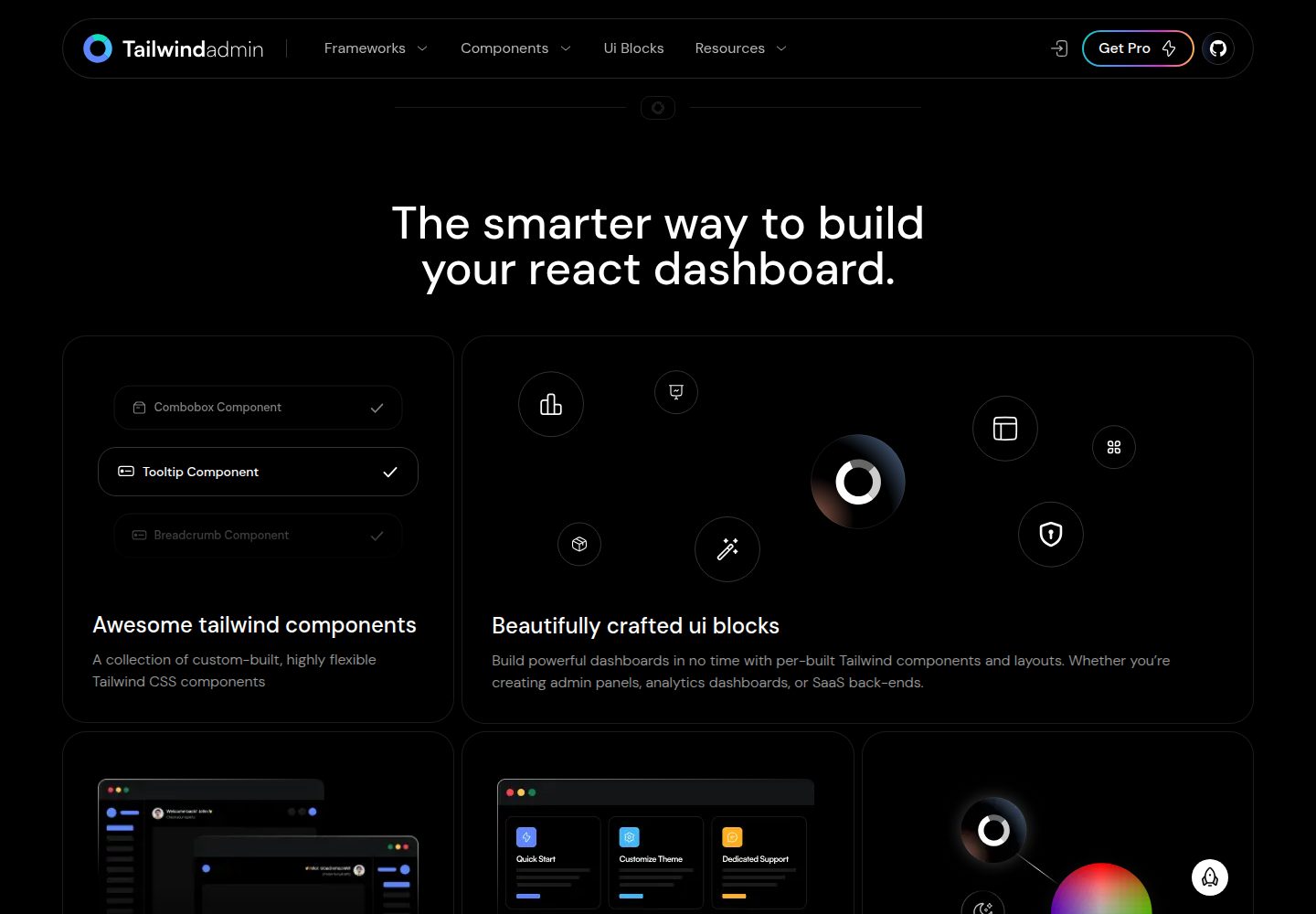
free-tailwind-admin-dashboard-template
Tailwindadmin is a free, open-source admin dashboard template built on Tailwind CSS and Shadcn UI, with versions for Next.js, React, Angular, Vue, and Tanstack Start.
Next.js · Admin dashboard

react-starter-kit
A full-stack SaaS monorepo starter built on Vite and React, with Bun, TypeScript, tRPC, Drizzle ORM, Better Auth, Stripe, and Cloudflare Workers. It includes email OTP, passkey, Google OAuth, organizations, subscription billing, Drizzle migrations, seed scripts, and Terraform infrastructure.
Vite · SaaS