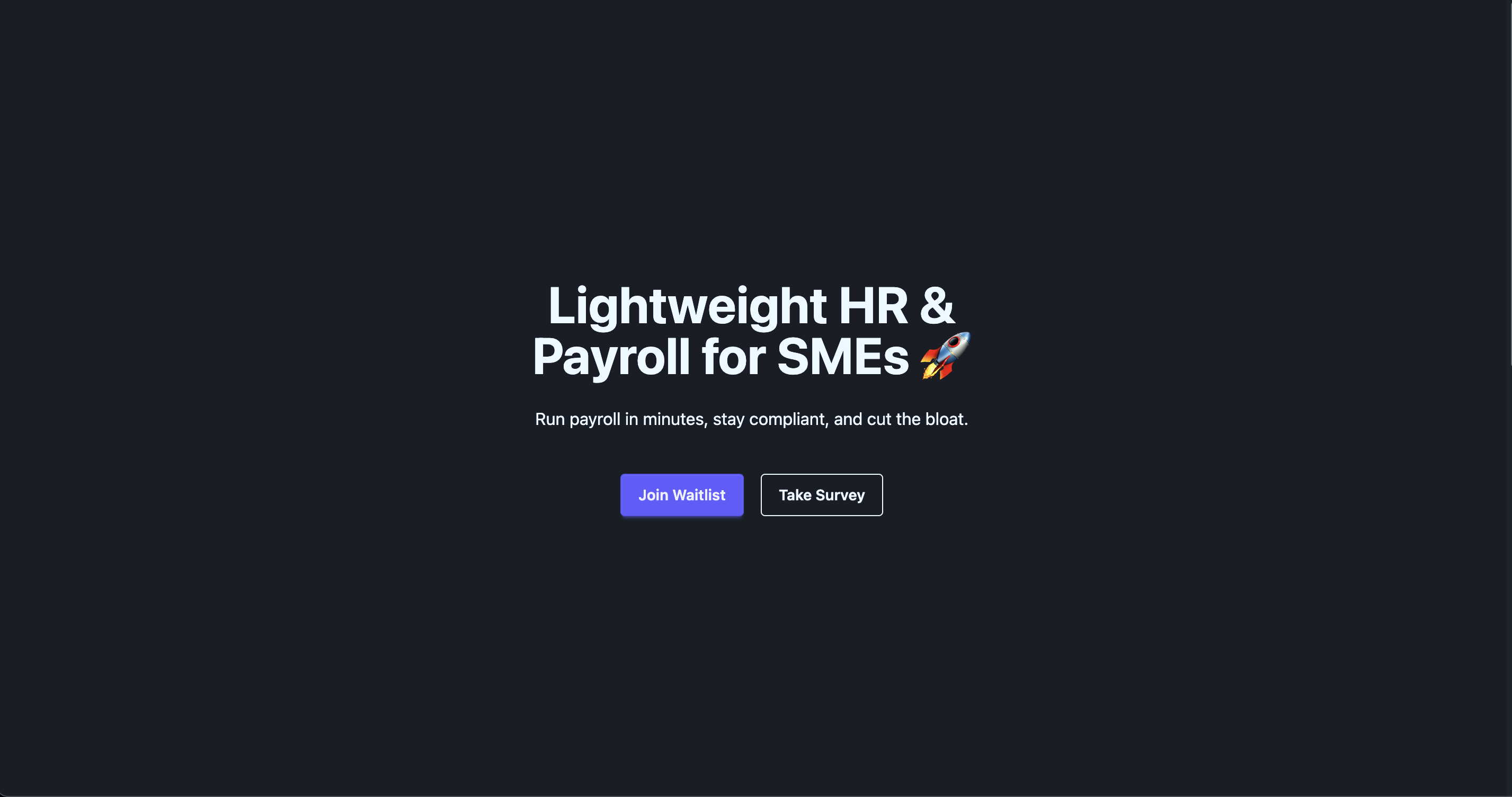
Angular + TailwindCSS + DaisyUI 组合的落地页模板
AngularSaaS企业官网
angular-tailwind-daisyui-landing — Angular SaaS模板
作者 delose
基于 Angular、TailwindCSS 与 DaisyUI 构建的轻量 SaaS 落地页模板,集成 AWS Amplify 用于邮箱收集。
看看你的网站会是什么样
浏览真实页面截图,比较内容排版与手机效果。点击下方缩略图切换,放大查看整页细节。
目前有 1 张原始预览,可打开完整图片查看设计细节。
截图用于了解视觉与布局,交互效果请以实际项目为准。
采集于 2026-10-02查看来源
值得关注的模板亮点
从已有项目资料中,快速了解它的特点。
集成 AWS Amplify 实现邮箱收集
由 Angular CLI 生成,沿用标准项目结构
README 提供 TailwindCSS 与 DaisyUI 的 Angular 安装文档链接
代码采用 Apache-2.0 许可,允许商用与分发
模板详细介绍
这是一个面向 SaaS 与企业官网场景的落地页模板,技术栈为 Angular,样式层使用 TailwindCSS 与 DaisyUI。项目由 Angular CLI 生成,README 提供了本地开发(ng serve,默认 http://localhost:4200/)、代码脚手架(ng generate)、构建(ng build,产物输出到 dist/)、单元测试(ng test,Karma 运行器)与端到端测试(ng e2e)等标准命令说明。
模板的差异化部分在于集成了 AWS Amplify 用于邮箱收集,README 中给出了 TailwindCSS 与 DaisyUI 在 Angular 中的安装文档链接以及编辑器配置链接,但未展开具体配置步骤。仓库包含两张截图作为预览。
需要注意的是,README 未说明页面包含哪些具体区块、是否提供多套配色或主题、AWS Amplify 的接入细节与所需后端资源,也未说明端到端测试框架的选型(Angular CLI 默认不附带)。许可方面,代码采用 Apache-2.0,允许免费使用、修改、商用与分发,但截图、字体、图标等第三方素材需单独核对许可,域名、托管、数据库等外部服务可能另行收费。
AngularSaaS企业官网
适合你的项目吗?
适用场景
- 搭建 SaaS 产品介绍与邮箱留资页面
- 制作企业官网的首页落地页
- 作为 Angular 项目中 TailwindCSS 与 DaisyUI 的接入起点
适合人群
- 使用 Angular 技术栈的前端开发者
- 需要快速起步 SaaS 落地页的团队
- 希望以 TailwindCSS + DaisyUI 组织样式的项目
上手与定制指南
结合仓库当前版本的说明,按下面的资料检查内容、配置与运行要求。
- 1
本地开发运行 ng serve,浏览器访问 http://localhost:4200/
- 2
构建使用 ng build,产物输出到 dist/ 目录
- 3
单元测试使用 ng test(Karma),端到端测试需自行选择框架后运行 ng e2e
- 4
使用 AWS Amplify 邮箱收集前需自行准备并配置相应的云资源
- 5
分发时需随附 Apache-2.0 许可证,修改过的文件需标明改动
授权与来源资料
使用条件与限制
免费使用 · 保留许可声明本次收录的是公开仓库中采用 Apache-2.0 许可的免费版本;免费范围为该版本代码,不代表外部服务或第三方素材免费。
使用时需要遵守
- 允许免费使用、修改、商用和分发;分发时需随附 Apache-2.0 许可证。
- 修改过的文件需显著标明改动,并保留相关版权、专利、商标及归属声明。
- 若原项目附有 NOTICE 文件,分发衍生作品时需保留其中适用的归属声明。
- 许可包含适用的贡献者专利授权;发起许可所述专利诉讼会终止该专利授权,且不授予商标使用权。
- 代码按现状提供;担保与责任限制以原许可证及适用法律为准。
额外费用与待核对事项
- 邮箱收集功能依赖 AWS Amplify 云服务,使用前需自行注册 AWS 账号、创建并配置相应后端资源,可能产生外部服务费用。
- 项目默认不包含端到端测试框架,运行 ng e2e 前需自行选择并安装第三方测试框架。
- 演示图片、字体、图标及其他第三方素材需按各自许可核对,不能仅凭代码的 Apache-2.0 许可判断。
- 域名、托管、数据库、支付或 AI 等外部服务可能另外收费。
查看原文依据
no-charge, royalty-free, irrevocable copyright license
许可证原文
integrated with **AWS Amplify** for email capture
README 原文
https://github.com/delose/angular-tailwind-daisyui-landing/blob/main/LICENSEhttps://github.com/delose/angular-tailwind-daisyui-landing/blob/main/README.mdAngular CLI does not come with an end-to-end testing framework by default. You can choose one that suits your needs.
README 原文
DeepSeek 根据仓库许可证和 README 整理 ·2026-10-02。结果仅覆盖已读取资料,依赖、图片、字体及后续条款变更以各自原文为准。
项目核对记录与介绍依据
模板资料
- 来源平台
- GitHub
- 资料与维护参考分
- 资料一般 · 67 / 100
- 技术栈
- Angular
- 网站类型
- SaaS · 企业官网
这个分数如何计算
本站按许可资料(最高30分)、演示链接(12分)、预览图(10分)、Star数(15分)、记录的维护时间(15分)、描述完整度(8分)、功能记录(5分)和分类资料(5分)计算。它不是代码、安全或性能测试,也不是 Google 评分;有链接不代表已实测可用。
这个项目需要核对什么
- 记录的仓库更新时间
- 2025-09-03
- 截图检查日期
- 2026-10-02
目前没有记录演示链接。请依据仓库说明在本地评估;仅凭截图无法确认交互行为。
目录记录的主要技术栈是 Angular。请通过依赖清单和锁文件核对实际版本与托管要求。这些说明基于收录资料,不代表代码审计或部署实测。
查看具体选型方法 →介绍的制作与核对状态
介绍由 AI 辅助整理目录与仓库资料。仓库作者不等于这篇介绍的审核者。
已完成服务器许可规则与 AI 来源核对;未经过人工编辑审核。
查看当时使用的来源资料
SHA-256: ecf2a83aa3779c9477ab1c61efd13870a9fc0d69f357c31d8665b9fcae69b29e
2026-10-02T22:30:35.860Z
来源文件 / 仓库# (Angular+TailwindCSS+DaisyUI) Landing Template ## Screenshots > A landing page built with **Angular + TailwindCSS + DaisyUI** and integrated with **AWS Amplify** for email capture.   ## Angular This project was generated using [Angular CLI](https://github.com/angular/angular-cli) version 20.2.0. ## Installing TWCSS for Angular https://tailwindcss.com/docs/installation/framework-guides/angular ## Editor Setup https://tailwindcss.com/docs/editor-setup ## Installing DaisyUI for Angular https://daisyui.com/docs/install/angular/?lang=en ## Development server To start a local development server, run: ```bash ng serve ``` Once the server is running, open your browser and navigate to `http://localhost:4200/`. The application will automatically reload whenever you modify any of the source files. ## Code scaffolding Angular CLI includes powerful code scaffolding tools. To generate a new component, run: ```bash ng generate component component-name ``` For a complete list of available schematics (such as `components`, `directives`, or `pipes`), run: ```bash ng generate --help ``` ## Building To build the project run: ```bash ng build ``` This will compile your project and store the build artifacts in the `dist/` directory. By default, the production build optimizes your application for performance and speed. ## Running unit tests To execute unit tests with the [Karma](https://karma-runner.github.io) test runner, use the following command: ```bash ng test ``` ## Running end-to-end tests For end-to-end (e2e) testing, run: ```bash ng e2e ``` Angular CLI does not come with an end-to-end testing framework by default. You can choose one that suits your needs. ## Additional Resources For more information on using the Angular CLI, including detailed command references, visit the [Angular CLI Overview and Command Reference](https://angular.dev/tools/cli) page.
看看同类模板
对比同技术栈与用途的模板,找到更适合的视觉与内容结构。
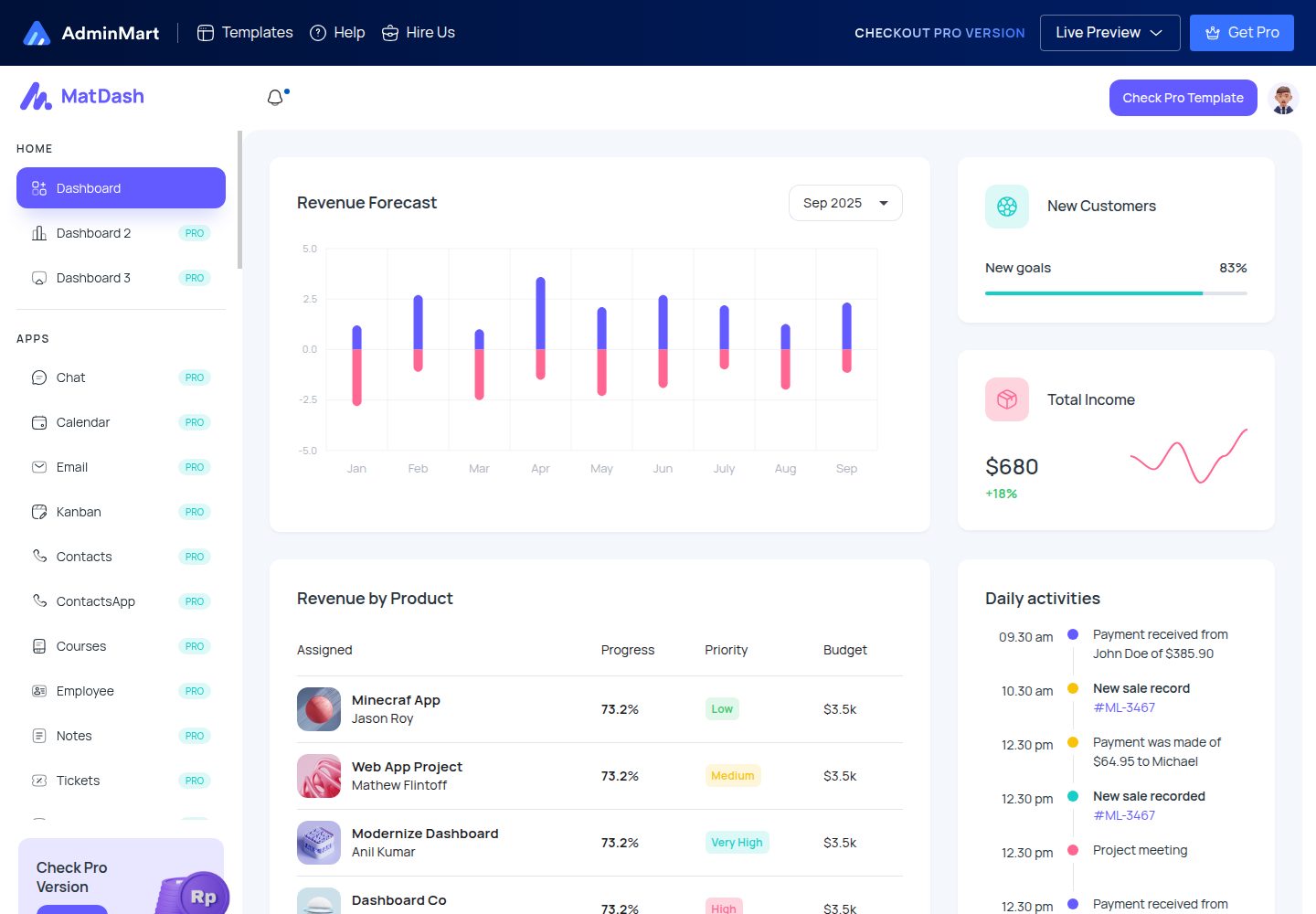
matdash-angular-free
MatDash Angular Free is a modern, responsive, and developer-friendly admin dashboard template built with Angul…
Angular · 后台

Wanderlust-Chronicles-Website
Wanderlust Chronicles is a travel blog template designed to captivate and engage users with its modern and res…
Angular · 博客
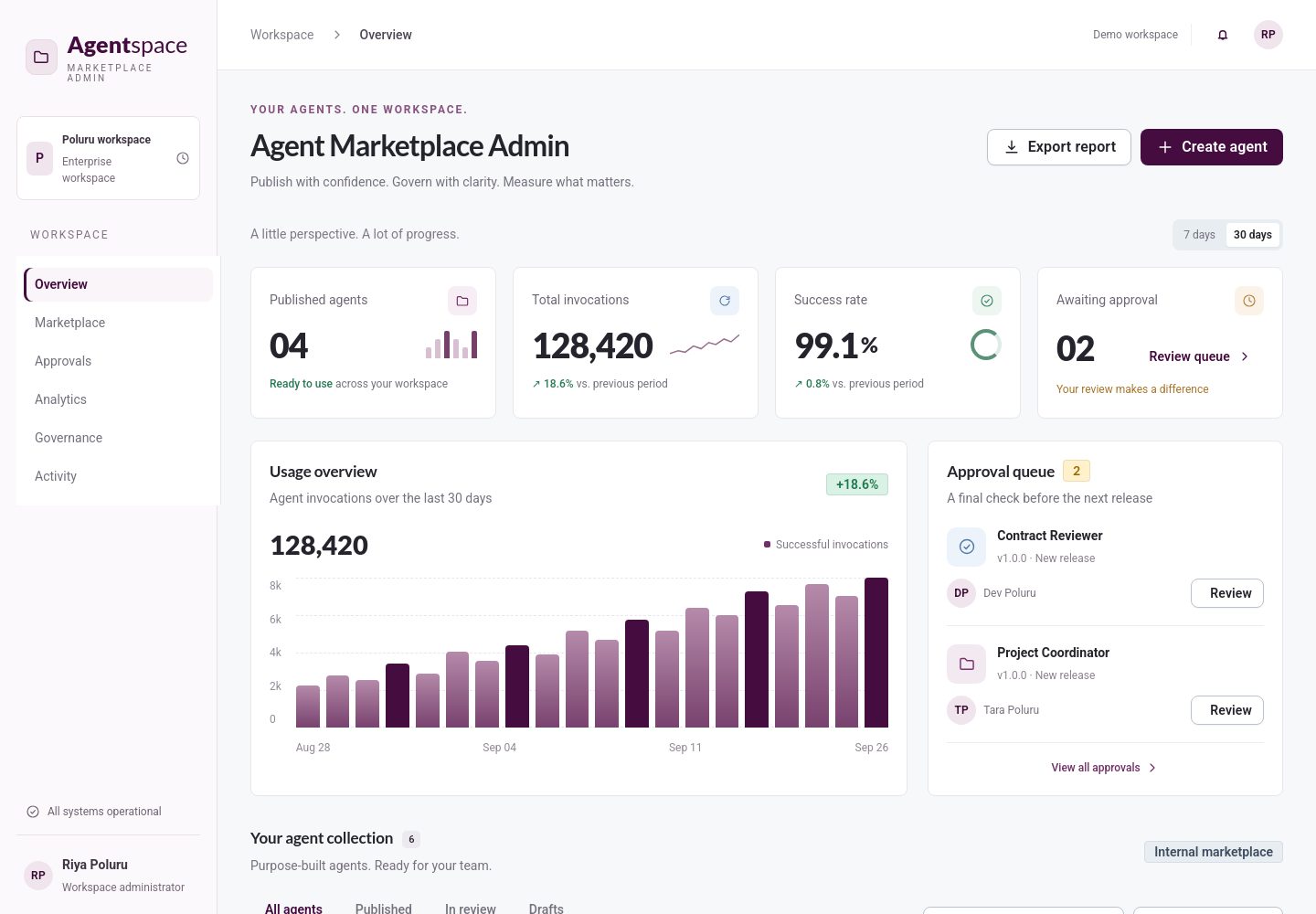
enterprise-angular-free-ai-web-templates
A curated collection of free enterprise Angular templates for building AI dashboards, SaaS products, admin pan…
Angular · 后台
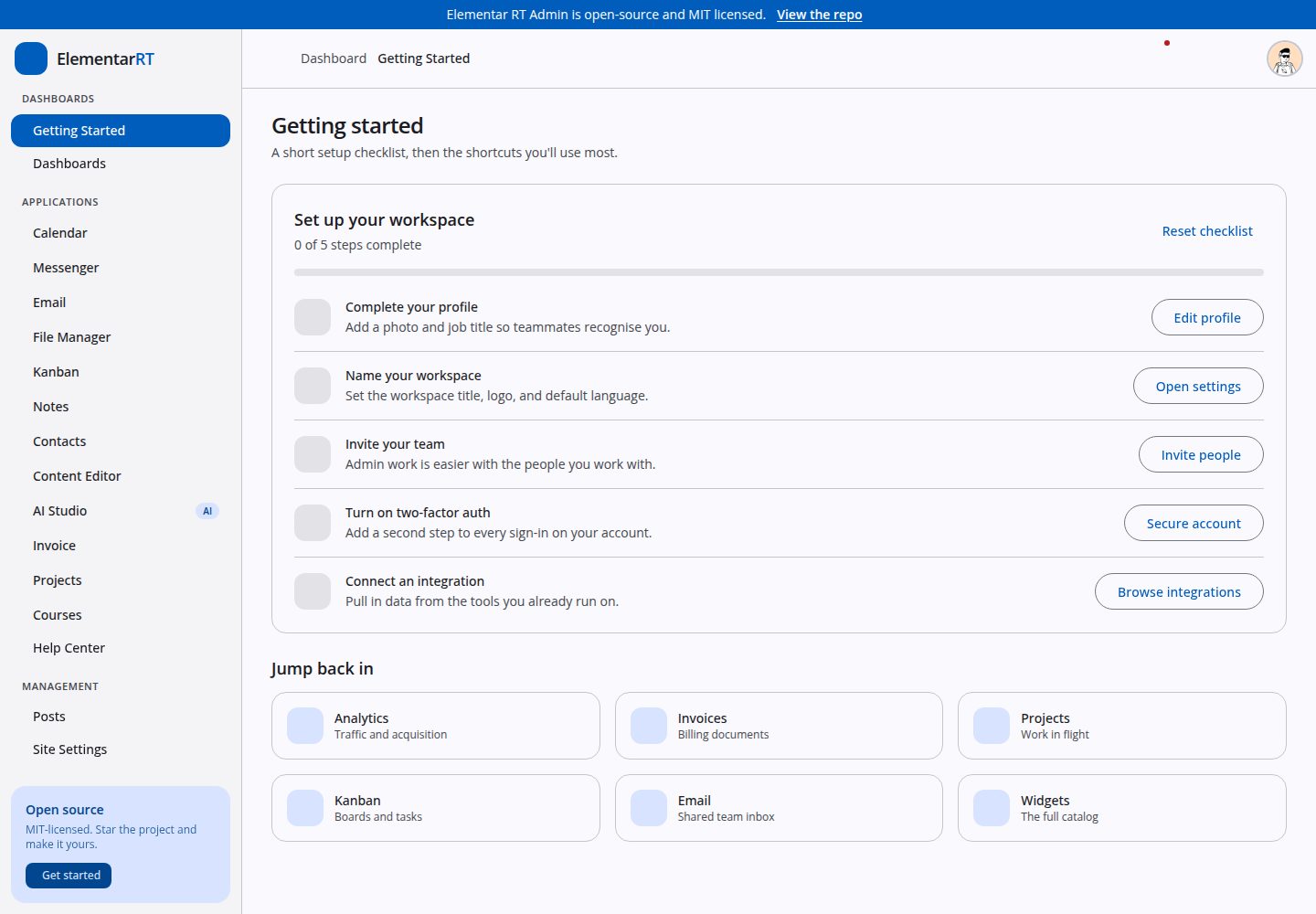
elementar-admin
An open-source Angular 20 admin template based on Elementar RT library.
Angular · 后台
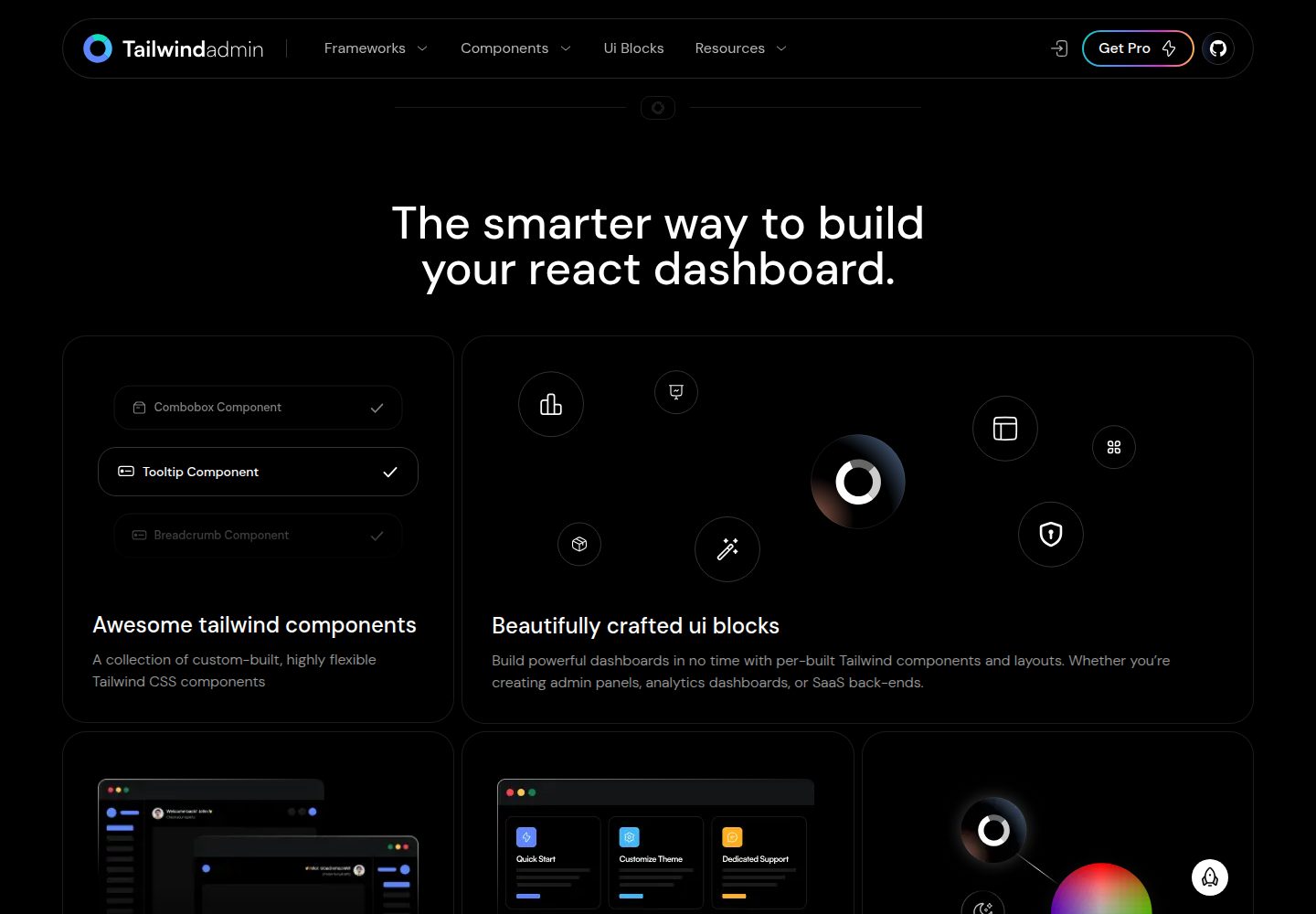
free-tailwind-admin-dashboard-template
Tailwindadmin is a free, open-source, fully responsive Shadcn ui admin dashboard template. It supports React, …
Next.js · 后台

react-starter-kit
Modern React starter kit with Bun, TypeScript, Tailwind CSS, tRPC, Stripe, and Cloudflare Workers. Production-…
Vite · SaaS