Pure HTML template, with interface built using the Shoelace component library
HTMLDirectory site
Radiohub — HTML Directory site Template
By digitalmalayali
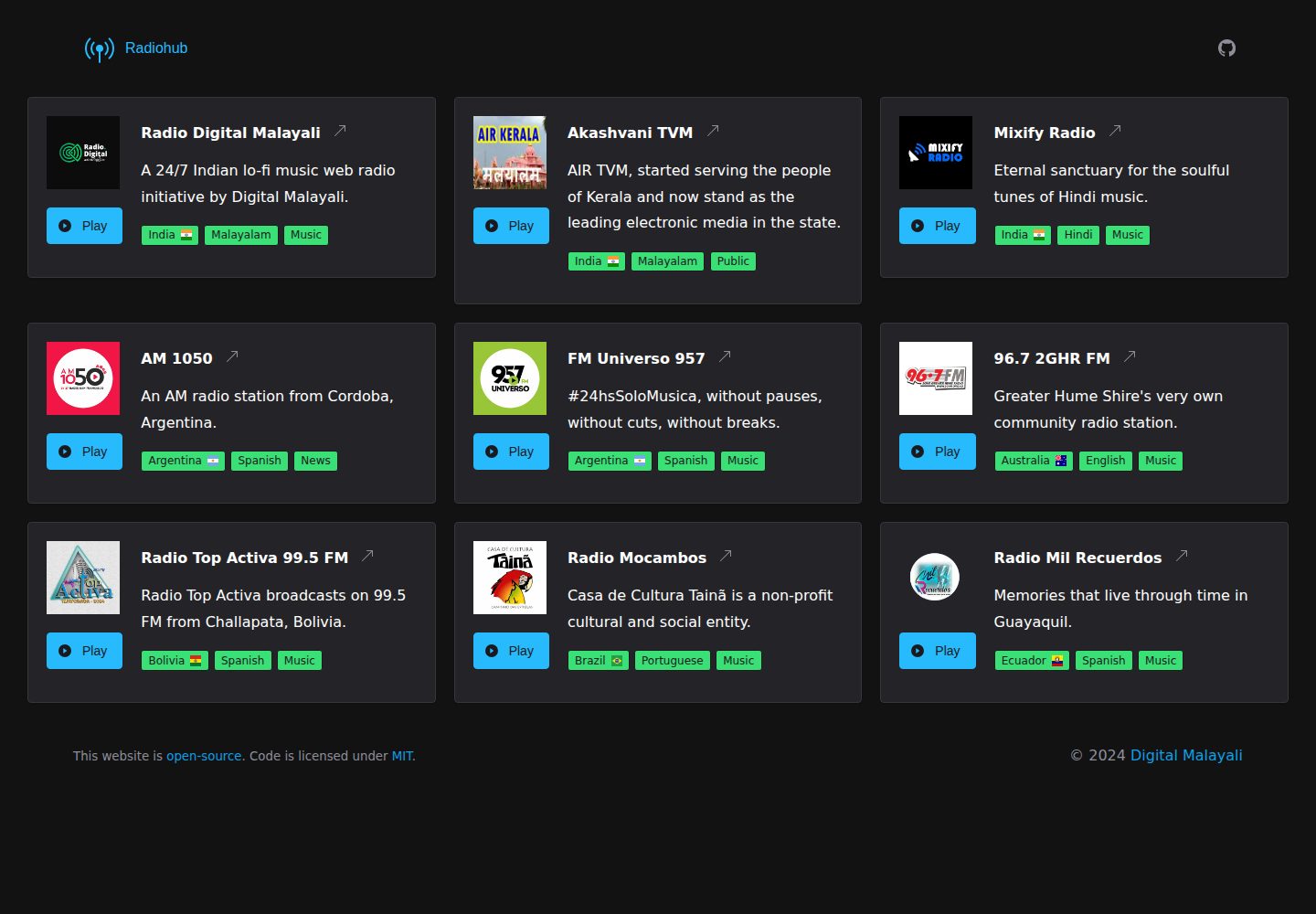
Radiohub is a free, open-source web template built with HTML and the Shoelace component library for creating an online radio directory. It supports playing radio streams directly within the page and can be installed as a PWA.
Explore the design
Compare the page layouts and mobile experience. Open any screenshot for a closer look.
Desktop homepage
Desktop captureTop of page
Actual screenshot captured by the server browser.
One original preview is available. Open the full image to inspect the design.
Screenshots show visual appearance; interactive behavior may differ.
Recorded 2026-10-02View source
What stands out
A quick read of the recorded project description.
Play radio streams directly within the directory page, without redirection
Supports PWA, can be installed as a web app
Country flags use Flag Icons, displayed by two-letter country code
Create your own copy via a GitHub template repository
Template Details
Radiohub is a static web template for online radio directory scenarios. The code is primarily HTML, interface components come from the Shoelace component library, and country flags are provided by Flag Icons. To use the template, first create your own repository on GitHub via "Use this template", then directly edit several parts of index.html: in the header block, enter the radio station name, official website link, and a short description of 10–13 words; in the logo-container block, replace with the station logo placed in the assets directory, which must be 1:1 aspect ratio and at least 80 pixels; in the badges block, fill in tags using ISO 3166-1-alpha-2 two-letter country codes, language, and category; in the audio tag's src, enter the radio stream URL. The template includes PWA support and can be installed as a web app; the play button calls the audio element within the page, allowing users to listen without leaving the directory page.
In terms of limitations, the template itself is static HTML and does not include backend management, a database, or automatic collection of radio data. All radio information must be manually written into index.html; each page is organized for a single radio station, so displaying multiple stations requires duplicating and adjusting the structure yourself. Third-party assets such as logos, fonts, and icons appearing in the demo need to be checked separately under their respective licenses; the code's MIT license does not cover these assets.
HTMLDirectory site
Is it right for your project?
Use Cases
- Build an introduction and listening page for a single internet radio station
- Organize and display multiple radio entries to form an online radio directory
- Deploy as a static site to hosting services such as GitHub Pages
- Install and listen to radio as a PWA on mobile devices
Suitable For
- Developers who want to quickly build a radio directory using static HTML
- Individuals or small radio projects that need to play radio streams directly within the page
- Users familiar with manually editing HTML files and not relying on a backend system
Getting started & customization
Use these recorded setup notes alongside the repository instructions for your chosen version.
- 1
Click Use this template on GitHub to create your own repository
- 2
Edit the header block in index.html to enter the radio station name, official website link, and a short description of 10–13 words
- 3
Place a logo image with 1:1 aspect ratio and at least 80 pixels into the assets directory, and replace the img reference in logo-container
- 4
In the badges block, fill in tags using ISO 3166-1-alpha-2 two-letter country codes, language, and category
- 5
Enter the radio stream URL in the audio tag's src
License & source material
Usage conditions & limitations
Free to use · keep license noticeThis entry covers the free version under the MIT license in a public repository; the free scope applies to that version's code and does not imply that external services or third-party assets are free.
Must comply with when using
- Free use, modification, commercial use, and distribution of that version's code are permitted.
- When distributing copies or substantial portions of the code, retain the original author's copyright notice and the full MIT license notice.
- The code is provided as-is; warranties and limitations of liability are governed by the original license and applicable law.
Additional costs & items to verify
- Demo images, fonts, icons, and other third-party assets must be checked under their respective licenses and cannot be judged solely by the code's MIT license.
- External services such as domains, hosting, databases, payments, or AI may incur additional charges.
View Original Text Basis
https://github.com/digitalmalayali/Radiohub/blob/main/LICENSEhttps://github.com/digitalmalayali/Radiohub/blob/main/README.mdPermission is hereby granted, free of charge
Original License Text
Compiled by DeepSeek based on repository license and README ·2026-10-02. Results only cover the materials read; dependencies, images, fonts, and subsequent term changes are subject to their respective original texts.
Project checks & description sources
Template Information
- Source platforms
- GitHub
- Documentation and maintenance reference score
- More documented · 83 / 100
- Technologies
- HTML
- Website type
- Directory site
How this score is calculated
Our heuristic uses license records (up to 30), a demo link (12), a preview (10), stars (15), recorded maintenance (15), description completeness (8), feature records (5) and classification data (5). It is not a code, security or performance test, or a Google score. A link does not establish tested functionality.
What to verify for this project
- Repository update recorded
- 2025-11-04
- Screenshot last checked
- 2026-10-02
A demo link is listed. Check it with your own content and viewport sizes; its presence does not confirm that forms, authentication or payments work.
The catalog identifies HTML as the primary stack. Check the actual dependency manifest and lockfile for versions and hosting requirements. These notes use recorded metadata, not a code audit or a deployment test.
Use a selection guide →How this description was prepared
AI-assisted description based on catalog records and repository material. Repository authors are not automatically the reviewers of this description.
Automatically checked against source and license rules; no manual editorial review.
Inspect the recorded source material
SHA-256: 422d6b985d2f33b540078aad73ae381f485539e642751aeb65c374f0483a916e
2026-10-02T23:03:13.103Z
Source file / repository<div align="center">
<img src="assets/favicon.svg" alt="Radiohub" width="50"/>
# Radiohub
A free, easy-to-use, simple and minimal web template built with [Shoelace](https://shoelace.style/), designed for creating a radio directory.
</div>
## Features
- 😊 Create your own radio directory - just add station details and streaming URL!
- 🔽 PWA support - install as a web app on any device!
- 📻 Stream stations without leaving the directory!
- ⚡ Uses [Shoelace](https://shoelace.style/), a powerful web component library!
- 😍 Country flags are powered by [Flag Icons](https://github.com/lipis/flag-icons)!
## Usage
The first step is to click the **Use this template** button above the file list to create a new repository.
### Add station name, website and description
Make sure to keep the description short, with 10-13 words. Go to [index.html](https://github.com/digitalmalayali/radiohub/blob/main/index.html#L47-L52) file and find `header`:
```html
<div class="header">
<strong>Radio Digital Malayali</strong>
<sl-icon-button name="arrow-up-right" label="Visit Website" href="https://radio.digitalmalayali.in/" target="_blank">
</sl-icon-button>
</div>
A 24/7 Indian lo-fi music web radio initiative by Digital Malayali.
```
### Add station logo
Add a logo at a minimum size of 80 pixels in a 1:1 ratio to the [assets](assets) folder. In [index.html](https://github.com/digitalmalayali/radiohub/blob/main/index.html#L39-L45) file, find `img` tag:
```html
<div class="logo-container">
<img class="radio-logo" src="assets/RDM.webp" alt="Radio Digital Malayali Logo" />
<sl-button class="play-radio" variant="primary">
<sl-icon slot="prefix" name="play-circle-fill"></sl-icon>
Play
</sl-button>
</div>
```
### Add country, language and category
Find `badges` in [index.html](https://github.com/digitalmalayali/radiohub/blob/main/index.html#L53-L57) file. Use the two-letter country code ([ISO 3166-1-alpha-2](https://en.wikipedia.org/wiki/ISO_3166-1_alpha-2)) to display flags:
```html
<div class="badges">
<sl-badge variant="success">India<span class="fi fi-in fis"></span></sl-badge>
<sl-badge variant="success">Malayalam</sl-badge>
<sl-badge variant="success">Music</sl-badge>
</div>
```
### Add streaming URL
Find `audio` tag in [index.html](https://github.com/digitalmalayali/radiohub/blob/main/index.html#L59-L60) file:
```html
<audio class="audio" src="https://radio.digitalmalayali.in/listen/stream/radio.mp3" preload="none"></audio>
```
## Credits
Logo - [Broadcast pin](https://icons.getbootstrap.com/icons/broadcast-pin/) icon from Bootstrap.Explore similar templates
Compare previews and descriptions within the same stack and category.
middleman-directory
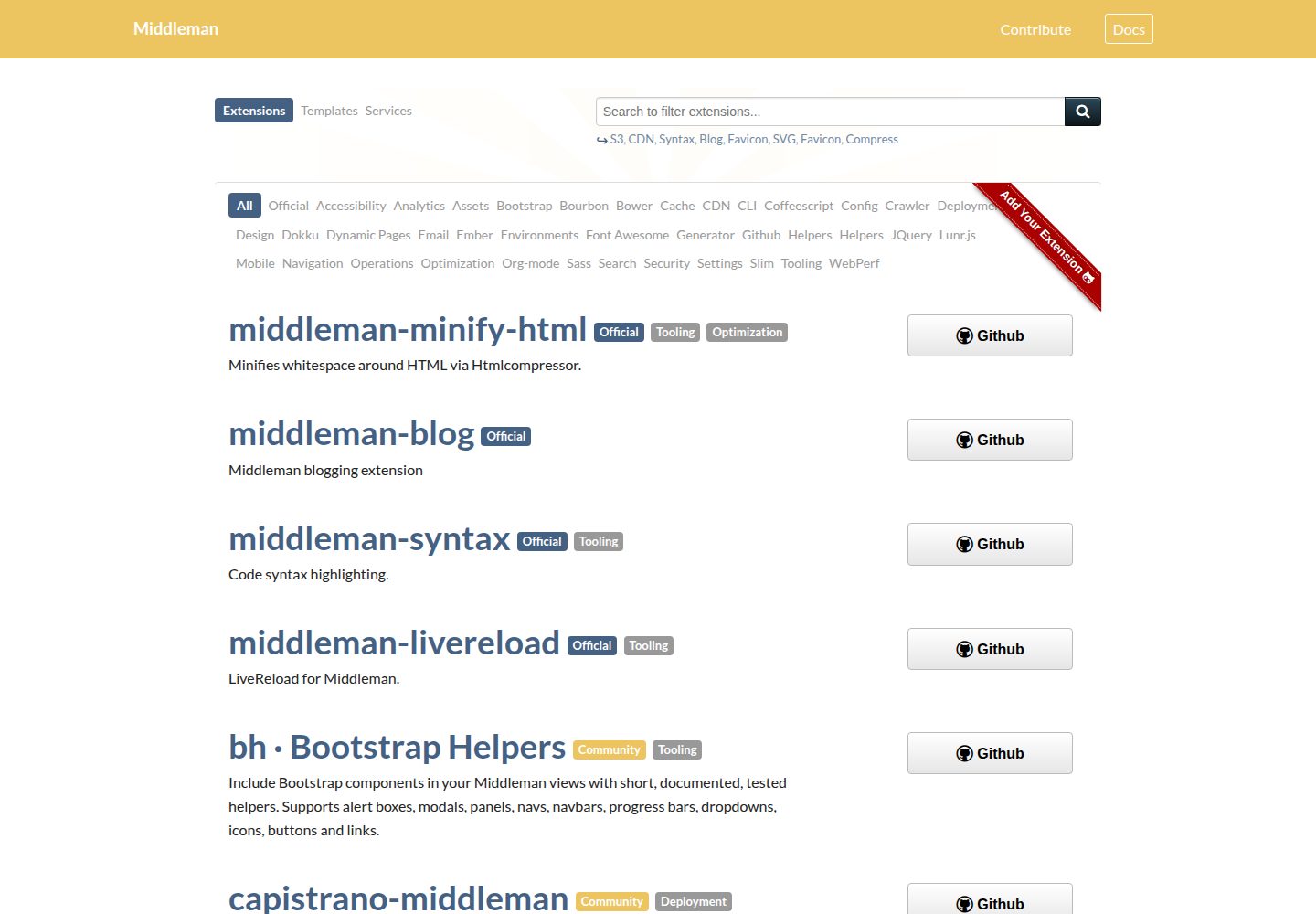
Source files for the directory.middlemanapp.com directory site, which lists Middleman extensions, templates and services.
HTML · Directory site

classimax-bootstrap
Classimax is a free Bootstrap classified website template by Themefisher under the MIT license, offering over 20 static pages for home, categories, ad listings, stores, user center, and blog, with jQuery and other plugins plus a Gulp build workflow.
HTML · Directory site
rehomes-colorlib
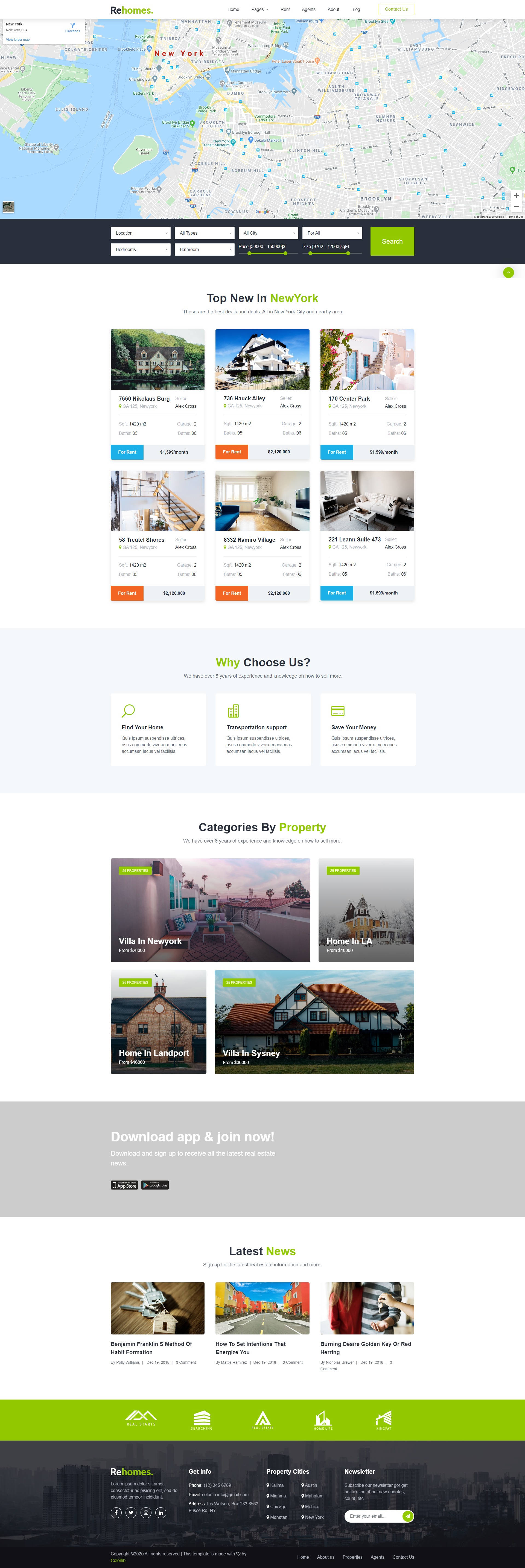
Rehomes is a Bootstrap-based HTML template for real estate listing websites, originally designed by Colorlib and adapted for October CMS by singdisain.
HTML · Directory site
axom-car-dealership-website-html-css-js
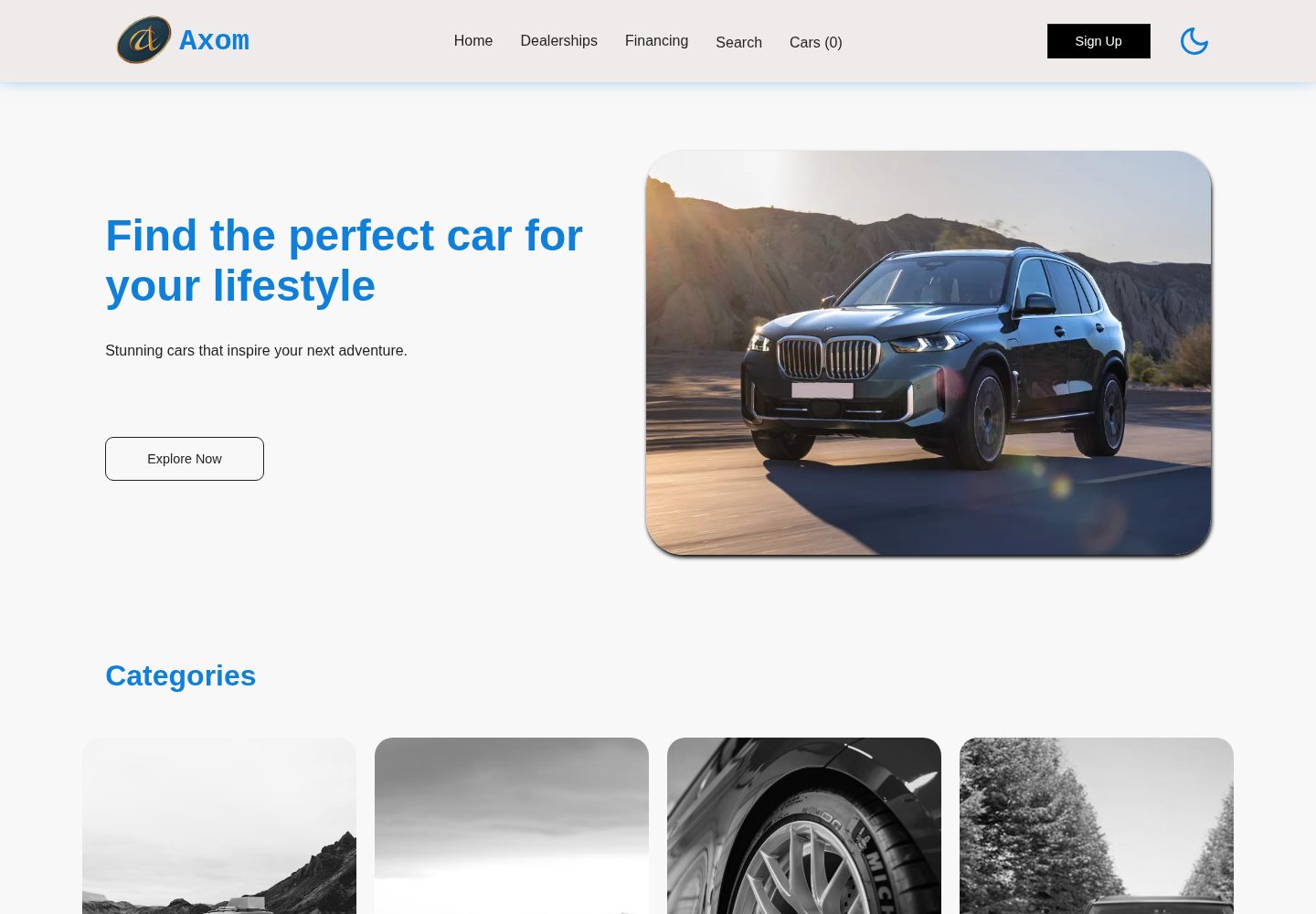
Axom is a responsive car dealership website template built with HTML, CSS, and JavaScript.
HTML · Directory site
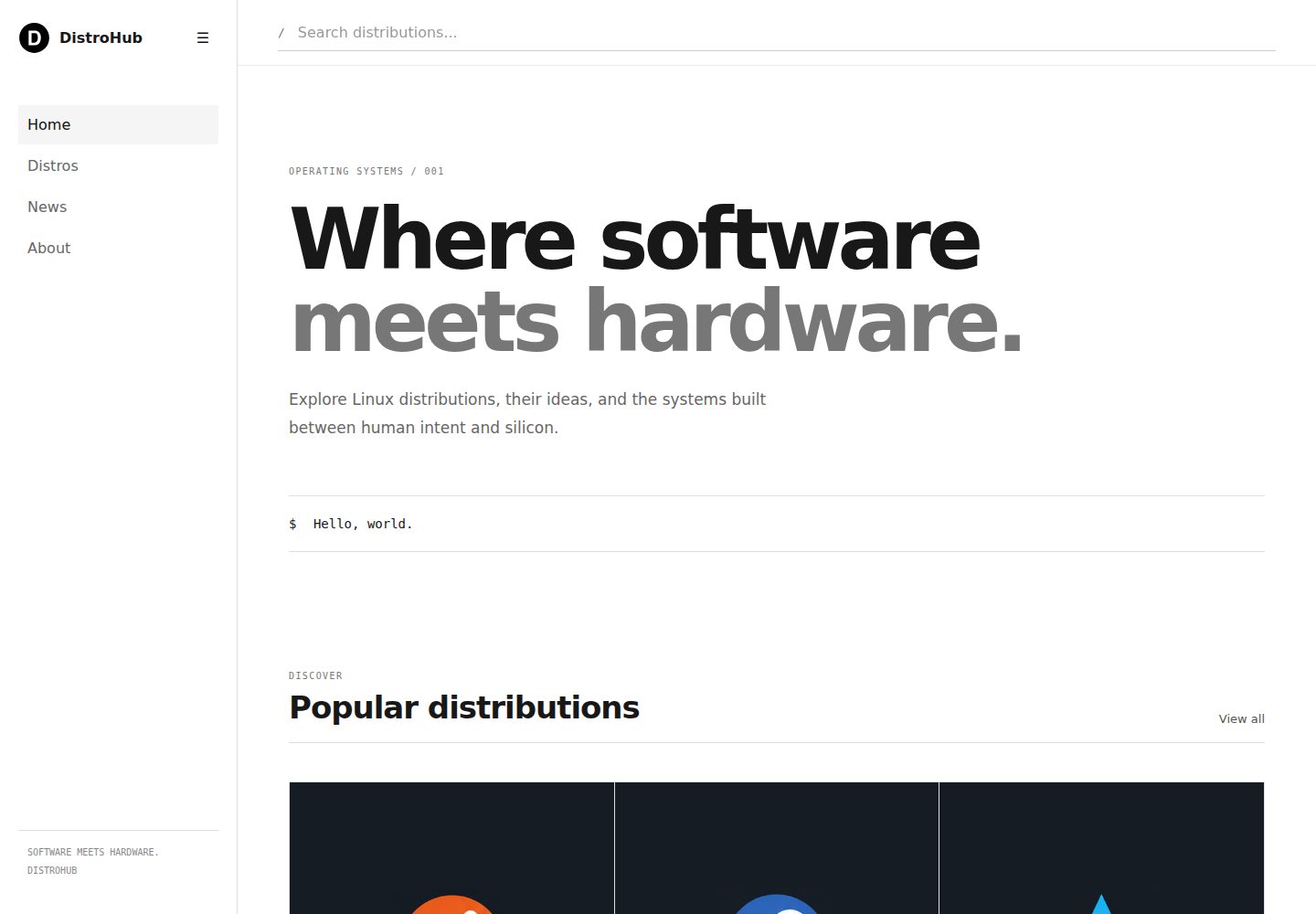
distrohub-template
DistroHub is a static front-end template for a Linux distribution directory built with HTML, CSS, and vanilla JavaScript.
HTML · Directory site
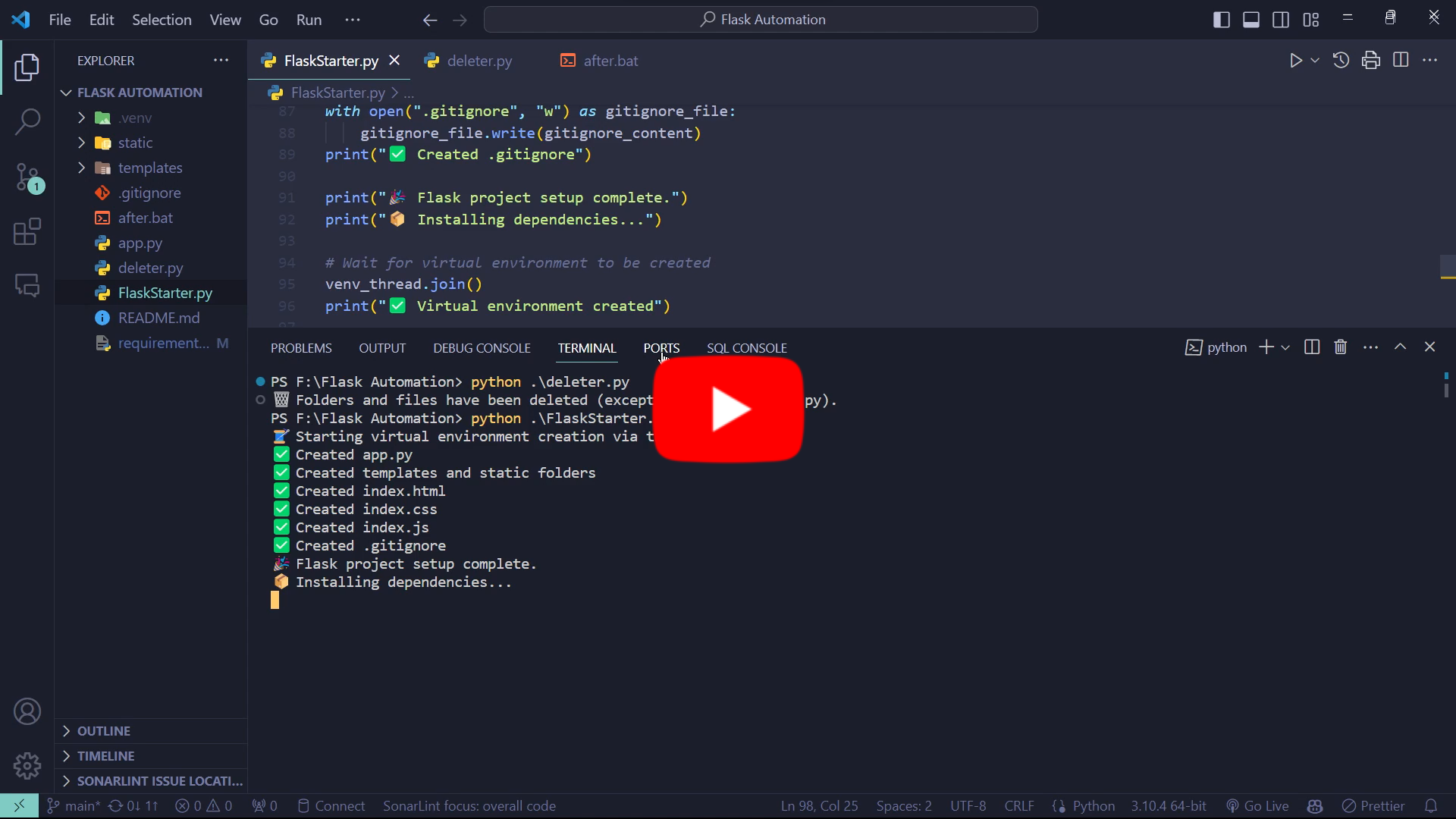
FlaskStarter
FlaskStarter is a PyPI-published command-line tool that generates a Flask project scaffold through a single function call, automatically creating a virtual environment, app.py, templates and static folders, index.html, index.css, index.js, and .gitignore, plus a batch script for installing dependencies and starting the…
HTML · Directory site