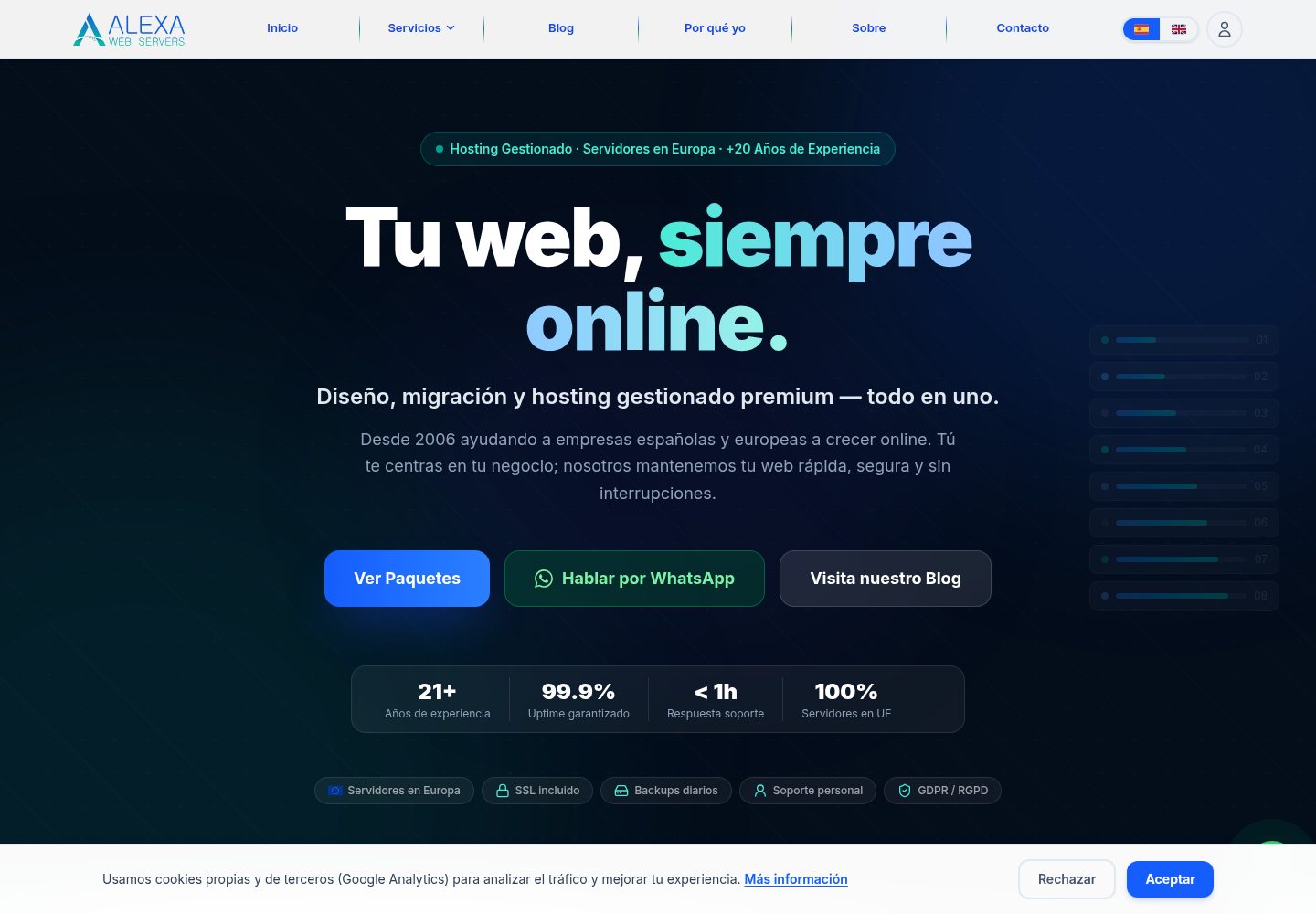
Multi-tenant CMS model with data isolation by site slug or domain
Next.jsWordPressReactTool Site
rake-cms — Next.js Tool Template
By dispeakble
Rake CMS is a multi-tenant website generation and content management platform built on Next.js. It provides a WordPress-like data model and uses a command-line pipeline to handle scraping, theme generation, content population, and deployment.
Explore the design
Compare the page layouts and mobile experience. Open any screenshot for a closer look.
Desktop homepage1 / 3
Desktop captureTop of page
Actual screenshot captured by the server browser.
All pages & views 3
Screenshots show visual appearance; interactive behavior may differ.
Recorded 2026-10-02View source
What stands out
A quick read of the recorded project description.
WordPress-like data model including posts, taxonomy items, comments, options, users, and revisions
Theme generation pipeline that writes customized UI components based on business information
Content population pipeline for generating initial pages and site metadata
Scraping and enrichment process that can combine websites, map data, and optional Brave search context
Commander-driven CLI tool supporting commands such as rapid:deploy
Template Details
Rake CMS targets scenarios that require rapid production of commercial sites. It uses a multi-tenant CMS model, maintaining separate slug or domain records for each site, and implements a WordPress-like data structure covering posts, taxonomy items, comments, options, users, revisions, and related metadata.
The project provides a theme generation pipeline that writes customized UI components based on business information, along with a content population pipeline for generating initial pages and site metadata. The scraping and enrichment process supports extracting information from target websites, map data, and optional Brave search context.
The repository includes operational scripts for rapid generation, validation, and deployment support, as well as a Commander-based CLI tool. The primary usage is through a single-command pipeline: collect source data, create or update tenant site records, generate theme frontend components, populate CMS content, and optionally perform build, validation, and deployment.
Local development requires Node.js 20+, npm, and PostgreSQL (or PostgreSQL running via Docker). The database schema is managed through Drizzle ORM, with a MySQL/MariaDB compatibility path retained in the configuration. The production-style automated deployment path depends on Linux host services at certain stages, such as Apache, Virtualmin, and sudo operations; on Windows, it is recommended to use only the local generation and build processes and adapt the deployment stage to the target infrastructure.
Next.jsWordPressTool site
Is it right for your project?
Use Cases
- Quickly generate a branded commercial site from a business name and address
- Scrape information from an existing website and generate editable CMS content
- Batch-create and manage sites for multiple client subdomains
- Run generation, validation, and deployment pipelines locally or on a Linux host
Suitable For
- Developers or small teams that need to quickly set up commercial showcase sites
- Technical staff who want to replace manual site-building processes with command-line pipelines
- Operators who need a multi-tenant CMS and manage multiple client sites
- Users familiar with Next.js, PostgreSQL, and Linux deployment environments
Getting started & customization
Use these recorded setup notes alongside the repository instructions for your chosen version.
- 1
Local operation requires Node.js 20+, npm, and PostgreSQL; PostgreSQL can also be started with Docker
- 2
After installing dependencies, run node scripts/bootstrap-env.js to generate environment files, then run npm run db:push to apply the database schema
- 3
Use npm run dev for development mode and npm run build for production builds
- 4
The CLI entry point is npm run cli, with common commands including rapid:deploy, create:site, create:post, import:wp, and theme:activate
- 5
Production-style deployment automation depends on Linux host services at certain stages (such as Apache, Virtualmin, and sudo); on Windows, it is recommended to use only the local generation and build processes
License & source material
Usage conditions & limitations
Free to use · keep license noticeThis entry covers the free version under the MIT license in the public repository; the free scope is the code of that version and does not imply that external services or third-party assets are free.
Must comply with when using
- Free use, modification, commercial use, and distribution of this version's code are permitted.
- When distributing copies or substantial portions of the code, retain the original author's copyright notice and the complete MIT license notice.
- The code is provided as is; warranties and limitations of liability are governed by the original license and applicable law.
Additional costs & items to verify
- Some deployment steps depend on specific host environments (Virtualmin/Apache/Linux sudo paths); in other environments, the deployment process must be adjusted accordingly.
- The production-grade automation of the rapid deployment path requires Linux host services at certain stages (such as Apache, Virtualmin, and sudo operations); if these conditions are not met, it cannot be used directly.
- When running on Windows, only the local generation and build processes can be used, and the deployment stage must be adapted to the target infrastructure.
- The scraping and enrichment process can optionally use Brave search context; using this feature may involve third-party services and their fees or API keys.
- Demo images, fonts, icons, and other third-party assets must be checked against their respective licenses and cannot be judged solely by the code's MIT license.
- External services such as domains, hosting, databases, payments, or AI may incur additional charges.
View Original Text Basis
Permission is hereby granted, free of charge
Original License Text
Some deployment steps are host-specific (Virtualmin/Apache/Linux sudo paths).
Original README
Production-style automation in the rapid deploy path expects Linux-host services in certain phases (for example Apache/Virtualmin/sudo operations).
Original README
If you are running on Windows, use local generation/build flows and adapt deployment phases to your target infrastructure.
Original README
https://github.com/dispeakble/rake-cms/blob/main/LICENSEhttps://github.com/dispeakble/rake-cms/blob/main/README.mdScraping/enrichment flow from website, maps data, and optional Brave search context.
Original README
Compiled by DeepSeek based on repository license and README ·2026-10-02. Results only cover the materials read; dependencies, images, fonts, and subsequent term changes are subject to their respective original texts.
Project checks & description sources
Template Information
- Source platforms
- GitHub
- Documentation and maintenance reference score
- More documented · 85 / 100
- Technologies
- Next.js · WordPress · React
- Website type
- Tool Site
How this score is calculated
Our heuristic uses license records (up to 30), a demo link (12), a preview (10), stars (15), recorded maintenance (15), description completeness (8), feature records (5) and classification data (5). It is not a code, security or performance test, or a Google score. A link does not establish tested functionality.
What to verify for this project
- Repository update recorded
- 2026-09-28
- Screenshot last checked
- 2026-10-02
A demo link is listed. Check it with your own content and viewport sizes; its presence does not confirm that forms, authentication or payments work.
The catalog identifies Next.js as the primary stack. Check the actual dependency manifest and lockfile for versions and hosting requirements. These notes use recorded metadata, not a code audit or a deployment test.
Use a selection guide →How this description was prepared
AI-assisted description based on catalog records and repository material. Repository authors are not automatically the reviewers of this description.
Automatically checked against source and license rules; no manual editorial review.
Inspect the recorded source material
SHA-256: 630d6b010d075a48bb895315c7b51528bbdb2b67590f819e97c33180f84fc07e
2026-10-02T07:55:47.976Z
Source file / repository# Rake CMS Rake CMS is a multi-tenant website generation and content management platform focused on WordPress-style parity and fast business-site production. Its core purpose is to take business inputs (URL, business name/address, and optional enrichment), generate a themed site experience, seed CMS content, and support deployment workflows for customer subdomains. ## Project Scope - Multi-tenant CMS model with per-site slug/domain records. - WordPress-like data model (posts, terms, comments, options, users, revisions, and related metadata). - Theme generation pipeline that writes business-specific UI components. - Content seeding pipeline for initial pages and site metadata. - Scraping/enrichment flow from website, maps data, and optional Brave search context. - Operational scripts for rapid generation, validation, and deployment support. ## Primary Use Case Generate and launch a business website quickly by running a single command pipeline: 1. Collect source data (website and/or business query). 2. Create or update tenant site record. 3. Generate themed frontend components. 4. Seed CMS content. 5. Optionally build, validate, and deploy. ## Tech Stack - Next.js 16 + React 19 + TypeScript - Drizzle ORM + PostgreSQL (with MySQL/MariaDB compatibility paths in config) - Tailwind CSS 4 + Framer Motion - NextAuth/Auth.js integration - Playwright for crawl validation - Commander-based CLI tooling ## Repository Highlights - App routes and API: src/app - Theme components: src/components/theme - Database schema and access: src/db - Business logic libraries: src/lib - CLI entrypoint: scripts/wp-clone.ts - Rapid pipeline command: scripts/commands/rapid-deploy.ts - Deployment helpers: scripts/redeploy.sh, scripts/verify-deploy.ts ## Quick Start (Local) Prerequisites: - Node.js 20+ - npm - PostgreSQL (or Docker to run PostgreSQL) Install dependencies: ```bash npm install ``` Generate local environment file (if missing): ```bash node scripts/bootstrap-env.js ``` Apply schema: ```bash npm run db:push ``` Run development server: ```bash npm run dev ``` Build for production: ```bash npm run build ``` ## CLI Workflows CLI entrypoint: ```bash npm run cli ``` Common commands: ```bash npm run cli rapid:deploy -- --business "Business Name, Full Address" npm run cli rapid:deploy -- --url https://example.com --business "Business Name" npm run cli create:site npm run cli create:post -- --title "Hello" --status publish npm run cli import:wp npm run cli theme:activate -- my-theme ``` Notes: - rapid:deploy supports optional deploy/build/crawl switches. - Some deployment steps are host-specific (Virtualmin/Apache/Linux sudo paths). ## Testing and Validation Install browser for Playwright: ```bash npm run playwright:install ``` Run crawl validation: ```bash npm run test:e2e:crawl ``` ## Deployment Context This repository includes both local/dev and production-oriented deployment logic. - Local development focuses on Next.js + DB workflows. - Production-style automation in the rapid deploy path expects Linux-host services in certain phases (for example Apache/Virtualmin/sudo operations). If you are running on Windows, use local generation/build flows and adapt deployment phases to your target infrastructure. ## Purpose Summary Rake CMS exists to reduce the time from business data to a branded, editable website by combining scraping, content generation, CMS seeding, and deploy-ready automation in one codebase.
Explore similar templates
Compare previews and descriptions within the same stack and category.
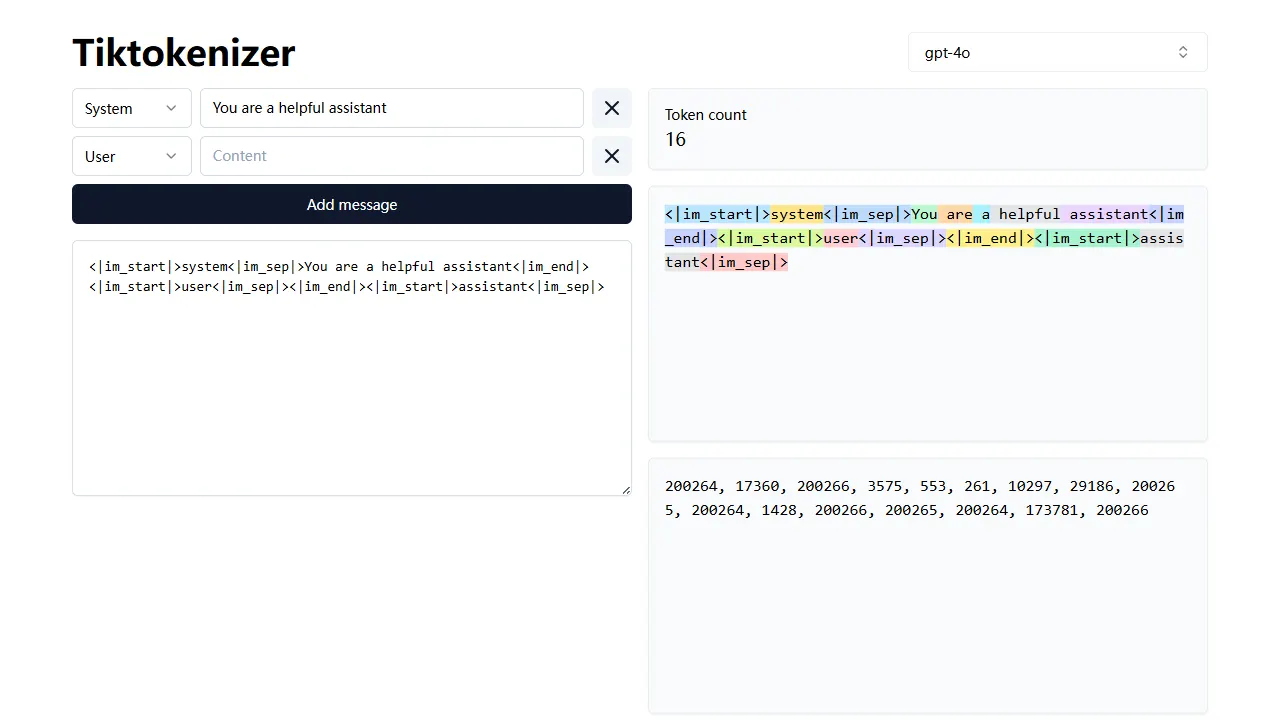
tiktokenizer
tiktokenizer is an open-source online tool site built with Next.js, TypeScript, and React that calculates token counts for text using the openai/tiktoken library.
Next.js · Tool Site
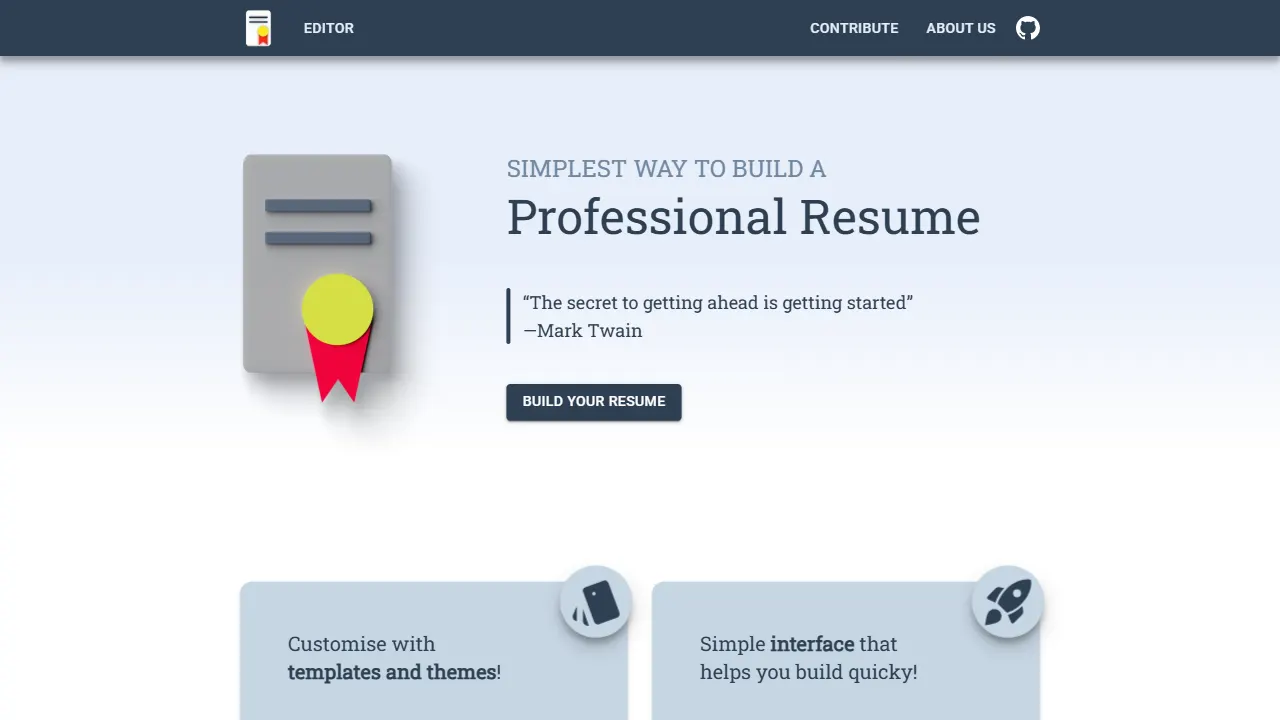
resume builder
An open-source resume builder built with Next.js, TypeScript, Material UI, and Zustand. It offers multiple templates and themes, real-time editing and preview, and requires no registration.
Next.js · Tool Site
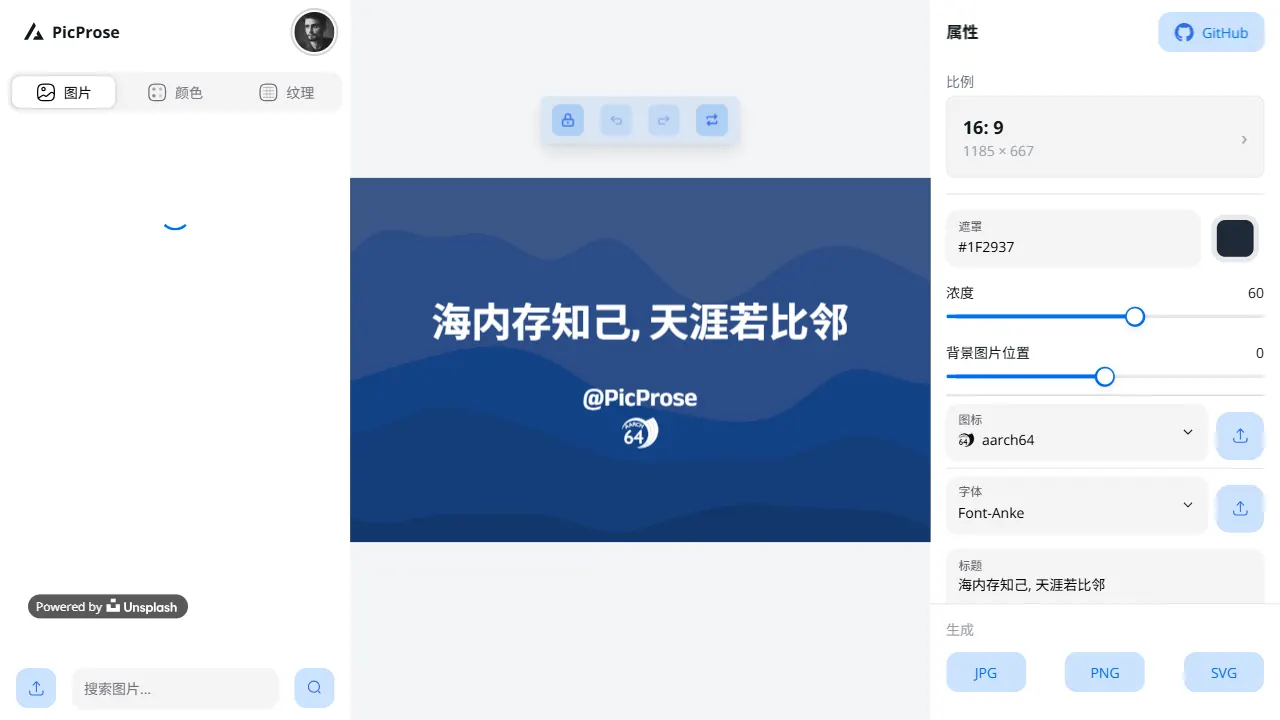
picprose
PicProse is an open-source, Next.js-based cover image generator for bloggers, content creators, and developers. It fetches images via the Unsplash API, supports custom titles, author info, fonts, colors, and transparency, offers multiple aspect ratios, and exports to JPG, PNG, and SVG.
Next.js · Tool Site
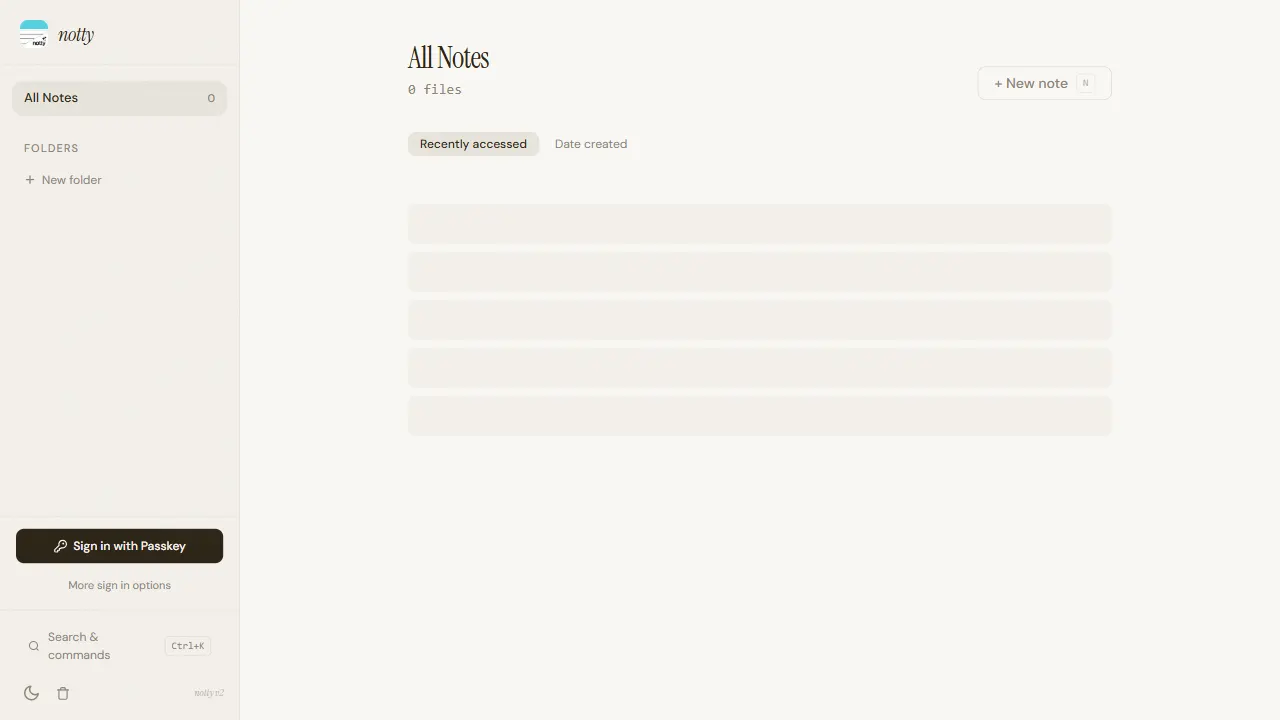
notty
Notty is an offline-first note-taking app template built with Next.js, TypeScript, React, Cloudflare Workers, and Yjs.
Next.js · Tool Site
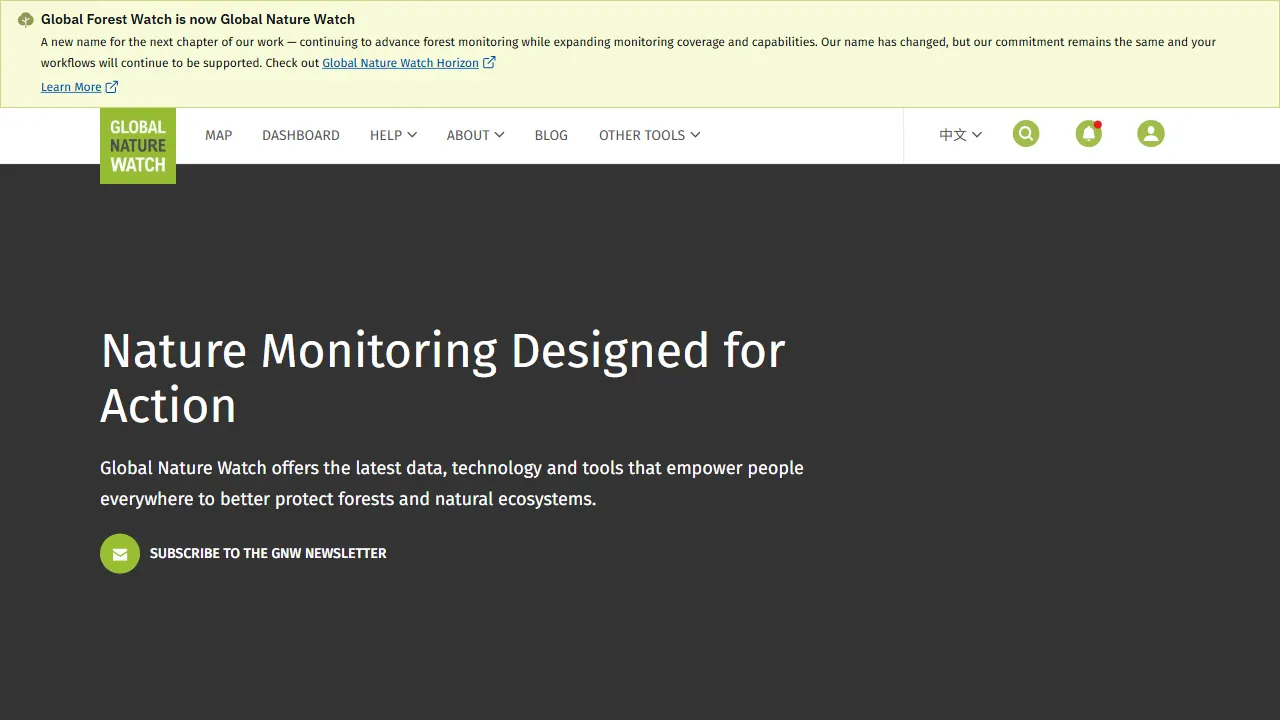
gfw
gfw is the official Global Forest Watch web application, an open-source tool site with a live online demo.
Next.js · Tool Site
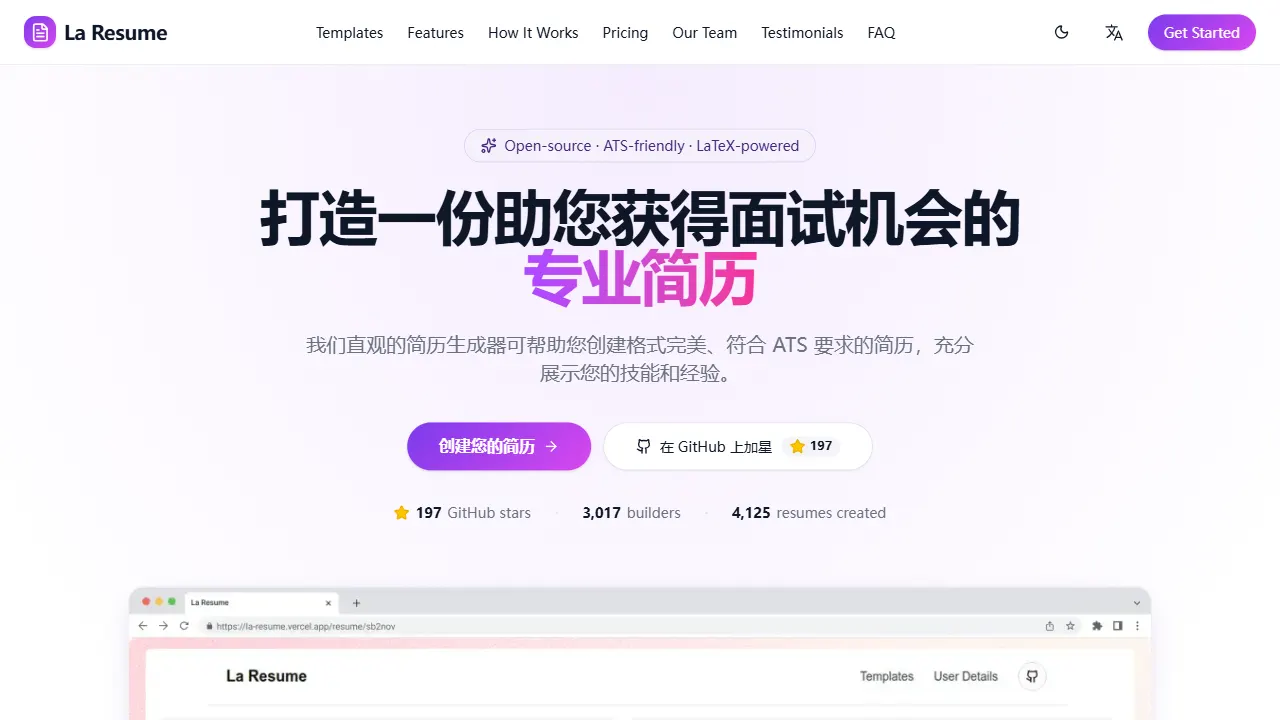
la resume
la resume is an open-source online resume builder built with Next.js, TypeScript, and React. It provides ATS-optimized templates, one-click PDF/LaTeX export, requires no registration, and supports PWA installation.
Next.js · Tool Site