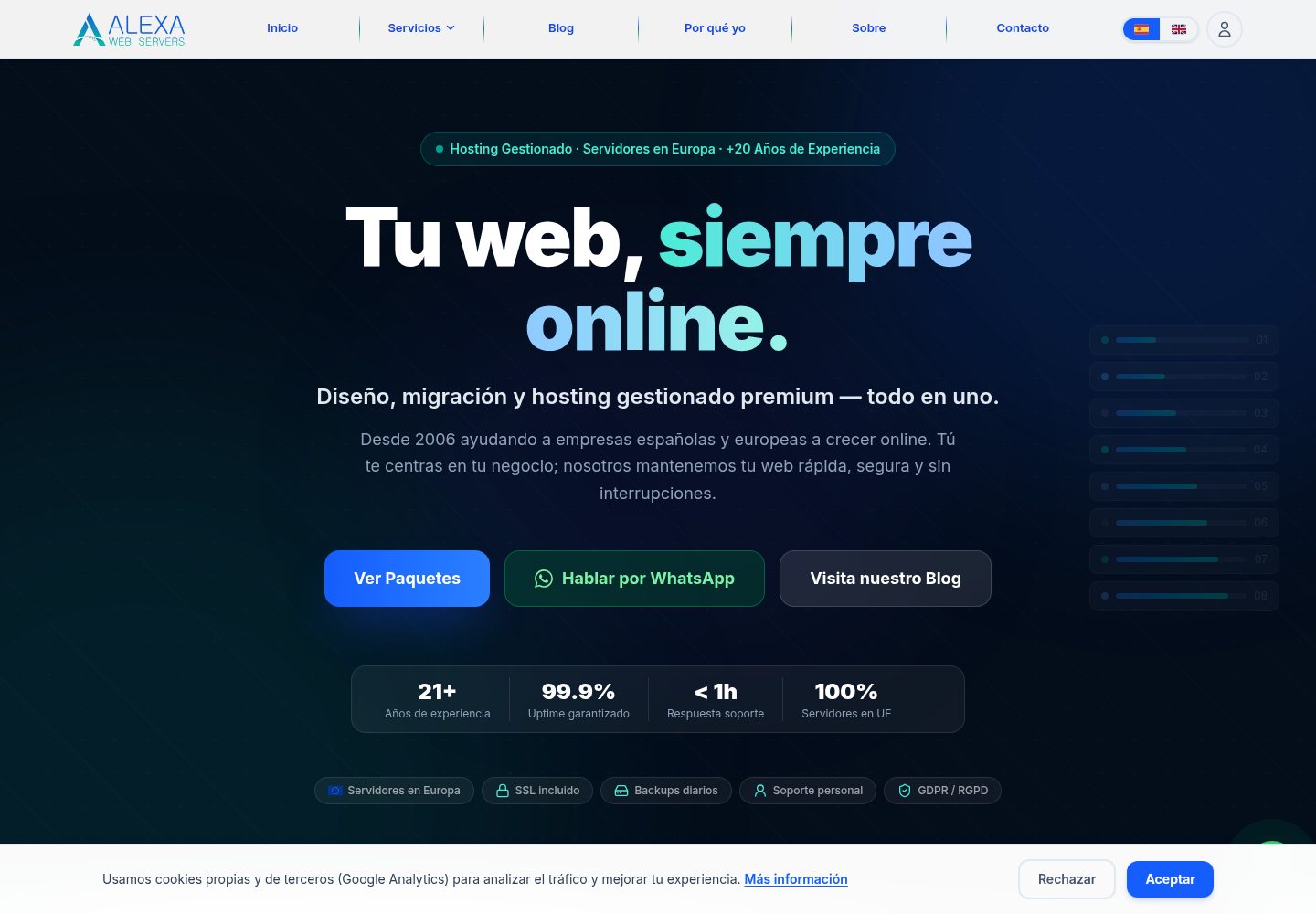
多租户 CMS 模型,支持按站点 slug 或域名隔离数据
Next.jsWordPressReact工具站
rake-cms — Next.js 工具站模板
作者 dispeakble
Rake CMS 是一个基于 Next.js 的多租户网站生成与内容管理平台,提供类似 WordPress 的数据模型,并通过命令行流水线完成抓取、主题生成、内容填充与部署。
看看你的网站会是什么样
浏览真实页面截图,比较内容排版与手机效果。点击下方缩略图切换,放大查看整页细节。
全部页面与视图 3
截图用于了解视觉与布局,交互效果请以实际项目为准。
采集于 2026-10-02查看来源
值得关注的模板亮点
从已有项目资料中,快速了解它的特点。
类似 WordPress 的数据模型,包含文章、分类项、评论、选项、用户与修订版本
主题生成流水线,根据业务信息写入定制化 UI 组件
内容填充流水线,用于生成初始页面与站点元数据
抓取与增强流程,可结合网站、地图数据及可选的 Brave 搜索上下文
提供 Commander 驱动的 CLI 工具,支持 rapid:deploy 等命令
模板详细介绍
Rake CMS 面向需要快速生产商业站点的场景。它采用多租户 CMS 模型,为每个站点维护独立的 slug 或域名记录,并实现类似 WordPress 的数据结构,涵盖文章、分类项、评论、选项、用户、修订版本及相关元数据。
项目提供主题生成流水线,可根据业务信息写入定制化的 UI 组件;同时具备内容填充流水线,用于生成初始页面和站点元数据。抓取与增强流程支持从目标网站、地图数据以及可选的 Brave 搜索上下文中提取信息。
仓库内包含用于快速生成、校验和部署支持的运维脚本,以及基于 Commander 的 CLI 工具。主要使用方式是通过单条命令流水线完成:收集源数据、创建或更新租户站点记录、生成主题前端组件、填充 CMS 内容,并可选地执行构建、校验与部署。
本地开发依赖 Node.js 20+、npm 和 PostgreSQL(或使用 Docker 运行 PostgreSQL)。数据库模式通过 Drizzle ORM 管理,配置中保留了 MySQL/MariaDB 的兼容路径。生产风格的自动化部署路径在部分阶段依赖 Linux 主机服务,例如 Apache、Virtualmin 和 sudo 操作;在 Windows 上建议使用本地生成与构建流程,并针对目标基础设施调整部署阶段。
Next.jsWordPress工具站
适合你的项目吗?
适用场景
- 从业务名称与地址快速生成品牌化商业站点
- 从现有网站抓取信息并生成可编辑的 CMS 内容
- 为多个客户子域名批量创建和管理站点
- 在本地或 Linux 主机上执行生成、校验与部署流水线
适合人群
- 需要快速搭建商业展示站点的开发者或小型团队
- 希望以命令行流水线替代手动建站流程的技术人员
- 需要多租户 CMS 并管理多个客户站点的运营方
- 熟悉 Next.js、PostgreSQL 与 Linux 部署环境的使用者
上手与定制指南
结合仓库当前版本的说明,按下面的资料检查内容、配置与运行要求。
- 1
本地运行需要 Node.js 20+、npm 和 PostgreSQL,也可用 Docker 启动 PostgreSQL
- 2
安装依赖后运行 node scripts/bootstrap-env.js 生成环境文件,再执行 npm run db:push 应用数据库模式
- 3
开发模式使用 npm run dev,生产构建使用 npm run build
- 4
CLI 入口为 npm run cli,常用命令包括 rapid:deploy、create:site、create:post、import:wp 和 theme:activate
- 5
生产风格的部署自动化在部分阶段依赖 Linux 主机服务(如 Apache、Virtualmin、sudo),Windows 环境建议仅使用本地生成与构建流程
授权与来源资料
使用条件与限制
免费使用 · 保留许可声明本次收录的是公开仓库中采用 MIT 许可的免费版本;免费范围为该版本代码,不代表外部服务或第三方素材免费。
使用时需要遵守
- 允许免费使用、修改、商用和分发该版本代码。
- 分发代码副本或实质性部分时,保留原作者版权声明和完整 MIT 许可声明。
- 代码按现状提供;担保与责任限制以原许可证及适用法律为准。
额外费用与待核对事项
- 部分部署步骤依赖特定主机环境(Virtualmin/Apache/Linux sudo 路径),在非此类环境中需自行调整部署流程。
- 快速部署路径的生产级自动化在某些阶段需要 Linux 主机服务(如 Apache、Virtualmin、sudo 操作),不满足该条件时无法直接使用。
- 在 Windows 上运行时,只能使用本地生成与构建流程,部署阶段需自行适配目标基础设施。
- 抓取与增强流程可选用 Brave 搜索上下文,使用该功能可能涉及第三方服务及其费用或 API 密钥。
- 演示图片、字体、图标及其他第三方素材需按各自许可核对,不能仅凭代码的 MIT 许可判断。
- 域名、托管、数据库、支付或 AI 等外部服务可能另外收费。
查看原文依据
Permission is hereby granted, free of charge
许可证原文
Some deployment steps are host-specific (Virtualmin/Apache/Linux sudo paths).
README 原文
Production-style automation in the rapid deploy path expects Linux-host services in certain phases (for example Apache/Virtualmin/sudo operations).
README 原文
If you are running on Windows, use local generation/build flows and adapt deployment phases to your target infrastructure.
README 原文
https://github.com/dispeakble/rake-cms/blob/main/LICENSEhttps://github.com/dispeakble/rake-cms/blob/main/README.mdScraping/enrichment flow from website, maps data, and optional Brave search context.
README 原文
DeepSeek 根据仓库许可证和 README 整理 ·2026-10-02。结果仅覆盖已读取资料,依赖、图片、字体及后续条款变更以各自原文为准。
项目核对记录与介绍依据
模板资料
- 来源平台
- GitHub
- 资料与维护参考分
- 资料较完整 · 85 / 100
- 技术栈
- Next.js · WordPress · React
- 网站类型
- 工具站
这个分数如何计算
本站按许可资料(最高30分)、演示链接(12分)、预览图(10分)、Star数(15分)、记录的维护时间(15分)、描述完整度(8分)、功能记录(5分)和分类资料(5分)计算。它不是代码、安全或性能测试,也不是 Google 评分;有链接不代表已实测可用。
这个项目需要核对什么
- 记录的仓库更新时间
- 2026-09-28
- 截图检查日期
- 2026-10-02
已收录演示链接。请用你的内容与屏幕尺寸检查;有演示不代表表单、认证或支付已经可用。
目录记录的主要技术栈是 Next.js。请通过依赖清单和锁文件核对实际版本与托管要求。这些说明基于收录资料,不代表代码审计或部署实测。
查看具体选型方法 →介绍的制作与核对状态
介绍由 AI 辅助整理目录与仓库资料。仓库作者不等于这篇介绍的审核者。
已完成服务器许可规则与 AI 来源核对;未经过人工编辑审核。
查看当时使用的来源资料
SHA-256: 630d6b010d075a48bb895315c7b51528bbdb2b67590f819e97c33180f84fc07e
2026-10-02T07:55:47.976Z
来源文件 / 仓库# Rake CMS Rake CMS is a multi-tenant website generation and content management platform focused on WordPress-style parity and fast business-site production. Its core purpose is to take business inputs (URL, business name/address, and optional enrichment), generate a themed site experience, seed CMS content, and support deployment workflows for customer subdomains. ## Project Scope - Multi-tenant CMS model with per-site slug/domain records. - WordPress-like data model (posts, terms, comments, options, users, revisions, and related metadata). - Theme generation pipeline that writes business-specific UI components. - Content seeding pipeline for initial pages and site metadata. - Scraping/enrichment flow from website, maps data, and optional Brave search context. - Operational scripts for rapid generation, validation, and deployment support. ## Primary Use Case Generate and launch a business website quickly by running a single command pipeline: 1. Collect source data (website and/or business query). 2. Create or update tenant site record. 3. Generate themed frontend components. 4. Seed CMS content. 5. Optionally build, validate, and deploy. ## Tech Stack - Next.js 16 + React 19 + TypeScript - Drizzle ORM + PostgreSQL (with MySQL/MariaDB compatibility paths in config) - Tailwind CSS 4 + Framer Motion - NextAuth/Auth.js integration - Playwright for crawl validation - Commander-based CLI tooling ## Repository Highlights - App routes and API: src/app - Theme components: src/components/theme - Database schema and access: src/db - Business logic libraries: src/lib - CLI entrypoint: scripts/wp-clone.ts - Rapid pipeline command: scripts/commands/rapid-deploy.ts - Deployment helpers: scripts/redeploy.sh, scripts/verify-deploy.ts ## Quick Start (Local) Prerequisites: - Node.js 20+ - npm - PostgreSQL (or Docker to run PostgreSQL) Install dependencies: ```bash npm install ``` Generate local environment file (if missing): ```bash node scripts/bootstrap-env.js ``` Apply schema: ```bash npm run db:push ``` Run development server: ```bash npm run dev ``` Build for production: ```bash npm run build ``` ## CLI Workflows CLI entrypoint: ```bash npm run cli ``` Common commands: ```bash npm run cli rapid:deploy -- --business "Business Name, Full Address" npm run cli rapid:deploy -- --url https://example.com --business "Business Name" npm run cli create:site npm run cli create:post -- --title "Hello" --status publish npm run cli import:wp npm run cli theme:activate -- my-theme ``` Notes: - rapid:deploy supports optional deploy/build/crawl switches. - Some deployment steps are host-specific (Virtualmin/Apache/Linux sudo paths). ## Testing and Validation Install browser for Playwright: ```bash npm run playwright:install ``` Run crawl validation: ```bash npm run test:e2e:crawl ``` ## Deployment Context This repository includes both local/dev and production-oriented deployment logic. - Local development focuses on Next.js + DB workflows. - Production-style automation in the rapid deploy path expects Linux-host services in certain phases (for example Apache/Virtualmin/sudo operations). If you are running on Windows, use local generation/build flows and adapt deployment phases to your target infrastructure. ## Purpose Summary Rake CMS exists to reduce the time from business data to a branded, editable website by combining scraping, content generation, CMS seeding, and deploy-ready automation in one codebase.
看看同类模板
对比同技术栈与用途的模板,找到更适合的视觉与内容结构。
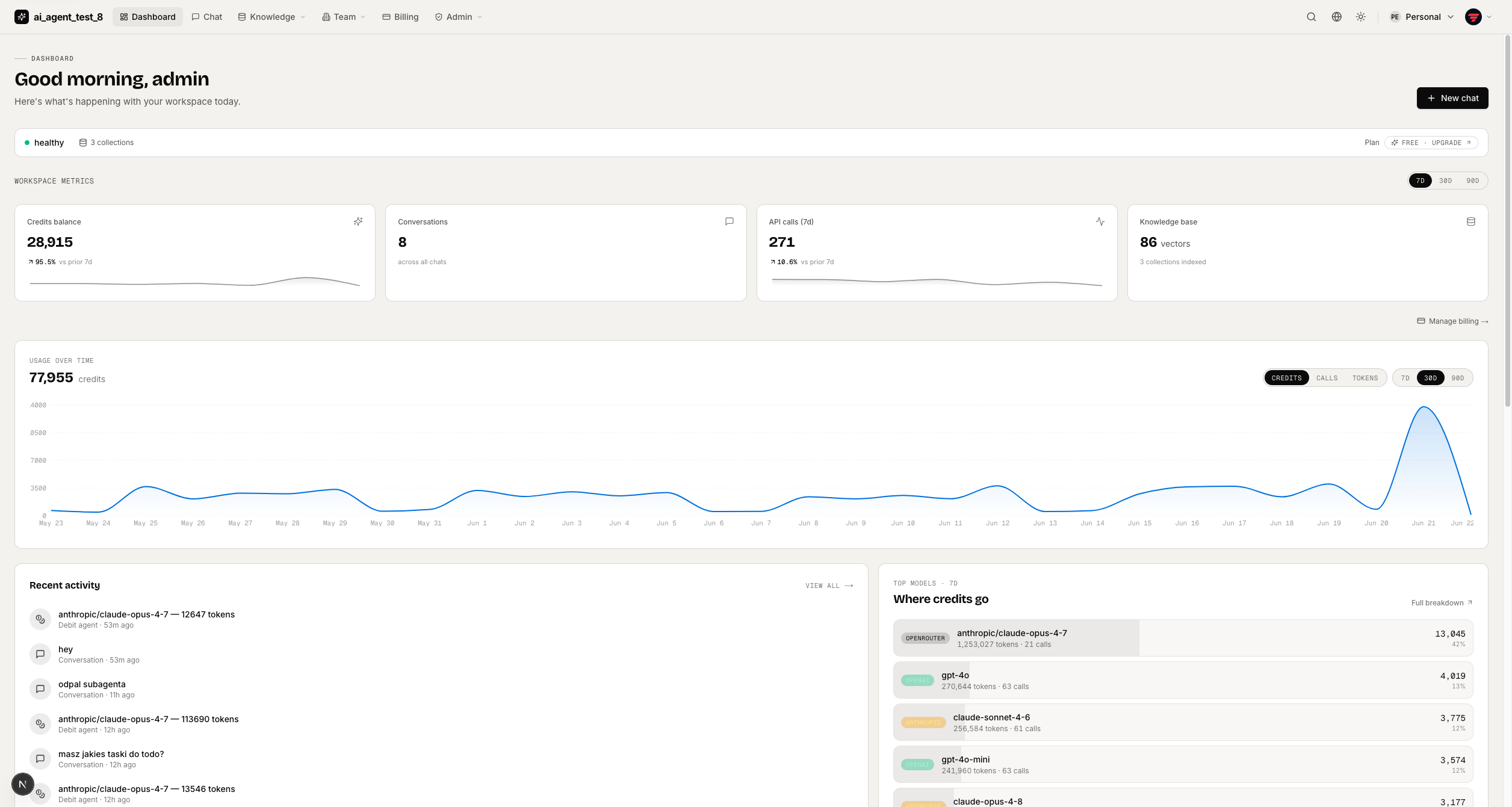
full-stack-ai-agent-template
Full-stack AI app generator — FastAPI + Next.js with AI Agents, RAG, streaming, auth, and 20+ integrations out…
Next.js · 工具站
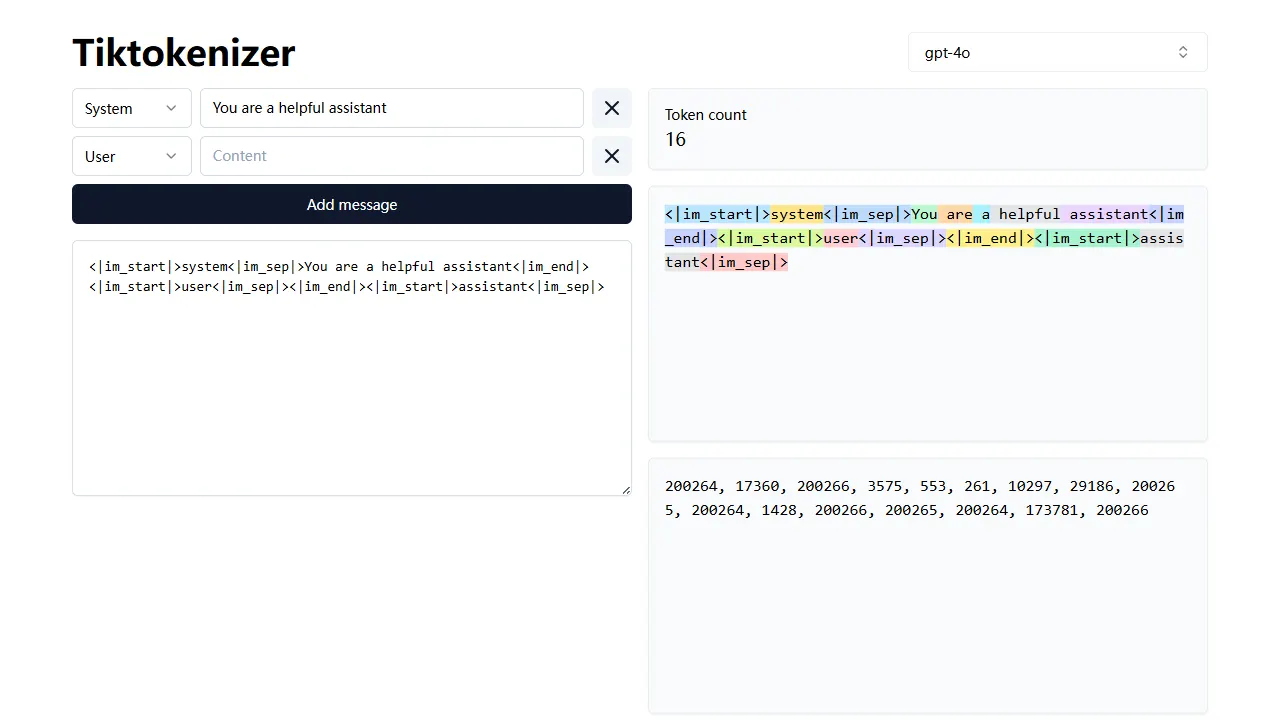
tiktokenizer
tiktokenizer 是一个开源的在线工具站项目,核心功能是计算文本对应的 token 数量,服务于 openai/tiktoken 库。
Next.js · 工具站
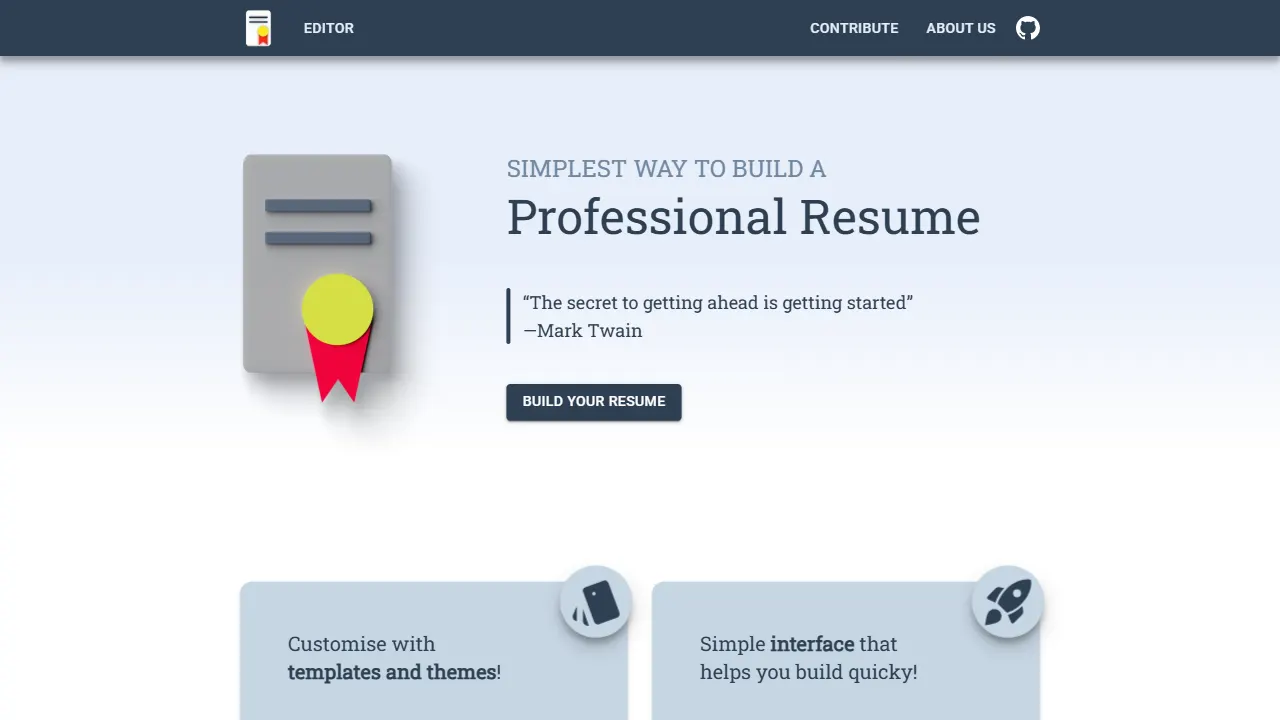
resume builder
resume builder 是一个开源的在线简历生成工具,演示站点可直接体验。 它基于 Next.js、TypeScript 和 Material UI 构建,前端状态管理采用 Zustand,整体界面简洁,交互流畅。
Next.js · 工具站
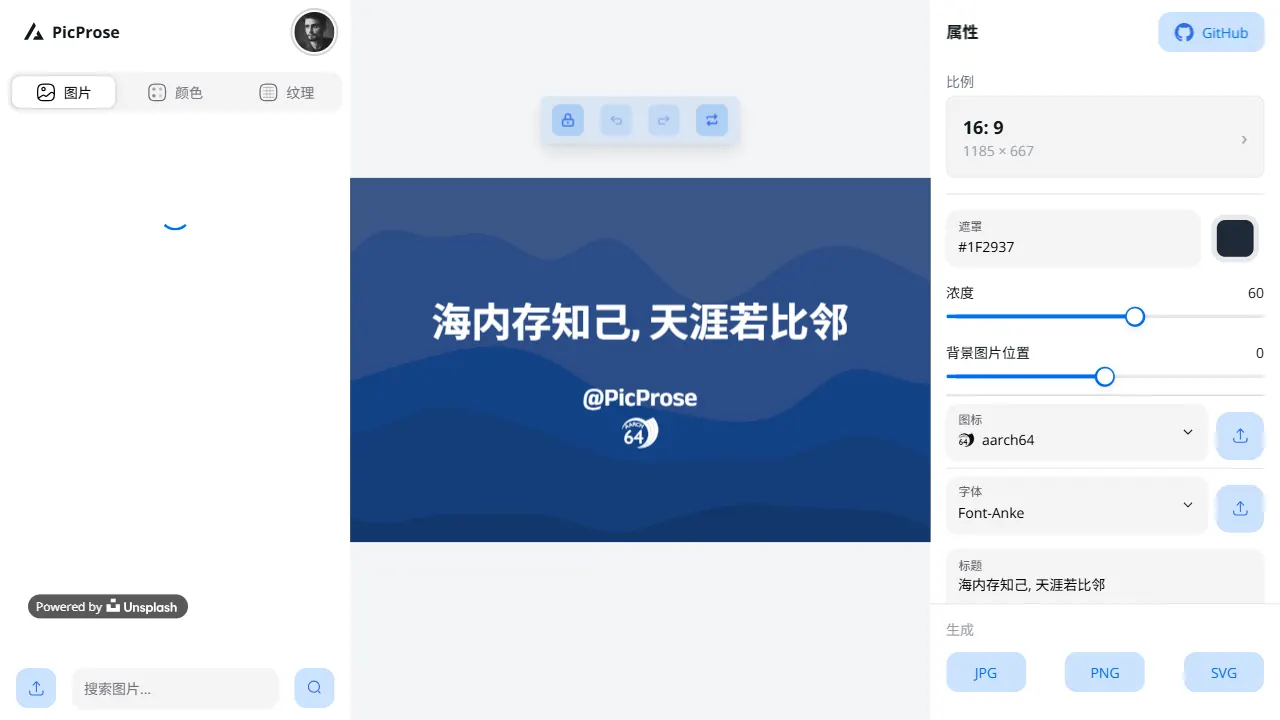
picprose
PicProse 是一个开源的封面图生成工具,专为博客作者、内容创作者和开发者设计。 它通过直观的界面,让用户快速为 Medium、YouTube、B站等平台生成专业封面。
Next.js · 工具站
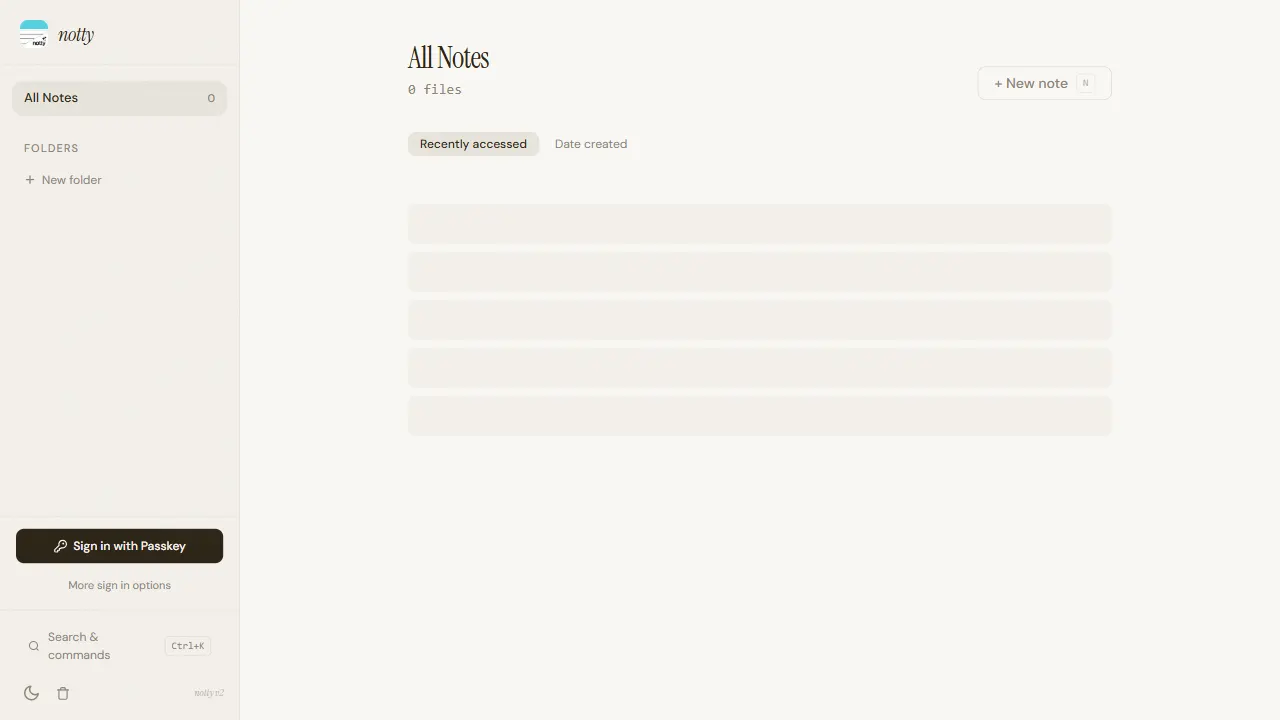
notty
Notty 是一个定位明确的笔记应用模板,核心卖点是“离线优先 + 实时协作 + 数据自主”。
Next.js · 工具站
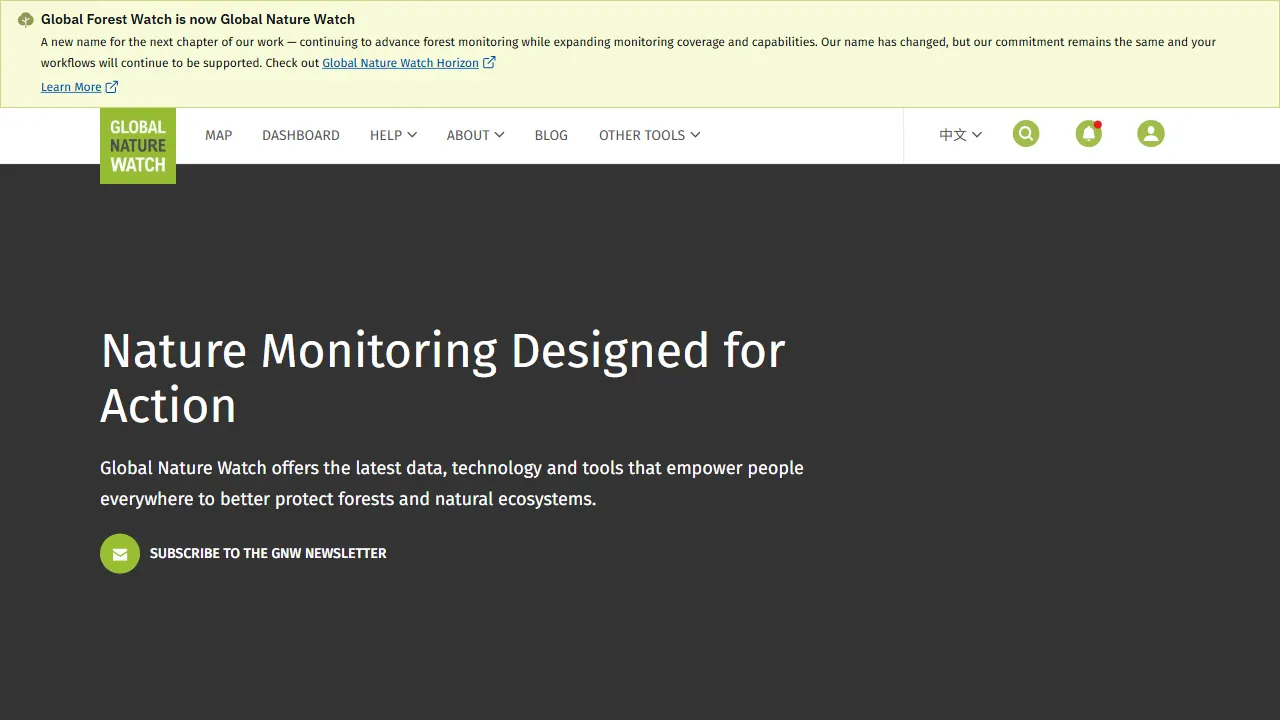
gfw
gfw 是 Global Forest Watch 的官方 Web 应用,一个面向森林监测与告警的在线工具站。
Next.js · 工具站