Compiles .md and .mdx content into a structured documentation interface, supporting both standard mode and versioned + multilingual mode
ReactDocumentationTool Site
docline-core — React Documentation Template
By doclines
docline-core is a React-based open-source documentation framework that compiles .md and .mdx files into documentation sites with search, versioning, and multilingual support. It is MIT-licensed and can be self-hosted.
Explore the design
Compare the page layouts and mobile experience. Open any screenshot for a closer look.
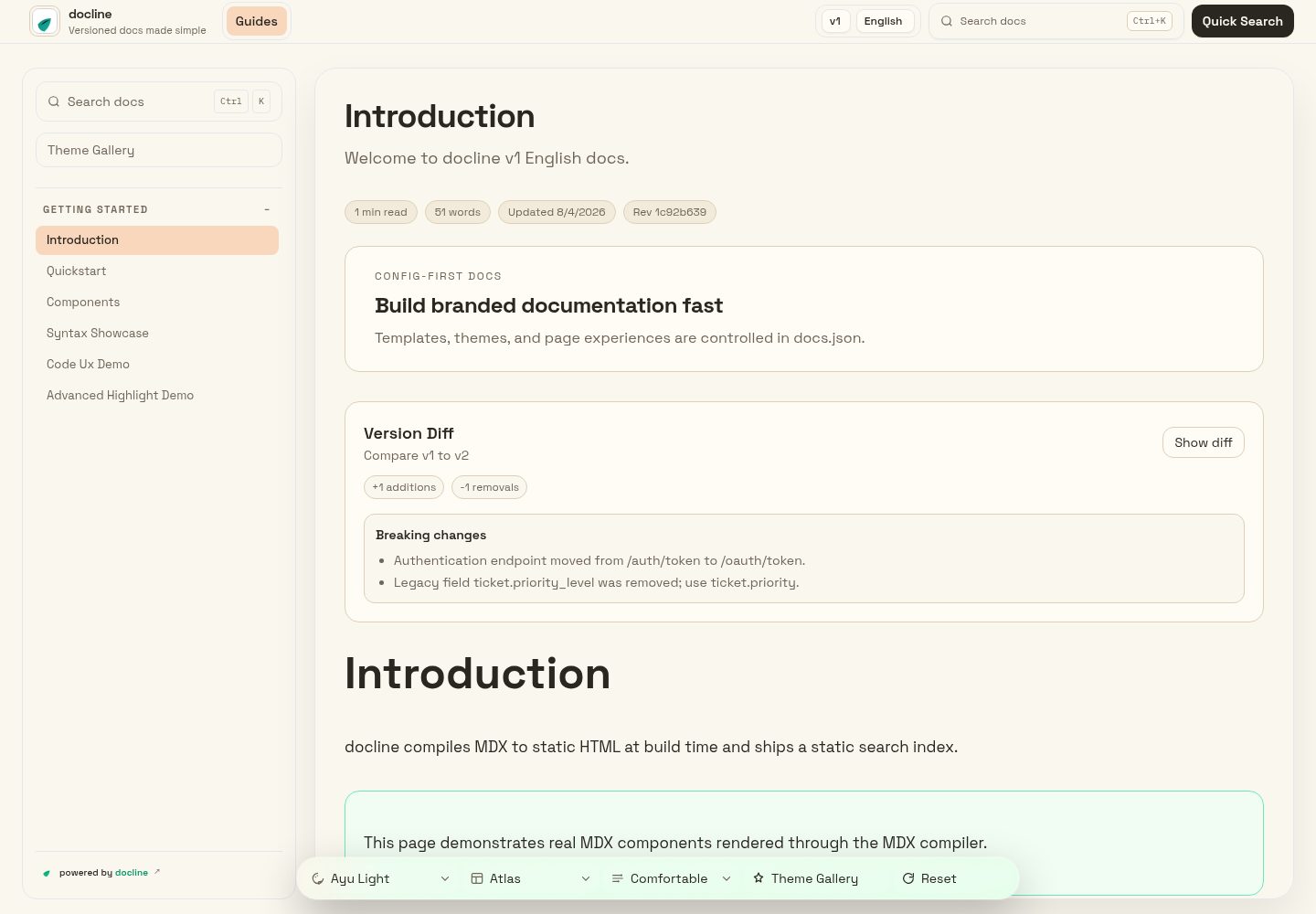
Desktop homepage
Desktop captureTop of page
Actual screenshot captured by the server browser.
One original preview is available. Open the full image to inspect the design.
Screenshots show visual appearance; interactive behavior may differ.
Recorded 2026-10-13View source
What stands out
A quick read of the recorded project description.
Centralizes branding, theme, navigation, versions, and languages in docs.json, with content directories specified by content.roots
Provides commands such as dev, validate, broken-links, check, a11y, and export, covering preview, validation, link checking, accessibility checks, and static export
npm run docs:compile scans content root directories to generate src/generated/docline-content.json, from which content and search are loaded at runtime
The README lists online previews for 12 themes and supports combinations of presentation parameters such as theme, contrast, density, and reading focus
Uses the MIT license, permitting free use, modification, commercial use, and distribution, provided that copyright and license notices are retained
Template Details
docline-core is aimed at teams that want to build their own documentation sites. Its core workflow is to place Markdown/MDX content into configured directories, which the framework compiles into a structured documentation interface. The project provides the create-docline scaffold, which can be used via npx to create a project and start a local preview. It also provides commands such as dev, validate, broken-links, check, a11y, and export for local preview, configuration validation, internal link and anchor checks, accessibility checks, and exporting a static bundle.
Configuration is centralized in docs.json at the project root: branding, theme, navigation, versions, and languages are all defined there. Content directories are specified by content.roots; when versioning and multilingual support are needed, contentMatrix.entries is used to declare roots and navigation separately for each version and locale combination. Standard mode uses a single context (such as docs/), while versioned mode uses a directory structure like docs/v1/en/ and docs/v2/en/. Pages must be registered in the navigation to appear in the sidebar or top tabs.
Content loading depends on a generated file: npm run docs:compile scans the configured root directories and generates src/generated/docline-content.json, and the application reads content from that file at runtime to support search and navigation. If a page does not appear in the interface, the README suggests checking the file path, content.roots, and the navigation or contentMatrix entries in order. The README also lists online preview links for 12 themes, as well as composable presentation parameters such as theme, contrast, density, and reading focus.
Regarding licensing, the repository uses the MIT license, which permits free use, modification, commercial use, and distribution of this version of the code, provided that the copyright notice and license notice are retained when distributing. Note that third-party assets such as demo images, fonts, and icons must be checked separately under their own licenses; external services such as domains and hosting may incur additional charges. Statements in the README such as "zero cost, no platform lock-in, can be hosted on any modern static hosting platform" are the project's own claims, and this introduction does not make any judgment about its performance or production readiness.
ReactDocumentationTool site
Is it right for your project?
Use Cases
- Building a self-hostable Markdown/MDX documentation site for an open-source project or product
- Teams that need to organize documentation by version and language and configure navigation separately for each version and language
- Using commands such as validate, broken-links, and a11y before release to check configuration, internal links, and accessibility issues
- Generating a static bundle via export and deploying it to a static hosting platform of choice
Suitable For
- Teams using a React stack that want to control the documentation site code and deployment themselves
- Maintainers whose documentation content is written in Markdown or MDX and who need versioning and multilingual support
- Projects that want to complete documentation validation, link checking, and static export via the command line
- Teams migrating from paid documentation platforms and preferring a self-hosted solution
Getting started & customization
Use these recorded setup notes alongside the repository instructions for your chosen version.
- 1
Create a project with npx create-docline@latest my-docs, then enter the directory and run npm install and npm run dev to start a local preview
- 2
Maintain docs.json at the project root to configure branding, theme, navigation, versions, and languages, and point content.roots to the directory containing Markdown/MDX
- 3
Versioned mode requires declaring roots and navigation for each version and locale in contentMatrix.entries; standard mode updates the top-level navigation.tabs
- 4
After adding a page, it must be registered in the navigation, otherwise it will not appear in the sidebar or top tabs; if a page is missing, check the file path, content.roots, and navigation configuration in order
- 5
Run npm run validate and npm run build before building; content loading depends on src/generated/docline-content.json generated by npm run docs:compile
License & source material
Usage conditions & limitations
Free to use · keep license noticeThis entry covers the free version under the MIT license in the public repository; the free scope is the code of this version and does not mean that external services or third-party assets are free.
Must comply with when using
- Permits free use, modification, commercial use, and distribution of this version of the code.
- When distributing copies or substantial portions of the code, retain the original author's copyright notice and the full MIT license notice.
- The code is provided as is; warranties and limitations of liability are governed by the original license and applicable law.
Additional costs & items to verify
- Demo images, fonts, icons, and other third-party assets must be checked under their own licenses and cannot be judged solely by the code's MIT license.
- External services such as domains, hosting, databases, payments, or AI may incur additional charges.
View Original Text Basis
https://github.com/doclines/docline-core/blob/main/LICENSEhttps://github.com/doclines/docline-core/blob/main/README.mdPermission is hereby granted, free of charge
Original License Text
Compiled by DeepSeek based on repository license and README ·2026-10-13. Results only cover the materials read; dependencies, images, fonts, and subsequent term changes are subject to their respective original texts.
Project checks & description sources
Template Information
- Source platforms
- GitHub
- Documentation and maintenance reference score
- More documented · 88 / 100
- Technologies
- React
- Website type
- Documentation · Tool Site
How this score is calculated
Our heuristic uses license records (up to 30), a demo link (12), a preview (10), stars (15), recorded maintenance (15), description completeness (8), feature records (5) and classification data (5). It is not a code, security or performance test, or a Google score. A link does not establish tested functionality.
What to verify for this project
- Repository update recorded
- 2026-08-04
- Screenshot last checked
- 2026-10-13
A demo link is listed. Check it with your own content and viewport sizes; its presence does not confirm that forms, authentication or payments work.
The catalog identifies React as the primary stack. Check the actual dependency manifest and lockfile for versions and hosting requirements. These notes use recorded metadata, not a code audit or a deployment test.
Use a selection guide →How this description was prepared
AI-assisted description based on catalog records and repository material. Repository authors are not automatically the reviewers of this description.
Review declaration: [email protected] · 2026-10-13
Inspect the recorded source material
SHA-256: a4151a55dbada66cb0f268f0a9f7d048920cf292f885c8ad7fae30250427bb6c
2026-10-13T08:13:01.418Z
Source file / repository<h1 style="display:flex; align-items:center; gap:10px;"><img src="https://unpkg.com/create-docline@latest/public/logos/dark.svg" alt="docline logo" width="34" style="vertical-align:middle;"/><span>docline</span></h1>
docline turns `.md` and `.mdx` into a beautiful, structured docs UI fast, with zero cost and full ownership.
Built for teams moving away from expensive paid tools, docline gives you a professional docs experience without platform lock-in.
[](https://www.npmjs.com/package/create-docline)
[](https://github.com/doclines/docline-core/blob/main/LICENSE)
[](https://github.com/doclines/docline-core/actions/workflows/deploy-github-pages.yml)
[](https://doclines.github.io/docline-core/index.html)
## Live Theme Previews
Animated theme tour:
[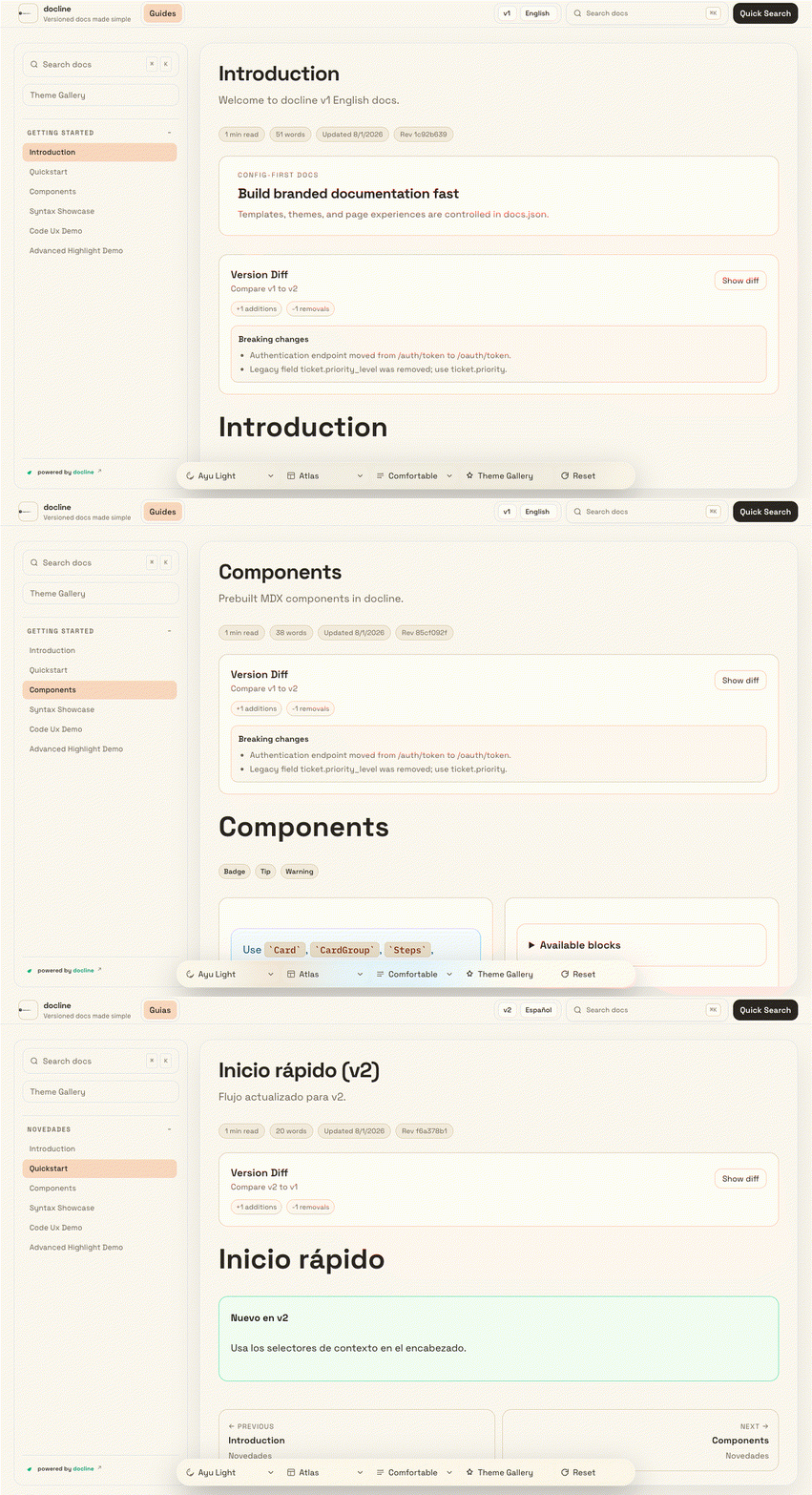](https://doclines.github.io/docline-core/index.html)
Effects tour (theme + contrast + density + reading focus):
[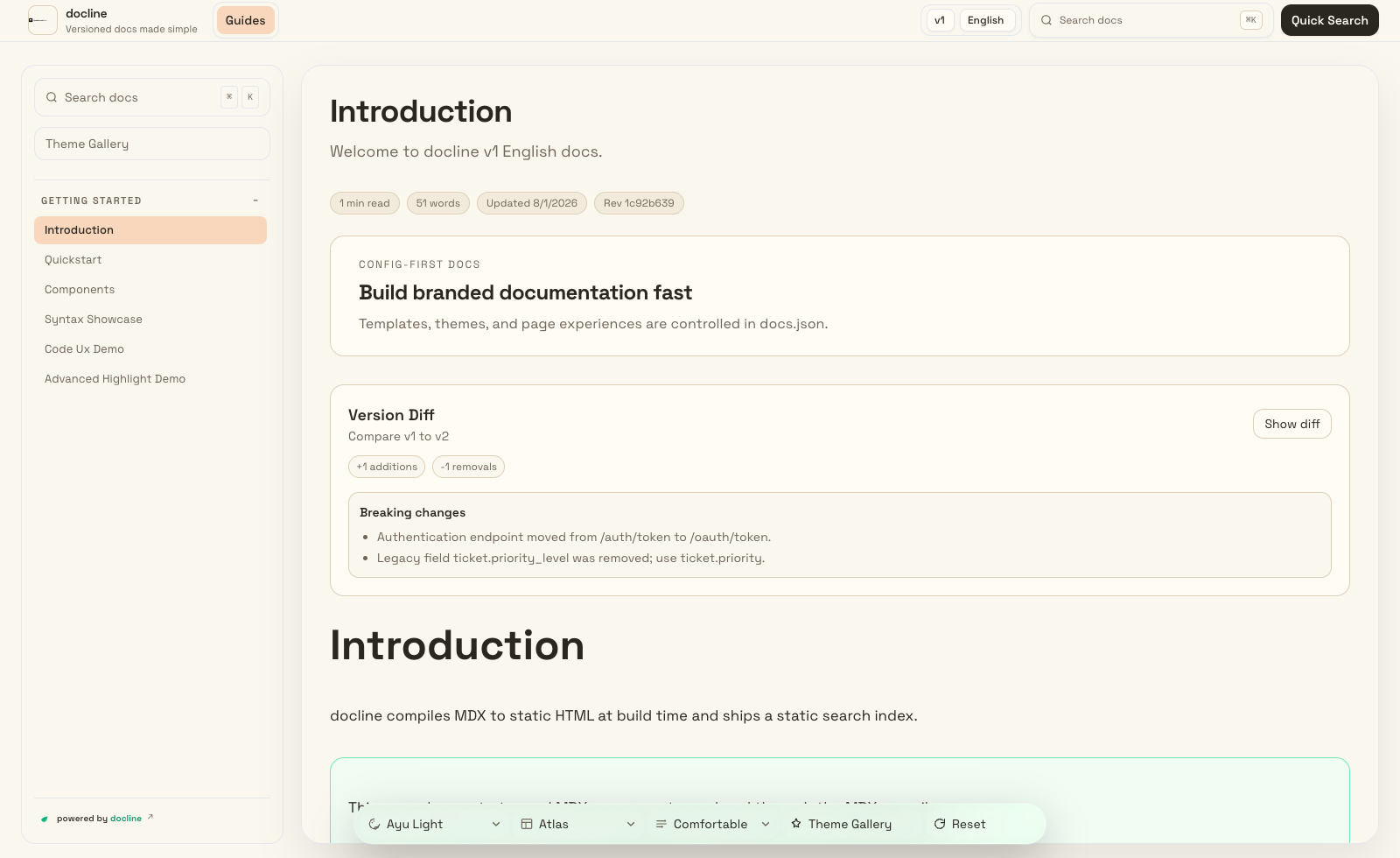](https://doclines.github.io/docline-core/index.html?version=v1&lang=en&theme=night-owl&contrast=high&density=compact&reading=on)
<details>
<summary>Theme preview dropdown (12 themes)</summary>
[Ayu Light](https://doclines.github.io/docline-core/index.html?version=v1&lang=en&theme=ayu-light) | [Catppuccin Latte](https://doclines.github.io/docline-core/index.html?version=v1&lang=en&theme=catppuccin-latte) | [GitHub Light](https://doclines.github.io/docline-core/index.html?version=v1&lang=en&theme=github-light)
[Solarized Light](https://doclines.github.io/docline-core/index.html?version=v1&lang=en&theme=solarized-light) | [Tokyo Night Storm](https://doclines.github.io/docline-core/index.html?version=v1&lang=en&theme=tokyo-night-storm) | [Dracula Pro](https://doclines.github.io/docline-core/index.html?version=v1&lang=en&theme=dracula-pro)
[One Dark Pro](https://doclines.github.io/docline-core/index.html?version=v1&lang=en&theme=one-dark-pro) | [Night Owl](https://doclines.github.io/docline-core/index.html?version=v1&lang=en&theme=night-owl) | [Solarized Dark](https://doclines.github.io/docline-core/index.html?version=v1&lang=en&theme=solarized-dark)
[Material Ocean](https://doclines.github.io/docline-core/index.html?version=v1&lang=en&theme=material-ocean) | [Catppuccin Mocha](https://doclines.github.io/docline-core/index.html?version=v1&lang=en&theme=catppuccin-mocha) | [Gruvbox Dark](https://doclines.github.io/docline-core/index.html?version=v1&lang=en&theme=gruvbox-dark)
</details>
Open live docs: https://doclines.github.io/docline-core
## Core Features
- Feature-first configuration for consistent documentation at scale
- Fast, reliable search across all pages
- Rich authoring experience with reusable content blocks
- Versioned and multilingual documentation support
- Portable output you can host anywhere
- Built-in quality checks for content health and accessibility
## Quick Start
```bash
npx create-docline@latest my-docs
cd my-docs
npx create-docline@latest dev
```
## Scaffold Options
- `--docs-mode standard` for single-context docs
- `--docs-mode versioned` for version + locale docs
- `--branding keep|remove` for attribution preference
- `--badge-style minimal|full` for branding style
- `--pm npm|pnpm|yarn|bun` for package manager selection
- `--no-install` to skip dependency installation
## Main Commands
- `npx create-docline@latest dev` start local preview
- `npx create-docline@latest validate` run docs/config validation
- `npx create-docline@latest broken-links` check internal links and anchors
- `npx create-docline@latest check` run validation + link checks
- `npx create-docline@latest a11y` run accessibility checks
- `npx create-docline@latest export` create distributable static package
## Setup Guide
1. Install and start
```bash
npx create-docline@latest my-docs
cd my-docs
npm install
npm run dev
```
2. Edit your main config
- Create `docs.json` in the project root if it does not exist, then update branding, theme, navigation, versions, and locales.
- Keep `content.roots` pointed to folders that contain your markdown/MDX docs.
- For versioned docs, define `contentMatrix.entries` with `version`, `locale`, `roots`, and `navigation`.
3. Add or update your docs pages
- Place content in your configured docs roots.
- Versioned mode example: `docs/v1/en/`, `docs/v1/es/`, `docs/v2/en/`.
- Standard mode example: `docs/` (single context, no locale folders).
- Add `.md` or `.mdx` pages.
- Register page paths in navigation so they appear in sidebar/top tabs.
- Versioned mode: update navigation inside each `contentMatrix.entries[].navigation` block.
- Standard mode: update top-level `navigation.tabs` in `docs.json`.
4. Validate and build
```bash
npm run validate
npm run build
```
5. How doc loading works
- `npm run docs:compile` scans configured roots and generates `src/generated/docline-content.json`.
- The app loads from that generated file at runtime for fast search/navigation.
- If a page is missing in UI, check: file path, `content.roots`, and `navigation`/`contentMatrix` entries.
## Branding Assets
Use theme-aware favicon icons and a single top-left wordmark logo in `docs.json`:
```json
{
"favicon": {
"light": "/logos/light.svg",
"dark": "/logos/dark.svg"
},
"branding": {
"logo": {
"src": "/logos/wordmark.svg",
"variant": "wordmark",
"showText": false
}
}
}
```
## Deployment
docline output is deployment-ready and can be hosted on any modern static hosting platform.
## Repository
```bash
git clone https://github.com/doclines/docline-core
cd docline-core
npm install
npm run dev
```
## License
Licensed under the [MIT License](https://github.com/doclines/docline-core/blob/main/LICENSE).Explore similar templates
Compare previews and descriptions within the same stack and category.
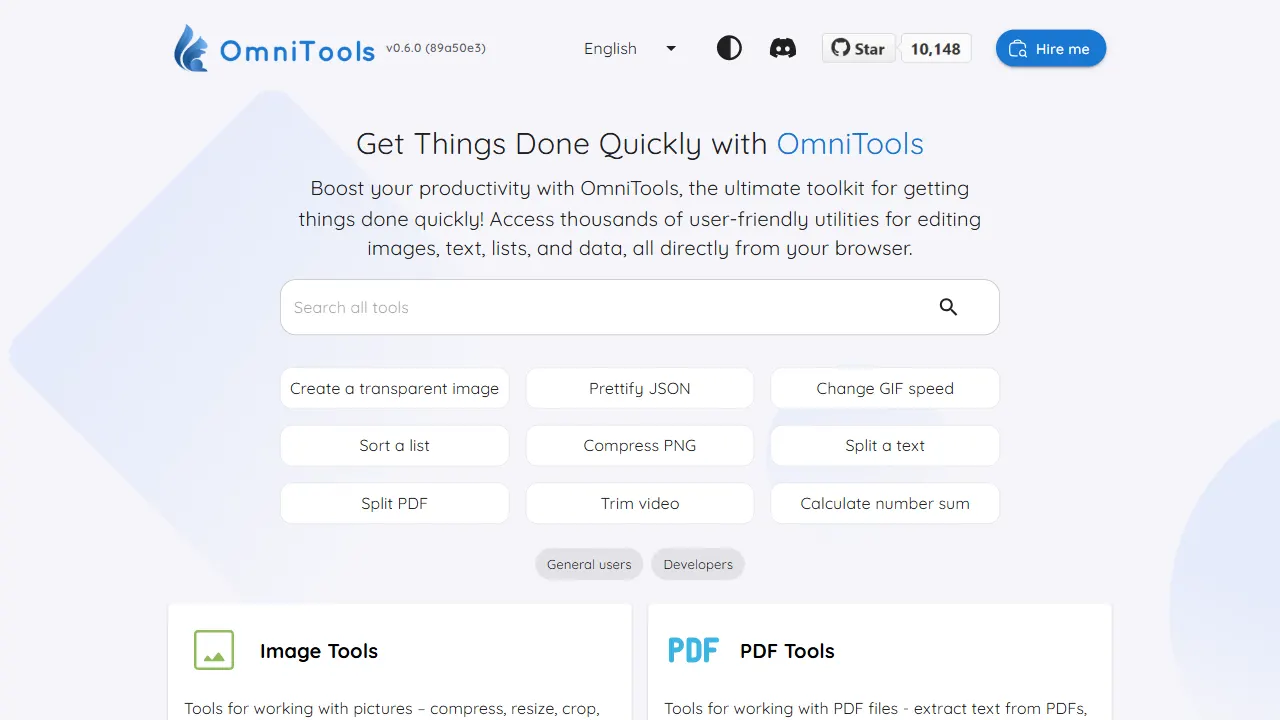
OmniTools
A self-hosted React and TypeScript tool site that runs image, video, PDF, text, date, math, and data utilities entirely in the browser.
React · Tool Site
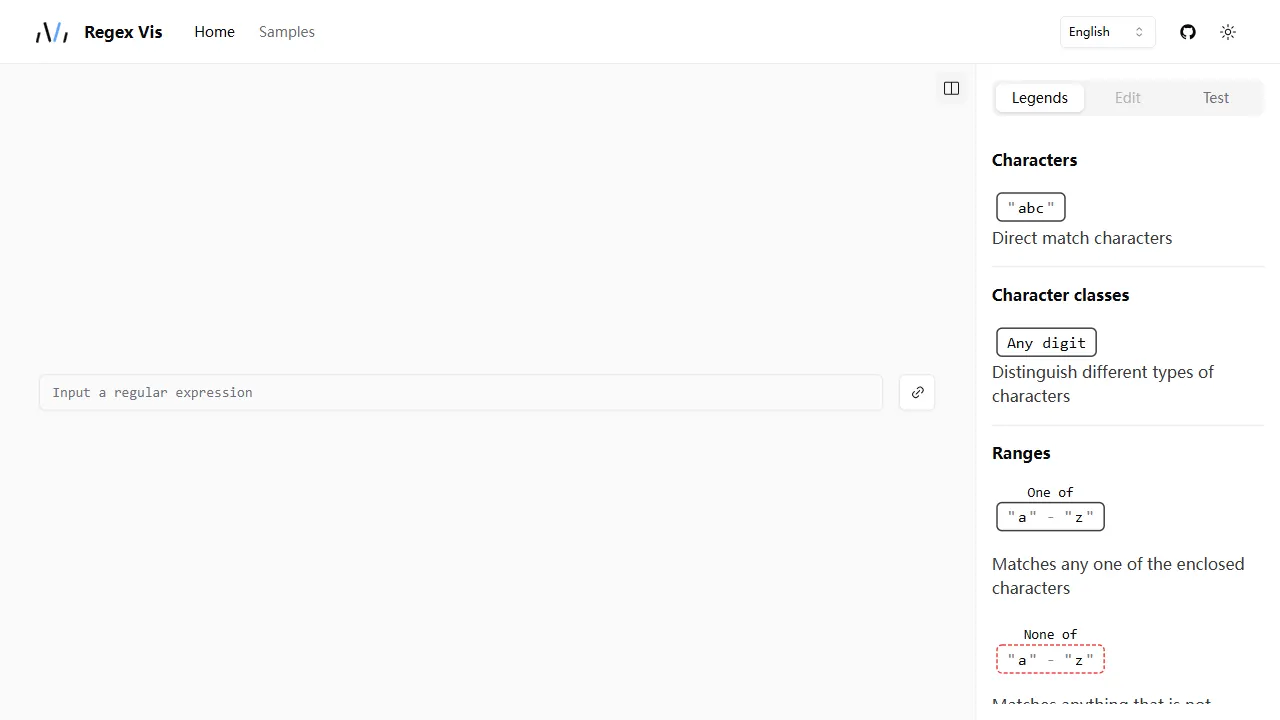
regex vis
Regex Vis is an open-source regular expression visualization and editor built with React and TypeScript, offering a live online demo for visual display, editing, and testing.
React · Tool Site
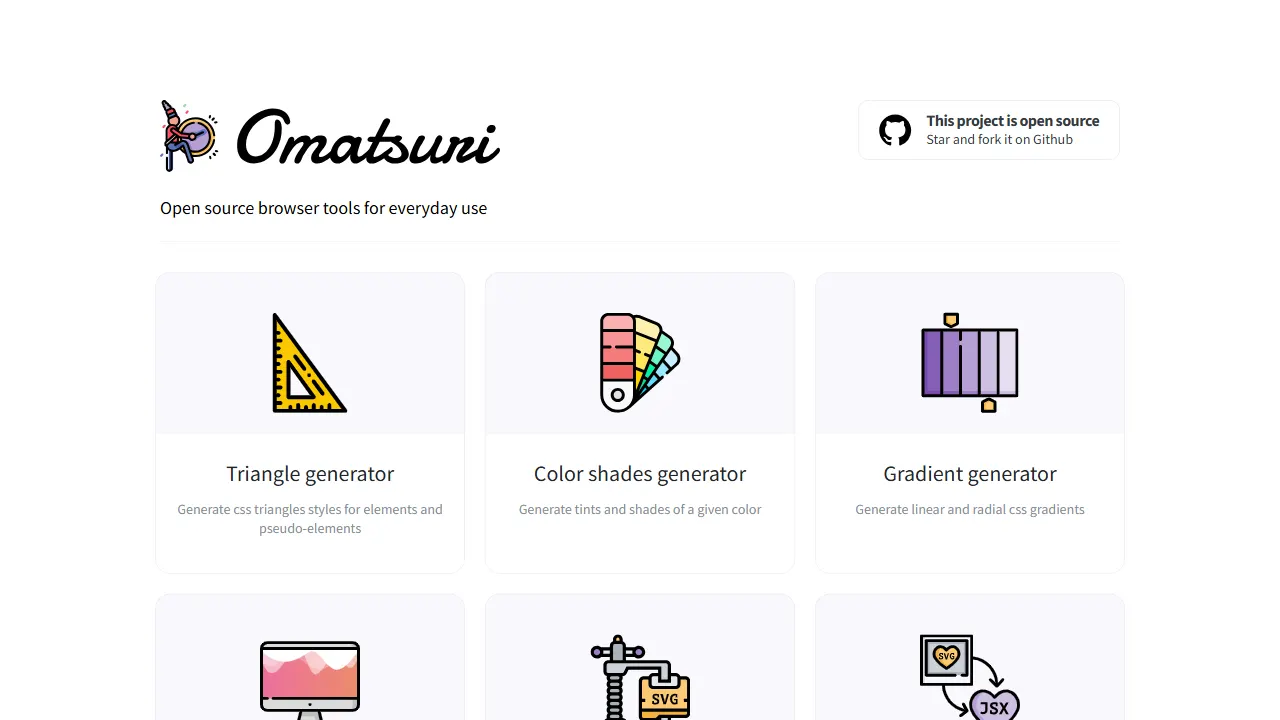
Omatsuri
Omatsuri is an open-source PWA that bundles 12 front-end visual and coding tools, including CSS triangle, gradient, and shadow generators, color scales, page dividers, SVG compression and SVG-to-JSX conversion, Base64 encoding, fake data, HTML/CSS symbols, Lorem Ipsum, CSS cursor reference, and JavaScript…
React · Tool Site
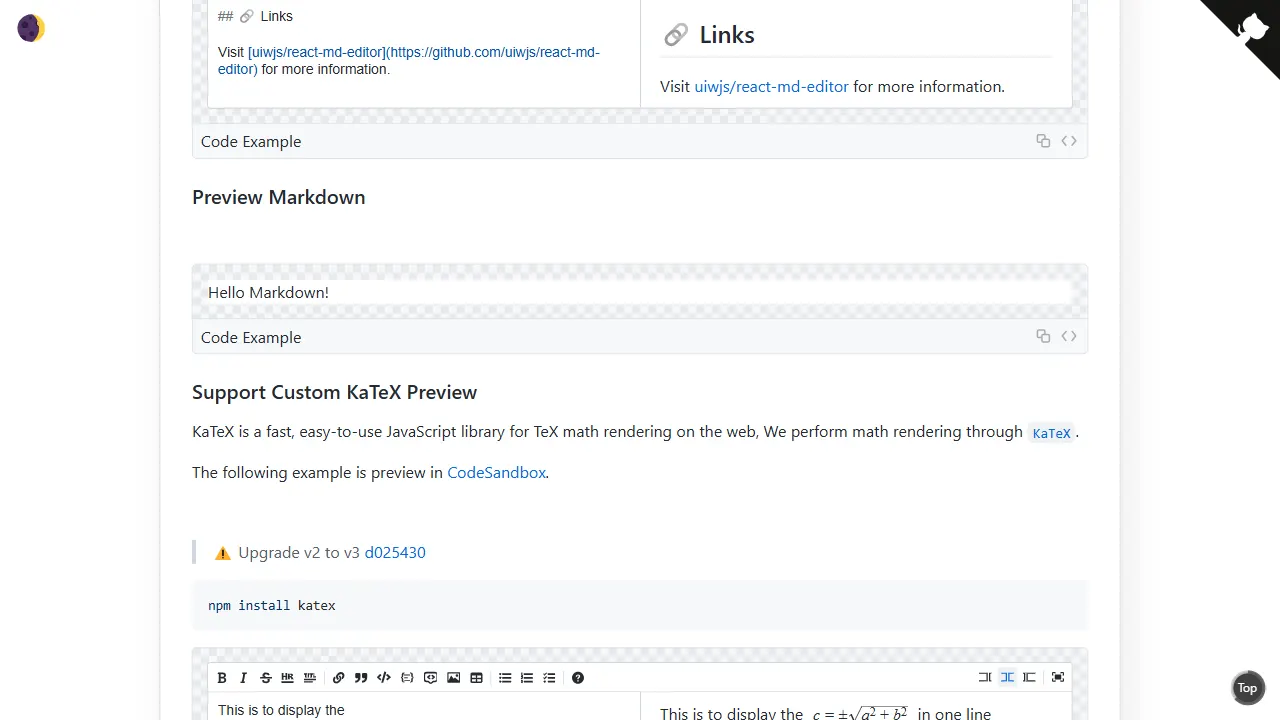
react md editor
A lightweight React Markdown editor component built on textarea, with GitHub-flavored Markdown preview, dark mode, and headless mode. It supports Tab indentation, automatic lists, line duplication and movement, and HTML-comment-based style customization or content ignoring.
React · Tool Site
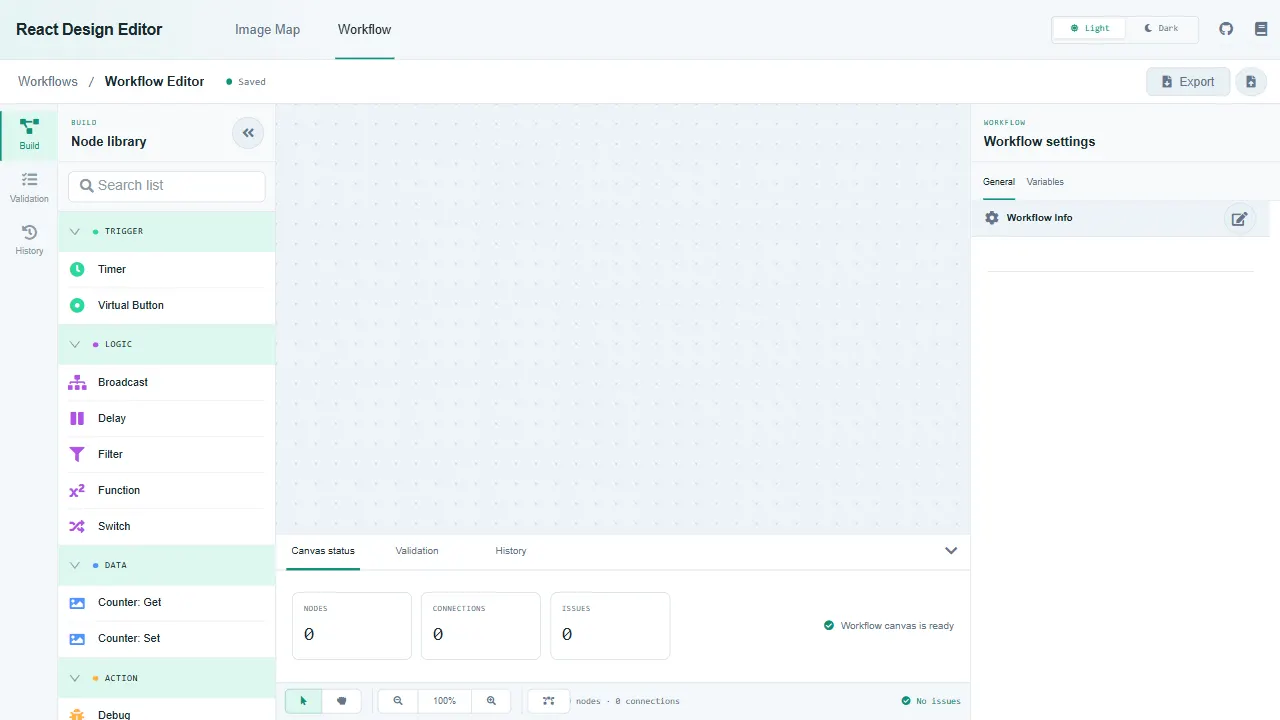
react design editor
React Design Editor is a React component library built on Fabric.js and Ant Design that provides image editing and BPM workflow design.
React · Tool Site
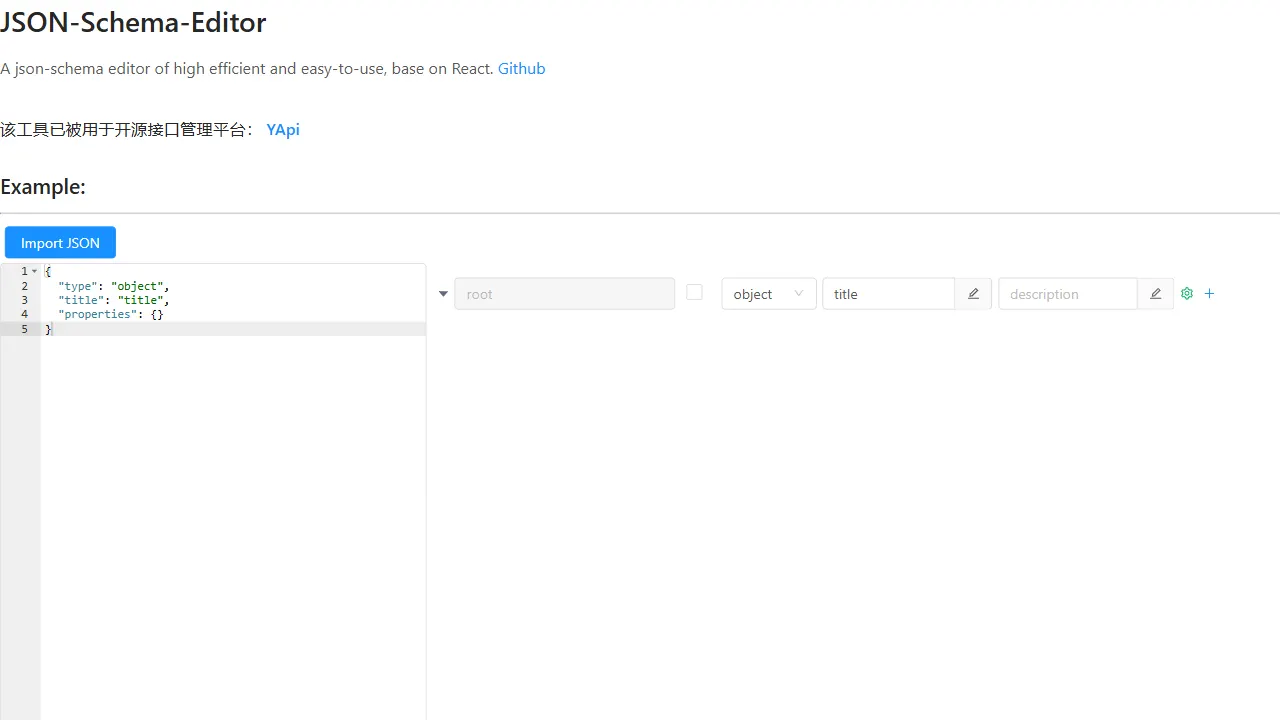
json schema editor visual
A React-based JSON Schema visual editor component with a live online demo, supporting English and Chinese interfaces (en_US/zh_CN). It provides an embeddable editor UI with concise props (data, onChange, showEditor) and is built on antd.
React · Tool Site