把 .md 与 .mdx 内容编译为结构化文档界面,支持标准模式与版本化+多语言模式
React文档工具站
docline-core — React 文档模板
作者 doclines
docline-core 是一个基于 React 的开源文档框架,把 .md 与 .mdx 文件编译成带搜索、版本与多语言支持的文档站点,采用 MIT 许可,可自行托管。
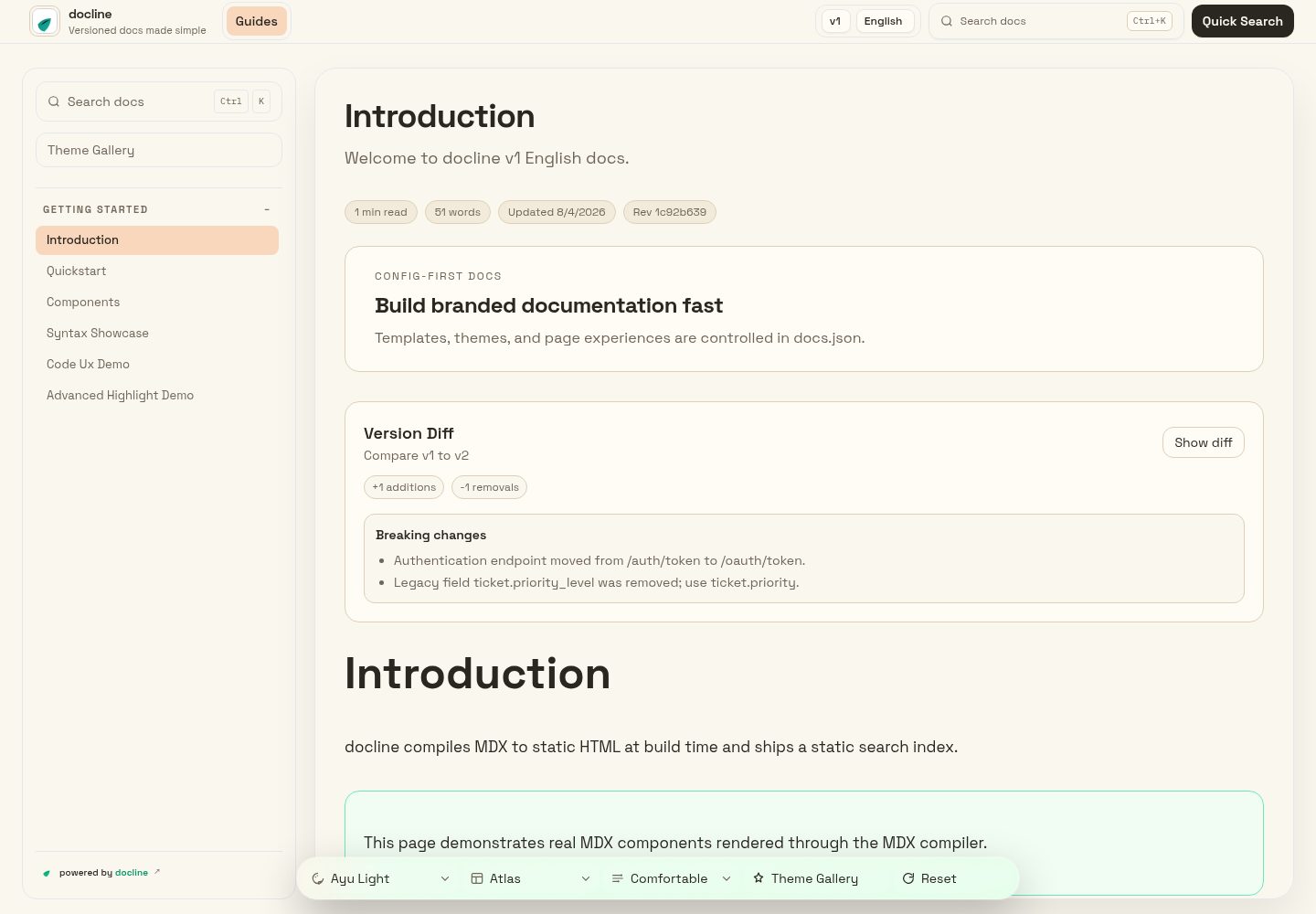
看看你的网站会是什么样
浏览真实页面截图,比较内容排版与手机效果。点击下方缩略图切换,放大查看整页细节。
目前有 1 张原始预览,可打开完整图片查看设计细节。
截图用于了解视觉与布局,交互效果请以实际项目为准。
采集于 2026-10-13查看来源
值得关注的模板亮点
从已有项目资料中,快速了解它的特点。
通过 docs.json 集中配置品牌、主题、导航、版本与语言,内容目录由 content.roots 指定
提供 dev、validate、broken-links、check、a11y、export 等命令,覆盖预览、校验、链接检查、无障碍检查与静态导出
npm run docs:compile 扫描内容根目录生成 src/generated/docline-content.json,运行时据此加载内容与搜索
README 列出 12 个主题的在线预览,并支持主题、对比度、密度、阅读聚焦等展示参数组合
采用 MIT 许可,允许免费使用、修改、商用与分发,需保留版权与许可声明
模板详细介绍
docline-core 面向希望自建文档站点的团队,核心工作方式是把 Markdown/MDX 内容放入配置好的目录,由框架编译成结构化的文档界面。项目提供 create-docline 脚手架,可通过 npx 创建项目并启动本地预览,同时给出 dev、validate、broken-links、check、a11y、export 等命令,用于本地预览、配置校验、内部链接与锚点检查、无障碍检查和导出静态包。
配置集中在项目根目录的 docs.json:品牌、主题、导航、版本与语言都在这里定义。内容目录由 content.roots 指定;需要版本与多语言时,用 contentMatrix.entries 为每个 version、locale 组合分别声明 roots 与 navigation。标准模式使用单一上下文(如 docs/),版本化模式使用类似 docs/v1/en/、docs/v2/en/ 的目录结构。页面需要在导航中登记才会出现在侧边栏或顶部标签中。
内容加载依赖生成文件:npm run docs:compile 扫描配置的根目录并生成 src/generated/docline-content.json,应用运行时从该文件读取内容以支撑搜索与导航。如果页面没有出现在界面上,README 建议依次检查文件路径、content.roots 以及 navigation 或 contentMatrix 条目。README 还列出 12 个主题的在线预览链接,以及主题、对比度、密度、阅读聚焦等可组合的展示参数。
许可方面,仓库采用 MIT 许可,允许免费使用、修改、商用和分发该版本代码,分发时需保留版权声明与许可声明。需要注意,演示图片、字体、图标等第三方素材需按各自许可单独核对;域名、托管等外部服务可能另外收费。README 中的“零成本、无平台锁定、可托管到任意现代静态托管平台”等表述属于项目自述,本介绍不对其性能或生产就绪程度作判断。
React文档工具站
适合你的项目吗?
适用场景
- 为开源项目或产品搭建可自行托管的 Markdown/MDX 文档站点
- 需要按版本与语言组织文档,并为每个版本、语言分别配置导航的团队
- 在发布前用 validate、broken-links、a11y 等命令检查配置、内部链接与无障碍问题
- 通过 export 生成静态包,部署到自选的静态托管平台
适合人群
- 使用 React 技术栈、希望自行掌控文档站点代码与部署的团队
- 文档内容以 Markdown 或 MDX 编写,需要版本与多语言支持的维护者
- 希望用命令行完成文档校验、链接检查与静态导出的项目
- 从付费文档平台迁移、倾向自托管方案的团队
上手与定制指南
结合仓库当前版本的说明,按下面的资料检查内容、配置与运行要求。
- 1
用 npx create-docline@latest my-docs 创建项目,进入目录后执行 npm install 与 npm run dev 启动本地预览
- 2
在项目根目录维护 docs.json,配置品牌、主题、导航、版本与语言,并让 content.roots 指向存放 Markdown/MDX 的目录
- 3
版本化模式需在 contentMatrix.entries 中为每个 version、locale 声明 roots 与 navigation;标准模式则更新顶层 navigation.tabs
- 4
新增页面后需在导航中登记,否则不会出现在侧边栏或顶部标签;页面缺失时依次检查文件路径、content.roots 与导航配置
- 5
构建前运行 npm run validate 与 npm run build;内容加载依赖 npm run docs:compile 生成的 src/generated/docline-content.json
授权与来源资料
使用条件与限制
免费使用 · 保留许可声明本次收录的是公开仓库中采用 MIT 许可的免费版本;免费范围为该版本代码,不代表外部服务或第三方素材免费。
使用时需要遵守
- 允许免费使用、修改、商用和分发该版本代码。
- 分发代码副本或实质性部分时,保留原作者版权声明和完整 MIT 许可声明。
- 代码按现状提供;担保与责任限制以原许可证及适用法律为准。
额外费用与待核对事项
- 演示图片、字体、图标及其他第三方素材需按各自许可核对,不能仅凭代码的 MIT 许可判断。
- 域名、托管、数据库、支付或 AI 等外部服务可能另外收费。
查看原文依据
https://github.com/doclines/docline-core/blob/main/LICENSEhttps://github.com/doclines/docline-core/blob/main/README.mdPermission is hereby granted, free of charge
许可证原文
DeepSeek 根据仓库许可证和 README 整理 ·2026-10-13。结果仅覆盖已读取资料,依赖、图片、字体及后续条款变更以各自原文为准。
项目核对记录与介绍依据
模板资料
- 来源平台
- GitHub
- 资料与维护参考分
- 资料较完整 · 88 / 100
- 技术栈
- React
- 网站类型
- 文档 · 工具站
这个分数如何计算
本站按许可资料(最高30分)、演示链接(12分)、预览图(10分)、Star数(15分)、记录的维护时间(15分)、描述完整度(8分)、功能记录(5分)和分类资料(5分)计算。它不是代码、安全或性能测试,也不是 Google 评分;有链接不代表已实测可用。
这个项目需要核对什么
- 记录的仓库更新时间
- 2026-08-04
- 截图检查日期
- 2026-10-13
已收录演示链接。请用你的内容与屏幕尺寸检查;有演示不代表表单、认证或支付已经可用。
目录记录的主要技术栈是 React。请通过依赖清单和锁文件核对实际版本与托管要求。这些说明基于收录资料,不代表代码审计或部署实测。
查看具体选型方法 →介绍的制作与核对状态
介绍由 AI 辅助整理目录与仓库资料。仓库作者不等于这篇介绍的审核者。
审核声明: [email protected] · 2026-10-13
查看当时使用的来源资料
SHA-256: a4151a55dbada66cb0f268f0a9f7d048920cf292f885c8ad7fae30250427bb6c
2026-10-13T08:13:01.418Z
来源文件 / 仓库<h1 style="display:flex; align-items:center; gap:10px;"><img src="https://unpkg.com/create-docline@latest/public/logos/dark.svg" alt="docline logo" width="34" style="vertical-align:middle;"/><span>docline</span></h1>
docline turns `.md` and `.mdx` into a beautiful, structured docs UI fast, with zero cost and full ownership.
Built for teams moving away from expensive paid tools, docline gives you a professional docs experience without platform lock-in.
[](https://www.npmjs.com/package/create-docline)
[](https://github.com/doclines/docline-core/blob/main/LICENSE)
[](https://github.com/doclines/docline-core/actions/workflows/deploy-github-pages.yml)
[](https://doclines.github.io/docline-core/index.html)
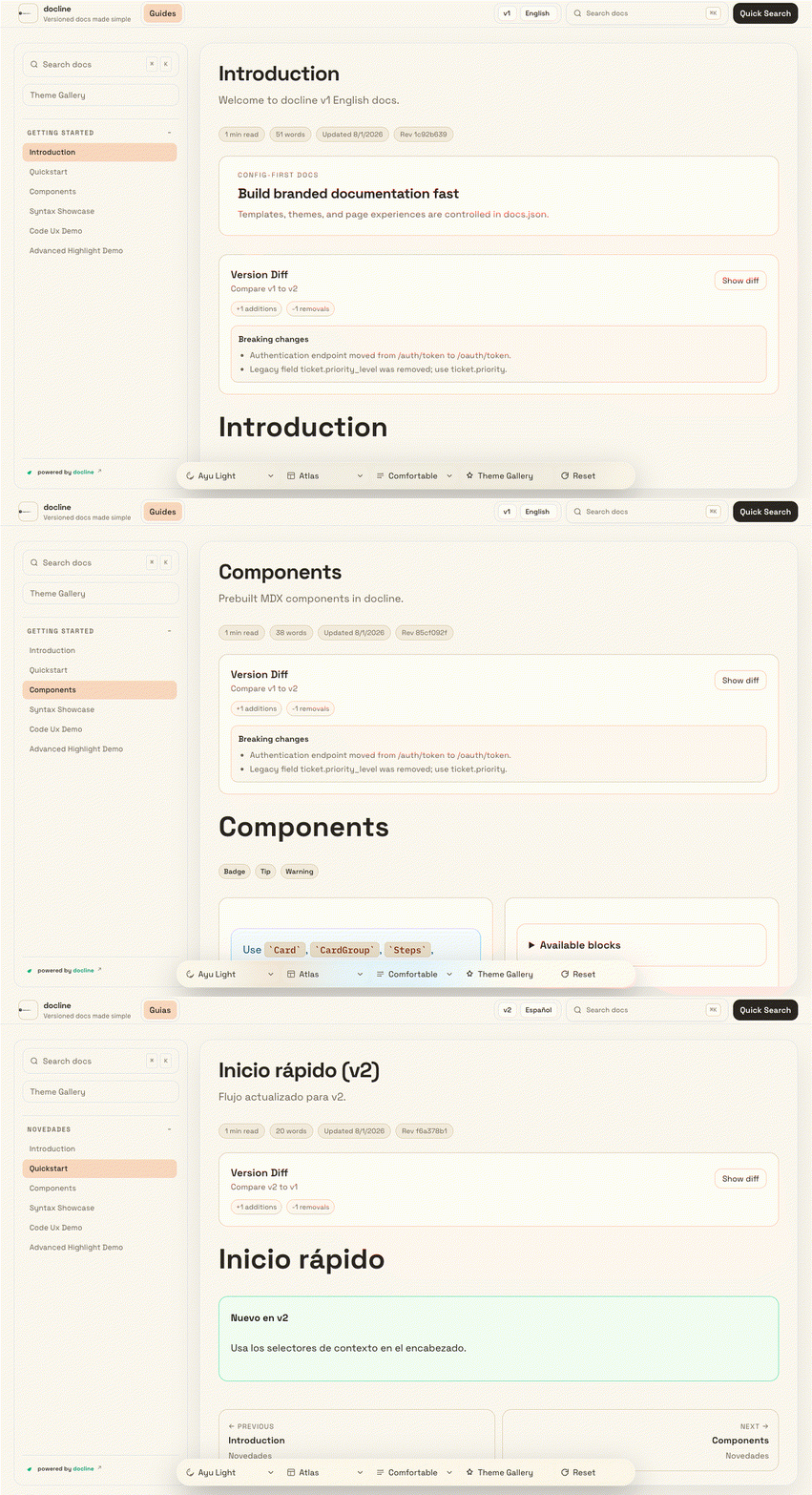
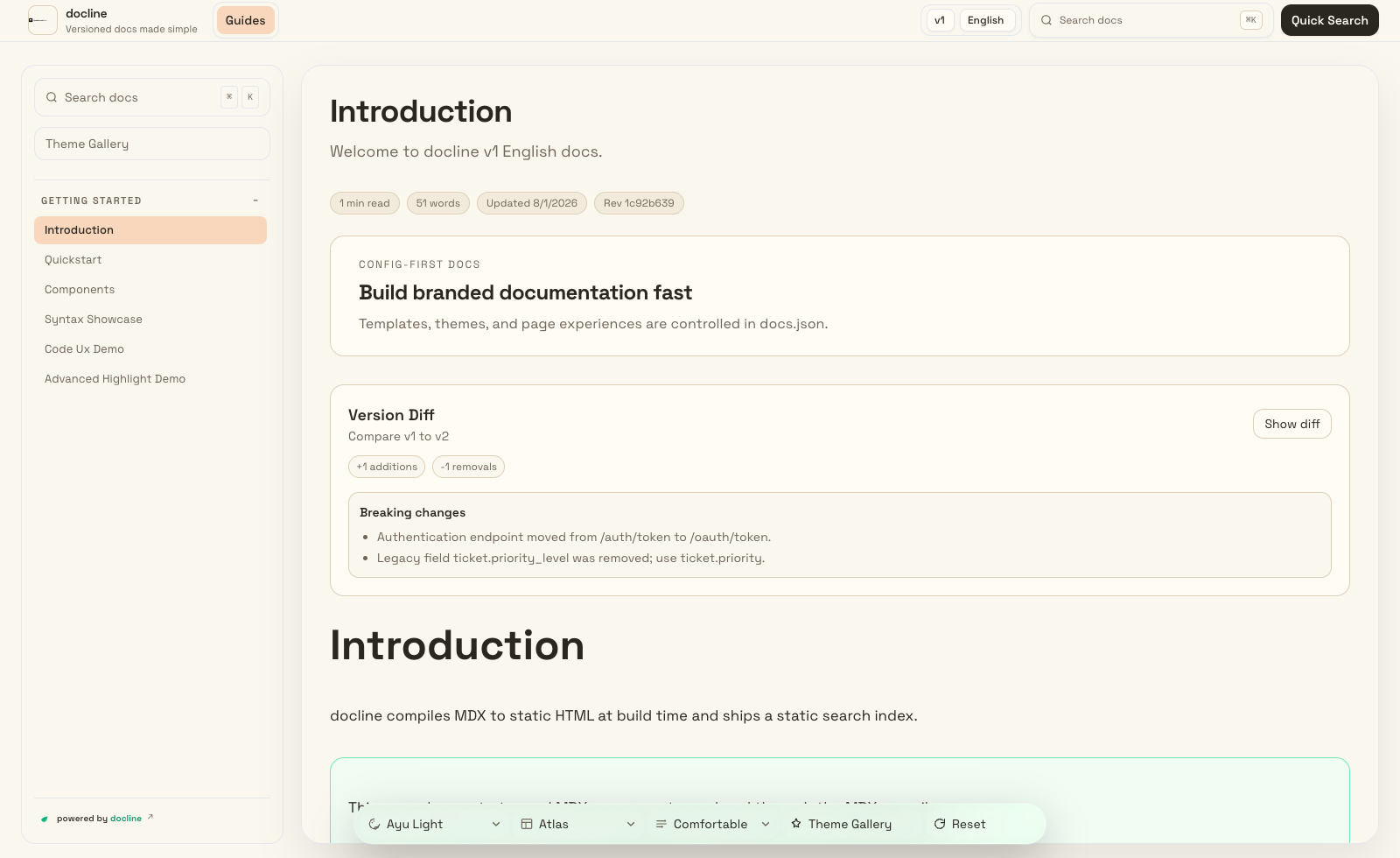
## Live Theme Previews
Animated theme tour:
[](https://doclines.github.io/docline-core/index.html)
Effects tour (theme + contrast + density + reading focus):
[](https://doclines.github.io/docline-core/index.html?version=v1&lang=en&theme=night-owl&contrast=high&density=compact&reading=on)
<details>
<summary>Theme preview dropdown (12 themes)</summary>
[Ayu Light](https://doclines.github.io/docline-core/index.html?version=v1&lang=en&theme=ayu-light) | [Catppuccin Latte](https://doclines.github.io/docline-core/index.html?version=v1&lang=en&theme=catppuccin-latte) | [GitHub Light](https://doclines.github.io/docline-core/index.html?version=v1&lang=en&theme=github-light)
[Solarized Light](https://doclines.github.io/docline-core/index.html?version=v1&lang=en&theme=solarized-light) | [Tokyo Night Storm](https://doclines.github.io/docline-core/index.html?version=v1&lang=en&theme=tokyo-night-storm) | [Dracula Pro](https://doclines.github.io/docline-core/index.html?version=v1&lang=en&theme=dracula-pro)
[One Dark Pro](https://doclines.github.io/docline-core/index.html?version=v1&lang=en&theme=one-dark-pro) | [Night Owl](https://doclines.github.io/docline-core/index.html?version=v1&lang=en&theme=night-owl) | [Solarized Dark](https://doclines.github.io/docline-core/index.html?version=v1&lang=en&theme=solarized-dark)
[Material Ocean](https://doclines.github.io/docline-core/index.html?version=v1&lang=en&theme=material-ocean) | [Catppuccin Mocha](https://doclines.github.io/docline-core/index.html?version=v1&lang=en&theme=catppuccin-mocha) | [Gruvbox Dark](https://doclines.github.io/docline-core/index.html?version=v1&lang=en&theme=gruvbox-dark)
</details>
Open live docs: https://doclines.github.io/docline-core
## Core Features
- Feature-first configuration for consistent documentation at scale
- Fast, reliable search across all pages
- Rich authoring experience with reusable content blocks
- Versioned and multilingual documentation support
- Portable output you can host anywhere
- Built-in quality checks for content health and accessibility
## Quick Start
```bash
npx create-docline@latest my-docs
cd my-docs
npx create-docline@latest dev
```
## Scaffold Options
- `--docs-mode standard` for single-context docs
- `--docs-mode versioned` for version + locale docs
- `--branding keep|remove` for attribution preference
- `--badge-style minimal|full` for branding style
- `--pm npm|pnpm|yarn|bun` for package manager selection
- `--no-install` to skip dependency installation
## Main Commands
- `npx create-docline@latest dev` start local preview
- `npx create-docline@latest validate` run docs/config validation
- `npx create-docline@latest broken-links` check internal links and anchors
- `npx create-docline@latest check` run validation + link checks
- `npx create-docline@latest a11y` run accessibility checks
- `npx create-docline@latest export` create distributable static package
## Setup Guide
1. Install and start
```bash
npx create-docline@latest my-docs
cd my-docs
npm install
npm run dev
```
2. Edit your main config
- Create `docs.json` in the project root if it does not exist, then update branding, theme, navigation, versions, and locales.
- Keep `content.roots` pointed to folders that contain your markdown/MDX docs.
- For versioned docs, define `contentMatrix.entries` with `version`, `locale`, `roots`, and `navigation`.
3. Add or update your docs pages
- Place content in your configured docs roots.
- Versioned mode example: `docs/v1/en/`, `docs/v1/es/`, `docs/v2/en/`.
- Standard mode example: `docs/` (single context, no locale folders).
- Add `.md` or `.mdx` pages.
- Register page paths in navigation so they appear in sidebar/top tabs.
- Versioned mode: update navigation inside each `contentMatrix.entries[].navigation` block.
- Standard mode: update top-level `navigation.tabs` in `docs.json`.
4. Validate and build
```bash
npm run validate
npm run build
```
5. How doc loading works
- `npm run docs:compile` scans configured roots and generates `src/generated/docline-content.json`.
- The app loads from that generated file at runtime for fast search/navigation.
- If a page is missing in UI, check: file path, `content.roots`, and `navigation`/`contentMatrix` entries.
## Branding Assets
Use theme-aware favicon icons and a single top-left wordmark logo in `docs.json`:
```json
{
"favicon": {
"light": "/logos/light.svg",
"dark": "/logos/dark.svg"
},
"branding": {
"logo": {
"src": "/logos/wordmark.svg",
"variant": "wordmark",
"showText": false
}
}
}
```
## Deployment
docline output is deployment-ready and can be hosted on any modern static hosting platform.
## Repository
```bash
git clone https://github.com/doclines/docline-core
cd docline-core
npm install
npm run dev
```
## License
Licensed under the [MIT License](https://github.com/doclines/docline-core/blob/main/LICENSE).看看同类模板
对比同技术栈与用途的模板,找到更适合的视觉与内容结构。
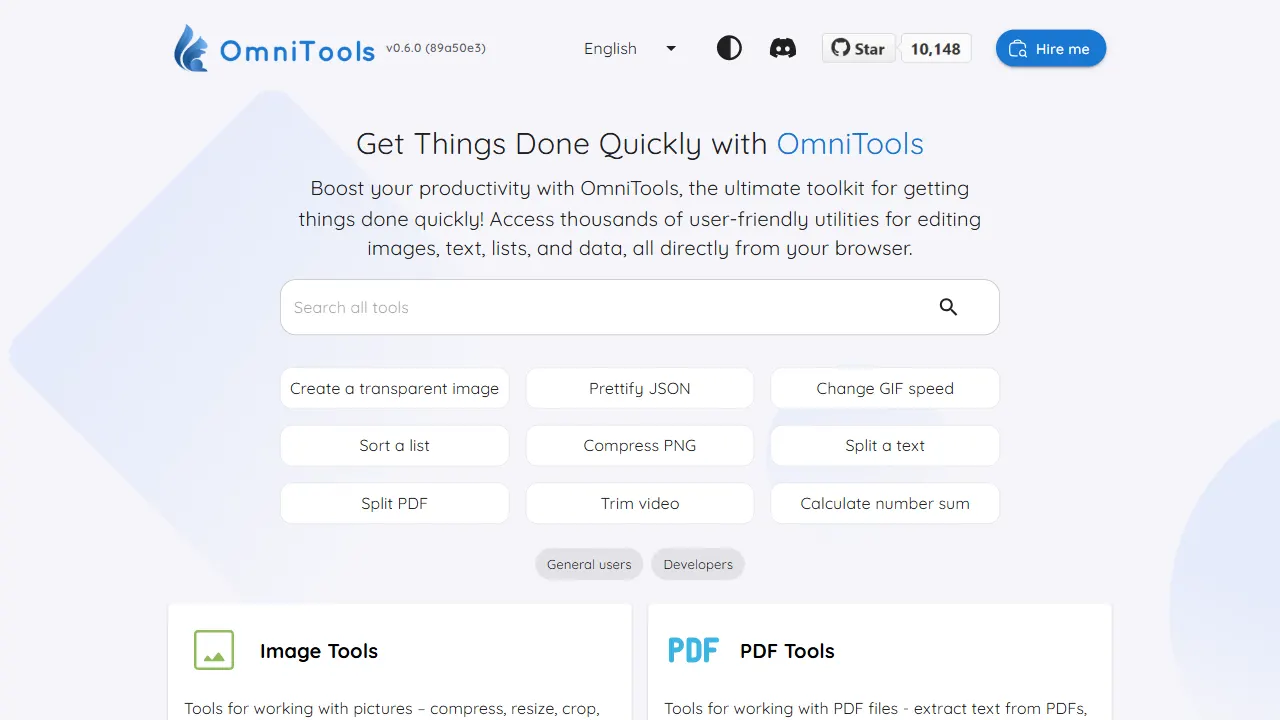
OmniTools
OmniTools 是一个基于 React 与 TypeScript 构建的自托管工具站,目标是把日常零散的小工具集中到一个界面里。
React · 工具站
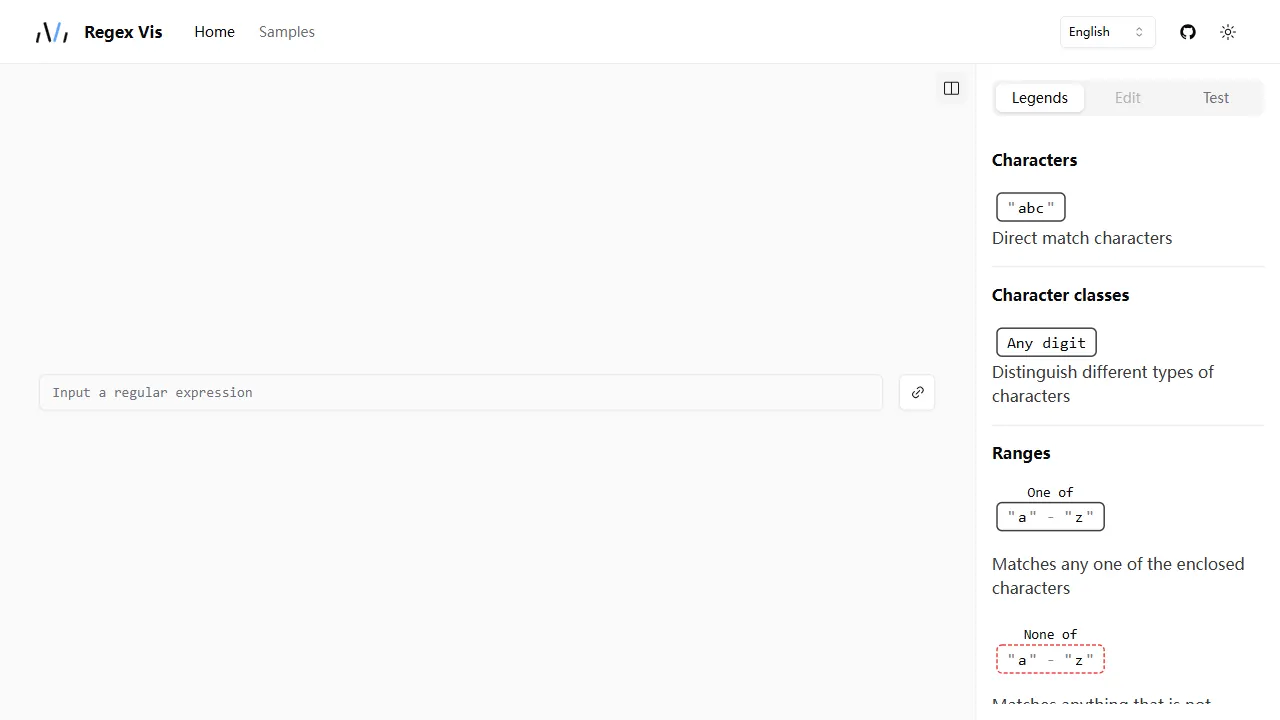
regex vis
Regex Vis 是一个开源的正则表达式可视化与编辑器项目,基于 React 和 TypeScript 构建。 它提供真实可用的在线演示,核心功能包括正则表达式的可视化展示、可视化编辑以及测试。
React · 工具站
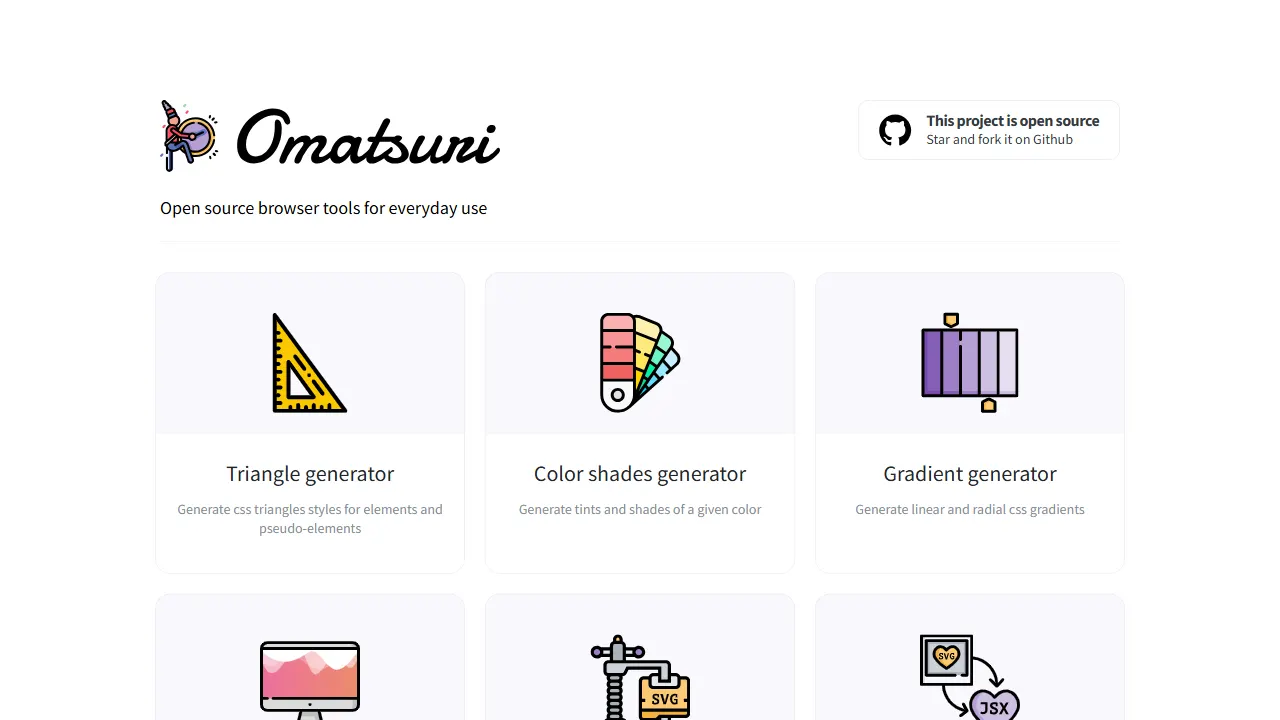
Omatsuri
Omatsuri 是一个开源的渐进式 Web 应用,集成了 12 个面向前端开发的视觉与编码小工具。 它的名字源自日语“祭”,寓意工具的小型集会。
React · 工具站
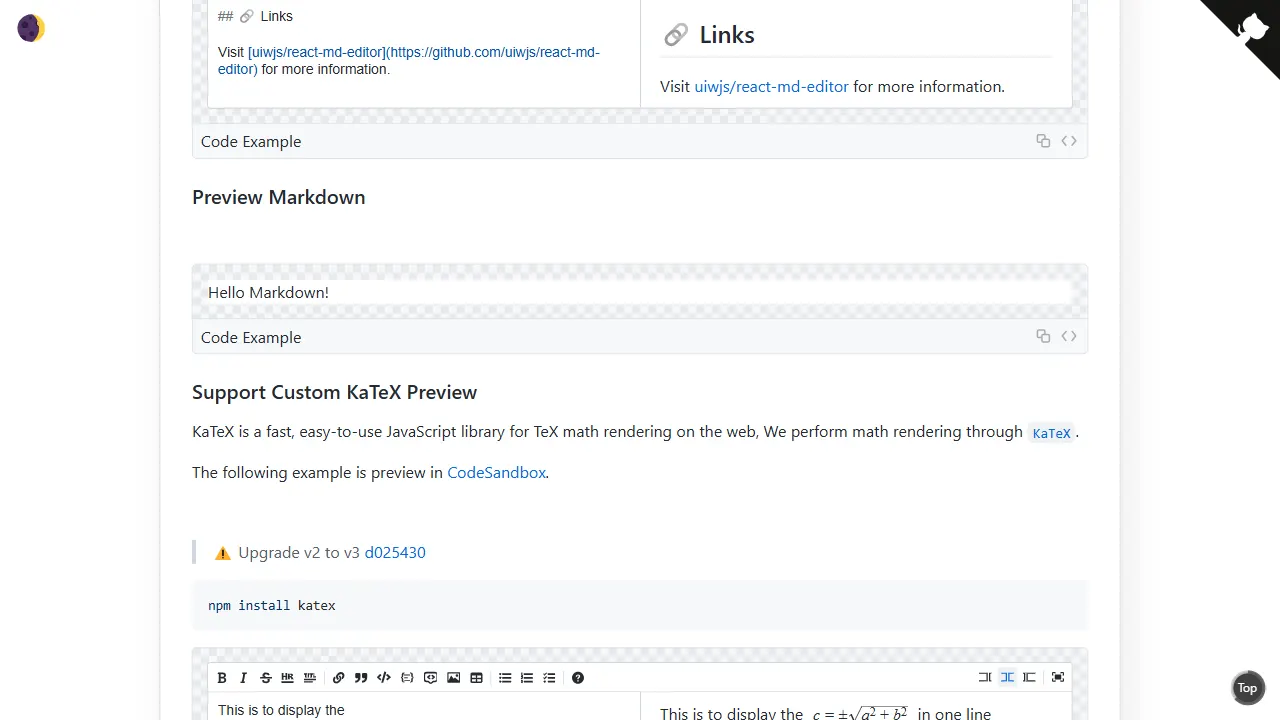
react md editor
react md editor 是一个面向 React 与 TypeScript 的 Markdown 编辑组件,核心定位是提供一个不依赖 CodeMirror、Monaco 等现代代码编辑器的轻量方案。
React · 工具站
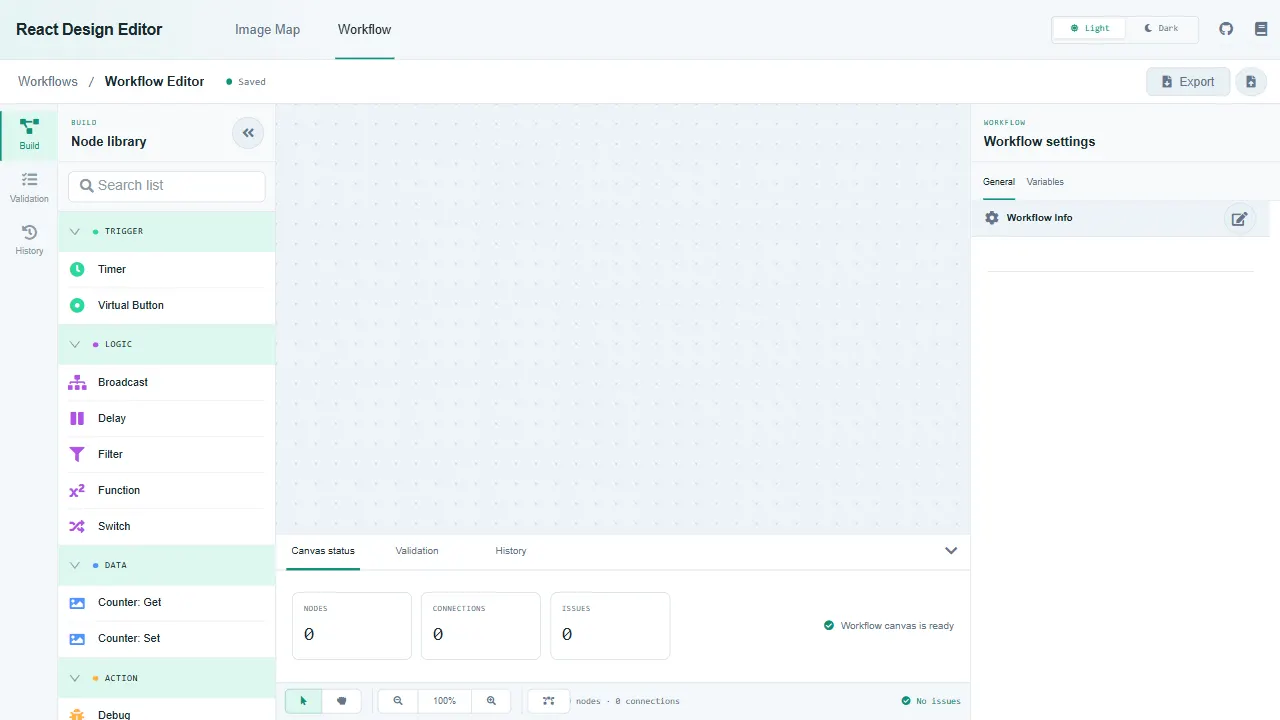
react design editor
React Design Editor 是一个面向 React 开发者的组件库,核心提供两种编辑能力:图像编辑器和业务流程建模(BPM)。
React · 工具站
json schema editor visual
json-schema-editor-visual 是一个基于 React 的 JSON Schema 编辑器组件,定位为高效、易用的可视化编辑工具。
React · 工具站