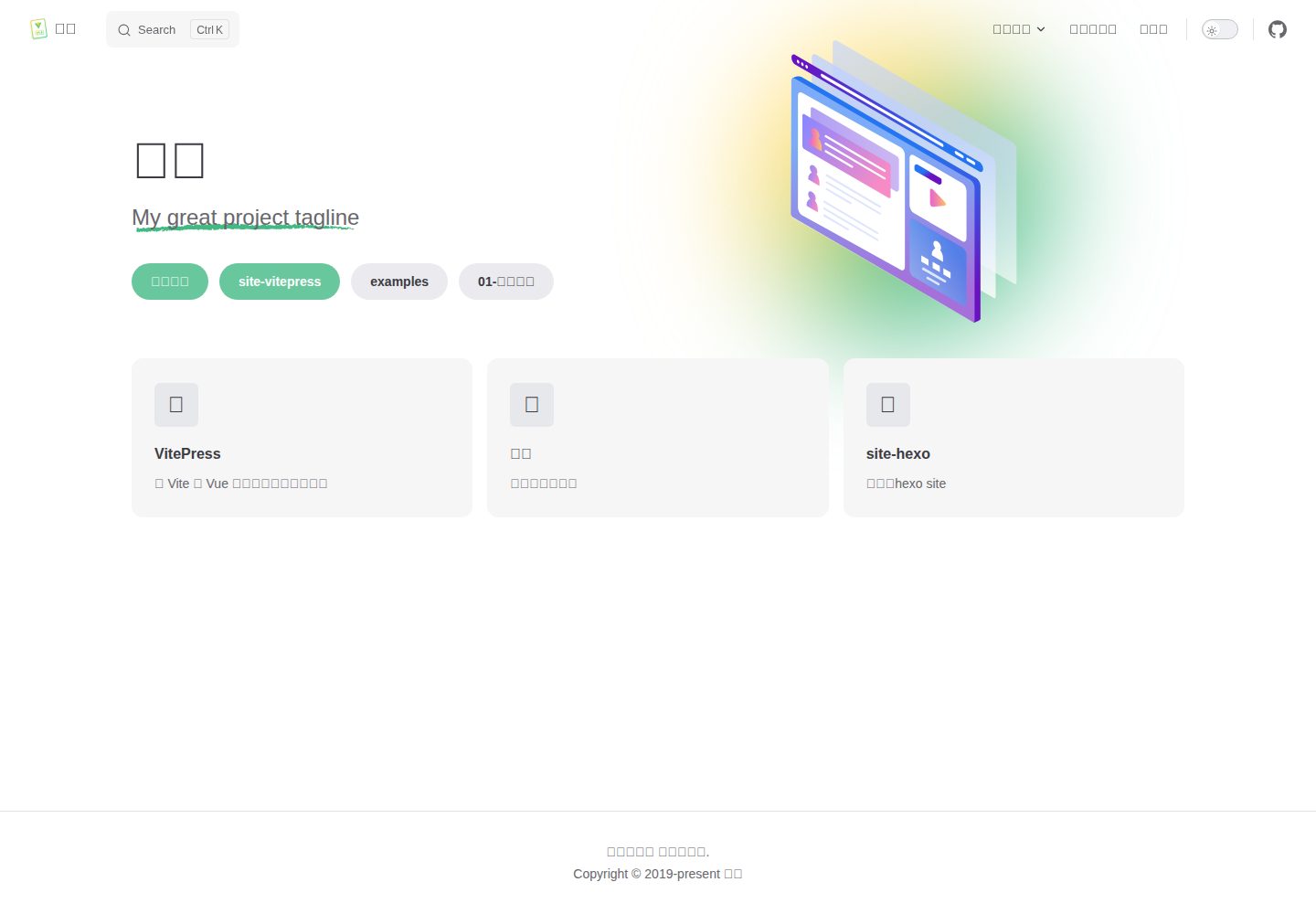
VitePress theme test site that also serves as a theme demo page
VitePressDocumentation
vitepress-theme-mist-docs — VitePress Documentation Template
By docs-site
A VitePress-based documentation theme test site with dual CNB and GitHub Actions pipelines that publish build artifacts to the gh-pages branch.
Explore the design
Compare the page layouts and mobile experience. Open any screenshot for a closer look.
Desktop homepage1 / 2
Desktop captureTop of page
Actual screenshot captured by the server browser.
All pages & views 2
Screenshots show visual appearance; interactive behavior may differ.
Recorded 2026-10-01View source
What stands out
A quick read of the recorded project description.
Dual CNB and GitHub Actions pipelines divided by repository role to avoid duplicate pushes to gh-pages
Template repository built and deployed by GitHub Actions; derived repositories built and deployed by CNB
Deployment requires the commit message to contain [deploy]; the template repository also accepts [update]
Licensed under MIT, permitting free use, modification, commercial use, and distribution of this version of the code
Template Details
vitepress-theme-mist-docs is a VitePress theme test site repository under the docs-site organization, also serving as a demo site for the theme. The repository uses VitePress as its documentation framework, and the README describes its purpose as "a VitePress theme test site started without knowing anything," so it is closer to a theme validation and demo project than a complete documentation product.
A notable feature of the repository is that it uses both CNB and GitHub Actions pipelines, divided by "repository role" to avoid both pipelines writing to the same gh-pages branch. The template repository itself is built and pushed to gh-pages by the GitHub Actions deploy-docs.yml; derived repositories generated via tdoc mist init have their source only on CNB and are built and force-pushed by deploy-gh-pages.yml. On the CNB side, the built-in variable CNB_REPO_SLUG_LOWERCASE determines the current repository role, and the template repository skips all stages of deploy-gh-pages.yml.
Deployment triggers have a clear convention: the commit message must contain [deploy] (the template repository also accepts [update]) for deployment to actually occur; ordinary commits cause the pipeline to skip quickly. The target repository address in deploy-gh-pages.yml is currently hardcoded to docs-site/vitepress-theme-mist-docs; derived repositories that want to push to their own GitHub repository need to modify that line. Only the GitHub Actions path writes src/.vitepress/dist/.nojekyll.
The README also lists badge asset sources (badgen.net, Shields.io, For the Badge) and MIT license information, but does not provide detailed descriptions of theme features, components, or configuration options, so the theme's specific capabilities and scope of application cannot be determined from it.
VitePressDocumentation
Is it right for your project?
Use Cases
- As a demo and validation site for the vitepress-theme-mist theme
- Reference for dual-pipeline deployment configuration divided by repository role
- Deriving a repository on CNB and building/publishing to your own gh-pages branch
Suitable For
- Developers who need a VitePress theme demo site
- Teams looking to understand the division of labor between CNB and GitHub Actions for deployment
- Individuals or organizations using this version of the code under the MIT license
Getting started & customization
Use these recorded setup notes alongside the repository instructions for your chosen version.
- 1
The deployment commit message must contain [deploy]; the template repository also accepts [update], otherwise the pipeline will skip
- 2
The target repository address in deploy-gh-pages.yml is hardcoded to docs-site/vitepress-theme-mist-docs; derived repositories need to modify that line
- 3
The GitHub Pages publishing source is the gh-pages branch; pushing the branch completes the publication, no need to switch to GitHub Actions
- 4
Only the GitHub Actions path writes src/.vitepress/dist/.nojekyll
- 5
Third-party assets such as demo images, fonts, and icons must be checked against their respective licenses; they cannot be judged solely by the code's MIT license
License & source material
Usage conditions & limitations
Free to use · keep license noticeThis entry covers the free version under the MIT license in the public repository; the free scope is this version of the code and does not imply that external services or third-party assets are free.
Must comply with when using
- Permits free use, modification, commercial use, and distribution of this version of the code.
- When distributing copies or substantial portions of the code, retain the original author's copyright notice and the full MIT license notice.
- The code is provided as is; warranties and limitations of liability are governed by the original license and applicable law.
Additional costs & items to verify
- Deployment triggers have a hard requirement: the commit message must contain [deploy] (the template repository also accepts [update]), otherwise the pipeline skips quickly and does not actually deploy.
- When using a derived repository, the target repository address in deploy-gh-pages.yml is hardcoded to docs-site/vitepress-theme-mist-docs; you must manually modify that line to push to your own GitHub repository.
- Only the GitHub Actions path writes src/.vitepress/dist/.nojekyll; the CNB derived repository path does not write this file.
- Demo images, fonts, icons, and other third-party assets must be checked against their respective licenses; they cannot be judged solely by the code's MIT license.
- External services such as domains, hosting, databases, payments, or AI may incur additional charges.
View Original Text Basis
Permission is hereby granted, free of charge
Original License Text
提交信息必须包含 `[deploy]`(模板仓库也接受 `[update]`)才会真正部署,普通提交只会让流水线快速跳过
Original README
`deploy-gh-pages.yml` 中的目标仓库地址当前写死为 `docs-site/vitepress-theme-mist-docs`,派生仓库若要推送到自己的 GitHub 仓库,需要改写该行
Original README
https://github.com/docs-site/vitepress-theme-mist-docs/blob/main/LICENSEhttps://github.com/docs-site/vitepress-theme-mist-docs/blob/main/README.md只有 GitHub Actions 那条链路会写入 `src/.vitepress/dist/.nojekyll`
Original README
Compiled by DeepSeek based on repository license and README ·2026-10-01. Results only cover the materials read; dependencies, images, fonts, and subsequent term changes are subject to their respective original texts.
Project checks & description sources
Template Information
- Source platforms
- GitHub
- Documentation and maintenance reference score
- Partly documented · 72 / 100
- Technologies
- VitePress
- Website type
- Documentation
How this score is calculated
Our heuristic uses license records (up to 30), a demo link (12), a preview (10), stars (15), recorded maintenance (15), description completeness (8), feature records (5) and classification data (5). It is not a code, security or performance test, or a Google score. A link does not establish tested functionality.
What to verify for this project
- Repository update recorded
- 2026-09-20
- Screenshot last checked
- 2026-10-01
A demo link is listed. Check it with your own content and viewport sizes; its presence does not confirm that forms, authentication or payments work.
The catalog identifies VitePress as the primary stack. Check the actual dependency manifest and lockfile for versions and hosting requirements. These notes use recorded metadata, not a code audit or a deployment test.
Use a selection guide →How this description was prepared
AI-assisted description based on catalog records and repository material. Repository authors are not automatically the reviewers of this description.
Automatically checked against source and license rules; no manual editorial review.
Inspect the recorded source material
SHA-256: dfe0df98f085d356a1a7b7a7b428c06b2a19f1cf776d123fa570b76d58e46cc6
2026-10-01T03:54:11.500Z
Source file / repository<h1 align="center">vitepress-theme-mist</h1>
<div align="center">
[Github](https://github.com/docs-site/vitepress-theme-mist) | [Preview](https://docs-site.github.io/site-vitepress/)
✨ 在自己什么都不会的情况下开始搞的一个 VitePress 主题的测试站点。
</div>
<p align="center">
<a title="Github release" target="_blank" href="https://github.com/docs-site/vitepress-theme-mist/releases">
<img alt="GitHub release (latest by date)" src="https://img.shields.io/github/v/release/docs-site/vitepress-theme-mist?logo=github">
</a>
<a title="Npm Version" target="_blank" href="https://www.npmjs.com/package/@docs-site/vitepress-theme-mist">
<img src="https://img.shields.io/npm/v/@docs-site/vitepress-theme-mist?logo=npm&color=%09%23bf00ff" alt="https://img.shields.io/npm/v/@docs-site/vitepress-theme-mist?color=%09%23bf00ff">
</a>
<a title="vitepress" target="_blank" href="https://github.com/vuejs/vitepress/releases/tag/v1.6.4">
<img src="https://badgen.net/static/vitepress/1.6.4/cyan" alt="vitepress">
</a>
<img src="https://img.shields.io/badge/v22.16.x-x?logo=node.js&label=node" alt="node version">
<img src="https://img.shields.io/badge/v10.14.0-x?logo=node.js&label=PNPM" alt="pnpm version">
<a title="MIT License" target="_blank" href="https://github.com/docs-site/vitepress-theme-mist/blob/master/LICENSE">
<img src="https://img.shields.io/badge/license-MIT-green.svg" alt="MIT License">
</a>
</p>
## 一、 流水线说明
本仓库同时使用 CNB 与 GitHub Actions 两套流水线,按“仓库角色”分工,避免两条流水线重复写入同一个 `gh-pages` 分支。
### 1. 配置文件与职责
根目录的 `.cnb.yml` 是 CNB 的入口,只保留云原生开发环境配置,并通过 `include` 合并两份子配置(CNB 不会自动加载 `.cnb/workflows/` 目录,必须显式引用):
- `.cnb/workflows/sync-repo.yml`:把仓库代码同步到 GitHub、Gitee 镜像仓库,仅模板仓库本身执行
- `.cnb/workflows/deploy-gh-pages.yml`:在 CNB 构建站点,把 `src/.vitepress/dist` 推送到 GitHub 的 `gh-pages` 分支,仅派生仓库执行
- `.github/workflows/deploy-docs.yml`:在 GitHub Actions 构建站点并推送 `gh-pages`,实际只对模板仓库生效
### 2. 仓库分工规则
CNB 侧用内置变量 `CNB_REPO_SLUG_LOWERCASE`(格式为“群组 / 仓库”)判断当前仓库角色:
- 值为 `sumu.m/vitepress-theme-mist-docs`(模板仓库本身):`deploy-gh-pages.yml` 的全部 stage 跳过,构建部署交给 GitHub Actions
- 其他值(`tdoc mist init` 生成的派生仓库):源码只存在于 CNB,由 `deploy-gh-pages.yml` 构建并推送产物
GitHub 侧的 `deploy-docs.yml` 没有加仓库守卫,但派生仓库的源码不会同步到 GitHub,该工作流在 GitHub 上并不存在,因此不会与 CNB 重复推送同一个 `gh-pages`。
### 3. 触发条件
| 流水线 | 平台 | 触发条件 | 执行范围 |
| ------ | ---- | -------- | -------- |
| `sync-repo.yml` | CNB | `main` 分支 push | 仅模板仓库 |
| `deploy-gh-pages.yml` | CNB | `main` 分支 push,且提交信息含 `[deploy]` | 仅派生仓库 |
| `deploy-docs.yml` | GitHub Actions | `main` 分支 push 且提交信息含 `[deploy]` 或 `[update]`;收到 `repository_dispatch`;页面手动触发 | 仅模板仓库 |
### 4. 部署链路
#### 4.1 模板仓库
(1)本地提交带上 `[deploy]`,推送到 CNB 的 `main` 分支。
(2)`sync-repo.yml` 通过 git-sync 插件把代码同步到 GitHub(未指定 `branch`,默认同步所有分支,提交信息原样保留)。
(3)GitHub Actions 的“部署文档”工作流被 `main` 分支 push 触发,执行 `npm ci` 与 `npm run docs:build`。
(4)产物 `src/.vitepress/dist` 由 `JamesIves/github-pages-deploy-action` 推送到 `gh-pages` 分支,GitHub Pages 随即重新渲染。
#### 4.2 派生仓库
(1)本地提交带上 `[deploy]`,推送到 CNB 私有源码仓库。
(2)`deploy-gh-pages.yml` 在 `node:22` 容器中安装依赖(npmmirror 源)并执行 `npm run docs:build`。
(3)在产物目录执行 `git init`,随后强推 `master:gh-pages`,GitHub Pages 随即重新渲染。
### 5. 注意事项
- 提交信息必须包含 `[deploy]`(模板仓库也接受 `[update]`)才会真正部署,普通提交只会让流水线快速跳过
- `deploy-gh-pages.yml` 中的目标仓库地址当前写死为 `docs-site/vitepress-theme-mist-docs`,派生仓库若要推送到自己的 GitHub 仓库,需要改写该行
- 只有 GitHub Actions 那条链路会写入 `src/.vitepress/dist/.nojekyll`
- GitHub Pages 的发布源是 `gh-pages` 分支,推送分支即完成发布,无需把发布源改为 GitHub Actions
## 二、 小徽章
>- [badgen.net](https://badgen.net/)
>- [Shields.io | Shields.io](https://shields.io/)
>- [For the Badge](https://forthebadge.com/)
## 三、 License
[MIT](https://mit-license.org/) License © 2025 [docs-site](https://github.com/docs-site/)
---
*本文档由 markdowncli 技能辅助生成*
Explore similar templates
Compare previews and descriptions within the same stack and category.
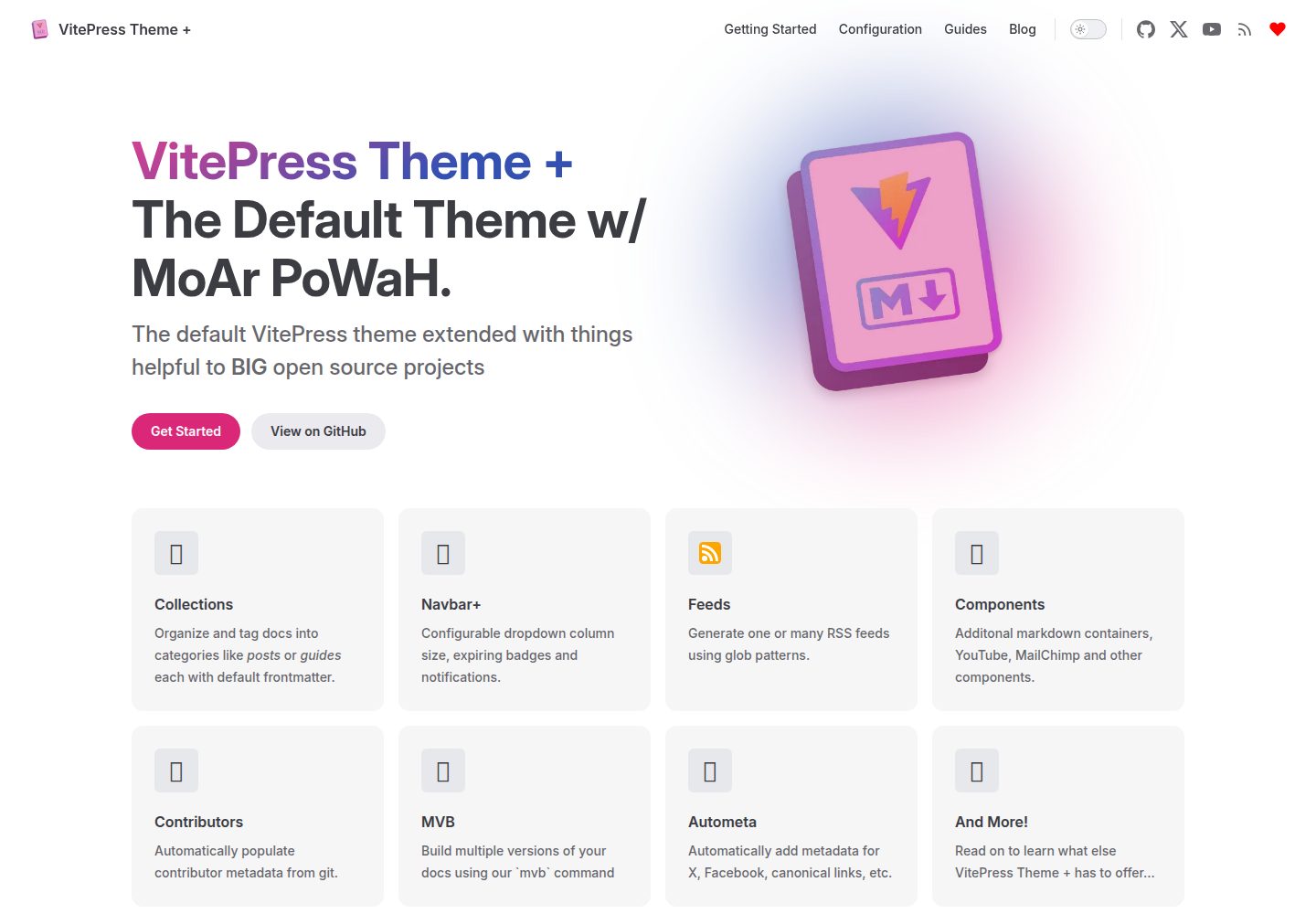
vitepress-theme-default-plus
A VitePress theme maintained by the Lando team that extends the default theme with extra power and features.
VitePress · Documentation
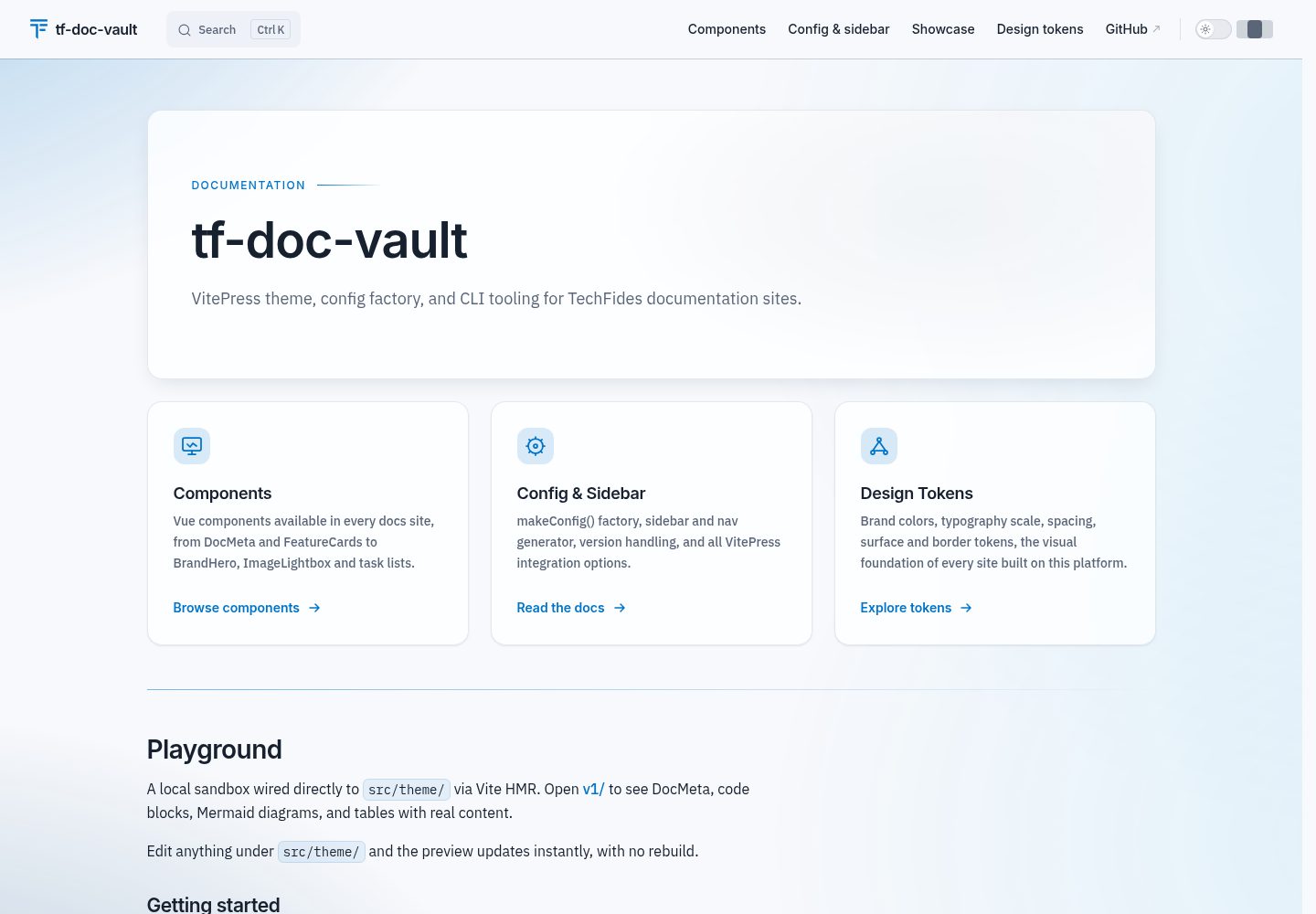
tf-doc-vault
tf-doc-vault is TechFides' open-source VitePress toolkit for technical and analytical documentation sites.
VitePress · Documentation
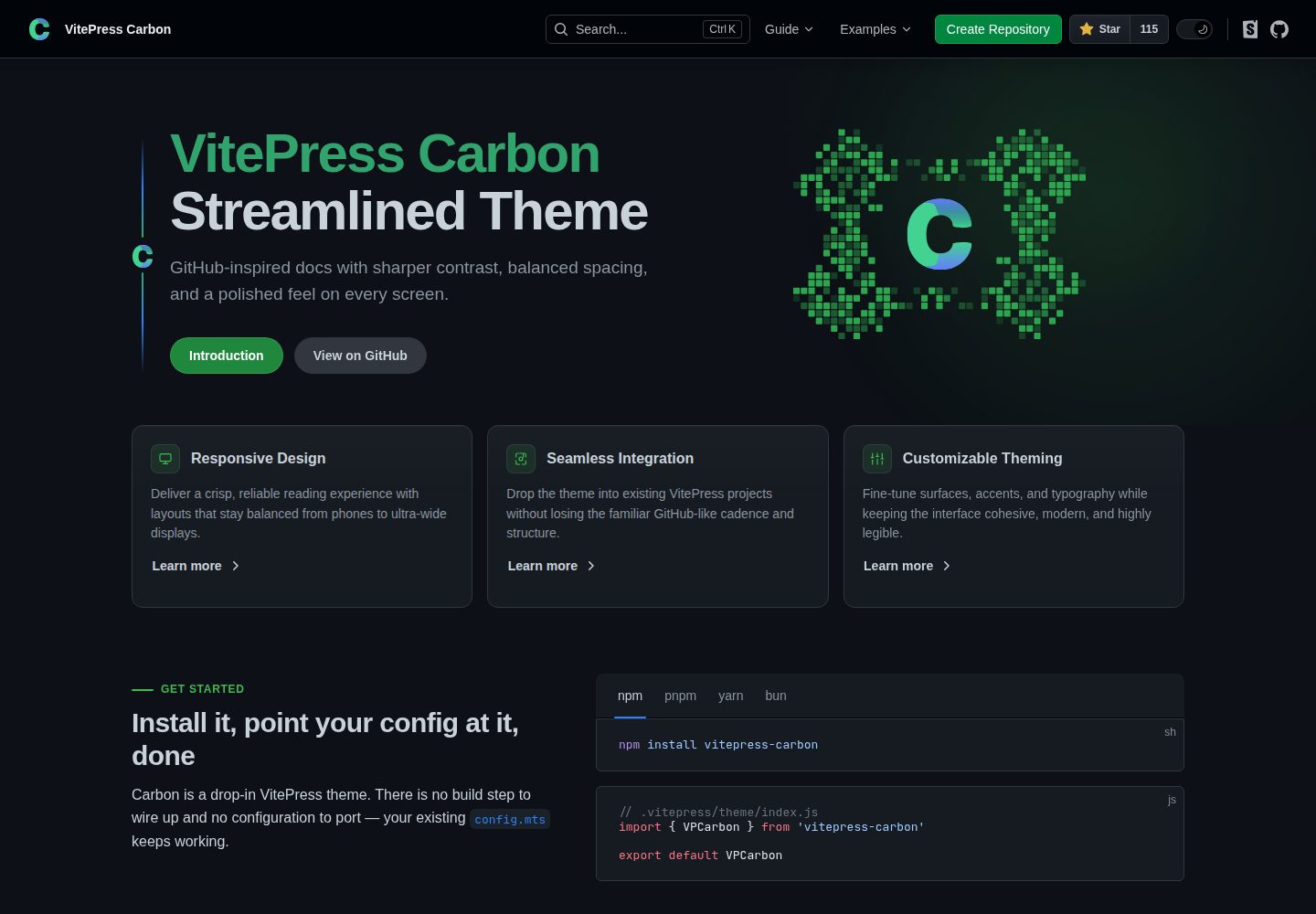
carbon-starter
A VitePress documentation site starter template paired with the VitePress Carbon theme and Carbon Design System styling. It provides docs:dev, docs:build, and docs:preview scripts, is created via GitHub's Use this template, and is released under the MIT license.
VitePress · Documentation
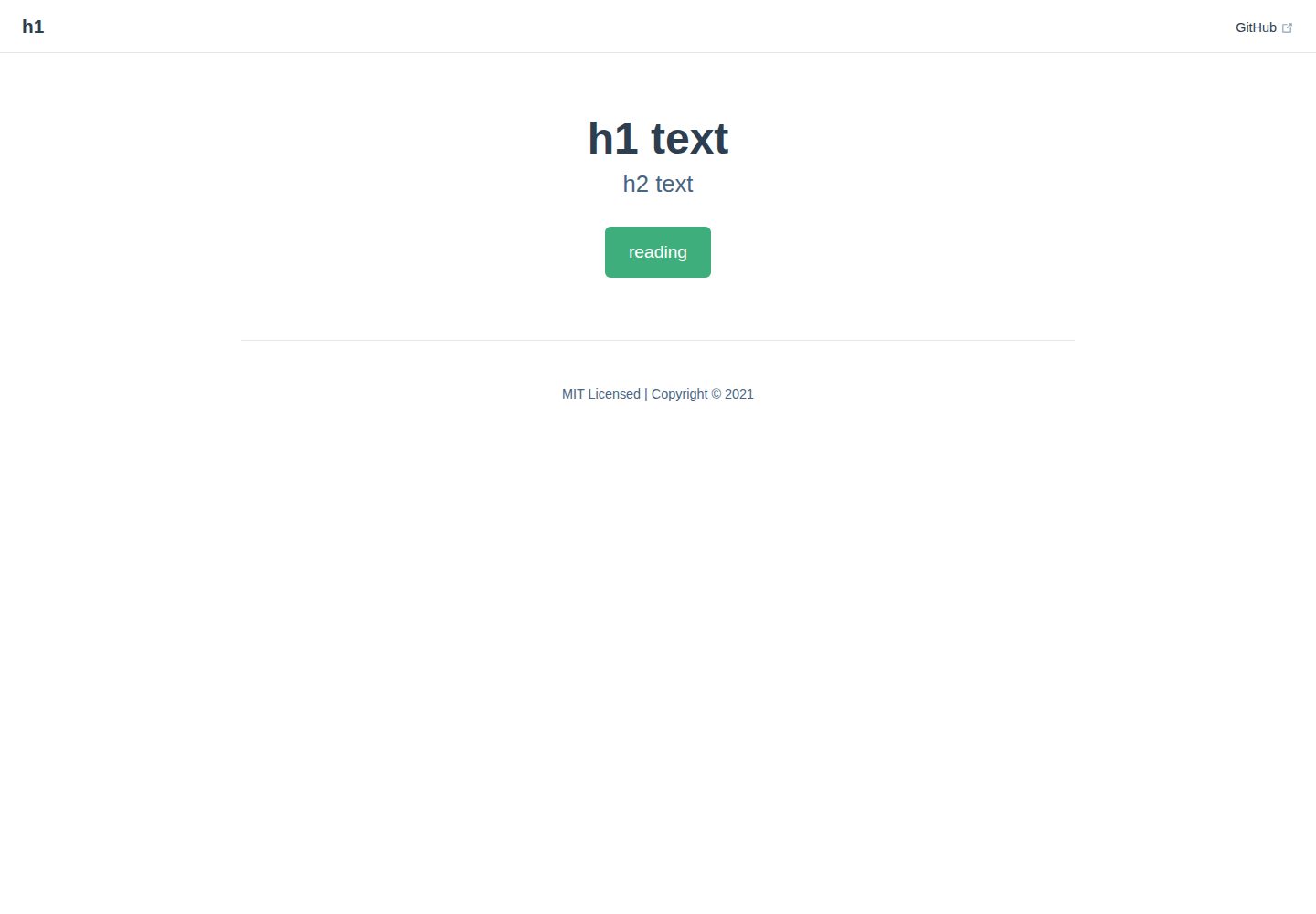
vitepress-docs-site-template
A VitePress documentation site template that builds Markdown in docs/ into a static site and deploys it to GitHub Pages via GitHub Actions.
VitePress · Documentation
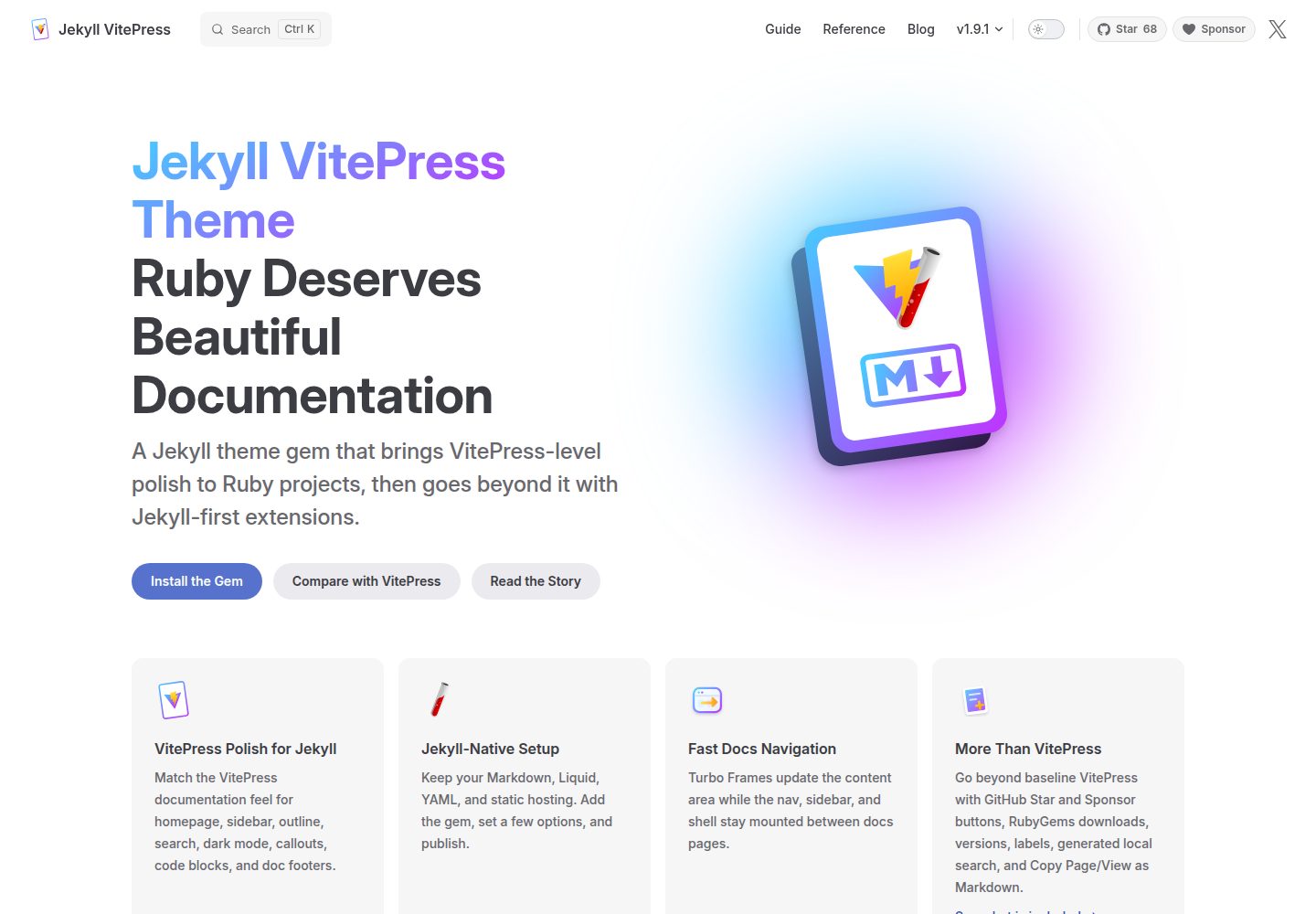
jekyll-vitepress-theme
A Jekyll documentation theme released as a Ruby gem that brings a VitePress-like interface and reading experience to Jekyll while preserving its Markdown, Liquid, YAML, and static hosting workflow.
Jekyll · Documentation
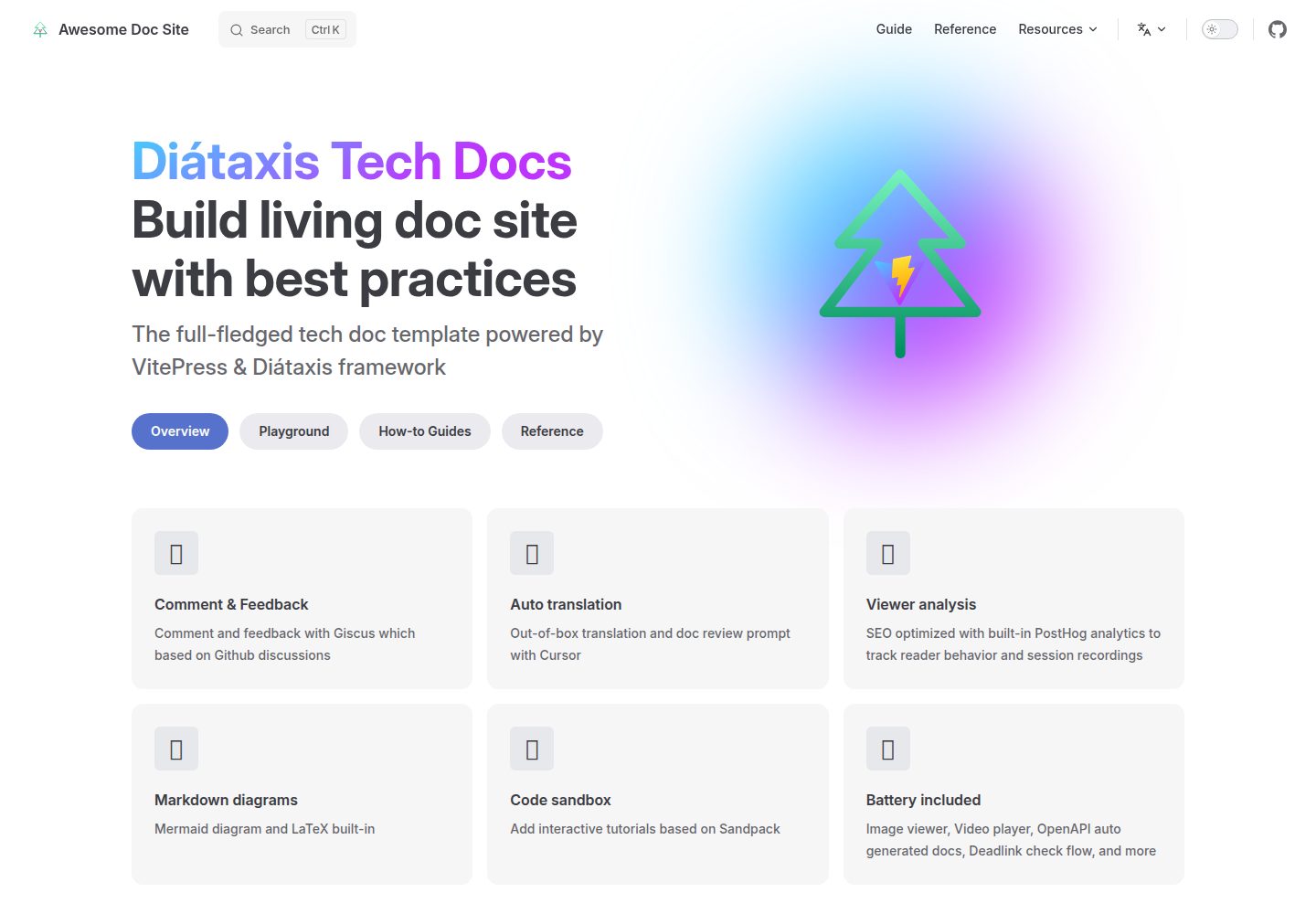
vitepress-diataxis-template
A VitePress-based technical documentation template that organizes tutorials, how-to guides, reference, and explanation content using the Diátaxis framework.
Vue · Documentation