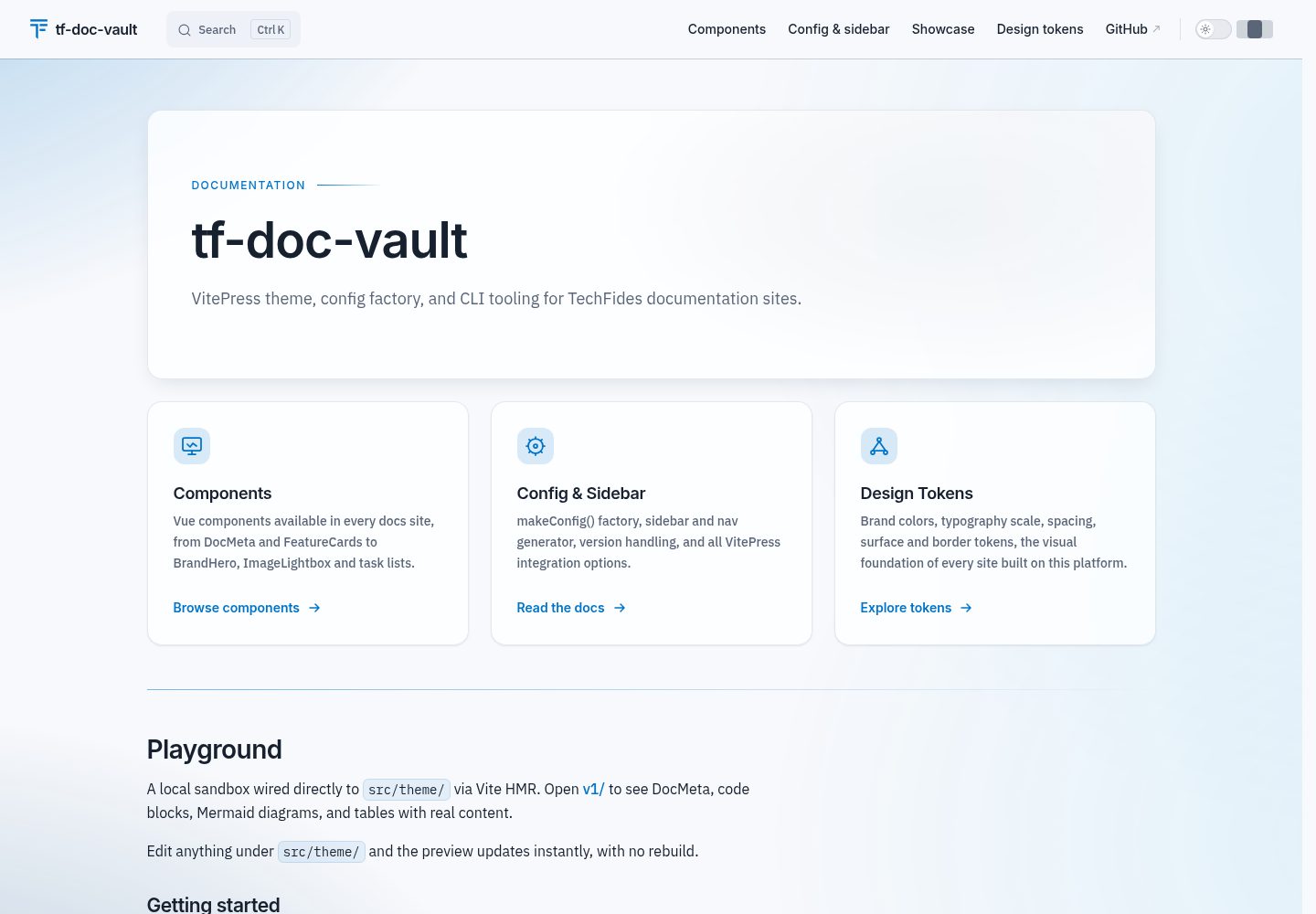
Centralizes VitePress configuration and theming through the makeConfig() and createTheme() factory functions, so updates can propagate with the package
VitePressDocumentationTool Site
tf-doc-vault — VitePress Documentation Template
By TechFides
TechFides' open-source VitePress documentation toolkit, providing a CLI scaffolder, theme, sidebar generation, Confluence import, PDF export, and Docker and Terraform deployment configuration.
Explore the design
Compare the page layouts and mobile experience. Open any screenshot for a closer look.
Desktop homepage1 / 2
Desktop captureTop of page
Actual screenshot captured by the server browser.
All pages & views 2
Screenshots show visual appearance; interactive behavior may differ.
Recorded 2026-10-02View source
What stands out
A quick read of the recorded project description.
The sidebar module automatically generates navigation and sidebars from the docs/<version>/<section>/<group>/ directory structure
The CLI provides commands for validate, normalize, building print pages, exporting PDFs, fixing line endings, and syncing boilerplate
Includes built-in ana-docs and tech-docs templates, and supports custom extension through the templates/<name>/ directory
Provides a multi-stage Dockerfile (nginx / nginx-auth) and reusable GCP Terraform modules (Cloud Run, Artifact Registry, IAM, with optional IAP)
Supports importing Markdown from Confluence spaces
Template Details
tf-doc-vault is a shared VitePress toolkit published by TechFides for building technical documentation and analytical documentation sites. It centralizes configuration that is commonly repeated across documentation projects into npm packages: makeConfig() generates a VitePress configuration with multilingual and versioned navigation and sidebars, Mermaid diagrams, optional analytics, and edit links; createTheme() provides a theme and Markdown components such as BrandHero, FeatureCards, Spotlight, and AuthorCard; the sidebar module automatically generates navigation and sidebars from the docs/<version>/<section>/<group>/ directory structure. The package also includes CLI commands for validate, normalize, building print pages, exporting PDFs, fixing line endings, and syncing boilerplate, as well as shared ESLint, Prettier, and TypeScript configurations for users to extend.
The scaffolder selects templates through an interactive wizard or the --template parameter, with built-in Markdown content sets such as ana-docs (standalone analytical documentation, deployed to Vercel) and tech-docs (documentation within a service repository); adding a template only requires adding a folder under templates/<name>/ with a _template.md manifest, with no code changes. PDF export builds the site and renders /print into artifacts/, by default generating docs-full.pdf with table-of-contents page numbers, bookmarks, and a footer; adding tf-doc-vault.json at the project root configures the cover and letterhead, of which only cover.title is required.
On the deployment side, it provides a multi-stage Dockerfile (nginx / nginx-auth runtime variants) and reusable GCP Terraform modules (Cloud Run + Artifact Registry + IAM, with optional IAP). The repository also includes a guide for importing Confluence spaces into Markdown. Note that the README explicitly marks the current release as a 0.x preview version; CLI commands, exported functions, template structure, and configuration shape may change in minor versions before 1.0.0, so production environments should pin exact versions and consult the CHANGELOG.
VitePressDocumentationTooling site
Is it right for your project?
Use Cases
- Quickly setting up a VitePress documentation site with versioned navigation and sidebars for a service repository or standalone project
- Migrating Confluence space content to Markdown and incorporating it into a VitePress documentation site
- Exporting a documentation site to PDF with table-of-contents page numbers, bookmarks, and a footer, or configuring a cover and letterhead for external delivery
- Deploying a documentation site on GCP via Cloud Run and enabling IAP access control as needed
Suitable For
- Frontend or technical documentation teams that need to unify configuration across multiple documentation projects and reduce repeated boilerplate
- Documentation maintainers using VitePress who want navigation and sidebars driven by directory structure
- Teams that need to export analytical or technical documentation as PDF for client delivery
- Teams planning to deploy a documentation site as a container on GCP and needing Terraform infrastructure code
Getting started & customization
Use these recorded setup notes alongside the repository instructions for your chosen version.
- 1
Run the interactive wizard with pnpm dlx @techfides/tf-doc-vault@latest setup, or pass --template and the required parameters in CI to generate a project non-interactively
- 2
If installing via git URL, add @techfides/tf-doc-vault to pnpm.onlyBuiltDependencies in the consumer package.json; otherwise pnpm 10 skips the prepare hook and dist/ is not built
- 3
This is currently a 0.x preview version; CLI commands, exported functions, template structure, and configuration shape may change in minor versions, so production environments should pin exact versions and review the CHANGELOG before upgrading
- 4
The PDF cover and letterhead are configured through tf-doc-vault.json at the project root; only cover.title is required, fileName is a filename rather than a path, and PDFs are always output to artifacts/
- 5
The code is MIT licensed, but third-party assets such as demo images, fonts, and icons, as well as external services such as domains and hosting, require separate verification of licensing and costs
License & source material
Usage conditions & limitations
Free to use · keep license noticeThis entry covers the free version under the MIT license in the public repository; the free scope is the code of that version and does not mean external services or third-party assets are free.
Must comply with when using
- Permits free use, modification, commercial use, and distribution of that version's code.
- When distributing copies or substantial portions of the code, retain the original author's copyright notice and the full MIT license notice.
- The code is provided as is; warranties and limitations of liability are governed by the original license and applicable law.
Additional costs & items to verify
- This is currently a 0.x preview version; CLI commands, exported functions, template structure, and configuration shape may change in minor versions before 1.0.0, so production environments should pin exact versions and consult the CHANGELOG.
- Production environments need to pin exact version numbers (e.g., 0.1.5 rather than ^0.1.5), and the CHANGELOG should be reviewed before upgrading.
- When installing via git URL, configure pnpm.onlyBuiltDependencies in the consumer package.json; otherwise pnpm 10 skips the prepare hook and dist/ is not built.
- During PDF export, fileName is only a filename rather than a path, and output always goes to the artifacts/ directory.
- Demo images, fonts, icons, and other third-party assets must be checked against their respective licenses and cannot be judged solely by the code's MIT license.
- External services such as domains, hosting, databases, payments, or AI may incur separate charges.
View Original Text Basis
Permission is hereby granted, free of charge
Original License Text
**Preview release (`0.x`).** This package is under active development. The public API (CLI commands, exported functions, template structure, and config shape) may change between minor versions until the `1.0.0` release.
Original README
Pin an exact version in production (`"@techfides/tf-doc-vault": "0.1.5"`, not `"^0.1.5"`) and review the [CHANGELOG](./CHANGELOG.md) before upgrading.
Original README
Add `"pnpm": { "onlyBuiltDependencies": ["@techfides/tf-doc-vault"] }` to the consumer `package.json`, or pnpm 10 skips the `prepare` hook and `dist/` is never built.
Original README
https://github.com/TechFides/tf-doc-vault/blob/master/LICENSEhttps://github.com/TechFides/tf-doc-vault/blob/master/README.md`fileName` is a name, not a path: the PDF always lands in `artifacts/`.
Original README
Compiled by DeepSeek based on repository license and README ·2026-10-03. Results only cover the materials read; dependencies, images, fonts, and subsequent term changes are subject to their respective original texts.
Project checks & description sources
Template Information
- Source platforms
- GitHub
- Documentation and maintenance reference score
- More documented · 88 / 100
- Technologies
- VitePress
- Website type
- Documentation · Tool Site
How this score is calculated
Our heuristic uses license records (up to 30), a demo link (12), a preview (10), stars (15), recorded maintenance (15), description completeness (8), feature records (5) and classification data (5). It is not a code, security or performance test, or a Google score. A link does not establish tested functionality.
What to verify for this project
- Repository update recorded
- 2026-10-02
- Screenshot last checked
- 2026-10-03
A demo link is listed. Check it with your own content and viewport sizes; its presence does not confirm that forms, authentication or payments work.
The catalog identifies VitePress as the primary stack. Check the actual dependency manifest and lockfile for versions and hosting requirements. These notes use recorded metadata, not a code audit or a deployment test.
Use a selection guide →How this description was prepared
AI-assisted description based on catalog records and repository material. Repository authors are not automatically the reviewers of this description.
Review declaration: [email protected] · 2026-10-04
Inspect the recorded source material
SHA-256: 3fb78967fbf622fdc460e4263158e976ce48a17a1c22c1956f48a399e39cc2ec
2026-10-03T15:20:02.449Z
Source file / repository<div align="center">
<a href="https://techfides.cz">
<img src="./assets/techfides.svg" alt="TechFides" width="120"/>
</a>
<h1>Free from TechFides ❤️</h1>
<p><strong><em>Let's develop the future.</em></strong></p>
<p>
<a href="https://techfides.cz">techfides.cz</a> ·
<a href="https://team.techfides.cz/">team.techfides.cz</a> ·
<a href="https://techfides.eu">techfides.eu</a>
</p>
</div>
<br/>
<div align="center">
<h2><code>@techfides/tf-doc-vault</code></h2>
<p>
<strong>Shared VitePress tooling for technical and analytical documentation.</strong><br/>
Spin up a fully-featured documentation site in under 5 minutes.
</p>
<p>
<a href="https://www.npmjs.com/package/@techfides/tf-doc-vault"><img src="https://img.shields.io/npm/v/@techfides/tf-doc-vault.svg?style=flat-square&color=cb3837&label=npm" alt="npm"/></a>
<a href="https://www.npmjs.com/package/@techfides/tf-doc-vault"><img src="https://img.shields.io/npm/dm/@techfides/tf-doc-vault.svg?style=flat-square&label=downloads" alt="downloads"/></a>
<a href="./LICENSE"><img src="https://img.shields.io/npm/l/@techfides/tf-doc-vault.svg?style=flat-square&color=green&label=license" alt="license"/></a>
<a href="https://www.npmjs.com/package/@techfides/tf-doc-vault"><img src="https://img.shields.io/node/v/@techfides/tf-doc-vault.svg?style=flat-square&label=node" alt="node"/></a>
<a href="https://github.com/TechFides/tf-doc-vault/actions/workflows/ci.yml"><img src="https://img.shields.io/github/actions/workflow/status/TechFides/tf-doc-vault/ci.yml?style=flat-square&label=CI" alt="CI"/></a>
</p>
</div>
> [!WARNING]
> **Preview release (`0.x`).** This package is under active development. The public API (CLI commands, exported functions, template structure, and config shape) may change between minor versions until the `1.0.0` release. Pin an exact version in production (`"@techfides/tf-doc-vault": "0.1.5"`, not `"^0.1.5"`) and review the [CHANGELOG](./CHANGELOG.md) before upgrading.
---
## Why this package exists
Every documentation project needs a similar boilerplate: a VitePress configuration, a versioned sidebar, shared UI components, a CI workflow, and a deploy
target. Setting all of that up from scratch for each project takes long time and produces subtly divergent configurations that are hard to maintain.
`@techfides/tf-doc-vault` solves this once and shares the solution across all projects. The core idea is **factory functions over copied files**: consumer repos
call `makeConfig()` and `createTheme()`; the package owns the implementation, so updates propagate automatically.
## What the package includes
| Module | Purpose |
| --------------------- | --------------------------------------------------------------------------------------------------------------------------------------------------- |
| **`config`** | `makeConfig()`: complete VitePress config with locales, versioned nav, sidebar, i18n, Mermaid, optional analytics and edit links. |
| **`theme`** | `createTheme()`: the backdrop, DocMeta, footer, lightbox and table behaviour, plus BrandHero, FeatureCards, Spotlight and AuthorCard for Markdown. |
| **`sidebar`** | Auto-generates nav and sidebar from the `docs/<version>/<section>/<group>/` directory structure, with no manual config. |
| **`scripts`** | CLI commands: validate, normalize, build print page, export to PDF, fix line endings, sync boilerplate. |
| **`configs`** | Shared `eslint.config.js`, `prettier.json`, `tsconfig.base.json` for consumer repos to extend. |
| **`infra/terraform`** | Reusable GCP module: Cloud Run + Artifact Registry + IAM, optional IAP (`iap_enabled`). |
| **`docker`** | Multi-stage Dockerfile with `nginx` / `nginx-auth` runtime variants. |
| **`boilerplate`** | The VitePress project scaffold shared by every template: config, theme wiring, GitHub Actions CI, Vercel config, auth middleware, `.gitattributes`. |
| **`templates`** | Markdown content sets (`ana-docs`, `tech-docs`, …), one folder per template, selected via `tf-doc-vault setup --template=<name>`. |
## Quick start
You don't wire this up by hand. Run the interactive wizard and pick a template:
```bash
pnpm dlx @techfides/tf-doc-vault@latest setup
```
It asks which template to use, then prompts for the fields that template needs. Non-interactively (CI, scripts), pass `--template` and the required flags and it never prompts:
- **Standalone analysis / spec site** (its own repo, deployed to Vercel via git integration):
```bash
pnpm dlx @techfides/tf-doc-vault@latest setup my_analysis --template=ana-docs
```
Full guide → [Analytical documentation](./docs/ana-docs.md)
- **Docs inside an existing service** (published by the service repo's own pipeline):
```bash
pnpm dlx @techfides/tf-doc-vault@latest setup --template=tech-docs --service-id=TST --project=my-service
```
Full guide → [Technical documentation](./docs/tech-docs.md)
- **Migrating from Confluence?** → [Import from Confluence](./docs/confluence-import.md)
Adding a template of your own means adding a folder under `templates/<name>/` with a `_template.md` manifest (target location, fields to prompt for, which boilerplate files to exclude): no code change, the wizard lists it automatically.
## Configuration
Scaffolding generates the VitePress wiring for you. To customize a site afterwards, edit the two factory calls it writes:
`docs/.vitepress/config.ts`
```ts
import { makeConfig } from "@techfides/tf-doc-vault/config";
export default makeConfig({
configDir: import.meta.dirname,
project: "lapa",
// optional: analytics, editLink, branding, sectionNav, mermaid, toBeTags, …
analytics: { provider: "umami", websiteId: "...", domain: "..." },
editLink: { repo: "TechFides/tf-sales-private-offers", branch: "main" },
});
```
`docs/.vitepress/theme/index.ts`
```ts
import { createTheme } from "@techfides/tf-doc-vault/theme";
import "./custom.css"; // overrides on top of base CSS
export default createTheme({ widthToggle: true });
```
> **Installing via a git URL?** Add `"pnpm": { "onlyBuiltDependencies": ["@techfides/tf-doc-vault"] }` to the consumer `package.json`, or pnpm 10 skips the `prepare` hook and `dist/` is never built. (The scaffolders already set this for you.)
To rebrand (colors, logo, fonts, footer) for a non-TechFides project, see [BRANDING.md](./BRANDING.md).
### PDF export
`tf-doc-vault pdf` builds the site and renders `/print` into `artifacts/`. With no
further setup it produces `docs-full.pdf`: every page in sidebar order, a contents
list with page numbers, bookmarks that mirror the sidebar, and a running footer.
A project that sends its PDF to a customer adds `tf-doc-vault.json` in its root
to get a cover page and a letterhead:
```json
{
"pdf": {
"fileName": "TechFides-nabidka-acme.pdf",
"mark": "TechFides",
"footerLabel": "Nabídka pro Acme",
"cover": {
"eyebrow": "Návrh spolupráce pro Acme",
"title": "Název nabídky",
"subtitle": "Jedna věta o tom, co nabídka řeší.",
"vendor": "TechFides Solutions s.r.o.",
"website": "techfides.cz",
"recipient": "Acme",
"validUntil": "30. září 2026",
"contact": "Jméno · e-mail",
"confidentiality": "Důvěrné."
}
}
}
```
Only `cover.title` is required; every other row is left off the imprint when it is
not set. `fileName` is a name, not a path: the PDF always lands in `artifacts/`.
Design notes and limits are in [specs/pdf-export.md](./specs/pdf-export.md).
---
## Documentation
Task-focused guides live in **[`docs/`](./docs/README.md)**:
| Guide | What it covers |
| ------------------------------------------------------------ | --------------------------------------------------------------------------------------------------------------------------------------------------- |
| [Technical documentation (`tech-docs`)](./docs/tech-docs.md) | Docs living inside a service repo, scaffolded via `setup --template=tech-docs`; the service repo publishes them itself. |
| [Analytical documentation (`*_ana`)](./docs/ana-docs.md) | Standalone analysis docs scaffolded via `setup --template=ana-docs`, deployed to Vercel, including the auth middleware and syncing the boilerplate. |
| [Import from Confluence](./docs/confluence-import.md) | Migrate a Confluence space into Markdown (`import-confluence`). |
| [Editing & publishing docs](./docs/updating-docs.md) | The day-to-day edit → preview → validate → publish loop. |
| [Testing](./docs/TESTING.md) | How the package itself is tested (unit + smoke). |
| [Migrations](./docs/MIGRATIONS.md) | Breaking-change guides for major package versions. |
## Migrations
Breaking-change guides for major package versions are in **[docs/MIGRATIONS.md](./docs/MIGRATIONS.md)**.
## Contributing & local development
Setup, the playground hot-reload workflow, the `file:`-consumer flow, and the release process are in **[CONTRIBUTING.md](./CONTRIBUTING.md)**.
## Changelog
See [CHANGELOG.md](./CHANGELOG.md) for release notes.
Explore similar templates
Compare previews and descriptions within the same stack and category.
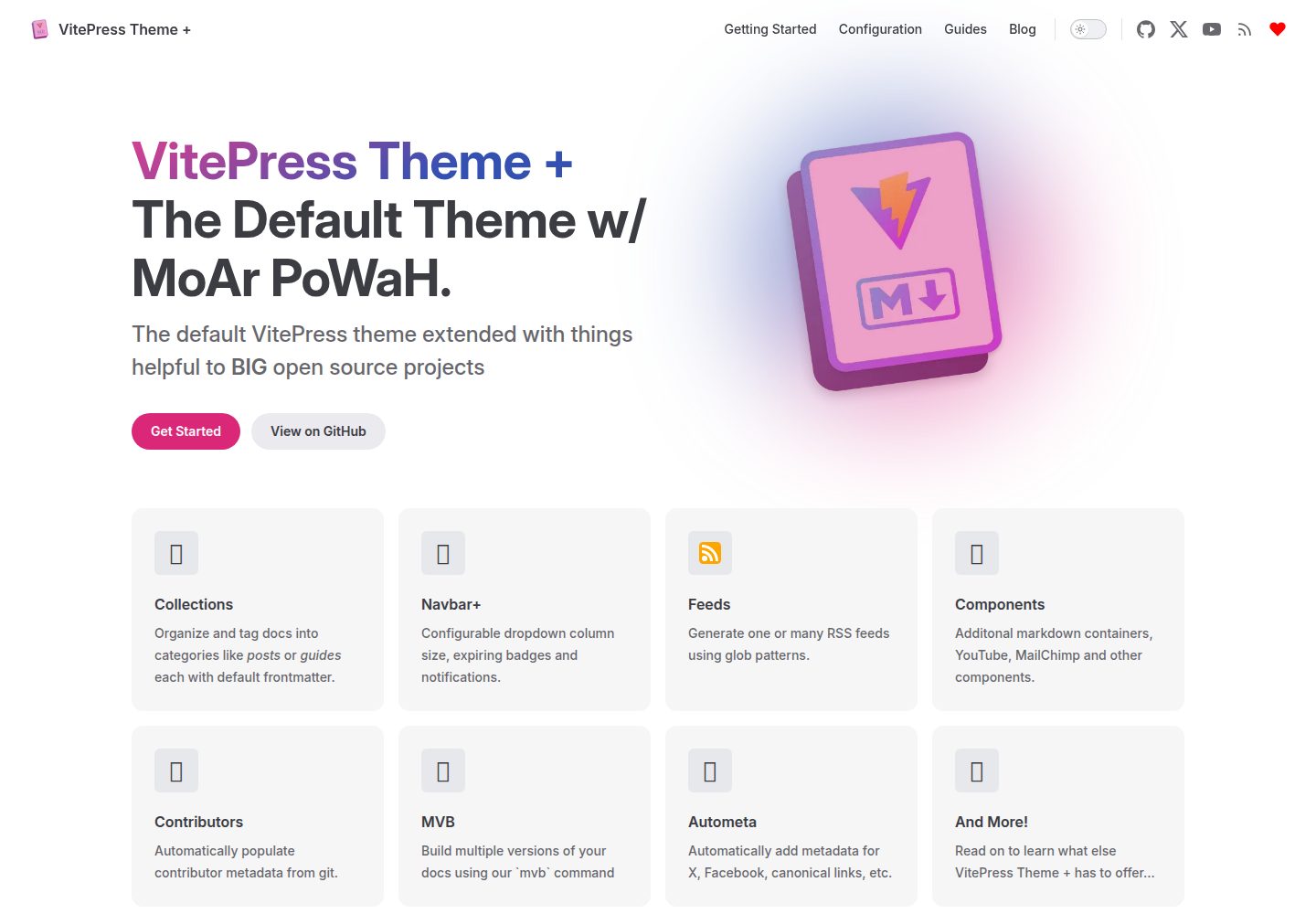
vitepress-theme-default-plus
A VitePress theme maintained by the Lando team that extends the default theme with extra power and features.
VitePress · Documentation
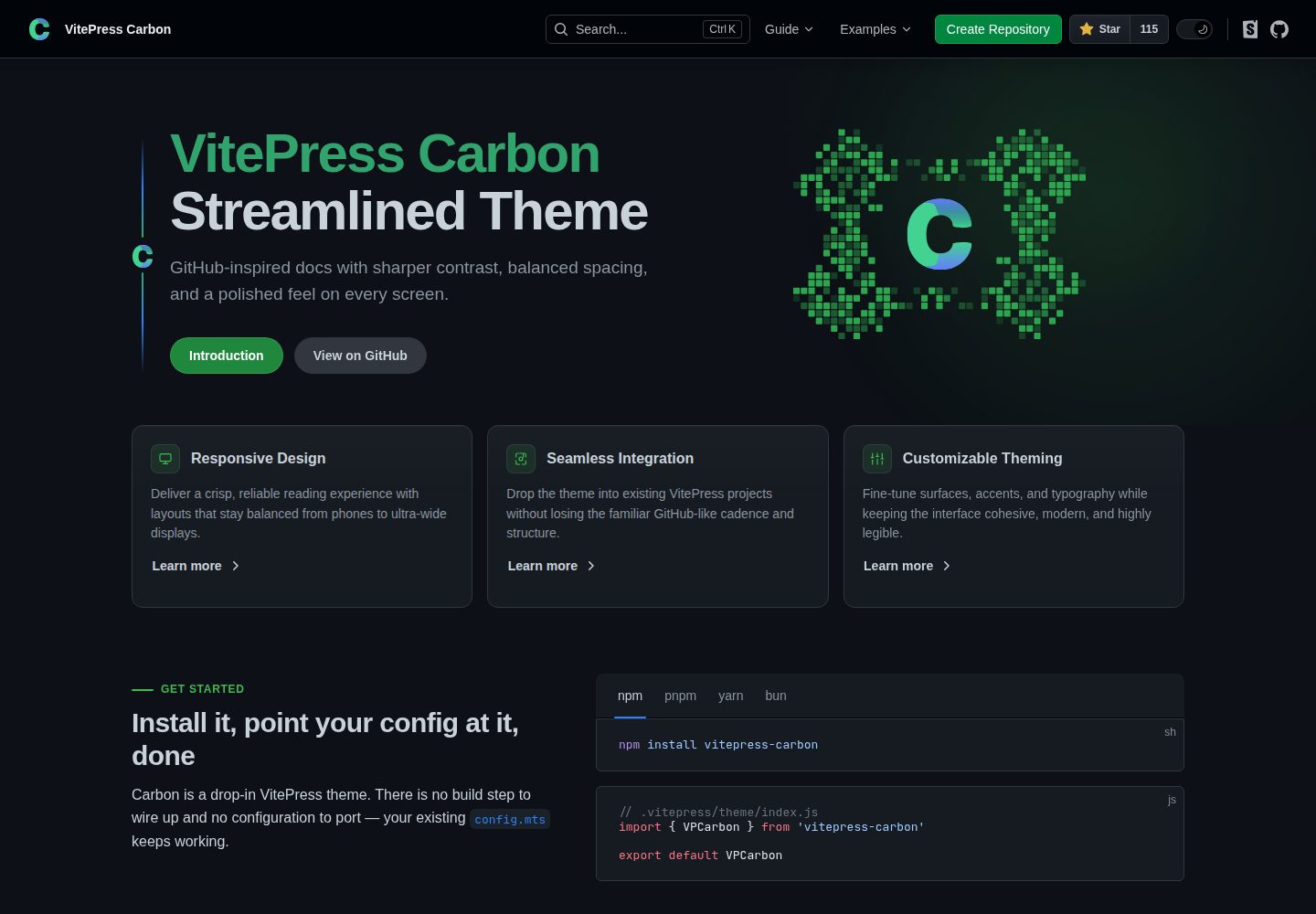
carbon-starter
A VitePress documentation site starter template paired with the VitePress Carbon theme and Carbon Design System styling. It provides docs:dev, docs:build, and docs:preview scripts, is created via GitHub's Use this template, and is released under the MIT license.
VitePress · Documentation
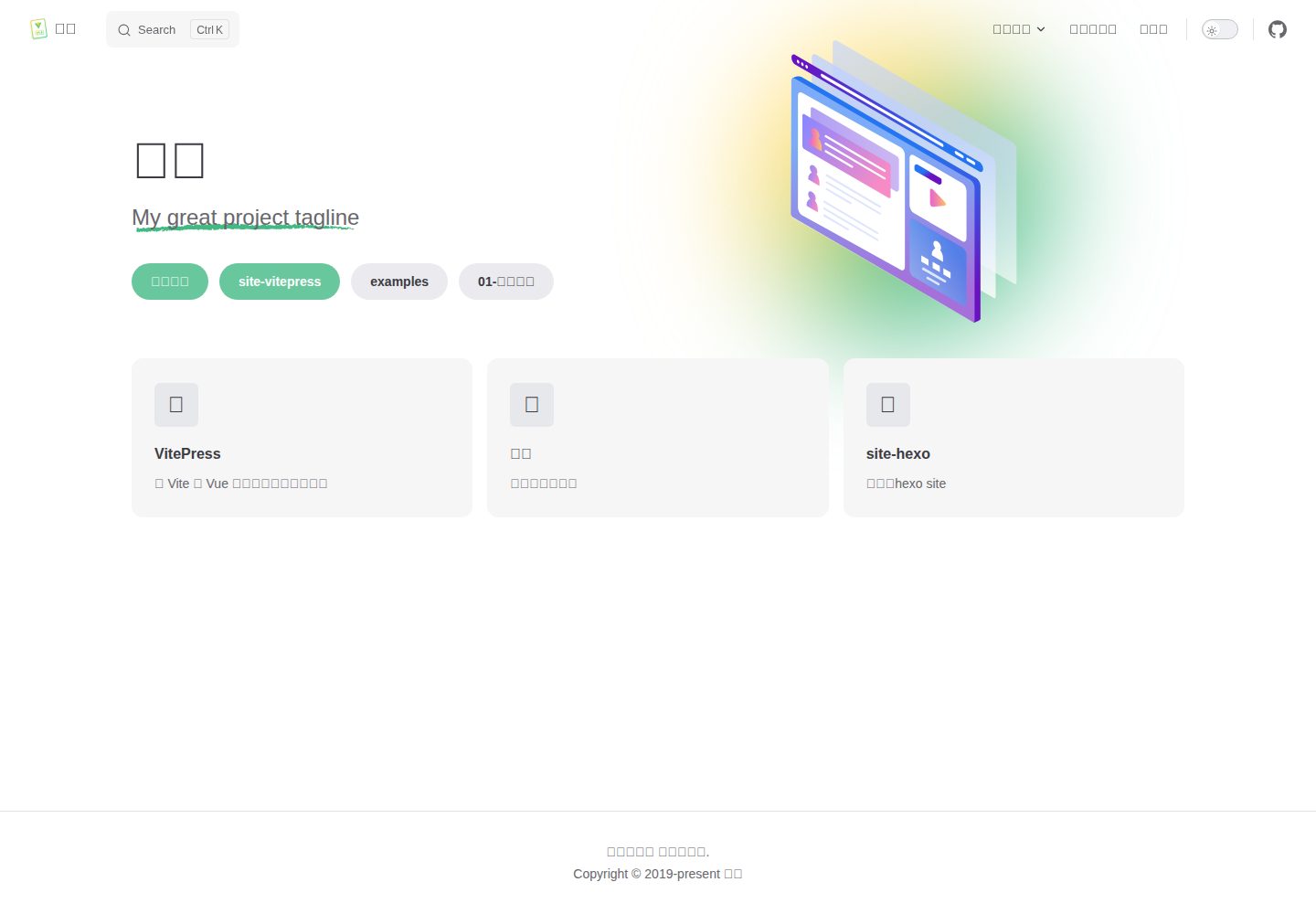
vitepress-theme-mist-docs
A VitePress theme test and demo site with dual CNB and GitHub Actions pipelines that deploy to gh-pages by repository role, under MIT license.
VitePress · Documentation
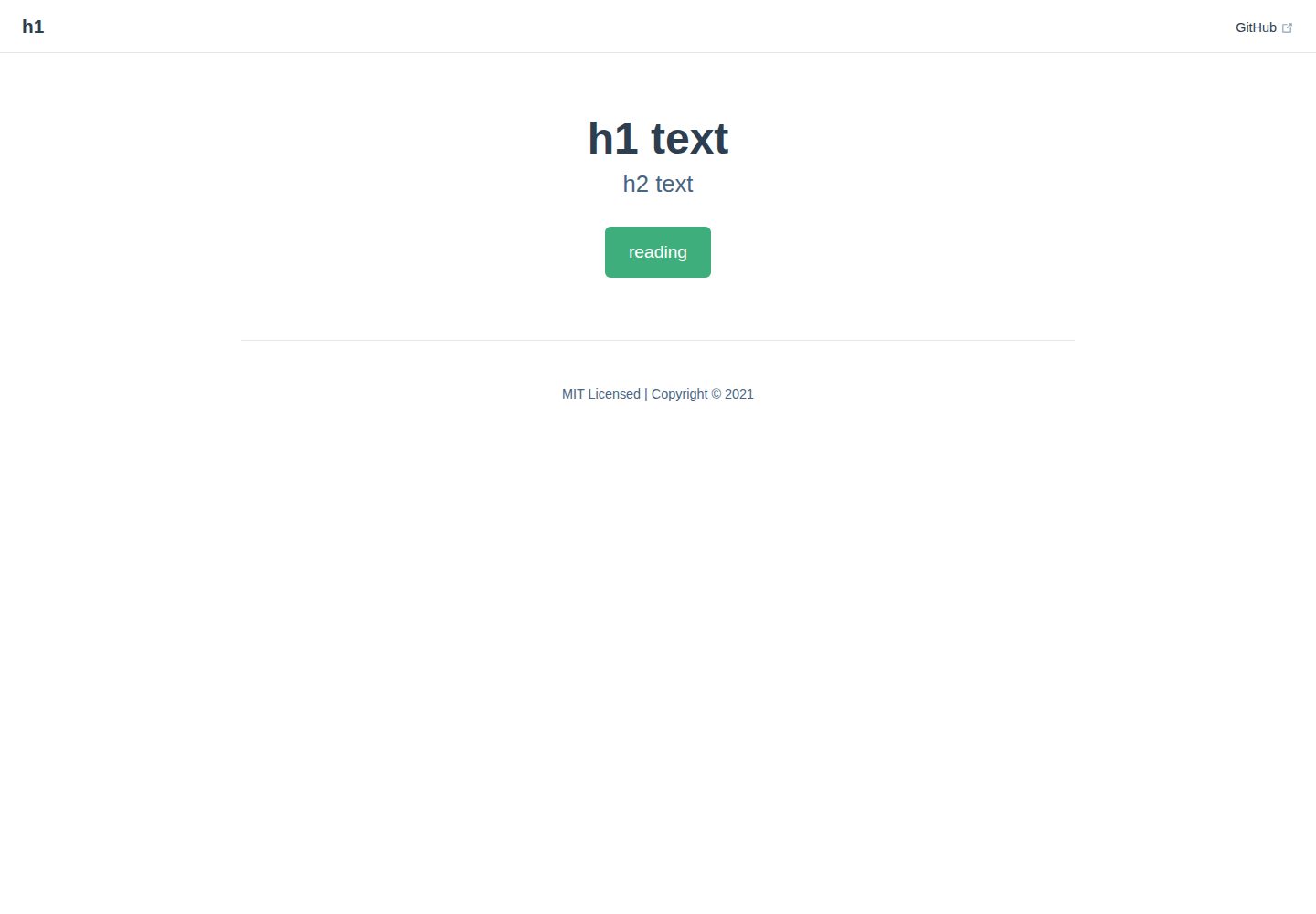
vitepress-docs-site-template
A VitePress documentation site template that builds Markdown in docs/ into a static site and deploys it to GitHub Pages via GitHub Actions.
VitePress · Documentation
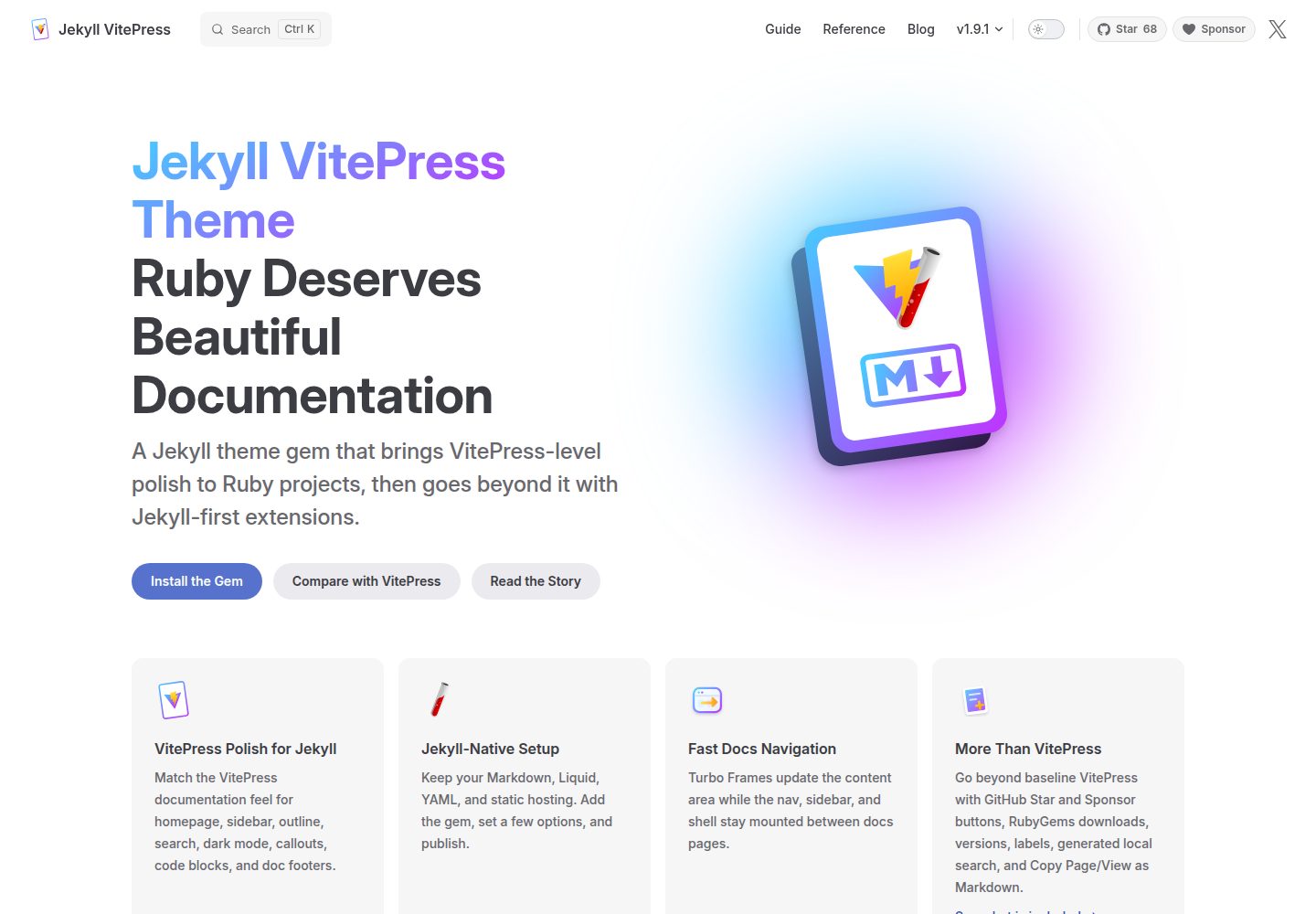
jekyll-vitepress-theme
A Jekyll documentation theme released as a Ruby gem that brings a VitePress-like interface and reading experience to Jekyll while preserving its Markdown, Liquid, YAML, and static hosting workflow.
Jekyll · Documentation
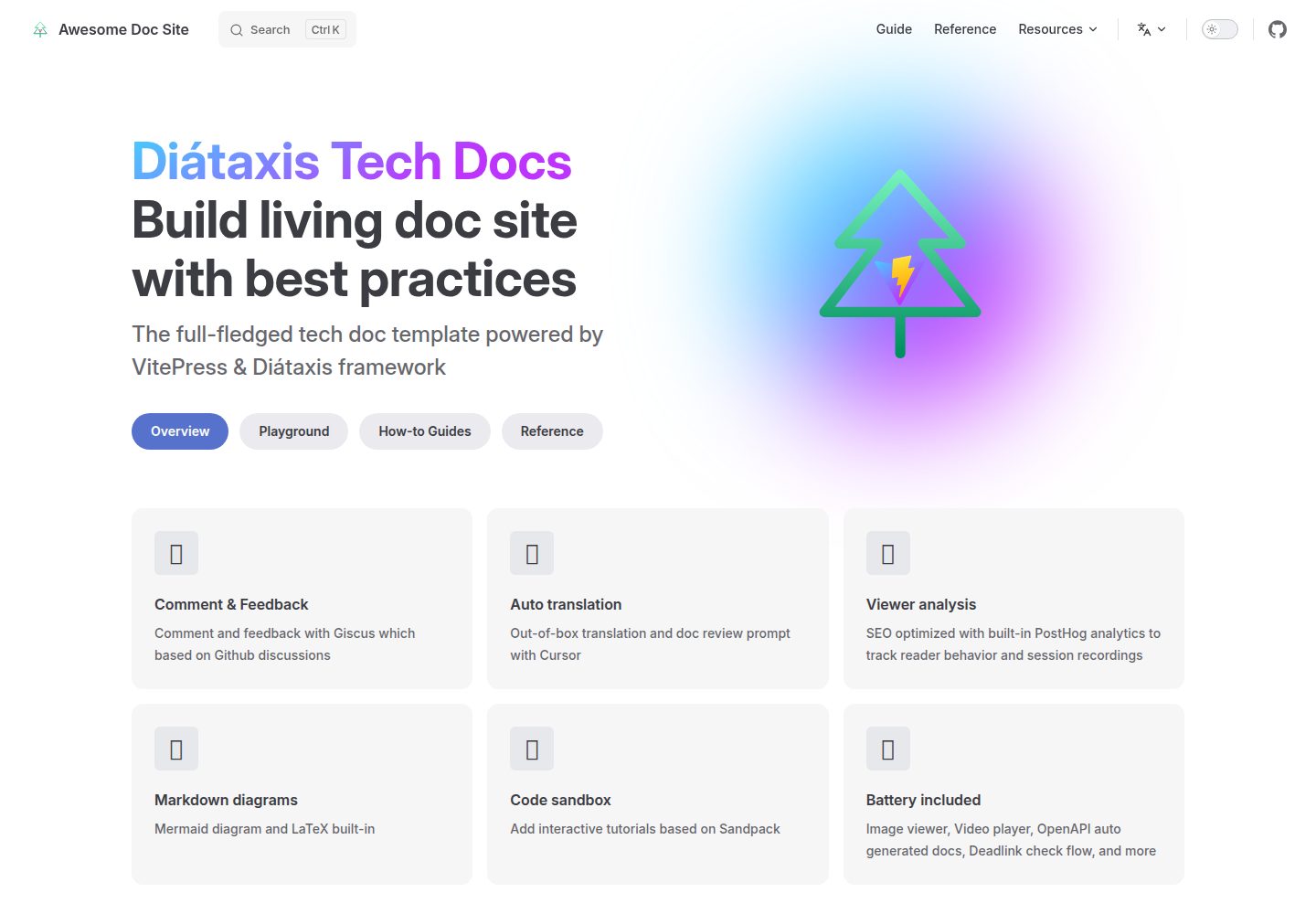
vitepress-diataxis-template
A VitePress-based technical documentation template that organizes tutorials, how-to guides, reference, and explanation content using the Diátaxis framework.
Vue · Documentation