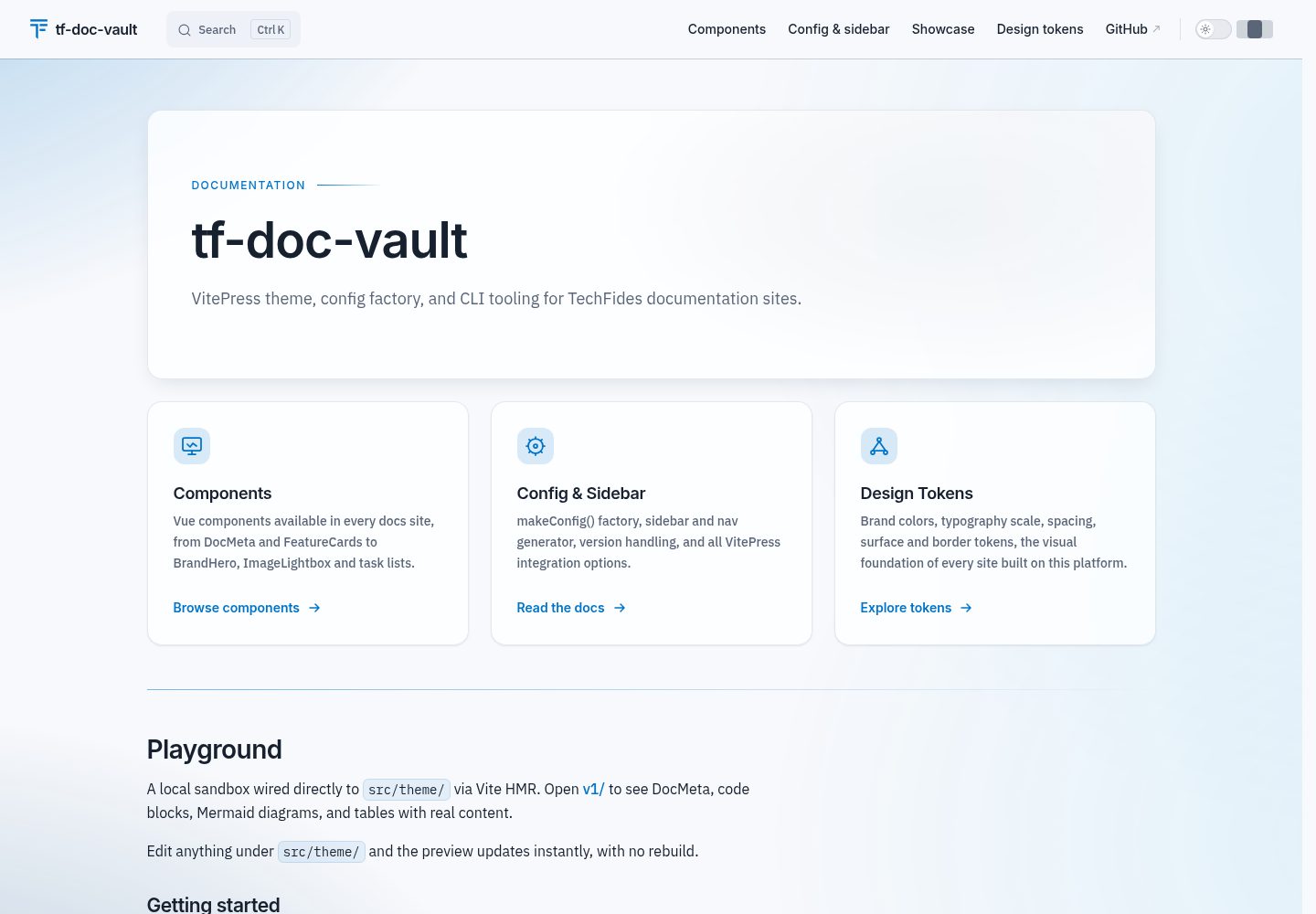
以 makeConfig() 和 createTheme() 工厂函数集中管理 VitePress 配置与主题,更新可随包传播
VitePress文档工具站
tf-doc-vault — VitePress 文档模板
作者 TechFides
TechFides 开源的 VitePress 文档工具包,提供 CLI 脚手架、主题、侧边栏生成、Confluence 导入、PDF 导出以及 Docker 与 Terraform 部署配置。
看看你的网站会是什么样
浏览真实页面截图,比较内容排版与手机效果。点击下方缩略图切换,放大查看整页细节。
全部页面与视图 2
截图用于了解视觉与布局,交互效果请以实际项目为准。
采集于 2026-10-02查看来源
值得关注的模板亮点
从已有项目资料中,快速了解它的特点。
sidebar 模块按 docs/<version>/<section>/<group>/ 目录结构自动生成导航与侧边栏
CLI 提供 validate、normalize、构建打印页、导出 PDF、修复行尾、同步样板等命令
内置 ana-docs 与 tech-docs 模板,并支持通过 templates/<name>/ 目录自行扩展
提供多阶段 Dockerfile(nginx / nginx-auth)与可复用 GCP Terraform 模块(Cloud Run、Artifact Registry、IAM,可选 IAP)
支持从 Confluence 空间导入 Markdown
模板详细介绍
tf-doc-vault 是 TechFides 发布的共享 VitePress 工具包,用于搭建技术文档与分析类文档站点。它把文档项目常见的重复配置集中到 npm 包中:通过 makeConfig() 生成包含多语言、版本化导航与侧边栏、Mermaid 图表、可选分析统计和编辑链接的 VitePress 配置;通过 createTheme() 提供主题与 BrandHero、FeatureCards、Spotlight、AuthorCard 等 Markdown 组件;sidebar 模块根据 docs/<version>/<section>/<group>/ 目录结构自动生成导航与侧边栏。包内还包含 validate、normalize、构建打印页、导出 PDF、修复行尾、同步样板等 CLI 命令,以及供使用者扩展的共享 ESLint、Prettier、TypeScript 配置。
脚手架通过交互式向导或 --template 参数选择模板,内置 ana-docs(独立分析文档,部署到 Vercel)和 tech-docs(服务仓库内文档)等 Markdown 内容集;新增模板只需在 templates/<name>/ 下添加带 _template.md 清单的文件夹,无需改代码。PDF 导出会构建站点并将 /print 渲染到 artifacts/,默认生成含目录页码、书签和页脚的 docs-full.pdf;在项目根目录添加 tf-doc-vault.json 可配置封面与信头,其中仅 cover.title 为必填。
部署侧提供多阶段 Dockerfile(nginx / nginx-auth 运行时变体)和可复用的 GCP Terraform 模块(Cloud Run + Artifact Registry + IAM,可选 IAP)。仓库还包含 Confluence 空间导入 Markdown 的指南。需要注意,README 明确标注当前为 0.x 预览版本,CLI 命令、导出函数、模板结构和配置形态在 1.0.0 之前可能随次版本变化,生产环境应固定精确版本并查阅 CHANGELOG。
VitePress文档工具站
适合你的项目吗?
适用场景
- 为服务仓库或独立项目快速搭建带版本化导航和侧边栏的 VitePress 文档站点
- 将 Confluence 空间内容迁移为 Markdown 并纳入 VitePress 文档站
- 把文档站点导出为带目录页码、书签和页脚的 PDF,或配置封面与信头用于对外交付
- 在 GCP 上通过 Cloud Run 部署文档站点,并按需启用 IAP 访问控制
适合人群
- 需要统一多个文档项目配置、减少重复样板的前端或技术文档团队
- 使用 VitePress 并希望以目录结构驱动导航与侧边栏的文档维护者
- 需要将分析文档或技术文档导出为 PDF 交付给客户的团队
- 计划在 GCP 上以容器方式部署文档站点并需要 Terraform 基础设施代码的团队
上手与定制指南
结合仓库当前版本的说明,按下面的资料检查内容、配置与运行要求。
- 1
通过 pnpm dlx @techfides/tf-doc-vault@latest setup 运行交互式向导,或在 CI 中传入 --template 及所需参数以非交互方式生成项目
- 2
若通过 git URL 安装,需在消费方 package.json 中添加 pnpm.onlyBuiltDependencies 包含 @techfides/tf-doc-vault,否则 pnpm 10 会跳过 prepare 钩子导致 dist/ 未构建
- 3
当前为 0.x 预览版本,CLI 命令、导出函数、模板结构与配置形态可能随次版本变化,生产环境应固定精确版本并在升级前查看 CHANGELOG
- 4
PDF 封面与信头通过项目根目录的 tf-doc-vault.json 配置,仅 cover.title 为必填,fileName 是文件名而非路径,PDF 始终输出到 artifacts/
- 5
代码采用 MIT 许可,但演示图片、字体、图标等第三方素材以及域名、托管等外部服务需另行核对许可与费用
授权与来源资料
使用条件与限制
免费使用 · 保留许可声明本次收录的是公开仓库中采用 MIT 许可的免费版本;免费范围为该版本代码,不代表外部服务或第三方素材免费。
使用时需要遵守
- 允许免费使用、修改、商用和分发该版本代码。
- 分发代码副本或实质性部分时,保留原作者版权声明和完整 MIT 许可声明。
- 代码按现状提供;担保与责任限制以原许可证及适用法律为准。
额外费用与待核对事项
- 当前为 0.x 预览版本,CLI 命令、导出函数、模板结构与配置形态在 1.0.0 之前可能随次版本变化,生产环境应固定精确版本并查阅 CHANGELOG。
- 生产环境需固定精确版本号(如 0.1.5 而非 ^0.1.5),升级前应查看 CHANGELOG。
- 通过 git URL 安装时,需在消费方 package.json 中配置 pnpm.onlyBuiltDependencies,否则 pnpm 10 会跳过 prepare 钩子导致 dist/ 未构建。
- PDF 导出时 fileName 仅为文件名而非路径,输出始终落在 artifacts/ 目录。
- 演示图片、字体、图标及其他第三方素材需按各自许可核对,不能仅凭代码的 MIT 许可判断。
- 域名、托管、数据库、支付或 AI 等外部服务可能另外收费。
查看原文依据
Permission is hereby granted, free of charge
许可证原文
**Preview release (`0.x`).** This package is under active development. The public API (CLI commands, exported functions, template structure, and config shape) may change between minor versions until the `1.0.0` release.
README 原文
Pin an exact version in production (`"@techfides/tf-doc-vault": "0.1.5"`, not `"^0.1.5"`) and review the [CHANGELOG](./CHANGELOG.md) before upgrading.
README 原文
Add `"pnpm": { "onlyBuiltDependencies": ["@techfides/tf-doc-vault"] }` to the consumer `package.json`, or pnpm 10 skips the `prepare` hook and `dist/` is never built.
README 原文
https://github.com/TechFides/tf-doc-vault/blob/master/LICENSEhttps://github.com/TechFides/tf-doc-vault/blob/master/README.md`fileName` is a name, not a path: the PDF always lands in `artifacts/`.
README 原文
DeepSeek 根据仓库许可证和 README 整理 ·2026-10-03。结果仅覆盖已读取资料,依赖、图片、字体及后续条款变更以各自原文为准。
项目核对记录与介绍依据
模板资料
- 来源平台
- GitHub
- 资料与维护参考分
- 资料较完整 · 88 / 100
- 技术栈
- VitePress
- 网站类型
- 文档 · 工具站
这个分数如何计算
本站按许可资料(最高30分)、演示链接(12分)、预览图(10分)、Star数(15分)、记录的维护时间(15分)、描述完整度(8分)、功能记录(5分)和分类资料(5分)计算。它不是代码、安全或性能测试,也不是 Google 评分;有链接不代表已实测可用。
这个项目需要核对什么
- 记录的仓库更新时间
- 2026-10-02
- 截图检查日期
- 2026-10-03
已收录演示链接。请用你的内容与屏幕尺寸检查;有演示不代表表单、认证或支付已经可用。
目录记录的主要技术栈是 VitePress。请通过依赖清单和锁文件核对实际版本与托管要求。这些说明基于收录资料,不代表代码审计或部署实测。
查看具体选型方法 →介绍的制作与核对状态
介绍由 AI 辅助整理目录与仓库资料。仓库作者不等于这篇介绍的审核者。
审核声明: [email protected] · 2026-10-04
查看当时使用的来源资料
SHA-256: 3fb78967fbf622fdc460e4263158e976ce48a17a1c22c1956f48a399e39cc2ec
2026-10-03T15:20:02.449Z
来源文件 / 仓库<div align="center">
<a href="https://techfides.cz">
<img src="./assets/techfides.svg" alt="TechFides" width="120"/>
</a>
<h1>Free from TechFides ❤️</h1>
<p><strong><em>Let's develop the future.</em></strong></p>
<p>
<a href="https://techfides.cz">techfides.cz</a> ·
<a href="https://team.techfides.cz/">team.techfides.cz</a> ·
<a href="https://techfides.eu">techfides.eu</a>
</p>
</div>
<br/>
<div align="center">
<h2><code>@techfides/tf-doc-vault</code></h2>
<p>
<strong>Shared VitePress tooling for technical and analytical documentation.</strong><br/>
Spin up a fully-featured documentation site in under 5 minutes.
</p>
<p>
<a href="https://www.npmjs.com/package/@techfides/tf-doc-vault"><img src="https://img.shields.io/npm/v/@techfides/tf-doc-vault.svg?style=flat-square&color=cb3837&label=npm" alt="npm"/></a>
<a href="https://www.npmjs.com/package/@techfides/tf-doc-vault"><img src="https://img.shields.io/npm/dm/@techfides/tf-doc-vault.svg?style=flat-square&label=downloads" alt="downloads"/></a>
<a href="./LICENSE"><img src="https://img.shields.io/npm/l/@techfides/tf-doc-vault.svg?style=flat-square&color=green&label=license" alt="license"/></a>
<a href="https://www.npmjs.com/package/@techfides/tf-doc-vault"><img src="https://img.shields.io/node/v/@techfides/tf-doc-vault.svg?style=flat-square&label=node" alt="node"/></a>
<a href="https://github.com/TechFides/tf-doc-vault/actions/workflows/ci.yml"><img src="https://img.shields.io/github/actions/workflow/status/TechFides/tf-doc-vault/ci.yml?style=flat-square&label=CI" alt="CI"/></a>
</p>
</div>
> [!WARNING]
> **Preview release (`0.x`).** This package is under active development. The public API (CLI commands, exported functions, template structure, and config shape) may change between minor versions until the `1.0.0` release. Pin an exact version in production (`"@techfides/tf-doc-vault": "0.1.5"`, not `"^0.1.5"`) and review the [CHANGELOG](./CHANGELOG.md) before upgrading.
---
## Why this package exists
Every documentation project needs a similar boilerplate: a VitePress configuration, a versioned sidebar, shared UI components, a CI workflow, and a deploy
target. Setting all of that up from scratch for each project takes long time and produces subtly divergent configurations that are hard to maintain.
`@techfides/tf-doc-vault` solves this once and shares the solution across all projects. The core idea is **factory functions over copied files**: consumer repos
call `makeConfig()` and `createTheme()`; the package owns the implementation, so updates propagate automatically.
## What the package includes
| Module | Purpose |
| --------------------- | --------------------------------------------------------------------------------------------------------------------------------------------------- |
| **`config`** | `makeConfig()`: complete VitePress config with locales, versioned nav, sidebar, i18n, Mermaid, optional analytics and edit links. |
| **`theme`** | `createTheme()`: the backdrop, DocMeta, footer, lightbox and table behaviour, plus BrandHero, FeatureCards, Spotlight and AuthorCard for Markdown. |
| **`sidebar`** | Auto-generates nav and sidebar from the `docs/<version>/<section>/<group>/` directory structure, with no manual config. |
| **`scripts`** | CLI commands: validate, normalize, build print page, export to PDF, fix line endings, sync boilerplate. |
| **`configs`** | Shared `eslint.config.js`, `prettier.json`, `tsconfig.base.json` for consumer repos to extend. |
| **`infra/terraform`** | Reusable GCP module: Cloud Run + Artifact Registry + IAM, optional IAP (`iap_enabled`). |
| **`docker`** | Multi-stage Dockerfile with `nginx` / `nginx-auth` runtime variants. |
| **`boilerplate`** | The VitePress project scaffold shared by every template: config, theme wiring, GitHub Actions CI, Vercel config, auth middleware, `.gitattributes`. |
| **`templates`** | Markdown content sets (`ana-docs`, `tech-docs`, …), one folder per template, selected via `tf-doc-vault setup --template=<name>`. |
## Quick start
You don't wire this up by hand. Run the interactive wizard and pick a template:
```bash
pnpm dlx @techfides/tf-doc-vault@latest setup
```
It asks which template to use, then prompts for the fields that template needs. Non-interactively (CI, scripts), pass `--template` and the required flags and it never prompts:
- **Standalone analysis / spec site** (its own repo, deployed to Vercel via git integration):
```bash
pnpm dlx @techfides/tf-doc-vault@latest setup my_analysis --template=ana-docs
```
Full guide → [Analytical documentation](./docs/ana-docs.md)
- **Docs inside an existing service** (published by the service repo's own pipeline):
```bash
pnpm dlx @techfides/tf-doc-vault@latest setup --template=tech-docs --service-id=TST --project=my-service
```
Full guide → [Technical documentation](./docs/tech-docs.md)
- **Migrating from Confluence?** → [Import from Confluence](./docs/confluence-import.md)
Adding a template of your own means adding a folder under `templates/<name>/` with a `_template.md` manifest (target location, fields to prompt for, which boilerplate files to exclude): no code change, the wizard lists it automatically.
## Configuration
Scaffolding generates the VitePress wiring for you. To customize a site afterwards, edit the two factory calls it writes:
`docs/.vitepress/config.ts`
```ts
import { makeConfig } from "@techfides/tf-doc-vault/config";
export default makeConfig({
configDir: import.meta.dirname,
project: "lapa",
// optional: analytics, editLink, branding, sectionNav, mermaid, toBeTags, …
analytics: { provider: "umami", websiteId: "...", domain: "..." },
editLink: { repo: "TechFides/tf-sales-private-offers", branch: "main" },
});
```
`docs/.vitepress/theme/index.ts`
```ts
import { createTheme } from "@techfides/tf-doc-vault/theme";
import "./custom.css"; // overrides on top of base CSS
export default createTheme({ widthToggle: true });
```
> **Installing via a git URL?** Add `"pnpm": { "onlyBuiltDependencies": ["@techfides/tf-doc-vault"] }` to the consumer `package.json`, or pnpm 10 skips the `prepare` hook and `dist/` is never built. (The scaffolders already set this for you.)
To rebrand (colors, logo, fonts, footer) for a non-TechFides project, see [BRANDING.md](./BRANDING.md).
### PDF export
`tf-doc-vault pdf` builds the site and renders `/print` into `artifacts/`. With no
further setup it produces `docs-full.pdf`: every page in sidebar order, a contents
list with page numbers, bookmarks that mirror the sidebar, and a running footer.
A project that sends its PDF to a customer adds `tf-doc-vault.json` in its root
to get a cover page and a letterhead:
```json
{
"pdf": {
"fileName": "TechFides-nabidka-acme.pdf",
"mark": "TechFides",
"footerLabel": "Nabídka pro Acme",
"cover": {
"eyebrow": "Návrh spolupráce pro Acme",
"title": "Název nabídky",
"subtitle": "Jedna věta o tom, co nabídka řeší.",
"vendor": "TechFides Solutions s.r.o.",
"website": "techfides.cz",
"recipient": "Acme",
"validUntil": "30. září 2026",
"contact": "Jméno · e-mail",
"confidentiality": "Důvěrné."
}
}
}
```
Only `cover.title` is required; every other row is left off the imprint when it is
not set. `fileName` is a name, not a path: the PDF always lands in `artifacts/`.
Design notes and limits are in [specs/pdf-export.md](./specs/pdf-export.md).
---
## Documentation
Task-focused guides live in **[`docs/`](./docs/README.md)**:
| Guide | What it covers |
| ------------------------------------------------------------ | --------------------------------------------------------------------------------------------------------------------------------------------------- |
| [Technical documentation (`tech-docs`)](./docs/tech-docs.md) | Docs living inside a service repo, scaffolded via `setup --template=tech-docs`; the service repo publishes them itself. |
| [Analytical documentation (`*_ana`)](./docs/ana-docs.md) | Standalone analysis docs scaffolded via `setup --template=ana-docs`, deployed to Vercel, including the auth middleware and syncing the boilerplate. |
| [Import from Confluence](./docs/confluence-import.md) | Migrate a Confluence space into Markdown (`import-confluence`). |
| [Editing & publishing docs](./docs/updating-docs.md) | The day-to-day edit → preview → validate → publish loop. |
| [Testing](./docs/TESTING.md) | How the package itself is tested (unit + smoke). |
| [Migrations](./docs/MIGRATIONS.md) | Breaking-change guides for major package versions. |
## Migrations
Breaking-change guides for major package versions are in **[docs/MIGRATIONS.md](./docs/MIGRATIONS.md)**.
## Contributing & local development
Setup, the playground hot-reload workflow, the `file:`-consumer flow, and the release process are in **[CONTRIBUTING.md](./CONTRIBUTING.md)**.
## Changelog
See [CHANGELOG.md](./CHANGELOG.md) for release notes.
看看同类模板
对比同技术栈与用途的模板,找到更适合的视觉与内容结构。
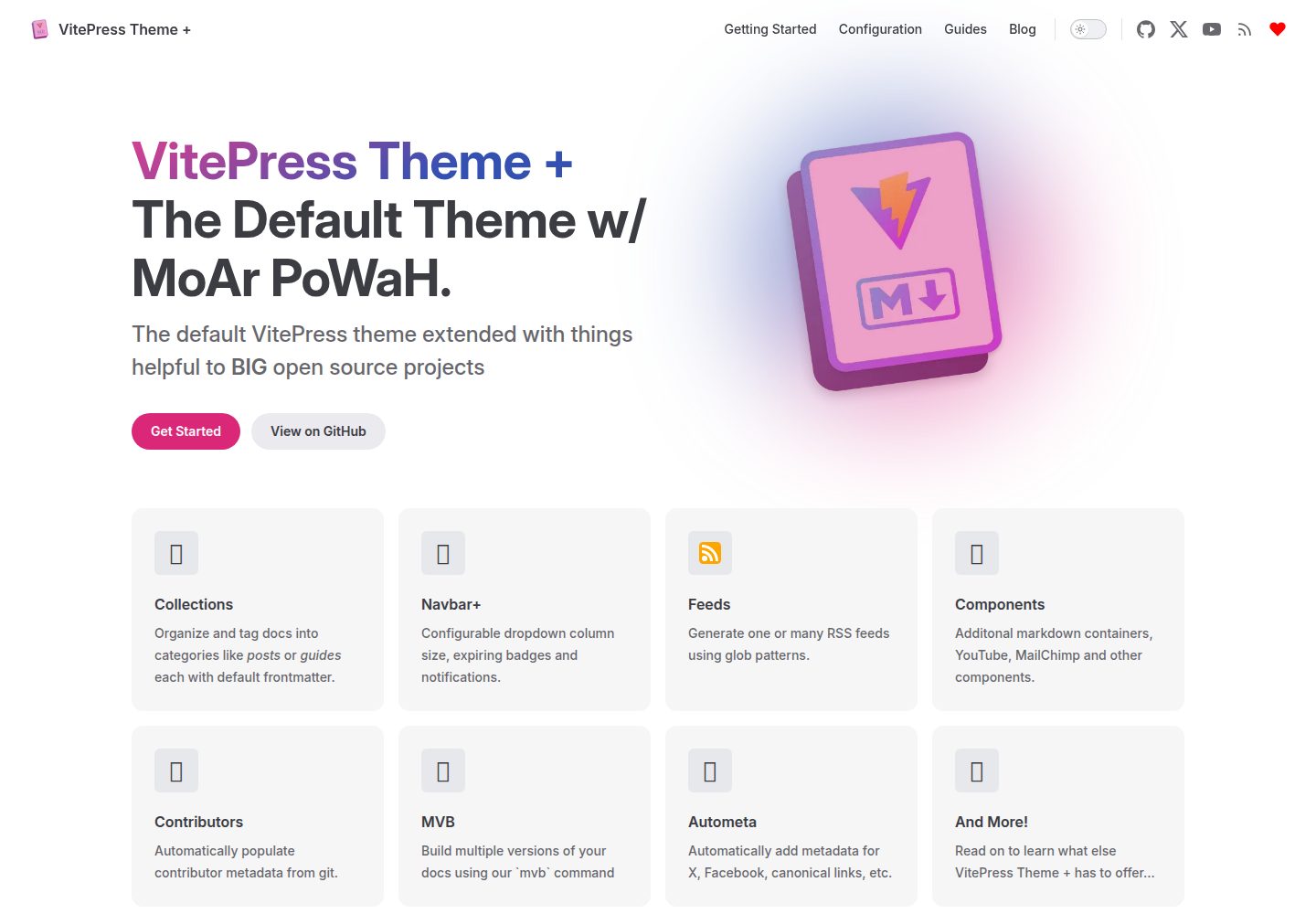
vitepress-theme-default-plus
The VitePress Default Theme with a little more POWAH
VitePress · 文档
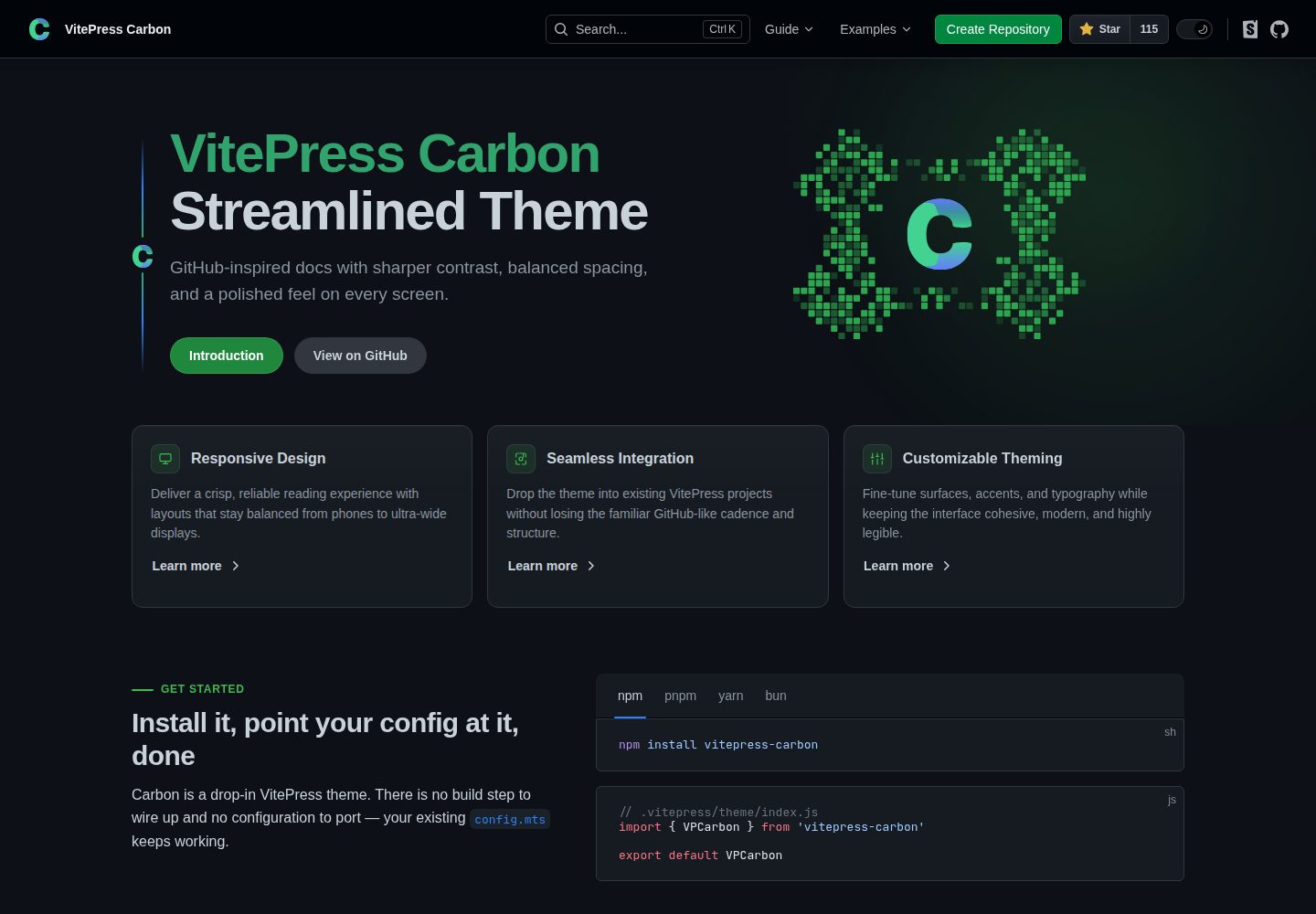
carbon-starter
A template for VitePress Carbon Theme
VitePress · 文档
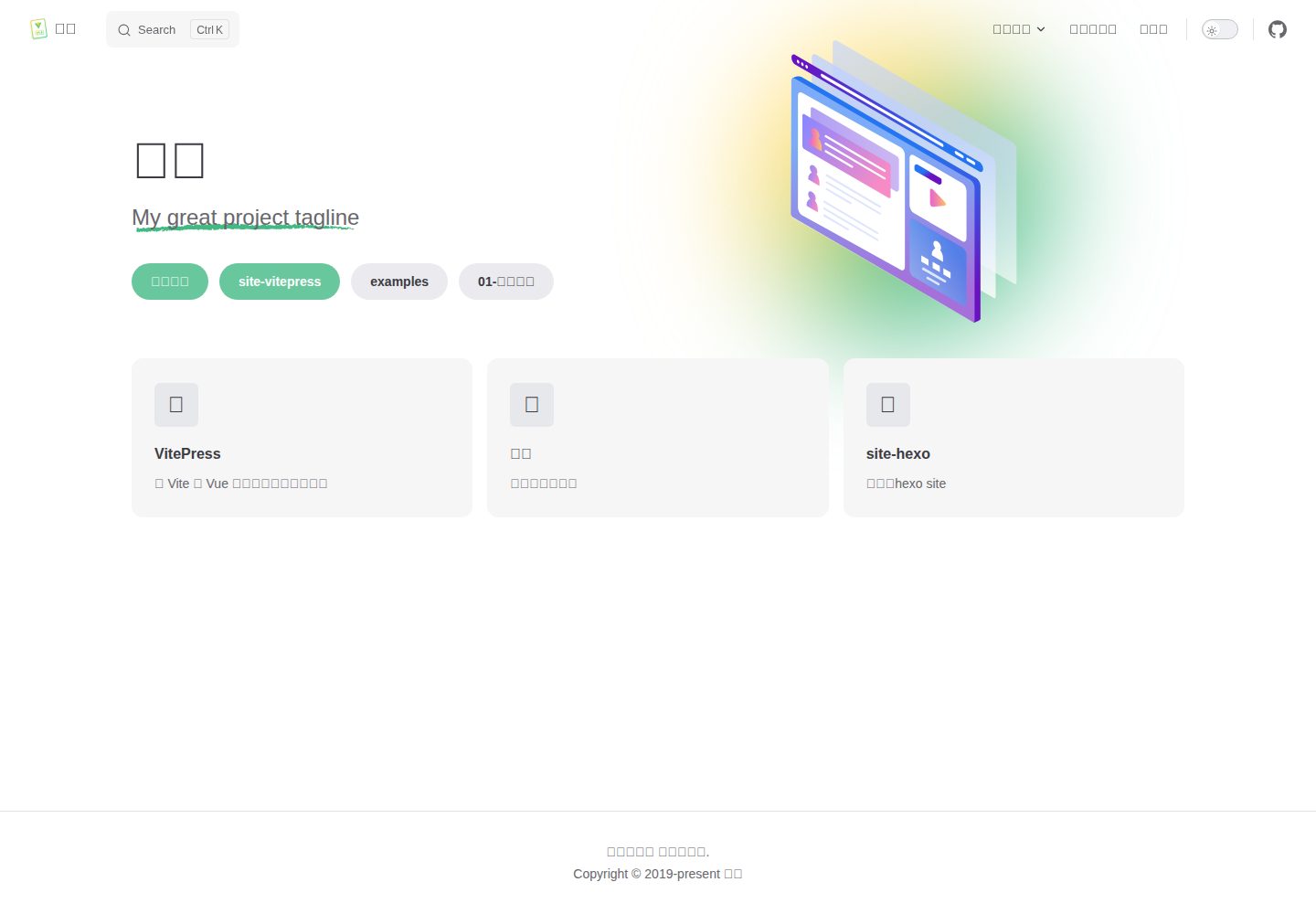
vitepress-theme-mist-docs
vitepress-theme-mist-docs
VitePress · 文档
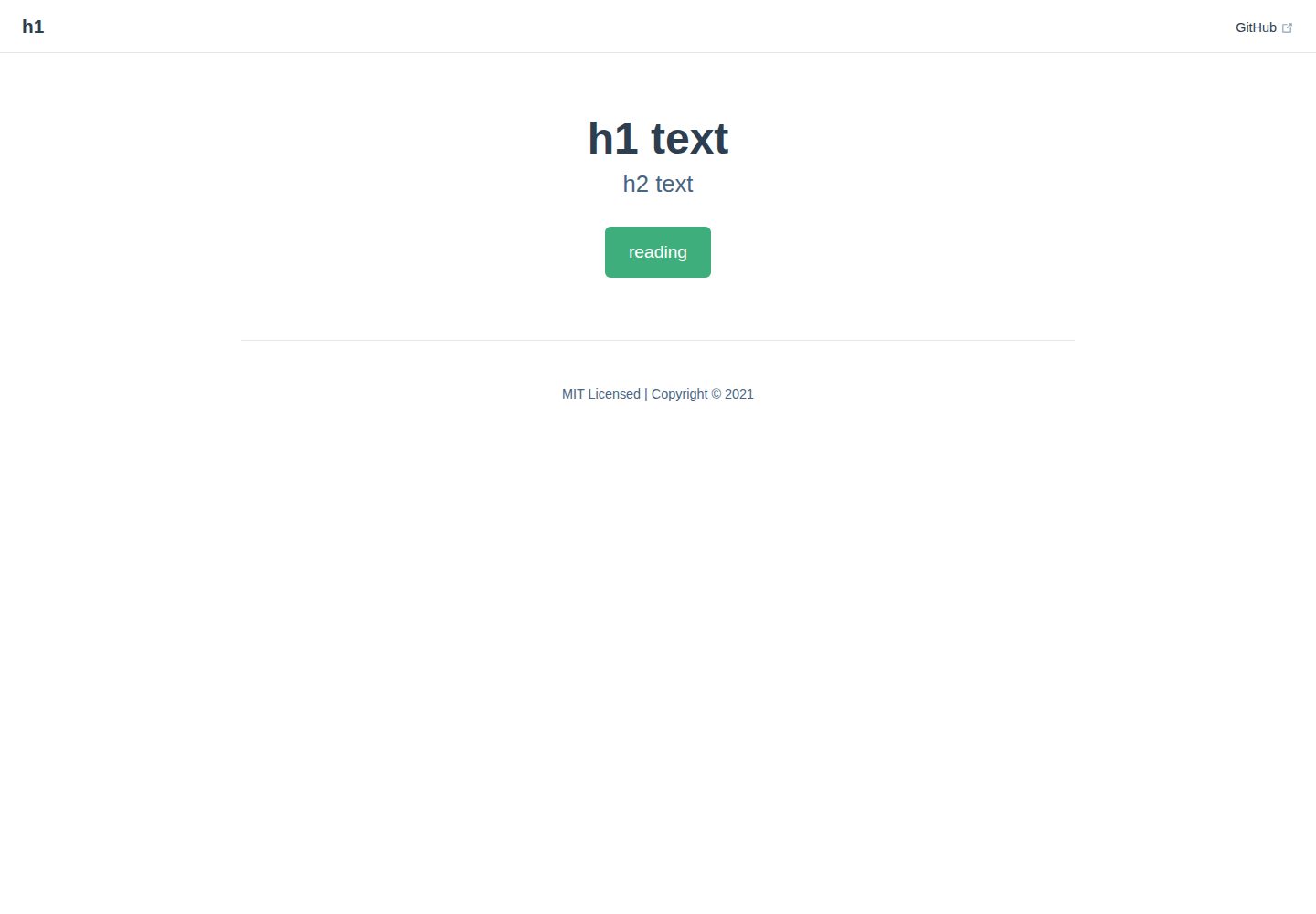
vitepress-docs-site-template
快速利用 vitepress 创建一个网站并托管到 github pages 上
VitePress · 文档
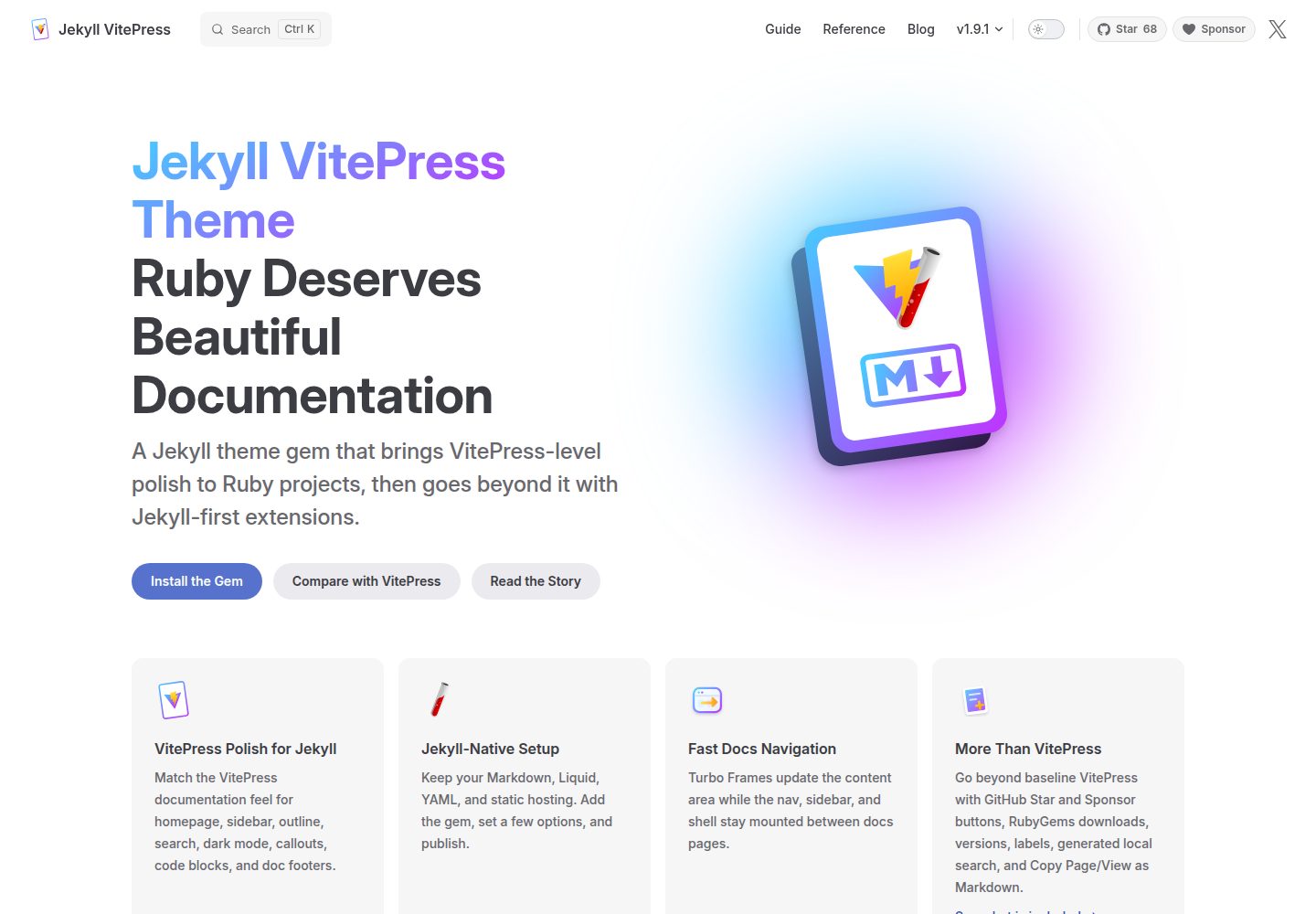
jekyll-vitepress-theme
Ruby deserves beautiful documentation. Jekyll VitePress Theme brings VitePress-level polish to Jekyll.
Jekyll · 文档
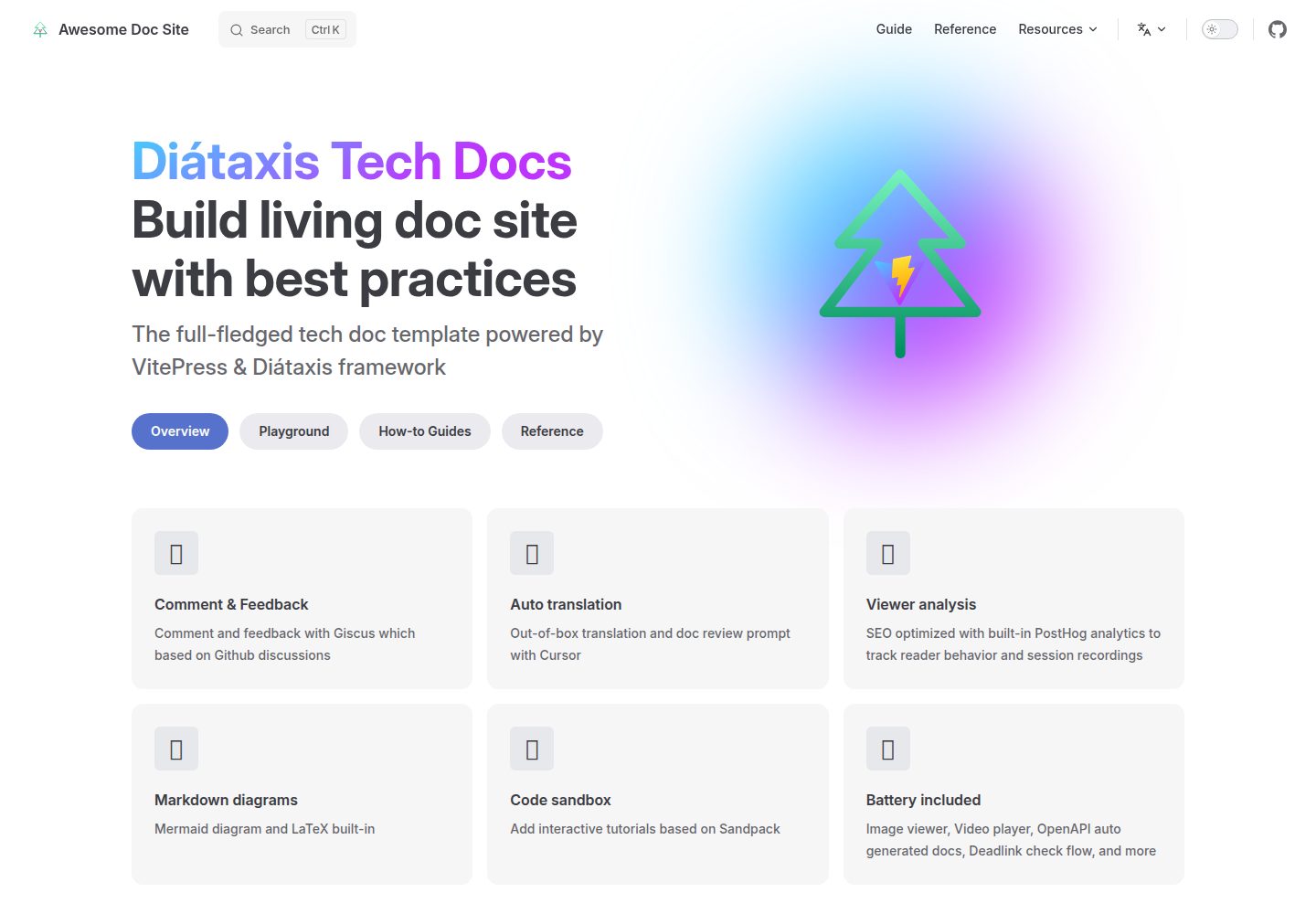
vitepress-diataxis-template
The full-fledged tech doc template powered by VitePress & Diátaxis framework
Vue · 文档