
Page styles built with Bootstrap, using Vite as the development and build tool
ViteHTMLPortfolio
about-me-personal-portfolio-website-template — Vite Portfolio Template
By easetemplates
AboutMe is a free personal website template built with Bootstrap and Vite, released under the MIT license, suitable for creating personal profile and portfolio pages.
Explore the design
Compare the page layouts and mobile experience. Open any screenshot for a closer look.
Desktop homepage1 / 2
Desktop captureTop of page
Actual screenshot captured by the server browser.
All pages & views 2
Screenshots show visual appearance; interactive behavior may differ.
Recorded 2026-10-03View source
What stands out
A quick read of the recorded project description.
Provides standard scripts such as npm install, npm start, npm run build, and npm run preview
Source code organized into directories like src/images, src/js, src/scss, including theme and theme.scss
Repository uses the MIT license, allowing free use, modification, commercial use, and distribution of this version of the code
Provides an online preview page to check the desktop and mobile homepage effects first
Template Details
AboutMe is a free open-source personal website template from Easetemplate, with the repository named about-me-personal-portfolio-website-template. It targets personal introduction and portfolio display scenarios. The page structure is primarily a single-page index.html, with images, JavaScript, and SCSS resources under src organizing styles and interactions.
Technically, the template uses Bootstrap as the CSS framework and Vite as the development and build tool. The project provides npm scripts: npm install to install dependencies, npm start to launch the development server and open index.html in the browser, npm run build to generate the dist production directory, and npm run preview to preview the build result. The file structure includes src/images, src/js, src/scss (with theme and theme.scss), index.html, vite.config.js, package.json, and more.
Regarding licensing, the repository uses the MIT license, allowing free use, modification, commercial use, and distribution of this version of the code, provided the copyright notice and license notice are retained when distributing. Note that the licensing of third-party assets such as demo images, fonts, and icons must be verified separately, and external services like domains and hosting may incur costs. The README does not provide more detailed documentation; specific page sections and customization methods should be based on the actual repository files.
ViteHTMLPortfolio
Is it right for your project?
Use Cases
- Build a personal profile page to centrally display personal information and contact details
- Create a portfolio page to showcase personal works or projects
- Use as a front-end practice project for learning how Bootstrap and Vite work together
- Modify within the MIT license scope as a base template for a personal site or client project
Suitable For
- Individual developers or designers needing a free personal website template
- Front-end learners wanting to use the Bootstrap and Vite technology combination
- Users needing to quickly build a personal introduction or portfolio display page
Getting started & customization
Use these recorded setup notes alongside the repository instructions for your chosen version.
- 1
Clone the repository via git clone, or download the source code from the GitHub page
- 2
Run npm install in the project root directory to install dependencies
- 3
Run npm start to launch the development server and open index.html
- 4
Run npm run build to generate the dist production directory, and npm run preview to preview the build result
- 5
Before use, separately verify the licensing of third-party assets such as demo images, fonts, and icons
License & source material
Usage conditions & limitations
Free to use · keep license noticeThis entry covers the free version under the MIT license in the public repository; the free scope applies to this version of the code and does not imply that external services or third-party assets are free.
Must comply with when using
- Allows free use, modification, commercial use, and distribution of this version of the code.
- When distributing copies or substantial portions of the code, retain the original author's copyright notice and the full MIT license notice.
- Code is provided as is; warranties and limitations of liability are governed by the original license and applicable law.
Additional costs & items to verify
- Demo images, fonts, icons, and other third-party assets must be checked against their respective licenses and cannot be judged solely by the code's MIT license.
- External services such as domains, hosting, databases, payments, or AI may incur additional charges.
View Original Text Basis
Compiled by DeepSeek based on repository license and README ·2026-10-03. Results only cover the materials read; dependencies, images, fonts, and subsequent term changes are subject to their respective original texts.
Project checks & description sources
Template Information
- Source platforms
- GitHub
- Documentation and maintenance reference score
- Partly documented · 73 / 100
- Technologies
- Vite · HTML
- Website type
- Portfolio
How this score is calculated
Our heuristic uses license records (up to 30), a demo link (12), a preview (10), stars (15), recorded maintenance (15), description completeness (8), feature records (5) and classification data (5). It is not a code, security or performance test, or a Google score. A link does not establish tested functionality.
What to verify for this project
- Repository update recorded
- 2024-03-09
- Screenshot last checked
- 2026-10-03
A demo link is listed. Check it with your own content and viewport sizes; its presence does not confirm that forms, authentication or payments work.
The catalog identifies Vite as the primary stack. Check the actual dependency manifest and lockfile for versions and hosting requirements. These notes use recorded metadata, not a code audit or a deployment test.
Use a selection guide →How this description was prepared
AI-assisted description based on catalog records and repository material. Repository authors are not automatically the reviewers of this description.
Review declaration: [email protected] · 2026-10-04
Inspect the recorded source material
SHA-256: e04eaadcad249cc6941dcb510a4c919c74ce5e6d3306e57a9c087a8a38120e5a
2026-10-03T16:25:32.341Z
Source file / repository# [AboutMe - Personal Website Template](https://preview.easetemplate.com/aboutme/)

Simple personal website templates free, About me is the free personal website bootstrap template. Built with Bootstrap and vite.js.
AboutMe is a free and open source for your any purpose of use. Curated By [Easetemplate](https://easetemplate.com/)
[About ME](https://preview.easetemplate.com/aboutme/)
## Workflow
This product is built using the following widely used technologies:
- Most popular CSS Framework [Bootstrap 5](https://getbootstrap.com/)
- Productive workflow tool [ViteJs](https://vitejs.dev/)
## Table of Contents
* [Quick Start](#quick-start)
* [Documentation](#documentation)
* [File Structure](#file-structure)
* [Browser Support](#browser-support)
* [Technical Support or Questions](#technical-support-or-questions)
## Quick start
1. Download from clone this repository
```
git clone https://github.com/easetemplates/about-me-personal-portfolio-website-template.git
```
2. Now run npm install in the main `about-me-personal-portfolio-website-template/` folder to download all the project dependencies. You'll find them in the `node_modules/` folder.
```
npm install
```
3. Run npm start in the `about-me-personal-portfolio-website-template/` folder to serve the project files using BrowserSync. Running vite will compile the theme and open `/index.html` in your main browser.
```
npm start
```
4. Generates a /dist directory with all the production files.
```
npm run build
```
5. To run preview of `dist` folder.
```
npm run preview
```
## Documentation
## File Structure
Within the download you'll find the following directories and files:
```
AboutMe Personal Website Template
├── src
│ ├── images
| ├── js
│ ├── scss
| ├── theme
| ├── theme.scss
├── index.html
├── vite.config.js
├── package-lock.json
├── package.json
├── README.md
```
## Technical Support or Questions
If you have questions or need help integrating the product please [contact us](https://easetemplate.com/).
[Support](https://easetemplate.com/)
Explore similar templates
Compare previews and descriptions within the same stack and category.

Resumify
Resumify is a browser-based resume builder built with React, TypeScript, and Vite.
Vite · Portfolio

showlit
Showlit is a personal website template built with React, Vite, TypeScript, Tailwind CSS, and shadcn/ui.
Vite · Portfolio

folium
A developer portfolio template built with Vite, React, TypeScript, and Tailwind CSS.
Vite · Portfolio

kurizu-discord
A personal portfolio website built with React and Vite that mimics the Discord desktop app, organizing projects, skills, and experience into customizable channels, threads, a member list, and emoji reactions.
Vite · Portfolio
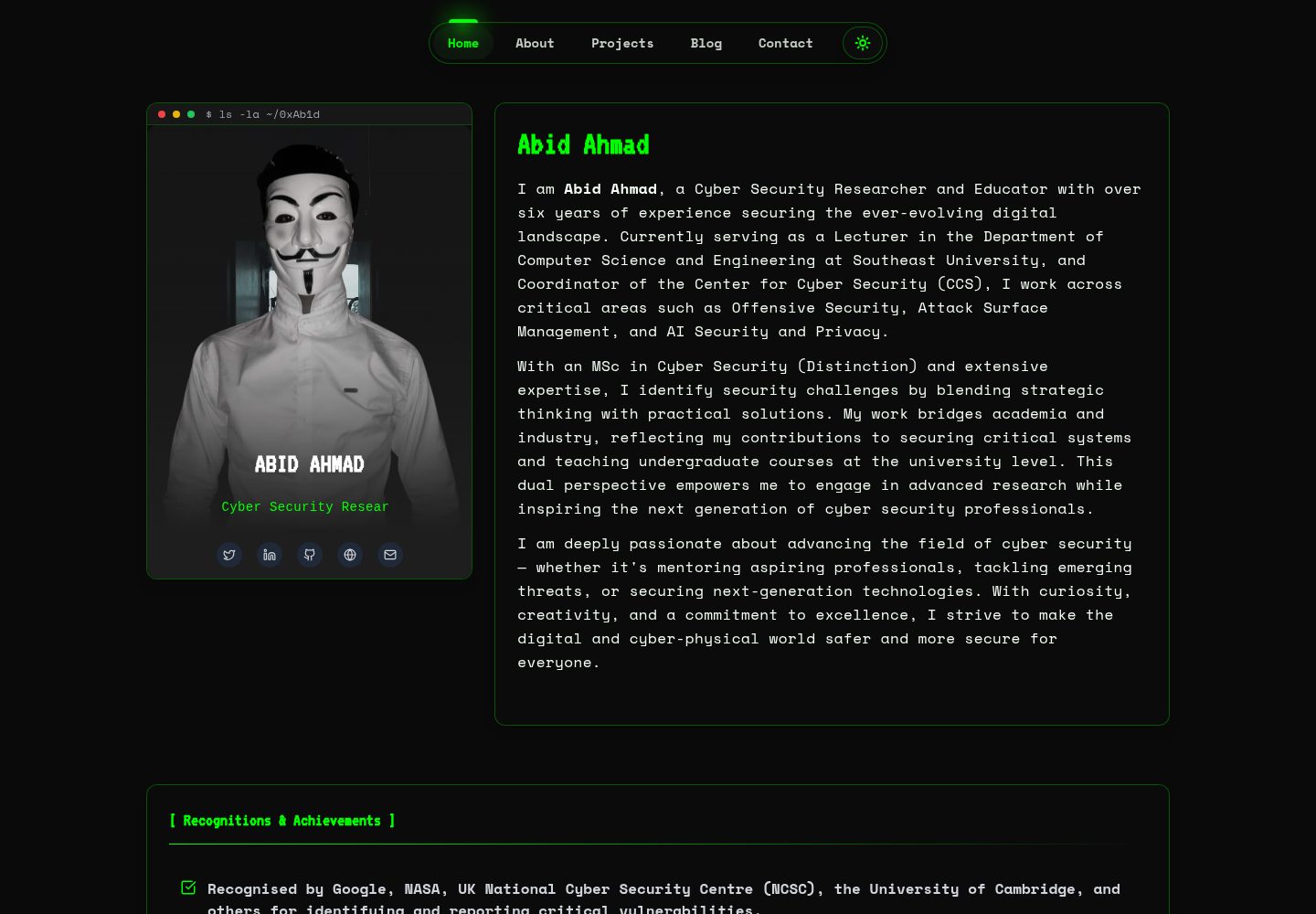
HackFolio
HackFolio is a hacker-style personal portfolio template for ethical hackers, penetration testers, bug bounty hunters, red teamers, and cybersecurity professionals.
Vite · Portfolio
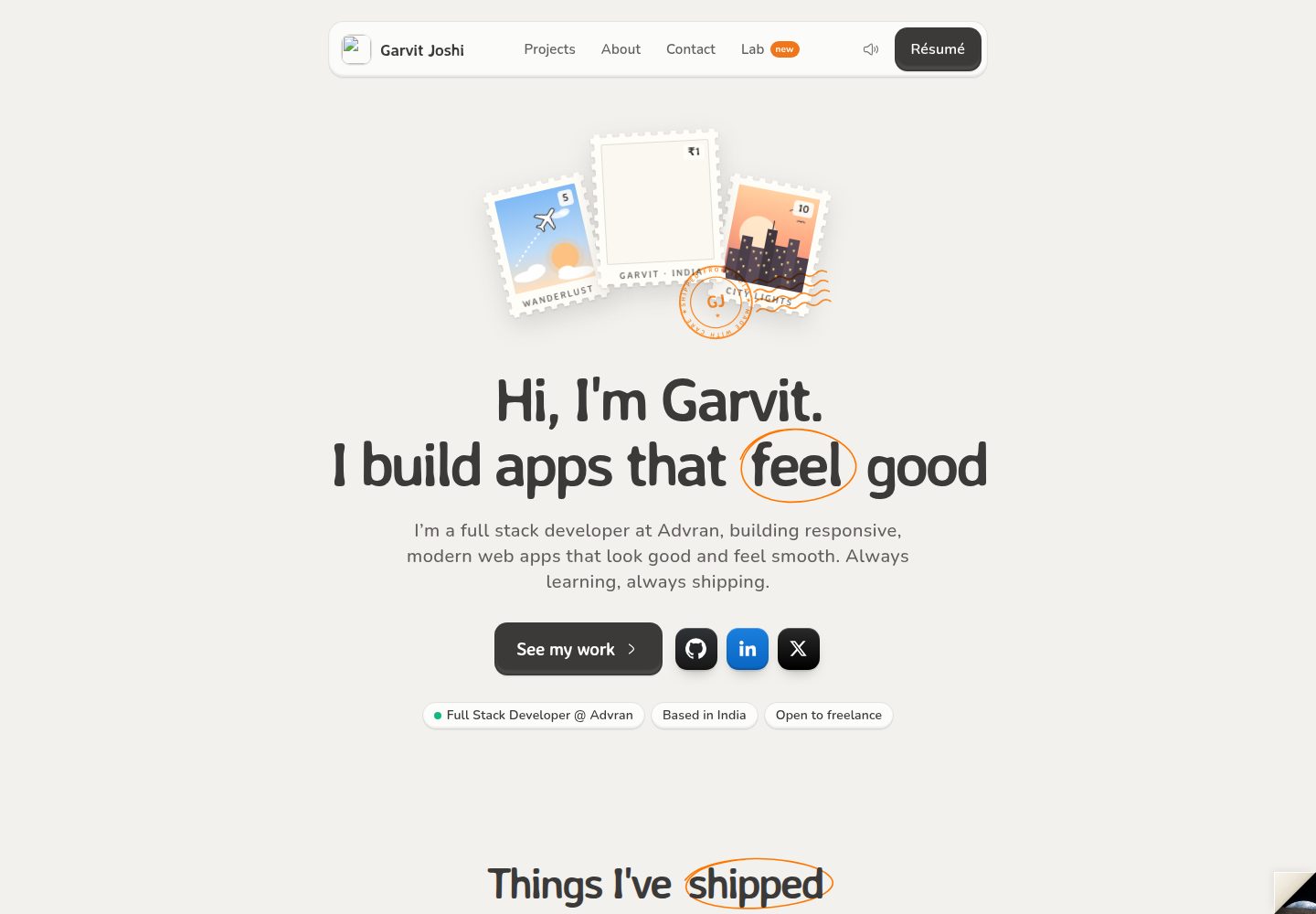
portfolio-main
A React, Vite, and TailwindCSS portfolio template for Garvit Joshi with a warm postal-themed homepage and a free in-browser Lab.
Vite · Portfolio