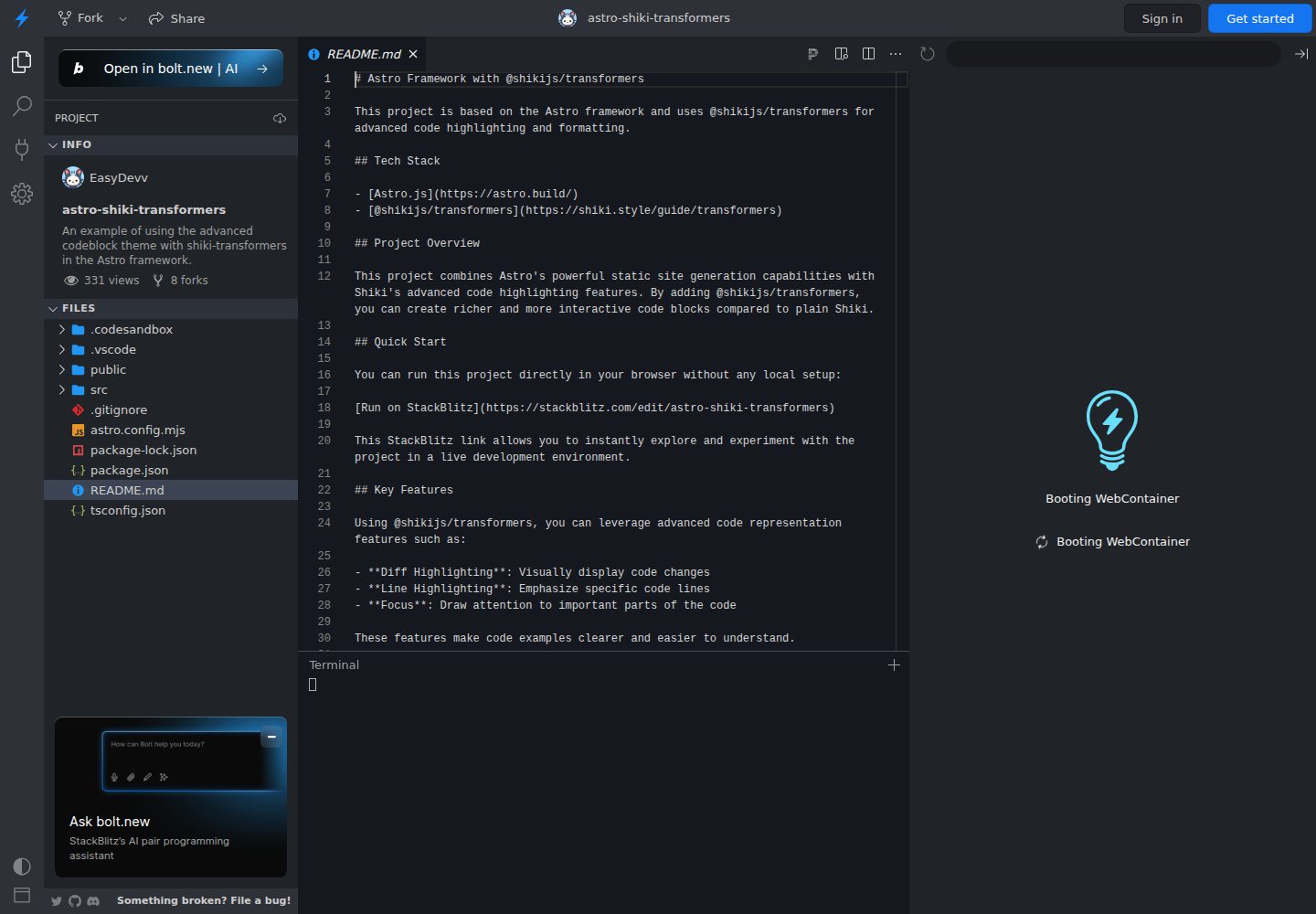
Configure Shiki code highlighting in Astro and integrate @shikijs/transformers
AstroTool Site
astro-shiki-transformers — Astro Tool Template
By EasyDevv
An Astro-based example project demonstrating how to add diff, line highlighting, focus, and other annotations to Markdown code blocks via @shikijs/transformers.
Explore the design
Compare the page layouts and mobile experience. Open any screenshot for a closer look.
Desktop homepage1 / 2
Desktop captureTop of page
Actual screenshot captured by the server browser.
All pages & views 2
Screenshots show visual appearance; interactive behavior may differ.
Recorded 2026-10-12View source
What stands out
A quick read of the recorded project description.
Supports diff annotation, using [!code --] and [!code ++] to show code additions and deletions
Supports line highlighting, word highlighting, and focus annotation to emphasize code
Supports error level annotation, meta highlighting, and meta word highlighting
Includes transformerRenderWhitespace to render whitespace characters
Provides a StackBlitz online example and local run instructions
Template Details
This is an Astro example project focused on showing how to integrate @shikijs/transformers into Astro's Markdown code highlighting. In astro.config.mjs, the project sets syntaxHighlight to shiki and registers multiple transformers in shikiConfig.transformers, including diff, line highlighting, word highlighting, focus, error level, meta highlighting, and whitespace rendering.
Once configured, you can control the display effect in Markdown code blocks using comment markers (such as [!code --], [!code ++]) or meta information, so code examples can visually show added/removed lines, important lines, and positions that need attention.
The project provides a StackBlitz online run entry and also explains the steps for local cloning, installing dependencies, and starting the development server. The repository uses the MIT license, but third-party assets such as demo images, fonts, and icons need to be checked separately for licensing.
AstroTool Site
Is it right for your project?
Use Cases
- Show code comparisons with addition/deletion markers in Astro documentation or blogs
- Annotate important lines or fragments that need focus in tutorial code blocks
- Control code block display effects in Markdown via comment markers
- Serve as a configuration reference for integrating Shiki transformers in Astro projects
Suitable For
- Developers using Astro who need to enhance Markdown code block display
- People who want to learn how to configure @shikijs/transformers in Astro
- Site authors who need to add diff, line highlighting, or focus effects to technical documentation
Getting started & customization
Use these recorded setup notes alongside the repository instructions for your chosen version.
- 1
You can open the example directly in StackBlitz without a local environment
- 2
To run locally, first clone the repository and run npm install
- 3
Use npm run dev to start the development server, accessible by default at http://localhost:4321
- 4
Transformers are registered in astro.config.mjs under markdown.shikiConfig.transformers
- 5
Code block effects are triggered by Markdown comment markers or meta information; refer to the README examples for specific syntax
License & source material
Usage conditions & limitations
Free to use · keep license noticeThis entry covers the free version under the MIT license in a public repository; the free scope is the code of this version and does not mean external services or third-party assets are free.
Must comply with when using
- Free use, modification, commercial use, and distribution of this version's code are permitted.
- When distributing copies or substantial portions of the code, retain the original author's copyright notice and the full MIT license notice.
- The code is provided as is; warranties and limitations of liability are governed by the original license and applicable law.
Additional costs & items to verify
- Demo images, fonts, icons, and other third-party assets must be checked against their respective licenses and cannot be judged solely by the code's MIT license.
- External services such as domains, hosting, databases, payments, or AI may incur separate charges.
View Original Text Basis
https://github.com/EasyDevv/astro-shiki-transformers/blob/main/LICENSEhttps://github.com/EasyDevv/astro-shiki-transformers/blob/main/README.mdPermission is hereby granted, free of charge
Original License Text
Compiled by DeepSeek based on repository license and README ·2026-10-12. Results only cover the materials read; dependencies, images, fonts, and subsequent term changes are subject to their respective original texts.
Project checks & description sources
Template Information
- Source platforms
- GitHub
- Documentation and maintenance reference score
- Partly documented · 68 / 100
- Technologies
- Astro
- Website type
- Tool Site
How this score is calculated
Our heuristic uses license records (up to 30), a demo link (12), a preview (10), stars (15), recorded maintenance (15), description completeness (8), feature records (5) and classification data (5). It is not a code, security or performance test, or a Google score. A link does not establish tested functionality.
What to verify for this project
- Repository update recorded
- 2024-08-05
- Screenshot last checked
- 2026-10-12
A demo link is listed. Check it with your own content and viewport sizes; its presence does not confirm that forms, authentication or payments work.
The catalog identifies Astro as the primary stack. Check the actual dependency manifest and lockfile for versions and hosting requirements. These notes use recorded metadata, not a code audit or a deployment test.
Use a selection guide →How this description was prepared
AI-assisted description based on catalog records and repository material. Repository authors are not automatically the reviewers of this description.
Review declaration: [email protected] · 2026-10-13
Inspect the recorded source material
SHA-256: 3b78f2ee219d0efddad249675f9a5a6f3eb836b35964ad53e739ba2c972ad247
2026-10-12T18:37:49.847Z
Source file / repository# Astro with @shikijs/transformers
This project is based on the Astro framework and uses @shikijs/transformers for advanced code highlighting and formatting.
## Tech Stack
- [Astro.js](https://astro.build/)
- [@shikijs/transformers](https://shiki.style/guide/transformers)
## Project Overview
This project combines Astro's powerful static site generation capabilities with Shiki's advanced code highlighting features. By adding @shikijs/transformers, you can create richer and more interactive code blocks compared to plain Shiki.
## Quick Start
You can run this project directly in your browser without any local setup:
[Run on StackBlitz](https://stackblitz.com/edit/astro-shiki-transformers)
This StackBlitz link allows you to instantly explore and experiment with the project in a live development environment.
## Key Features
Using @shikijs/transformers, you can leverage advanced code representation features such as:
- **Diff Highlighting**: Visually display code changes
- **Line Highlighting**: Emphasize specific code lines
- **Focus**: Draw attention to important parts of the code
These features make code examples clearer and easier to understand.
## Local Installation
If you prefer to run the project locally:
1. Clone this repository:
```bash
git clone https://github.com/EasyDevv/astro-shiki-transformers.git
```
2. Navigate to the project directory:
```bash
cd astro-shiki-transformers
```
3. Install dependencies:
```bash
npm install
```
## Usage
1. Run the development server:
```bash
npm run dev
```
2. Open `http://localhost:4321` in your browser to view the project.
## Shiki Transformers Configuration and Usage Examples
Shiki Transformers are configured in the `astro.config.mjs` file. Here's an example of setting up some useful transformers:
```js
import { defineConfig } from 'astro/config';
import {
transformerNotationDiff,
transformerNotationHighlight,
transformerNotationWordHighlight,
transformerNotationFocus,
transformerNotationErrorLevel,
transformerMetaHighlight,
transformerMetaWordHighlight,
transformerRenderWhitespace,
} from '@shikijs/transformers';
export default defineConfig({
markdown: {
syntaxHighlight: 'shiki',
shikiConfig: {
theme: 'github-dark',
transformers: [
transformerNotationDiff(),
transformerNotationHighlight(),
transformerNotationWordHighlight(),
transformerNotationFocus(),
transformerNotationErrorLevel(),
transformerMetaHighlight(),
transformerMetaWordHighlight(),
transformerRenderWhitespace(),
],
},
},
});
```
After this configuration, you can use it in your markdown files like this:
````markdown
```ts
console.log('hewwo') // [!code --]
console.log('hello') // [!code ++]
console.log('goodbye')
```
````
## License
This project is distributed under the MIT License. See the `LICENSE` file for more details.
Explore similar templates
Compare previews and descriptions within the same stack and category.

astrowind
AstroWind is a free, open-source Astro starter theme using Astro and Tailwind CSS, released under the MIT license.
Astro · Blog

astro-paper
AstroPaper is a minimal, responsive, accessible, and SEO-friendly Astro blog theme. Articles are stored as Markdown/MDX in src/content/posts/, with subdirectories affecting URLs.
Astro · Blog

astro-theme-cactus
Astro Cactus is an Astro-based blog and portfolio theme that uses Markdown/MDX content collections to manage posts, notes, and tags, with frontmatter type-checked by a schema.
Astro · Portfolio

astrofy
Astrofy is a free and open-source personal portfolio website template built with Astro and TailwindCSS, with built-in blog, CV timeline, project showcase, store, and RSS feed modules.
Astro · Portfolio
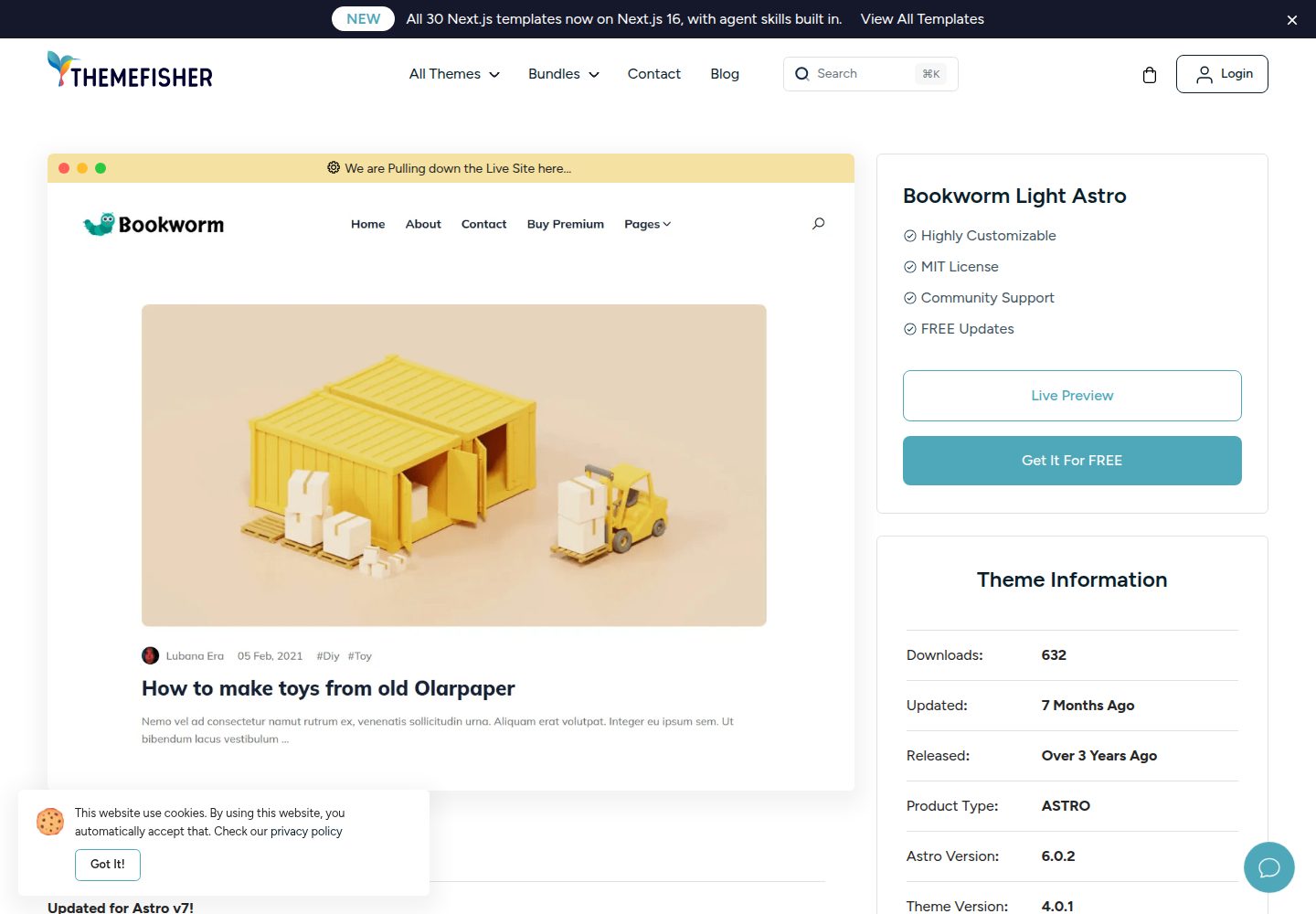
bookworm-light-astro
Bookworm Light Astro is a free, MIT-licensed Astro blog theme by Themefisher for personal or multi-author sites. It offers minimal Tailwind CSS styling, author list and individual author pages, tags, categories, related posts, social sharing, and FuseJS site search.
Astro · Blog

qwind
Qwind is a free and open-source website template built on Qwik and Tailwind CSS, featuring directory-based routing via QwikCity, a Markdown blog, dark mode, and static deployment configuration.
Astro · Tool Site