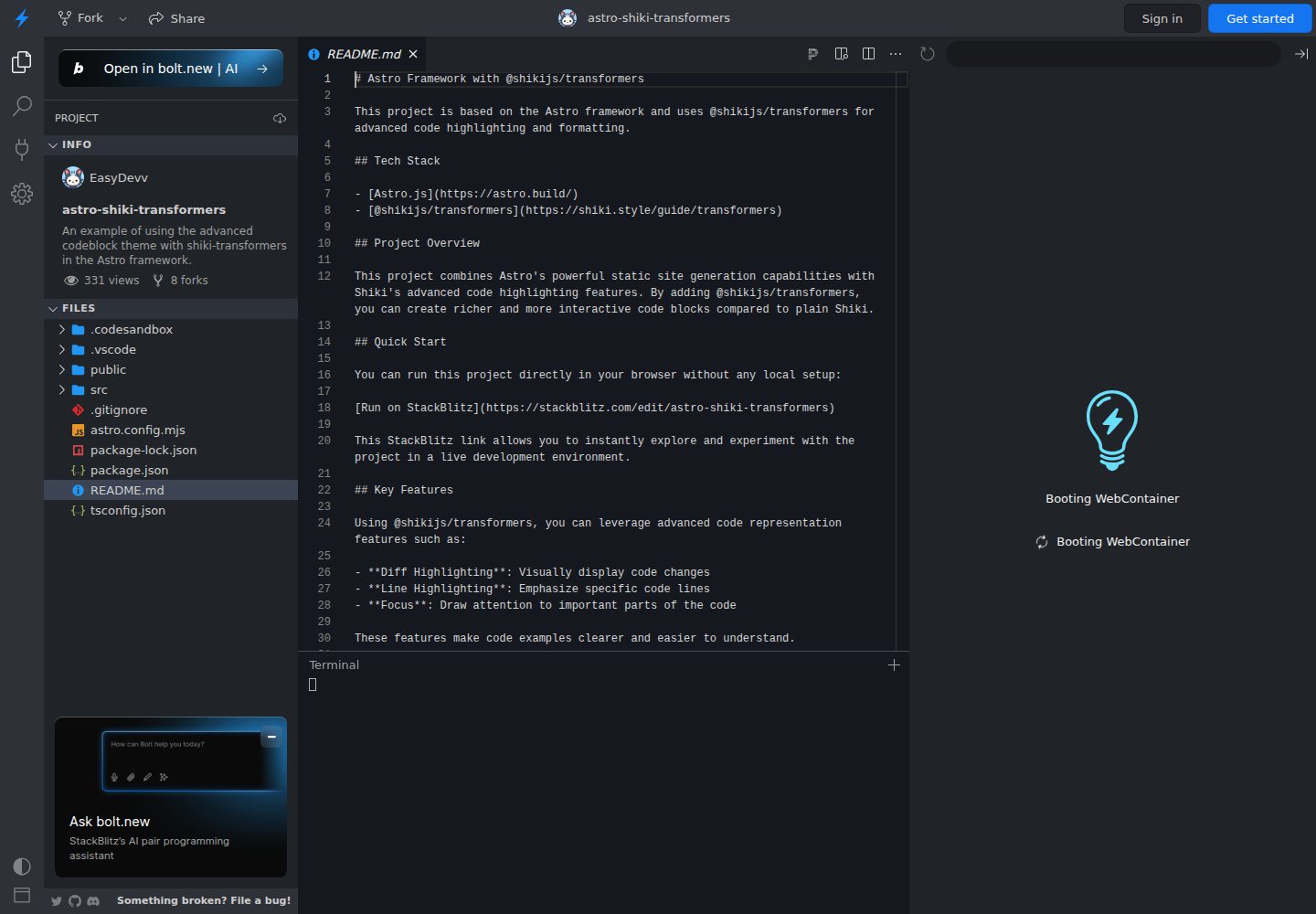
在 Astro 中配置 Shiki 代码高亮并接入 @shikijs/transformers
Astro工具站
astro-shiki-transformers — Astro 工具站模板
作者 EasyDevv
基于 Astro 的示例项目,演示如何通过 @shikijs/transformers 为 Markdown 代码块添加 diff、行高亮、聚焦等标注能力。
看看你的网站会是什么样
浏览真实页面截图,比较内容排版与手机效果。点击下方缩略图切换,放大查看整页细节。
全部页面与视图 2
截图用于了解视觉与布局,交互效果请以实际项目为准。
采集于 2026-10-12查看来源
值得关注的模板亮点
从已有项目资料中,快速了解它的特点。
支持 diff 标注,用 [!code --] 与 [!code ++] 显示代码增删
支持行高亮、词高亮与聚焦标注,突出代码重点
支持错误级别标注与 meta 高亮、meta 词高亮
包含 transformerRenderWhitespace,可渲染空白字符
提供 StackBlitz 在线示例与本地运行说明
模板详细介绍
这是一个 Astro 示例项目,重点展示在 Astro 的 Markdown 代码高亮中接入 @shikijs/transformers 的配置方式。项目在 astro.config.mjs 中把 syntaxHighlight 设为 shiki,并在 shikiConfig.transformers 中注册多个 transformer,包括 diff、行高亮、词高亮、聚焦、错误级别、meta 高亮和空白字符渲染。
配置完成后,可以在 Markdown 代码块里用注释标记(如 [!code --]、[!code ++])或 meta 信息控制显示效果,让代码示例能直观呈现增删行、重点行和需要关注的位置。
项目提供 StackBlitz 在线运行入口,也说明了本地克隆、安装依赖和启动开发服务器的步骤。仓库采用 MIT 许可,但演示图片、字体、图标等第三方素材需单独核对许可。
Astro工具站
适合你的项目吗?
适用场景
- 在 Astro 文档或博客中展示带增删标记的代码对比
- 为教程代码块标注重点行或需要聚焦的片段
- 在 Markdown 中通过注释标记控制代码块显示效果
- 作为在 Astro 项目中集成 Shiki transformers 的配置参考
适合人群
- 使用 Astro 并需要增强 Markdown 代码块展示的开发者
- 想了解 @shikijs/transformers 在 Astro 中如何配置的人
- 需要为技术文档添加 diff、行高亮或聚焦效果的站点作者
上手与定制指南
结合仓库当前版本的说明,按下面的资料检查内容、配置与运行要求。
- 1
可在 StackBlitz 中直接打开示例,无需本地环境
- 2
本地运行需先克隆仓库并执行 npm install
- 3
使用 npm run dev 启动开发服务器,默认访问 http://localhost:4321
- 4
transformer 在 astro.config.mjs 的 markdown.shikiConfig.transformers 中注册
- 5
代码块效果通过 Markdown 注释标记或 meta 信息触发,具体写法参考 README 示例
授权与来源资料
使用条件与限制
免费使用 · 保留许可声明本次收录的是公开仓库中采用 MIT 许可的免费版本;免费范围为该版本代码,不代表外部服务或第三方素材免费。
使用时需要遵守
- 允许免费使用、修改、商用和分发该版本代码。
- 分发代码副本或实质性部分时,保留原作者版权声明和完整 MIT 许可声明。
- 代码按现状提供;担保与责任限制以原许可证及适用法律为准。
额外费用与待核对事项
- 演示图片、字体、图标及其他第三方素材需按各自许可核对,不能仅凭代码的 MIT 许可判断。
- 域名、托管、数据库、支付或 AI 等外部服务可能另外收费。
查看原文依据
https://github.com/EasyDevv/astro-shiki-transformers/blob/main/LICENSEhttps://github.com/EasyDevv/astro-shiki-transformers/blob/main/README.mdPermission is hereby granted, free of charge
许可证原文
DeepSeek 根据仓库许可证和 README 整理 ·2026-10-12。结果仅覆盖已读取资料,依赖、图片、字体及后续条款变更以各自原文为准。
项目核对记录与介绍依据
模板资料
- 来源平台
- GitHub
- 资料与维护参考分
- 资料一般 · 68 / 100
- 技术栈
- Astro
- 网站类型
- 工具站
这个分数如何计算
本站按许可资料(最高30分)、演示链接(12分)、预览图(10分)、Star数(15分)、记录的维护时间(15分)、描述完整度(8分)、功能记录(5分)和分类资料(5分)计算。它不是代码、安全或性能测试,也不是 Google 评分;有链接不代表已实测可用。
这个项目需要核对什么
- 记录的仓库更新时间
- 2024-08-05
- 截图检查日期
- 2026-10-12
已收录演示链接。请用你的内容与屏幕尺寸检查;有演示不代表表单、认证或支付已经可用。
目录记录的主要技术栈是 Astro。请通过依赖清单和锁文件核对实际版本与托管要求。这些说明基于收录资料,不代表代码审计或部署实测。
查看具体选型方法 →介绍的制作与核对状态
介绍由 AI 辅助整理目录与仓库资料。仓库作者不等于这篇介绍的审核者。
审核声明: [email protected] · 2026-10-13
查看当时使用的来源资料
SHA-256: 3b78f2ee219d0efddad249675f9a5a6f3eb836b35964ad53e739ba2c972ad247
2026-10-12T18:37:49.847Z
来源文件 / 仓库# Astro with @shikijs/transformers
This project is based on the Astro framework and uses @shikijs/transformers for advanced code highlighting and formatting.
## Tech Stack
- [Astro.js](https://astro.build/)
- [@shikijs/transformers](https://shiki.style/guide/transformers)
## Project Overview
This project combines Astro's powerful static site generation capabilities with Shiki's advanced code highlighting features. By adding @shikijs/transformers, you can create richer and more interactive code blocks compared to plain Shiki.
## Quick Start
You can run this project directly in your browser without any local setup:
[Run on StackBlitz](https://stackblitz.com/edit/astro-shiki-transformers)
This StackBlitz link allows you to instantly explore and experiment with the project in a live development environment.
## Key Features
Using @shikijs/transformers, you can leverage advanced code representation features such as:
- **Diff Highlighting**: Visually display code changes
- **Line Highlighting**: Emphasize specific code lines
- **Focus**: Draw attention to important parts of the code
These features make code examples clearer and easier to understand.
## Local Installation
If you prefer to run the project locally:
1. Clone this repository:
```bash
git clone https://github.com/EasyDevv/astro-shiki-transformers.git
```
2. Navigate to the project directory:
```bash
cd astro-shiki-transformers
```
3. Install dependencies:
```bash
npm install
```
## Usage
1. Run the development server:
```bash
npm run dev
```
2. Open `http://localhost:4321` in your browser to view the project.
## Shiki Transformers Configuration and Usage Examples
Shiki Transformers are configured in the `astro.config.mjs` file. Here's an example of setting up some useful transformers:
```js
import { defineConfig } from 'astro/config';
import {
transformerNotationDiff,
transformerNotationHighlight,
transformerNotationWordHighlight,
transformerNotationFocus,
transformerNotationErrorLevel,
transformerMetaHighlight,
transformerMetaWordHighlight,
transformerRenderWhitespace,
} from '@shikijs/transformers';
export default defineConfig({
markdown: {
syntaxHighlight: 'shiki',
shikiConfig: {
theme: 'github-dark',
transformers: [
transformerNotationDiff(),
transformerNotationHighlight(),
transformerNotationWordHighlight(),
transformerNotationFocus(),
transformerNotationErrorLevel(),
transformerMetaHighlight(),
transformerMetaWordHighlight(),
transformerRenderWhitespace(),
],
},
},
});
```
After this configuration, you can use it in your markdown files like this:
````markdown
```ts
console.log('hewwo') // [!code --]
console.log('hello') // [!code ++]
console.log('goodbye')
```
````
## License
This project is distributed under the MIT License. See the `LICENSE` file for more details.
看看同类模板
对比同技术栈与用途的模板,找到更适合的视觉与内容结构。

astrowind
⭕️ AstroWind: A free template using Astro v7 and Tailwind CSS v4. Astro starter theme.
Astro · 博客

astro-paper
A minimal, accessible and SEO-friendly Astro blog theme.
Astro · 博客

astro-theme-cactus
A simple Astro theme. Use it to create your blog or website.
Astro · 作品集

astrofy
Astrofy is a free and open-source template for your Personal Portfolio Website built with Astro and TailwindCS…
Astro · 作品集
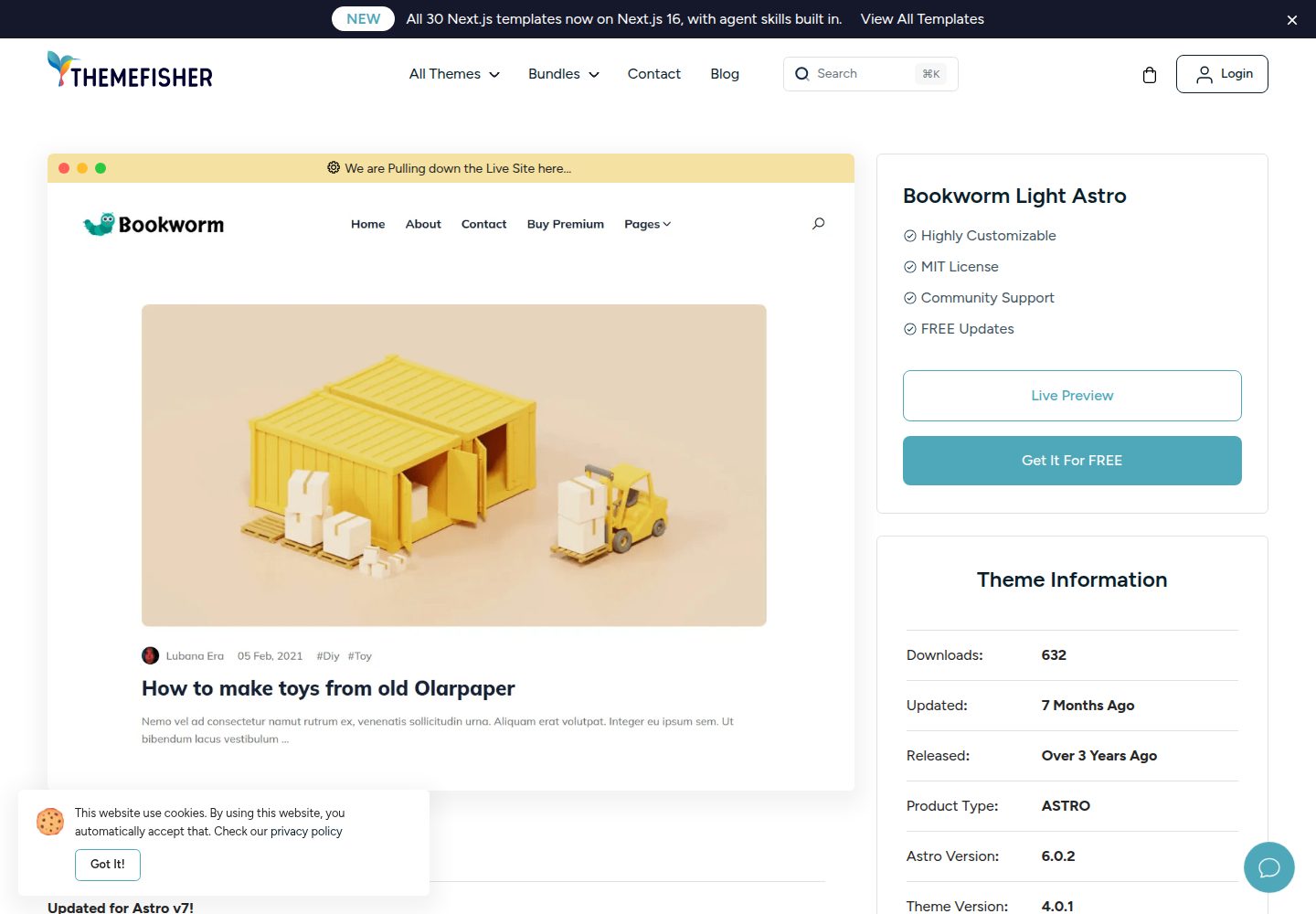
bookworm-light-astro
Bookworm Light is a feature-rich, minimal, highly customizable, easy-to-use Astro blog theme.
Astro · 博客

qwind
⭕️ Qwind: A template to make your website using Qwik + Tailwind CSS.
Astro · 工具站