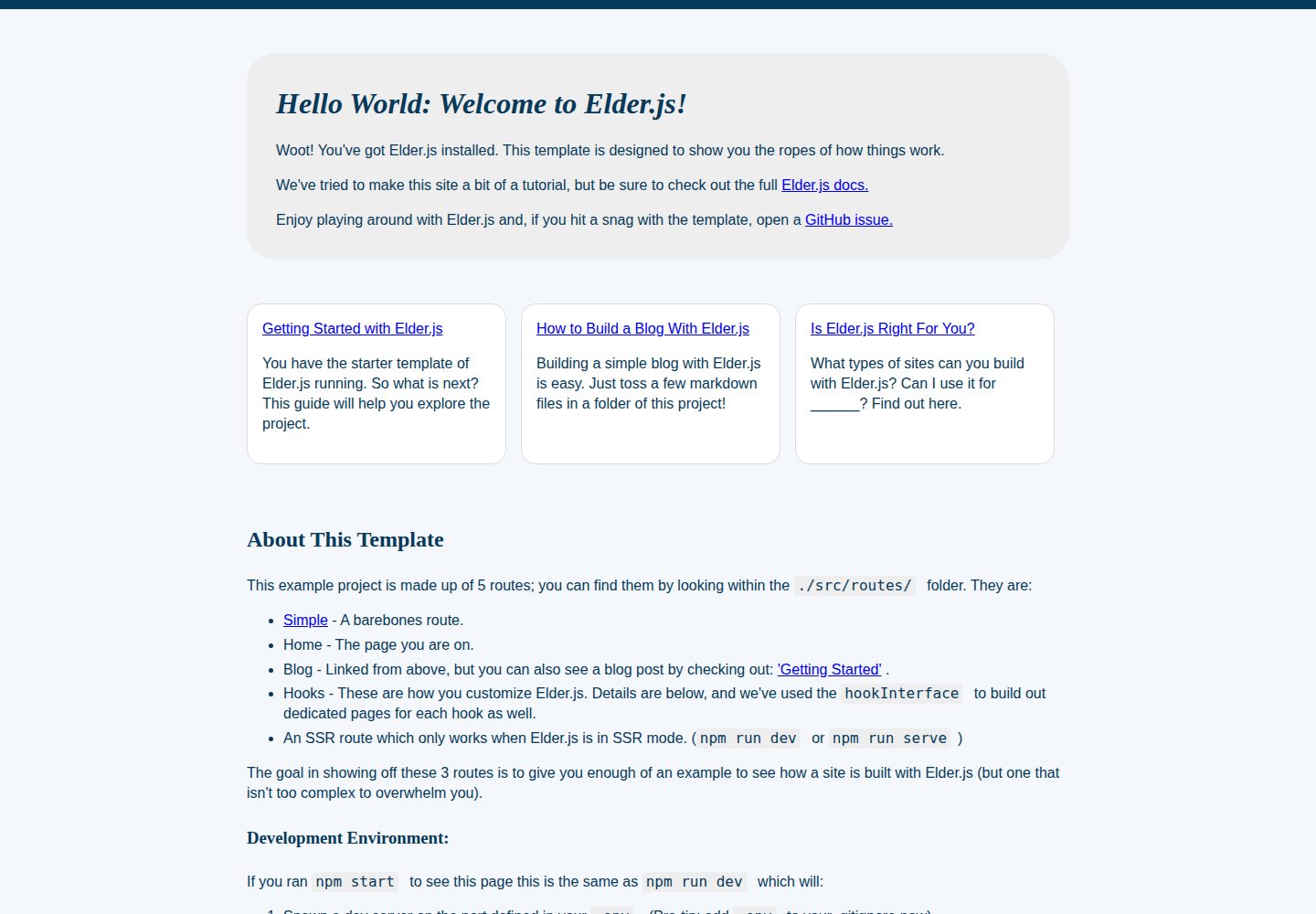
Official Elder.js project template that also serves as a getting-started tutorial
SvelteTool Site
template (Elderjs) — Svelte Tool Template
By Elderjs
The official Elder.js project template, built on Svelte and also serving as a tutorial example that demonstrates how to set up and run an Elder.js application.
Explore the design
Compare the page layouts and mobile experience. Open any screenshot for a closer look.
Desktop homepage1 / 3
Desktop captureTop of page
Actual screenshot captured by the server browser.
All pages & views 3
Screenshots show visual appearance; interactive behavior may differ.
Recorded 2026-09-30View source
What stands out
A quick read of the recorded project description.
Based on Svelte, offering both static generation and SSR modes
Pull the template via degit, then start the development server after npm install
Development mode supports file watching, Rollup restarts, and optional browser auto-reload
Provides an experimental npm run esbuild script for fast development
MIT license; code may be used, modified, used commercially, and distributed for free
Template Details
This is the official project template repository for Elder.js, a static site generation and SSR framework based on Svelte. The template itself is both a project scaffold and a tutorial. The repository provides a demo site and gives the complete flow from pulling the template with degit, installing dependencies, and starting the development server to building the output.
The template is copied locally with npx degit Elderjs/template elderjs-app, dependencies are installed with npm install, and the development server is started with npm start or npm run dev, listening on port 3000. In development mode, file changes trigger a restart of the development server and Rollup; if the @elderjs/plugin-browser-reload plugin is enabled in elder.config.js, the browser also refreshes automatically. The README also mentions that npm run esbuild can be run for a faster development experience, but explicitly marks this approach as experimental.
For builds, npm run build generates static files and outputs them to ./public, which can be previewed with npx sirv-cli public; npm run serve runs the production environment in SSR mode. The repository uses the MIT license, and the code may be used, modified, used commercially, and distributed for free, but third-party assets such as demo images, fonts, and icons must be checked separately for licensing, and external services such as domains and hosting may also incur costs.
SvelteTool site
Is it right for your project?
Use Cases
- Use this template as a starting point when learning the Elder.js project structure and development workflow
- Reuse the template scaffold directly when building a static generation site or SSR application based on Svelte
- Run the demo site locally and follow the README step by step to understand build and deployment commands
Suitable For
- Developers familiar with Node.js and the npm command line
- Developers using Svelte who want to try Elder.js
- Learners who need a reference example of an Elder.js project structure
Getting started & customization
Use these recorded setup notes alongside the repository instructions for your chosen version.
- 1
Pull the template with npx degit Elderjs/template elderjs-app, then run npm install to install dependencies
- 2
Start the development server with npm start or npm run dev, and visit localhost:3000 to see the result
- 3
npm run build generates static files to ./public, which can be previewed with npx sirv-cli public
- 4
npm run serve runs the production environment in SSR mode
- 5
npm run esbuild is an experimental fast development method; the README notes that it is still being improved
License & source material
Usage conditions & limitations
Free to use · keep license noticeThis entry covers the free version under the MIT license in the public repository; the free scope is the code of this version and does not mean that external services or third-party assets are free.
Must comply with when using
- The code of this version may be used, modified, used commercially, and distributed for free.
- When distributing copies or substantial portions of the code, retain the original author's copyright notice and the complete MIT license notice.
- The code is provided as is; warranties and limitations of liability are governed by the original license and applicable law.
Additional costs & items to verify
- The esbuild fast development script is explicitly marked as experimental in the README, may be unstable, and is not recommended for production environments.
- Demo images, fonts, icons, and other third-party assets must be checked under their respective licenses and cannot be judged solely by the MIT license of the code.
- External services such as domains, hosting, databases, payments, or AI may incur additional charges.
View Original Text Basis
Permission is hereby granted, free of charge
Original License Text
https://github.com/Elderjs/template/blob/master/LICENSEhttps://github.com/Elderjs/template/blob/master/README.mdIf you are looking for a faster development experience run `npm run esbuild` this is experimental but will be improving rapidly.
Original README
Compiled by DeepSeek based on repository license and README ·2026-10-01. Results only cover the materials read; dependencies, images, fonts, and subsequent term changes are subject to their respective original texts.
Project checks & description sources
Template Information
- Source platforms
- GitHub
- Documentation and maintenance reference score
- More documented · 76 / 100
- Technologies
- Svelte
- Website type
- Tool Site
How this score is calculated
Our heuristic uses license records (up to 30), a demo link (12), a preview (10), stars (15), recorded maintenance (15), description completeness (8), feature records (5) and classification data (5). It is not a code, security or performance test, or a Google score. A link does not establish tested functionality.
What to verify for this project
- Repository update recorded
- 2022-07-13
- Screenshot last checked
- 2026-10-01
A demo link is listed. Check it with your own content and viewport sizes; its presence does not confirm that forms, authentication or payments work.
The catalog identifies Svelte as the primary stack. Check the actual dependency manifest and lockfile for versions and hosting requirements. These notes use recorded metadata, not a code audit or a deployment test.
Use a selection guide →How this description was prepared
AI-assisted description based on catalog records and repository material. Repository authors are not automatically the reviewers of this description.
Automatically checked against source and license rules; no manual editorial review.
Inspect the recorded source material
SHA-256: 13250a0bf2acb5935722744f856fa3dbe4eca2f72fd01f9498ce46db81dadab9
2026-10-01T13:39:23.191Z
Source file / repository# Elder.js Template Project
<img src="https://img.shields.io/badge/dynamic/json?color=brightgreen&label=Node&query=engines.node&url=https%3A%2F%2Fraw.githubusercontent.com%2Felderjs%2Ftemplate%2Fmaster%2Fpackage.json" alt="node version" />
This is a project template for [Elder.js](https://elderguide.com/tech/elderjs/) apps. The template lives at https://github.com/elderjs/template and the Elder.js source is here: https://github.com/elderjs/elderjs
Here is a demo of the template: [https://elderjs.pages.dev/](https://elderjs.pages.dev/)
## Get started
To create a new project based on this template using [degit](https://github.com/Rich-Harris/degit):
```bash
npx degit Elderjs/template elderjs-app
cd elderjs-app
```
### Install the dependencies:
```bash
npm install # or just yarn
```
### Start Project:
```bash
npm start # or npm run dev
```
Navigate to [localhost:3000](http://localhost:3000). You should see your app running.
This spawns a development server, so simply edit a file in `src`, save it, and reload the page to see your changes.
You can also see a live demo of this template: [https://elderjs.pages.dev/](https://elderjs.pages.dev/)
#### What to Expect
- A dev server is watching your files for changes. It will restart when it needs to.
- Rollup is watching your files for changes. It will restart when it needs to.
- If your `elder.config.js` has `@elderjs/plugin-browser-reload': {}` in it's plugins, your browser will automatically restart after the server restarts.
**esbuild**
If you are looking for a faster development experience run `npm run esbuild` this is experimental but will be improving rapidly.
### To Build HTML for Production:
```bash
npm run build
```
Let the build finish. It will put all of your statically generated files in `./public`.
If you wish to preview you can use:
```bash
npx sirv-cli public
```
### To Run in SSR Mode for Production:
```bash
npm run serve
```
Explore similar templates
Compare previews and descriptions within the same stack and category.

paimon moe
paimon moe is an open-source Genshin Impact tool site built with SvelteKit and Tailwind CSS, featuring a character progression calculator, material database, daily to-do list, and wish statistics.
Svelte · Tool Site
sveltepress
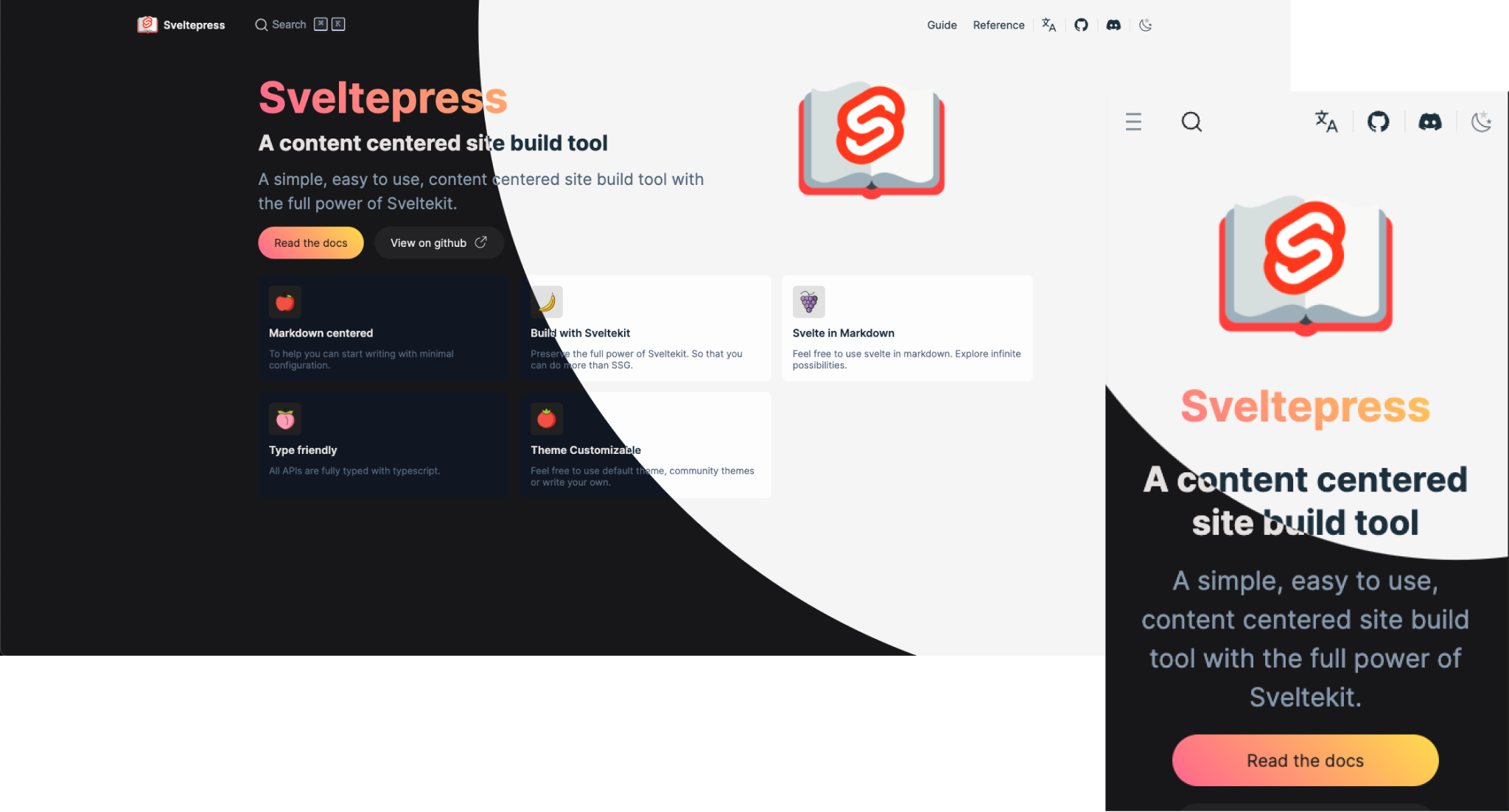
Sveltepress is a SvelteKit-based static site generator for documentation and blogs, with Markdown that can use Svelte 5 Runes, components, and interactive islands.
Svelte · Tool Site
qr code generator
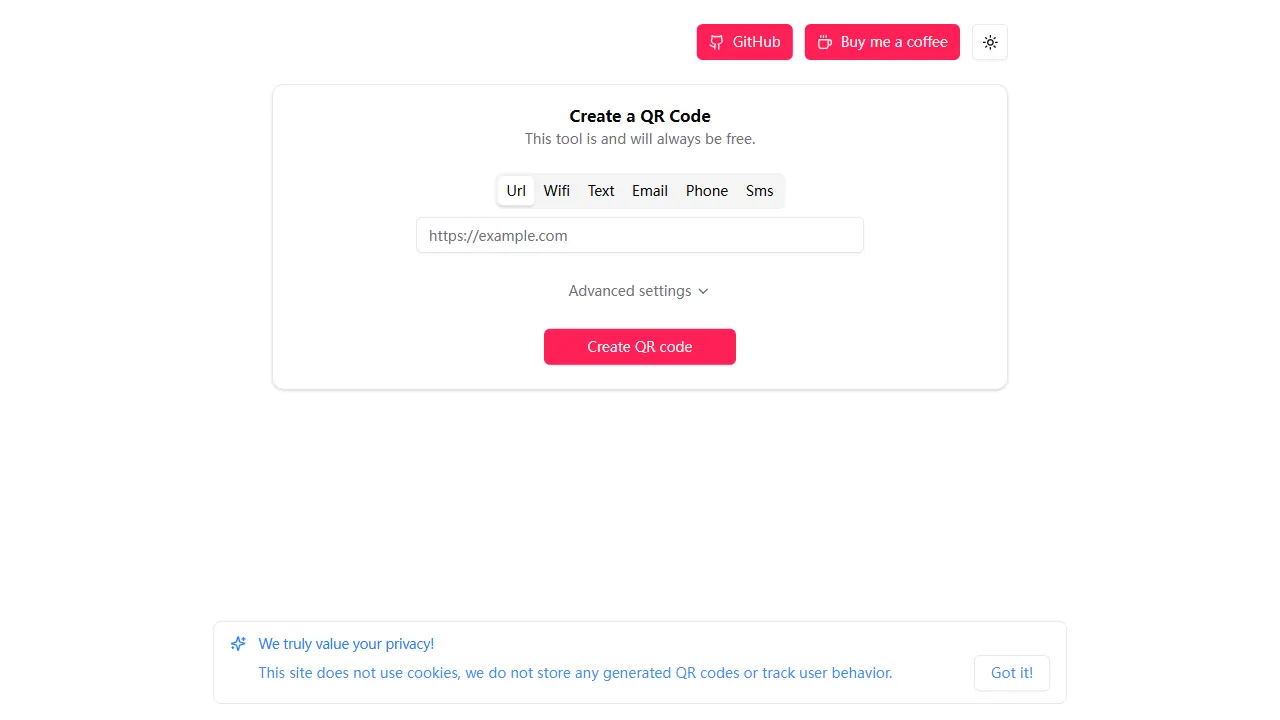
An open-source online QR code generator built with Svelte, with no ads, no accounts, and no paywall. It includes a live demo and is suitable as a starting point for form interaction UI, interaction logic, and static deployment.
Svelte · Tool Site
faviconizer
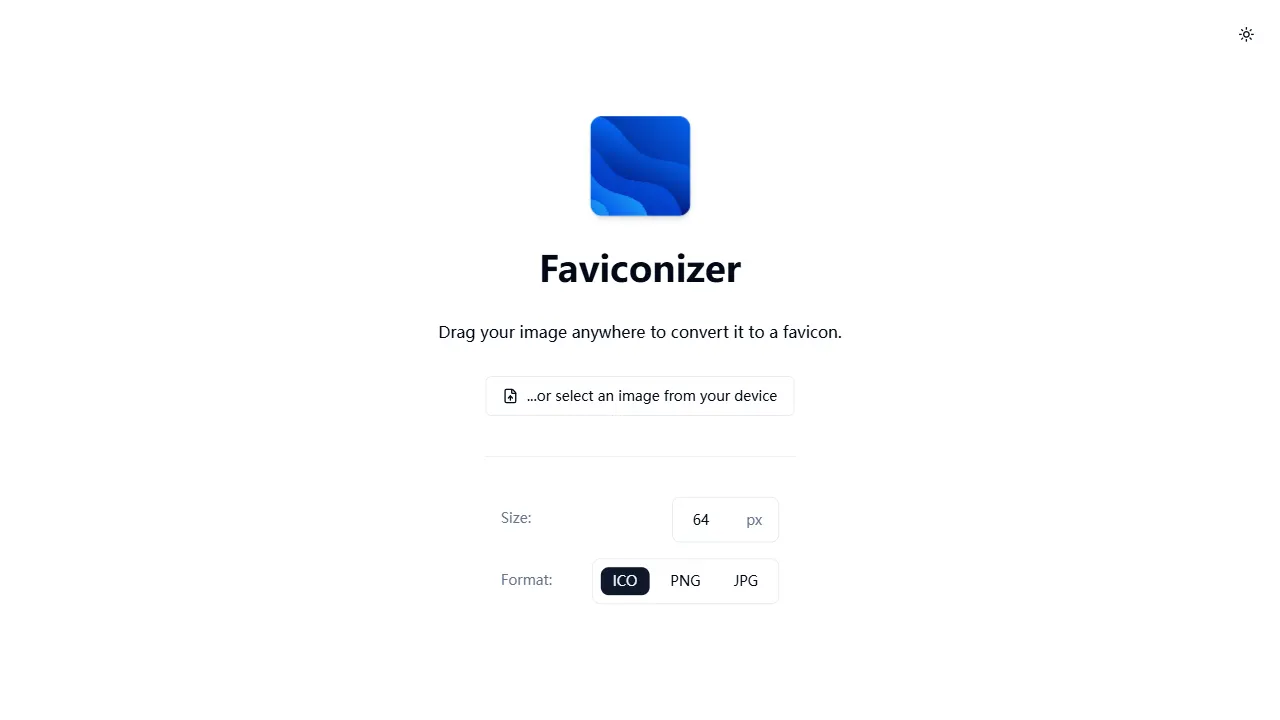
An open-source online favicon generator built with SvelteKit (Svelte 5) and Tailwind CSS v4, converting images to ICO, PNG, or JPG with cropping, adjustable output sizes (8px–128px), and dark mode.
Svelte · Tool Site
readme-parrot
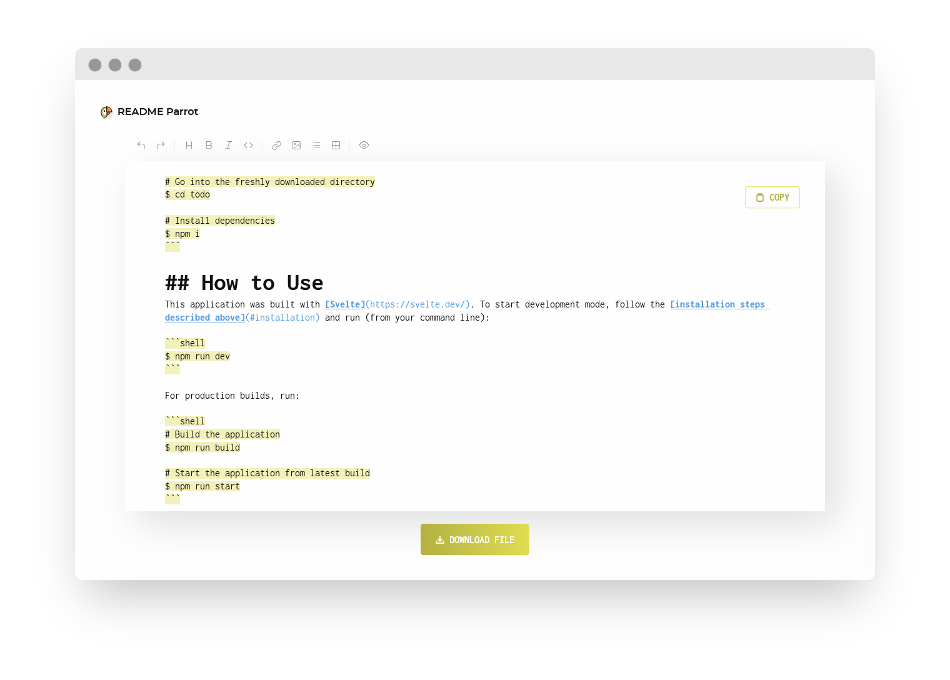
README-Parrot is a small Svelte-based tool site that provides a reusable README template for side projects, with an online trial page and interface screenshots.
Svelte · Tool Site
gitrakz
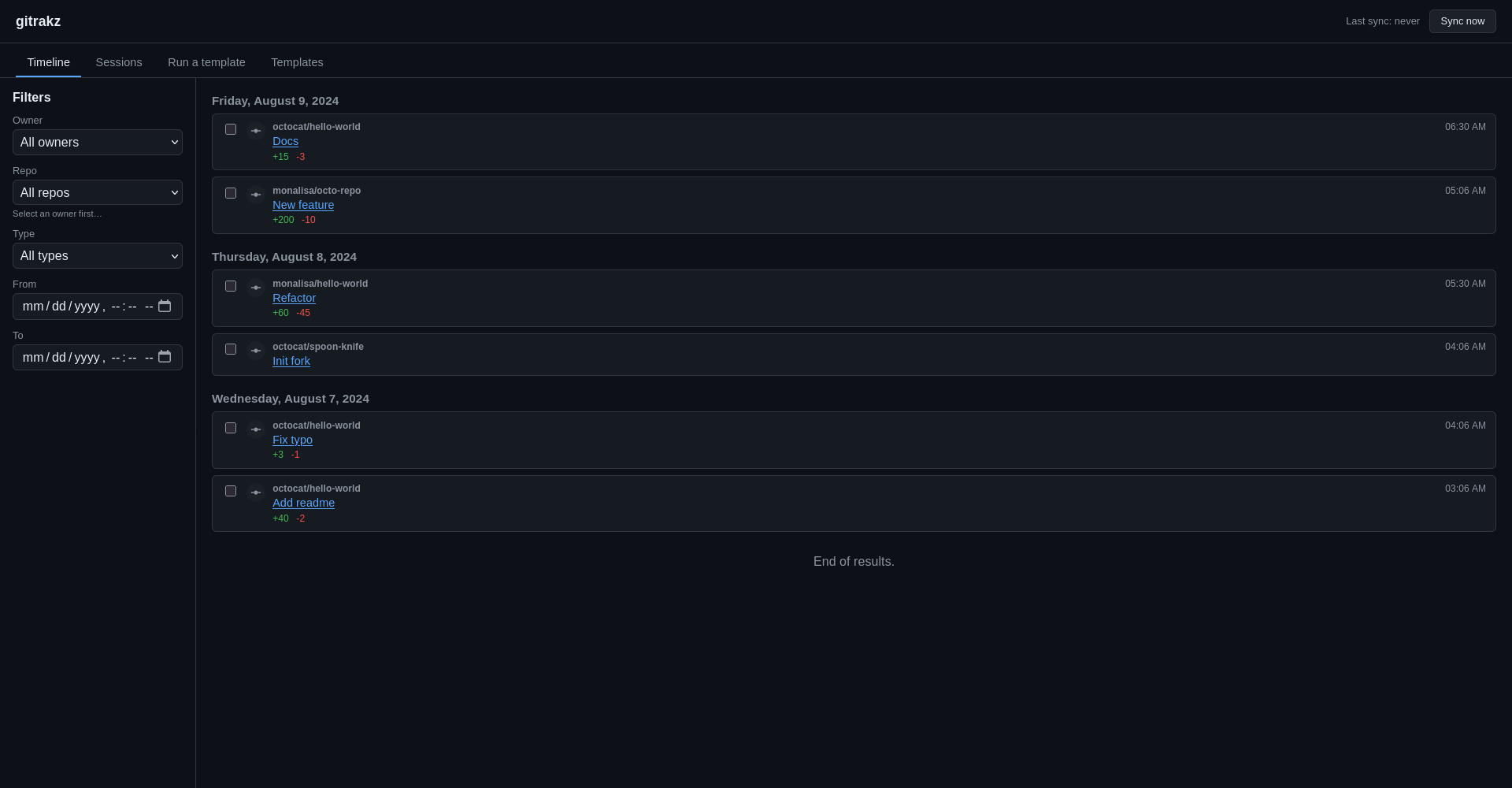
Self-hosted GitHub activity tracker that syncs gh activity into local SQLite and uses deterministic templates to generate filterable timelines, derived sessions, and exportable reports.
Svelte · Timeline