A README template tool site built with Svelte
SvelteTool Site
readme-parrot — Svelte Tool Template
By LenaSchnedlitz
A Svelte-based README template generator for quickly applying a consistent side-project documentation structure.
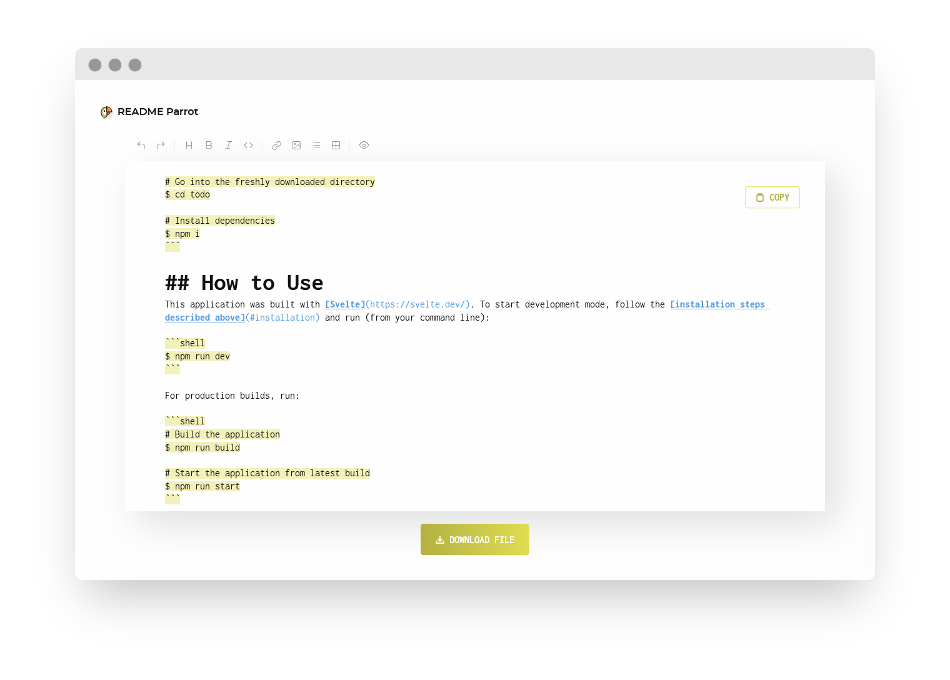
Explore the design
Compare the page layouts and mobile experience. Open any screenshot for a closer look.
Author preview
Author-provided previewTop of page
Preview provided in the project README.
One original preview is available. Open the full image to inspect the design.
Screenshots show visual appearance; interactive behavior may differ.
Recorded 2026-10-13View source
What stands out
A quick read of the recorded project description.
Provides a side-project README structure that can be applied directly
The author provides an online trial page and interface screenshots
The repository uses the MIT license, allowing modification and distribution
Distinguishes development and production build workflows through npm scripts
Template Details
README-Parrot is a small tool site built with Svelte, intended to provide a simple README template for side projects. The project's own description notes that many projects' READMEs share a similar content structure, so it organizes common structures into a reusable template, and the author also provides an online trial page.
According to the repository materials, the project includes two sets of npm scripts for development and production: run npm run dev during development, run npm run build for a production build, then use npm run start to launch the build output. The repository includes interface screenshots provided by the author, which can be used to understand how the template is presented.
The repository was last updated at the end of 2021, has 0 stars, and is a personal small-tool project; the materials do not describe details such as template fields, export formats, or configurable options.
SvelteTool site
Is it right for your project?
Use Cases
- Quickly generate a README with a consistent structure for a personal side project
- Refer to a concise README layout and section organization approach
- Learn how a small tool site is built and deployed in a Svelte project
Suitable For
- Individual developers who need to quickly draft a README
- Open-source project authors who want to refer to a lightweight README template structure
- Developers interested in the implementation of a small Svelte tool
Getting started & customization
Use these recorded setup notes alongside the repository instructions for your chosen version.
- 1
Git and npm must be installed in advance
- 2
After cloning the repository, enter the directory and run npm i to install dependencies
- 3
Run npm run dev for development mode
- 4
Run npm run build for a production build, then use npm run start to launch it
- 5
The clone address in the README points to GitLab, which differs from the GitHub repository address; pay attention when cloning
License & source material
Usage conditions & limitations
Free to use · keep license noticeThis entry covers the free version under the MIT license in the public repository; the free scope is the code of that version and does not mean that external services or third-party assets are free.
Must comply with when using
- The code of this version may be used, modified, used commercially, and distributed free of charge.
- When distributing copies or substantial portions of the code, retain the original author's copyright notice and the complete MIT license notice.
- The code is provided as is; warranties and limitations of liability are governed by the original license and applicable law.
Additional costs & items to verify
- Demo images, fonts, icons, and other third-party assets must be checked against their respective licenses and cannot be judged solely by the code's MIT license.
- External services such as domains, hosting, databases, payments, or AI may incur separate charges.
View Original Text Basis
https://github.com/LenaSchnedlitz/readme-parrot/blob/main/LICENSEhttps://github.com/LenaSchnedlitz/readme-parrot/blob/main/README.mdPermission is hereby granted, free of charge
Original License Text
Compiled by DeepSeek based on repository license and README ·2026-10-13. Results only cover the materials read; dependencies, images, fonts, and subsequent term changes are subject to their respective original texts.
Project checks & description sources
Template Information
- Source platforms
- GitHub
- Documentation and maintenance reference score
- Less documented · 53 / 100
- Technologies
- Svelte
- Website type
- Tool Site
How this score is calculated
Our heuristic uses license records (up to 30), a demo link (12), a preview (10), stars (15), recorded maintenance (15), description completeness (8), feature records (5) and classification data (5). It is not a code, security or performance test, or a Google score. A link does not establish tested functionality.
What to verify for this project
- Repository update recorded
- 2021-12-27
- Screenshot last checked
- 2026-10-13
No demo link is recorded. Use the repository instructions to evaluate the project locally; the screenshot alone cannot establish interactive behavior.
The catalog identifies Svelte as the primary stack. Check the actual dependency manifest and lockfile for versions and hosting requirements. These notes use recorded metadata, not a code audit or a deployment test.
Use a selection guide →How this description was prepared
AI-assisted description based on catalog records and repository material. Repository authors are not automatically the reviewers of this description.
Review declaration: [email protected] · 2026-10-13
Inspect the recorded source material
SHA-256: f4b125b3a266a1c28ad4f7b1f1f8a02714203acf633c737b25da952f0b41f125
2026-10-13T03:53:44.807Z
Source file / repository<div align="center">  # README-Parrot #### A simple little [README template](https://www.lenaschnedlitz.me/readme-parrot). Aren't all your READMEs kind of the same? [](https://svelte.dev/) [](https://github.com/LenaSchnedlitz/readme-parrot) []() [](https://www.lenaschnedlitz.me/readme-parrot) [](#license) [Key Features](#key-features) · [Installation](#installation) · [How to Use](#how-to-use) · [Contributing](#contributing) · [License](#license)  </div> ## Key Features README-Parrot provides a simple template for your side project READMEs. [Try it out!](https://www.lenaschnedlitz.me/readme-parrot) ## Installation To clone and run this application, you need [Git](https://git-scm.com) and [npm](https://npmjs.com). Run from your command line: ```shell # Clone the repository $ git clone [email protected]:LenaSchnedlitz/readme-parrot.git # Go into the freshly downloaded directory $ cd readme-parrot # Install dependencies $ npm i ``` ## How to Use This application was built with [Svelte](https://svelte.dev/). To start development mode, follow the [installation steps described above](#installation) and run (from your command line): ```shell $ npm run dev ``` For production builds, run: ```shell # Build the application $ npm run build # Start the application from latest build $ npm run start ``` ## Contributing Merge requests and bug reports are welcome. I will try my best to process them as soon as possible, but please be patient - my spare time is (sadly) very limited. ## License [MIT](LICENSE) · Credits are much appreciated :heart:
Explore similar templates
Compare previews and descriptions within the same stack and category.

paimon moe
paimon moe is an open-source Genshin Impact tool site built with SvelteKit and Tailwind CSS, featuring a character progression calculator, material database, daily to-do list, and wish statistics.
Svelte · Tool Site
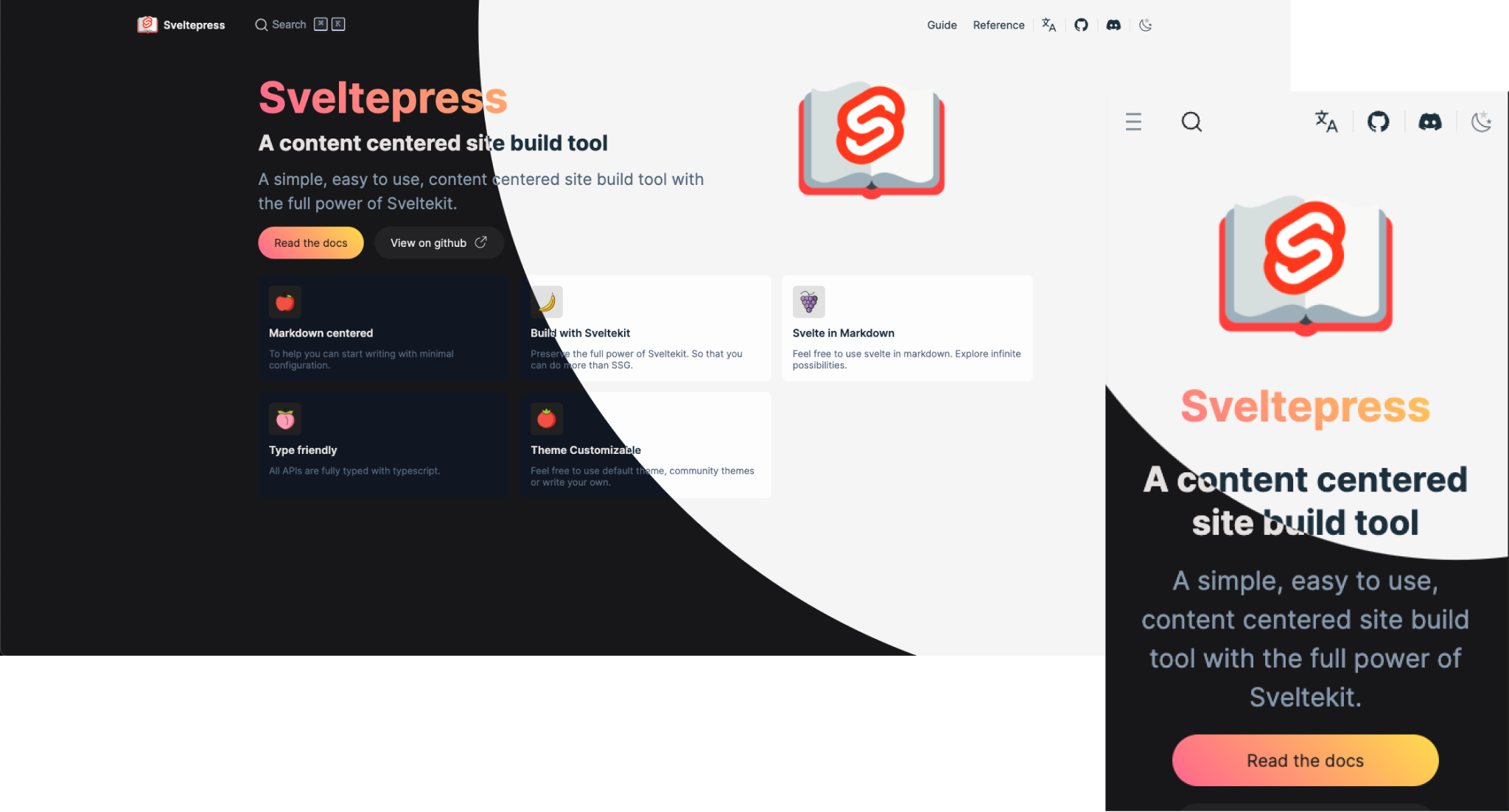
sveltepress
Sveltepress is a SvelteKit-based static site generator for documentation and blogs, with Markdown that can use Svelte 5 Runes, components, and interactive islands.
Svelte · Tool Site
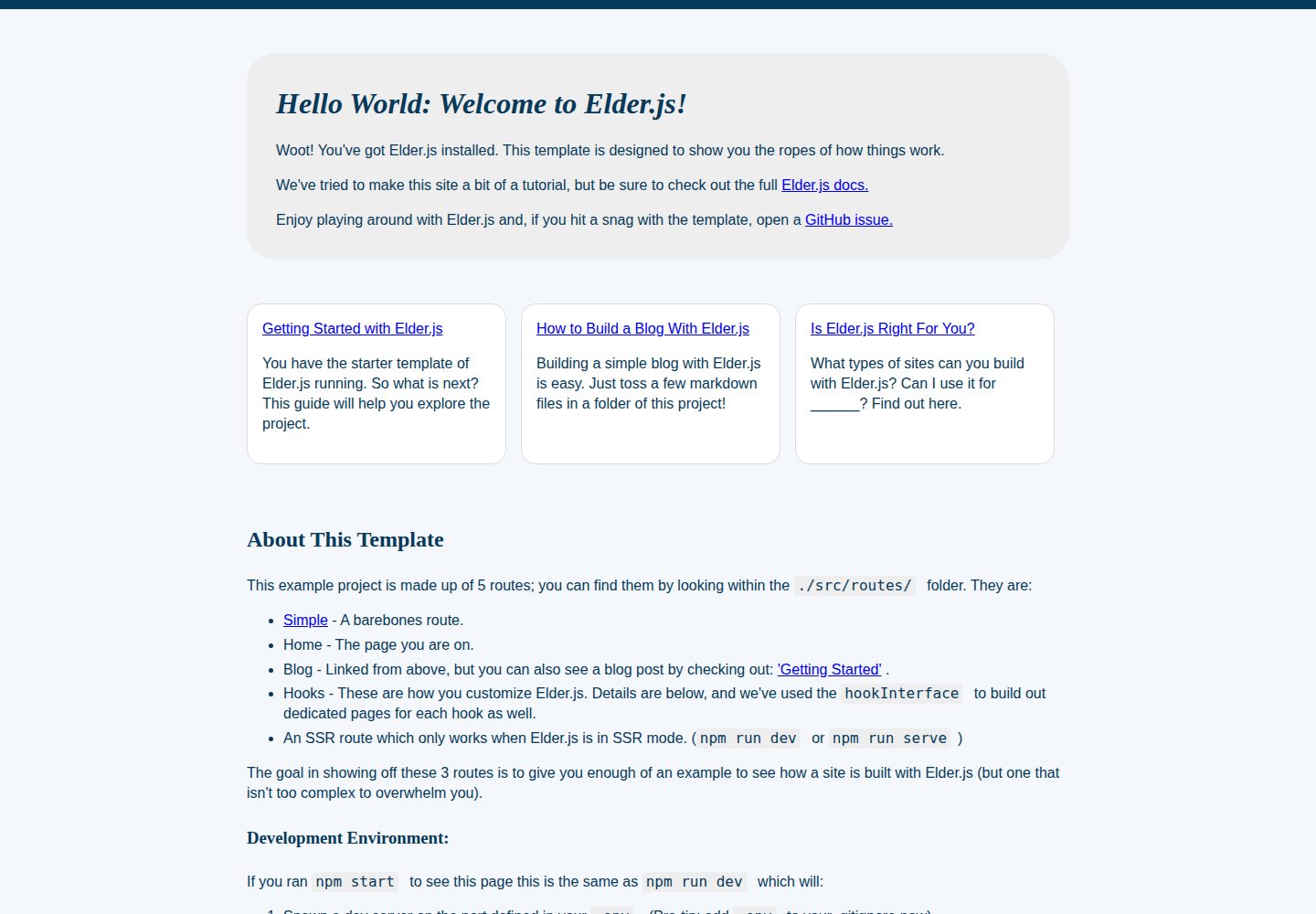
template
Official Elder.js project template based on Svelte, serving as both a scaffold and a tutorial. It covers pulling the template with degit, installing dependencies, starting the development server on port 3000, static builds to ./public, and SSR production mode.
Svelte · Tool Site
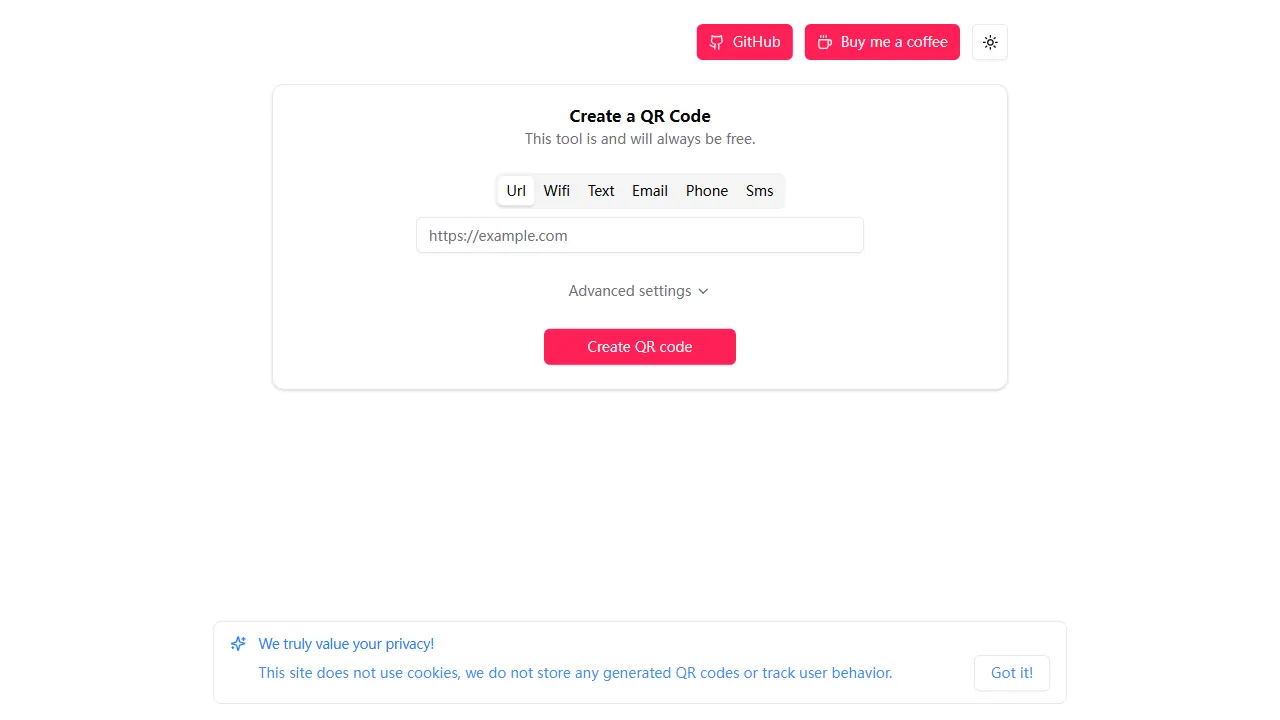
qr code generator
An open-source online QR code generator built with Svelte, with no ads, no accounts, and no paywall. It includes a live demo and is suitable as a starting point for form interaction UI, interaction logic, and static deployment.
Svelte · Tool Site
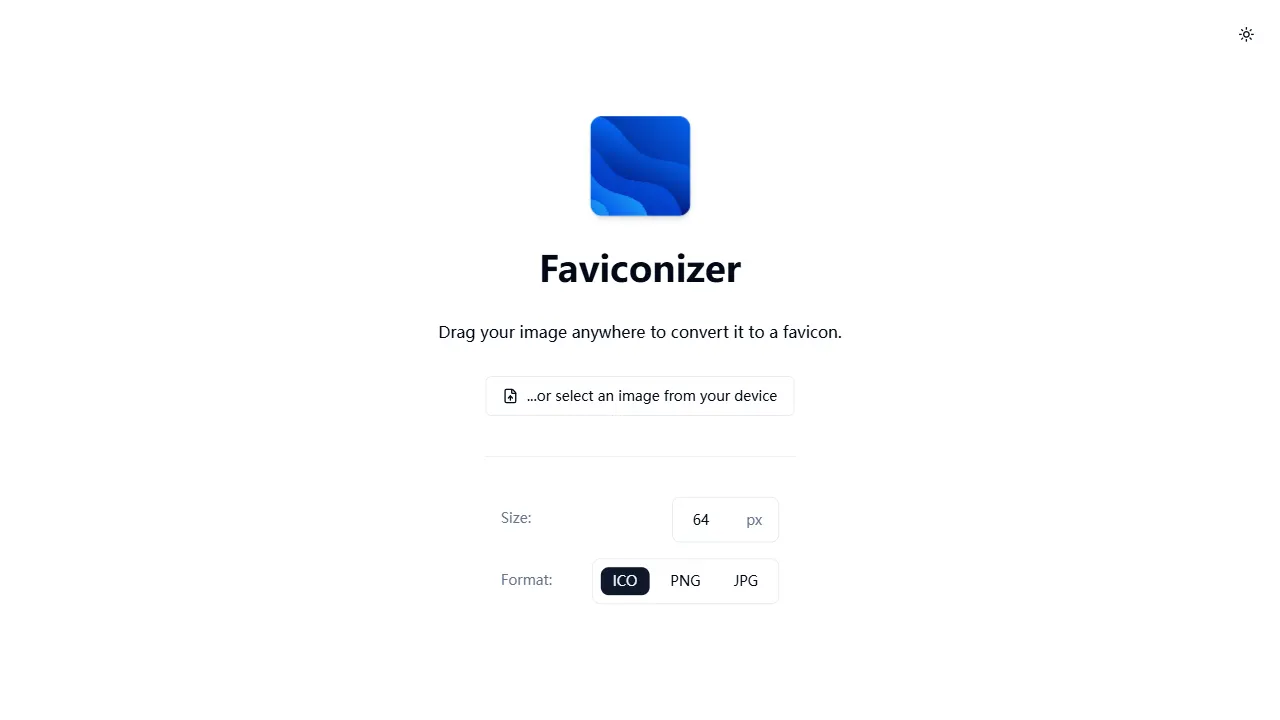
faviconizer
An open-source online favicon generator built with SvelteKit (Svelte 5) and Tailwind CSS v4, converting images to ICO, PNG, or JPG with cropping, adjustable output sizes (8px–128px), and dark mode.
Svelte · Tool Site
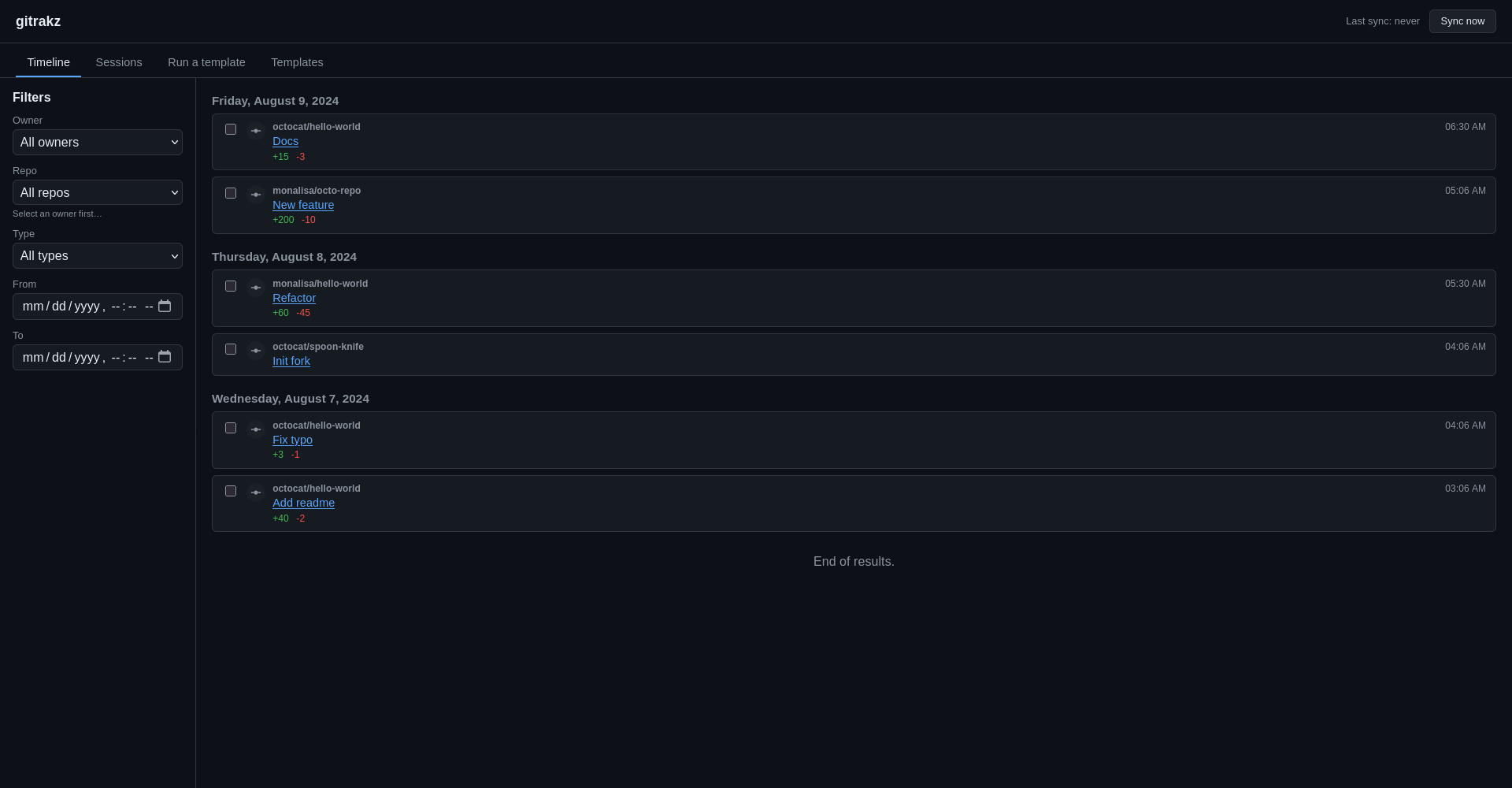
gitrakz
Self-hosted GitHub activity tracker that syncs gh activity into local SQLite and uses deterministic templates to generate filterable timelines, derived sessions, and exportable reports.
Svelte · Timeline