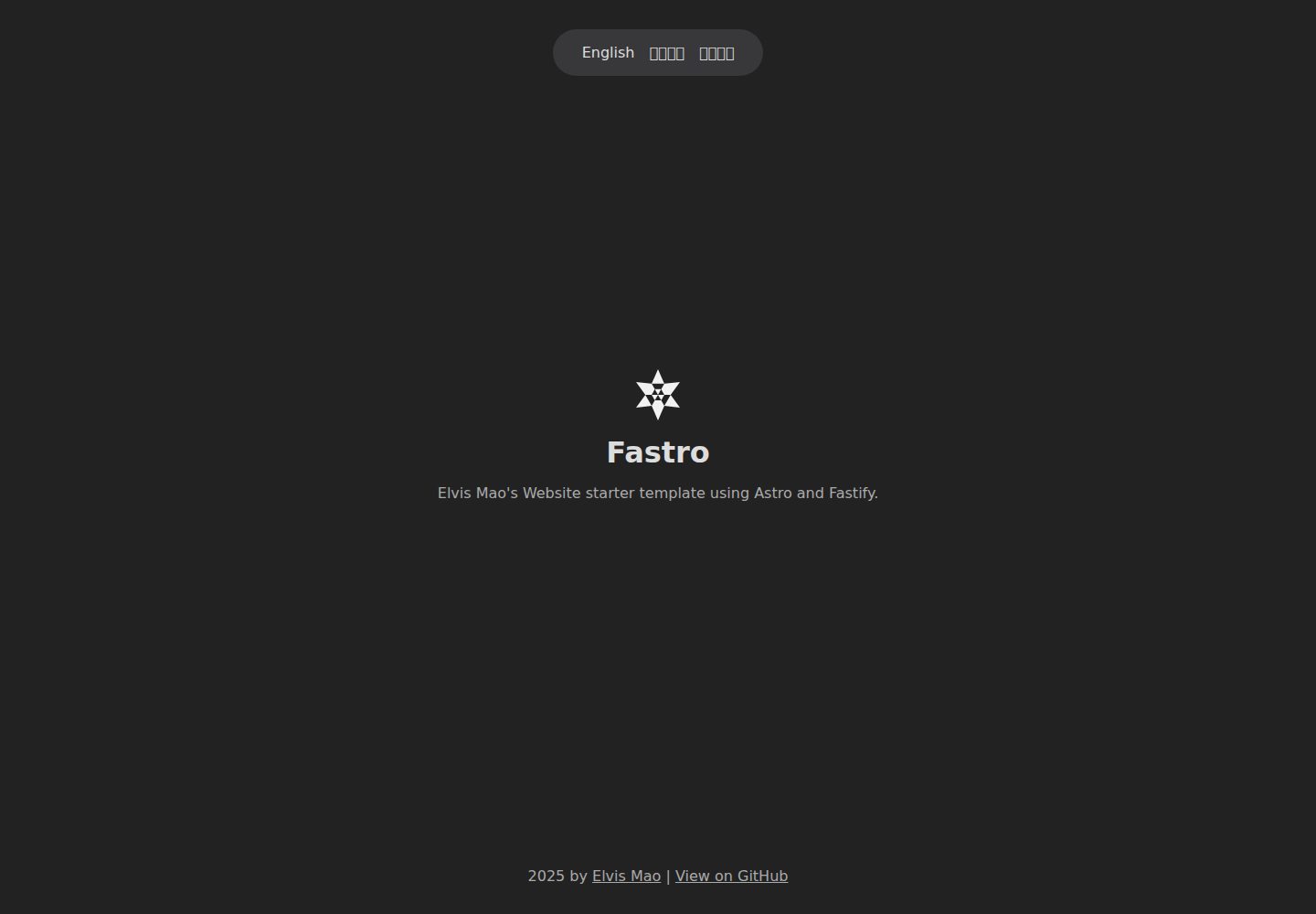
The Astro frontend integrates Sitemap and i18n, can automatically redirect based on system language, and saves language preferences in local storage
AstroStarter
Fastro — Astro Starter Template
By elvisdragonmao
Fastro is a website starter template consisting of an Astro frontend and a Fastify backend, with built-in Sitemap, i18n multilingual support, and Prettier formatting configuration.
Explore the design
Compare the page layouts and mobile experience. Open any screenshot for a closer look.
Desktop homepage1 / 2
Desktop captureTop of page
Actual screenshot captured by the server browser.
All pages & views 2
Screenshots show visual appearance; interactive behavior may differ.
Recorded 2026-10-02View source
What stands out
A quick read of the recorded project description.
The backend uses Fastify as a Node.js web framework to provide APIs
The root directory uses pnpm and concurrently to uniformly install and simultaneously start the frontend and backend, with Prettier unifying code style
The repository is divided into frontend and backend directories; either can be kept alone with files moved to the root directory
The README provides deployment examples for Zeabur and GitHub Pages, including a Caddy reverse proxy configuration snippet
Template Details
Fastro is a website starter template whose repository is divided into two directories: frontend (Astro) and backend (Fastify). The frontend uses Astro, integrates Sitemap and i18n, supports automatic redirection based on system language, and saves language preferences in local storage; the backend uses Fastify as a Node.js web framework to host APIs. The project installs and runs uniformly via pnpm at the root directory, starts both frontend and backend simultaneously with concurrently, and uses Prettier to unify code style.
In terms of usage, the template creates a new repository via GitHub's Use this template button. If only one part is needed, the other directory can be deleted and the remaining files moved to the root directory. Development requires pnpm to be installed first; at the root directory, run pnpm install to install dependencies, pnpm dev for local development, and pnpm build:frontend to build the Astro frontend.
For deployment, Astro as a static site generator can be deployed to any static hosting service, and Fastify can be deployed to any Node.js hosting service. The README provides two examples: Zeabur and GitHub Pages. On Zeabur, the frontend and backend can be two services under the same project, reverse-proxied via Caddy or Nginx; the example Caddyfile forwards /api and /openapi.json to the backend and all other requests to the frontend. GitHub Pages only supports static files, so only the frontend can be deployed, with trigger conditions configured in .github/workflows/gh-pages.yml.
The i18n usage is to import the i18n module in Astro components, use the t function to retrieve text by current locale, and use the l function to generate relative path links with language prefixes. The README uses Nav.astro as an example to demonstrate English, Traditional Chinese, and Simplified Chinese. The project is developed by Elvis Mao and licensed under Apache-2.0.
AstroStarter
Is it right for your project?
Use Cases
- A website starter project that needs an Astro static frontend plus a Fastify API backend
- A website that should support multilingual switching and automatic redirection based on browser language
- A project structure with separate frontend and backend directories and unified script management at the root
- A plan to deploy the static frontend and Node.js backend separately to different hosting services
Suitable For
- Developers familiar with pnpm and Node.js development workflows
- Website project starters that need a combination of Astro and Fastify
- Individuals or teams with multilingual site requirements
- Those who want to choose their own static hosting and Node.js hosting services for deployment
Getting started & customization
Use these recorded setup notes alongside the repository instructions for your chosen version.
- 1
pnpm must be installed in advance
- 2
Run pnpm install at the project root to install frontend and backend dependencies
- 3
Run pnpm dev for local development, and pnpm build:frontend to build the Astro frontend
- 4
When using only the frontend or backend, delete the other directory and move the remaining files to the root directory
- 5
During deployment, the frontend can be placed on static hosting and the backend on Node.js hosting; on Zeabur, Caddy or Nginx can be used for path-based reverse proxying
License & source material
Usage conditions & limitations
Free to use · keep license noticeThis entry covers the free version under the Apache-2.0 license in the public repository; the free scope is the code of that version and does not mean external services or third-party assets are free.
Must comply with when using
- Free use, modification, commercial use, and distribution are permitted; the Apache-2.0 license must be included when distributing.
- Modified files must prominently indicate changes, and relevant copyright, patent, trademark, and attribution notices must be retained.
- If the original project includes a NOTICE file, applicable attribution notices in it must be retained when distributing derivative works.
- The license includes an applicable contributor patent grant; initiating patent litigation as described in the license terminates that patent grant, and no trademark use rights are granted.
- The code is provided as is; warranties and limitations of liability are governed by the original license and applicable law.
Additional costs & items to verify
- Demo images, fonts, icons, and other third-party assets must be checked against their respective licenses; they cannot be judged solely by the code's Apache-2.0 license.
- External services such as domains, hosting, databases, payments, or AI may incur additional charges.
View Original Text Basis
https://github.com/elvisdragonmao/Fastro/blob/main/LICENSEhttps://github.com/elvisdragonmao/Fastro/blob/main/README.mdno-charge, royalty-free, irrevocable copyright license
Original License Text
Compiled by DeepSeek based on repository license and README ·2026-10-02. Results only cover the materials read; dependencies, images, fonts, and subsequent term changes are subject to their respective original texts.
Project checks & description sources
Template Information
- Source platforms
- GitHub
- Documentation and maintenance reference score
- More documented · 83 / 100
- Technologies
- Astro
- Website type
- Starter
How this score is calculated
Our heuristic uses license records (up to 30), a demo link (12), a preview (10), stars (15), recorded maintenance (15), description completeness (8), feature records (5) and classification data (5). It is not a code, security or performance test, or a Google score. A link does not establish tested functionality.
What to verify for this project
- Repository update recorded
- 2026-04-21
- Screenshot last checked
- 2026-10-02
A demo link is listed. Check it with your own content and viewport sizes; its presence does not confirm that forms, authentication or payments work.
The catalog identifies Astro as the primary stack. Check the actual dependency manifest and lockfile for versions and hosting requirements. These notes use recorded metadata, not a code audit or a deployment test.
Use a selection guide →How this description was prepared
AI-assisted description based on catalog records and repository material. Repository authors are not automatically the reviewers of this description.
Automatically checked against source and license rules; no manual editorial review.
Inspect the recorded source material
SHA-256: c2abfd1f8dd40811846b63ed9b2bdfa68d3c5b1a77d74b3ada7881e6a15989ad
2026-10-02T08:19:31.617Z
Source file / repository<div align=center>
<img src="https://raw.githubusercontent.com/Edit-Mr/Fastro/main/frontend/src/assets/img/icon/EM.svg" alt="Fastro Logo" width="50">
# Fastro
EM's Website starter template using Astro and Fastify.
 
</div>
> [繁體中文](README.zh-Hant.md) | English
## Features
- **Astro**: With Sitemap and i18n intergration.
- Auto redirect to system language.
- Save language preference in local storage.
- **Fastify**: A fast and low overhead web framework for Node.js.
- **Prettier**: Code formatter to maintain consistent style.
- **concurrently**: Run frontend and backend at the same time.
> i18n details [below](#i18n)
## How to use
Press the "Use this template" button at the top right to create a new repository with this template.
<img src=https://docs.github.com/assets/cb-76823/mw-1440/images/help/repository/use-this-template-button.webp width=500>
> No need to include all branches, though there's only one branch.
## Project Structure
```plaintext
.
├── frontend/ # Astro
├── backend/ # Fastify
```
if you only want to use one of them, just simply delete the other folder, and move all files to the root.
## Development
> Make sure you have [pnpm](https://pnpm.io/) installed.
Both frontend and backend package will be installed or run if you run this command at the root of the project.
### Install dependencies
```bash
pnpm install
```
### Local development
```bash
pnpm dev
```
### Build (For Astro)
```bash
pnpm build:frontend
```
## How to Deploy
Deploying Node.js app is easy AF. Astro is a static site generator, so you can deploy it to any static hosting service, GitHub Pages, Vercel, Cloudflare Pages, Netlify, Zeabur... whatever you like. Fastify can be deployed to any Node.js hosting service.
<details>
<summary>Zeabur (Astro + Fastify)</summary>
### Zeabur (Astro + Fastify)
Choose to deploy from GitHub or wherever you want. Frontend should be deployed as default since it is the first one.
If you wanna deploy backend, you can add the following environment variables:
```plaintext
ZBPACK_APP_DIR=backend
```
Both projects can be deployed in one Project, but as two separate services. You can use Caddy or Nginx for reverse proxy.
Here's a simple Caddyfile example that reverse proxies `/api` path requests and `/openapi.json` to the backend service, and everything else to the frontend:
```plaintext
:80 {
@backend path /api* /openapi.json
reverse_proxy @backend backend.zeabur.internal:8000
reverse_proxy frontend.zeabur.internal:8080
}
```
</details>
<details>
<summary>Github Pages (Astro)</summary>
### Github Pages (Astro)
GitHub Pages only supports static files, so you can only deploy the frontend. Config the workflow in `.github/workflows/gh-pages.yml` to your repository to turn on the trigger.
```yml
on:
push:
branches: ["main"]
paths: ["frontend/**"]
workflow_dispatch:
```
</details>
## i18n
This project supports i18n (internationalization). To use it, please follow these steps:
1. Import the i18n module in your Astro component.
2. Set the `t` function with the desired locale.
3. Use the `l` function to generate localized URLs. Enter relative paths. For example,
- Link to the "About" page with current lang: `l("/about/")`.
- Link to current page with English lang: `l("", "en")`.
Here's a full example frm `frontend/src/components/Nav.astro`:
```astro
---
import * as i18n from "src/i18n";
const l = i18n.l(Astro.url);
const t = i18n.t(i18n.local(Astro.url.pathname), {
about: {
en: "About",
"zh-Hant": "關於",
"zh-Hans": "关于"
},
blog: {
en: "Blog",
"zh-Hant": "部落格",
"zh-Hans": "博客"
}
});
---
<nav>
<a href={l("/about/")}><span>{t.about}</span></a>
<a href={l("", "en")} data-lang="en">English</a>
<a href={l("", "zh-Hant")} data-lang="zh-Hant">繁體中文</a>
<a href={l("", "zh-Hans")} data-lang="zh-Hans">简体中文</a>
</nav>
```
## License
This project is made by Elvis Mao, licensed under [Apache 2.0](LICENSE).
Explore similar templates
Compare previews and descriptions within the same stack and category.

astrowind
AstroWind is a free, open-source Astro starter theme using Astro and Tailwind CSS, released under the MIT license.
Astro · Blog
accessible-astro-starter
An accessibility-focused Astro 6 starter template with WCAG 2.2 AA practices, Tailwind CSS 4, TypeScript, Prettier, ESLint, form validation, blog and portfolio examples, and preference toggles for dark mode, high contrast, and reduced motion.
Astro · Blog

astro-erudite
astro-erudite is an opinionated, unstyled static blog template built with Astro and native CSS, with no UI or CSS framework and minimal dependencies.
Astro · Portfolio

astro-shopify
A lightweight Shopify headless ecommerce starter template built with Astro and Svelte, integrating the Shopify Storefront API for product and inventory data, with built-in cart state management and basic add-to-cart and checkout flow.
Astro · E-commerce

brutal
Brutal is a neobrutalism Astro starter theme from ElianCodes, derived from the author's personal site and generalized. It includes a Markdown blog collection, build-time RSS and sitemap, image optimization, Tailwind CSS styling, and Biome checks, with no JavaScript by default.
Astro · Starter

qwind
Qwind is a free and open-source website template built on Qwik and Tailwind CSS, featuring directory-based routing via QwikCity, a Markdown blog, dark mode, and static deployment configuration.
Astro · Tool Site