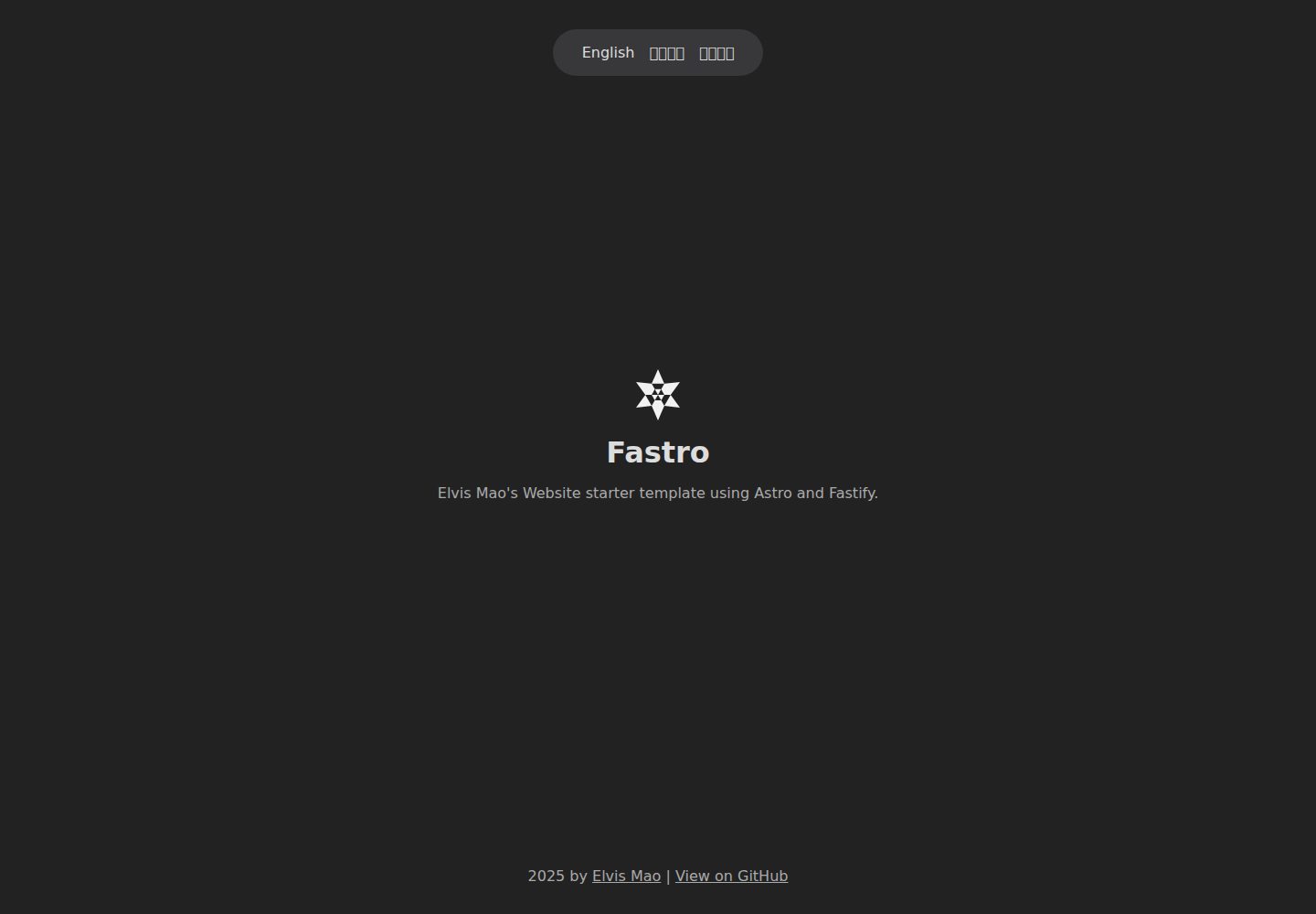
前端 Astro 集成 Sitemap 与 i18n,可按系统语言自动跳转并在本地存储中保存语言偏好
Astro启动器
Fastro — Astro 启动器模板
作者 elvisdragonmao
Fastro 是一个由 Astro 前端与 Fastify 后端组成的网站启动模板,内置 Sitemap、i18n 多语言与 Prettier 格式化配置。
看看你的网站会是什么样
浏览真实页面截图,比较内容排版与手机效果。点击下方缩略图切换,放大查看整页细节。
全部页面与视图 2
截图用于了解视觉与布局,交互效果请以实际项目为准。
采集于 2026-10-02查看来源
值得关注的模板亮点
从已有项目资料中,快速了解它的特点。
后端使用 Fastify,作为 Node.js 的 Web 框架提供接口
根目录通过 pnpm 与 concurrently 统一安装、同时启动前后端,Prettier 统一代码风格
仓库分为 frontend 与 backend 两个目录,可只保留其中一个并把文件移到根目录
README 提供 Zeabur 与 GitHub Pages 的部署示例,含 Caddy 反向代理配置片段
模板详细介绍
Fastro 是一个网站启动模板,仓库分为 frontend(Astro)与 backend(Fastify)两个目录。前端使用 Astro,集成 Sitemap 与 i18n,支持根据系统语言自动跳转并把语言偏好保存在本地存储;后端使用 Fastify,作为 Node.js 的 Web 框架承载接口。项目在根目录通过 pnpm 统一安装与运行,并用 concurrently 同时启动前后端,Prettier 用于统一代码风格。
使用方式上,模板通过 GitHub 的 Use this template 按钮创建新仓库。如果只需要其中一部分,可以删除另一个目录并把剩余文件移到根目录。开发需先安装 pnpm,根目录执行 pnpm install 安装依赖、pnpm dev 本地开发、pnpm build:frontend 构建 Astro 前端。
部署方面,Astro 作为静态站点生成器可部署到任意静态托管服务,Fastify 可部署到任意 Node.js 托管服务。README 给出了 Zeabur 与 GitHub Pages 两种示例:Zeabur 上前后端可作为同一项目下的两个服务,通过 Caddy 或 Nginx 反向代理,示例 Caddyfile 把 /api 与 /openapi.json 转发到后端,其余请求转发到前端;GitHub Pages 只支持静态文件,因此只能部署前端,触发条件在 .github/workflows/gh-pages.yml 中配置。
i18n 的使用方式是在 Astro 组件中导入 i18n 模块,用 t 函数按当前 locale 取文案,用 l 函数生成带语言前缀的相对路径链接,README 以 Nav.astro 为例演示了英文、繁体中文与简体中文的写法。项目由 Elvis Mao 开发,采用 Apache-2.0 许可。
Astro启动器
适合你的项目吗?
适用场景
- 需要一个 Astro 静态前端加 Fastify 接口后端的网站起步项目
- 希望网站支持多语言切换并按浏览器语言自动跳转
- 想参考前后端分目录、根目录统一脚本管理的项目结构
- 计划把静态前端与 Node.js 后端分别部署到不同托管服务
适合人群
- 熟悉 pnpm 与 Node.js 开发流程的开发者
- 需要 Astro 与 Fastify 组合的网站项目起步
- 有多语言站点需求的个人或团队
- 希望自行选择静态托管与 Node.js 托管服务的部署方式
上手与定制指南
结合仓库当前版本的说明,按下面的资料检查内容、配置与运行要求。
- 1
需要预先安装 pnpm
- 2
在项目根目录执行 pnpm install 安装前后端依赖
- 3
本地开发执行 pnpm dev,构建 Astro 前端执行 pnpm build:frontend
- 4
只使用前端或后端时,删除另一个目录并把剩余文件移到根目录
- 5
部署时前端可放到静态托管,后端放到 Node.js 托管;Zeabur 上可用 Caddy 或 Nginx 按路径反向代理
授权与来源资料
使用条件与限制
免费使用 · 保留许可声明本次收录的是公开仓库中采用 Apache-2.0 许可的免费版本;免费范围为该版本代码,不代表外部服务或第三方素材免费。
使用时需要遵守
- 允许免费使用、修改、商用和分发;分发时需随附 Apache-2.0 许可证。
- 修改过的文件需显著标明改动,并保留相关版权、专利、商标及归属声明。
- 若原项目附有 NOTICE 文件,分发衍生作品时需保留其中适用的归属声明。
- 许可包含适用的贡献者专利授权;发起许可所述专利诉讼会终止该专利授权,且不授予商标使用权。
- 代码按现状提供;担保与责任限制以原许可证及适用法律为准。
额外费用与待核对事项
- 演示图片、字体、图标及其他第三方素材需按各自许可核对,不能仅凭代码的 Apache-2.0 许可判断。
- 域名、托管、数据库、支付或 AI 等外部服务可能另外收费。
查看原文依据
https://github.com/elvisdragonmao/Fastro/blob/main/LICENSEhttps://github.com/elvisdragonmao/Fastro/blob/main/README.mdno-charge, royalty-free, irrevocable copyright license
许可证原文
DeepSeek 根据仓库许可证和 README 整理 ·2026-10-02。结果仅覆盖已读取资料,依赖、图片、字体及后续条款变更以各自原文为准。
项目核对记录与介绍依据
模板资料
- 来源平台
- GitHub
- 资料与维护参考分
- 资料较完整 · 83 / 100
- 技术栈
- Astro
- 网站类型
- 启动器
这个分数如何计算
本站按许可资料(最高30分)、演示链接(12分)、预览图(10分)、Star数(15分)、记录的维护时间(15分)、描述完整度(8分)、功能记录(5分)和分类资料(5分)计算。它不是代码、安全或性能测试,也不是 Google 评分;有链接不代表已实测可用。
这个项目需要核对什么
- 记录的仓库更新时间
- 2026-04-21
- 截图检查日期
- 2026-10-02
已收录演示链接。请用你的内容与屏幕尺寸检查;有演示不代表表单、认证或支付已经可用。
目录记录的主要技术栈是 Astro。请通过依赖清单和锁文件核对实际版本与托管要求。这些说明基于收录资料,不代表代码审计或部署实测。
查看具体选型方法 →介绍的制作与核对状态
介绍由 AI 辅助整理目录与仓库资料。仓库作者不等于这篇介绍的审核者。
已完成服务器许可规则与 AI 来源核对;未经过人工编辑审核。
查看当时使用的来源资料
SHA-256: c2abfd1f8dd40811846b63ed9b2bdfa68d3c5b1a77d74b3ada7881e6a15989ad
2026-10-02T08:19:31.617Z
来源文件 / 仓库<div align=center>
<img src="https://raw.githubusercontent.com/Edit-Mr/Fastro/main/frontend/src/assets/img/icon/EM.svg" alt="Fastro Logo" width="50">
# Fastro
EM's Website starter template using Astro and Fastify.
 
</div>
> [繁體中文](README.zh-Hant.md) | English
## Features
- **Astro**: With Sitemap and i18n intergration.
- Auto redirect to system language.
- Save language preference in local storage.
- **Fastify**: A fast and low overhead web framework for Node.js.
- **Prettier**: Code formatter to maintain consistent style.
- **concurrently**: Run frontend and backend at the same time.
> i18n details [below](#i18n)
## How to use
Press the "Use this template" button at the top right to create a new repository with this template.
<img src=https://docs.github.com/assets/cb-76823/mw-1440/images/help/repository/use-this-template-button.webp width=500>
> No need to include all branches, though there's only one branch.
## Project Structure
```plaintext
.
├── frontend/ # Astro
├── backend/ # Fastify
```
if you only want to use one of them, just simply delete the other folder, and move all files to the root.
## Development
> Make sure you have [pnpm](https://pnpm.io/) installed.
Both frontend and backend package will be installed or run if you run this command at the root of the project.
### Install dependencies
```bash
pnpm install
```
### Local development
```bash
pnpm dev
```
### Build (For Astro)
```bash
pnpm build:frontend
```
## How to Deploy
Deploying Node.js app is easy AF. Astro is a static site generator, so you can deploy it to any static hosting service, GitHub Pages, Vercel, Cloudflare Pages, Netlify, Zeabur... whatever you like. Fastify can be deployed to any Node.js hosting service.
<details>
<summary>Zeabur (Astro + Fastify)</summary>
### Zeabur (Astro + Fastify)
Choose to deploy from GitHub or wherever you want. Frontend should be deployed as default since it is the first one.
If you wanna deploy backend, you can add the following environment variables:
```plaintext
ZBPACK_APP_DIR=backend
```
Both projects can be deployed in one Project, but as two separate services. You can use Caddy or Nginx for reverse proxy.
Here's a simple Caddyfile example that reverse proxies `/api` path requests and `/openapi.json` to the backend service, and everything else to the frontend:
```plaintext
:80 {
@backend path /api* /openapi.json
reverse_proxy @backend backend.zeabur.internal:8000
reverse_proxy frontend.zeabur.internal:8080
}
```
</details>
<details>
<summary>Github Pages (Astro)</summary>
### Github Pages (Astro)
GitHub Pages only supports static files, so you can only deploy the frontend. Config the workflow in `.github/workflows/gh-pages.yml` to your repository to turn on the trigger.
```yml
on:
push:
branches: ["main"]
paths: ["frontend/**"]
workflow_dispatch:
```
</details>
## i18n
This project supports i18n (internationalization). To use it, please follow these steps:
1. Import the i18n module in your Astro component.
2. Set the `t` function with the desired locale.
3. Use the `l` function to generate localized URLs. Enter relative paths. For example,
- Link to the "About" page with current lang: `l("/about/")`.
- Link to current page with English lang: `l("", "en")`.
Here's a full example frm `frontend/src/components/Nav.astro`:
```astro
---
import * as i18n from "src/i18n";
const l = i18n.l(Astro.url);
const t = i18n.t(i18n.local(Astro.url.pathname), {
about: {
en: "About",
"zh-Hant": "關於",
"zh-Hans": "关于"
},
blog: {
en: "Blog",
"zh-Hant": "部落格",
"zh-Hans": "博客"
}
});
---
<nav>
<a href={l("/about/")}><span>{t.about}</span></a>
<a href={l("", "en")} data-lang="en">English</a>
<a href={l("", "zh-Hant")} data-lang="zh-Hant">繁體中文</a>
<a href={l("", "zh-Hans")} data-lang="zh-Hans">简体中文</a>
</nav>
```
## License
This project is made by Elvis Mao, licensed under [Apache 2.0](LICENSE).
看看同类模板
对比同技术栈与用途的模板,找到更适合的视觉与内容结构。

astrowind
⭕️ AstroWind: A free template using Astro v7 and Tailwind CSS v4. Astro starter theme.
Astro · 博客
accessible-astro-starter
Accessible Astro Starter 是一个以无障碍为核心理念的 Astro 6 启动模板,由 incluud 团队维护。
Astro · 博客

astro-erudite
An opinionated, unstyled static blogging template built with Astro and native CSS.
Astro · 作品集

astro-shopify
astro-shopify 是一个面向开发者的轻量级电商启动模板,用于构建基于 Shopify 的无头店面。
Astro · 电商

brutal
A neobrutalism Astro starter theme
Astro · 启动器

qwind
⭕️ Qwind: A template to make your website using Qwik + Tailwind CSS.
Astro · 工具站