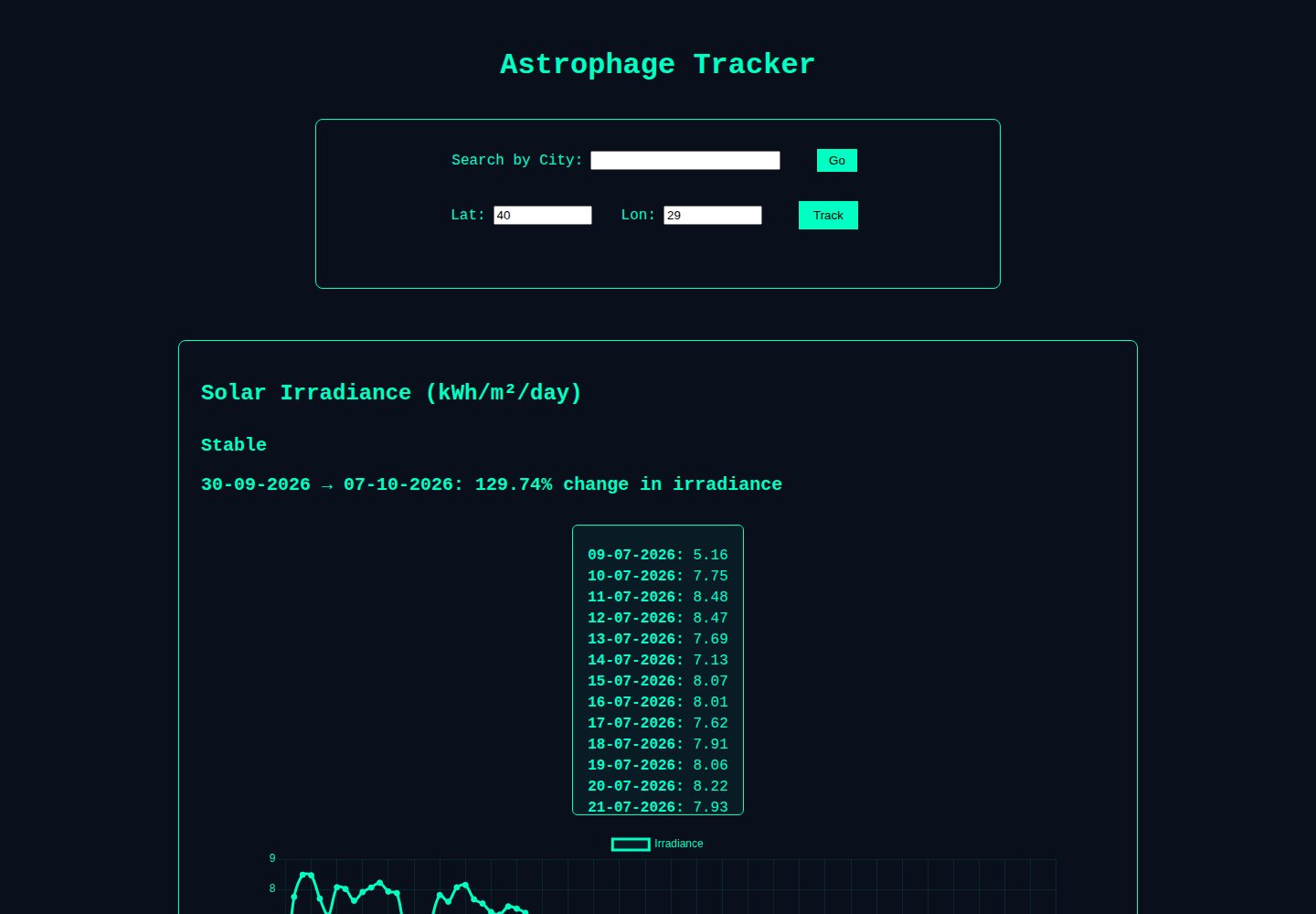
Fetches real solar irradiance data from the NASA POWER API
AstroReactAdmin dashboard
astrophage-tracker — Astro Admin dashboard Template
By ErdagEge
A sci-fi-styled single-page dashboard inspired by Project Hail Mary that uses real solar irradiance data from the NASA POWER API to simulate "Astrophage" energy loss and generate containment warnings.
Explore the design
Compare the page layouts and mobile experience. Open any screenshot for a closer look.
Desktop homepage1 / 2
Desktop captureTop of page
Actual screenshot captured by the server browser.
All pages & views 2
Screenshots show visual appearance; interactive behavior may differ.
Recorded 2026-10-12View source
What stands out
A quick read of the recorded project description.
Visualizes daily energy levels with glowing chart panels
Generates Astrophage containment warnings based on week-over-week energy declines
Supports manual latitude and longitude input for global tracking
Automatically refreshes data and charts when coordinates change
Overlays a fictional sci-fi narrative on real scientific data
Template Details
Astrophage Tracker is a data interface project inspired by Project Hail Mary that overlays real solar irradiance monitoring with the fictional "Astrophage" narrative. It retrieves daily irradiance metrics from the NASA POWER API, plots interactive charts, and displays warning levels based on energy fluctuations.
Functionally, the page shows real-time solar irradiance data from the NASA POWER API, presents daily energy levels with glowing chart panels, and generates "Astrophage containment warnings" based on week-over-week energy declines. Users can manually enter latitude and longitude for global tracking; when coordinates change, the app automatically refreshes the irradiance data and charts. By default, it fetches irradiance data for the past 7 days plus a 3-day buffer.
Technically, the frontend uses React and TypeScript, charts are drawn with Chart.js, styling follows a custom CSS terminal aesthetic, and the data source is the NASA POWER API. The project is a single-page application that requires configuring an environment variable pointing to the NASA POWER API base URL and depends on an external API for data.
AstroReactBackend
Is it right for your project?
Use Cases
- Demonstrating how to build a sci-fi-themed dashboard using real public API data
- Showcasing interactive data visualization combining React and Chart.js
- Serving as a teaching or experimental project to observe how solar irradiance changes over time
- Learning how to trigger warning levels based on data fluctuations
Suitable For
- Developers interested in sci-fi-themed data interfaces
- Frontend learners looking for a React + Chart.js dashboard implementation reference
- Example projects that need to integrate the NASA POWER API
- Designers exploring how to combine real data with fictional narratives
Getting started & customization
Use these recorded setup notes alongside the repository instructions for your chosen version.
- 1
After cloning the repository, run npm install to install dependencies
- 2
Create a .env file and set REACT_APP_NASA_API to the NASA POWER API base URL
- 3
Run npm start to launch the development server, accessible by default at http://localhost:3000
- 4
Data depends on the external NASA POWER API, so network access to that service is required
- 5
By default, fetches irradiance data for the past 7 days plus a 3-day buffer
License & source material
Usage conditions & limitations
Free to use · keep license noticeThis entry covers the free version under the MIT license in the public repository; the free scope applies to that version's code and does not imply that external services or third-party assets are free.
Must comply with when using
- Free use, modification, commercial use, and distribution of this version's code are permitted.
- When distributing copies or substantial portions of the code, retain the original author's copyright notice and the full MIT license notice.
- The code is provided as is; warranties and limitations of liability are governed by the original license and applicable law.
Additional costs & items to verify
- Demo images, fonts, icons, and other third-party assets must be checked against their respective licenses and cannot be judged solely by the code's MIT license.
- External services such as domains, hosting, databases, payments, or AI may incur separate charges.
- Before use, you must create a .env file and configure the REACT_APP_NASA_API environment variable to point to the NASA POWER API base URL; otherwise the app cannot fetch data.
- Core data depends on the external NASA POWER API service, requiring network access to that third-party interface; functionality is affected if the service is unavailable or restricted.
View Original Text Basis
Permission is hereby granted, free of charge
Original License Text
Create a `.env` file and set `REACT_APP_NASA_API` to the NASA POWER API base URL.
Original README
https://github.com/ErdagEge/astrophage-tracker/blob/master/LICENSEhttps://github.com/ErdagEge/astrophage-tracker/blob/master/README.mdLive solar irradiance data from NASA POWER API
Original README
Compiled by DeepSeek based on repository license and README ·2026-10-12. Results only cover the materials read; dependencies, images, fonts, and subsequent term changes are subject to their respective original texts.
Project checks & description sources
Template Information
- Source platforms
- GitHub
- Documentation and maintenance reference score
- More documented · 85 / 100
- Technologies
- Astro · React
- Website type
- Admin dashboard
How this score is calculated
Our heuristic uses license records (up to 30), a demo link (12), a preview (10), stars (15), recorded maintenance (15), description completeness (8), feature records (5) and classification data (5). It is not a code, security or performance test, or a Google score. A link does not establish tested functionality.
What to verify for this project
- Repository update recorded
- 2025-11-30
- Screenshot last checked
- 2026-10-12
A demo link is listed. Check it with your own content and viewport sizes; its presence does not confirm that forms, authentication or payments work.
The catalog identifies Astro as the primary stack. Check the actual dependency manifest and lockfile for versions and hosting requirements. These notes use recorded metadata, not a code audit or a deployment test.
Use a selection guide →How this description was prepared
AI-assisted description based on catalog records and repository material. Repository authors are not automatically the reviewers of this description.
Review declaration: [email protected] · 2026-10-13
Inspect the recorded source material
SHA-256: 3ec099a974140496f4143f326e460391a60b2304f688399f3b769897b18b5bdc
2026-10-12T20:22:26.480Z
Source file / repository# 🌌 Astrophage Tracker A sci-fi-inspired solar monitoring dashboard powered by real NASA data. Inspired by *Project Hail Mary*, **Astrophage Tracker** visualizes solar irradiance data across Earth and simulates the fictional energy-draining effects of "Astrophage." The dashboard fetches daily irradiance metrics from the NASA POWER API, plots interactive charts, and displays warning levels based on real-time energy fluctuations. --- ## 🚀 Features - 🔭 Live solar irradiance data from NASA POWER API - 📉 Glowing graph panel to visualize daily energy levels - 🛑 Astrophage containment warnings based on week-over-week energy drops - 🌍 Manual coordinate input for global tracking - 🧬 Fictional sci-fi overlay built on real scientific data --- ## 🧪 Tech Stack - **Frontend:** React + TypeScript - **Charting:** Chart.js - **Styling:** Custom CSS with terminal aesthetics - **Data Source:** NASA POWER API --- ## 🧰 Getting Started 1. Clone the repo: ```bash git clone https://github.com/ErdagEge/astrophage-tracker.git cd astrophage-tracker ``` 2. Install dependencies: ```bash npm install ``` 3. Create a `.env` file and set `REACT_APP_NASA_API` to the NASA POWER API base URL. Adjust this value if you need to point to a different instance. 4. Run the app: ```bash npm start ``` 5. Visit http://localhost:3000 in your browser. ## 🔧 Development Notes - You can adjust latitude and longitude using the input fields. - The app auto-refreshes irradiance data and graph when coordinates change. - By default, irradiance data is pulled for the past 7 days with a 3-day buffer. --- ## 📚 Credits - [NASA POWER API](https://power.larc.nasa.gov/): Solar & meteorological data - Andy Weir: Author of Project Hail Mary, the creative inspiration behind this project --- ## 📄 License MIT License
Explore similar templates
Compare previews and descriptions within the same stack and category.

flowbite-astro-admin-dashboard
A free, open-source admin dashboard template built with Astro, Flowbite, and Tailwind CSS. It offers example pages for dashboards, stacked layouts, product and user CRUD, settings, pricing, authentication flows, and error states, plus charts, tables, widgets, modals, and drawers.
Astro · Admin dashboard
accessible-astro-dashboard
An accessibility-focused Astro admin template with a login page, dashboard overview, and example pages for media, messages, products, settings, and users. It includes SkipLinks, keyboard-operable sidebar navigation, dark mode, and localStorage-based preferences, with Accessible Astro Components and Astro Icon preinstalled.
Astro · Admin dashboard
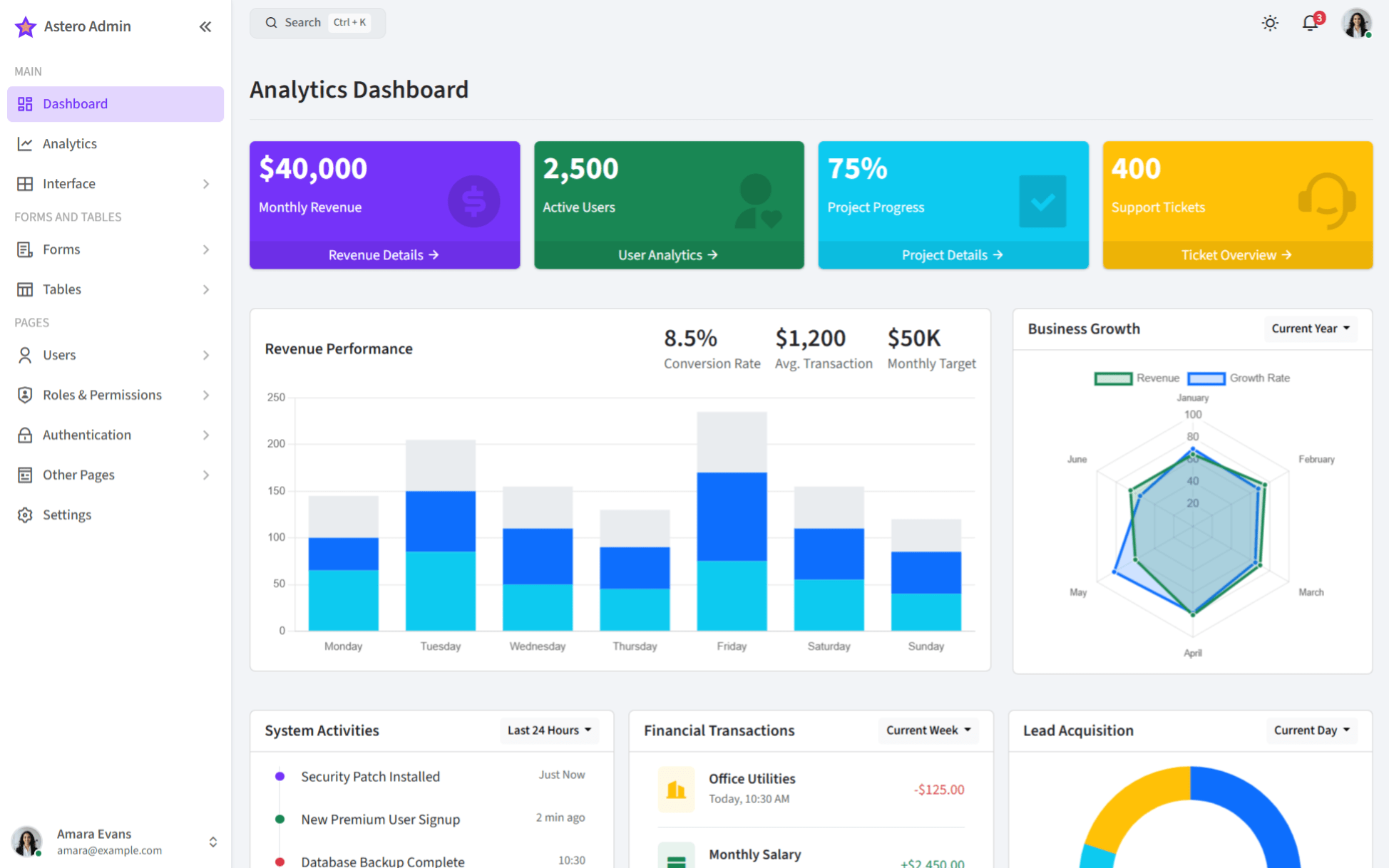
bootstrap-admin-template
AsteroAdmin is a responsive admin template built with Astro and Bootstrap 5.3.3, offering light and dark themes, RTL support, and multiple dashboard layouts. It provides an analytics dashboard, compact sidebar, offcanvas navigation, and examples of charts, tables, and forms.
Astro · Admin dashboard
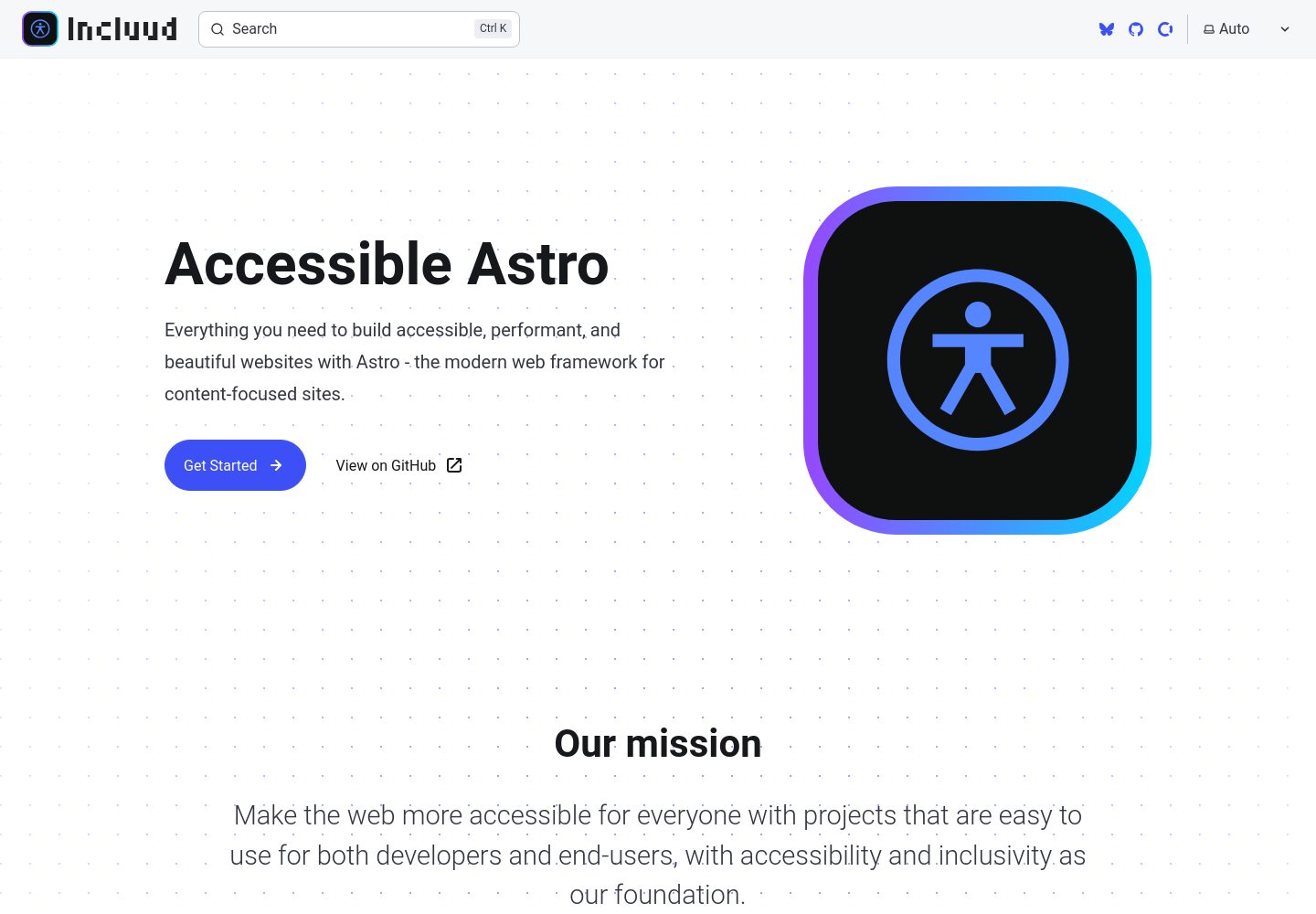
accessible-astro-docs
Official documentation site for the Accessible Astro projects, built with Astro's Starlight theme. It documents the Starter, Components, and Dashboard accessibility tools, with component descriptions, interactive examples, code snippets, accessibility guidelines, and TypeScript examples.
Astro · Admin dashboard
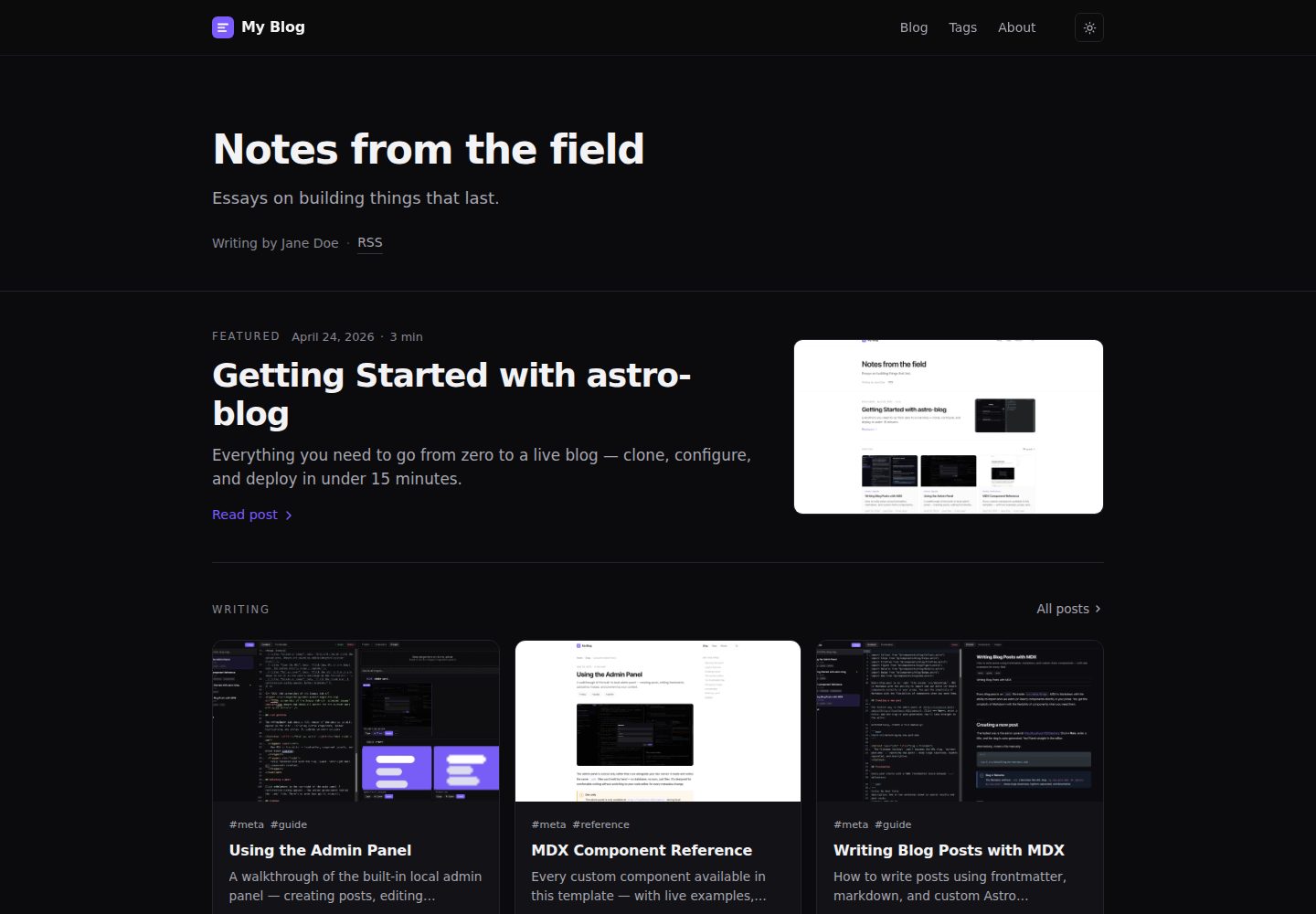
astro-blog
An Astro 6 blog template with a browser admin panel available only in development, where you write and publish MDX posts with autosave, component insertion, image upload, and live preview.
Astro · Admin dashboard
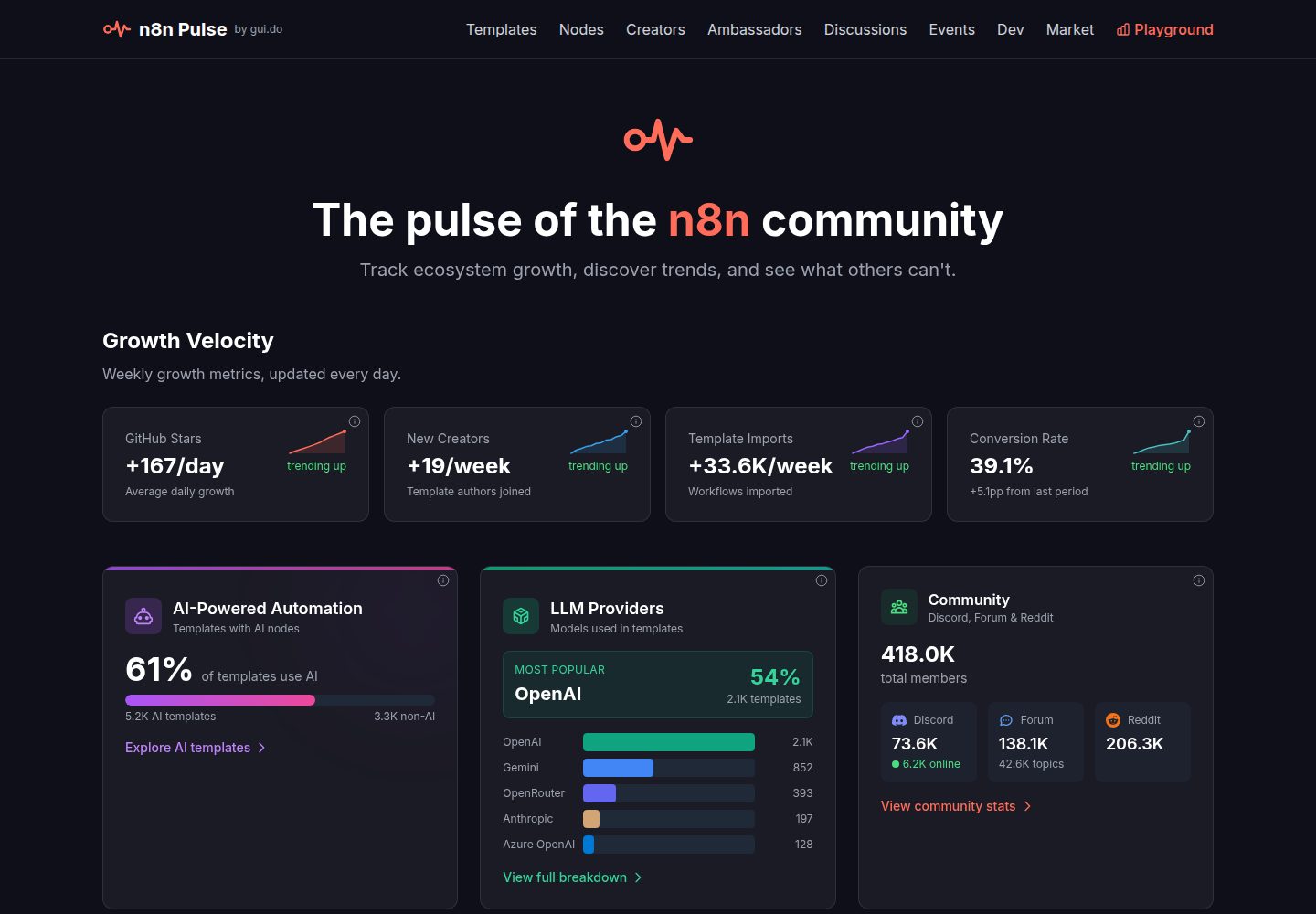
n8n-stats
n8n Pulse is an Astro-based static dashboard for the n8n community, aggregating templates, nodes, creators, discussions, events, and developer metrics from multiple APIs.
Astro · Admin dashboard