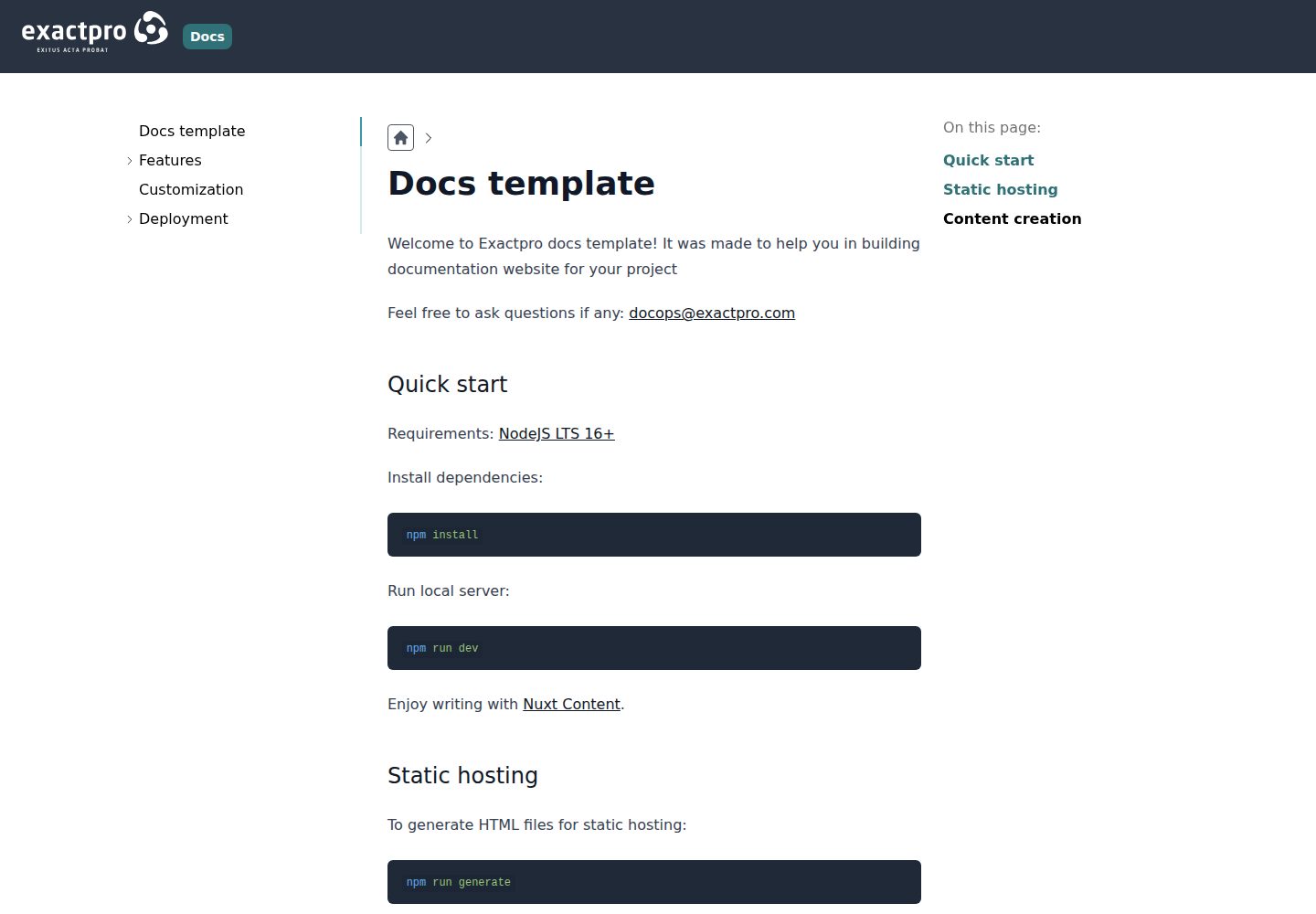
Published as the npm package @exactpro/docs-web-toolkit, introduced into documentation projects as a layer via Nuxt extends
NuxtVueDocumentation
docs-toolkit — Nuxt Documentation Template
By exactpro
An open-source documentation website theme package from Exactpro, built on Nuxt. Installed via npm and extended as a Nuxt layer, it is used to build project documentation sites.
Explore the design
Compare the page layouts and mobile experience. Open any screenshot for a closer look.
Desktop homepage1 / 3
Desktop captureTop of page
Actual screenshot captured by the server browser.
All pages & views 3
Screenshots show visual appearance; interactive behavior may differ.
Recorded 2026-10-02View source
What stands out
A quick read of the recorded project description.
Basic site information such as the site title is set in the exactproDocs configuration item of app.config.ts
Content authoring is based on Nuxt Content, organizing documentation according to the conventions of the content directory
Provides a local development, static generation, and preview workflow with nuxi dev, nuxi generate, and nuxi preview
Supports documentation as a subproject, with the relevant commands able to accept the subproject directory
Code is licensed under Apache-2.0, and the repository includes a demo site and desktop and mobile screenshots
Template Details
docs-toolkit is a customizable documentation theme package provided by Exactpro, published as the npm package @exactpro/docs-web-toolkit, for building documentation websites for projects. It is based on the Nuxt framework and is introduced into a target documentation project as a layer through Nuxt's extends mechanism, so the prerequisites for installing Nuxt must be met before use.
In terms of usage, create nuxt.config.ts in the documentation directory and add @exactpro/docs-web-toolkit to the extends array to enable the basic functionality; basic site information such as the site title is configured in the exactproDocs field of app.config.ts, for example title. Content authoring relies on Nuxt Content, organizing documentation according to the conventions of the content directory. During development, nuxi dev can be used to start a local server to view changes in real time; to build a static site, use nuxi generate, with output located in dist or .output/public; the build result can be checked locally with nuxi preview. If the documentation exists as a subproject, the above prepare, dev, generate, and preview commands can all be passed the subproject directory.
Regarding the development experience, the README recommends creating tsconfig.json in the docs directory and extending ./.nuxt/tsconfig.json, then running nuxi prepare to generate type definitions for IDE hints. The repository's public demo site is exactpro.github.io/docs-toolkit. The code is licensed under Apache-2.0, allowing free use, modification, commercial use, and distribution, but third-party assets such as demo images, fonts, and icons require separate license verification, and external services such as domains and hosting may incur additional charges.
NuxtDocumentation
Is it right for your project?
Use Cases
- Building an independent documentation website for a specific project
- Developing and building documentation as a subproject under the main project
- Generating static HTML files and deploying them to a static hosting environment
- Starting a local development server to preview documentation changes in real time
Suitable For
- Teams using Nuxt that want to reuse a documentation theme as an extension layer
- Projects that need to statically generate a documentation site for static hosting
- Engineering setups where documentation and code are in the same repository and maintained as a subproject
- Developers who need to use and modify the documentation theme under the Apache-2.0 license
Getting started & customization
Use these recorded setup notes alongside the repository instructions for your chosen version.
- 1
The prerequisites for installing Nuxt must be met first, then run npm install @exactpro/docs-web-toolkit
- 2
Create nuxt.config.ts in the documentation directory and add @exactpro/docs-web-toolkit to the extends array to enable the basic functionality
- 3
Fill in project information such as title in exactproDocs in app.config.ts
- 4
For IDE type hints, create tsconfig.json in the docs directory that extends ./.nuxt/tsconfig.json and run npx nuxi prepare
- 5
Static build output is located in dist or .output/public and can be checked locally with npx nuxi preview; when the documentation is a subproject, the commands need the subproject directory appended
License & source material
Usage conditions & limitations
Free to use · keep license noticeThis entry covers the free version under the Apache-2.0 license in the public repository; the free scope is the code of that version and does not mean that external services or third-party assets are free.
Must comply with when using
- Free use, modification, commercial use, and distribution are permitted; the Apache-2.0 license must be included when distributing.
- Modified files must prominently indicate changes, and relevant copyright, patent, trademark, and attribution notices must be retained.
- If the original project includes a NOTICE file, applicable attribution notices in it must be retained when distributing derivative works.
- The license includes an applicable contributor patent grant; initiating patent litigation as described in the license terminates that patent grant, and no trademark usage rights are granted.
- The code is provided as is; warranties and limitations of liability are governed by the original license and applicable law.
Additional costs & items to verify
- The prerequisites for installing the Nuxt framework (such as the Node.js version) must be met before use; otherwise, the documentation theme package cannot be installed or run.
- The toolkit is distributed as the npm package @exactpro/docs-web-toolkit and must be installed via npm before use.
- To enable the basic functionality, nuxt.config.ts must be created in the documentation directory and the package added to the extends array; otherwise, the theme will not take effect.
- Content authoring relies on Nuxt Content, and documentation must be organized according to the conventions of its content directory.
- Demo images, fonts, icons, and other third-party assets must be checked against their respective licenses and cannot be judged solely by the code's Apache-2.0 license.
- External services such as domains, hosting, databases, payments, or AI may incur additional charges.
View Original Text Basis
no-charge, royalty-free, irrevocable copyright license
Original License Text
The Docs Web Toolkit is based on the Nuxt.js framework. To use it, refer to the Nuxt prerequisites list
Original README
Install this package from npm:
Original README
In order to turn on base features of toolkit create `nuxt.config.ts` file in the directory where you want to build your docs website.
Original README
https://github.com/exactpro/docs-toolkit/blob/master/LICENSEhttps://github.com/exactpro/docs-toolkit/blob/master/README.mdEnjoy writing with [Nuxt Content](https://content.nuxtjs.org/guide/writing/content-directory).
Original README
Compiled by DeepSeek based on repository license and README ·2026-10-02. Results only cover the materials read; dependencies, images, fonts, and subsequent term changes are subject to their respective original texts.
Project checks & description sources
Template Information
- Source platforms
- GitHub
- Documentation and maintenance reference score
- Partly documented · 68 / 100
- Technologies
- Nuxt · Vue
- Website type
- Documentation
How this score is calculated
Our heuristic uses license records (up to 30), a demo link (12), a preview (10), stars (15), recorded maintenance (15), description completeness (8), feature records (5) and classification data (5). It is not a code, security or performance test, or a Google score. A link does not establish tested functionality.
What to verify for this project
- Repository update recorded
- 2023-08-17
- Screenshot last checked
- 2026-10-02
A demo link is listed. Check it with your own content and viewport sizes; its presence does not confirm that forms, authentication or payments work.
The catalog identifies Nuxt as the primary stack. Check the actual dependency manifest and lockfile for versions and hosting requirements. These notes use recorded metadata, not a code audit or a deployment test.
Use a selection guide →How this description was prepared
AI-assisted description based on catalog records and repository material. Repository authors are not automatically the reviewers of this description.
Automatically checked against source and license rules; no manual editorial review.
Inspect the recorded source material
SHA-256: abe1feca8b84e87db5dda6a91e0cb3129a38087c814e4518699a77f978b402fd
2026-10-02T08:37:46.161Z
Source file / repository# @exactpro/docs-web-toolkit Welcome to Exactpro Docs Web Toolkit! This template repository was created to help you build a documentation website for your project – here's how it looks: https://exactpro.github.io/docs-toolkit/. Questions? Reach out to us: [[email protected]](mailto:[email protected]). ## Prerequisites The Docs Web Toolkit is based on the Nuxt.js framework. To use it, refer to the Nuxt prerequisites list: https://nuxt.com/docs/getting-started/installation#prerequisites. ## Installation Install this package from npm: ```shell npm install @exactpro/docs-web-toolkit ``` ## Configuration ### Typings In development mode, you might want to suggestions from IDE. To do that, you should create `tsconfig.json` file in the docs directory. ```json { // https://v3.nuxtjs.org/concepts/typescript "extends": "./.nuxt/tsconfig.json" } ``` Then generate `.nuxt` directory with all necessary typings: ```shell npx nuxi prepare ``` If you have docs as subproject: ```shell npx nuxi prepare my-docs/ ``` ### Basic features In order to turn on base features of toolkit create `nuxt.config.ts` file in the directory where you want to build your docs website. ```ts // nuxt.config.ts export default defineNuxtConfig({ extends: [ '@exactpro/docs-web-toolkit', ] }) ``` ### Basic customization Add specific information about your project in `app.config.ts` file: ```ts // app.config.ts export default defineAppConfig({ exactproDocs: { title: 'Exactpro Docs' } }) ``` ## Local writing Enjoy writing with [Nuxt Content](https://content.nuxtjs.org/guide/writing/content-directory). If you want to display changes in real time, run local server: ```shell npx nuxi dev ``` If you have docs as subproject: ```shell npx nuxi dev my-docs/ ``` ## Static hosting To generate HTML files for static hosting: ```shell npx nuxi generate ``` If you have docs as subproject: ```shell npx nuxi generate my-docs/ ``` Generated files can be located in: - `dist` - `.output/public` ## Check built site locally To check built site locally: ```shell npx nuxi preview ``` If you have docs as subproject: ```shell npx nuxi preview my-docs/ ```
Explore similar templates
Compare previews and descriptions within the same stack and category.
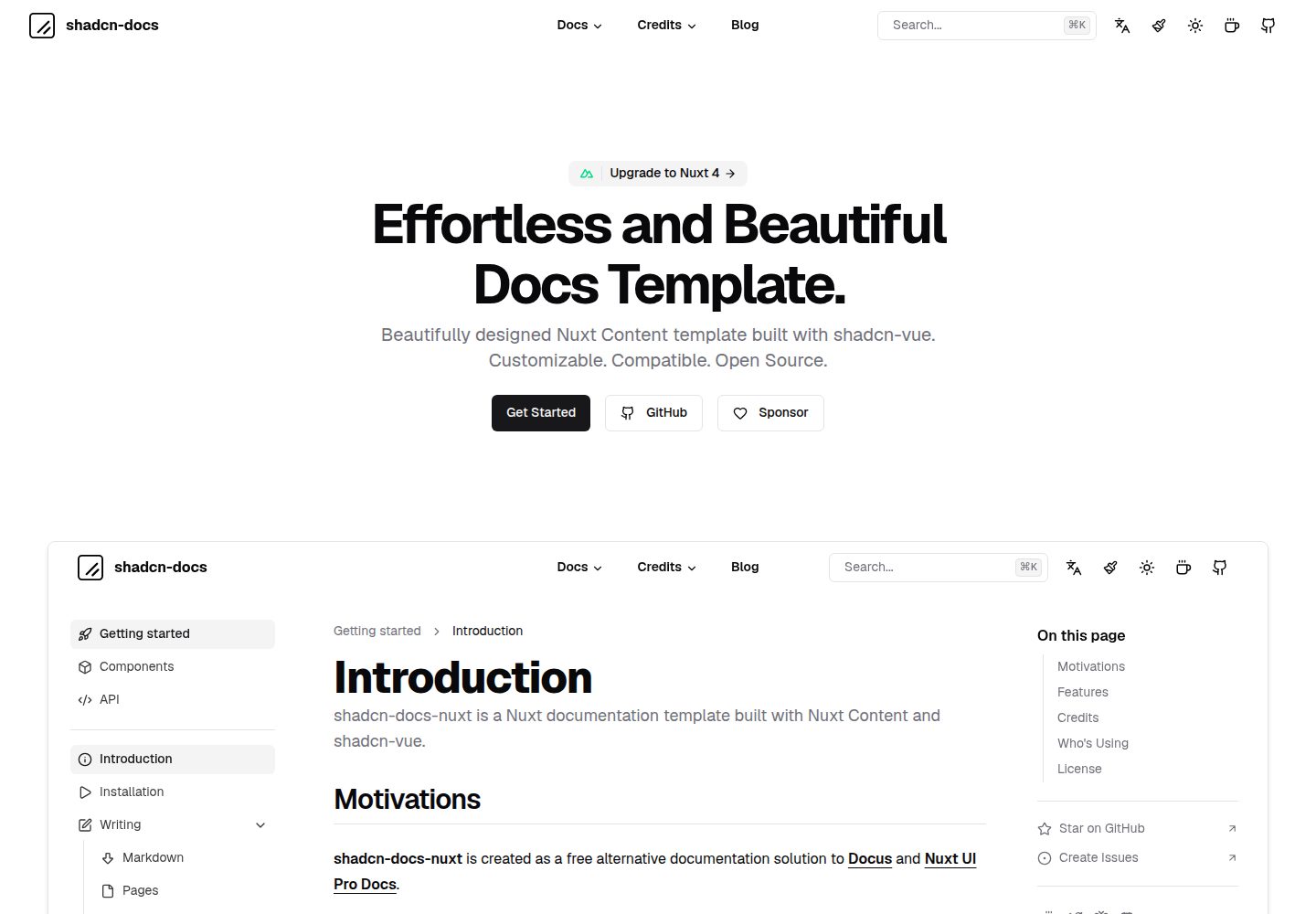
shadcn-docs-nuxt
A documentation site template built with Nuxt Content and shadcn-vue, offering a companion starter template and online demo. It is suitable for Vue or Nuxt projects to build product documentation, API docs, or technical content sites, and supports customizing components and styles.
Nuxt · Documentation
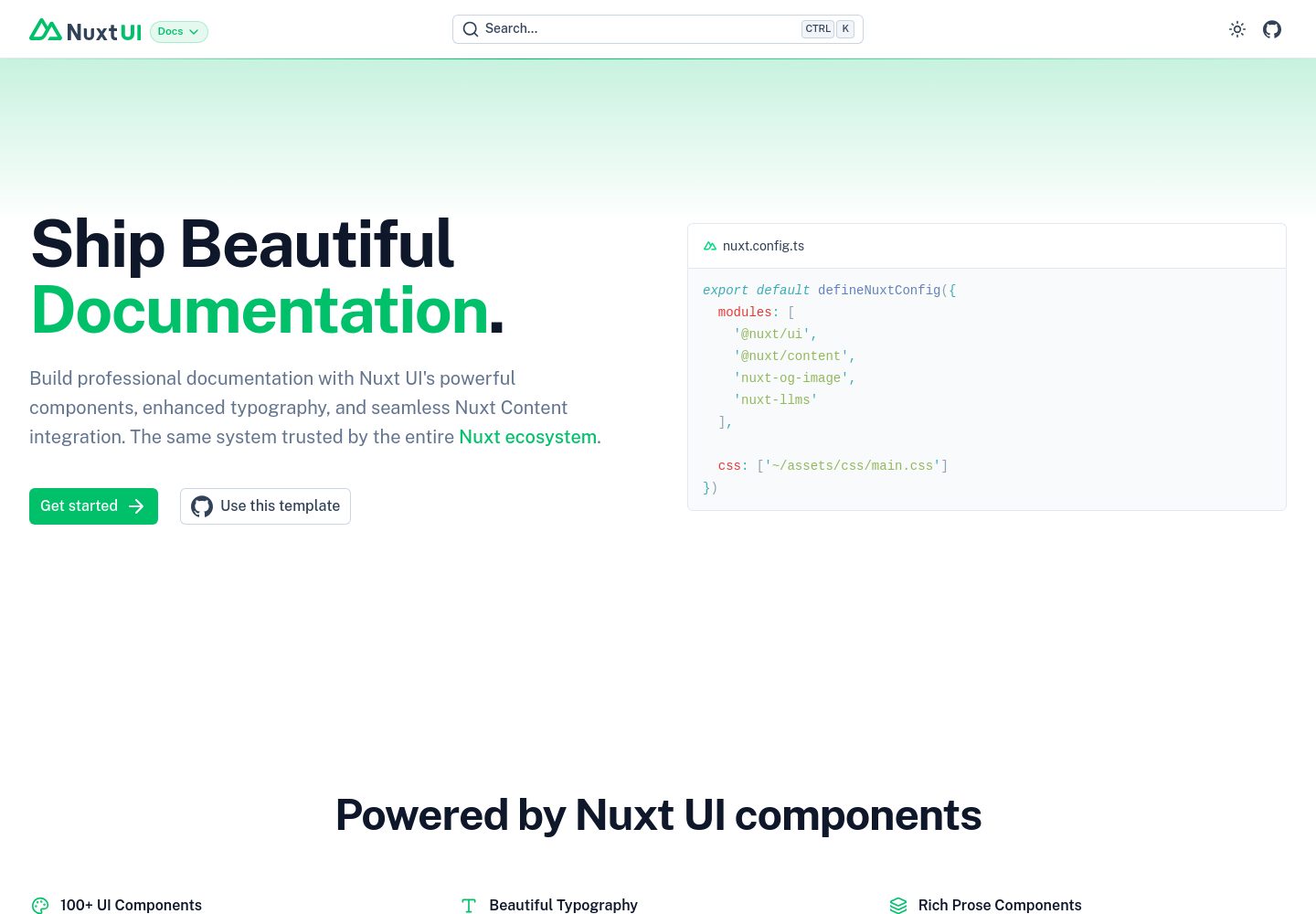
docs
A documentation site template built with Nuxt UI and Nuxt Content, maintained by nuxt-ui-templates.
Nuxt · Documentation
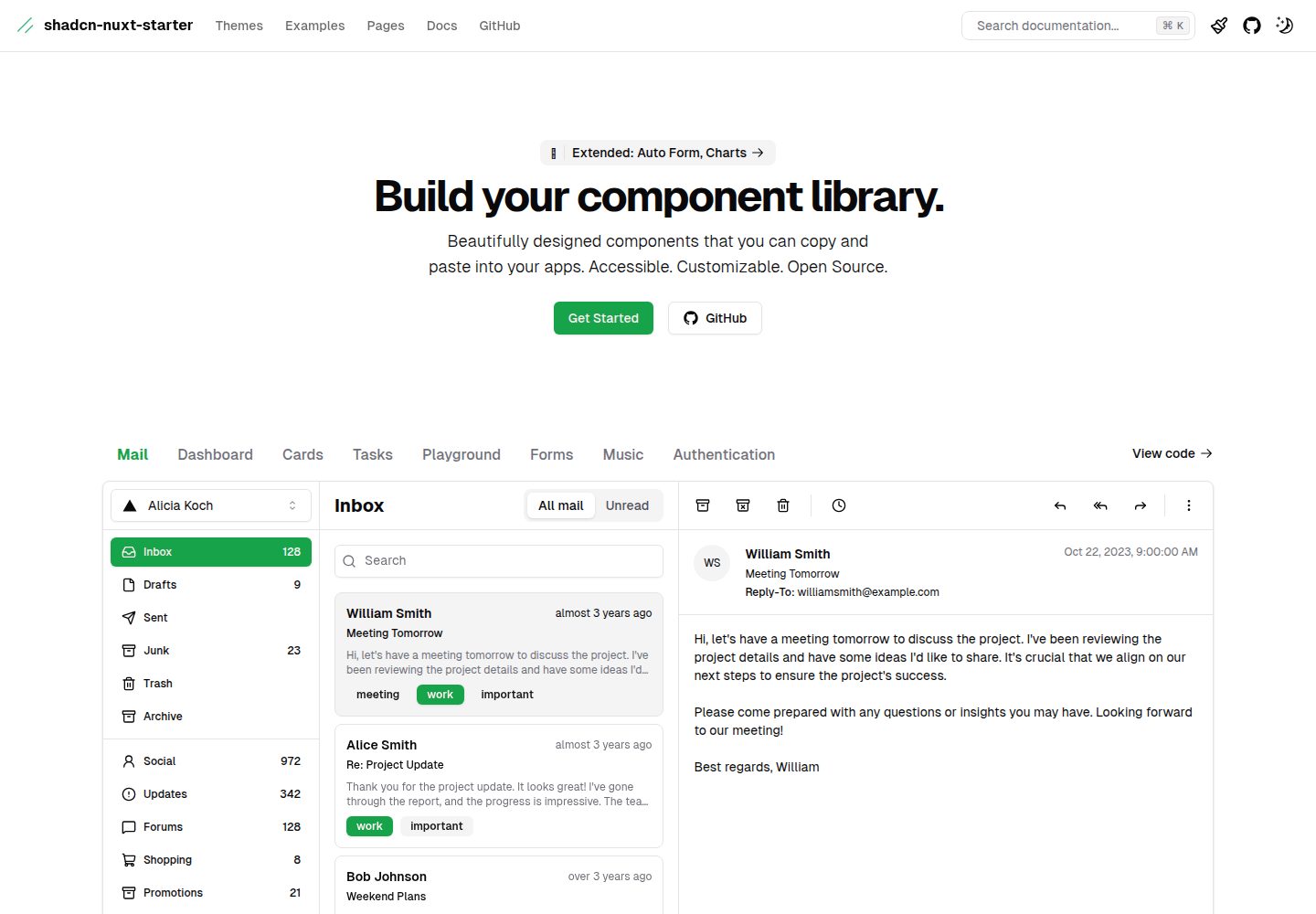
shadcn-nuxt-starter
A Nuxt 3 starter template using Shadcn-vue, UnoCSS, and TypeScript, with Vite as the build tool. It supports three rendering modes from one codebase: SSR for SaaS, SSG for documentation, and CSR for admin dashboards.
Nuxt · Admin dashboard
nuxt-saas-template
A Nuxt 3 SaaS template with a dual-branch structure: the main branch provides a Nuxt Pro marketing website with homepage, pricing, blog, documentation, and login/registration pages, while the master branch is a standalone React and Vite AI SEO platform interface integrating TogetherAI…
Nuxt · SaaS
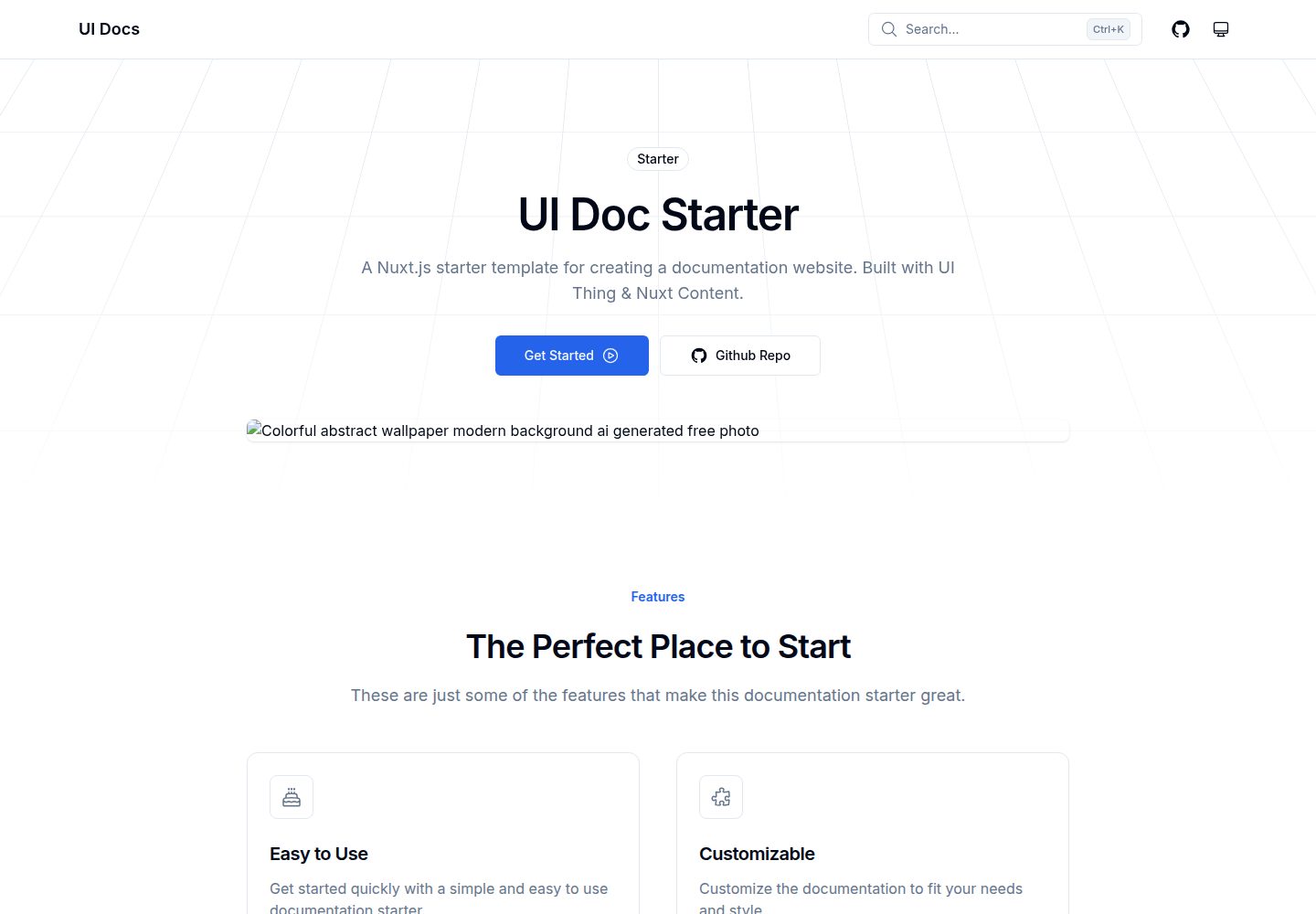
ui-doc-starter
A Nuxt documentation site starter template that uses Nuxt Content for content management and UI Thing for shadcn/ui-style components, with TailwindCSS, Color Mode, Icons, Image, V-Wave, ESLint, and PWA modules plus npm scripts for development, build, and preview.
Nuxt · Documentation
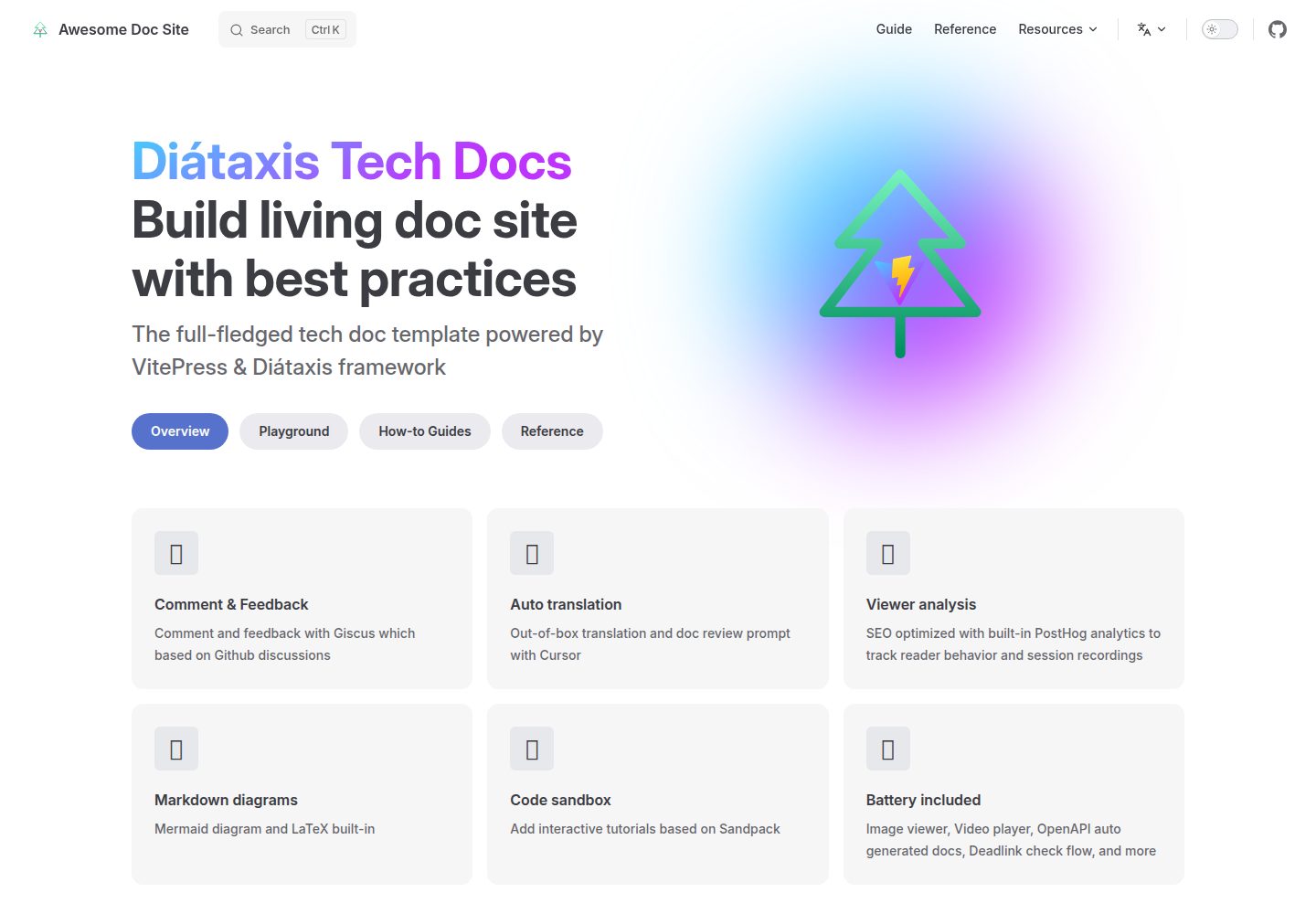
vitepress-diataxis-template
A VitePress-based technical documentation template that organizes tutorials, how-to guides, reference, and explanation content using the Diátaxis framework.
Vue · Documentation