以 npm 包 @exactpro/docs-web-toolkit 发布,通过 Nuxt extends 作为层引入文档项目
NuxtVue文档
docs-toolkit — Nuxt 文档模板
作者 exactpro
Exactpro 开源的文档网站主题包,基于 Nuxt,通过 npm 安装后以 Nuxt 层的方式扩展,用于搭建项目文档站点。
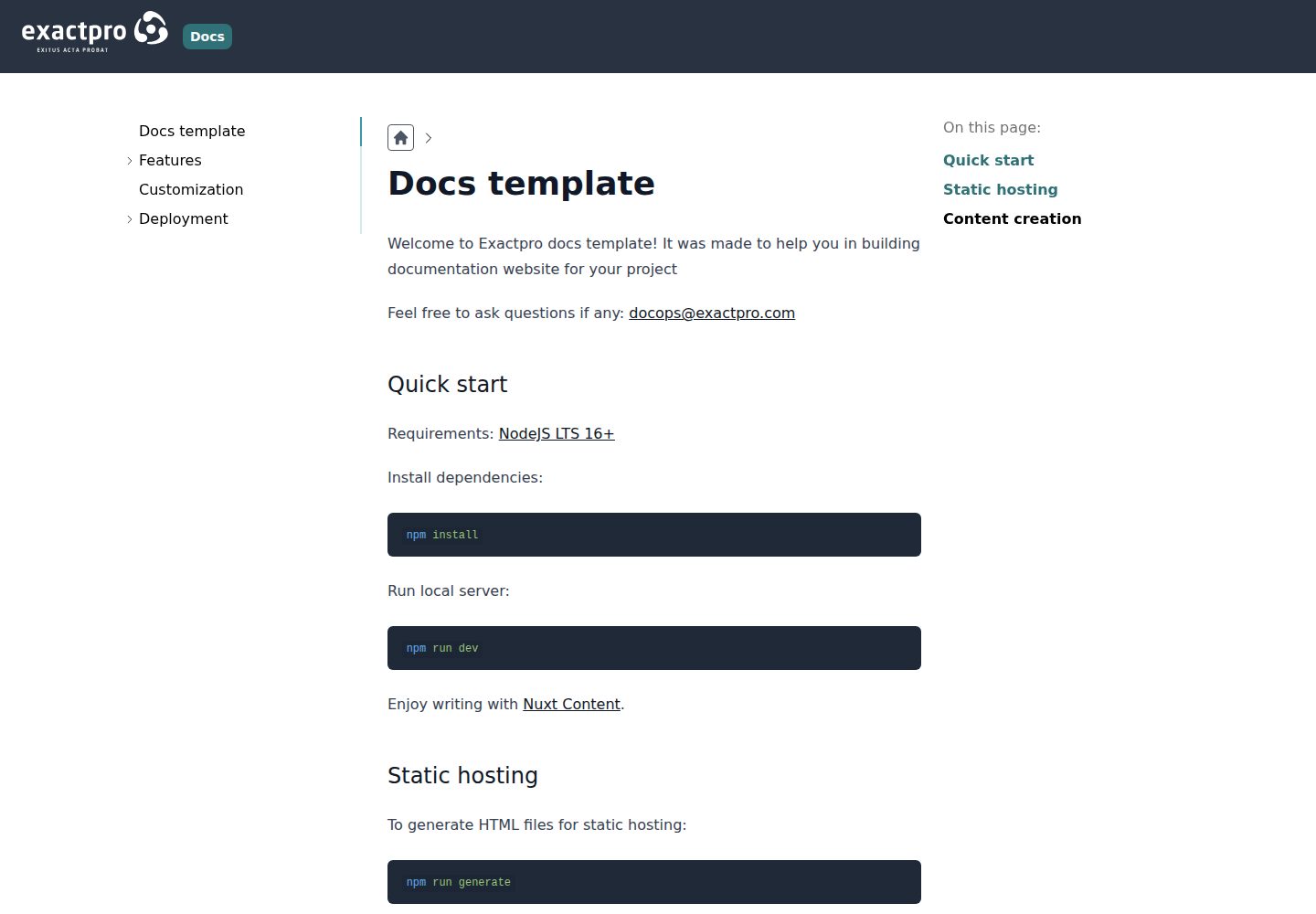
看看你的网站会是什么样
浏览真实页面截图,比较内容排版与手机效果。点击下方缩略图切换,放大查看整页细节。
全部页面与视图 3
截图用于了解视觉与布局,交互效果请以实际项目为准。
采集于 2026-10-02查看来源
值得关注的模板亮点
从已有项目资料中,快速了解它的特点。
站点标题等基础信息在 app.config.ts 的 exactproDocs 配置项中设置
内容编写基于 Nuxt Content,按 content 目录约定组织文档
提供 nuxi dev、nuxi generate、nuxi preview 的本地开发、静态生成与预览流程
支持文档作为子项目,相关命令可传入子项目目录
代码采用 Apache-2.0 许可,仓库附带演示站点与桌面、移动端截图
模板详细介绍
docs-toolkit 是 Exactpro 提供的可定制文档主题包,以 npm 包 @exactpro/docs-web-toolkit 的形式发布,用于为项目搭建文档网站。它基于 Nuxt 框架,通过 Nuxt 的 extends 机制作为层(layer)引入到目标文档项目中,因此使用前需要满足 Nuxt 的安装前置条件。
使用方式上,在文档目录中创建 nuxt.config.ts 并将 @exactpro/docs-web-toolkit 加入 extends 数组即可启用基础功能;站点标题等基础信息在 app.config.ts 的 exactproDocs 字段中配置,例如 title。内容编写依赖 Nuxt Content,按 content 目录的约定组织文档。开发阶段可用 nuxi dev 启动本地服务器实时查看改动,构建静态站点用 nuxi generate,产物位于 dist 或 .output/public,构建结果可用 nuxi preview 在本地检查。若文档作为子项目存在,上述 prepare、dev、generate、preview 命令均可传入子项目目录。
开发体验方面,README 建议在 docs 目录创建 tsconfig.json 并继承 ./.nuxt/tsconfig.json,再运行 nuxi prepare 生成类型定义以获得 IDE 提示。仓库公开演示站点为 exactpro.github.io/docs-toolkit。代码采用 Apache-2.0 许可,可免费使用、修改、商用与分发,但演示图片、字体、图标等第三方素材需单独核对许可,域名、托管等外部服务也可能另行收费。
Nuxt文档
适合你的项目吗?
适用场景
- 为具体项目搭建独立的文档网站
- 把文档作为主项目下的子项目进行开发与构建
- 生成静态 HTML 文件并部署到静态托管环境
- 在本地启动开发服务器实时预览文档改动
适合人群
- 使用 Nuxt 并希望以扩展层方式复用文档主题的团队
- 需要静态生成文档站点用于静态托管的项目
- 文档与代码同仓库、以子项目形式维护的工程
- 需要按 Apache-2.0 许可使用和修改文档主题的开发者
上手与定制指南
结合仓库当前版本的说明,按下面的资料检查内容、配置与运行要求。
- 1
需先满足 Nuxt 的安装前置条件,再执行 npm install @exactpro/docs-web-toolkit
- 2
在文档目录创建 nuxt.config.ts,将 @exactpro/docs-web-toolkit 加入 extends 数组以启用基础功能
- 3
在 app.config.ts 的 exactproDocs 中填写项目信息,如 title
- 4
如需 IDE 类型提示,在 docs 目录创建继承 ./.nuxt/tsconfig.json 的 tsconfig.json 并运行 npx nuxi prepare
- 5
静态构建产物位于 dist 或 .output/public,可用 npx nuxi preview 本地检查;文档为子项目时命令需附加子项目目录
授权与来源资料
使用条件与限制
免费使用 · 保留许可声明本次收录的是公开仓库中采用 Apache-2.0 许可的免费版本;免费范围为该版本代码,不代表外部服务或第三方素材免费。
使用时需要遵守
- 允许免费使用、修改、商用和分发;分发时需随附 Apache-2.0 许可证。
- 修改过的文件需显著标明改动,并保留相关版权、专利、商标及归属声明。
- 若原项目附有 NOTICE 文件,分发衍生作品时需保留其中适用的归属声明。
- 许可包含适用的贡献者专利授权;发起许可所述专利诉讼会终止该专利授权,且不授予商标使用权。
- 代码按现状提供;担保与责任限制以原许可证及适用法律为准。
额外费用与待核对事项
- 使用前必须满足 Nuxt 框架的安装前置条件(如 Node.js 版本等),否则无法安装和运行该文档主题包。
- 该工具包以 npm 包 @exactpro/docs-web-toolkit 形式分发,需通过 npm 安装后才能使用。
- 启用基础功能必须在文档目录创建 nuxt.config.ts 并将该包加入 extends 数组,否则主题不生效。
- 内容编写依赖 Nuxt Content,需按其 content 目录约定组织文档。
- 演示图片、字体、图标及其他第三方素材需按各自许可核对,不能仅凭代码的 Apache-2.0 许可判断。
- 域名、托管、数据库、支付或 AI 等外部服务可能另外收费。
查看原文依据
no-charge, royalty-free, irrevocable copyright license
许可证原文
The Docs Web Toolkit is based on the Nuxt.js framework. To use it, refer to the Nuxt prerequisites list
README 原文
Install this package from npm:
README 原文
In order to turn on base features of toolkit create `nuxt.config.ts` file in the directory where you want to build your docs website.
README 原文
https://github.com/exactpro/docs-toolkit/blob/master/LICENSEhttps://github.com/exactpro/docs-toolkit/blob/master/README.mdEnjoy writing with [Nuxt Content](https://content.nuxtjs.org/guide/writing/content-directory).
README 原文
DeepSeek 根据仓库许可证和 README 整理 ·2026-10-02。结果仅覆盖已读取资料,依赖、图片、字体及后续条款变更以各自原文为准。
项目核对记录与介绍依据
模板资料
- 来源平台
- GitHub
- 资料与维护参考分
- 资料一般 · 68 / 100
- 技术栈
- Nuxt · Vue
- 网站类型
- 文档
这个分数如何计算
本站按许可资料(最高30分)、演示链接(12分)、预览图(10分)、Star数(15分)、记录的维护时间(15分)、描述完整度(8分)、功能记录(5分)和分类资料(5分)计算。它不是代码、安全或性能测试,也不是 Google 评分;有链接不代表已实测可用。
这个项目需要核对什么
- 记录的仓库更新时间
- 2023-08-17
- 截图检查日期
- 2026-10-02
已收录演示链接。请用你的内容与屏幕尺寸检查;有演示不代表表单、认证或支付已经可用。
目录记录的主要技术栈是 Nuxt。请通过依赖清单和锁文件核对实际版本与托管要求。这些说明基于收录资料,不代表代码审计或部署实测。
查看具体选型方法 →介绍的制作与核对状态
介绍由 AI 辅助整理目录与仓库资料。仓库作者不等于这篇介绍的审核者。
已完成服务器许可规则与 AI 来源核对;未经过人工编辑审核。
查看当时使用的来源资料
SHA-256: abe1feca8b84e87db5dda6a91e0cb3129a38087c814e4518699a77f978b402fd
2026-10-02T08:37:46.161Z
来源文件 / 仓库# @exactpro/docs-web-toolkit Welcome to Exactpro Docs Web Toolkit! This template repository was created to help you build a documentation website for your project – here's how it looks: https://exactpro.github.io/docs-toolkit/. Questions? Reach out to us: [[email protected]](mailto:[email protected]). ## Prerequisites The Docs Web Toolkit is based on the Nuxt.js framework. To use it, refer to the Nuxt prerequisites list: https://nuxt.com/docs/getting-started/installation#prerequisites. ## Installation Install this package from npm: ```shell npm install @exactpro/docs-web-toolkit ``` ## Configuration ### Typings In development mode, you might want to suggestions from IDE. To do that, you should create `tsconfig.json` file in the docs directory. ```json { // https://v3.nuxtjs.org/concepts/typescript "extends": "./.nuxt/tsconfig.json" } ``` Then generate `.nuxt` directory with all necessary typings: ```shell npx nuxi prepare ``` If you have docs as subproject: ```shell npx nuxi prepare my-docs/ ``` ### Basic features In order to turn on base features of toolkit create `nuxt.config.ts` file in the directory where you want to build your docs website. ```ts // nuxt.config.ts export default defineNuxtConfig({ extends: [ '@exactpro/docs-web-toolkit', ] }) ``` ### Basic customization Add specific information about your project in `app.config.ts` file: ```ts // app.config.ts export default defineAppConfig({ exactproDocs: { title: 'Exactpro Docs' } }) ``` ## Local writing Enjoy writing with [Nuxt Content](https://content.nuxtjs.org/guide/writing/content-directory). If you want to display changes in real time, run local server: ```shell npx nuxi dev ``` If you have docs as subproject: ```shell npx nuxi dev my-docs/ ``` ## Static hosting To generate HTML files for static hosting: ```shell npx nuxi generate ``` If you have docs as subproject: ```shell npx nuxi generate my-docs/ ``` Generated files can be located in: - `dist` - `.output/public` ## Check built site locally To check built site locally: ```shell npx nuxi preview ``` If you have docs as subproject: ```shell npx nuxi preview my-docs/ ```
看看同类模板
对比同技术栈与用途的模板,找到更适合的视觉与内容结构。
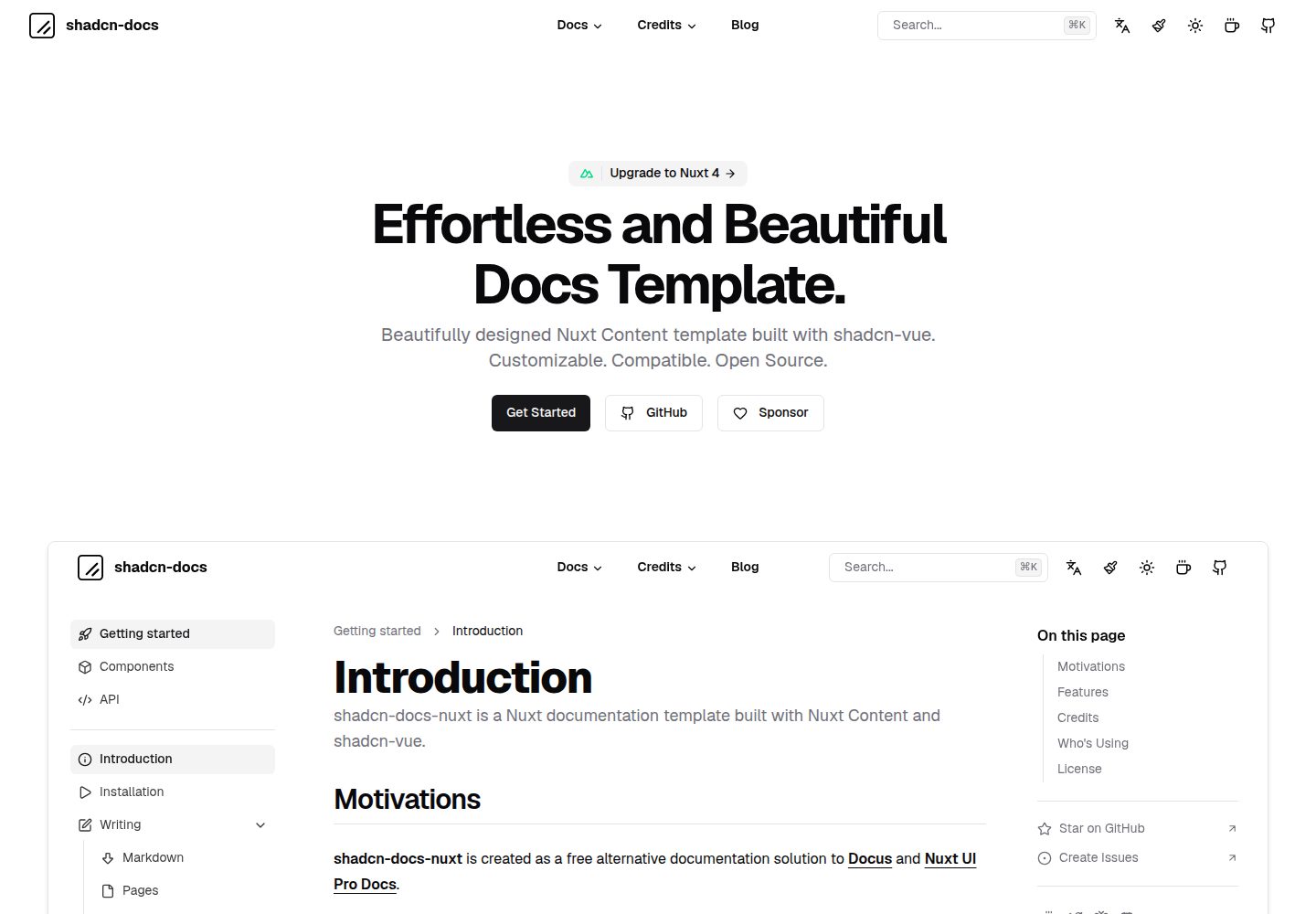
shadcn-docs-nuxt
Effortless and beautiful docs template built with Nuxt Content & shadcn-vue.
Nuxt · 文档
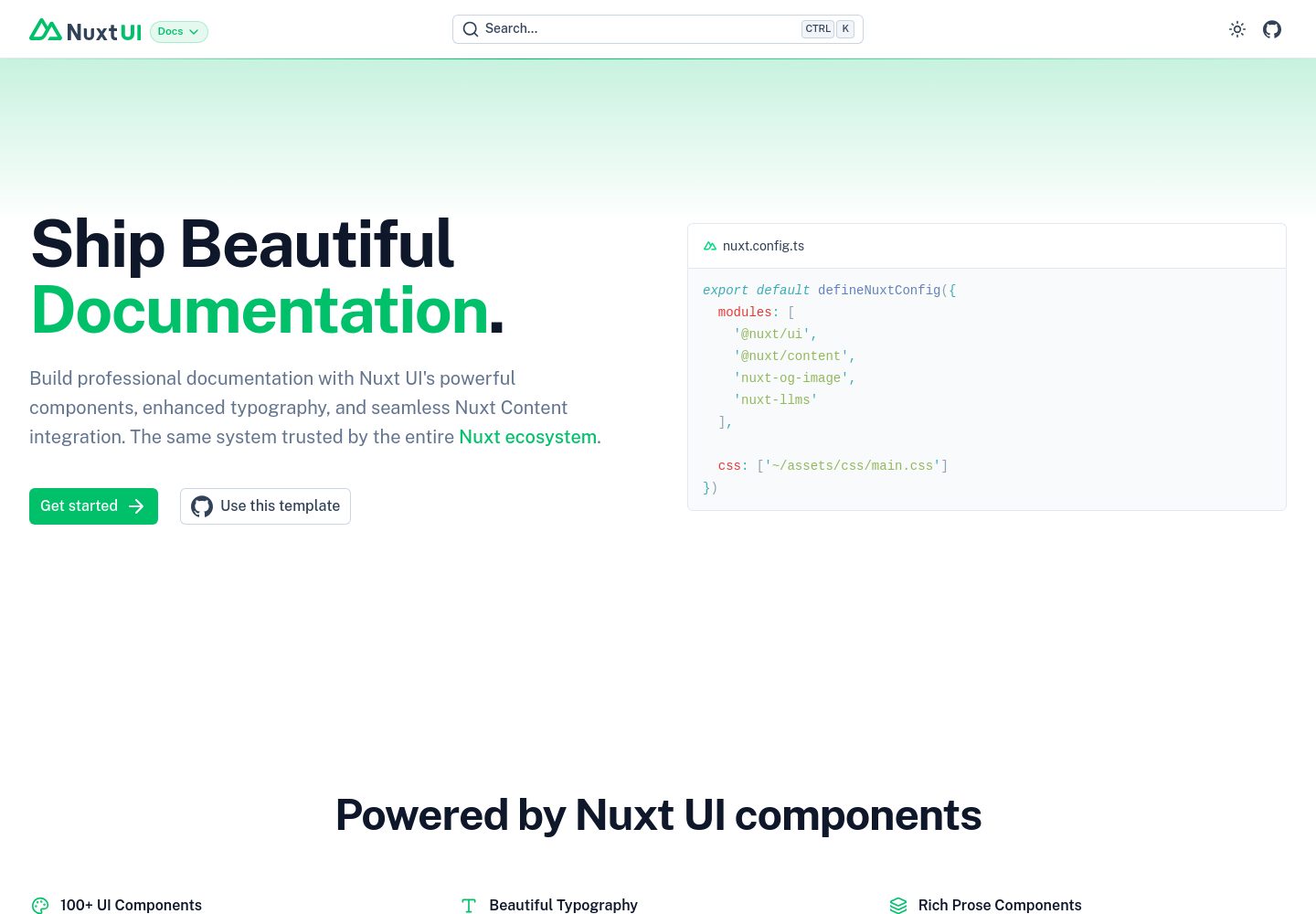
docs
Nuxt Docs Template made with Nuxt UI and Nuxt Content.
Nuxt · 文档
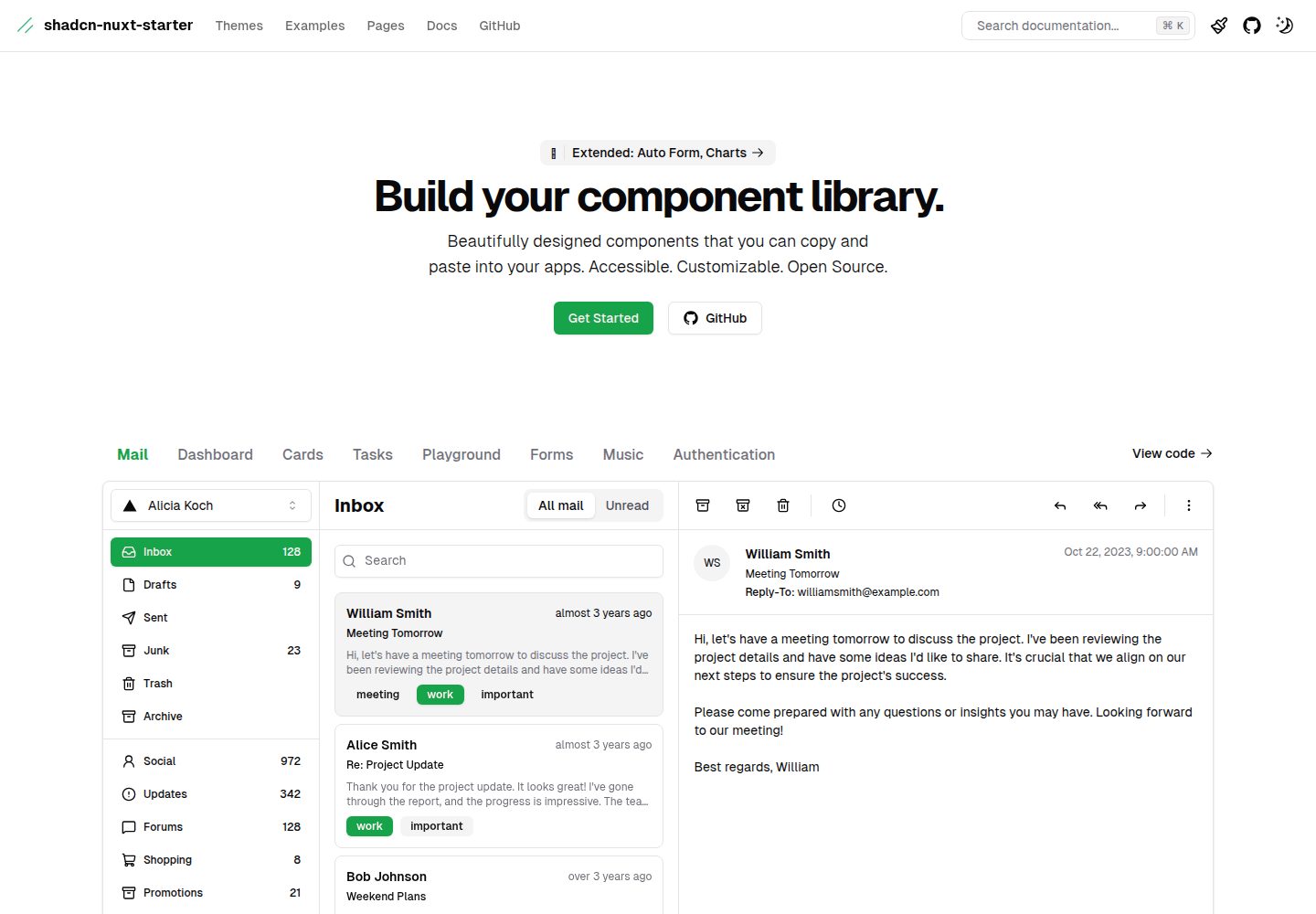
shadcn-nuxt-starter
⚡️ Starter built with Nuxt 3 + Shadcn-ui + UnoCSS + TypeScript.
Nuxt · 后台
nuxt-saas-template
nuxt-saas-template 是一个基于 Nuxt 3 的 SaaS 产品模板,仓库包含两个分支:主分支(main)为 Nuxt Pro 模板,提供完整的营销官网结构,包括首页、定价、博客、文档以及登录注册页面…
Nuxt · SaaS
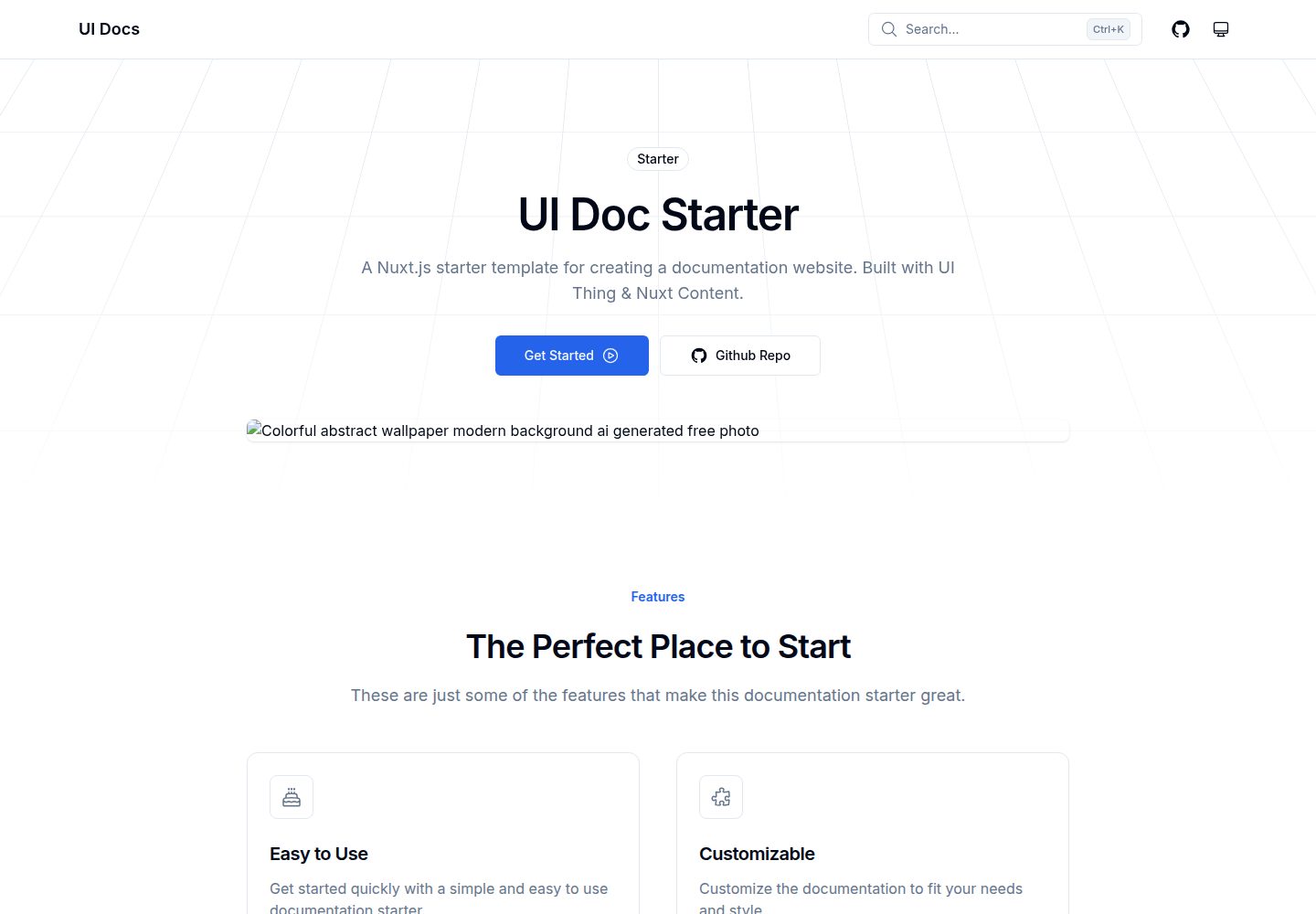
ui-doc-starter
A Nuxt.js starter template for creating a documentation website. Built with UI Thing & Nuxt Content.
Nuxt · 文档
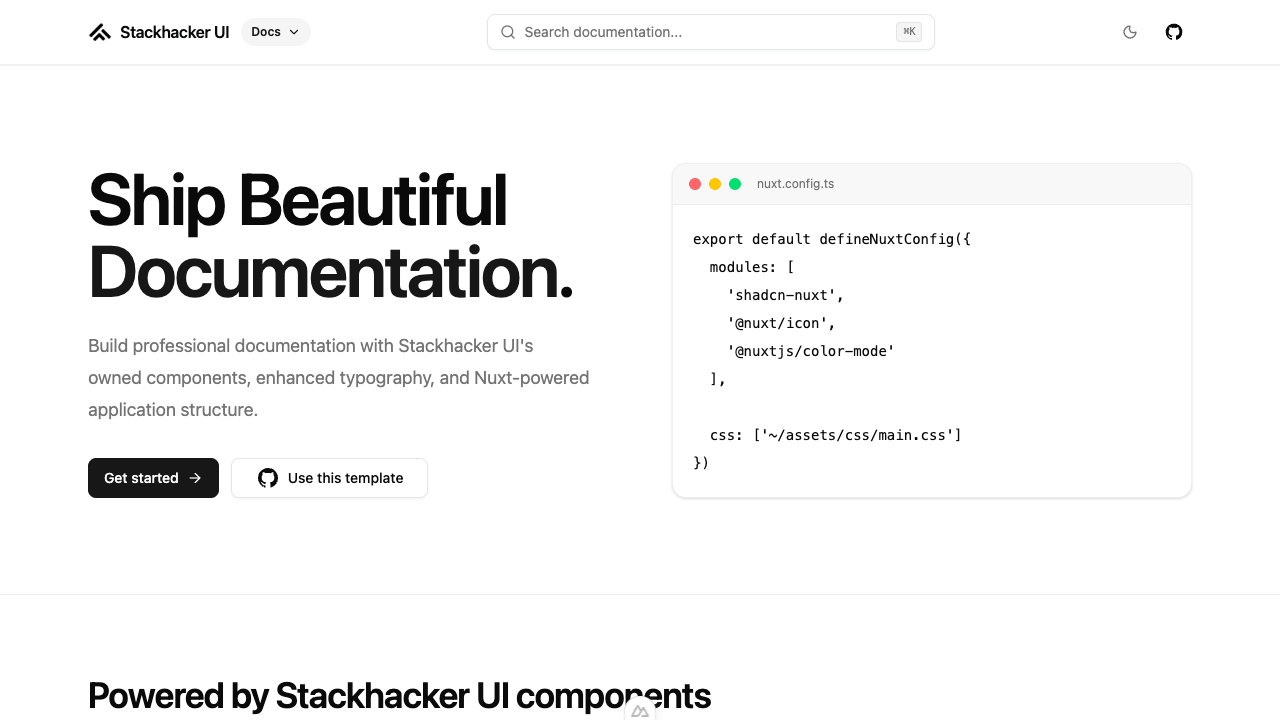
docs
A Nuxt 4 documentation template built with shadcn-vue, Tailwind CSS v4, and Stackhacker UI conventions.
Nuxt · 文档