Uses Vite as the build tool
ViteAdmin dashboard
asteria-dash — Vite Admin dashboard Template
By faykarr
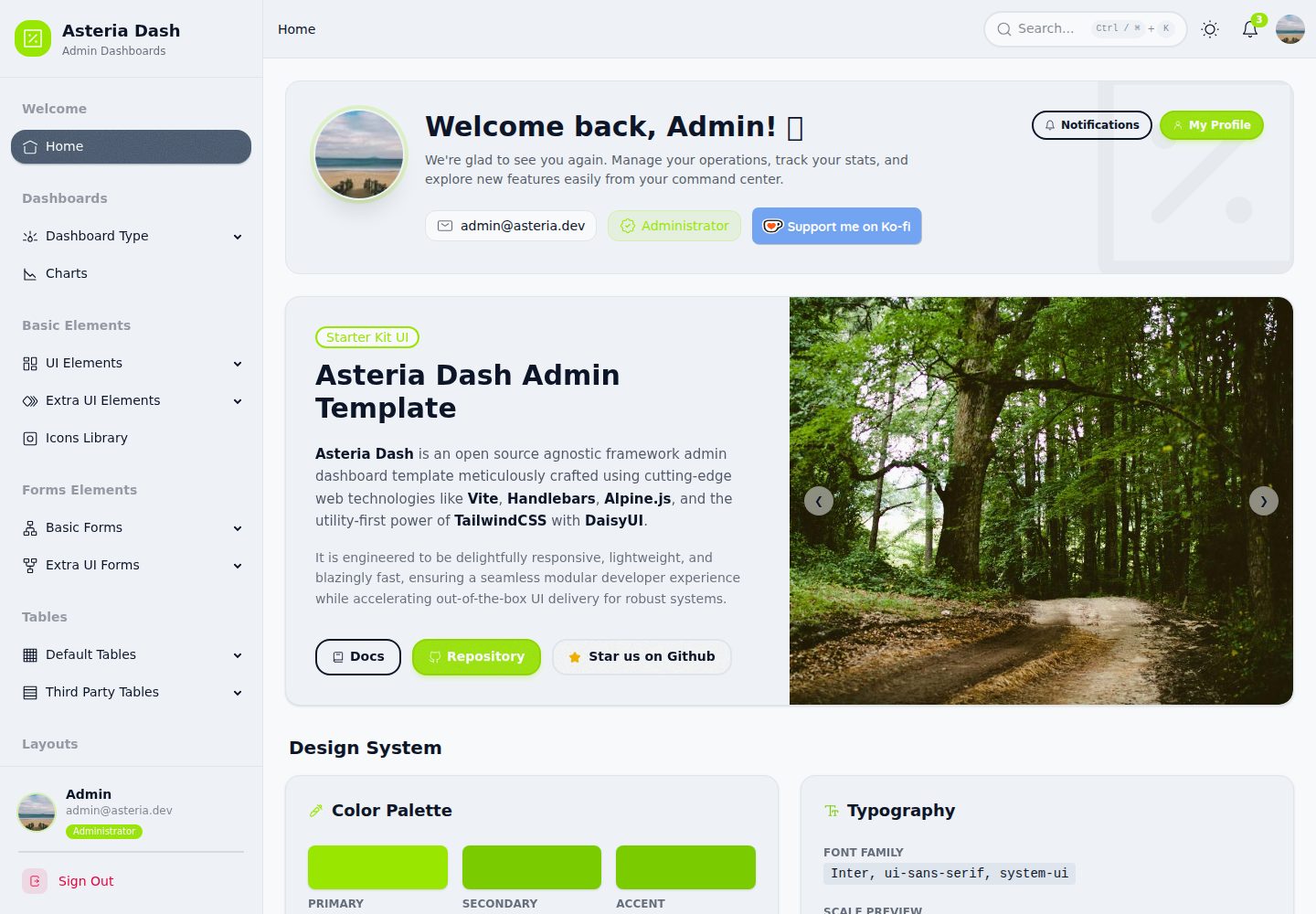
Asteria Dash is an admin dashboard template built with Vite, Tailwind CSS v4, Alpine.js, and Handlebars, offering a responsive interface and reusable component structure.
Explore the design
Compare the page layouts and mobile experience. Open any screenshot for a closer look.
Desktop homepage1 / 2
Desktop captureTop of page
Actual screenshot captured by the server browser.
All pages & views 2
Screenshots show visual appearance; interactive behavior may differ.
Recorded 2026-10-15View source
What stands out
A quick read of the recorded project description.
Uses Tailwind CSS v4 for styling
Uses Alpine.js for component interactions
Uses Handlebars to split HTML structure into reusable components
Integrates DaisyUI, Iconoir, and Perfect Scrollbar
Organizes template structure via src/layouts, src/pages, and src/partials
Template Details
Asteria Dash is an admin dashboard template, positioned in the README as a modern, framework-agnostic admin dashboard template. The tech stack consists of the Vite build tool, Tailwind CSS v4, Alpine.js, and the Handlebars templating engine, and it integrates the DaisyUI component plugin, the Iconoir icon library, and the Perfect Scrollbar custom scrollbar.
The project structure is listed in the README: src/assets holds static resources such as CSS and images, src/data holds JSON data or configuration files, src/layouts holds the main Handlebars layout, src/pages holds specific pages, and src/partials holds reusable Handlebars components; the root directory contains package.json and vite.config.js.
The README does not specify which specific pages, components, or dashboard modules the template includes, nor does it provide information on browser compatibility, accessibility, performance, or production readiness. The preview screenshots only demonstrate that desktop and mobile screenshots exist; they do not represent page functionality.
ViteBackend
Is it right for your project?
Use Cases
- Building the front-end interface of an admin dashboard
- Projects that need to split page structure into Handlebars layouts and reusable components
- Projects that want to quickly write interface styles using Tailwind CSS and DaisyUI
- Static or server-side rendered pages that use Alpine.js as a lightweight interaction layer
Suitable For
- Front-end developers familiar with Vite, Tailwind CSS, and Handlebars
- Projects that need a customizable admin interface template
- Teams that want to build and deploy an admin interface as static files
Getting started & customization
Use these recorded setup notes alongside the repository instructions for your chosen version.
- 1
Node.js must be installed first
- 2
After cloning the repository, run npm install --legacy-peer-deps to install dependencies
- 3
Run npm run dev to start the development server, typically accessible at http://localhost:5173
- 4
Run npm run build to generate production static files, output in the dist directory
- 5
The project uses the MIT license
License & source material
Usage conditions & limitations
Free to use · keep license noticeThis entry covers the free version under the MIT license in the public repository; the free scope is the code of this version and does not mean that external services or third-party assets are free.
Must comply with when using
- Free use, modification, commercial use, and distribution of this version's code are permitted.
- When distributing copies or substantial portions of the code, retain the original author's copyright notice and the complete MIT license notice.
- The code is provided as is; warranties and limitations of liability are governed by the original license and applicable law.
Additional costs & items to verify
- Demo images, fonts, icons, and other third-party assets must be checked against their respective licenses and cannot be judged solely by the code's MIT license.
- External services such as domains, hosting, databases, payments, or AI may incur additional charges.
View Original Text Basis
https://github.com/faykarr/asteria-dash/blob/main/LICENSEhttps://github.com/faykarr/asteria-dash/blob/main/README.mdPermission is hereby granted, free of charge
Original License Text
Compiled by DeepSeek based on repository license and README ·2026-10-15. Results only cover the materials read; dependencies, images, fonts, and subsequent term changes are subject to their respective original texts.
Project checks & description sources
Template Information
- Source platforms
- GitHub
- Documentation and maintenance reference score
- More documented · 83 / 100
- Technologies
- Vite
- Website type
- Admin dashboard
How this score is calculated
Our heuristic uses license records (up to 30), a demo link (12), a preview (10), stars (15), recorded maintenance (15), description completeness (8), feature records (5) and classification data (5). It is not a code, security or performance test, or a Google score. A link does not establish tested functionality.
What to verify for this project
- Repository update recorded
- 2026-03-19
- Screenshot last checked
- 2026-10-15
A demo link is listed. Check it with your own content and viewport sizes; its presence does not confirm that forms, authentication or payments work.
The catalog identifies Vite as the primary stack. Check the actual dependency manifest and lockfile for versions and hosting requirements. These notes use recorded metadata, not a code audit or a deployment test.
Use a selection guide →How this description was prepared
AI-assisted description based on catalog records and repository material. Repository authors are not automatically the reviewers of this description.
Review declaration: codex-user-requested-batch-review-20261017 · 2026-10-16
Inspect the recorded source material
SHA-256: 9dd9434f7f405344b8e1edc9770ee85941975ed497432588139244490e887e72
2026-10-15T05:59:23.726Z
Source file / repository# Asteria Dash [](https://github.com/faykarr/asteria-dash/stargazers) [](https://github.com/faykarr/asteria-dash/network/members) [](https://github.com/faykarr/asteria-dash/issues) [](https://github.com/faykarr/asteria-dash/pulls) [](LICENSE) Asteria Dash is a agnostic framework modern admin dashboard template built with Vite, Tailwind CSS v4, Alpine.js, and Handlebars. This template is designed to provide a clean, responsive, and easily customizable interface for various web application needs. ## Key Features - **Vite**: A blazing fast build tool for modern web development. - **Tailwind CSS (v4)**: A utility-first CSS framework for rapid and flexible styling. - **Alpine.js**: A lightweight JavaScript framework for component interactivity. - **Handlebars**: A templating engine to separate HTML structure into reusable components. - **DaisyUI**: A component plugin for Tailwind CSS to speed up UI development. - **Iconoir**: Elegant open-source icons. - **Perfect Scrollbar**: Beautiful custom scrollbars to enhance the look and feel. ## Prerequisites Make sure you have Node.js installed on your system before starting. ## Getting Started Follow these steps to run the project in your local environment: 1. **Clone the Repository** ```bash git clone https://github.com/faykarr/asteria-dash.git cd asteria-dash ``` 2. **Install Dependencies** ```bash npm install --legacy-peer-deps ``` 3. **Run the Development Server** ```bash npm run dev ``` The Vite server will run and can be accessed via your browser, usually at `http://localhost:5173`. ## Project Structure ```text asteria-dash/ ├── src/ │ ├── assets/ # CSS files, images, and other static assets │ ├── data/ # JSON data or configuration files │ ├── layouts/ # Main Handlebars layouts (e.g., layout.hbs) │ ├── pages/ # Specific pages │ └── partials/ # Reusable Handlebars components ├── package.json # Project dependencies and scripts configuration └── vite.config.js # Vite-specific configuration ``` ## Build for Production To generate production-ready static files, run the following command: ```bash npm run build ``` The build results will be in the `dist` folder. ## License This project is licensed under the [MIT License](LICENSE). Copyright (c) 2026 Nasyath Faykar. ## Contributing Please refer to [CONTRIBUTING.md](CONTRIBUTING.md) for guidelines on how to contribute to this project. We appreciate every form of contribution! Don't forget to follow our [Code of Conduct](CODE_OF_CONDUCT.md). ## Supports Developer If you find this project useful and want to support its development, you can donate via: [](https://paypal.me/faykar) [](https://ko-fi.com/faykarr)
Explore similar templates
Compare previews and descriptions within the same stack and category.

kiaalap
Kiaalap is a free, open-source admin template from Colorlib for education, online courses, and school management.
Vite · Admin dashboard

react-vite-admin
A backend management starter built on Vite and React, integrating Recoil, React Query, TypeScript, and Axios, with Ant Design-style interface screenshots. Suitable as a starting point for management-side projects, licensed under MIT, with Chinese documentation and common scripts.
Vite · Admin dashboard
admin-antd-react
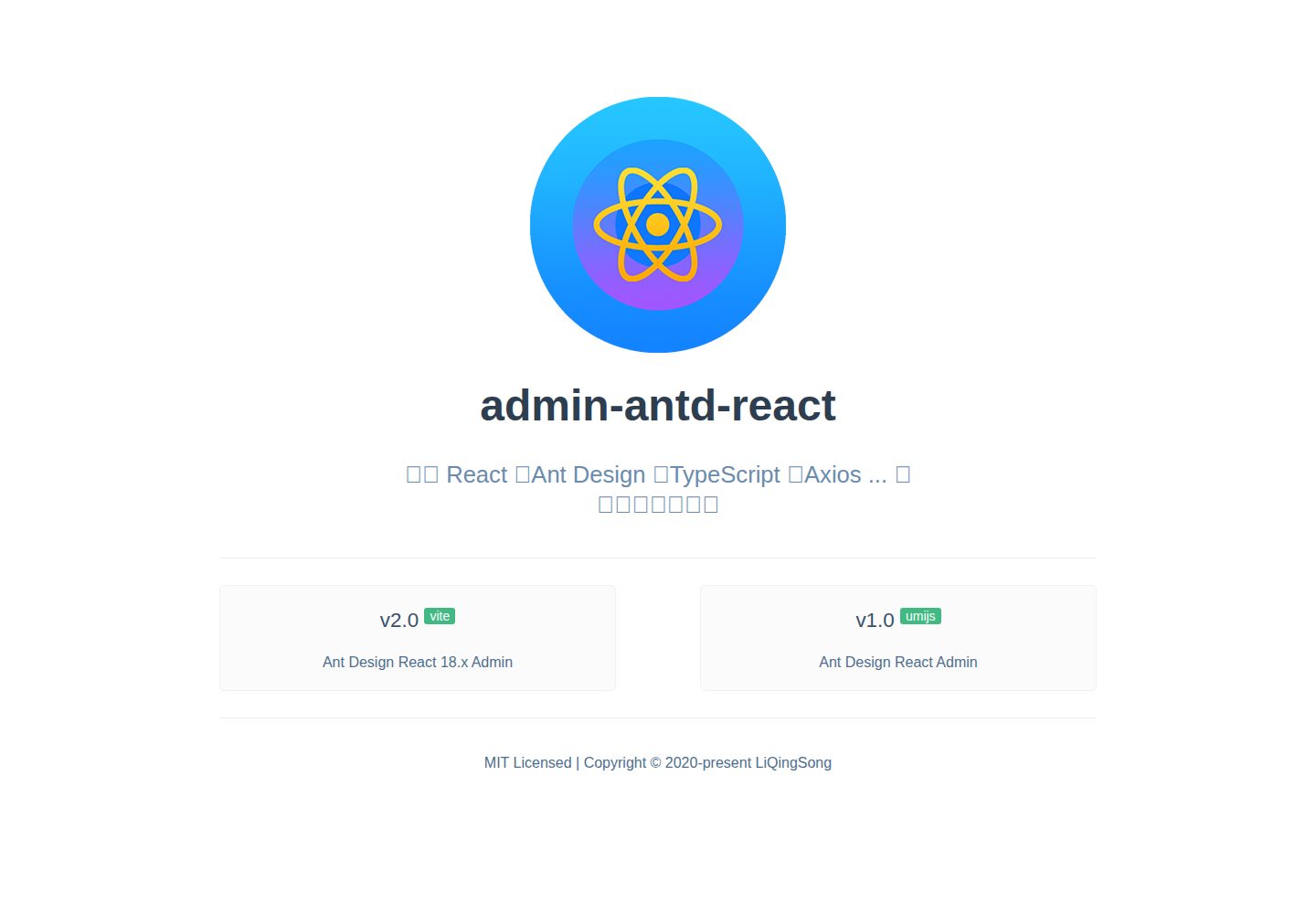
A Vite + React 18 admin template using Ant Design and Recoil, with login, logout, and registration flows; page, button, and permission configuration verification; internationalization; dynamic sidebar and breadcrumbs; Svg Sprite icons; Mock data; and list, form, and detail page examples.
Vite · Admin dashboard
arco-admin-template
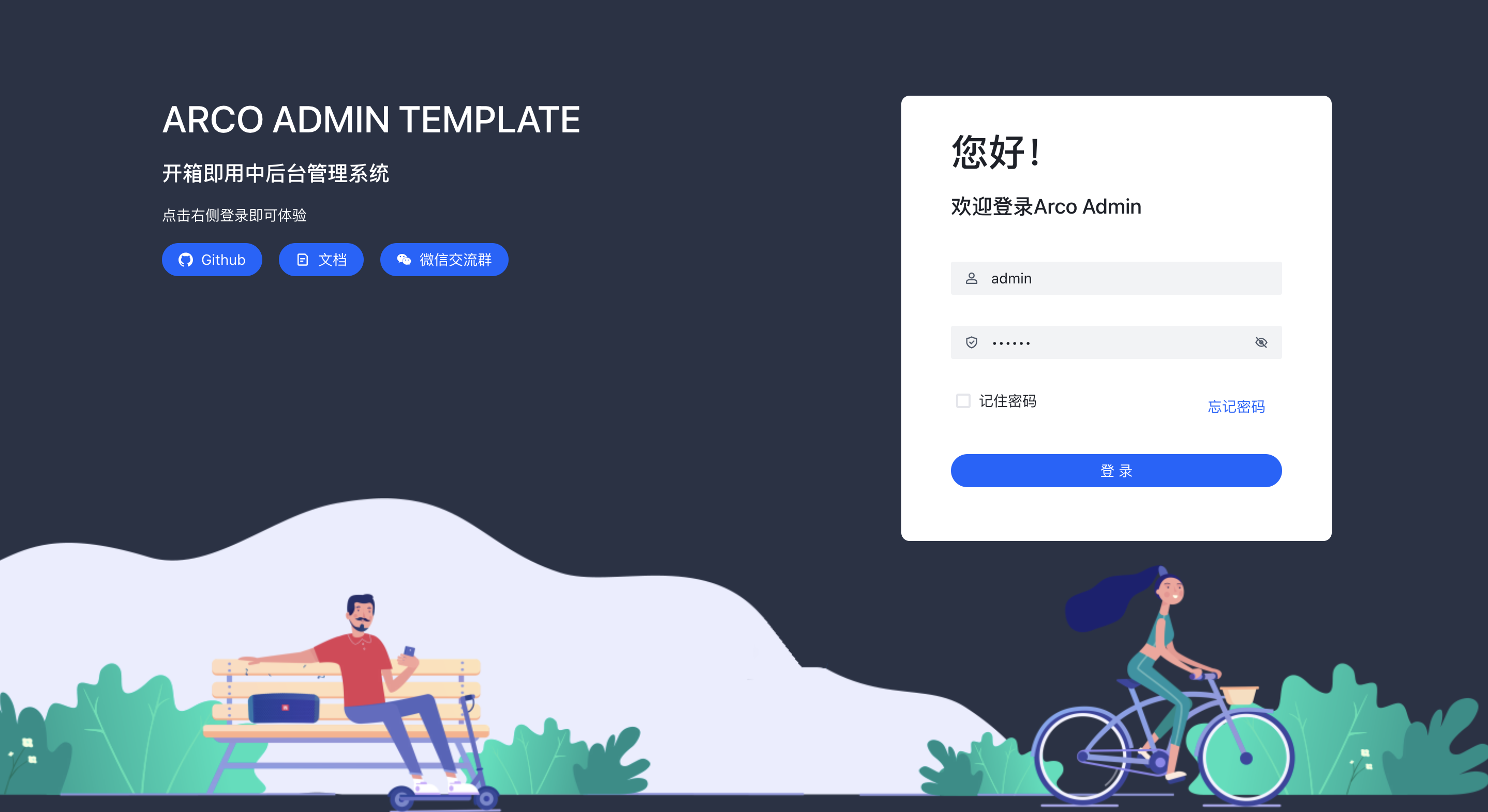
A Vite + React mid-to-back-office template using Arco Design, react-router-dom v6, mockjs, and less, with internationalization, theme customization, and light/dark switching. Includes login, dashboard, resource, component examples, settings, and 404 pages.
Vite · Admin dashboard
super-admin
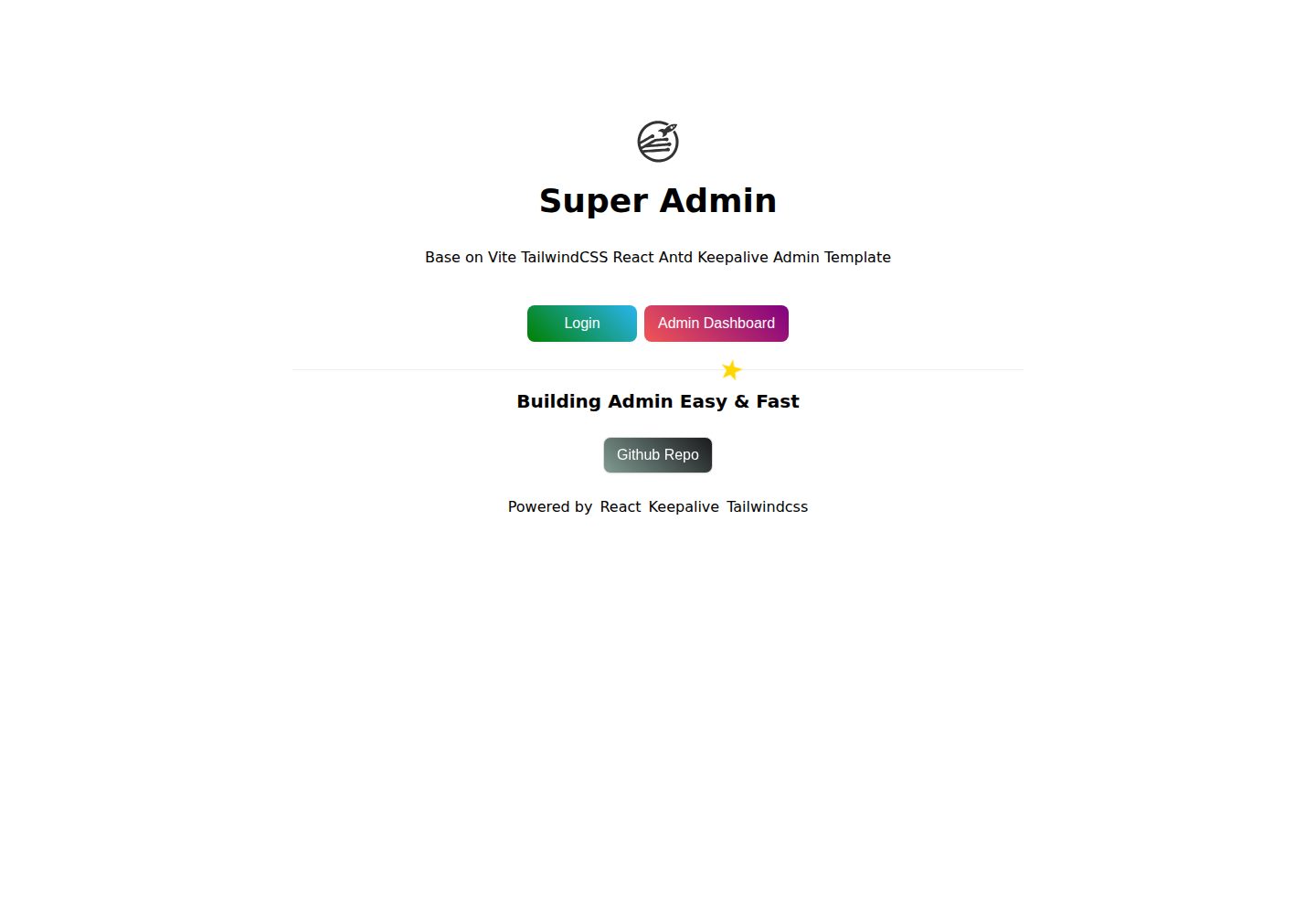
A React, Vite, and Antd admin template that implements multi-tab route caching similar to Vue keepalive and route-based permission control.
Vite · Admin dashboard
react-vite-tailwind-typescript-firebase-auth-template
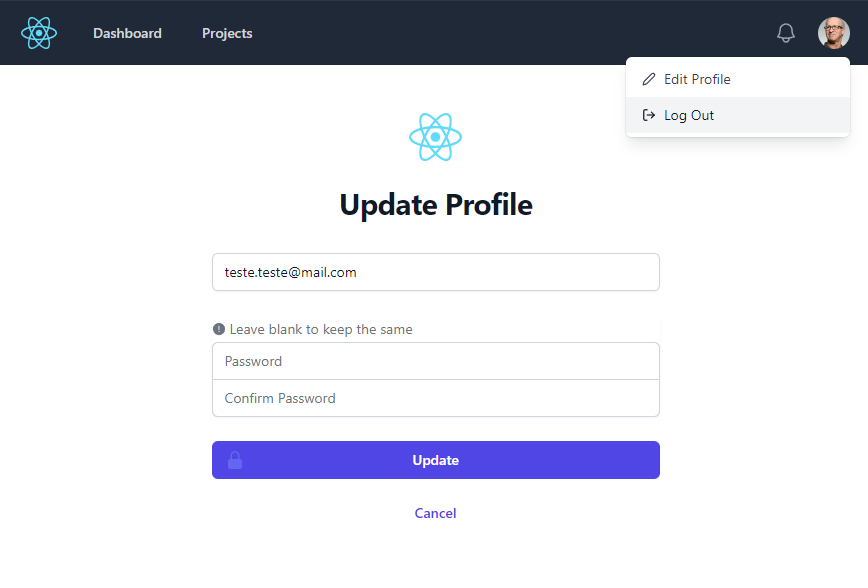
A starter template for backend applications using Vite, React, TypeScript, TailwindCSS, and Firebase Auth, featuring login and dashboard interfaces. Requires your own Firebase project and credentials in .env; no backend logic included.
Vite · Admin dashboard