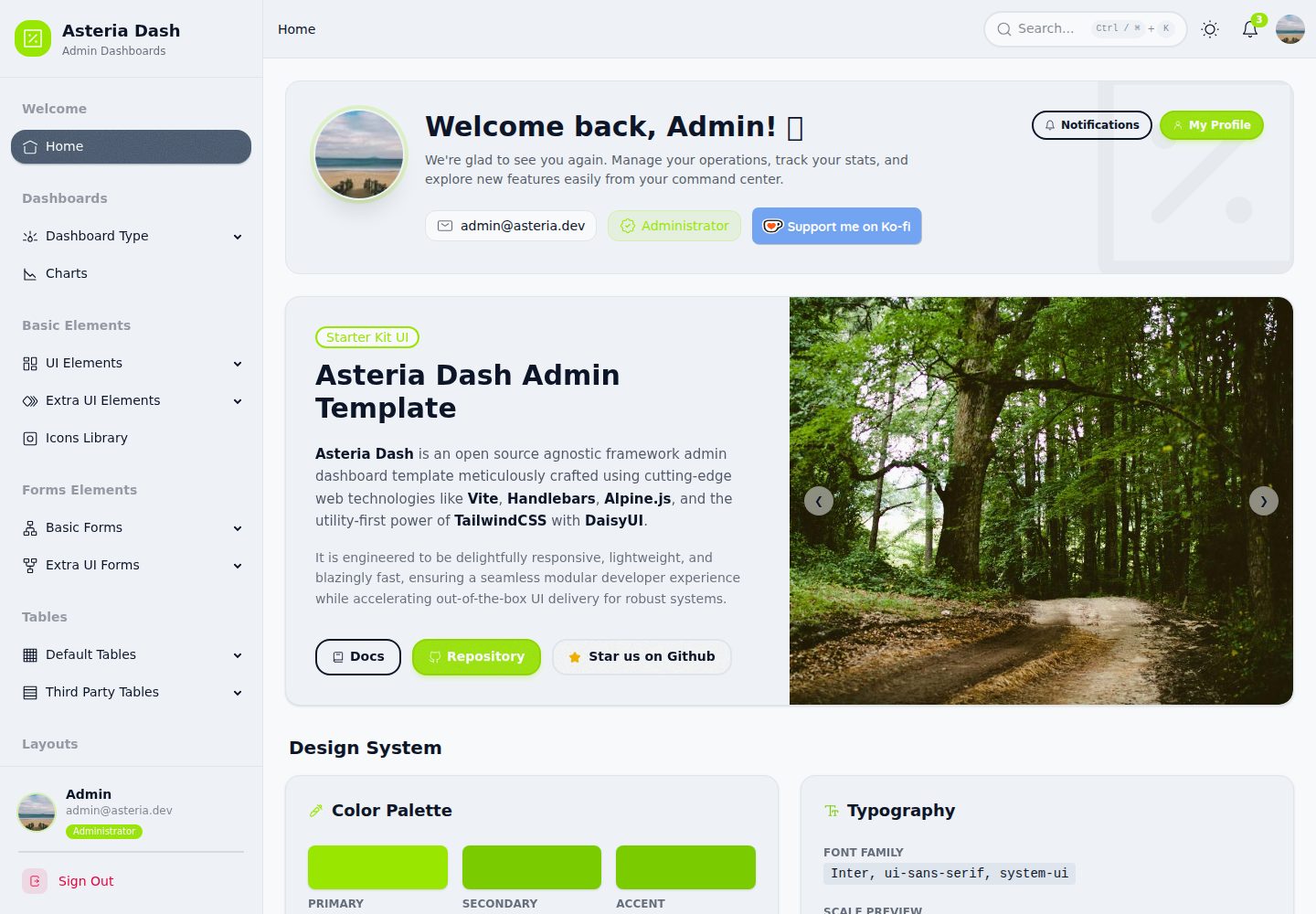
使用 Vite 作为构建工具
Vite后台
asteria-dash — Vite 后台模板
作者 faykarr
Asteria Dash 是一个基于 Vite、Tailwind CSS v4、Alpine.js 与 Handlebars 构建的后台管理面板模板,提供响应式界面与可复用组件结构。
看看你的网站会是什么样
浏览真实页面截图,比较内容排版与手机效果。点击下方缩略图切换,放大查看整页细节。
全部页面与视图 2
截图用于了解视觉与布局,交互效果请以实际项目为准。
采集于 2026-10-15查看来源
值得关注的模板亮点
从已有项目资料中,快速了解它的特点。
使用 Tailwind CSS v4 进行样式编写
使用 Alpine.js 处理组件交互
使用 Handlebars 将 HTML 结构拆分为可复用组件
集成 DaisyUI、Iconoir 与 Perfect Scrollbar
通过 src/layouts、src/pages、src/partials 组织模板结构
模板详细介绍
Asteria Dash 是一个后台管理面板模板,README 将其定位为框架无关(agnostic framework)的现代 admin dashboard 模板。技术栈由 Vite 构建工具、Tailwind CSS v4、Alpine.js、Handlebars 模板引擎组成,并集成 DaisyUI 组件插件、Iconoir 图标库与 Perfect Scrollbar 自定义滚动条。
项目结构在 README 中列出:src/assets 存放 CSS、图片等静态资源,src/data 存放 JSON 数据或配置文件,src/layouts 存放 Handlebars 主布局,src/pages 存放具体页面,src/partials 存放可复用的 Handlebars 组件;根目录包含 package.json 与 vite.config.js。
README 未说明该模板包含哪些具体页面、组件或仪表盘模块,也未提供浏览器兼容性、可访问性、性能或生产就绪程度的说明。预览截图仅证明桌面与移动端截图存在,不代表页面功能。
Vite后台
适合你的项目吗?
适用场景
- 搭建后台管理面板的前端界面
- 需要将页面结构拆分为 Handlebars 布局与可复用组件的项目
- 希望使用 Tailwind CSS 与 DaisyUI 快速编写界面样式的项目
- 以 Alpine.js 作为轻量交互层的静态或服务端渲染页面
适合人群
- 熟悉 Vite、Tailwind CSS 与 Handlebars 的前端开发者
- 需要可自定义后台界面模板的项目
- 希望以静态文件形式构建并部署管理界面的团队
上手与定制指南
结合仓库当前版本的说明,按下面的资料检查内容、配置与运行要求。
- 1
需先安装 Node.js
- 2
克隆仓库后执行 npm install --legacy-peer-deps 安装依赖
- 3
执行 npm run dev 启动开发服务器,通常访问 http://localhost:5173
- 4
执行 npm run build 生成生产静态文件,输出位于 dist 目录
- 5
项目采用 MIT 许可证
授权与来源资料
使用条件与限制
免费使用 · 保留许可声明本次收录的是公开仓库中采用 MIT 许可的免费版本;免费范围为该版本代码,不代表外部服务或第三方素材免费。
使用时需要遵守
- 允许免费使用、修改、商用和分发该版本代码。
- 分发代码副本或实质性部分时,保留原作者版权声明和完整 MIT 许可声明。
- 代码按现状提供;担保与责任限制以原许可证及适用法律为准。
额外费用与待核对事项
- 演示图片、字体、图标及其他第三方素材需按各自许可核对,不能仅凭代码的 MIT 许可判断。
- 域名、托管、数据库、支付或 AI 等外部服务可能另外收费。
查看原文依据
https://github.com/faykarr/asteria-dash/blob/main/LICENSEhttps://github.com/faykarr/asteria-dash/blob/main/README.mdPermission is hereby granted, free of charge
许可证原文
DeepSeek 根据仓库许可证和 README 整理 ·2026-10-15。结果仅覆盖已读取资料,依赖、图片、字体及后续条款变更以各自原文为准。
项目核对记录与介绍依据
模板资料
- 来源平台
- GitHub
- 资料与维护参考分
- 资料较完整 · 83 / 100
- 技术栈
- Vite
- 网站类型
- 后台
这个分数如何计算
本站按许可资料(最高30分)、演示链接(12分)、预览图(10分)、Star数(15分)、记录的维护时间(15分)、描述完整度(8分)、功能记录(5分)和分类资料(5分)计算。它不是代码、安全或性能测试,也不是 Google 评分;有链接不代表已实测可用。
这个项目需要核对什么
- 记录的仓库更新时间
- 2026-03-19
- 截图检查日期
- 2026-10-15
已收录演示链接。请用你的内容与屏幕尺寸检查;有演示不代表表单、认证或支付已经可用。
目录记录的主要技术栈是 Vite。请通过依赖清单和锁文件核对实际版本与托管要求。这些说明基于收录资料,不代表代码审计或部署实测。
查看具体选型方法 →介绍的制作与核对状态
介绍由 AI 辅助整理目录与仓库资料。仓库作者不等于这篇介绍的审核者。
审核声明: codex-user-requested-batch-review-20261017 · 2026-10-16
查看当时使用的来源资料
SHA-256: 9dd9434f7f405344b8e1edc9770ee85941975ed497432588139244490e887e72
2026-10-15T05:59:23.726Z
来源文件 / 仓库# Asteria Dash [](https://github.com/faykarr/asteria-dash/stargazers) [](https://github.com/faykarr/asteria-dash/network/members) [](https://github.com/faykarr/asteria-dash/issues) [](https://github.com/faykarr/asteria-dash/pulls) [](LICENSE) Asteria Dash is a agnostic framework modern admin dashboard template built with Vite, Tailwind CSS v4, Alpine.js, and Handlebars. This template is designed to provide a clean, responsive, and easily customizable interface for various web application needs. ## Key Features - **Vite**: A blazing fast build tool for modern web development. - **Tailwind CSS (v4)**: A utility-first CSS framework for rapid and flexible styling. - **Alpine.js**: A lightweight JavaScript framework for component interactivity. - **Handlebars**: A templating engine to separate HTML structure into reusable components. - **DaisyUI**: A component plugin for Tailwind CSS to speed up UI development. - **Iconoir**: Elegant open-source icons. - **Perfect Scrollbar**: Beautiful custom scrollbars to enhance the look and feel. ## Prerequisites Make sure you have Node.js installed on your system before starting. ## Getting Started Follow these steps to run the project in your local environment: 1. **Clone the Repository** ```bash git clone https://github.com/faykarr/asteria-dash.git cd asteria-dash ``` 2. **Install Dependencies** ```bash npm install --legacy-peer-deps ``` 3. **Run the Development Server** ```bash npm run dev ``` The Vite server will run and can be accessed via your browser, usually at `http://localhost:5173`. ## Project Structure ```text asteria-dash/ ├── src/ │ ├── assets/ # CSS files, images, and other static assets │ ├── data/ # JSON data or configuration files │ ├── layouts/ # Main Handlebars layouts (e.g., layout.hbs) │ ├── pages/ # Specific pages │ └── partials/ # Reusable Handlebars components ├── package.json # Project dependencies and scripts configuration └── vite.config.js # Vite-specific configuration ``` ## Build for Production To generate production-ready static files, run the following command: ```bash npm run build ``` The build results will be in the `dist` folder. ## License This project is licensed under the [MIT License](LICENSE). Copyright (c) 2026 Nasyath Faykar. ## Contributing Please refer to [CONTRIBUTING.md](CONTRIBUTING.md) for guidelines on how to contribute to this project. We appreciate every form of contribution! Don't forget to follow our [Code of Conduct](CODE_OF_CONDUCT.md). ## Supports Developer If you find this project useful and want to support its development, you can donate via: [](https://paypal.me/faykar) [](https://ko-fi.com/faykarr)
看看同类模板
对比同技术栈与用途的模板,找到更适合的视觉与内容结构。

kiaalap
Free admin dashboard template focused on education, online course and school management. Build using Bootstrap…
Vite · 后台

react-vite-admin
This Starter utilizes React, Recoil, React Query, React Hooks, Typescript, Axios And Vite. 全新技术栈的后台管理系统
Vite · 后台
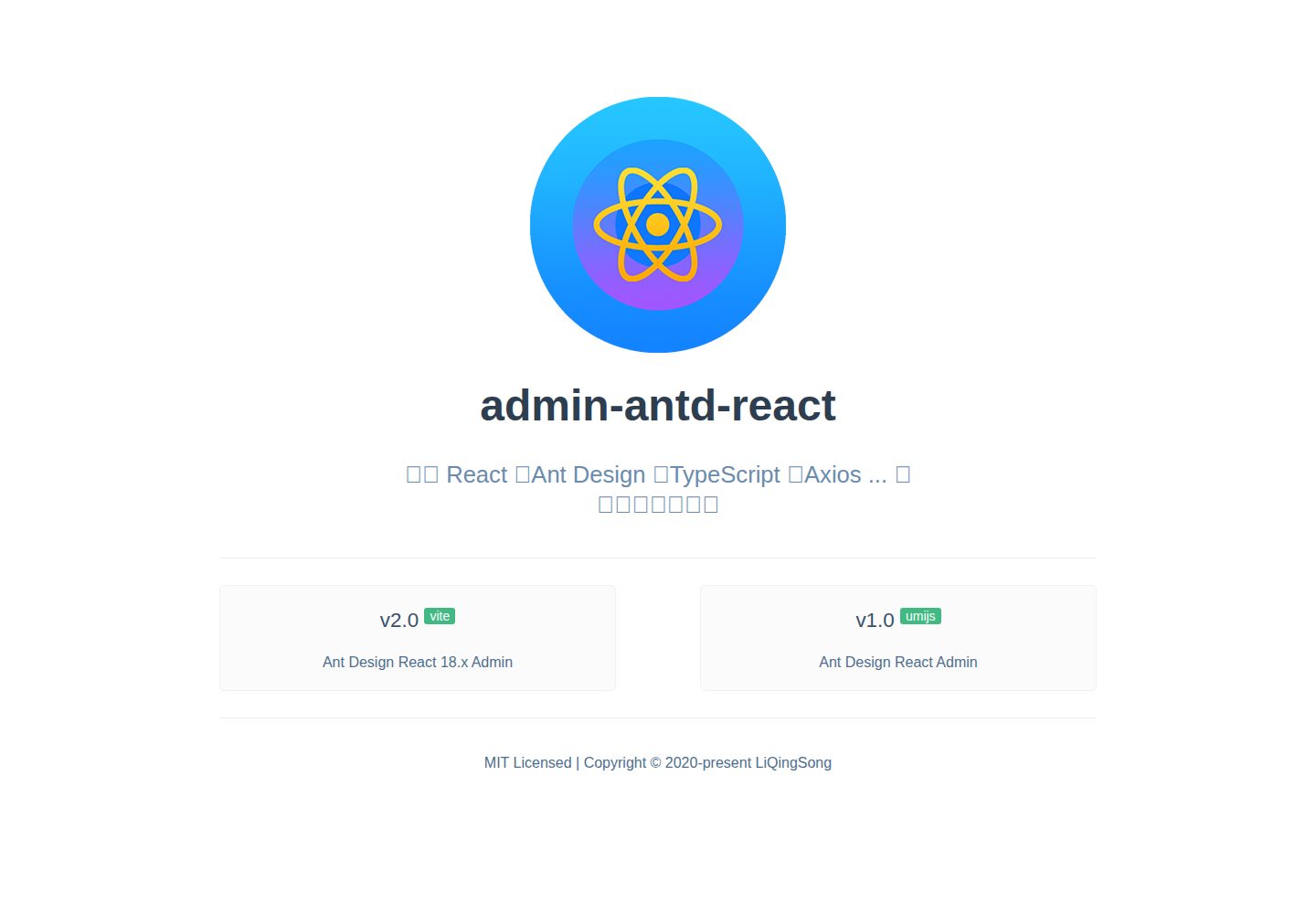
admin-antd-react
React + Ant Design Admin template
Vite · 后台
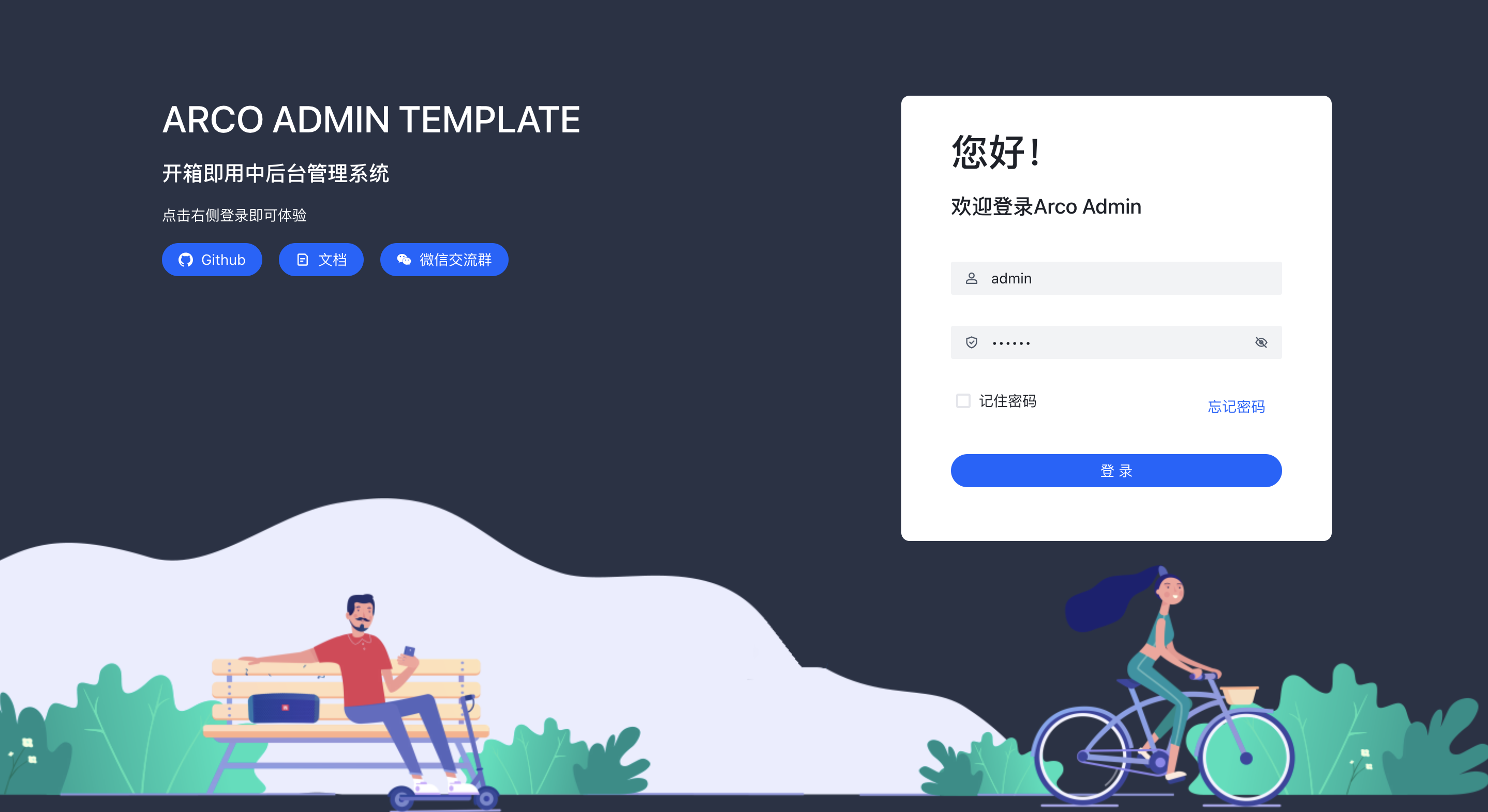
arco-admin-template
🔥基于 vite构建的react后台模版 使用: acro-design + react-router-dom v6 + mockjs + less,支持国际化,亮色暗色切换等
Vite · 后台
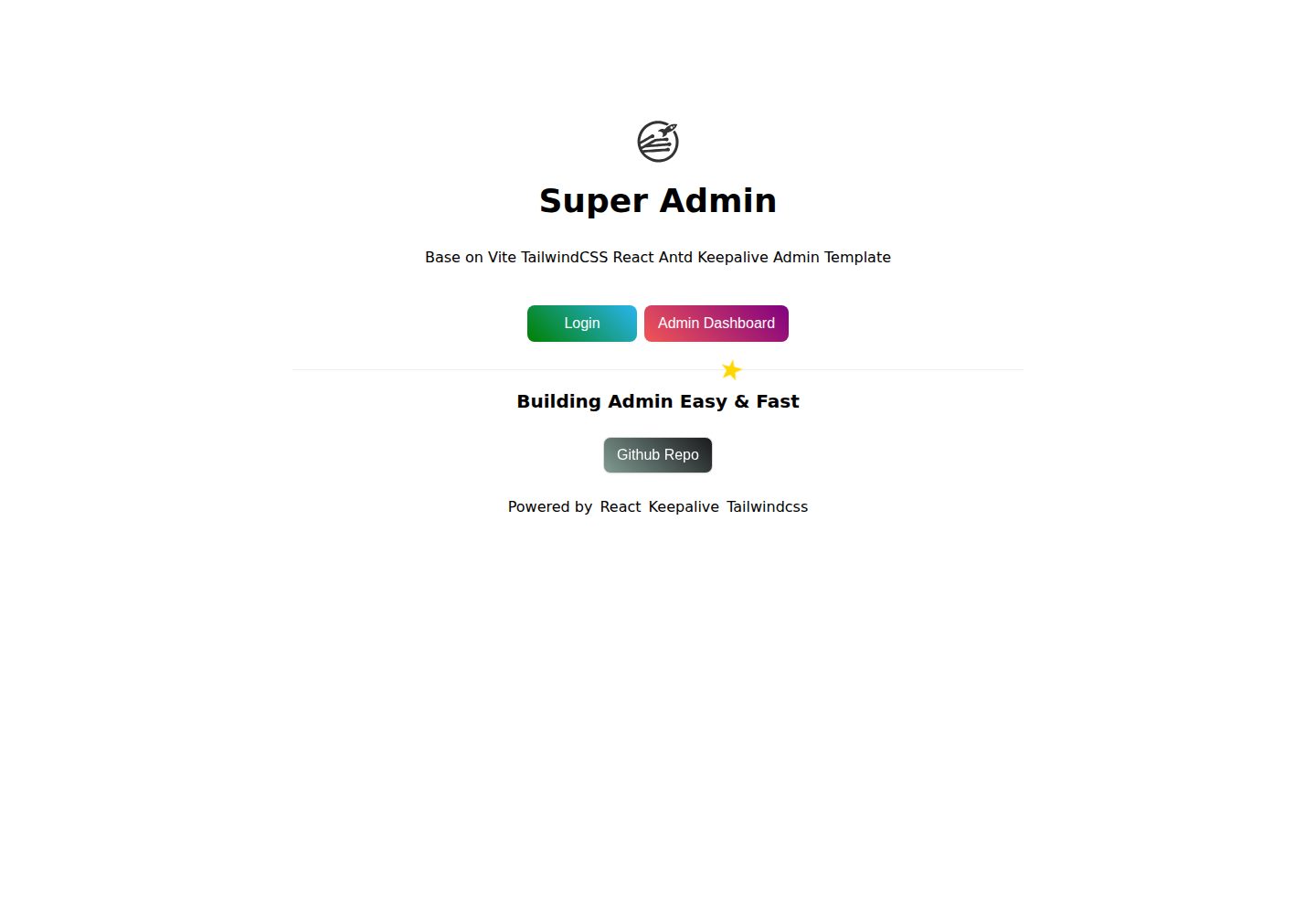
super-admin
React Admin template with multiple cached tabs 🔨... 管理后台多tab缓存标签页解决方案,正在建设中 🔨...
Vite · 后台
react-vite-tailwind-typescript-firebase-auth-template
Good starting point for your next application with React.JS, TypeScript, TailwindCSS, Firebase Auth and Vite.
Vite · 后台