SvelteKit + Svelte + Vite, with TypeScript and svelte-check integrated
SvelteViteStarter
fuz_template — Svelte Starter Template
By fuzdev
A web app starter template based on SvelteKit and Vite, integrating TypeScript, the fuz_css design system, and an optional Rust workspace.
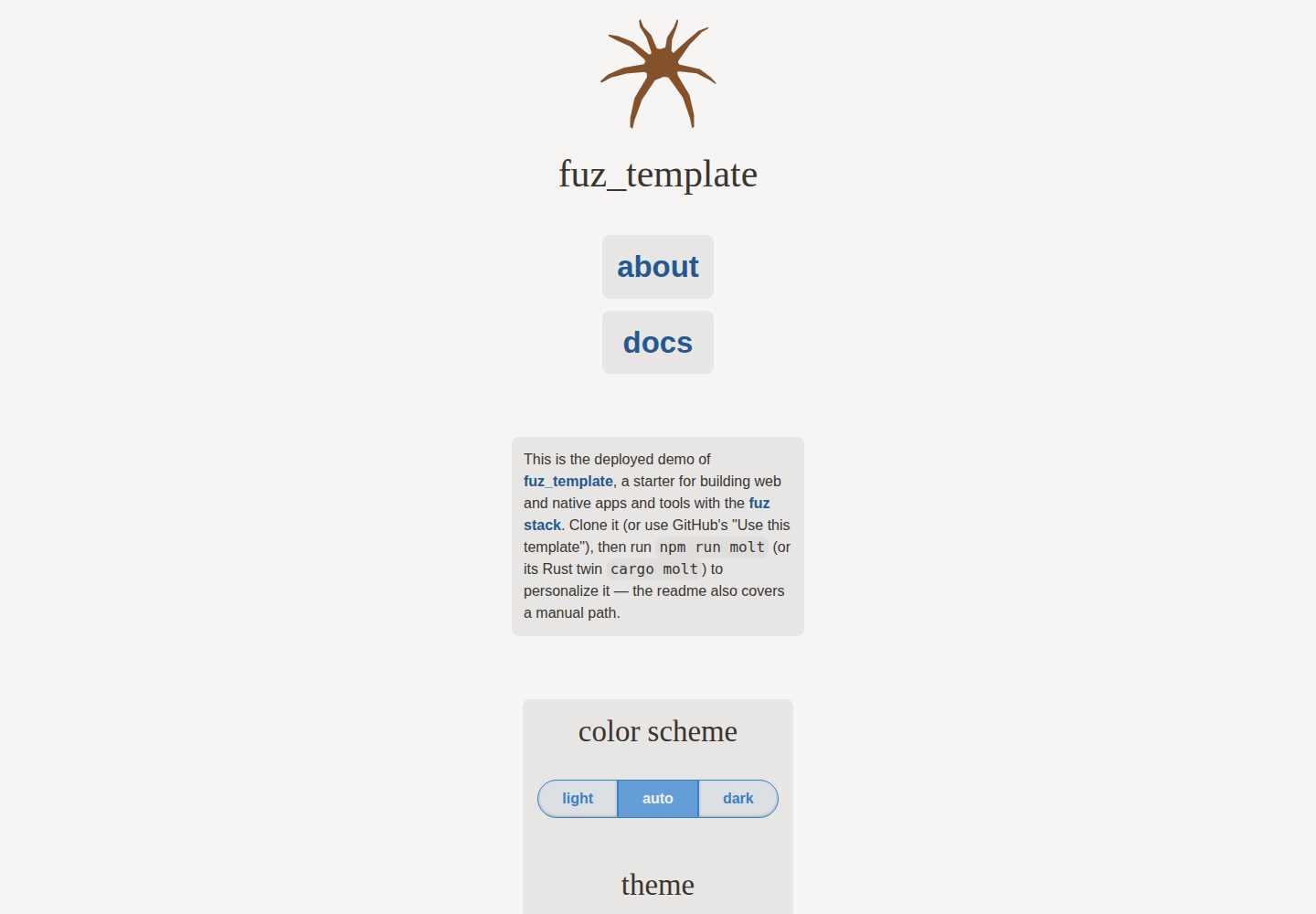
Explore the design
Compare the page layouts and mobile experience. Open any screenshot for a closer look.
Desktop homepage1 / 3
Desktop captureTop of page
Actual screenshot captured by the server browser.
All pages & views 3
Screenshots show visual appearance; interactive behavior may differ.
Recorded 2026-10-02View source
What stands out
A quick read of the recorded project description.
Built-in fuz_css semantics-first CSS framework and fuz_ui Svelte UI library (uninstallable)
Gro provides a task system, code generation, Vitest tests, tsv formatting, and ESLint checks
Optional Rust workspace and @fuzdev/fuz_util utility library
Uses @sveltejs/adapter-static and can be deployed as a static site
The molt wizard renames the project and trims optional features, with Node and Rust implementations that behave identically
Template Details
fuz_template is the web app starter template for the fuz-stack, using SvelteKit, Svelte, and Vite, with TypeScript integrated. It includes fuz_css (a semantics-first CSS framework and design system) and fuz_ui (a Svelte UI library that can be uninstalled as needed). The build and task workflows are extended by Gro, including Vitest tests, tsv formatting, ESLint checks, and a task system with code generation. The template also provides an optional Rust workspace and the @fuzdev/fuz_util utility library.
The project uses @sveltejs/adapter-static and can be deployed as a static site; it also includes commands for deploying to a deploy branch, for scenarios such as GitHub Pages. The template comes with the molt wizard for renaming a clone to your own project: it updates the project name, cleans up demo components, regenerates README and CLAUDE.md, removes the template's own MIT license and license field, and optionally keeps or removes optional parts such as rust, cli, docs, and github-extras. molt has both Node and Rust implementations with identical behavior; it requires a clean git working tree so changes can be undone with git reset.
Limitations: the project does not support Windows, depends on sh, and WSL is recommended. Third-party assets such as demo images, fonts, and icons need separate license verification; the code's MIT license does not cover them. External services such as domains, hosting, and databases may incur separate charges.
SvelteViteLauncher
Is it right for your project?
Use Cases
- Building a new web app or static site based on SvelteKit
- Frontend projects that need TypeScript together with a Svelte component library and design system
- Wanting to use TypeScript and optional Rust code in the same repository
- Starting quickly via a GitHub template or git clone and customizing the project name
Suitable For
- Frontend developers using SvelteKit and Vite
- Projects that need TypeScript and Svelte type checking
- Teams willing to use the Gro task system and the fuz family of libraries
- Projects planning to deploy sites with a static adapter
Getting started & customization
Use these recorded setup notes alongside the repository instructions for your chosen version.
- 1
After cloning the repository, run npm i, then start development with vite dev, npm run dev, or gro dev
- 2
The molt wizard requires a clean git working tree; in non-interactive mode, --wetrun must be added for it to write
- 3
Windows is not supported; it depends on sh, so running in WSL is recommended
- 4
The template code is MIT; retain the copyright notice and license text when distributing. Demo assets and external services need separate verification
License & source material
Usage conditions & limitations
Free to use · keep license noticeThis entry covers the free version under the MIT license in the public repository; the free scope is the code of that version and does not mean external services or third-party assets are free.
Must comply with when using
- The code of this version may be used, modified, used commercially, and distributed for free.
- When distributing copies or substantial portions of the code, retain the original author's copyright notice and the complete MIT license notice.
- The code is provided as is; warranties and limitations of liability are governed by the original license and applicable law.
Additional costs & items to verify
- Windows is not supported; the project depends on sh, and the official recommendation is to run it in a WSL environment.
- The molt wizard requires a clean git working tree to run; in non-interactive mode, --wetrun must be added for it to write files.
- Running molt deletes the template's own MIT license and license field; the new project must choose its own license.
- Keeping the docs documentation system requires providing a repository URL (via --repo or a non-template git origin).
- Demo images, fonts, icons, and other third-party assets must be checked against their respective licenses; the code's MIT license alone is not sufficient to judge them.
- External services such as domains, hosting, databases, payments, or AI may incur separate charges.
View Original Text Basis
Permission is hereby granted, free of charge
Original License Text
Windows will not be supported
Original README
it requires a clean git tree
Original README
deletes the template's MIT `LICENSE` and `license` fields
Original README
https://github.com/fuzdev/fuz_template/blob/main/LICENSEhttps://github.com/fuzdev/fuz_template/blob/main/README.mdkeeping it needs a repository url
Original README
Compiled by DeepSeek based on repository license and README ·2026-10-02. Results only cover the materials read; dependencies, images, fonts, and subsequent term changes are subject to their respective original texts.
Project checks & description sources
Template Information
- Source platforms
- GitHub
- Documentation and maintenance reference score
- More documented · 88 / 100
- Technologies
- Svelte · Vite
- Website type
- Starter
How this score is calculated
Our heuristic uses license records (up to 30), a demo link (12), a preview (10), stars (15), recorded maintenance (15), description completeness (8), feature records (5) and classification data (5). It is not a code, security or performance test, or a Google score. A link does not establish tested functionality.
What to verify for this project
- Repository update recorded
- 2026-10-01
- Screenshot last checked
- 2026-10-02
A demo link is listed. Check it with your own content and viewport sizes; its presence does not confirm that forms, authentication or payments work.
The catalog identifies Svelte as the primary stack. Check the actual dependency manifest and lockfile for versions and hosting requirements. These notes use recorded metadata, not a code audit or a deployment test.
Use a selection guide →How this description was prepared
AI-assisted description based on catalog records and repository material. Repository authors are not automatically the reviewers of this description.
Automatically checked against source and license rules; no manual editorial review.
Inspect the recorded source material
SHA-256: 0bb24e2a9bd36ec27a62d9f2b32a86e3f79813e61da21cf70d975b3c3bc8de1d
2026-10-02T10:34:37.956Z
Source file / repository# @fuzdev/fuz_template ❄
[<img src="/static/logo.svg" alt="a friendly pixelated spider facing you" align="right" width="192" height="192">](https://template.fuz.dev/)
> a web app template with TypeScript + SvelteKit + optional Rust for the fuz-stack
[**template.fuz.dev**](https://template.fuz.dev/)
## contents
- [SvelteKit](https://github.com/sveltejs/kit) with [Svelte](https://github.com/sveltejs/svelte) and
[Vite](https://github.com/vitejs/vite) and optional [Rust](https://rust-lang.org/)
- [fuz_css](https://github.com/fuzdev/fuz_css): semantic-first CSS framework and design system
- [fuz_ui](https://github.com/fuzdev/fuz_ui):
- Svelte UI library - [ui.fuz.dev](https://ui.fuz.dev/)
- optional: `npm uninstall @fuzdev/fuz_ui` and delete the imports to remove it
- [Gro](https://github.com/fuzdev/gro):
- extends [SvelteKit](https://github.com/sveltejs/kit) and
[Vite](https://github.com/vitejs/vite)
- integrated [TypeScript](https://github.com/microsoft/TypeScript)
with [Svelte](https://github.com/sveltejs/svelte) and
[svelte-check](https://github.com/sveltejs/language-tools/tree/master/packages/svelte-check)
- testing with [Vitest](https://github.com/vitest-dev/vitest)
- formatting with [tsv](https://github.com/fuzdev/tsv)
- linting with [ESLint](https://github.com/eslint/eslint)
and [`@ryanatkn/eslint-config`](https://github.com/ryanatkn/eslint-config)
- also has [a task system](https://github.com/fuzdev/gro/blob/main/src/docs/task.md)
with [builtins](https://github.com/fuzdev/gro/blob/main/src/docs/tasks.md),
[codegen](https://github.com/fuzdev/gro/blob/main/src/docs/gen.md),
and [other things](https://github.com/fuzdev/gro/tree/main/src/lib/docs)
- optional [utilities library `@fuzdev/fuz_util`](https://github.com/fuzdev/fuz_util)
## usage
This project uses [SvelteKit](https://kit.svelte.dev/) with the static adapter
and [Vite](https://vitejs.dev/),
so the normal commands like `vite dev` work as expected.
It also uses [Gro](https://github.com/fuzdev/gro)
for tasks like deploying and more.
If you're logged into GitHub, click "Use this template" above, or clone directly:
```bash
git clone https://github.com/fuzdev/fuz_template.git cooltoy
cd cooltoy
npm i
# then
vite dev
# or
npm run dev
# or
gro dev # npm i -g @fuzdev/gro
gro sync # called by `gro dev`, refreshes generated files and calls `svelte-kit sync`
```
> learn more about [SvelteKit](https://github.com/sveltejs/kit),
> [Vite](https://github.com/vitejs/vite), [Gro](https://github.com/fuzdev/gro),
> and [fuz_ui](https://github.com/fuzdev/fuz_ui)
> [Windows will not be supported](https://github.com/fuzdev/fuz_template/issues/4) because
> it depends on sh, [WSL](https://docs.microsoft.com/en-us/windows/wsl/about) is recommended
The template includes
[`@sveltejs/adapter-static`](https://github.com/sveltejs/kit/tree/master/packages/adapter-static)
so it can [deploy](https://github.com/fuzdev/gro/blob/main/src/docs/deploy.md)
with no further configuration.
To learn how to swap it out for another deployment target, see
[the SvelteKit adapter docs](https://svelte.dev/docs/kit/adapters).
To make it your own, run the molt wizard (it requires a clean git tree):
```bash
npm run molt # or `cargo molt` — twin implementations, identical results
```
It renames the project, strips the demo components, and deletes itself — see
[molt](#molt) below.
To do the same by hand, change `@fuzdev/fuz_template`
and `template.fuz.dev` to your project name in the following files:
- [`package.json`](package.json) — also remove or replace the `glyph`,
`logo`, and `logo_alt` fields
- [`src/routes/+layout.svelte`](src/routes/+layout.svelte)
- [`src/routes/+page.svelte`](src/routes/+page.svelte)
- [`src/routes/about/+page.svelte`](src/routes/about/+page.svelte)
- update or delete [`static/CNAME`](static/CNAME),
./.github/FUNDING.yml, and ./.github/ISSUE_TEMPLATE/
To remove the Rust workspace, delete `Cargo.toml`, `Cargo.lock`, `crates/`,
`.cargo/`, `rust-toolchain.toml`, `clippy.toml`, and the `rust` job in
[`.github/workflows/check.yml`](.github/workflows/check.yml).
To remove the docs system, delete `src/routes/docs/` and
[`src/routes/library.ts`](src/routes/library.ts), remove the docs link in
[`src/routes/+page.svelte`](src/routes/+page.svelte), and drop the
`svelte-docinfo` devDependency along with its wiring in
[`vite.config.ts`](vite.config.ts) and [`src/app.d.ts`](src/app.d.ts).
Then run `npm i` to update `package-lock.json`.
The template is MIT-licensed ([`LICENSE`](LICENSE), plus `license` fields in
`package.json` and `Cargo.toml`), copyright fuz.dev — to keep MIT for your
project, replace the copyright holder with your own; or swap in
[another license](https://choosealicense.com/).
## molt
molt is a wizard that transforms this clone into your own project, then
deletes itself. It ships as twin implementations at full behavior parity —
same flags, same prompts, byte-identical results — so either toolchain
suffices: `src/lib/molt.ts` runs on Node, and the `molt` crate comes with
the template's Rust workspace.
```bash
npm run molt # interactive wizard: prompts, prints the full plan, confirms
npm run molt -- check # verify molt's file anchors still match the template
cargo molt # the Rust twin — same flags and behavior
cargo molt check
```
The plan, from the prompts or the equivalent flags:
- renames the project everywhere (`package.json`, page titles, headings)
- updates or removes `static/CNAME`, `homepage`, and `repository`
- deletes the demo components and writes a minimal starting page (plus a
starter `src/lib/example.ts` when docs are kept — the API docs need a
module to document)
- regenerates `README.md` and `CLAUDE.md` for the new project
- deletes the template's MIT `LICENSE` and `license` fields — the new project
chooses its own license
- keeps or strips each optional feature, by prompt or by `--keep`/`--strip`
lists (e.g. `--strip rust` or `--keep github-extras --strip docs`):
- `rust` — the whole workspace
- `cli` — the starter crate at [`crates/app_cli`](crates/app_cli), renamed
to the project name; it rides with `rust`, and stripping `cli` alone is
rejected because a kept workspace needs a crate
- `docs` — the docs system; keeping it needs a repository url (the API
docs link to source) from `--repo` or a git origin that isn't the
template's, and the wizard asks when there's none
- `github-extras` — funding + issue templates, personalized when kept;
stripped by default
- deletes both of its own implementations (the crate, the script, and its tests)
`--repo` takes an https, http, or ssh git url, normalizes it to its web url
with any credentials stripped, and refuses anything else with exit 2.
It refuses to run without a clean git tree, so an applied plan can be undone
with `git reset --hard && git clean -fd` (the tree was clean, so `git clean`
removes only files molt created). `--force` lets a dirty tree through for
_planning_, but applying to a dirty tree always requires an interactive
confirmation — without a terminal it refuses (exit 2), since there is no
clean undo point. Flags replace the prompts for non-interactive use
(`npm run molt -- --help` or `cargo molt --help`); in that mode nothing is
written without `--wetrun`. A terminal always confirms before applying, so
the only ungated write path is `--wetrun` on a clean tree without a terminal.
## build
```bash
npm run build
# or
gro build
```
See [Gro's build docs](https://github.com/fuzdev/gro/blob/main/src/docs/build.md) for more.
## test
```bash
npm test
# or
gro test
gro test filepattern1 filepatternB
gro test -- --forwarded-args 'to vitest'
```
See [Vitest](https://github.com/vitest-dev/vitest),
[`src/test/example.test.ts`](src/test/example.test.ts),
and [Gro's test docs](https://github.com/fuzdev/gro/blob/main/src/docs/test.md) for more.
## deploy
[Deploy](https://github.com/fuzdev/gro/blob/main/src/docs/deploy.md)
(build, commit, and push) to the `deploy` branch, e.g. for GitHub Pages:
```bash
npm run deploy
# or
gro deploy
```
## credits 🐢<sub>🐢</sub><sub><sub>🐢</sub></sub>
[Svelte](https://github.com/sveltejs/svelte) ∙
[SvelteKit](https://github.com/sveltejs/kit) ∙
[Vite](https://github.com/vitejs/vite) ∙
[esbuild](https://github.com/evanw/esbuild) ∙
[Vitest](https://github.com/vitest-dev/vitest) ∙
[TypeScript](https://github.com/microsoft/TypeScript) ∙
[ESLint](https://github.com/eslint/eslint) ∙
[tsv](https://github.com/fuzdev/tsv) ∙
[fuz_css](https://github.com/fuzdev/fuz_css) ∙
[Fuz](https://github.com/fuzdev/fuz_ui) ∙
[Gro](https://github.com/fuzdev/gro) ∙
[@fuzdev/fuz_util](https://github.com/fuzdev/fuz_util) ∙
[Zod](https://github.com/colinhacks/zod) ∙
& [more](package.json)
## [🐦](https://wikipedia.org/wiki/Free_and_open-source_software)
Explore similar templates
Compare previews and descriptions within the same stack and category.

CMSaasStarter
CMSaasStarter is an MIT-licensed SaaS starter template built with SvelteKit, TailwindCSS, DaisyUI, and Supabase, with Stripe Checkout and Stripe Portal for payments.
Svelte · Admin dashboard
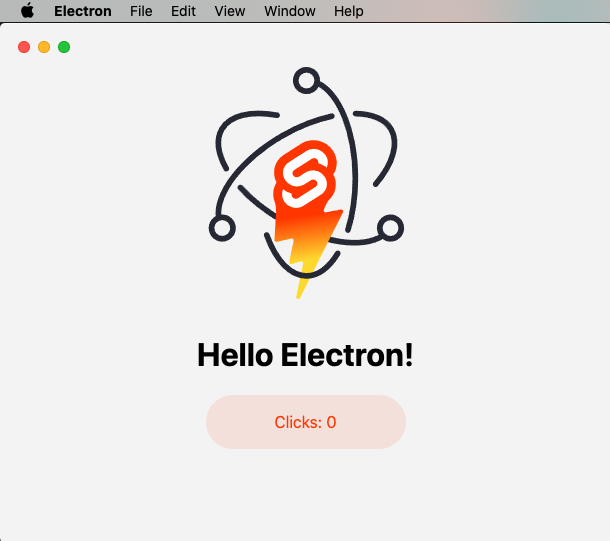
sveltekit-electron
A minimal SvelteKit + Electron starter template for cross-platform desktop applications. It provides clone, install, development, and build commands, with build targets adjustable in package.json and defaulting to Mac, Windows, and Linux.
Svelte · Starter
tauri-sveltekit
A minimal Tauri 2 and SvelteKit desktop starter template that builds the frontend as a static SPA via @sveltejs/adapter-static and loads it in Tauri's WebView.
Svelte · Starter
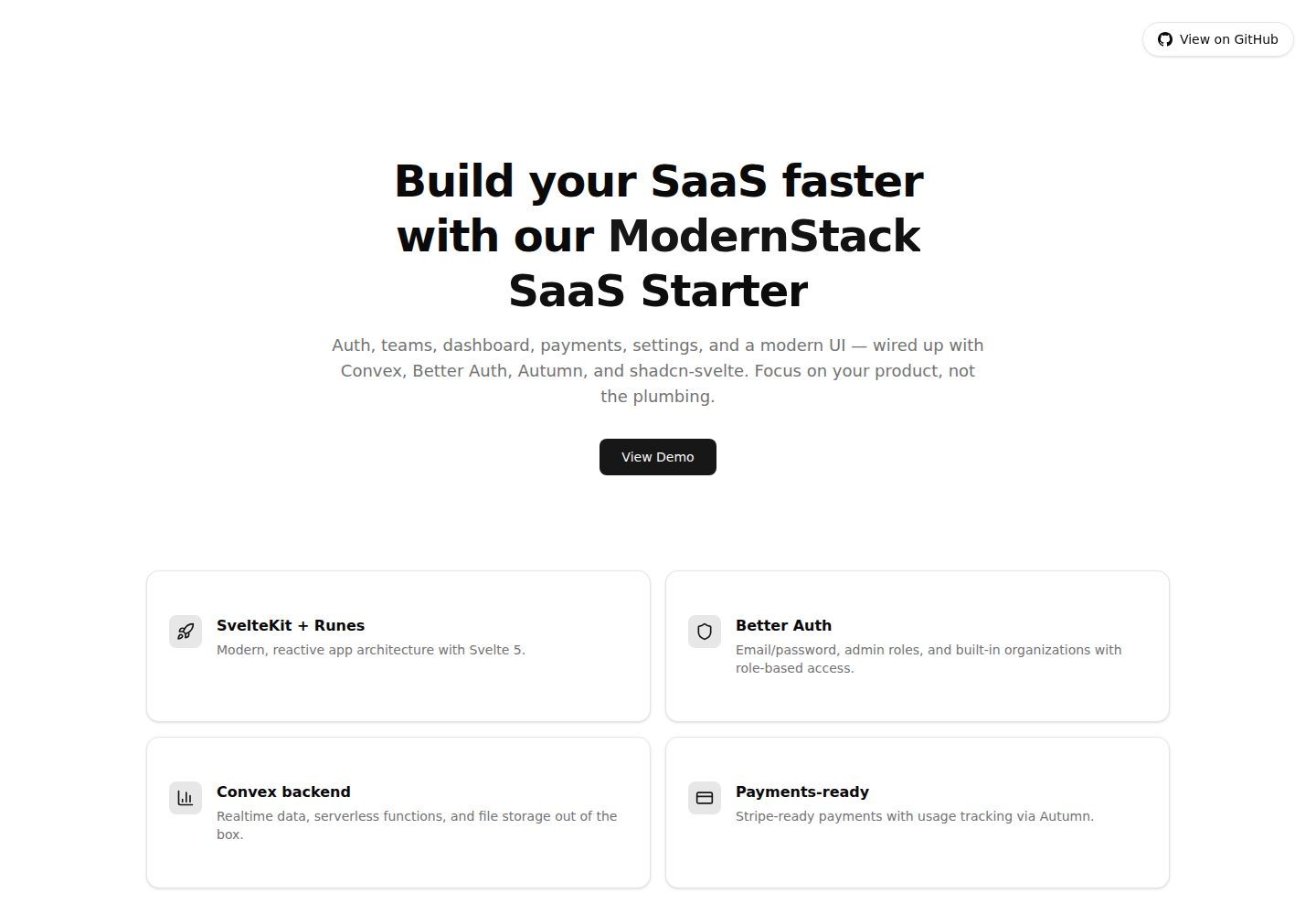
modernstack-saas
A SaaS starter template built with SvelteKit, Convex, Better Auth, and shadcn-svelte. It includes subscription billing via Autumn/Stripe, user and admin dashboards, user settings, organization multi-tenancy with roles and invitations, and a waitlist mode that can disable public registration.
Svelte · Admin dashboard

sveltekit-mdsvex-blog-template
A SvelteKit and MDsveX blog starter for Markdown writing with embedded Svelte components, Tailwind CSS typography, tags, dark mode, SEO metadata, and Cloudflare Workers deployment configuration. Requires Node.js 22.12+ and pnpm 11.17.0; third-party demo assets need separate license verification.
Svelte · Portfolio
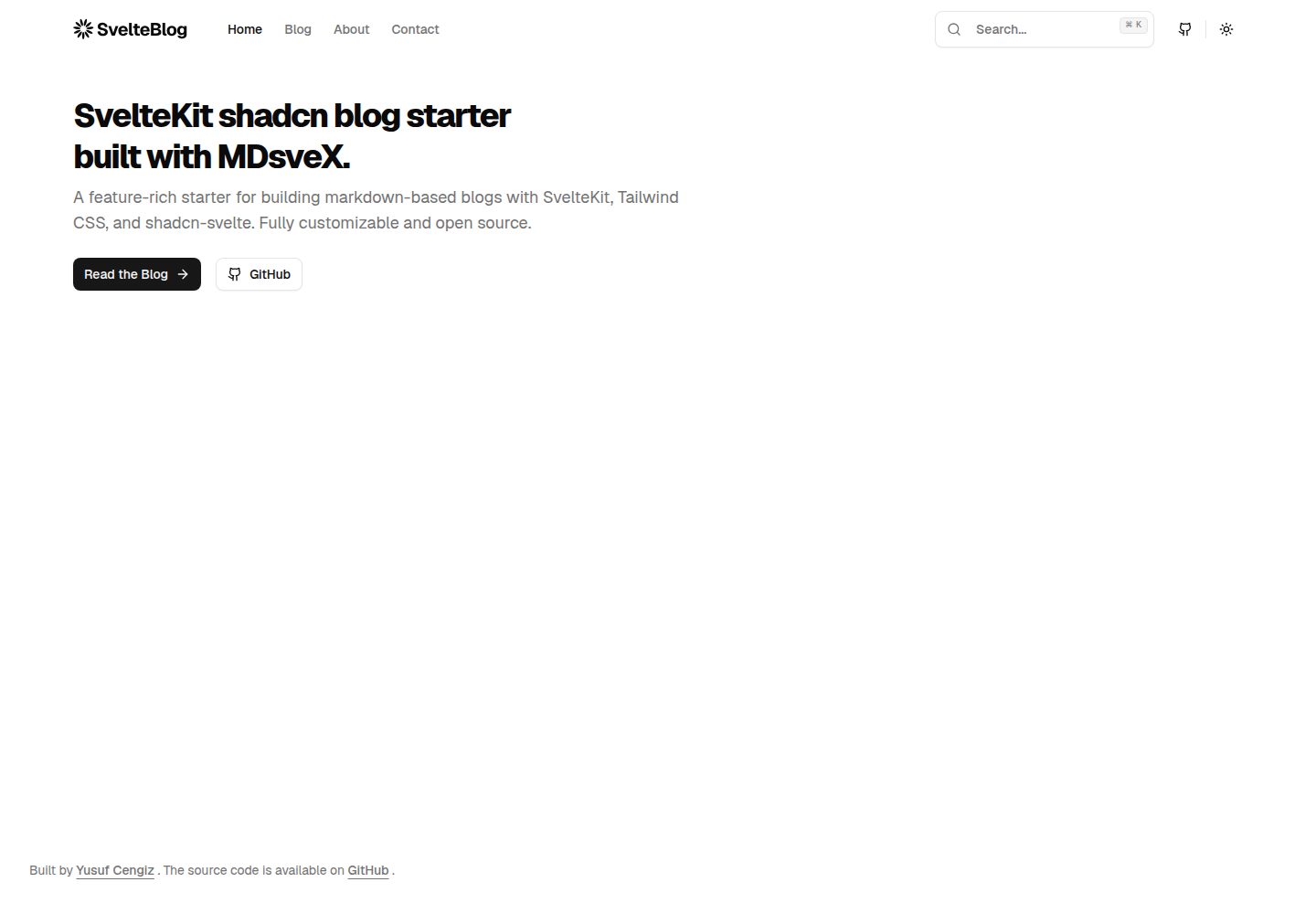
sveltekit-shadcn-blog-starter
A SvelteKit blog starter that combines shadcn-svelte, Tailwind CSS, MDsveX, and TypeScript, offering multi-author support, tag archives, built-in search, light/dark themes, and automatic sitemap and RSS generation.
Svelte · Blog