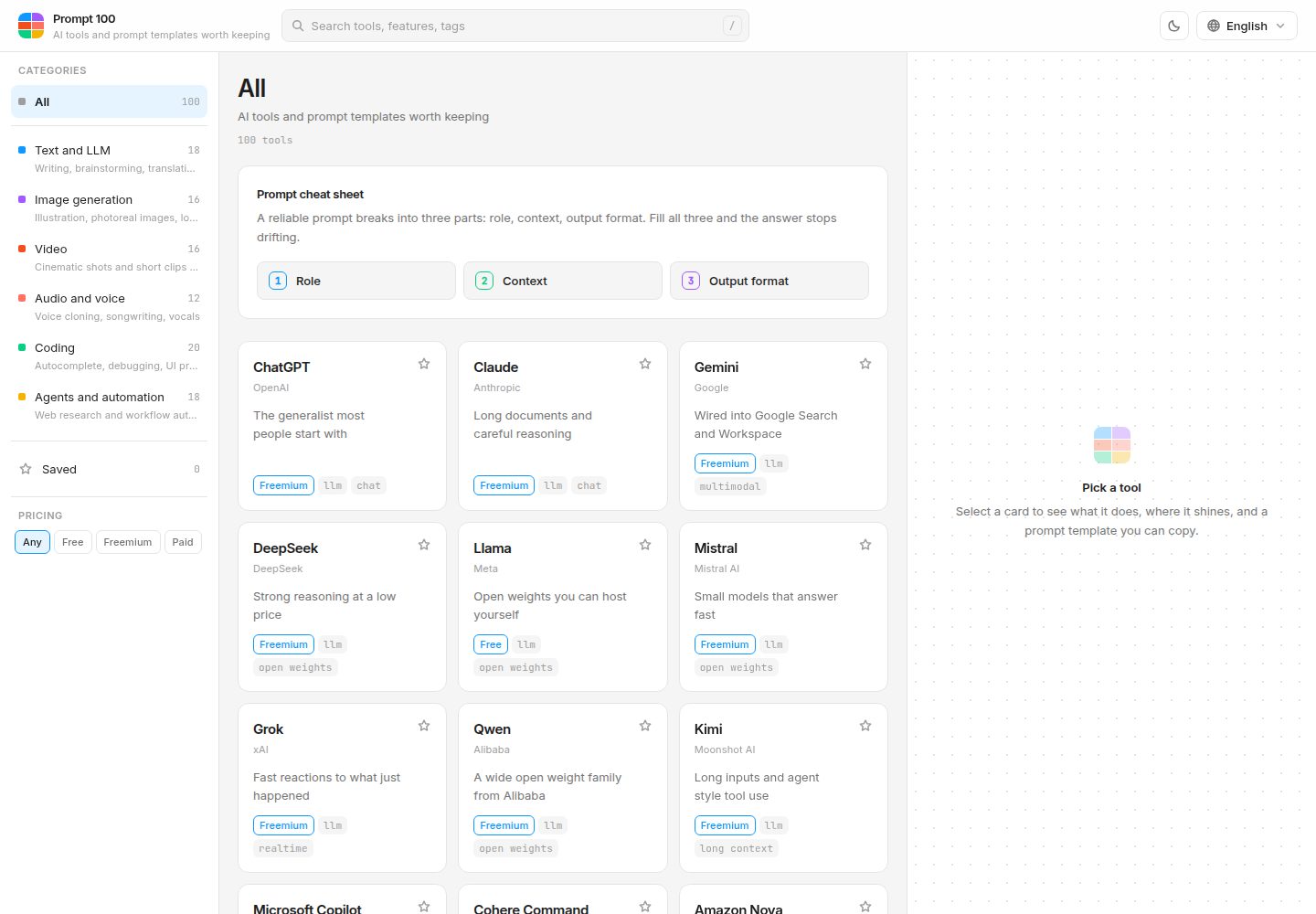
Catalogs 100 AI tools, divided into 6 categories: Text & LLM, Image Generation, Video Production, Audio & Voice, Coding & Development, and Automation & Agents
ViteReactDirectory site
prompt-100 — Vite Directory site Template
By handminJ
Prompt 100 is a static reference site that catalogs 100 AI tools organized into 6 categories and provides copy-ready prompt templates for each tool.
Explore the design
Compare the page layouts and mobile experience. Open any screenshot for a closer look.
Desktop homepage1 / 2
Desktop captureTop of page
Actual screenshot captured by the server browser.
All pages & views 2
Screenshots show visual appearance; interactive behavior may differ.
Recorded 2026-10-13View source
What stands out
A quick read of the recorded project description.
Each tool includes copy-ready prompt templates, uniformly split into role assignment, context, and output format, with support for copying by section and copying as a whole
The interface structure is a left filter panel, a central tool card grid, and a right details inspector, with design referencing Figma UI grammar
The interface supports 16 languages, and tool detail content supports Korean, English, Japanese, and Simplified Chinese, falling back to English with a notice when missing
Supports search and filtering, browser-local favorites, #/tool/ link sharing, keyboard operations, and light/dark mode
The tech stack is React 18 + TypeScript, Vite 5, Tailwind CSS 3, with no runtime dependencies, no backend, and no API keys
Template Details
Prompt 100 is a static reference site that catalogs 100 AI tools organized into 6 categories and provides copy-ready prompt templates for each tool. The README states its purpose is to bridge tool introductions and actual tool use: rather than only listing names and one-line descriptions, it provides prompts usable within each tool.
The site breaks each prompt into three parts: role assignment (who answers), context (what needs to be known), and output format (in what form to return). All templates are divided into these three sections and support copying by section and copying as a whole. The interface structure is a left panel (6 categories, favorites, pricing strategy filters), a central grid (tool cards showing vendor, price, tags), and a right inspector (introduction, advantages, prompt tips, and templates for the selected tool). The design references Figma's UI grammar, using 11/13/15px font sizes, thin borders, minimal shadows, and a layout with a left layers panel and a right properties panel; the 6 category colors are taken from Figma brand colors.
The 100 included tools are divided into: Text & LLM 18, Image Generation 16, Video Production 16, Audio & Voice 12, Coding & Development 20, and Automation & Agents 18. Features include search and filtering (search by product name, vendor, English tags, and current language descriptions; multiple space-separated words match with AND conditions), favorites (stored only in the browser, no account required), link sharing (after selecting a tool, the address becomes #/tool/cursor), keyboard operations (slash key focuses the search box, Escape closes the details panel and language menu), and light/dark mode (theme applied before first paint to avoid white flash on refresh).
Multilingual support has two layers: the interface supports 16 languages, and tool detail content supports Korean, English, Japanese, and Simplified Chinese (4 languages); languages without detail content fall back to English and show a notice at the top of the inspector. Language order is determined by the selection saved in localStorage, navigator.languages matching, then English. zh-Hant, zh-TW, and zh-HK are grouped as Traditional, while other zh variants are grouped as Simplified; when Arabic is selected, document.documentElement.dir becomes rtl, and the layout uses logical properties to flip automatically.
The tech stack is React 18 + TypeScript, Vite 5, Tailwind CSS 3 (colors injected via CSS custom properties), with no runtime dependencies, no backend, and no API keys; everything is static files. Language detail content is split via dynamic imports, downloading only the chunk for the language actually viewed. The README mentions this splitting reduces the initial bundle size to less than half, but does not provide specific numbers.
The README also explains how to add tools, the project structure, accessibility measures (keyboard focus rings, skip links, role="dialog", Escape to close, respecting prefers-reduced-motion, separate tokens for accent text colors, etc.), and data freshness management: the data verification time is centrally managed with the DATA_VERIFIED_AT constant in src/data/meta.ts, and the footer displays it to the year and month according to the user's language; the README recommends checking each tool's official website before payment. The license is MIT.
ViteReactDirectory site
Is it right for your project?
Use Cases
- Looking up the purpose, vendor, pricing strategy, and tag information of an AI tool
- Needing copy-ready prompt templates for a specific AI tool
- Filtering AI tools by category, pricing strategy, or favorites to narrow down choices
- Sharing a tool's detail page with others via a #/tool/ link
- Switching between Korean, English, Japanese, and Simplified Chinese to view tool detail content
Suitable For
- Developers or content creators who need to quickly consult an AI tool list and prompt templates
- Users who want to browse AI tools by category and understand their pricing strategies
- Users who need multilingual interface access (16 languages) to a tool reference site
- Project maintainers who want to deploy as a static site without relying on a backend or API keys
Getting started & customization
Use these recorded setup notes alongside the repository instructions for your chosen version.
- 1
Commands provided by the README: npm install, npm run dev (http://localhost:5173), npm run build (generates dist/), npm run preview
- 2
Adding a tool: add metadata in src/data/tools.ts, add content with the same id in src/data/content/en.ts (English is the fallback baseline and must be provided), then add the same keys in ko.ts, ja.ts, and zh-CN.ts
- 3
Adding a category: add entries in the CATEGORIES array in src/data/categories.ts and in CATEGORY_TEXT for the 16 languages, and add color variables in src/index.css
- 4
The data verification time is centrally managed by the DATA_VERIFIED_AT constant in src/data/meta.ts; update this value when updating data
License & source material
Usage conditions & limitations
Free to use · keep license noticeThis entry covers the free version under the MIT license in the public repository; the free scope is the code of this version and does not mean external services or third-party assets are free.
Must comply with when using
- Free use, modification, commercial use, and distribution of this version's code are permitted.
- When distributing copies or substantial portions of the code, retain the original author's copyright notice and the full MIT license notice.
- The code is provided as-is; warranties and limitations of liability are governed by the original license and applicable law.
Additional costs & items to verify
- Demo images, fonts, icons, and other third-party assets must be checked against their respective licenses and cannot be judged solely by the code's MIT license.
- External services such as domains, hosting, databases, payments, or AI may incur separate charges.
- The README recommends checking each AI tool's official website before payment, as tool pricing may change; the site itself does not handle payments.
- Favorites are stored only in the browser and do not require an account.
- No runtime dependencies, no backend, no API keys.
- Languages missing detail content fall back to English and show a notice at the top of the inspector.
View Original Text Basis
Permission is hereby granted, free of charge
Original License Text
결제 전에는 각 도구의 공식 사이트를 확인하는 편이 안전합니다. 같은 안내를 16개 언어로 푸터에 넣어두었습니다.
Original README
카드의 별을 눌러 자주 쓰는 도구를 모아둡니다. 브라우저에만 저장되므로 계정을 만들 필요가 없습니다.
Original README
- 런타임 의존성 없음. 백엔드 없음. API 키 없음
Original README
https://github.com/handminJ/prompt-100/blob/main/LICENSEhttps://github.com/handminJ/prompt-100/blob/main/README.md상세 콘텐츠가 없는 언어는 영어로 폴백하고, 인스펙터 상단에 그 사실을 안내합니다. 번역이 없는 자리를 빈칸으로 두거나 기계 번역으로 채우는 대신, 어느 언어가 완역인지 언어 선택기에 점으로 표시했습니다.
Original README
Compiled by DeepSeek based on repository license and README ·2026-10-13. Results only cover the materials read; dependencies, images, fonts, and subsequent term changes are subject to their respective original texts.
Project checks & description sources
Template Information
- Source platforms
- GitHub
- Documentation and maintenance reference score
- More documented · 85 / 100
- Technologies
- Vite · React
- Website type
- Directory site
How this score is calculated
Our heuristic uses license records (up to 30), a demo link (12), a preview (10), stars (15), recorded maintenance (15), description completeness (8), feature records (5) and classification data (5). It is not a code, security or performance test, or a Google score. A link does not establish tested functionality.
What to verify for this project
- Repository update recorded
- 2026-07-26
- Screenshot last checked
- 2026-10-13
A demo link is listed. Check it with your own content and viewport sizes; its presence does not confirm that forms, authentication or payments work.
The catalog identifies Vite as the primary stack. Check the actual dependency manifest and lockfile for versions and hosting requirements. These notes use recorded metadata, not a code audit or a deployment test.
Use a selection guide →How this description was prepared
AI-assisted description based on catalog records and repository material. Repository authors are not automatically the reviewers of this description.
Review declaration: codex-user-requested-batch-review-20261015 · 2026-10-15
Inspect the recorded source material
SHA-256: b3adece142164eca21dc0a96b5cfd2f17a9d6d380309ba16c7cc7341aa542858
2026-10-13T20:15:51.910Z
Source file / repository# Prompt 100
주요 AI 도구 100개를 6개 갈래로 정리하고, 각 도구마다 그대로 복사해서 쓸 수 있는 프롬프트 템플릿을 붙인 레퍼런스 사이트입니다.
<br>
## 왜 만들었나
AI 도구 목록은 이미 많습니다. 대부분은 이름과 한 줄 소개에서 끝나고, 정작 그 도구를 열었을 때 무엇을 어떻게 입력해야 하는지는 알려주지 않습니다. 도구를 고르는 것과 도구를 쓰는 것 사이에는 생각보다 큰 간격이 있습니다.
Prompt 100은 그 간격을 메우려고 만들었습니다. 도구를 소개하는 데서 멈추지 않고, 그 도구에서 실제로 작동하는 프롬프트를 함께 놓습니다.
<br>
## 모든 프롬프트를 세 조각으로 쪼갭니다
```
[역할 부여] 누가 답하는가
[컨텍스트] 무엇을 알고 있어야 하는가
[출력 형식] 어떤 모양으로 돌려줘야 하는가
```
이것이 이 사이트의 뼈대입니다. 100개 도구의 모든 템플릿이 예외 없이 이 세 칸으로 나뉘어 있습니다.
프롬프트를 통째로 던져주면 복사해서 한 번 쓰고 끝납니다. 세 조각으로 나눠두면 어느 자리에 자기 상황을 끼워 넣어야 하는지 눈에 보이고, 다음 프롬프트를 직접 쓸 때 재사용할 수 있는 뼈대가 남습니다. 조각별 복사와 전체 복사를 모두 지원합니다.
<br>
## 어떻게 생겼나
| 영역 | 하는 일 |
| --- | --- |
| 좌측 패널 | 6개 카테고리, 즐겨찾기, 가격 정책 필터 |
| 중앙 그리드 | 도구 카드. 제작사, 가격, 태그를 한눈에 |
| 우측 인스펙터 | 선택한 도구의 소개, 강점, 프롬프트 팁, 템플릿 |
디자인은 피그마의 UI 문법을 따랐습니다. 11 / 13 / 15px 타입 스케일, 얇은 경계선, 최소한의 그림자, 그리고 좌측 레이어 패널과 우측 속성 패널이라는 구조입니다. 카테고리 색상 6종은 피그마 브랜드 팔레트에서 가져왔습니다.
프롬프트 템플릿을 디자인 툴의 속성 행처럼 쌓아 보여주는 것이 이 사이트의 시그니처입니다.
<br>
## 수록된 도구 100개
**텍스트와 LLM (18)**
ChatGPT, Claude, Gemini, DeepSeek, Llama, Mistral, Grok, Qwen, Kimi, Microsoft Copilot, Cohere Command, Amazon Nova, GLM, HyperCLOVA X, EXAONE, Poe, OpenRouter, Gemma
**이미지 생성 (16)**
Midjourney, DALL-E 3, Flux, Ideogram, Stable Diffusion, Imagen, Adobe Firefly, Leonardo, Recraft, Krea, ComfyUI, Canva Magic Studio, PhotoRoom, Magnific, Seedream, Playground
**영상 제작 (16)**
Sora, Runway, Veo, Pika, Kling, Luma Dream Machine, Hailuo, Wan, Seedance, Vidu, Hedra, HeyGen, Synthesia, Descript, Captions, OpusClip
**오디오와 음성 (12)**
ElevenLabs, Suno, Udio, Stable Audio, Whisper, AssemblyAI, Cartesia, Murf, PlayAI, Typecast, Adobe Podcast, Moises
**코딩과 개발 (20)**
GitHub Copilot, Cursor, Claude Code, Codex, Windsurf, Gemini CLI, Cline, Aider, Continue, v0, Bolt, Lovable, Replit Agent, Devin, JetBrains AI, Amazon Q Developer, Tabnine, Qodo, CodeRabbit, Warp
**자동화와 에이전트 (18)**
Perplexity, Notion AI, Make, Zapier, n8n, Manus, Genspark, Dify, Flowise, Gumloop, Gamma, Napkin, Elicit, Consensus, Otter, Granola, Glean, Copilot Studio
<br>
## 기능
**검색과 필터**
제품명, 제작사, 영문 태그, 그리고 현재 언어의 설명문까지 함께 훑습니다. 공백으로 구분한 여러 단어는 순서와 무관한 AND 조건으로 걸립니다. 카테고리, 가격 정책, 즐겨찾기를 조합해 좁힐 수 있습니다.
**즐겨찾기**
카드의 별을 눌러 자주 쓰는 도구를 모아둡니다. 브라우저에만 저장되므로 계정을 만들 필요가 없습니다.
**링크로 공유**
도구를 선택하면 주소가 `#/tool/cursor` 형태로 바뀝니다. 그 링크를 열면 해당 도구의 상세가 바로 펼쳐진 상태로 시작합니다.
**키보드**
슬래시 키로 검색창에 바로 들어가고, Escape로 상세 패널과 언어 메뉴를 닫습니다.
**라이트와 다크 모드**
첫 페인트 전에 테마를 적용해 새로고침 시 흰 화면이 번쩍이지 않습니다.
<br>
## 다국어
두 층으로 나눠서 관리합니다.
**인터페이스 (16개 언어)**
한국어, English, 日本語, 简体中文, 繁體中文, Español, Français, Deutsch, Português, Italiano, Русский, हिन्दी, العربية, Bahasa Indonesia, Tiếng Việt, ไทย
**도구 상세 콘텐츠 (4개 언어)**
한국어, English, 日本語, 简体中文
상세 콘텐츠가 없는 언어는 영어로 폴백하고, 인스펙터 상단에 그 사실을 안내합니다. 번역이 없는 자리를 빈칸으로 두거나 기계 번역으로 채우는 대신, 어느 언어가 완역인지 언어 선택기에 점으로 표시했습니다.
언어 결정 순서는 다음과 같습니다.
1. `localStorage`에 저장된 이전 선택
2. `navigator.languages` 순회 후 매칭
3. 영어
`zh-Hant`, `zh-TW`, `zh-HK`는 번체로, 나머지 `zh`는 간체로 좁힙니다. 아랍어를 선택하면 `document.documentElement.dir`이 `rtl`로 바뀌며, 레이아웃 전체가 논리 속성(`padding-inline-start` 등)으로 작성되어 있어 좌우가 자동으로 뒤집힙니다.
<br>
## 기술 스택
- React 18 + TypeScript
- Vite 5
- Tailwind CSS 3 (색상은 CSS 커스텀 프로퍼티로 주입)
- 런타임 의존성 없음. 백엔드 없음. API 키 없음
전부 정적 파일입니다. 언어별 상세 콘텐츠는 동적 임포트로 쪼개서, 실제로 보는 언어의 청크만 내려받습니다. 이 분리로 초기 번들이 절반 이하로 줄었습니다.
<br>
## 실행
```bash
npm install
npm run dev # http://localhost:5173
npm run build # dist/ 생성
npm run preview # 빌드 결과 확인
```
<br>
## 프로젝트 구조
```
src/
├── App.tsx 루트 레이아웃과 필터 상태
├── index.css CSS 변수 팔레트, 라이트와 다크 토큰
├── components/
│ ├── Header.tsx 검색, 테마 전환, 언어 선택
│ ├── LanguageMenu.tsx 16개 언어 드롭다운
│ ├── Sidebar.tsx 카테고리, 즐겨찾기, 가격 필터
│ ├── ToolCard.tsx 도구 카드
│ ├── Inspector.tsx 상세 패널과 프롬프트 복사
│ ├── CheatSheet.tsx 세 조각 구조 안내
│ └── Icons.tsx 16px 그리드 인라인 SVG
├── data/
│ ├── categories.ts 카테고리 정의와 16개 언어 이름
│ ├── tools.ts 도구 100개의 메타데이터
│ └── content/
│ ├── en.ts ko.ts ja.ts zh-CN.ts
│ └── index.ts 동적 로딩과 폴백 로직
├── i18n/
│ ├── locales.ts 언어 목록과 브라우저 감지
│ ├── ui.ts 16개 언어 UI 문자열
│ └── I18nProvider.tsx
├── hooks/
│ ├── useCopyToClipboard.ts
│ ├── useFavorites.ts
│ ├── useHashRoute.ts
│ └── useTheme.ts
└── lib/
└── search.ts 검색과 필터
```
<br>
## 도구 추가하기
1. `src/data/tools.ts`에 메타데이터 한 줄을 추가합니다.
```ts
t('new-tool', 'New Tool', 'Maker', 'text', 'freemium', 'https://example.com', ['tag', 'tag', 'tag']),
```
2. `src/data/content/en.ts`에 같은 `id`로 콘텐츠를 추가합니다. 영어는 폴백 기준이라 반드시 필요합니다.
```ts
'new-tool': {
tagline: '한 줄 요약',
description: '두 문장 정도의 설명',
strengths: ['강점 1', '강점 2', '강점 3'],
tips: ['팁 1', '팁 2'],
prompt: { title: '템플릿 제목', role: '역할 부여', context: '컨텍스트', format: '출력 형식' },
},
```
3. `ko.ts`, `ja.ts`, `zh-CN.ts`에도 같은 키를 채웁니다. 빠뜨려도 영어로 폴백되므로 화면이 깨지지는 않습니다.
카테고리를 새로 만들려면 `src/data/categories.ts`의 `CATEGORIES` 배열과 16개 언어 `CATEGORY_TEXT`에 항목을 넣고, `src/index.css`에 색상 변수를 추가하면 됩니다.
<br>
## 접근성
- 모든 조작 요소에 키보드 포커스 링이 보입니다
- 본문 바로가기 링크가 첫 탭에서 나타납니다
- 인스펙터는 `role="dialog"`로 열리고 Escape로 닫힙니다
- 언어 드롭다운은 Escape와 바깥 클릭 두 경로로 닫힙니다
- `prefers-reduced-motion`을 존중해 애니메이션을 끕니다
- 강조색 위 글자색을 별도 토큰으로 분리해 다크 모드 대비를 확보했습니다
<br>
## 정보의 신선도
AI 도구의 요금제는 분기 단위로도 바뀝니다. 목록이 언제 기준인지 밝히지 않으면 사용자가 신선도를 판단할 방법이 없으므로, 푸터에 확인 시점을 함께 표시합니다.
기준 시점은 `src/data/meta.ts`의 상수 하나로 관리합니다.
```ts
export const DATA_VERIFIED_AT = '2026-07-01'
```
데이터를 훑고 나면 이 값을 함께 올립니다. 표기는 `Intl.DateTimeFormat`으로 사용자의 언어에 맞춰 연월까지만 나옵니다. 태국어는 불교력, 한국어는 `2026년 7월` 형태로 자동 변환됩니다. 일 단위를 생략한 것은 그 정도 정확성을 주장할 근거가 없기 때문입니다.
도구별이 아니라 데이터셋 단위로 둔 이유는, 100개를 한 번에 훑는 방식으로 관리하기 때문입니다. 도구마다 날짜를 달면 정확해 보이지만 실제로는 갱신되지 않은 날짜가 섞여 오히려 신뢰를 떨어뜨립니다.
결제 전에는 각 도구의 공식 사이트를 확인하는 편이 안전합니다. 같은 안내를 16개 언어로 푸터에 넣어두었습니다.
<br>
## 라이선스
MIT
Explore similar templates
Compare previews and descriptions within the same stack and category.
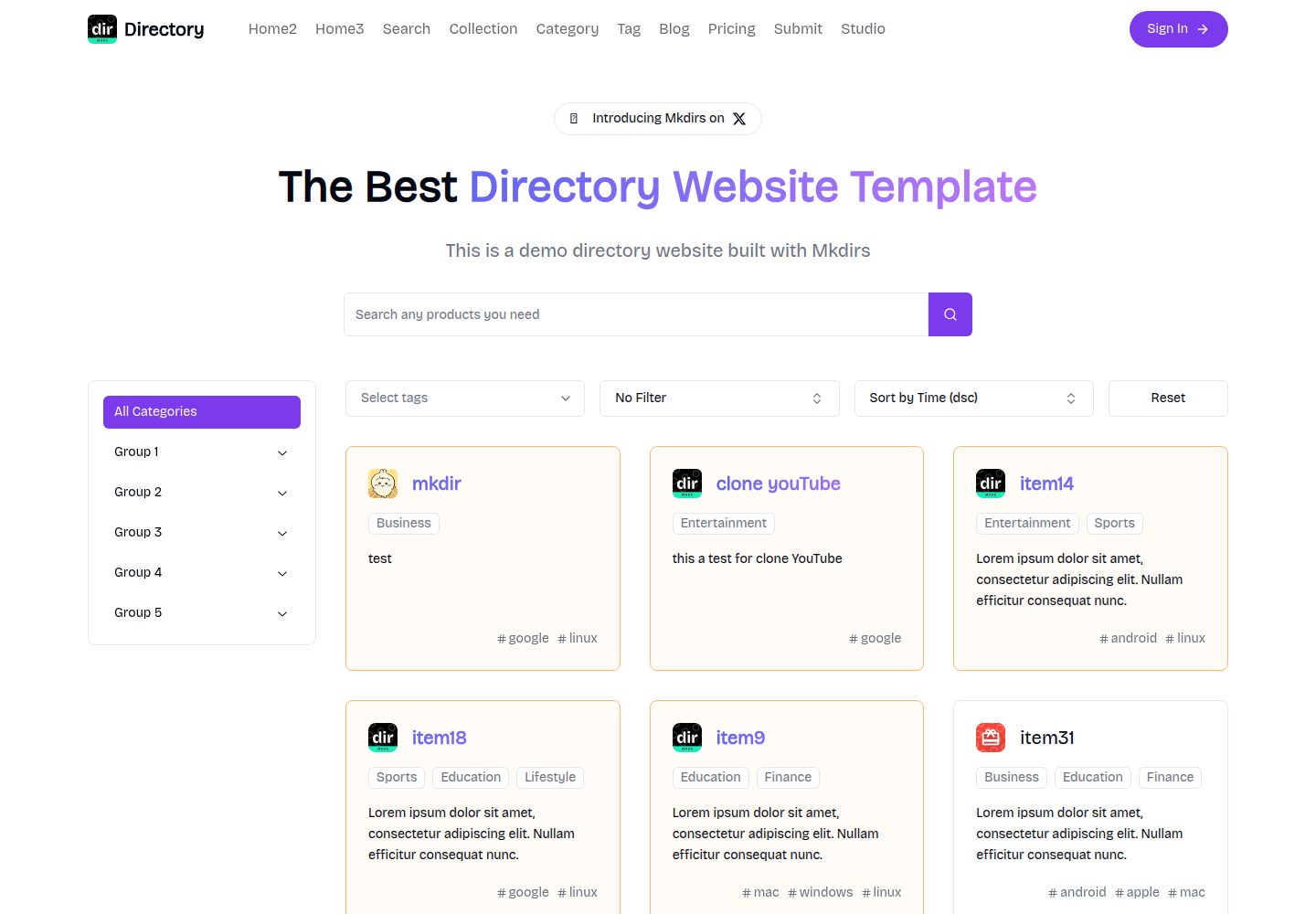
mkdirs
Mkdirs is an open-source directory website template built with Next.js, offering directory entries, categories, collections, tags, and search as core content structures, plus AI-assisted submissions, user authentication and dashboards, free/paid/sponsored submissions via Stripe, Sanity CMS with blog, Resend email and newsletters, SEO…
Next.js · Directory site
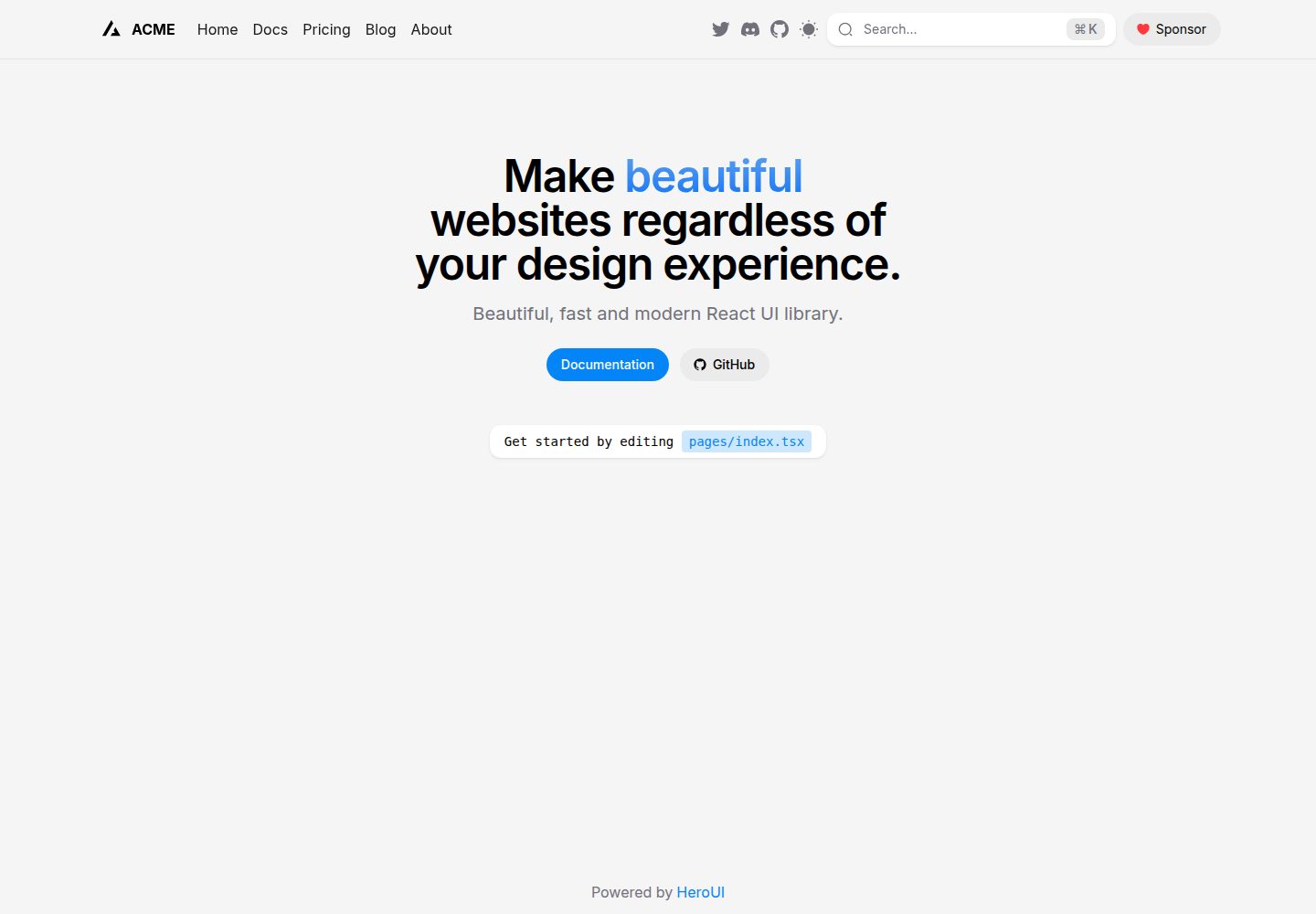
next-pages-template
A Next.js Pages Router starter template pre-configured with HeroUI, Tailwind CSS, Tailwind Variants, TypeScript, and next-themes, including example home and blog pages.
Next.js · Directory site
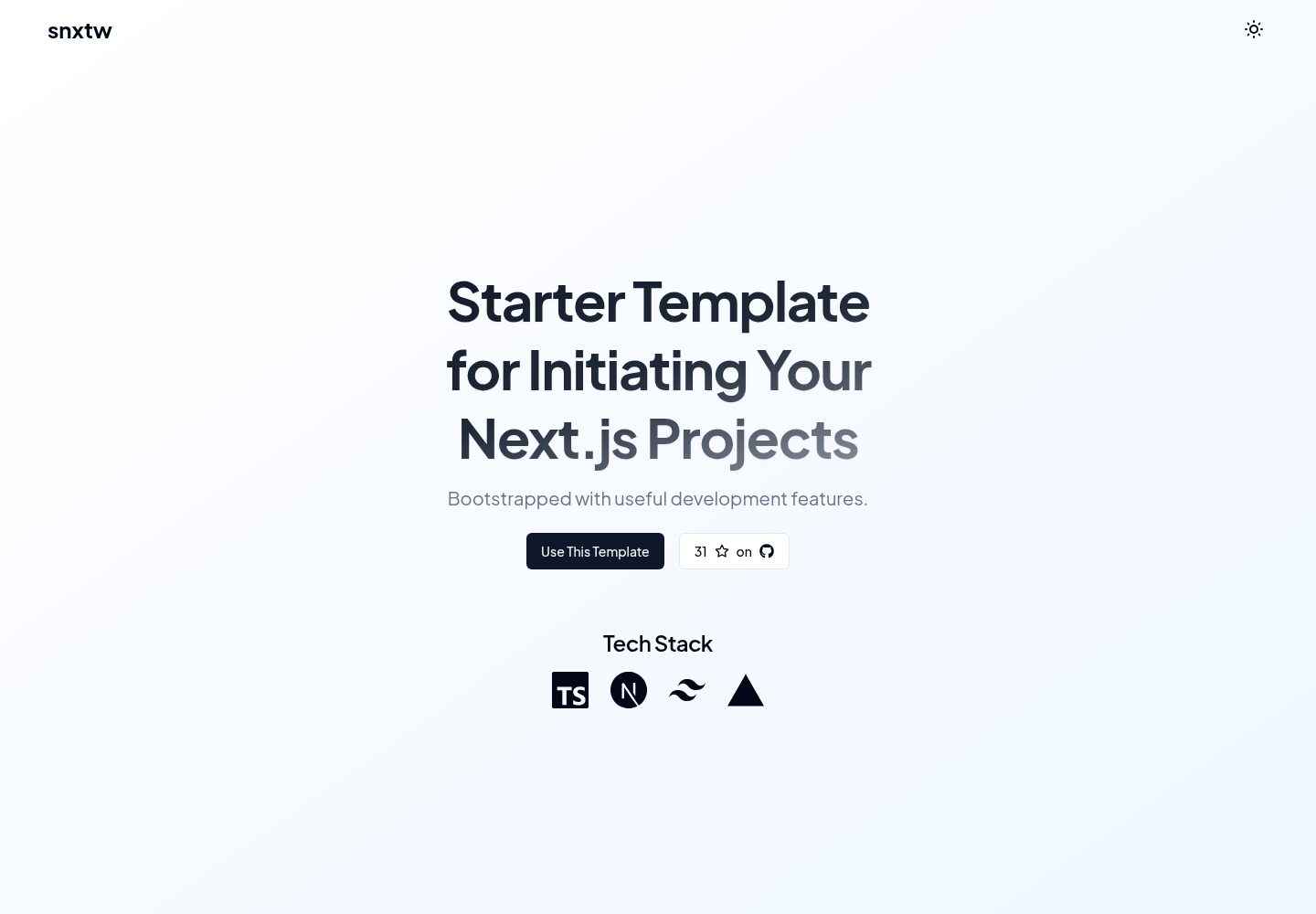
snxtw
snxtw is a Next.js App Router starter template with Tailwind CSS and TypeScript, offering prebuilt components, SEO metadata, and a code quality toolchain including ESLint, Prettier, Husky, lint-staged, and Conventional Commit Lint.
Next.js · Directory site
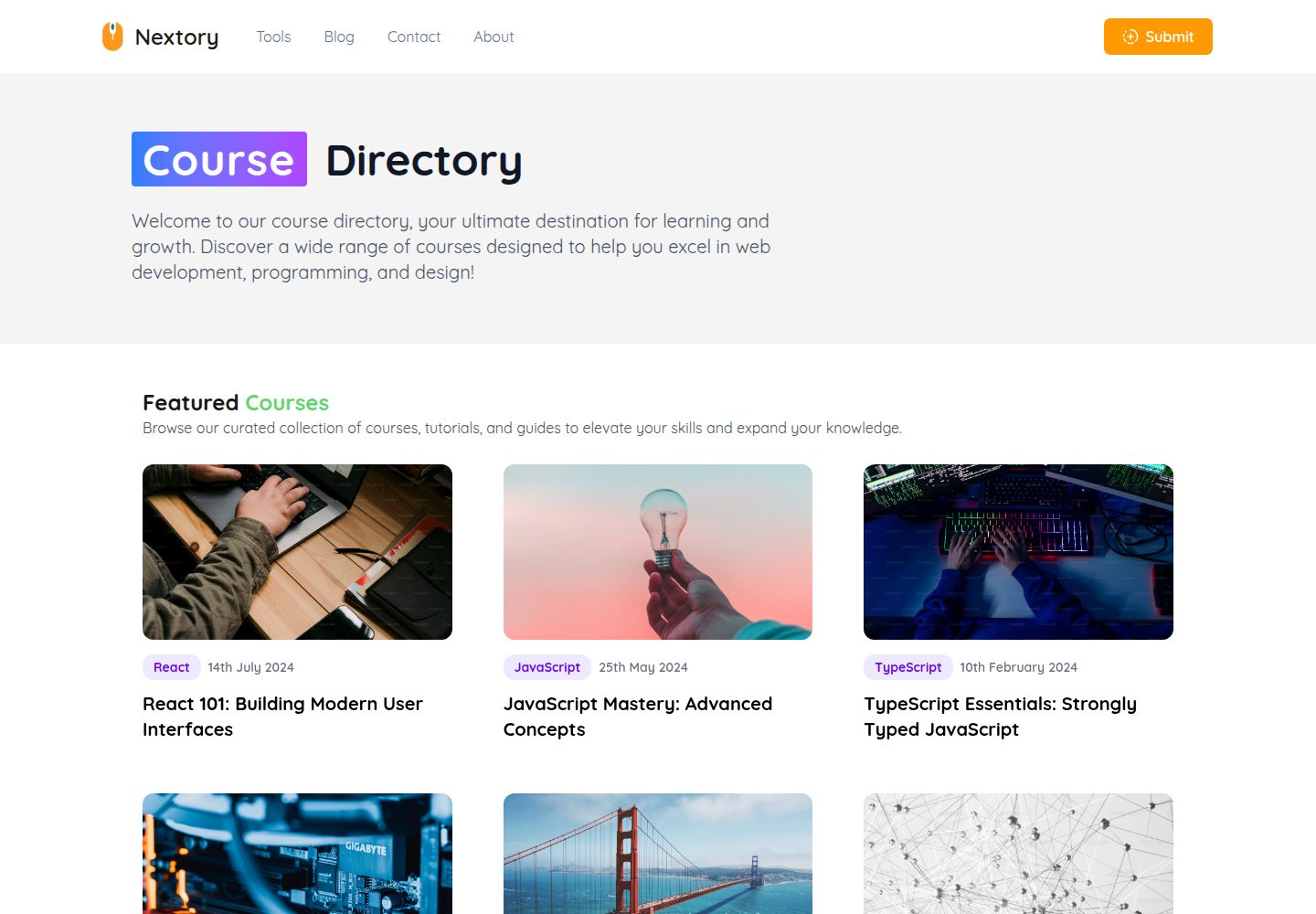
nextjs-directory-site-starter
Nextory is a starter template for directory websites built with Next.js 15 and Tailwind CSS V4.
Next.js · Directory site
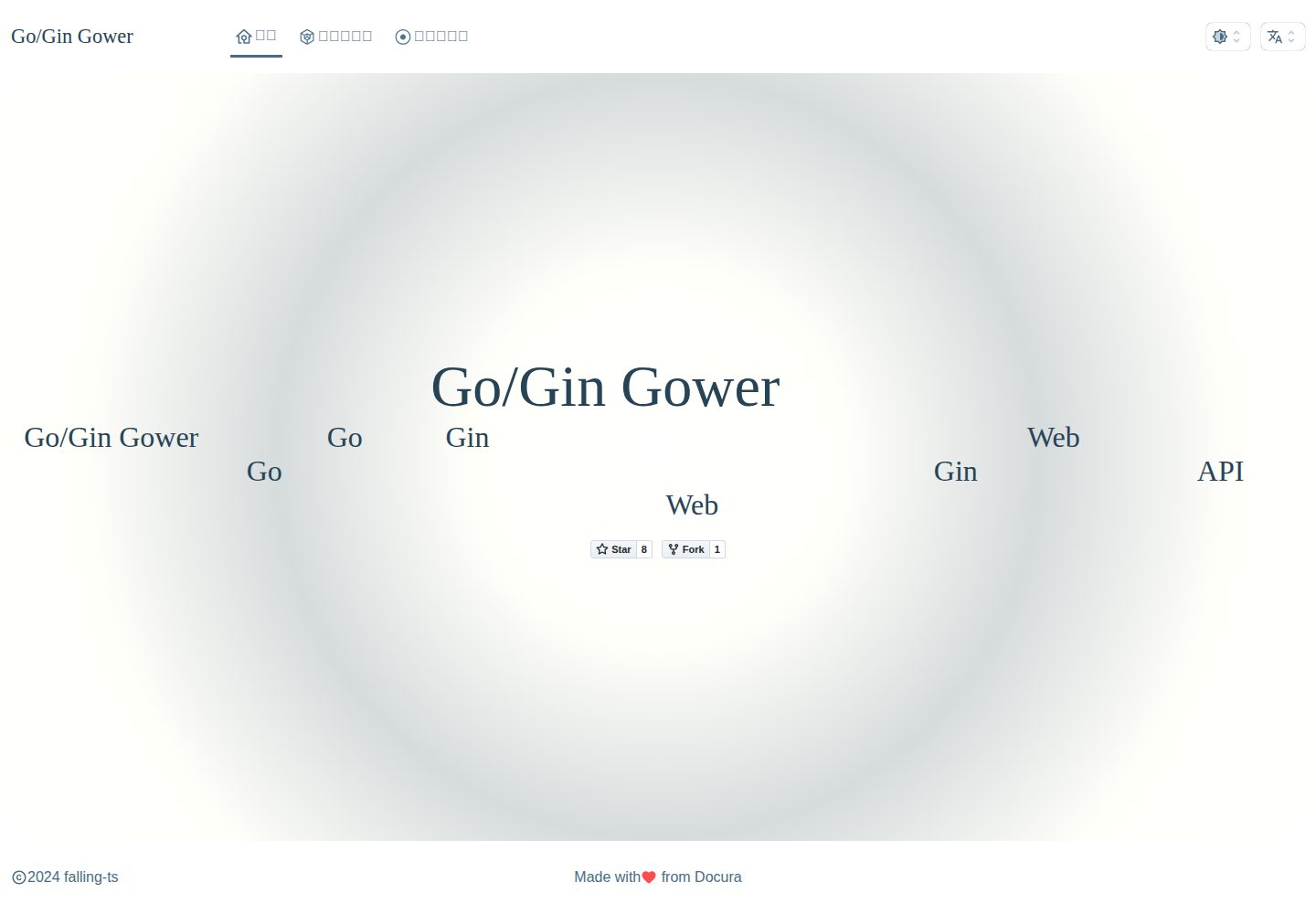
gower
Gower is a Go/Gin-based web quick-start directory using template integration mode by default, with IoC dependency injection at the controller method parameter level.
Laravel · Directory site
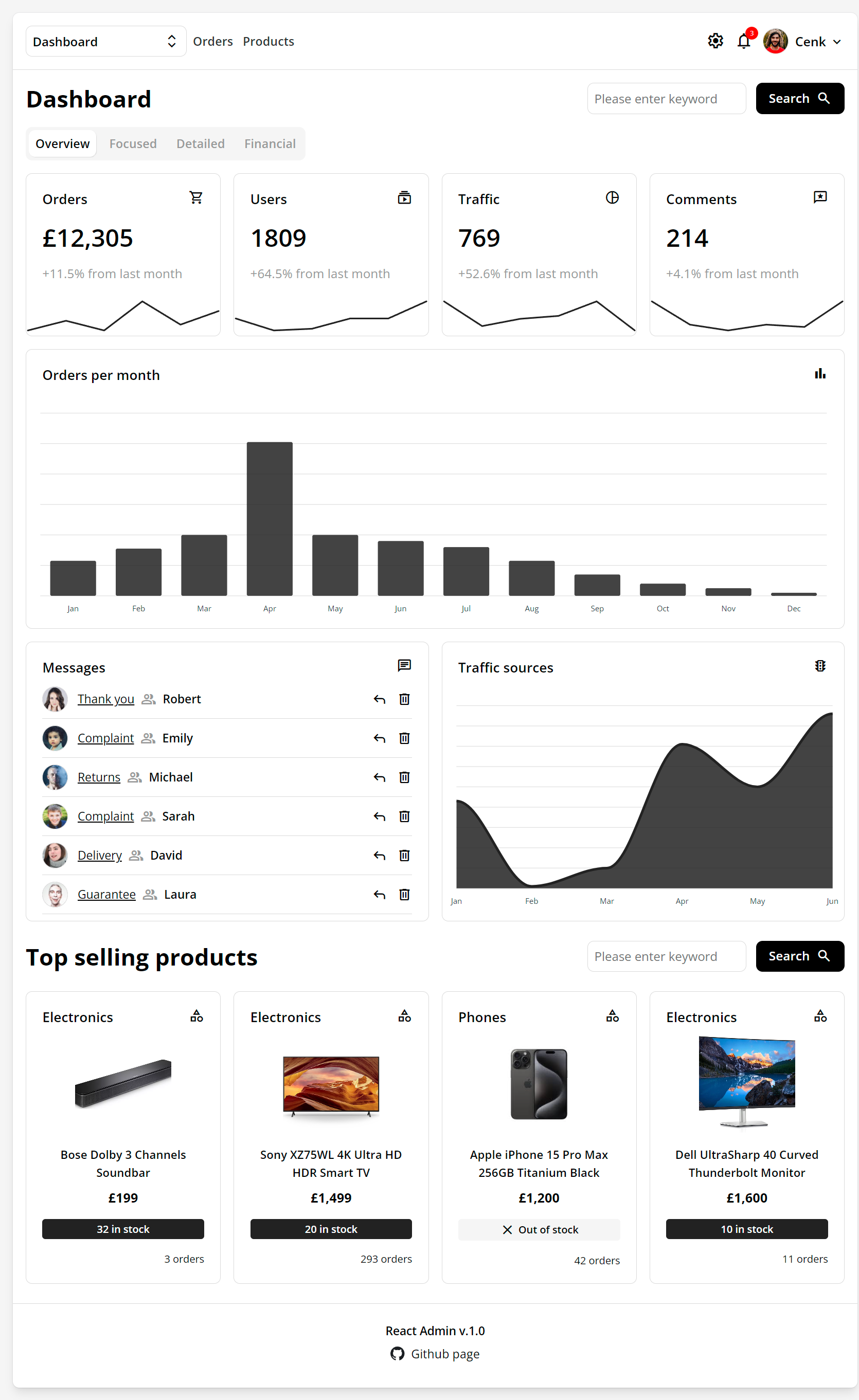
react-admin-template
A responsive React admin dashboard template with pages for dashboard, products, tables, messages, comments, and forms.
React · Directory site